OrangeFox Recovery install instructions for Spacewar
Maitreya PatniDonations: maitreya@fam [UPI]
Once you've downloaded the correct zip file, extract it to a folder.
Put your phone in fastboot and connect it to your PC/Laptop.
‼️‼️ Going forward I am not responsible for any damage that may occur to your device, while the recovery is safe and has been thoroughly tested it hasn't been checked everywhere. If you go ahead you go ahead knowing how to recover. ‼️‼️
1. In the extracted zip file you'd find recovery.img
2. Execute ```fastboot boot recovery.img```
3. If you boot fine, enter password to decrypt and then, in the bottom menu, click the "hamburger icon" on bottom right, here click more and click on Flash current OrangeFox.
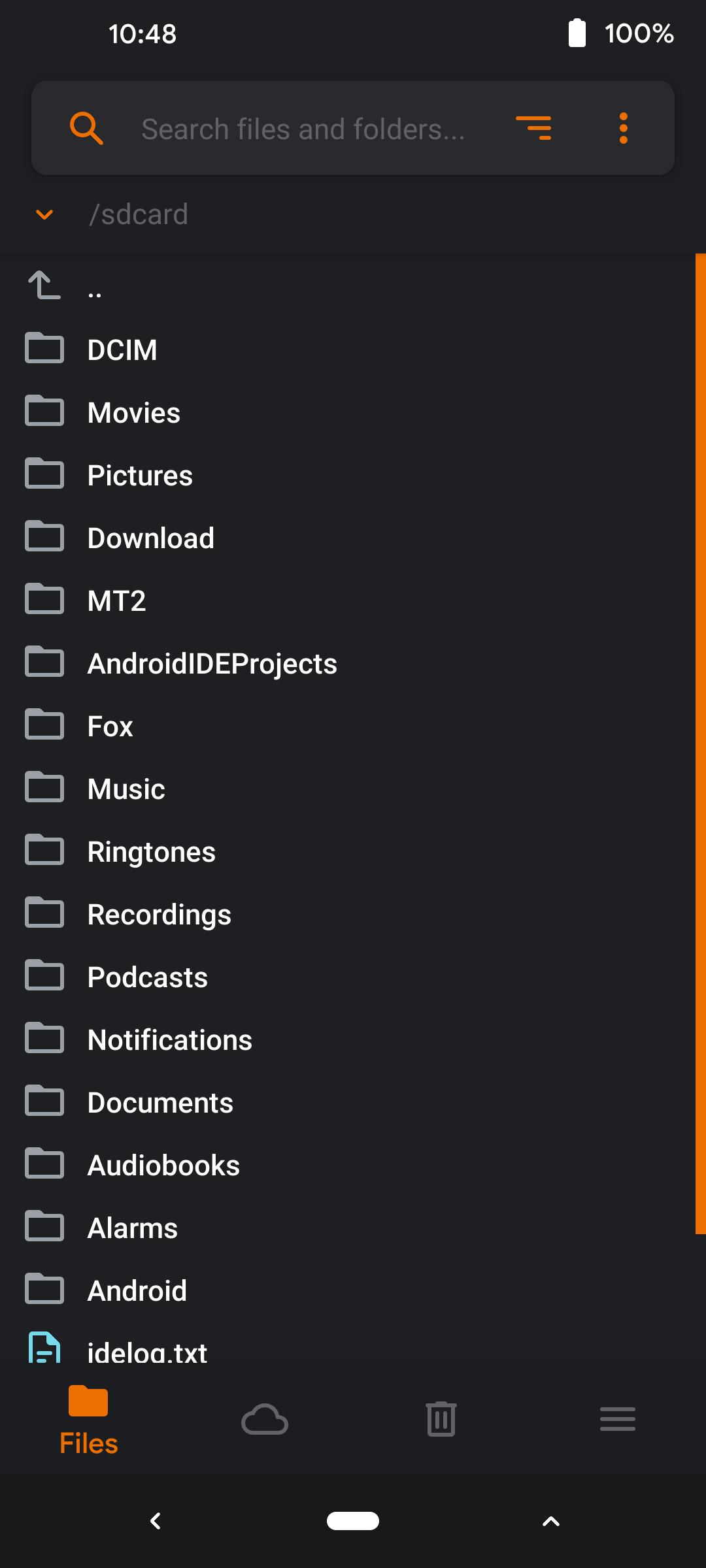
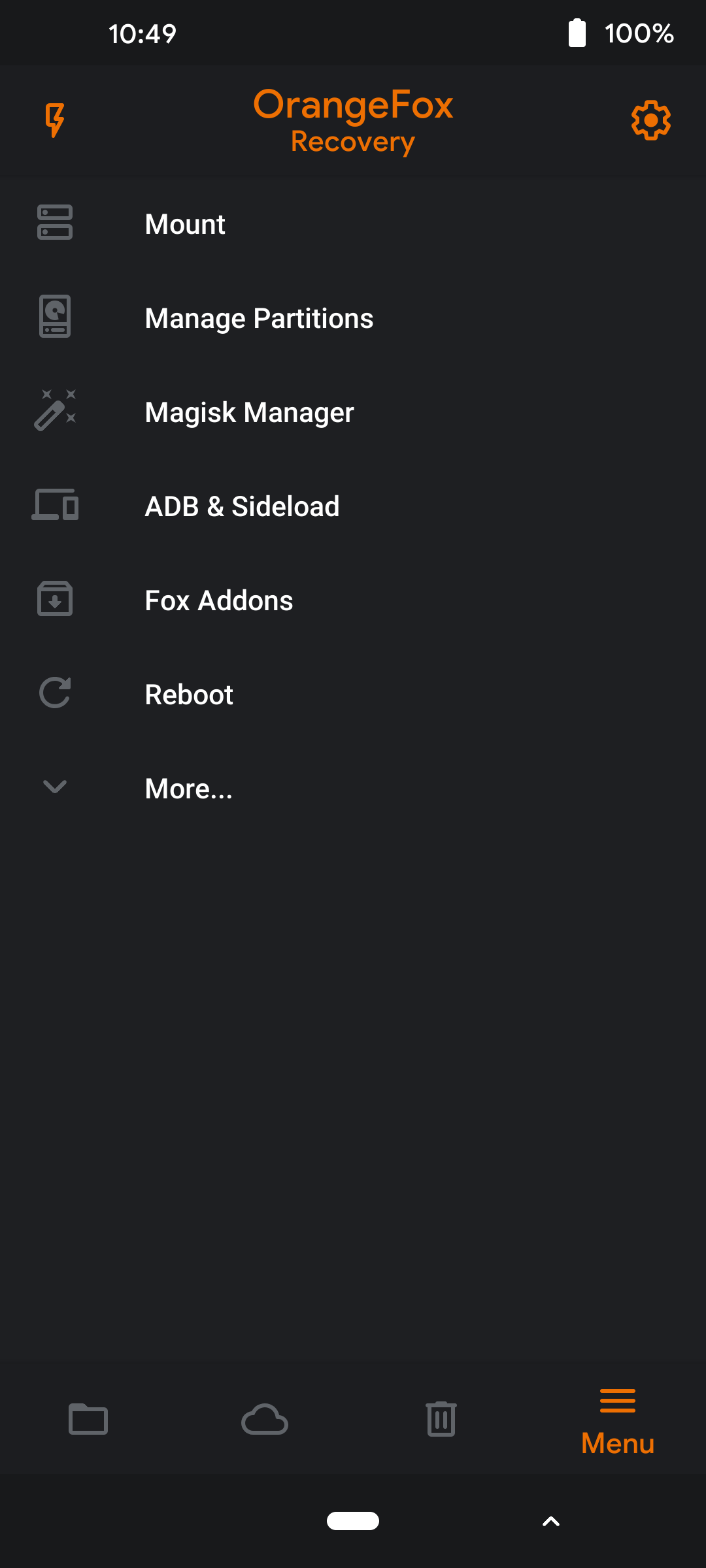
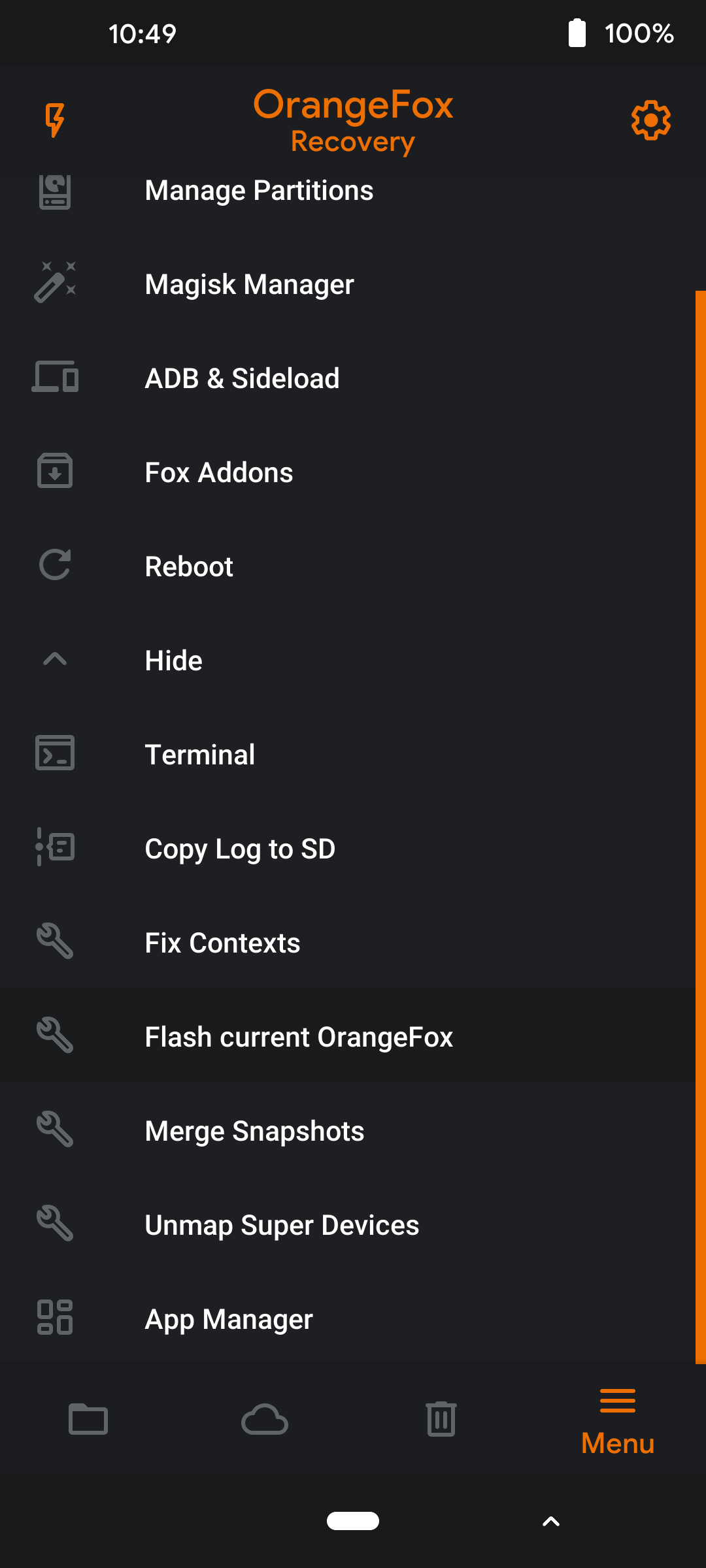
4. Make sure that when you flash a ROM the "Reflash OrangeFox after flashing a ROM" option is ticked or else your recovery would get overwritten.
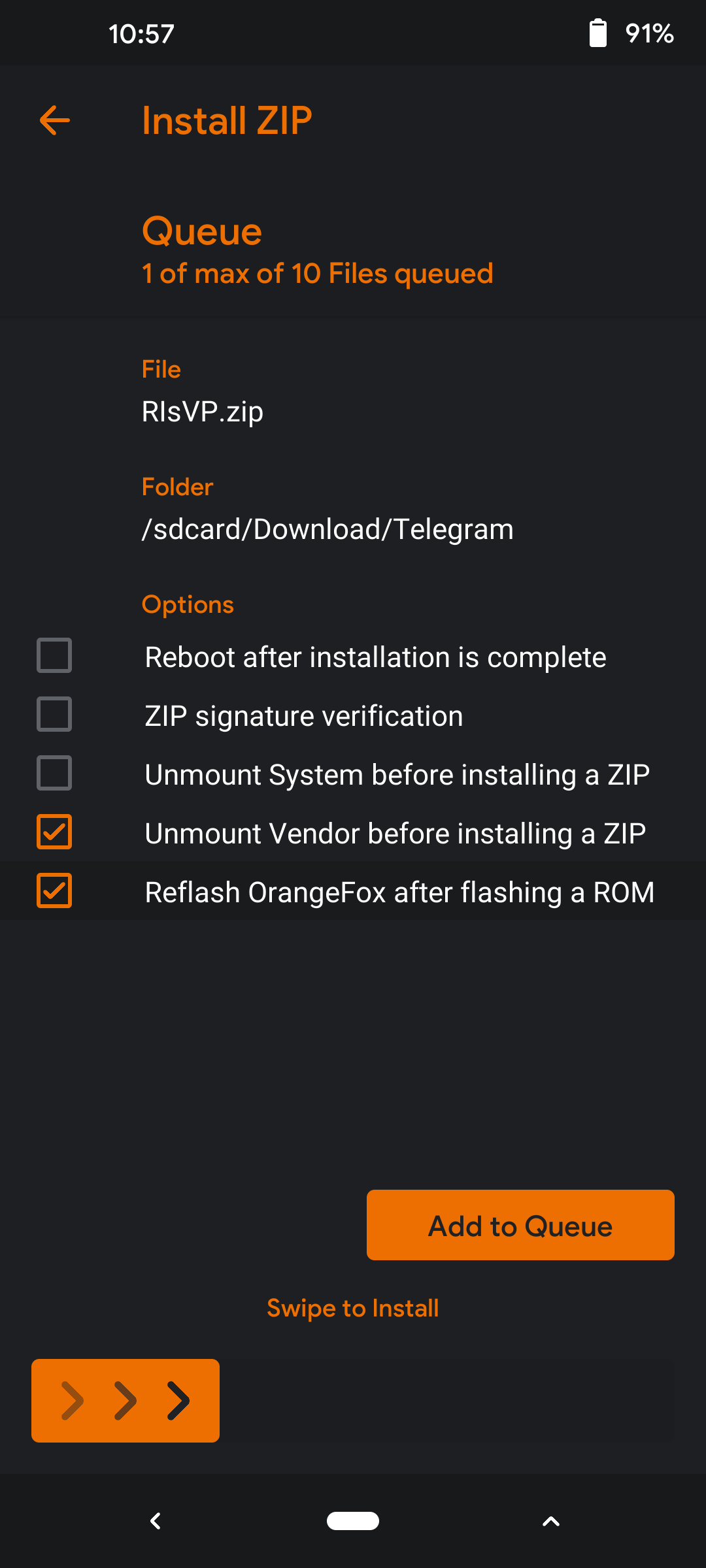
5. You're good to go! OrangeFox is now installed.