Opening a X2 IST file in EMVFoundry 1.0.0.58 and above.
EMVFoundryIST File Format
In X2, an IST looks like this:
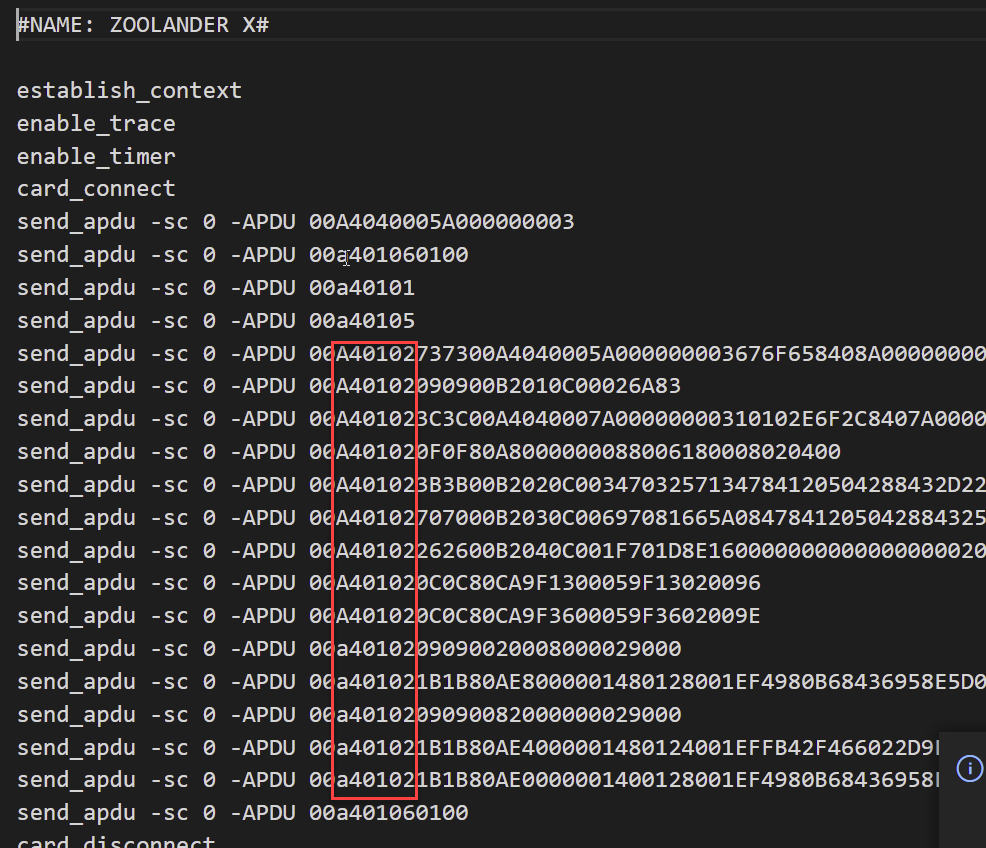
In EMVFoundry, the 00-A4-01-** have been replaced with various 00-E*-00 commands:
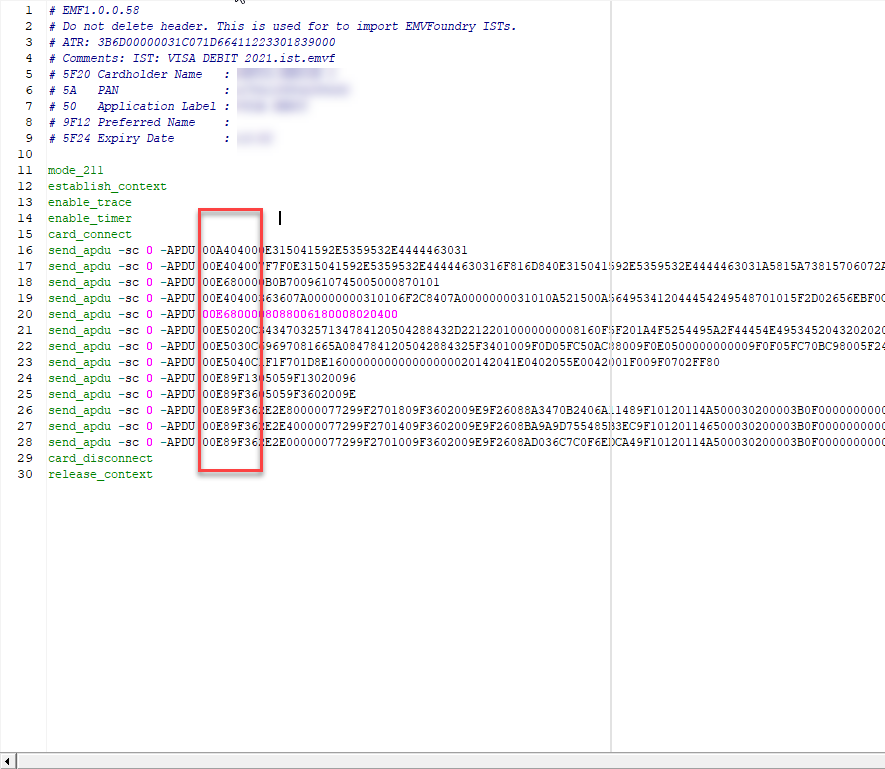
So, if you want to open a X2 file in EMVFoundry, you must let EMVFoundry process and export it.
Step 1.
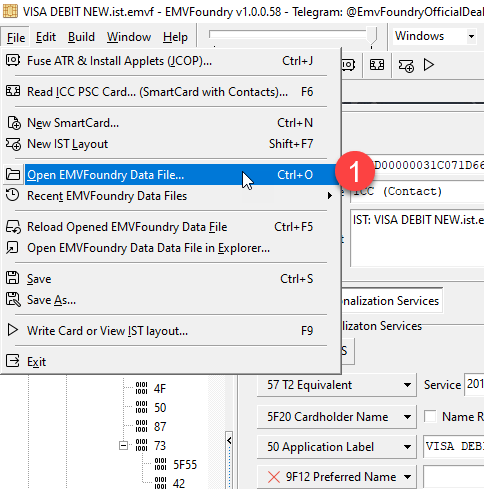
Step 2. Select the IST File
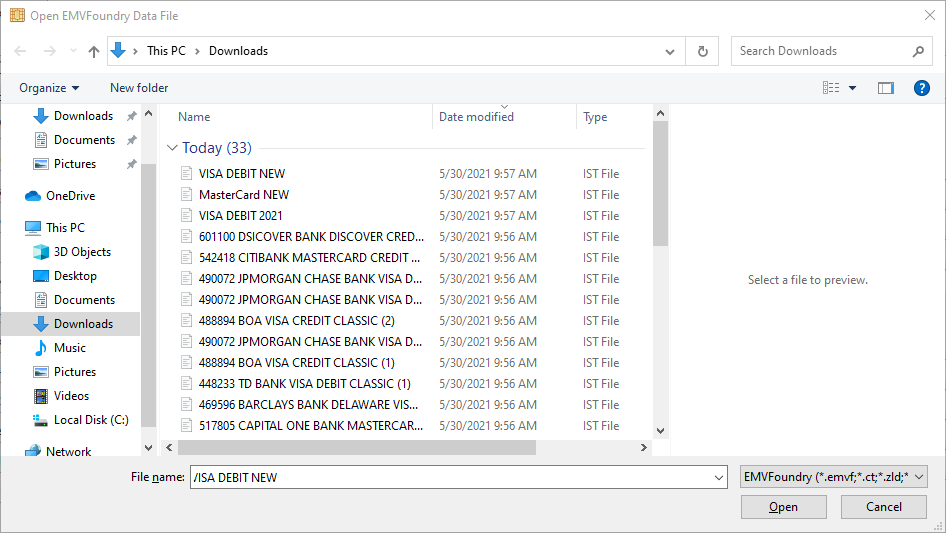
Step 3. Opened File
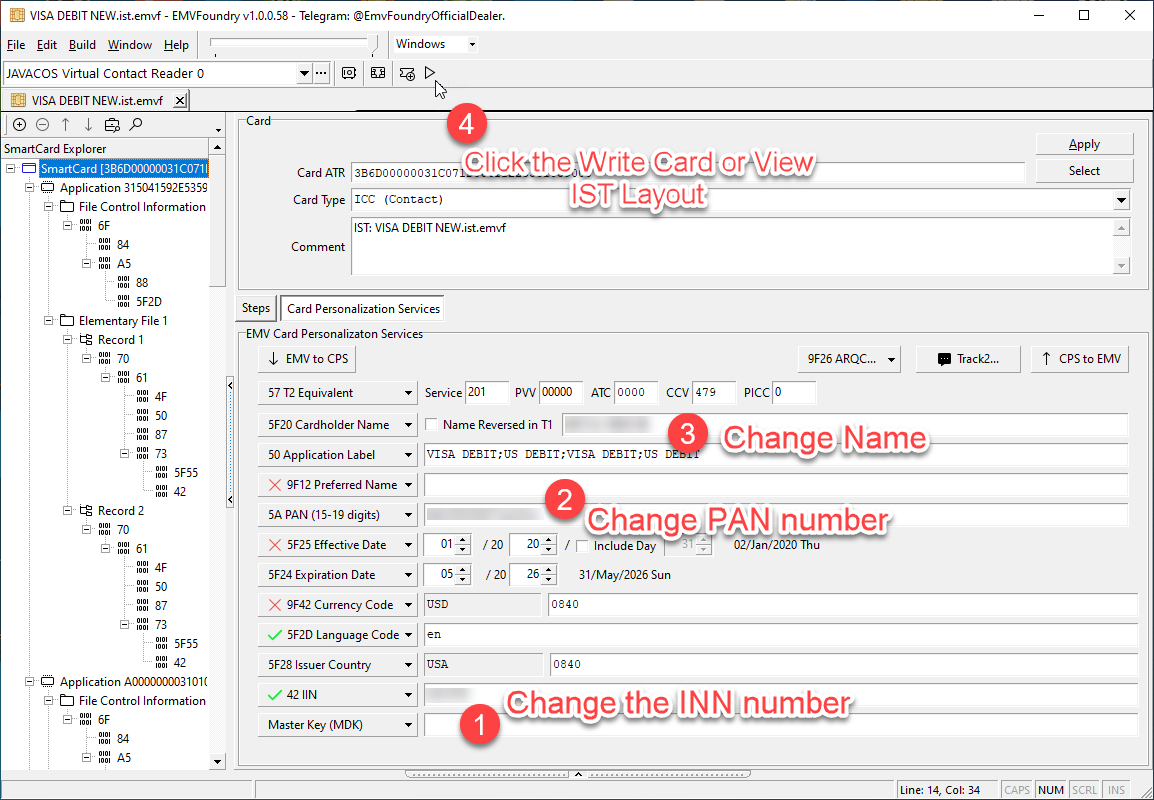
After opening the file, you can see the SmartCard Layout.
- Change the INN number, if present.
- Change the PAN number (PAN is the credit card number)
- Change the Name of the person.
Then click the "Write Card or IST Layout Button"
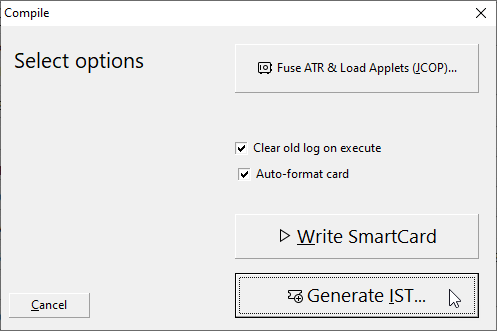
Step 5.
a) Click "Write SmartCard" to write directly to SmartCard.
b) Click "Generate IST" to create IST.
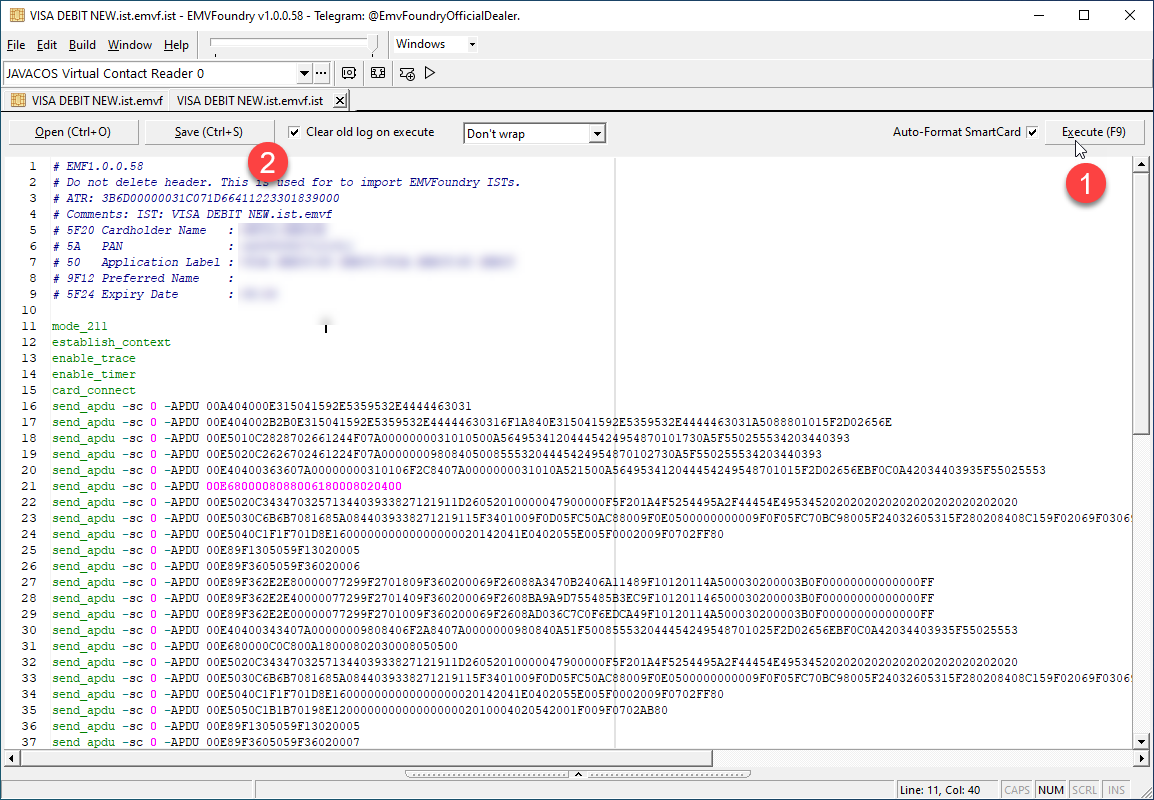
Step 6. After clicking "Generate IST", this will generate the IST.
- Click Execute (F9) to write to SmartCard
- Click Save (Ctrl+S) to save to disk.
Questions
What is the difference between 00A40104... commands and 00E2 00E4 commands?
The 00A4* commands are not legitimate commands, they are store "as-is".
The 00E2* commands are direct write to smart-card commands.
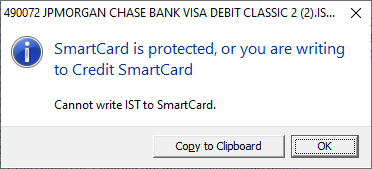
Can I open a IST file made by X2? Please follow the steps as above. You cannot directly write a X2 file directly, you'll get errors like this: