OpenOS-Project [Roadmap + Mission]
O_OSP_BCF_OFFI OSP/OOC
Welcome Readers,
***DISCLAIMER : THIS IS A ROLLING BLOG & IS NOT FULLY COMPLETE, PLEASE CHECK PERIODICALLY.***
***Both OSP/OOC, "abbreviated terms are explained down below in length"... are LGBTQIA+ Safe Places/Zones. We are inclusive & supportive of everyone.***
This website is under development with a disclaimer @ the top of each page.
https://sites.google.com/u/1/d/1PnwWk_HQ_os9uiX9IcBpU9AoL8rDLMpZ/preview
What is OpenOS-Project = OSP 🤔 ?
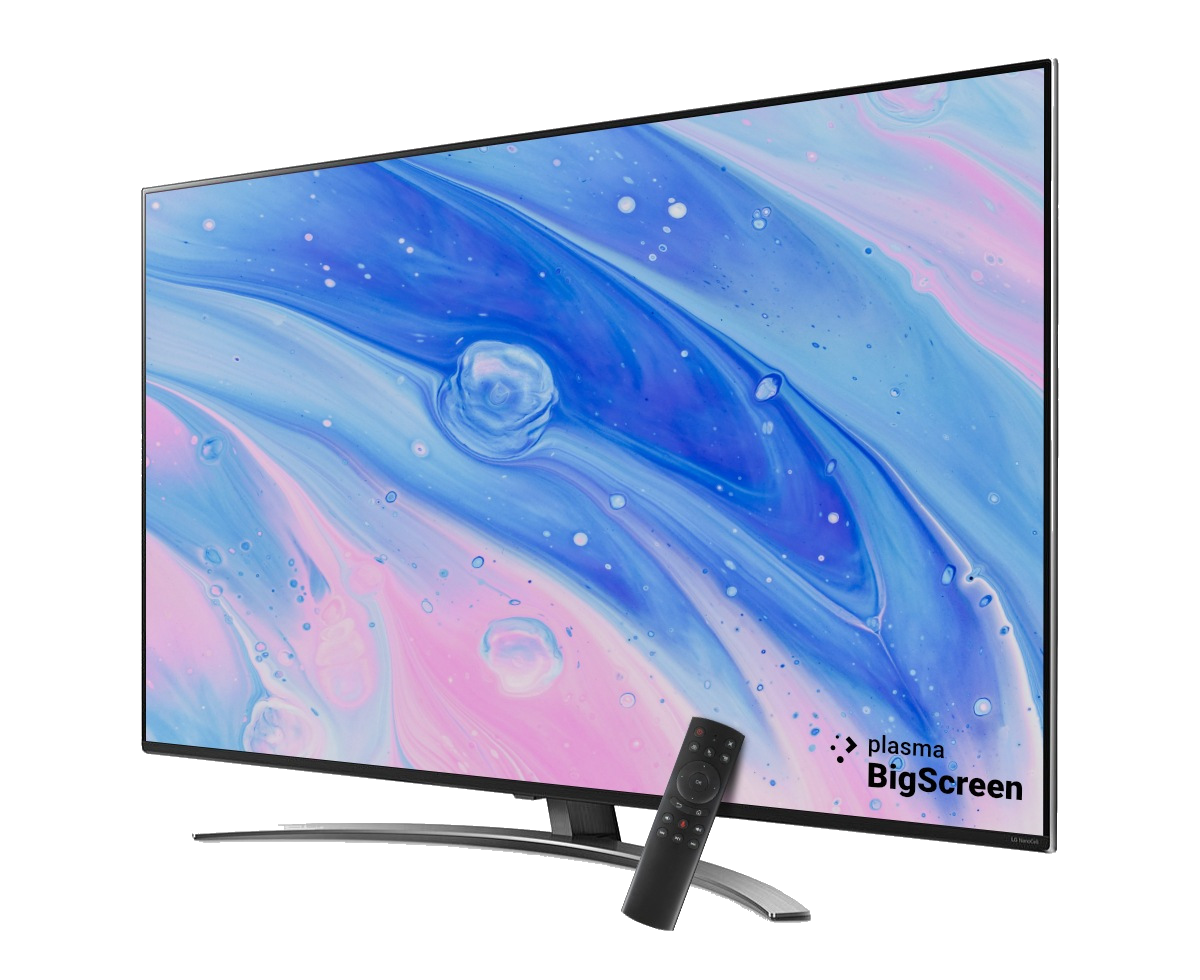
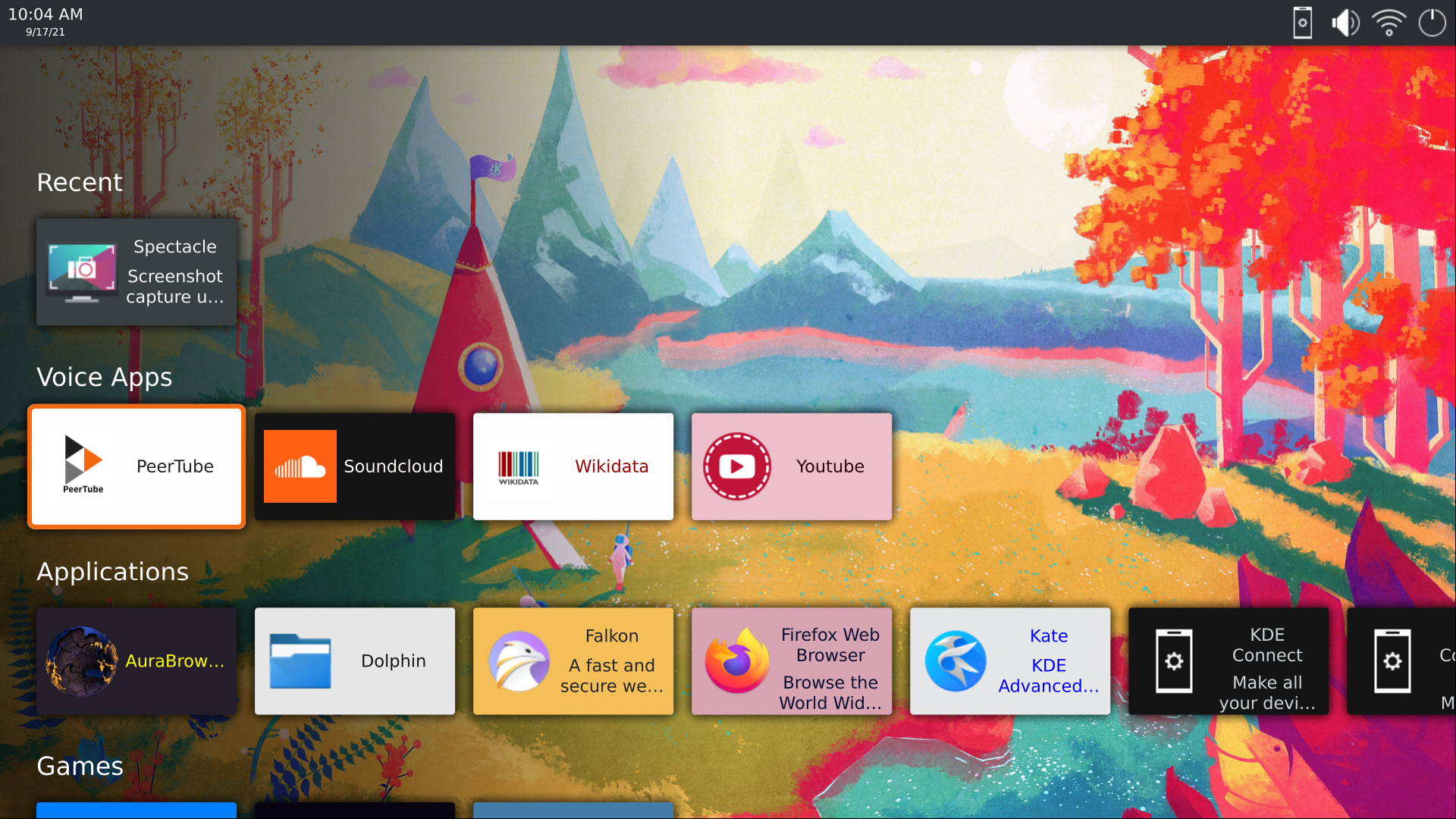
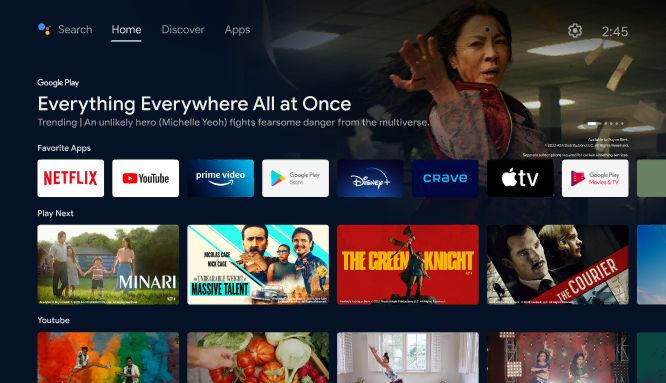
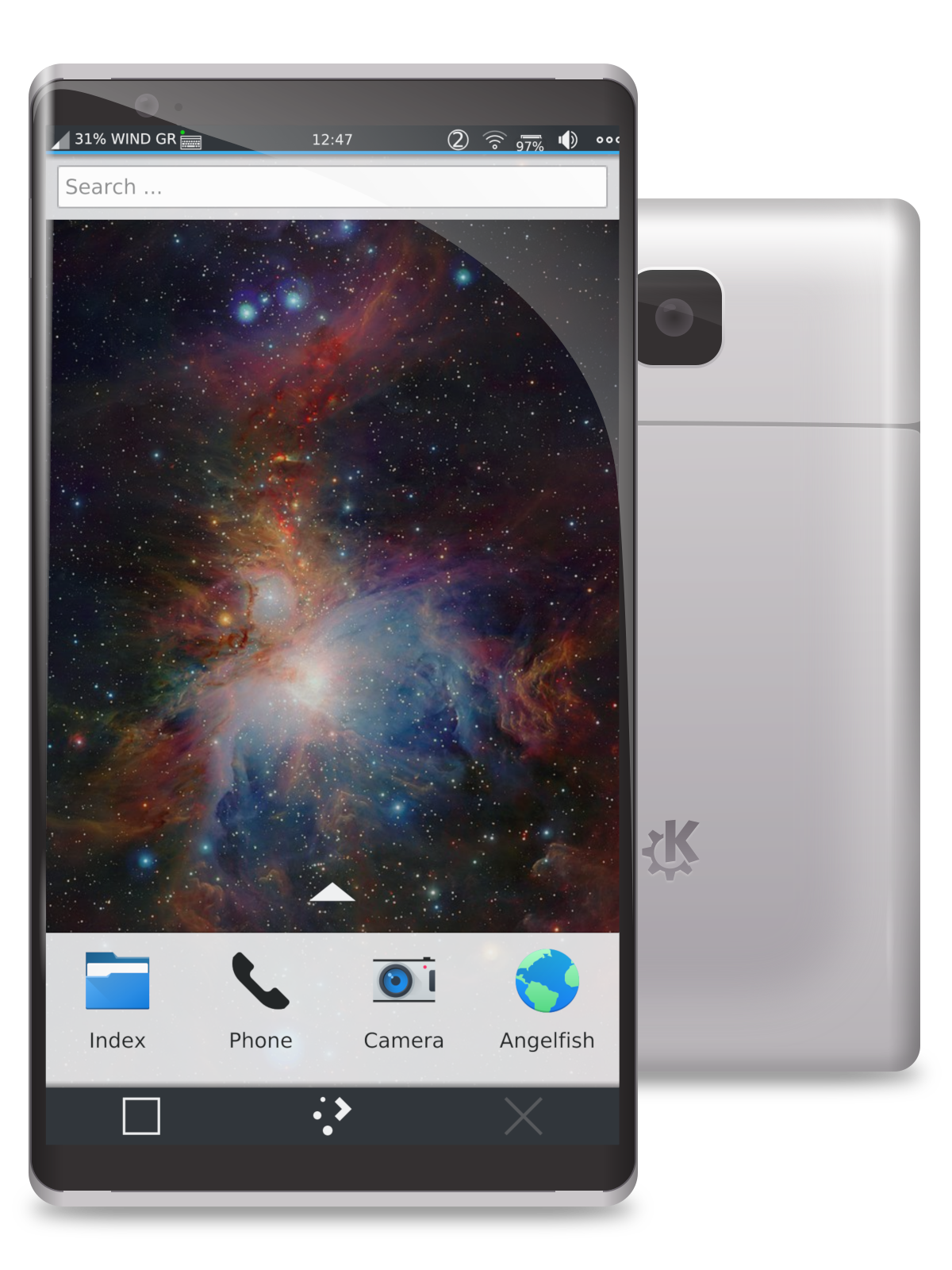
OSP Goal #1 = To Clone Google's Ecosystem "ChromeOS/ChromiumOS + AOSP + FuschiaOS/DahliaOS" with FOSS/Libre Implementations & Mainline Linux Distro Alternatives using KDE Frameworks which includes KDE's Plasma Desktop Environment in its 4 Core Variants "Plasma Desktop = PlaDe + Plasma Bigscreen = PlaBi + Plasma Mobile = PlaMo + Plasma Nano = PlaNo".
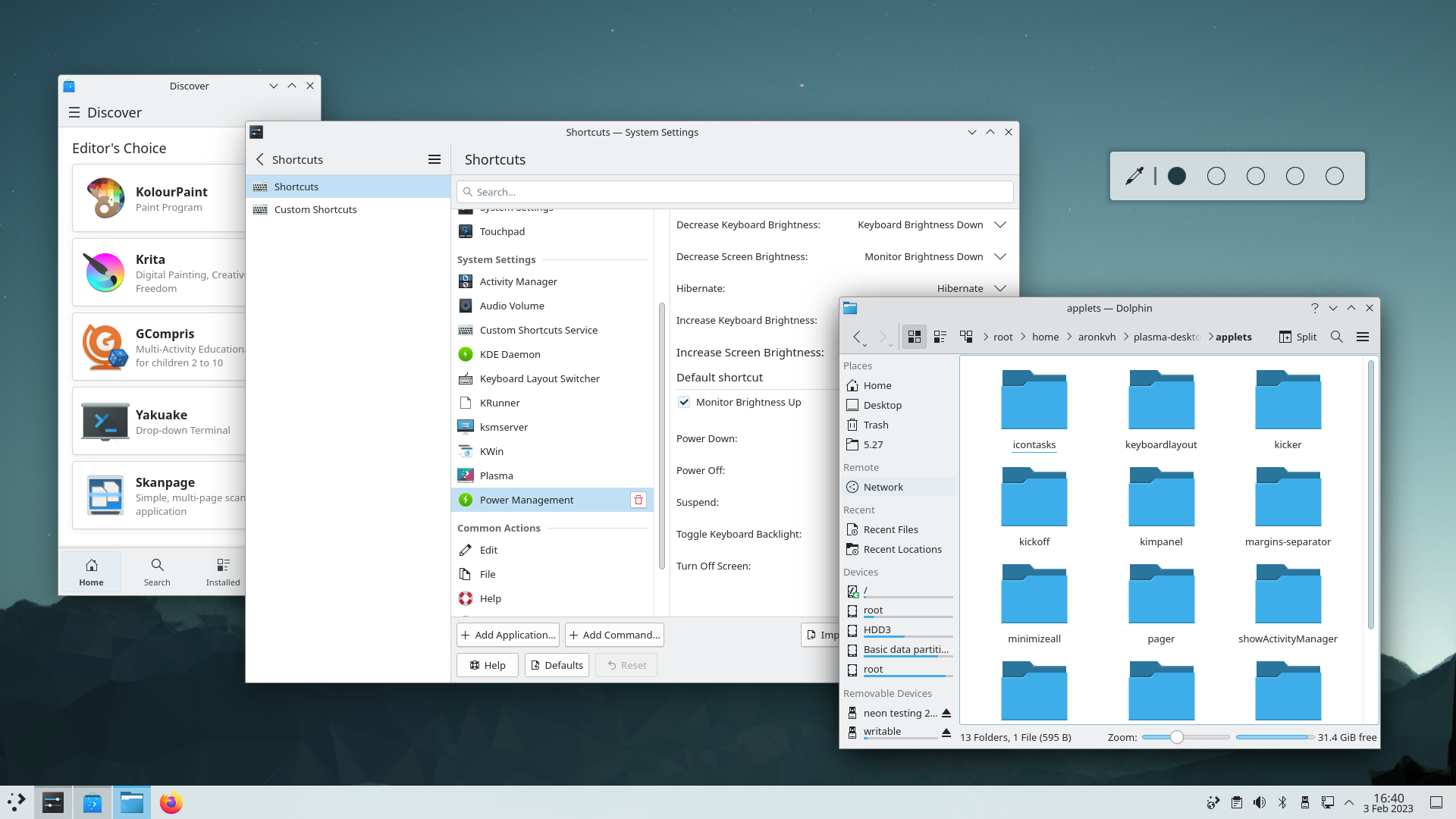
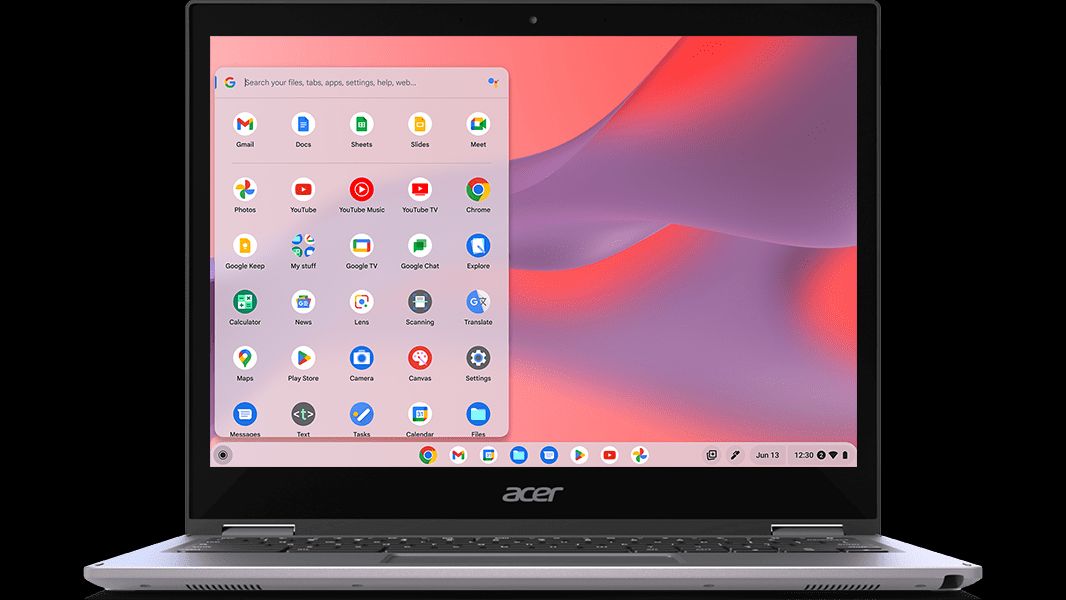
- Plasma Desktop = ChromiumOS/ChromeOS "https://kde.org/plasma-desktop/"
https://www.google.com/chromebook/chrome-os/
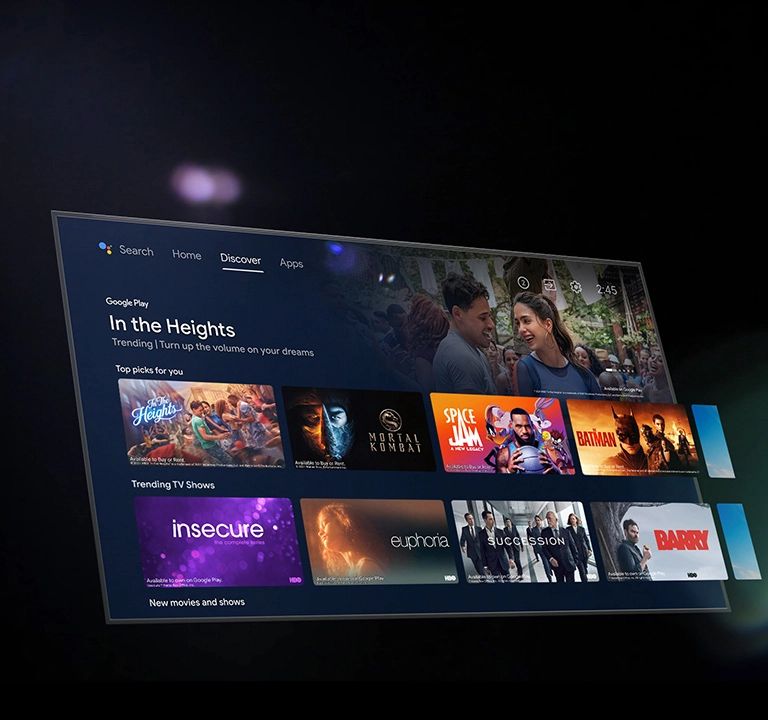
- Plasma Bigscreen = AOSPTV/GoogleTV "https://plasma-bigscreen.org/"
https://www.android.com/intl/en_ca/tv/
- Plasma Mobile = AOSP/Google OEM Android "https://plasma-mobile.org/"
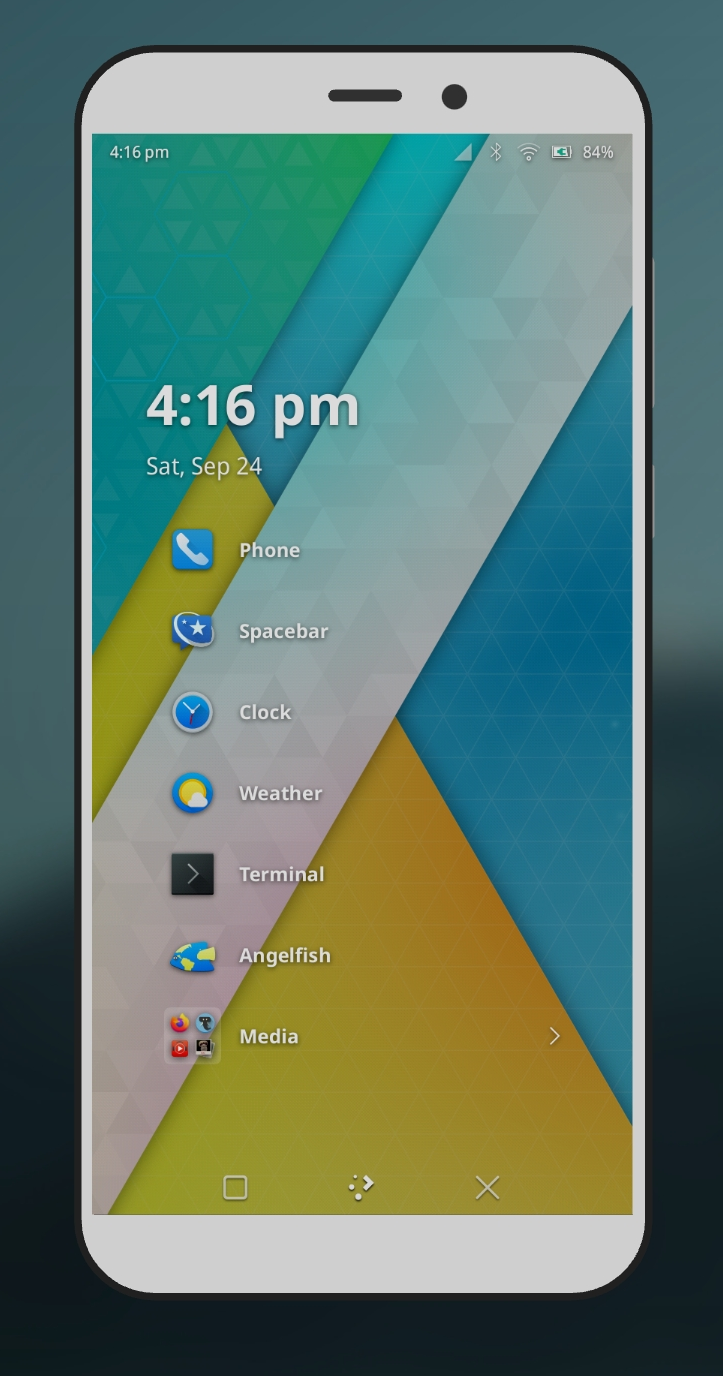
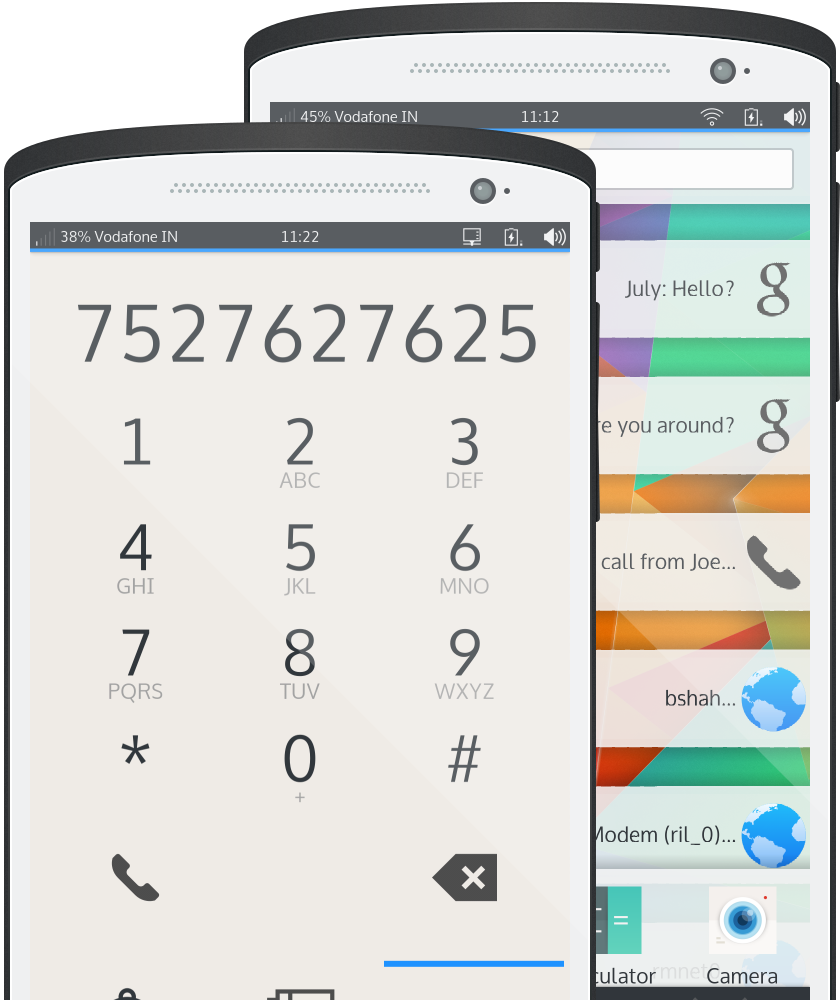
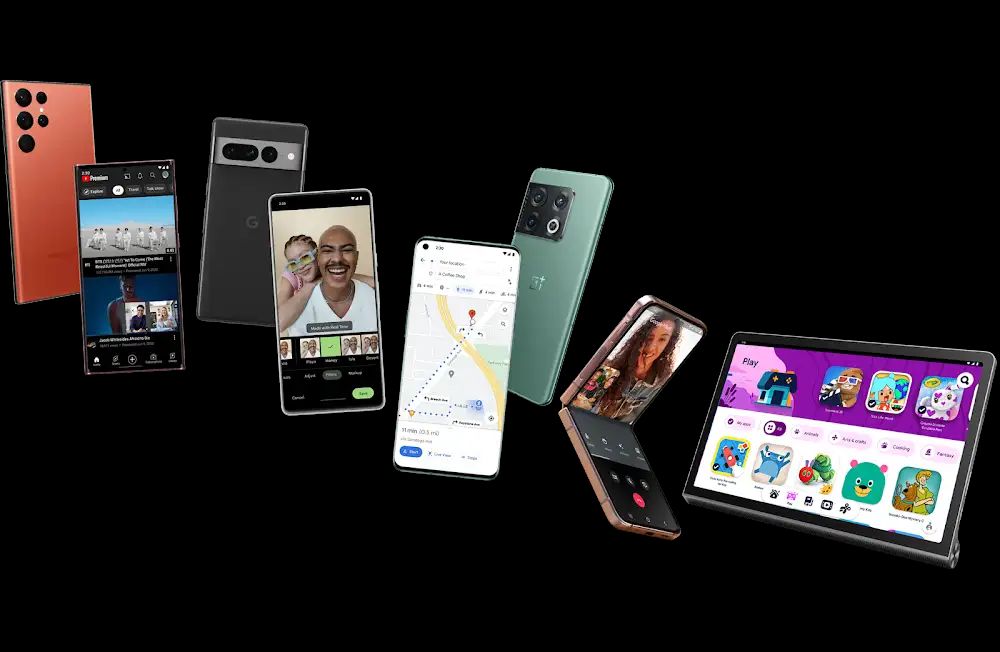
https://www.android.com/intl/en_ca/
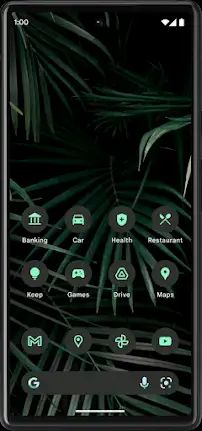
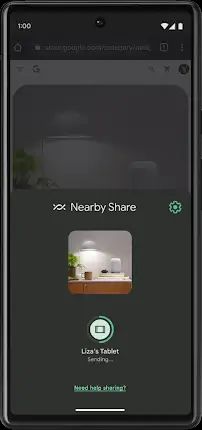
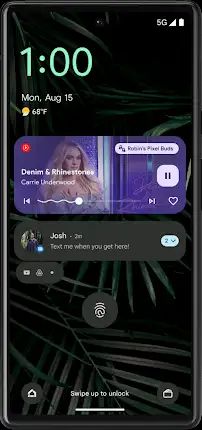
- Plasma Nano = WearOS/AOSP For Wearables "https://invent.kde.org/plasma/plasma-nano & https://tuxphones.com/kde-plasma-mobile-plasma-nano-linux-shell-embedded-devices/"
https://www.android.com/versions/go-edition/
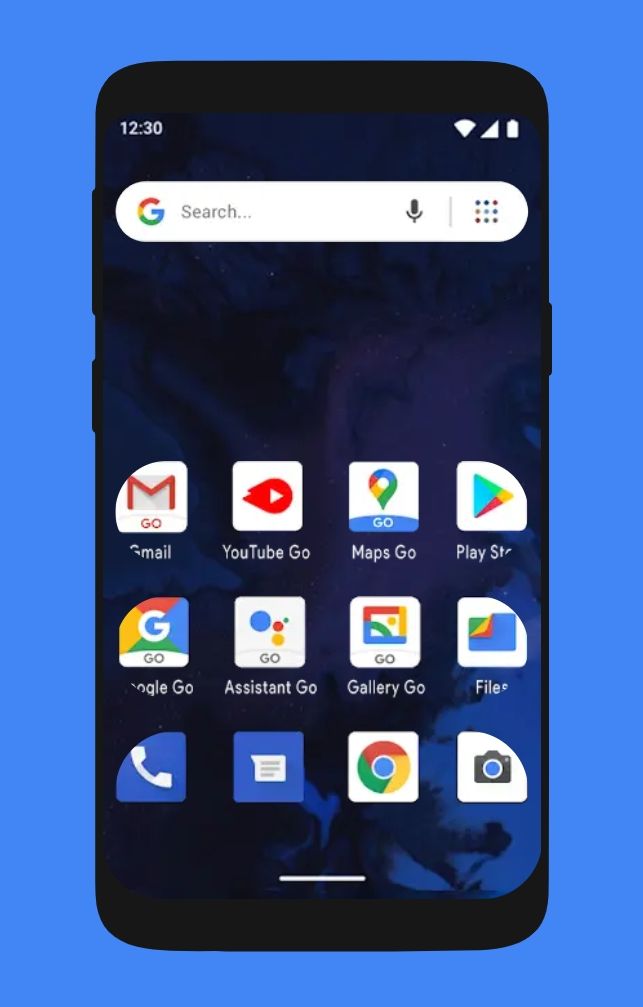
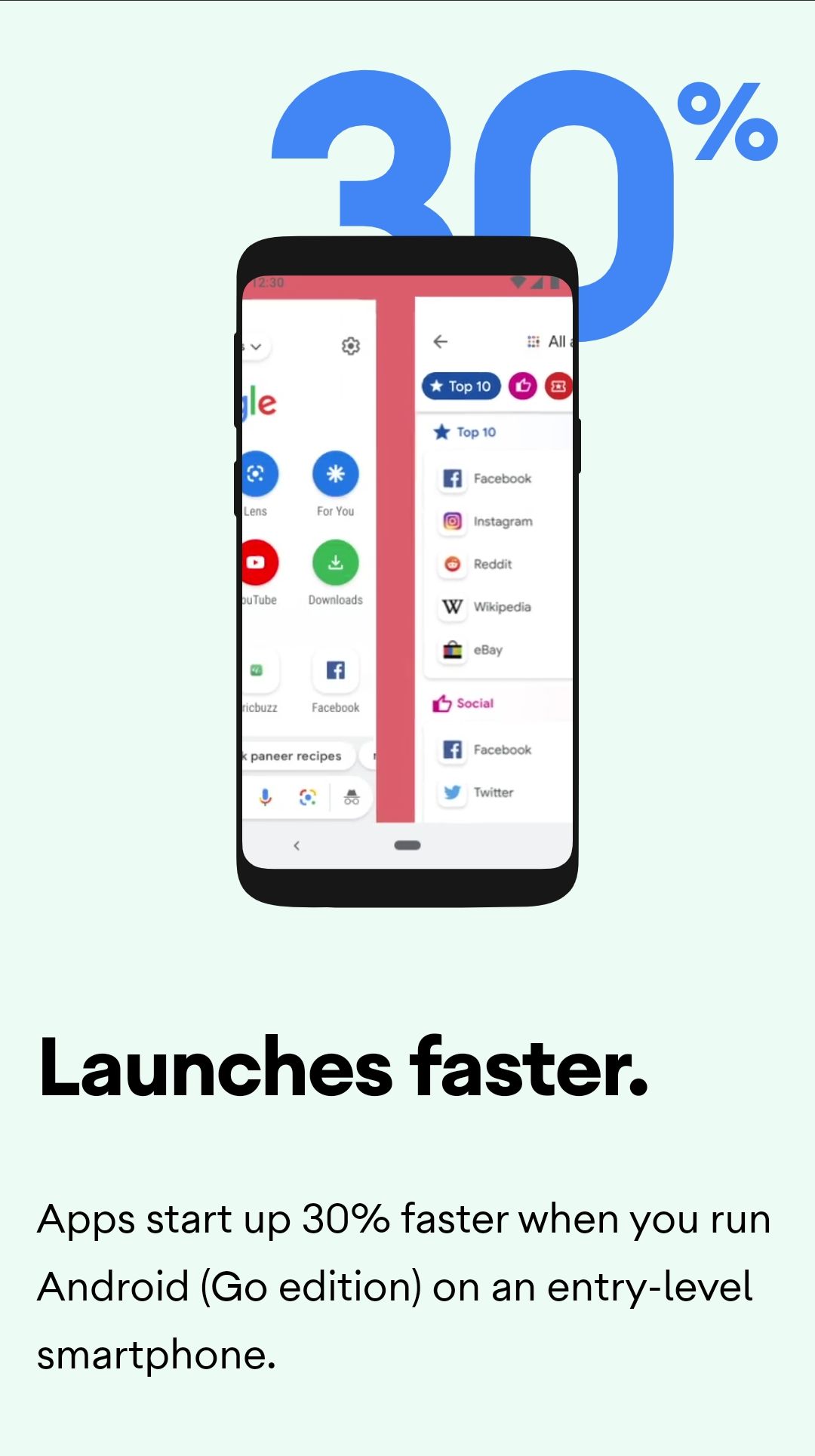
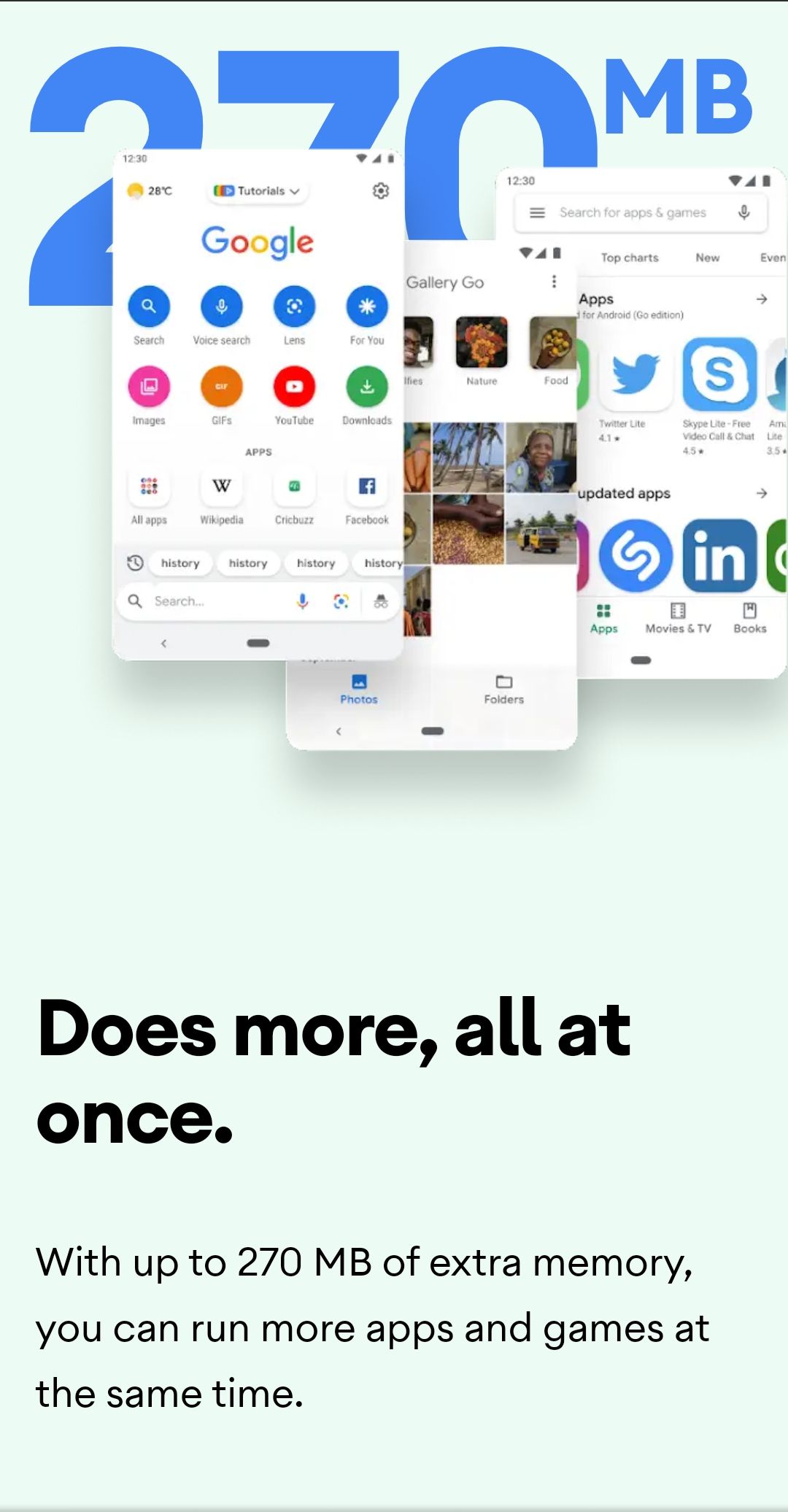
OSP Goal #2 = To Clone all ChromeOS Enterprise Features using FOSS/Libre implementations. For all end-users to have access to not just enterprise use cases "scenarios". For example, family use for sharing containers of android & windows apps, homelabs, airbnbs & related boarding solutions, & events/festivals like KDE's Akademy [ https://akademy.kde.org/ ].
What is "KDE Akademy"?
Akademy is the annual world summit of KDE, one of the largest Free Software communities in the world. It is a free, non-commercial event organized by the KDE Community.
The conference is expected to draw hundreds of attendees from the global KDE Community to discuss and plan the future of the Community and its technology. Many participants from the broad free and open source software community, local organizations and software companies will also attend.
Akademy features a 2-day conference with presentations on the latest KDE developments, followed by 5 days of workshops, Birds of a Feather (BoF) and coding sessions. It is an opportunity to meet key KDE contributors, learn about the latest features and enjoy the great atmosphere. You will meet developers, artists, translators, upstream and downstream maintainers, users, and free and open software industry leaders from all over the world.
What is KDE?
https://kde.org/
KDE = Kool Desktop Environment
https://kde.org/community/whatiskde/
About KDE
KDE is an international team co-operating on development and distribution of Free, Open Source Software for desktop and portable computing. Our community has developed a wide variety of applications for communication, work, education and entertainment. We have a strong focus on finding innovative solutions to old and new problems, creating a vibrant, open atmosphere for experimentation.
https://kde.org/for/
KDE is developed by a community of passionate people. We develop KDE for everyone, from kids to grandparents and from professionals to hobbyists.
https://kde.org/for/activists/
Fight the Power Using KDE Applications.
KDE e.V. is a German non-profit foundation, and our software is primarily developed by volunteers from all over the world. Unlike our competitors, we don't seek to make money, but instead seek to make the world a better place. We envision a world where monopolistic corporations and repressive governments don't have too much power over our digital lives. We actually care about data privacy and digital well-being, and we fight for them.
https://kde.org/for/creators/
For Artists Using KDE Applications.
https://kde.org/for/developers/
For Developers Using KDE Applications.
KDE's Frameworks consist of over 80 add-on libraries to use in your Qt applications. For example, KWidgetsAddons includes many helpful and common widgets; KConfig provides configuration and state management; KCalendarCore and KContact provide easy-to-use .ics and vcard file parsers; Kirigami is a full toolkit for developing convergent user interfaces.
https://kde.org/for/kids/
KDE provides a wide array of applications for children covering both educational applications and games.
https://kde.org/for/scientists/
For Scientists Using KDE Applications.
https://kde.org/for/travelers/
Travel the World Using KDE Applications
https://eco.kde.org/
KDE's Sustainable Software Goal
Software has a direct affect on energy and resource consumption. Since 2022, KDE has the goal of providing software which does this in a way that reduces software's environmental impact for us and future generations.
KDE's Sustainable Software Goal
Software has an impact on our future. It has an affect on energy and resource usage. KDE can deliver software which does this in a way which preserves environment and society for us and future generations. KDE can deliver Sustainable Software.
The sustainable software goal is about promoting sustainability in KDE by aligning existing activities, highlighting where our software is already sustainably designed, stimulating actions to increase sustainability, and creating standards/tools to quantify software sustainability.
ChromeOS Enterprise / Education
https://chromeenterprise.google/intl/en_ca/os/
https://support.google.com/chrome/a/answer/1360534?hl=en
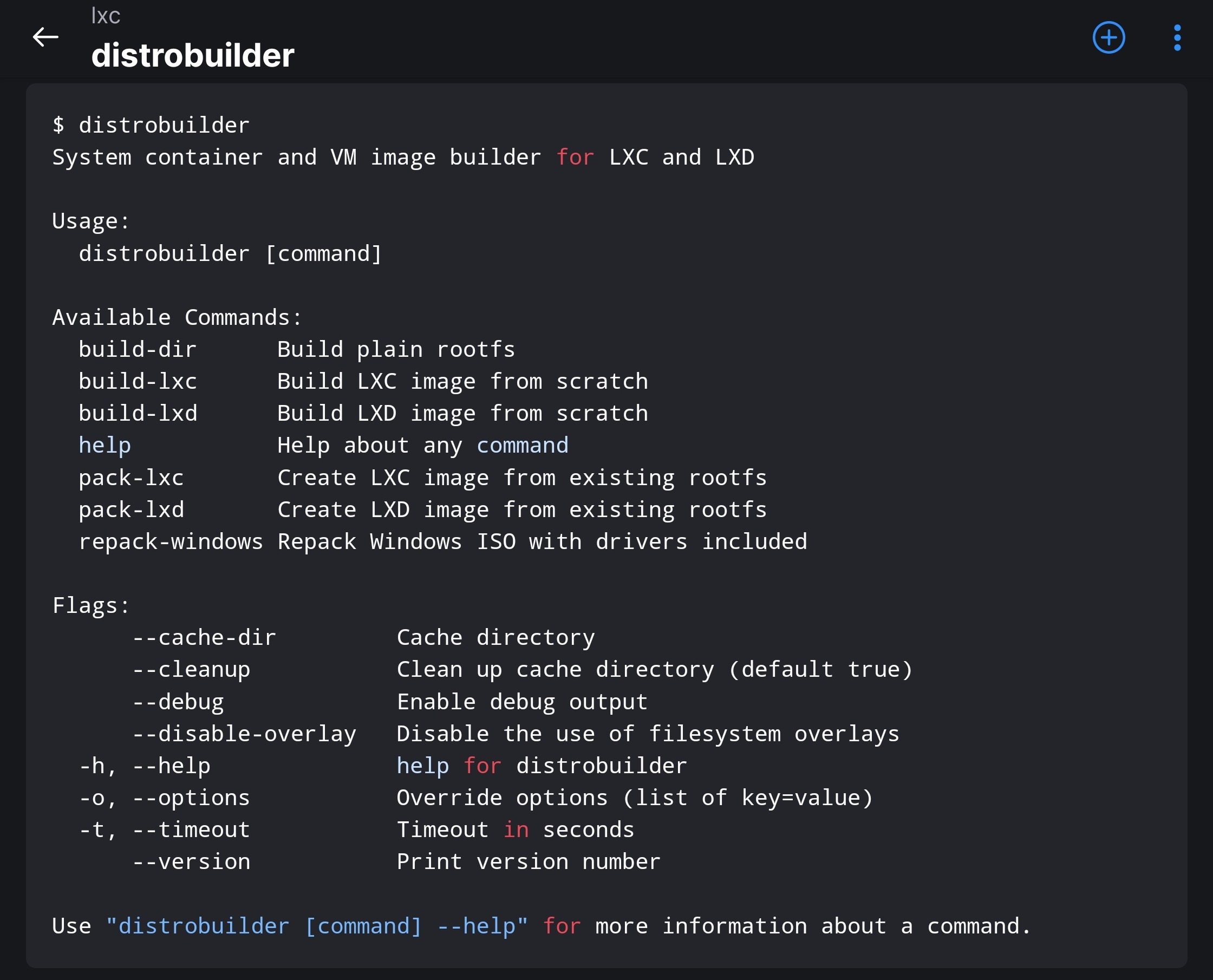
https://github.com/lxc/distrobuilder/
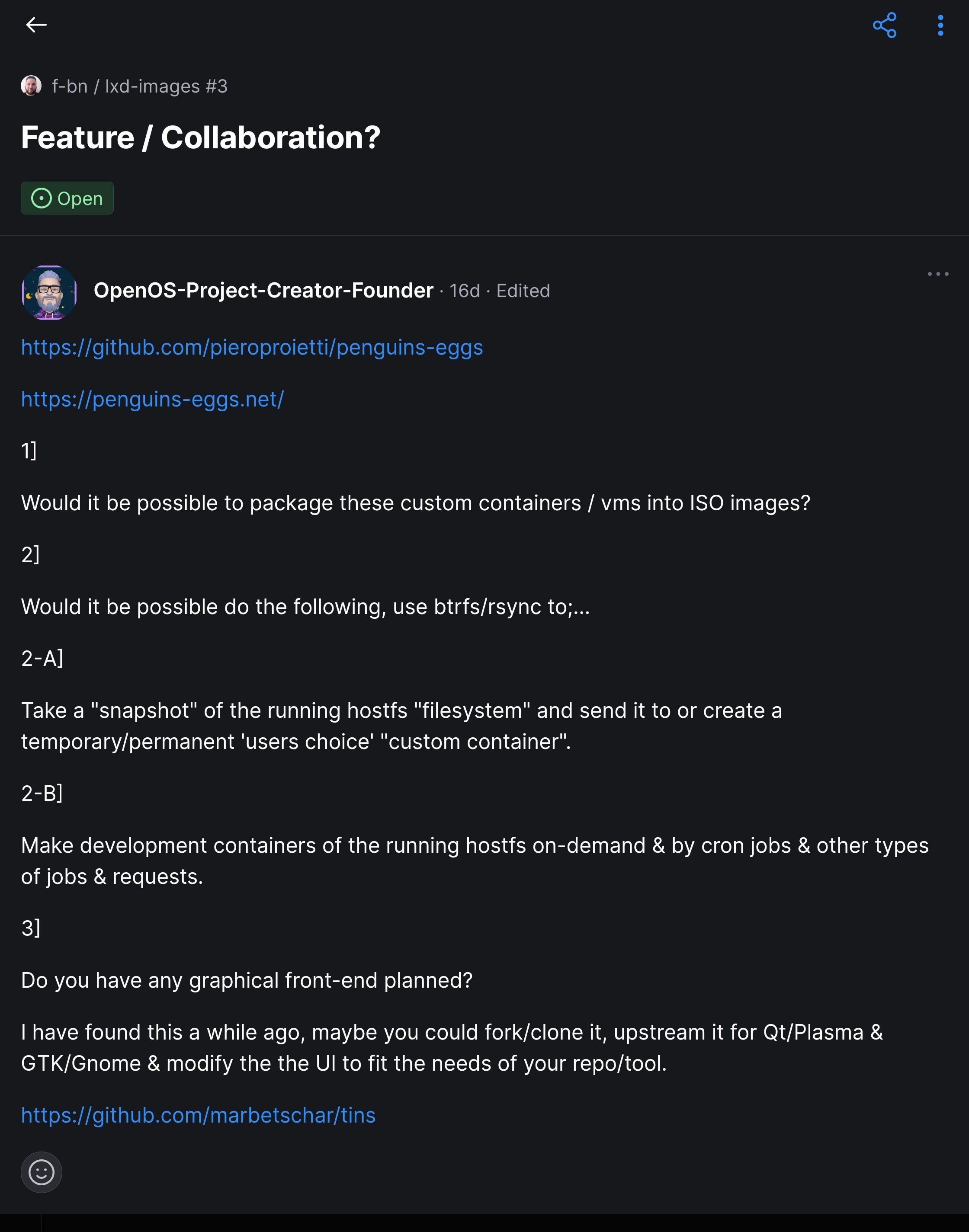
https://github.com/f-bn/lxd-images/issues/3
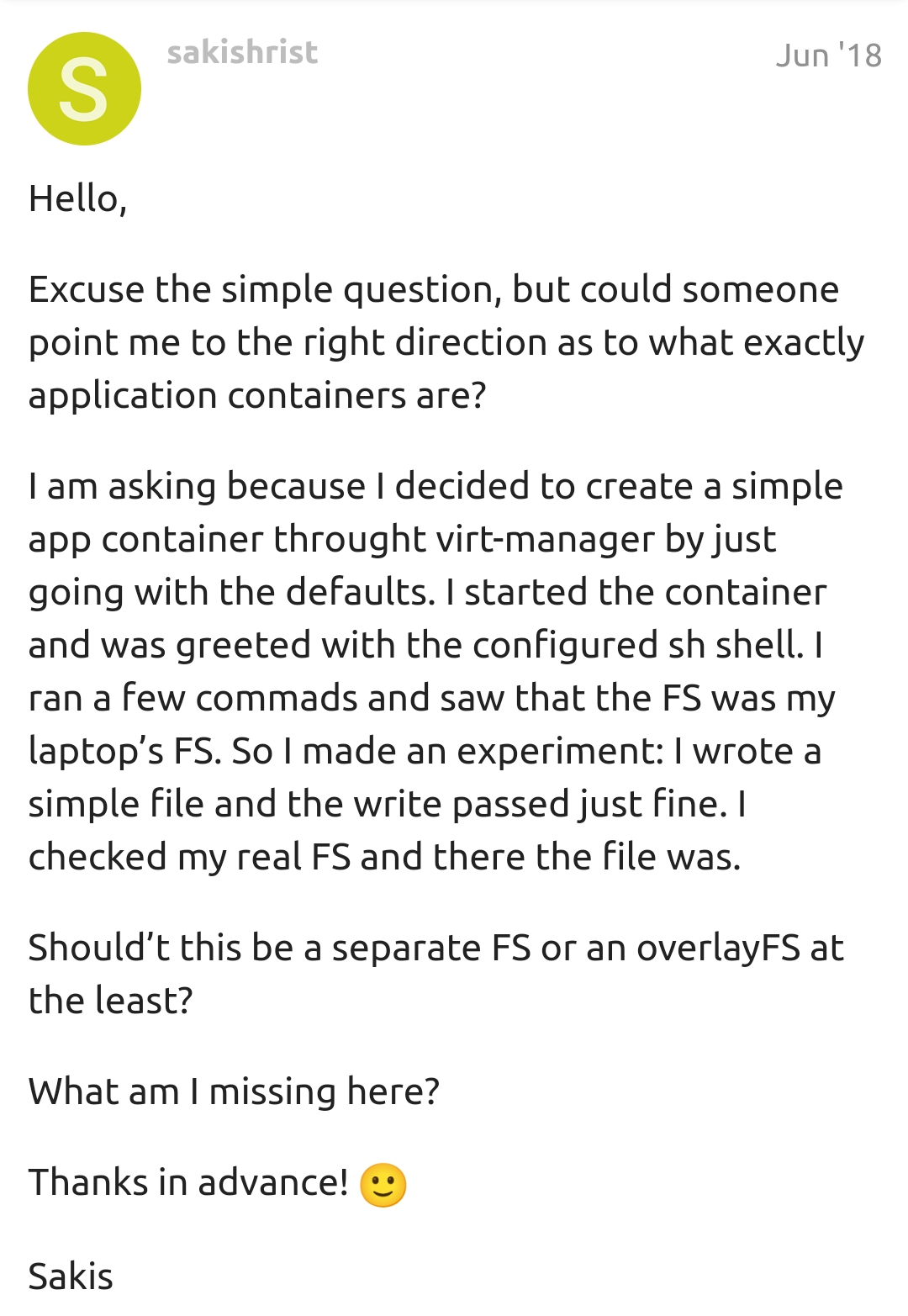
https://discuss.linuxcontainers.org/t/lxc-application-container/1996
https://discourse.ubuntu.com/t/how-to-install-a-windows-11-vm-using-lxd/28940
https://www.parallels.com/ca/products/desktop/chrome/

https://documentation.ubuntu.com/lxd/en/latest/howto/images_copy/
OSP Goal #3 = To create a IPFS-Web3 Hybrid Kernel & OS that powers the entire OSP Projects Scope "ecosystem". Each distro base OSP builds to will bring its IPFS-Web3 XanMod Fork "custom build" & in the root filesystem of the Linux Kernel Based Distro its being built ontop of.
We aim to support X86_64, ARM & RISC-V.
Why, one may ask? Theres several core reasons that are project specific, & the community could also have their specific reasons. Down below are some IPFS & Web3 Resources that will assist & be utilized to achieve this. Under the resources will be a deep dive on the project specific reasons first then touch one a couple or few hypothetical community reasons thereafter.
There are OSP/OOC Specified Reasons.
As follows...
Reason 1 =
For making small sized ISO images via netboot.
Reason 2 =
For making OTA Updates, package updates/upgrades & installing new packages faster & bandwidth-friendly.
Reason 3 =
For all networking purposes & all networking communications in & out for making all of it faster & bandwidth-friendly.
Reason 4 =
For end-users of Media Server Applications such as Plex, Emby, JellyFin & other's would have better & friendlier bandwidth streaming capabilities.
Reason 5 =
There could be OEM Specified Reasons.
There could be Eduction Sector Specified Reasons.
There could be Industrial & Commercial Sectors Specified Reasons.
There could be Think Tank Sector Specified Reasons.
IPFS Kernel Resource = https://github.com/cpg1111/ipos
Linux Based OS using IPFS as a Root File System / A Linux OS using IPFS as a rootfs (WIP)
IPFS Netboot Client Resource = https://github.com/magik6k/netboot.ipfs
Network Based Operating System Installer
What is netboot.ipfs?
netboot.ipfs is a fork of netboot.xyz that uses IPFS gateway located in local network instead of internet-based CDN to get system images.
netboot.xyz is a convenient place to boot into any type of operating system or utility disk without the need of having to go spend time retrieving the ISO just to run it. iPXE is used to provide a user friendly menu from within the BIOS that lets you easily choose the operating system you want along with any specific types of versions or bootable flags.
IPFS Netboot Server Resource = https://github.com/zignig/astralboot
A low level boot server that deploys servers from file system or ipfs
Description
Astralboot is a golang server that provides network services to boot virtual and metal machines from pxe boot. The following services are provided
DHCP , for ip allocation and boot information
TFTP , simple file transfer
HTTP , for serving images and configs
It can pull its data files out of ipfs, which means that they are downloaded on request and then stored locally.
Local file serving also works with local file system folders ( see INSTRUCTIONS for details )
Linux Kernel Based Distro Root Filesystem Web3 Resource = https://github.com/floating/frame
System-wide Web3 for macoS, Windows and Linux
Frame is a web3 platform that creates a secure system-wide interface to your chains and accounts. Now any browser, command-line, or native application has the ability to access web3.
Features
First-class Hardware Signer Support
Use your GridPlus, Ledger and Trezor accounts with any dapp!
Extensive Software Signer Support
Use a mnemonic phrase, keystore.json or standalone private keys to create and backup accounts!
Permissions
You'll always have full control of which dapps have permission to access Frame and can monitor with full transparency what requests are being made to the network.
Omnichain Routing
With Frame's Omnichain routing dapps can seamlessly use multiple chains at the same time, enabling truly multichain experiences.
Transaction Decoding
By utilizing verified contract ABIs, transaction calldata can be decoded into concise and informative summaries, allowing you to sign transactions with confidence.
Set your own connections to Ethereum and IPFS
Never be locked into using a centralized gateway
Menu Bar Support
Frame stays out of the way and sits quietly in your menu bar until needed
Cross Platform
MacOS, Windows and Linux!
For a video demonstration of the overall UI/UX-only, please watch the video demo attached to this shortened url that is linked to the lead developers [myself, author of this blog post ] which is on a LinkedIn Profile belonging to myself.
[ https://shorturl.at/boq89 ]
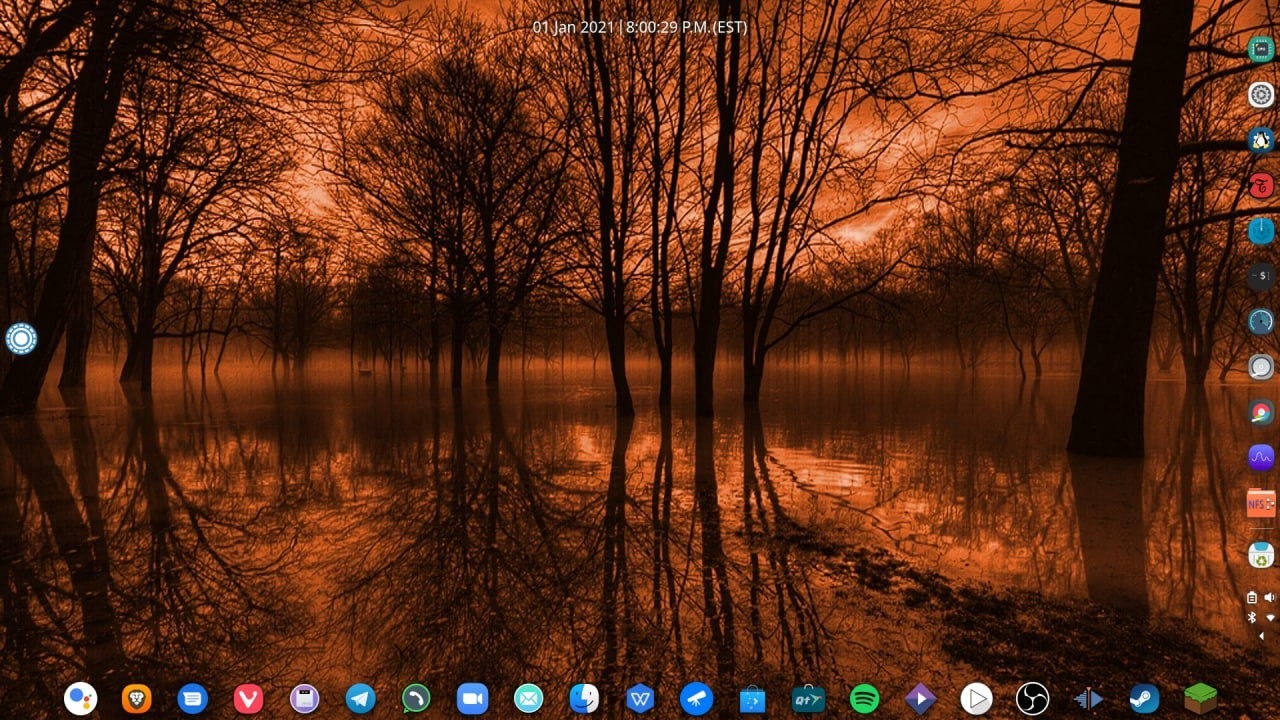
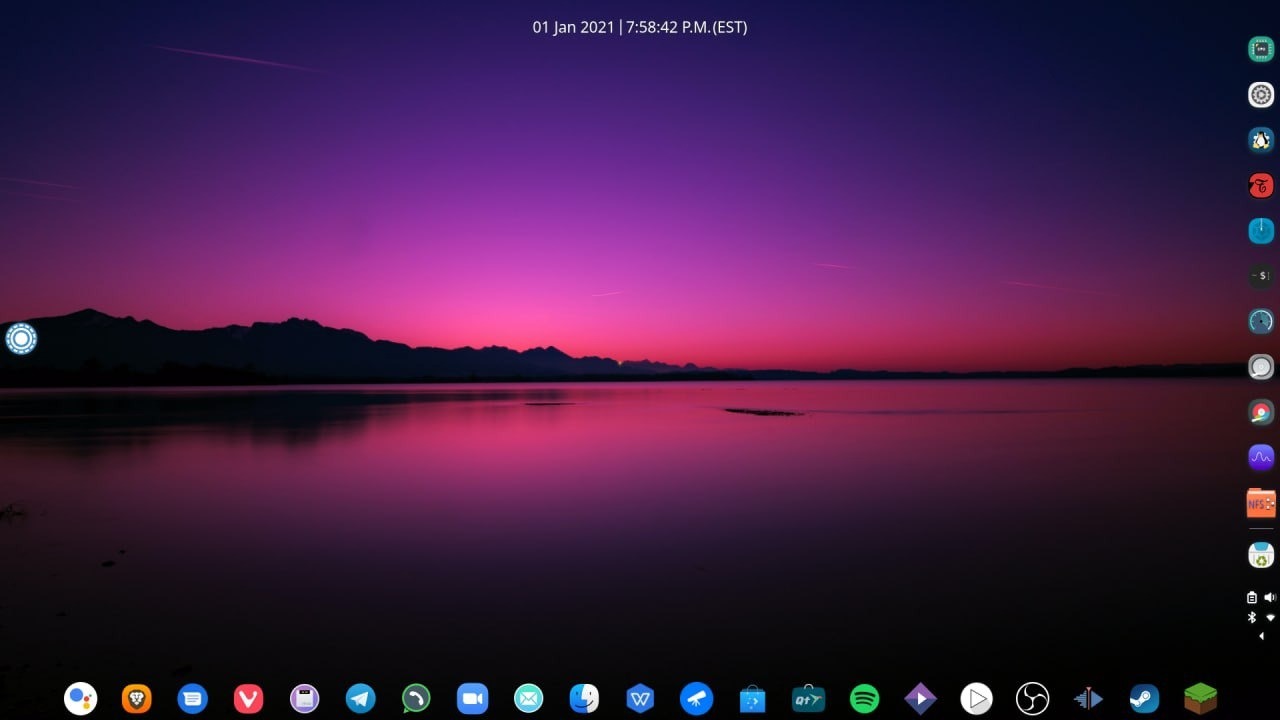
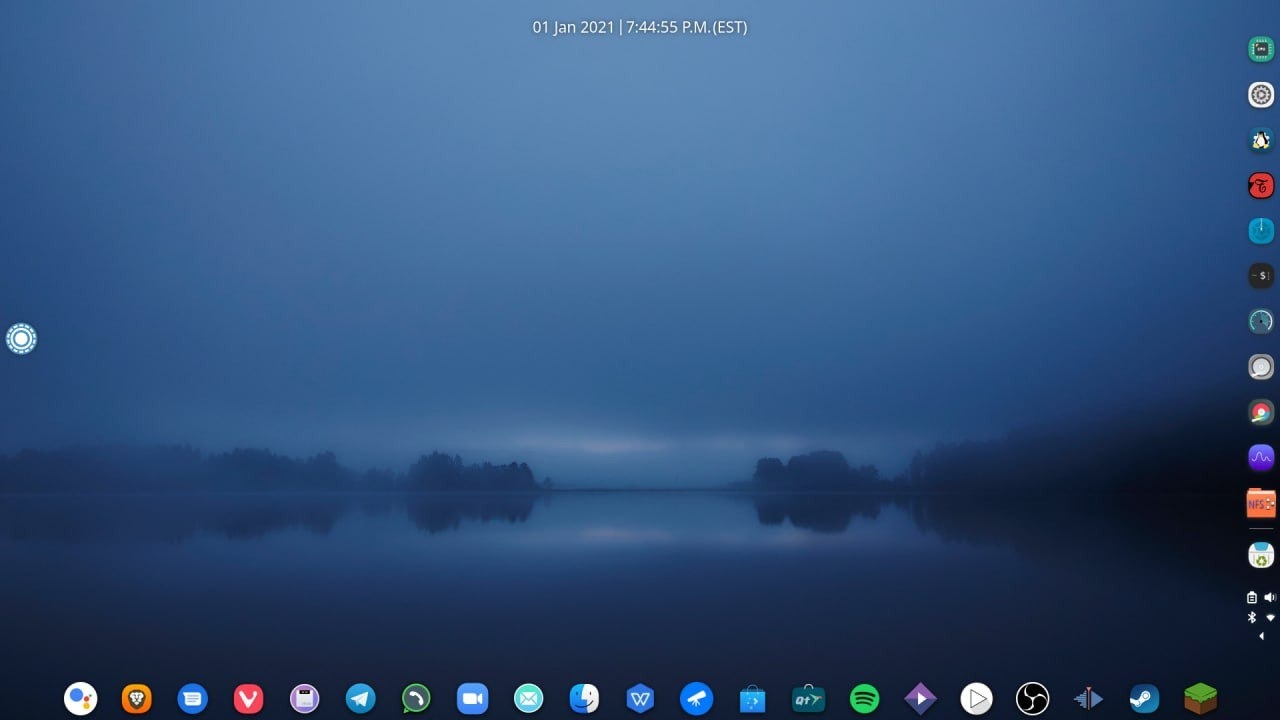
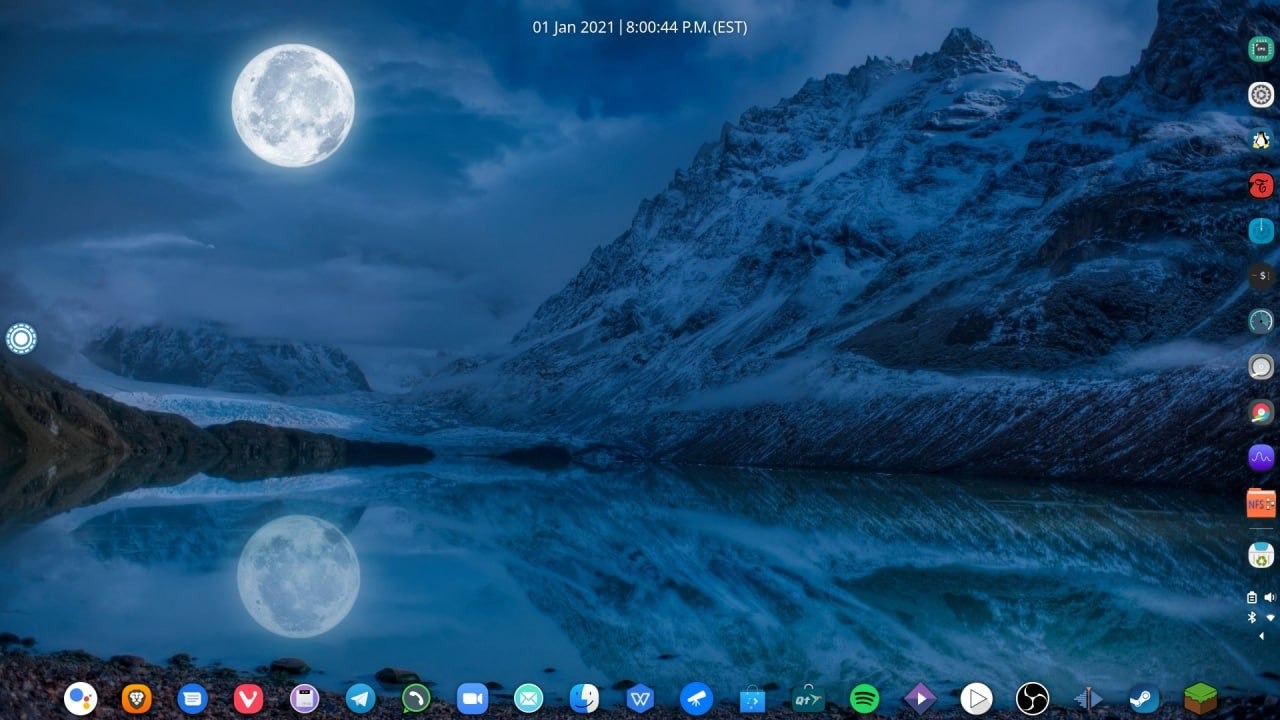
OpenOS-Project has its own Desktop Environment Based/Derived ontop of Stock Plasma Desktop.
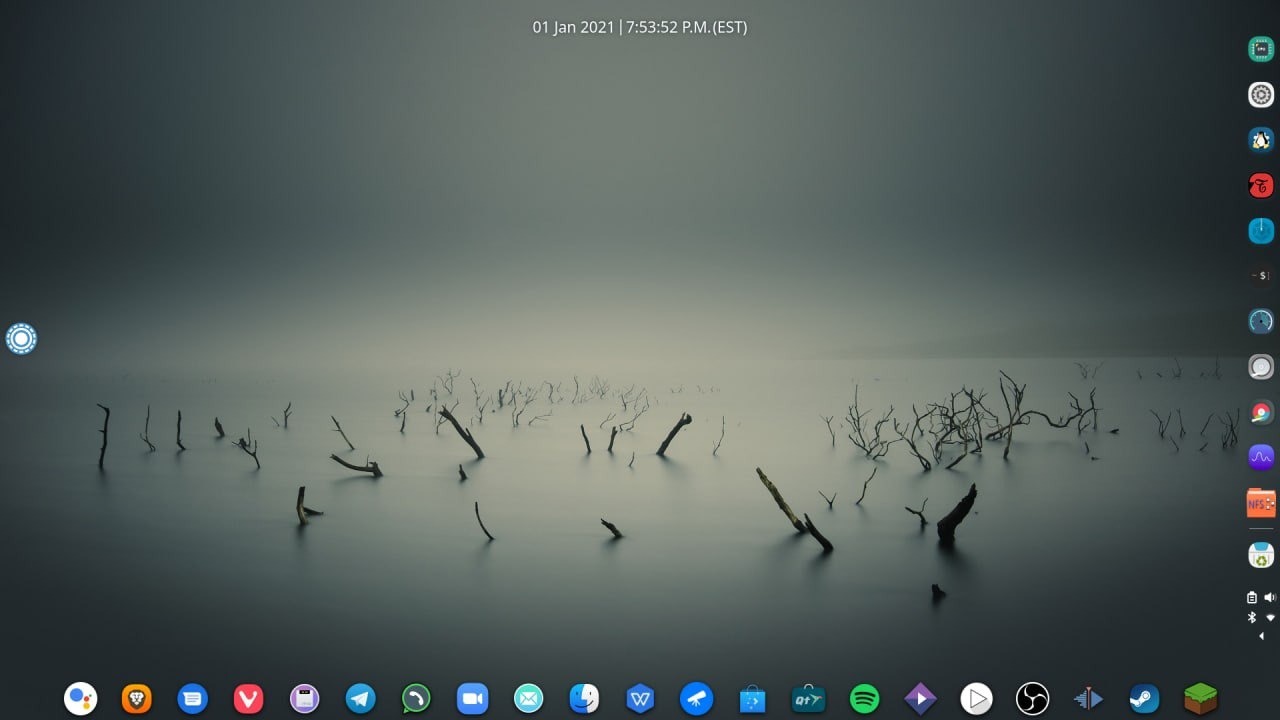
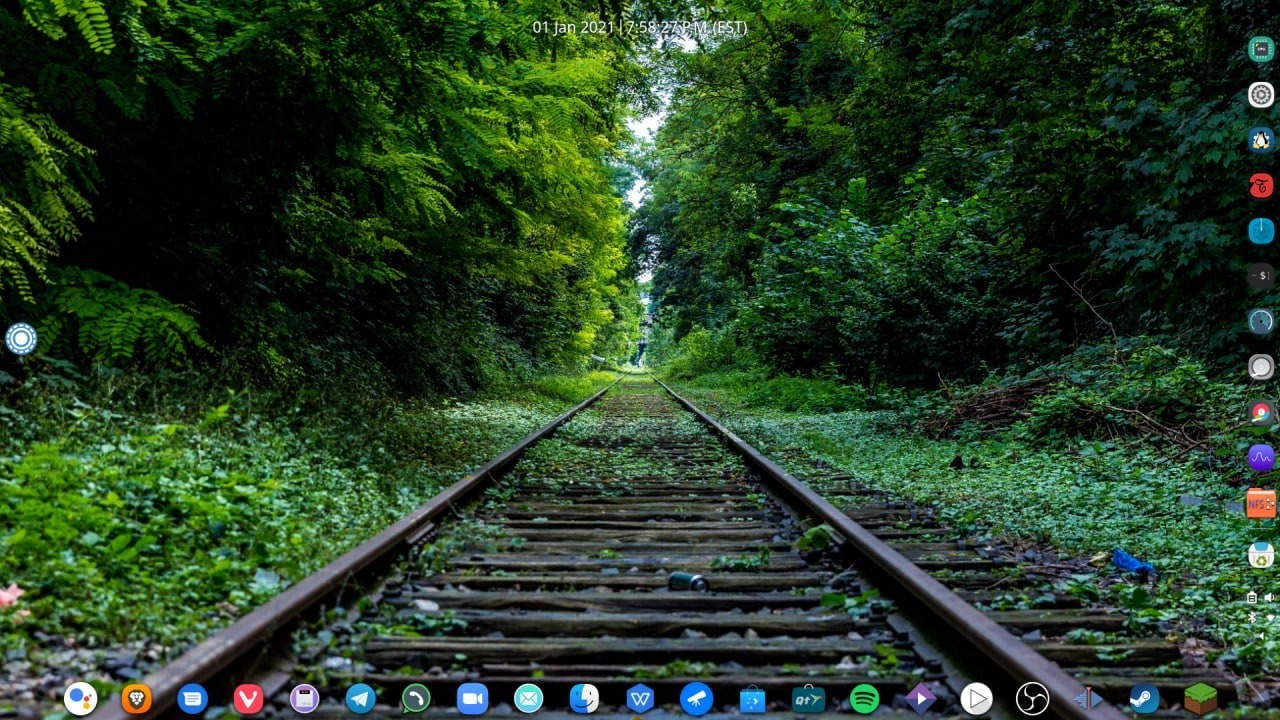
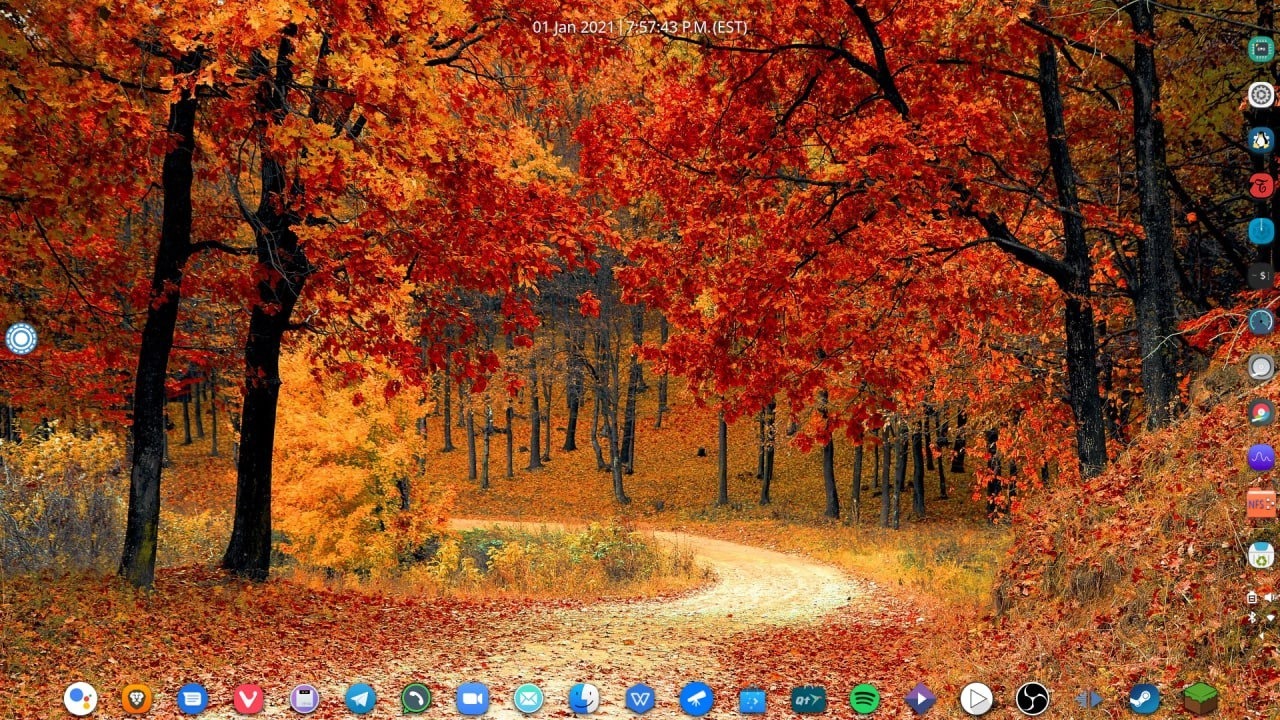
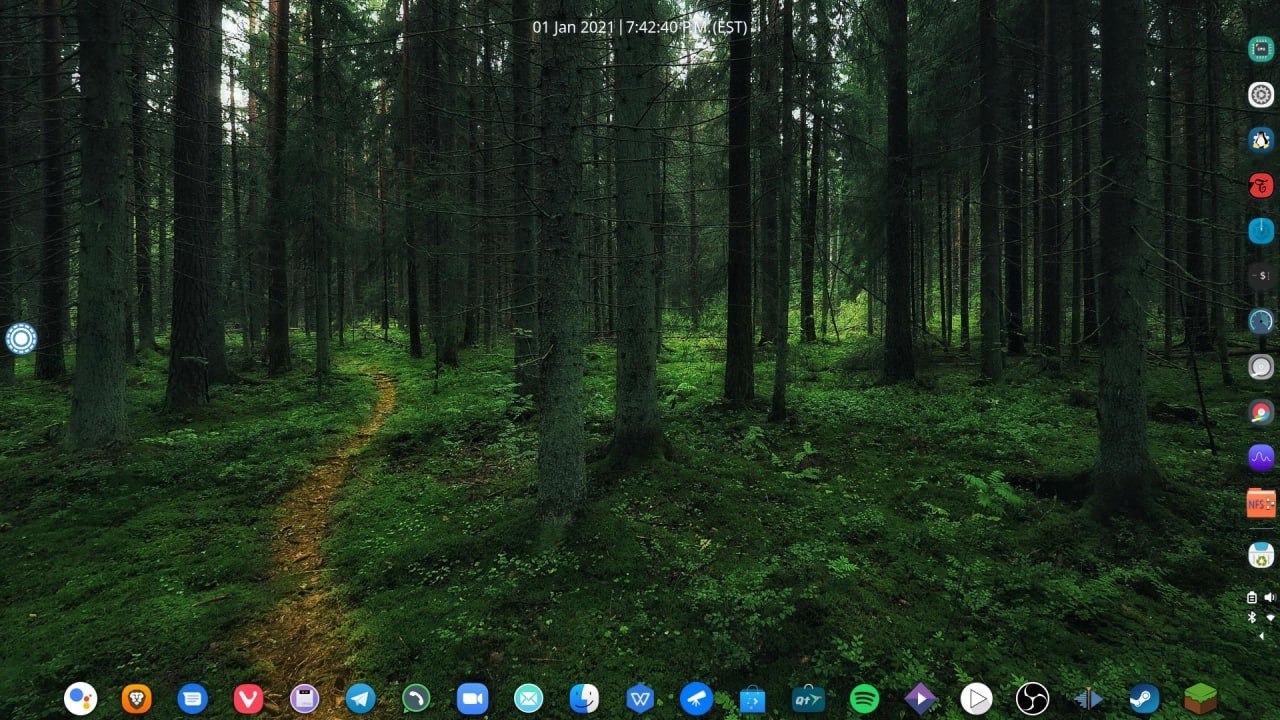
Here is an explanation of the entirety of the OpenOS Desktop Environment abbreviation as OSP-DE.
There will be 2 variants, of OSP-DE, one with Latte & one with Stock KDE Kick-Off paneling/docking systems.
Everything on the edge of the screen is Latte Dock/KDE Kick-Off.
The top Latte/Kick-Off = Clock + Calendar
The right Latte/Kick-Off = Global Menu Applications Menu "Start/Meta Key Menu"
The bottom Latte/Kick-Off = Default & User defined Pinned Applications.
The right Latte/Kick-Off = System Specific Pinned Applications + System Tray.
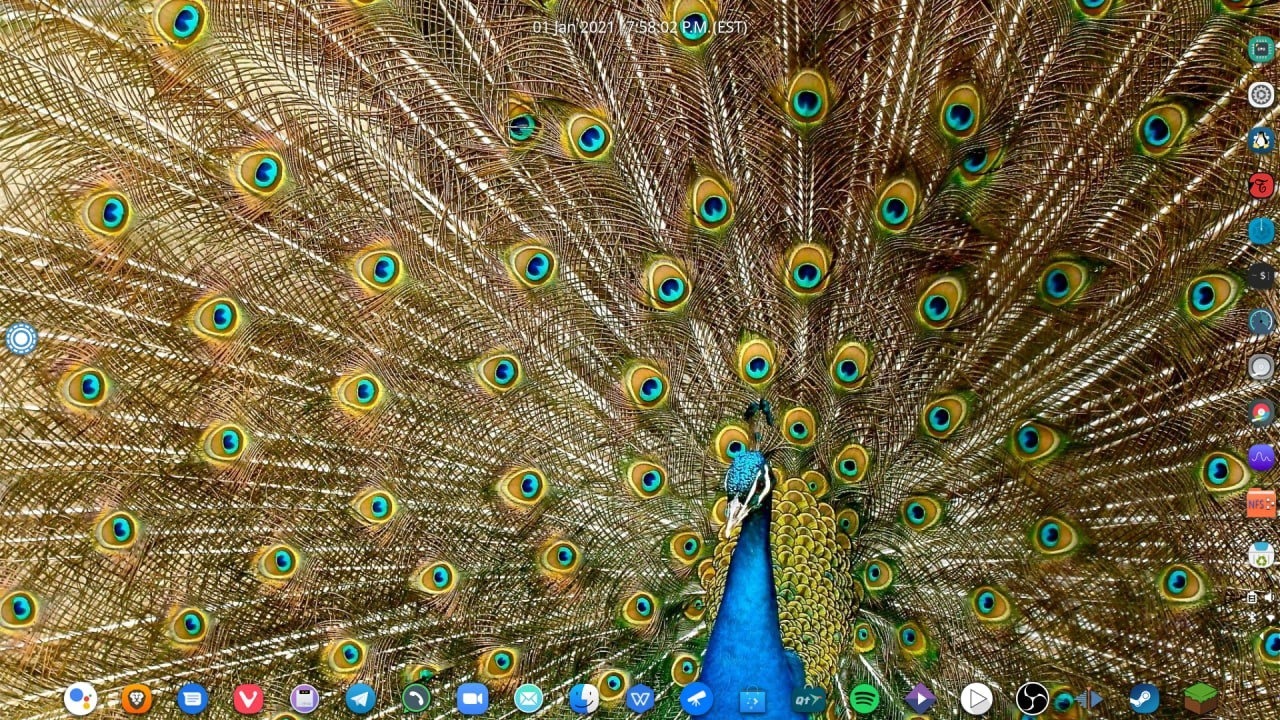
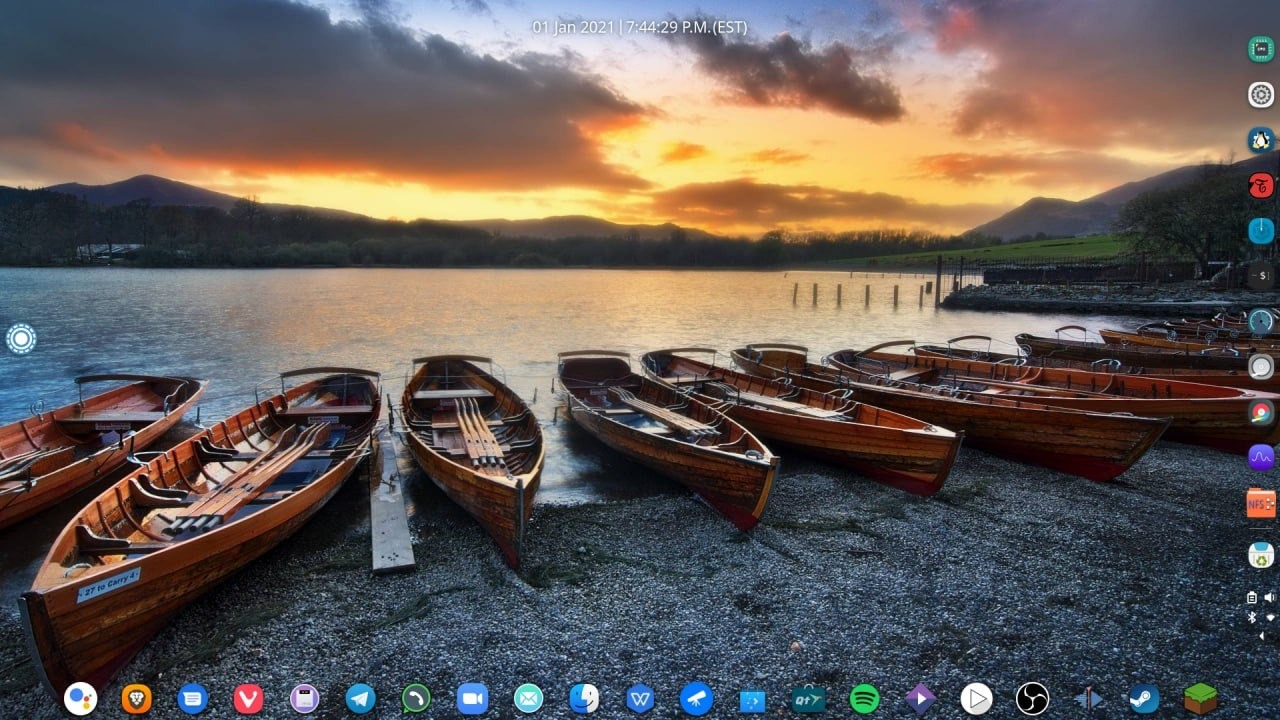
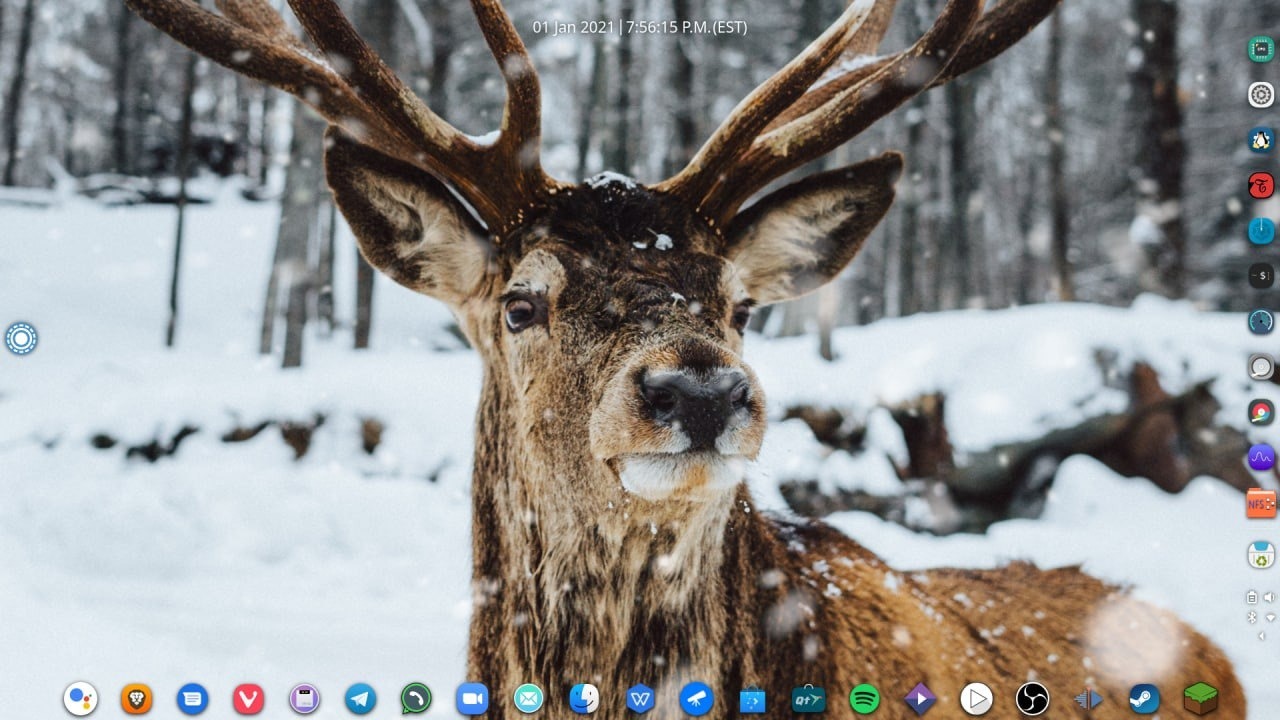
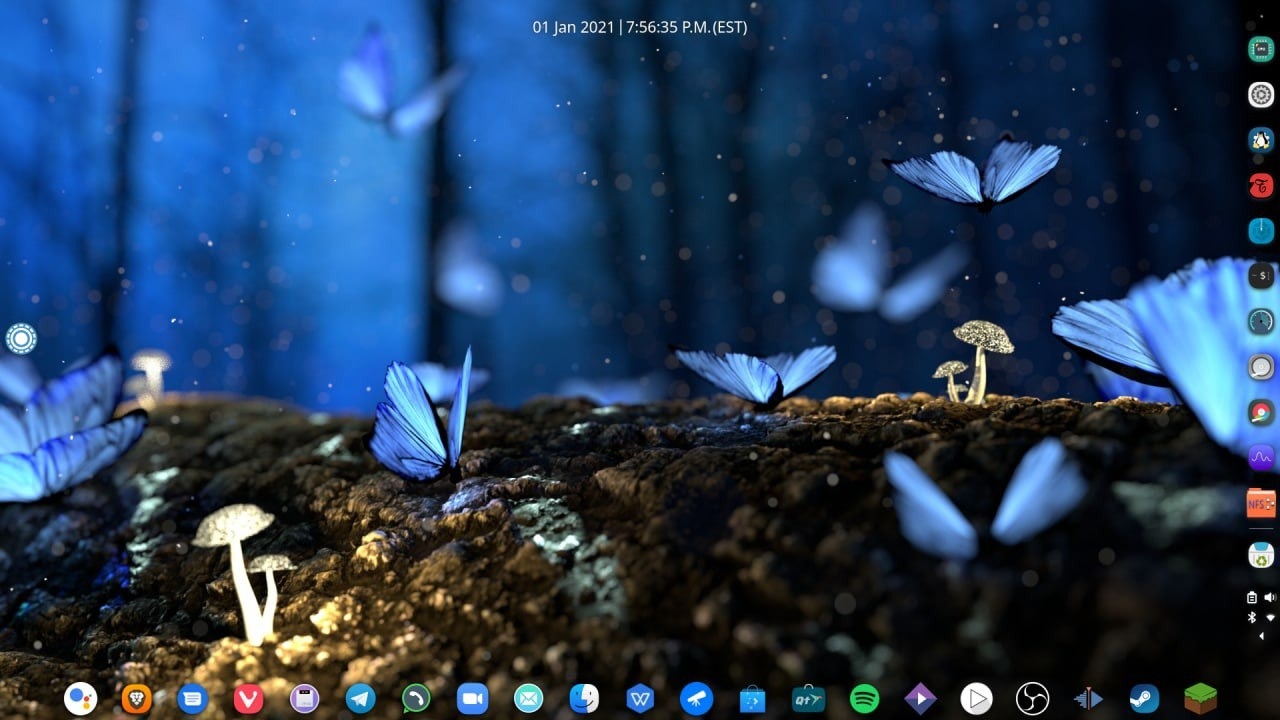
The follow photos/images are mockups of the UI/UX "Desktop Environment" with some wallpaper/background
testing.
The images also have associated captions some which are descriptive under them.
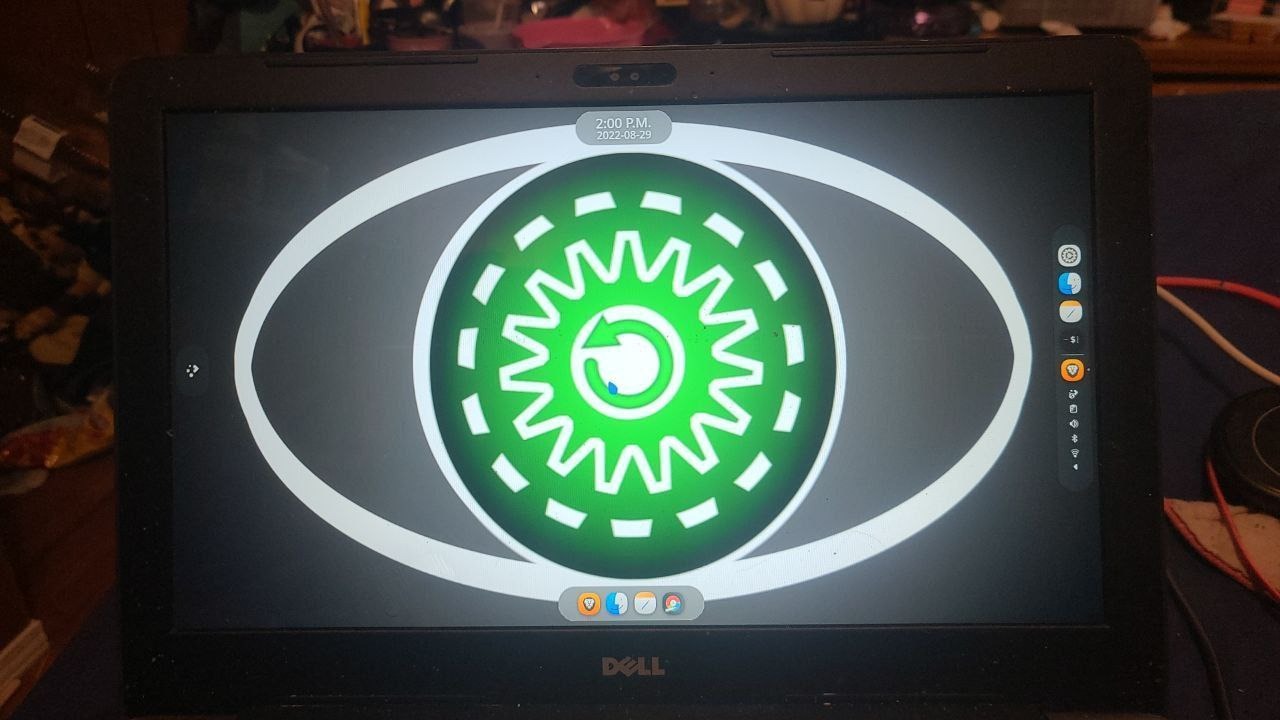
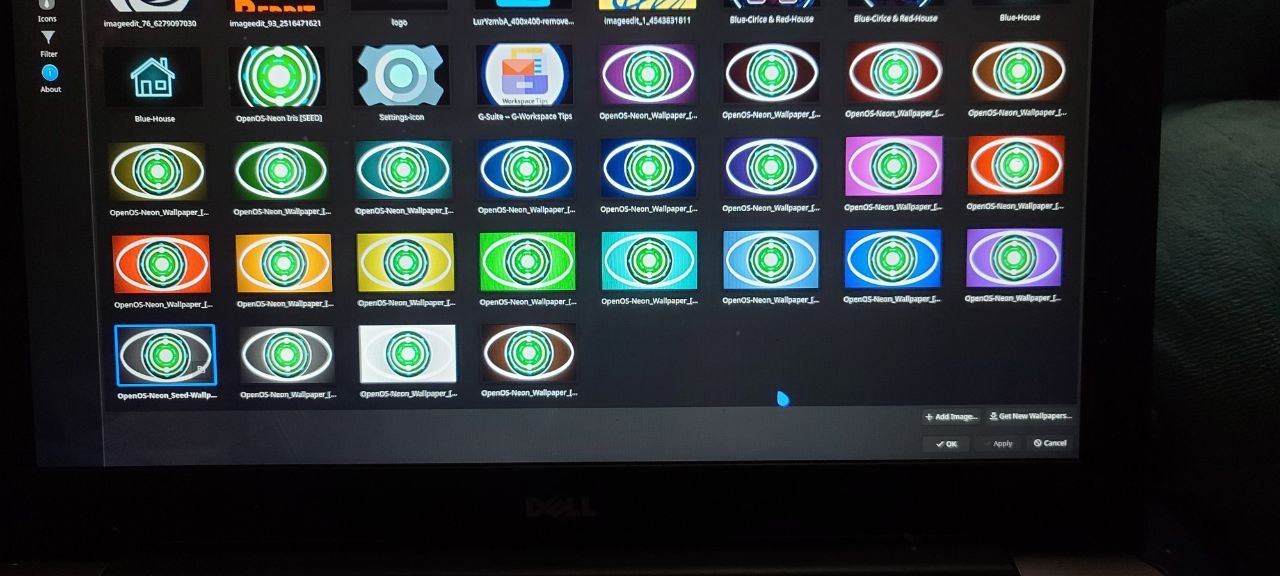
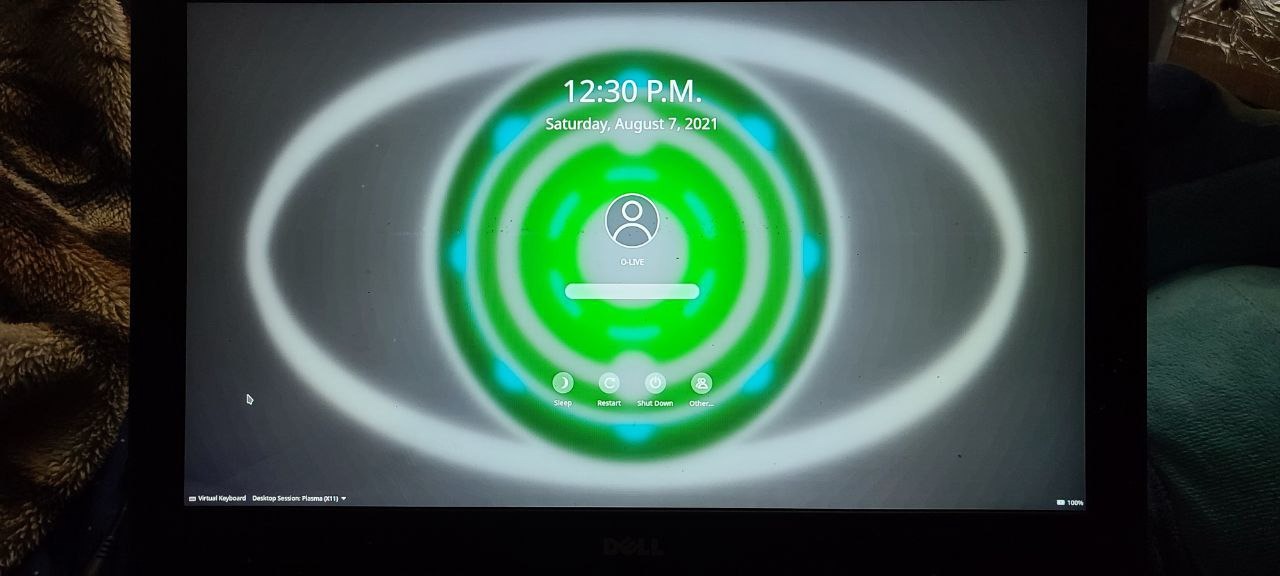
The following set of images are some wallpaper tests with different stylings, colors, shades, dark to light & light to dark & much more... to test how the Latte/Kick-Off Docking Systems interact with them.
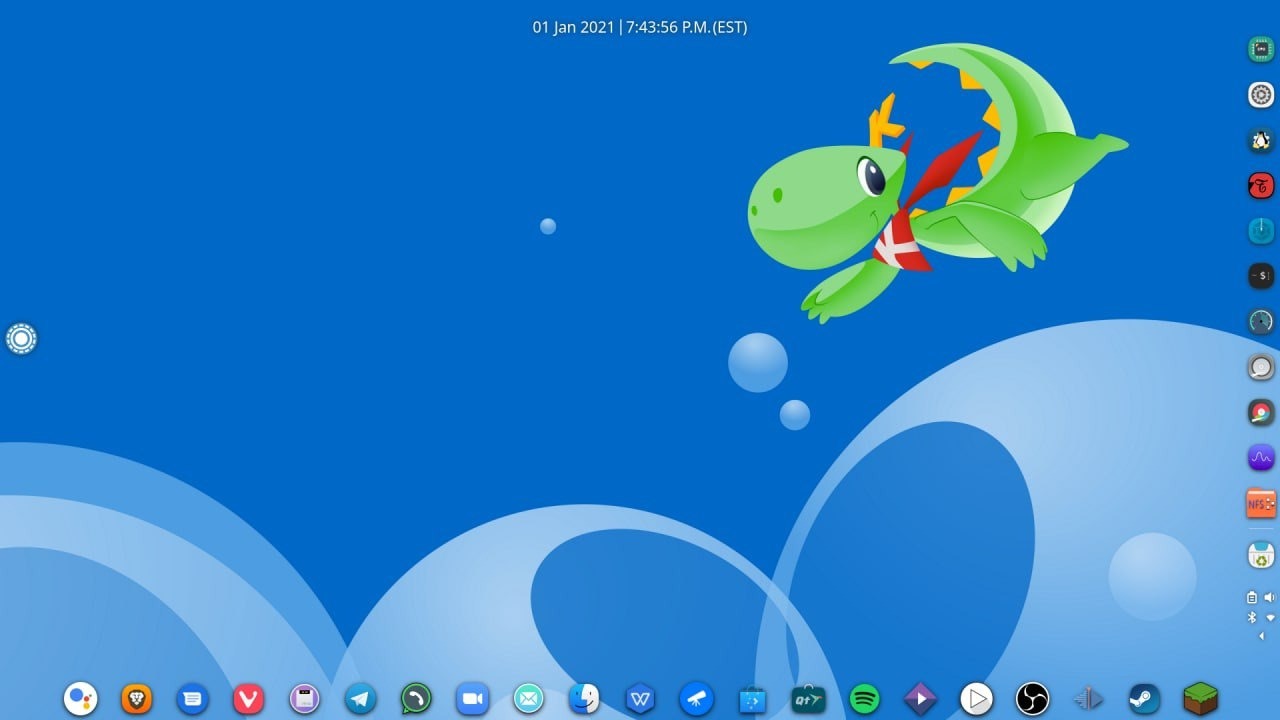
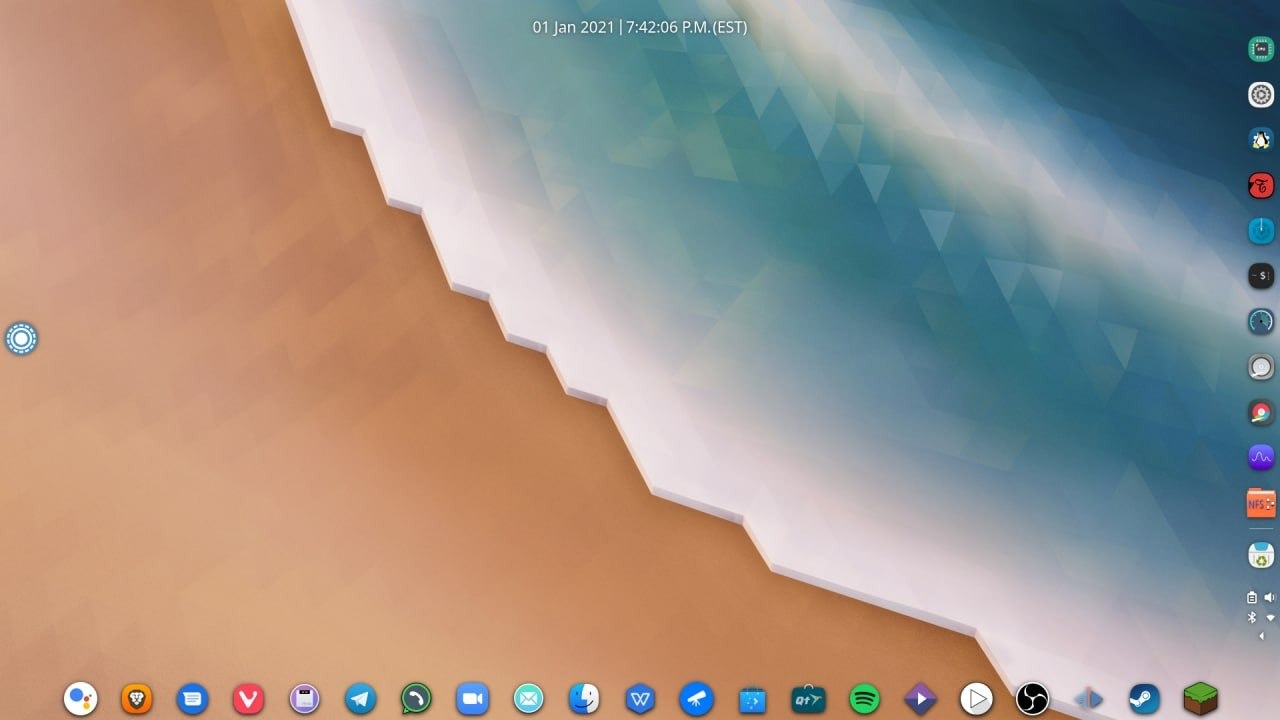
OSP = To build ontop of IPFS + Web3.
- KDE Neon for Ubuntu apt/deb sources "https://files.kde.org/neon/images/"
- KDE Netrunner for Debian apt/deb sources "https://github.com/netrunner-desktop"
- CosmicMod for Gentoo ebuild/portage sources "https://github.com/cosmicoz/CosmicMod & https://github.com/RennyDem/Muckyroo"
- Fedora Kinoite for RedHat dnf/rpm sources "https://pagure.io/workstation-ostree-config"
- Manjaro KDE Edition for Manjaro dnf/rpm sources "https://github.com/manjaro/plasma-daily"
- OpenSUSE's MicroOS for their dnf/rpm sources "https://microos.opensuse.org/"
The headless base OSes of each mentioned Distro will follow each other's development, including their Plasma Based Environments.
Below are ChromeOS Enterprise Features in FOSS/Libre Implementations.
https://github.com/marbetschar/tins
https://github.com/sebanc/brioche
https://github.com/waydroid/waydroid
https://github.com/pieroproietti/penguins-eggs
https://github.com/lxc/distrobuilder/
https://github.com/f-bn/lxd-images/issues/3
https://discuss.linuxcontainers.org/t/lxc-application-container/1996
https://discourse.ubuntu.com/t/how-to-install-a-windows-11-vm-using-lxd/28940
https://www.parallels.com/ca/products/desktop/chrome/
https://linuxcontainers.org/lxd/docs/master/howto/import_machines_to_instances/#import-machines-to-instances
https://link.medium.com/ZBGEueWgvxb
For PWA Progresive Web App Frameworks we have this implementation.
https://github.com/brave/brave-browser/issues/29510
Below are IPFS + Web3 Resources that will be used.
https://github.com/floating/frame
https://github.com/cpg1111/ipos
https://github.com/magik6k/netboot.ipfs
https://github.com/zignig/astralboot
For Immutable-ness & Cross Building Features, OSP will use AshOS & SkiffOS.
https://github.com/ashos/ashos
The immutable tree-shaped meta-distribution (Universal Installer)
AshOS will serve a Builder Server & Recovery Distro & Recovery Partition like System76... https://github.com/pop-os/upgrade
Utility for upgrading Pop!_OS and its recovery partition to new releases. This tool will be used as a replacement for Ubuntu's do-release-upgrade script. The goal is to be less error-prone, ensuring that critical packages are retained on upgrade, and better integration with Pop!_OS.
https://github.com/skiffos/SkiffOS
Reliably run any Linux distribution on any hardware with a cross-compiled host OS for containerized environments.
SkiffOS will be used to make it easier to port/build/compile OSP Base Distros to any architecture & hardware configurations, respectively.
For UI testing & to offer an official OSP themed/dressed ChromeOS/ChromiumOS "look-&-feel," here are resources to make it happen.
https://github.com/vinceliuice/ChromeOS-kde
https://store.kde.org/p/1324180/
https://github.com/adhec/Dexie-icons
https://github.com/laserpants/qt-material-widgets
https://chromeunboxed.com/google-material-you-chromebooks-chrome-os/
If you have any questions/concerns/inquiries, please use Telegrams search tool to see if it has already been discussed. If it hasn't, please begin the discussion.
lasma Nano = WearOS/AOSP For Wearables "https://invent.kde.org/plasma/plasma-nano & https://tuxphones.com/kde-plasma-mobile-plasma-nano-linux-shell-embedded-devices/"
How To Reach & Communicate with OpenOS-Project & One-Open-Collective
The following links/urls are/is where the project has presenses on [ internet social platforms ] & general contact.
Telegram Related Contact
Telegram has feature support for both channels & groups.
The OSP Telegram groups has a unique modular organization.
OSP has a channel link & several group links. The channel link is used as a point of entry which holds all other OSP Telegram Links for groups, along with project progress reports. Each OSP Telegram Group name will start with "OpenOS-_______", using the built-in search features/tools of Telegram, within the Channel Link the various groups invite links & join buttons will be displayed.
Channel Link = https://t.me/OpenOS_Project
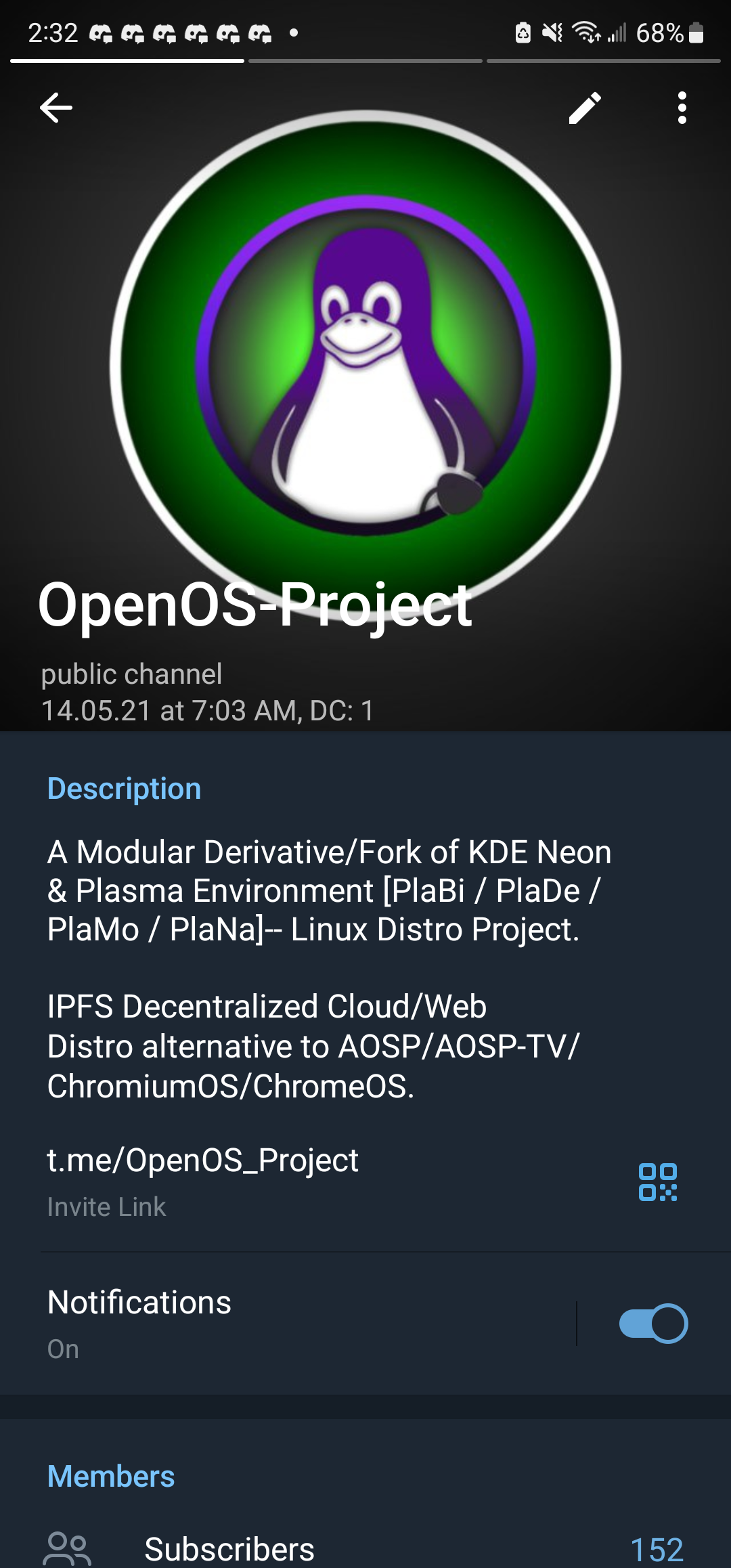
There is a group for project wide discussion & generally discussions. There are also groups for each base distro that OSP builds/ports & rebuilds itself ontop of. Which would allow distro specified/specific discussions & support.
Project Wide Group Link = https://t.me/OSPFC
This group is for OpenOS-Project wide discussion in regards to features for all releases "builds". It is also a General/Generic Chat Hub for all things the project & its collaborative-arm One-Open-Collective are working on.