Nimbus Platform: How to connect to MetaMask
Nimbus Support
To connect your MetaMask wallet with the Nimbus platform follow the next steps:
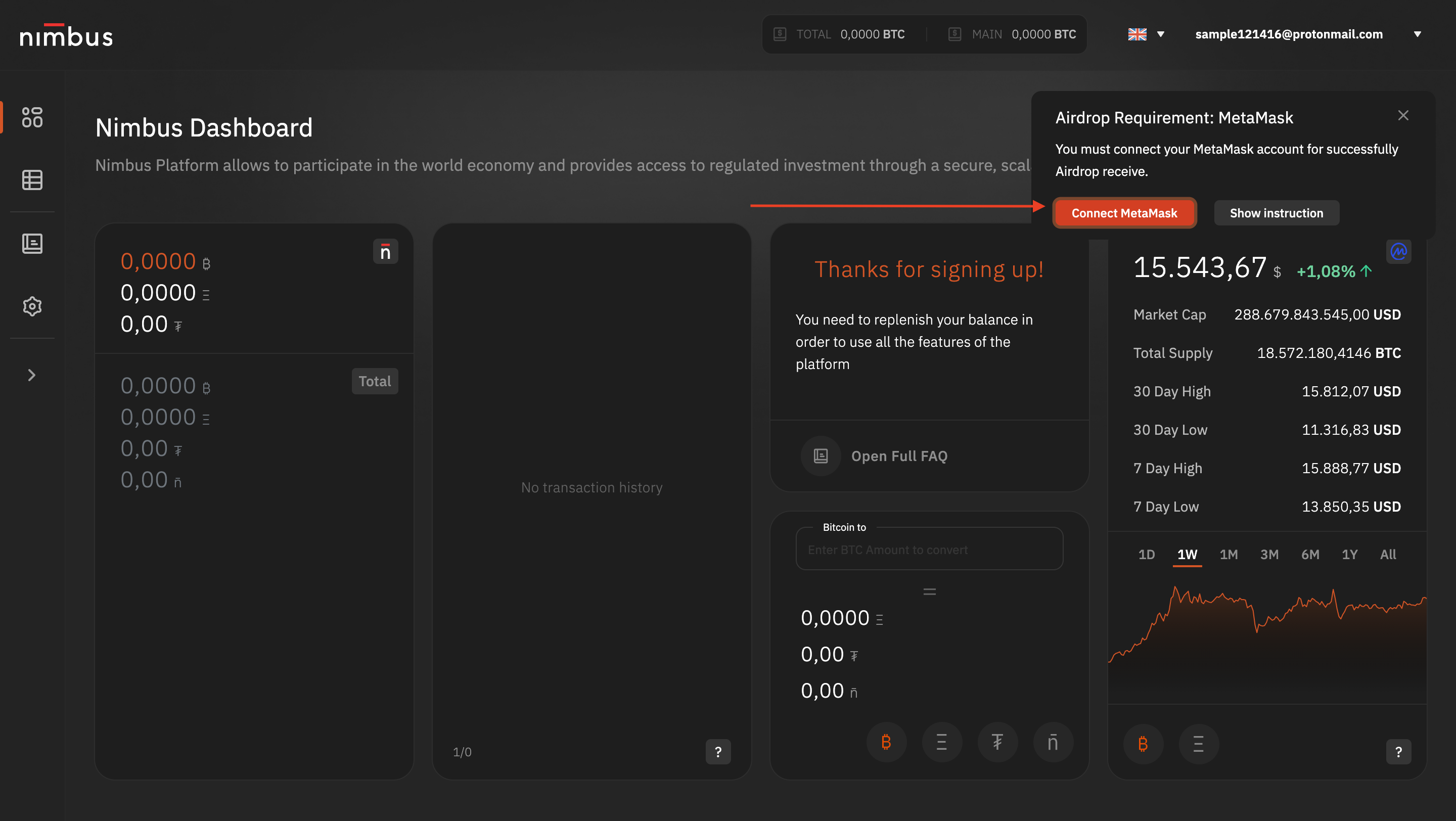
- Go to the right corner and push "Connect MetaMask" button.
2. At the MetaMask connection popup menu, select your wallet and click the Next button:
3. In the next step click the Connect button.
4. Accept your signature at the Signature Request menu:

Done! Now you can Sign in to Nimbus Platform using your MetaMask wallet!
Your next step is to learn: