NGCam | AUX
Nikita
Camera ID app
Credits for the app: Vibhor (@overwhelmer).
Help for Camera ID
- Download and open the app
- See identifiers (ID)
- Open Google Camera
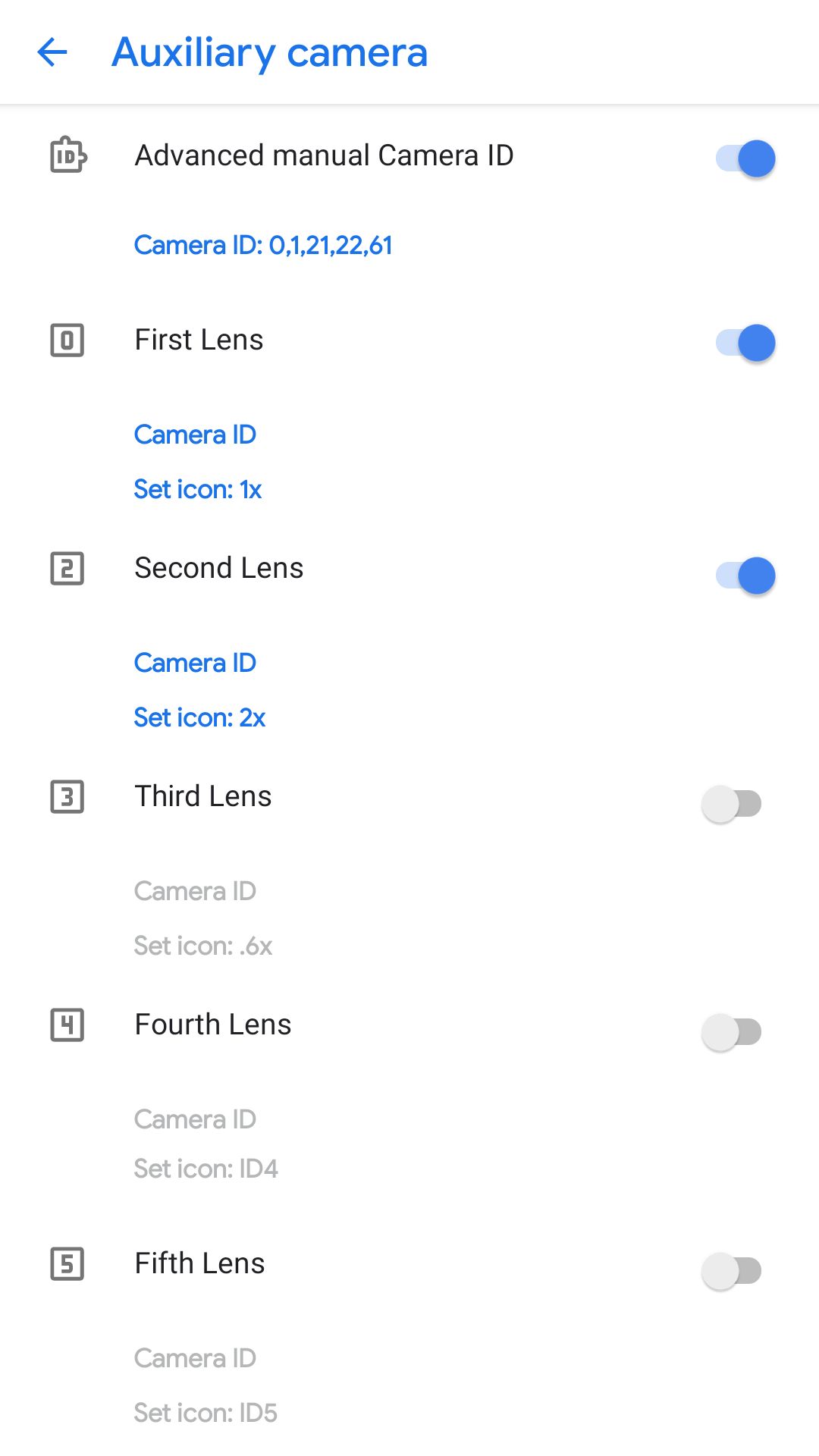
- Go to: Settings > Advanced > Auxiliary camera
- Enable lenses you want
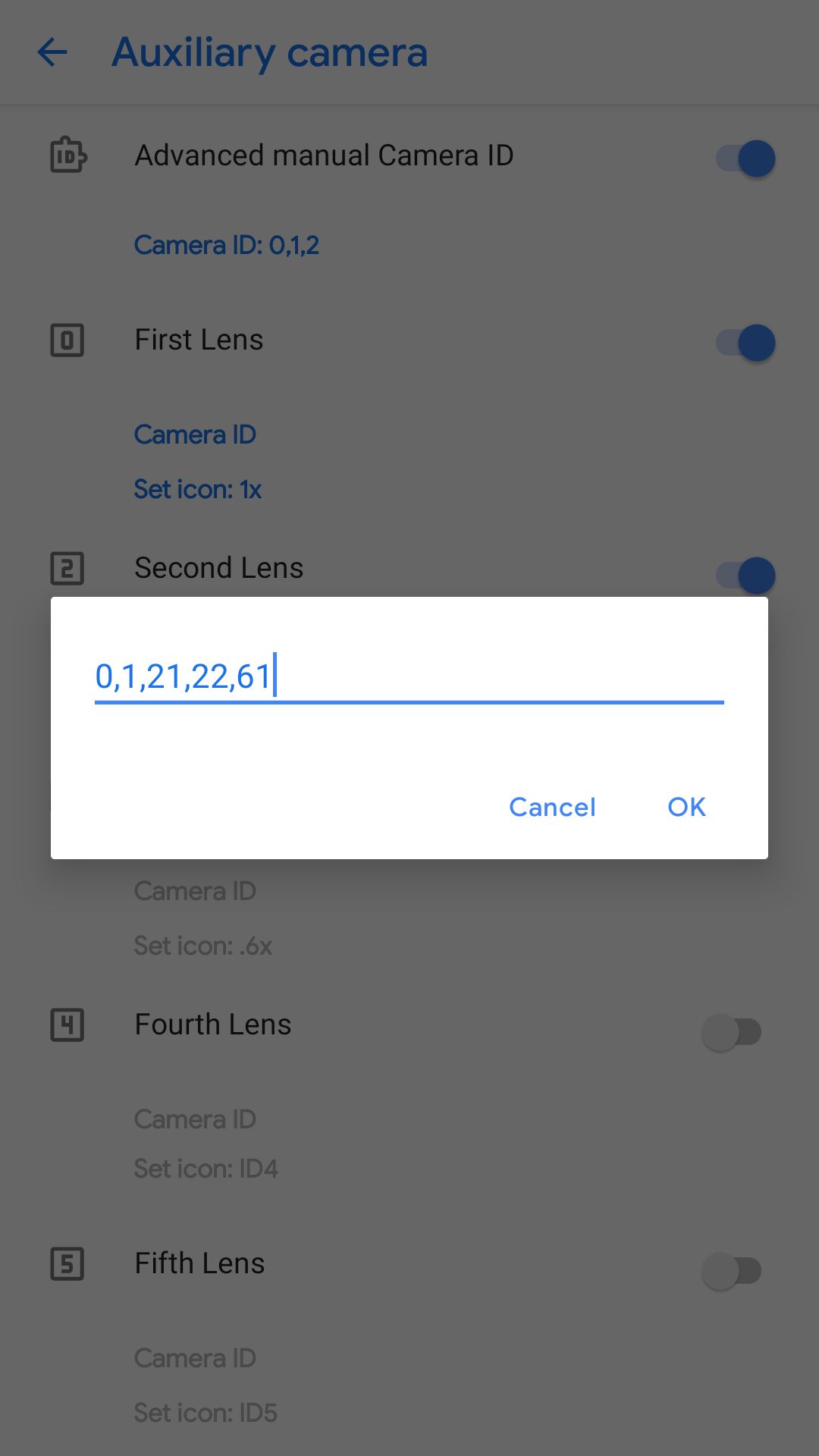
- Turn on "Advanced Manual camera ID"
- Give proper IDs for not working lenses
Questions and troubleshooting
NOTE: For example, Redmi Note 8 has IDs 0,1,21,22,61