My mobile is charging very slow, causes and solutions
ManishabocheBatteries and their storage capacity change over the years and the level of use that is given to the terminal. But if suddenly from one day to the next it happens to you that your mobile charges slower, check if it is due to one of these causes and try some of these solutions so that it recharges normally.
If it charges slower, it may be a technical failure or perhaps another reason. To prevent any of these problems from happening to us, we will have to get away from the myths about the battery of our new mobile, which in many cases are useless. Anyway, before you think about taking it to technical service or leaving it to a friend to repair possible faults, you can try to see if you find the problem and you will save all the above. Let's check things out, starting with the cable:
The letter cord is damaged, broken, or just not going
The cable with which we charge the mobile is the accessory that we use from the first day we take the phone out of the box. In itself, it is one of the parts that usually suffers the most, since we fold it, roll it up for when we go out, or leave it permanently connected to the same place . Check to see if the wire is bare at the base of the connector, or along its surface. Try another cable, and if the mobile already charges as before, you will know the cause. Buy a new USB cable and you have solved the problem that causes 80% of all charging problems on a smartphone.
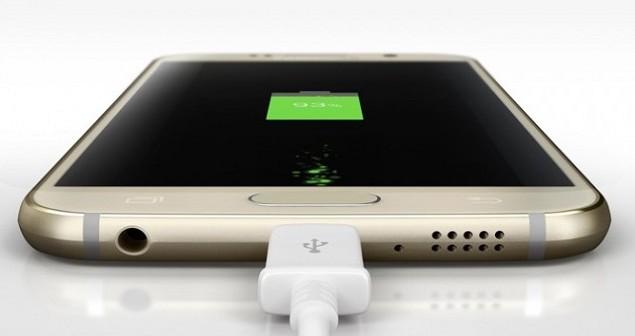
It's adapter problem
If it's not the cable, it may be from the power adapter itself . The USB adapter may have a broken connection, a frayed or burned internal cable, or something has come loose from shock and / or use. Before buying one, find or ask a friend for another adapter to check and find out.
Does the plug not fit?
What if we are blaming the mobile phone or its peripherals when the problem itself is at home? If the mobile does not charge in one light source and it does in another, we already know that it is time to remove the plug or call the electrician . And the same if we load it by connecting it to the PC and it works on a USB and not on another.
Check the USB port of the mobile
Another element that suffers the most when recharging a mobile phone is the USB port, since it not only collects dust (be careful, that may be the problem), but it also faces hundreds of wrong attempts when we try to plug in the power cord. reverse and insist until we realize it. Often the problem is physical in origin and involves the metal plate in the port hole. If we want to try we can turn off the mobile, remove the battery if it is removable and try to straighten the plate with a clip so that the cable fits well again. But this could end up forcing us to change the USB of the mobile to fix it permanently.
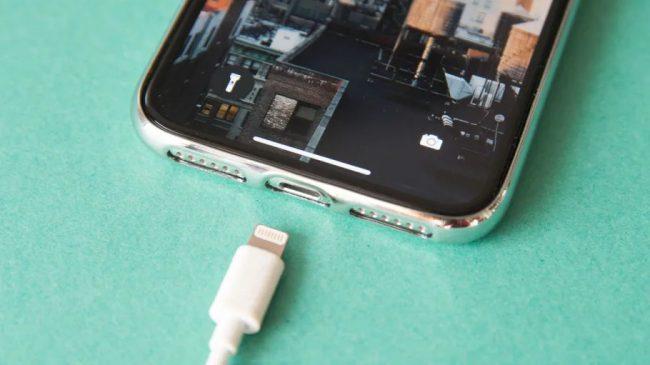
Restart the smartphone
With increasingly complex games demanding more processing power, it is possible that even connected to light the mobile uses more electricity than it charges. The test would be to turn off the mobile and connect it to the load again. Or if we don't want to turn it off, simply remove the app, put the terminal in Flight Mode and check if it loads normally.
Bad battery
Sometimes that the mobile does not charge it can simply be due to the fact that the battery is dying . In this case, if the battery is removable, we can even look for physical signs such as a bulge in it and / or that it is spilling fluid. If the battery of our mobile is not removable, the thing is more complicated and technical service or a friend's shop if we are not crafty.
Too new an OS
When thinking about a charging problem, we tend to associate it with a physical problem. But in itself it may be the operating system , since although the new Android are usually optimized to save battery, the most recent versions in older mobiles demand to use all the resources of the phone and therefore drain the battery more. At the same time, if we are on an Android version that is too old, we should update to a new one.
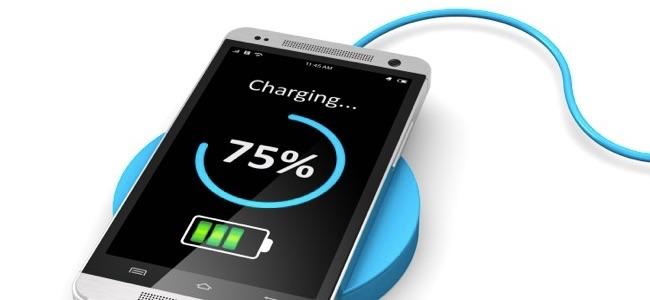
How much energy does it get
To reliably check the amount of energy that the terminal receives connected to the light, nothing better than the Ampere application, a tool that analyzes the process and tells you if your mobile is charging or not charging, and if so how much it is charging or not. if you are actually using electricity, not charging it.