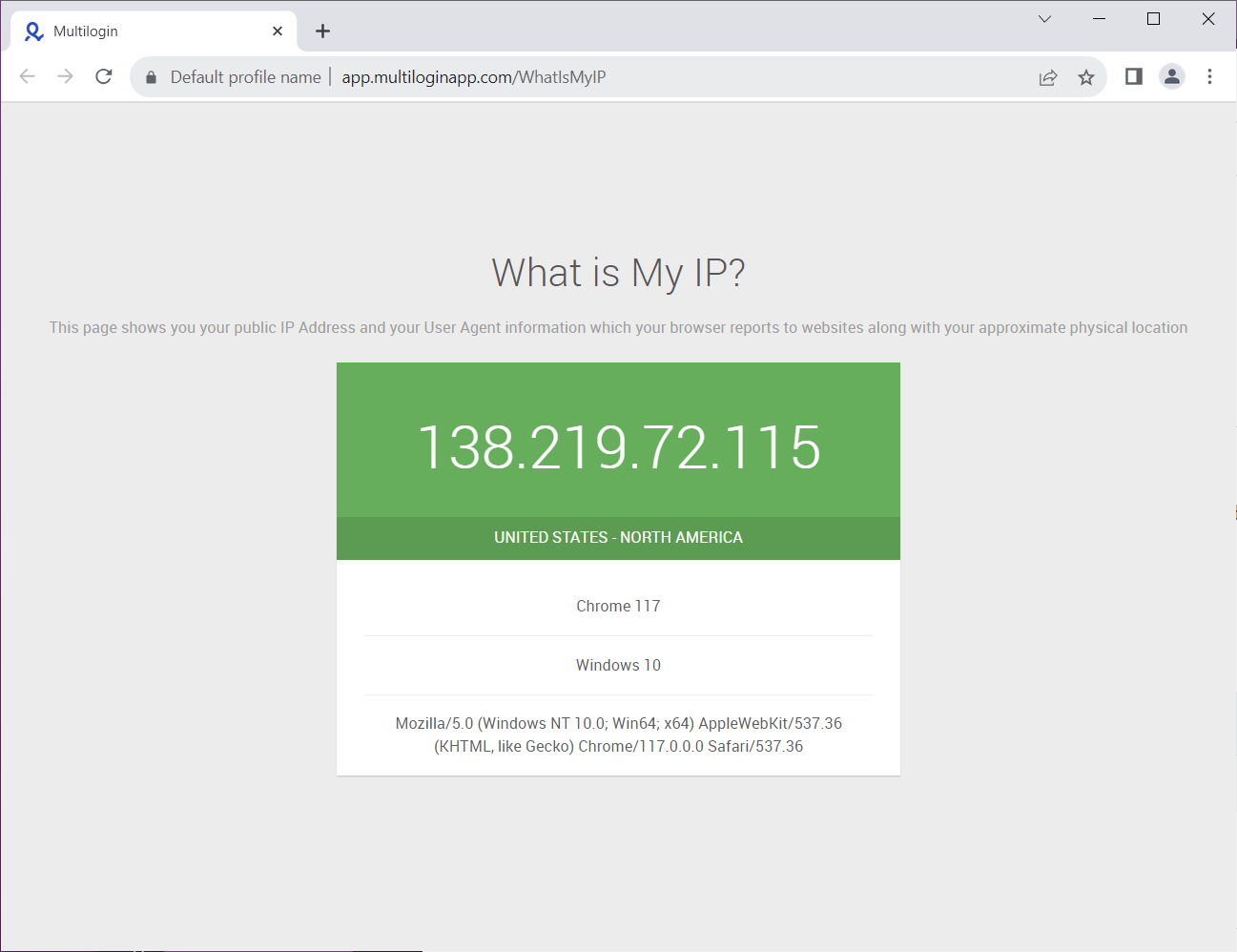
Multilogin X setup instruction
Step 1: Go to app.multilogin.com
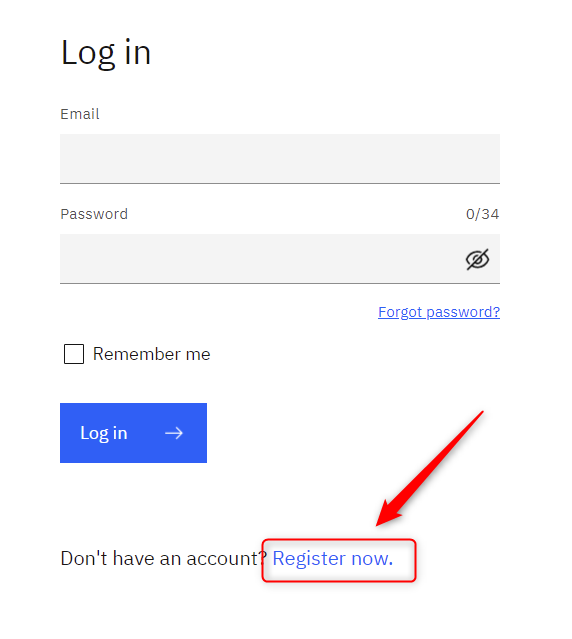
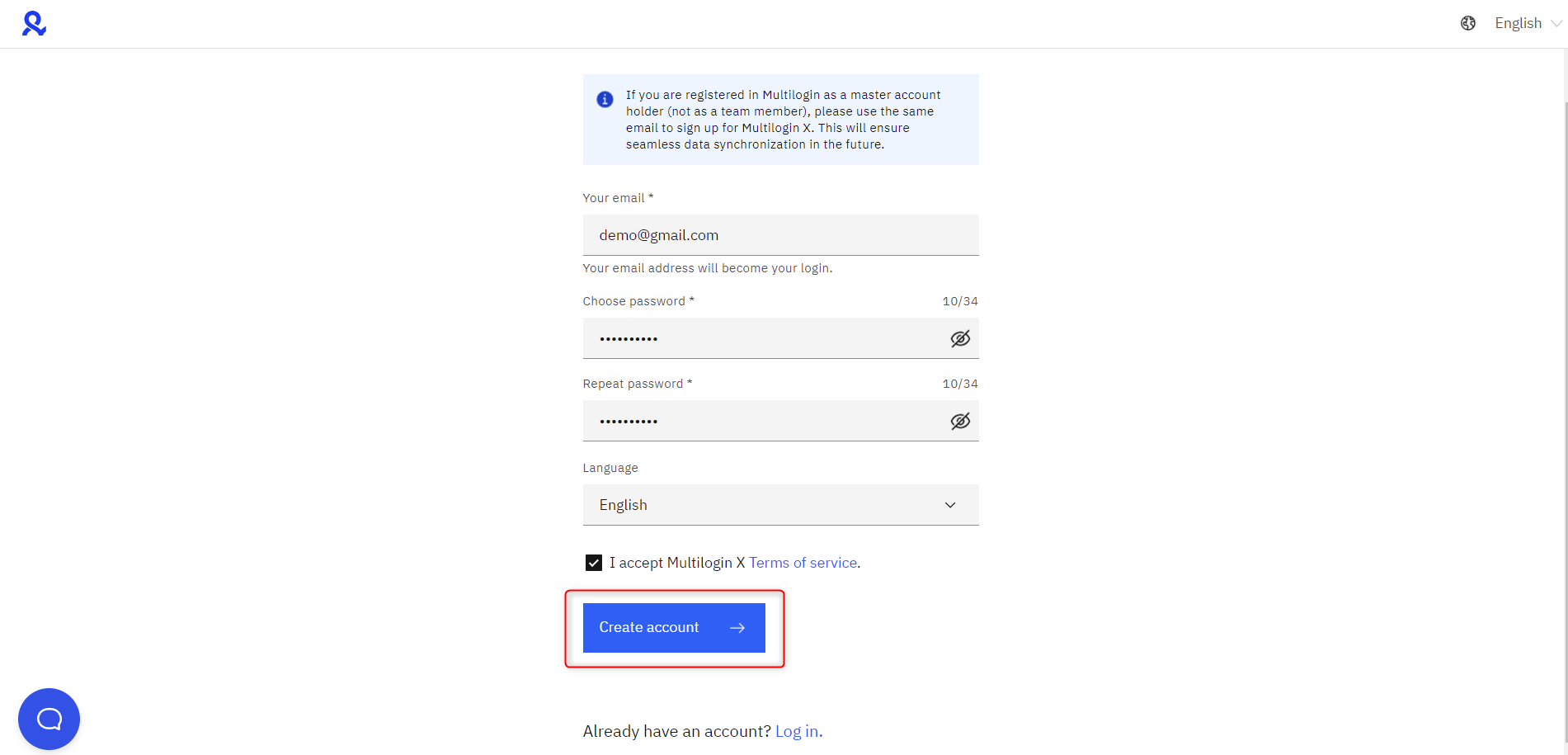
Step 2: Register
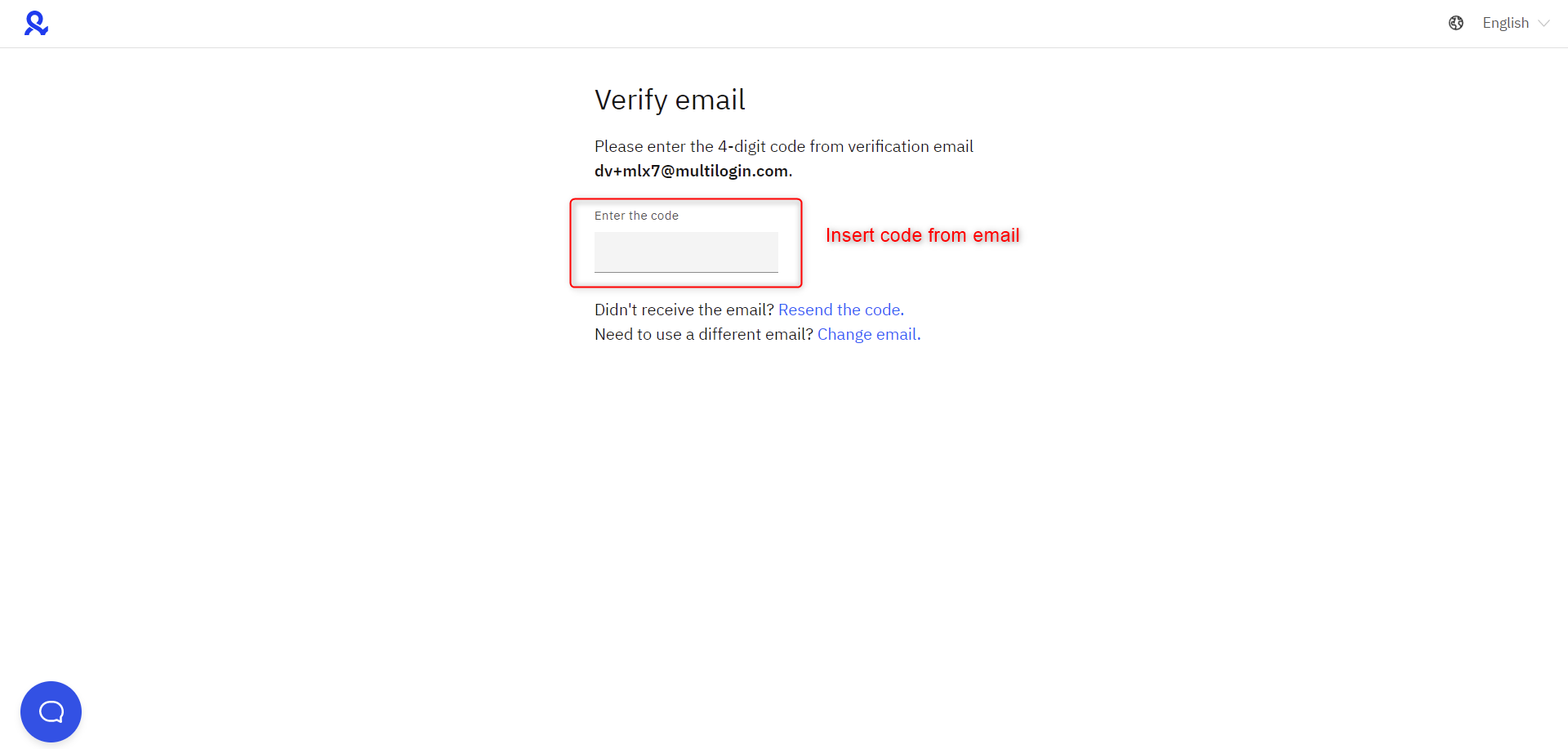
Step 3: Verify email
Step 4: Download browser Agent (select right OS)
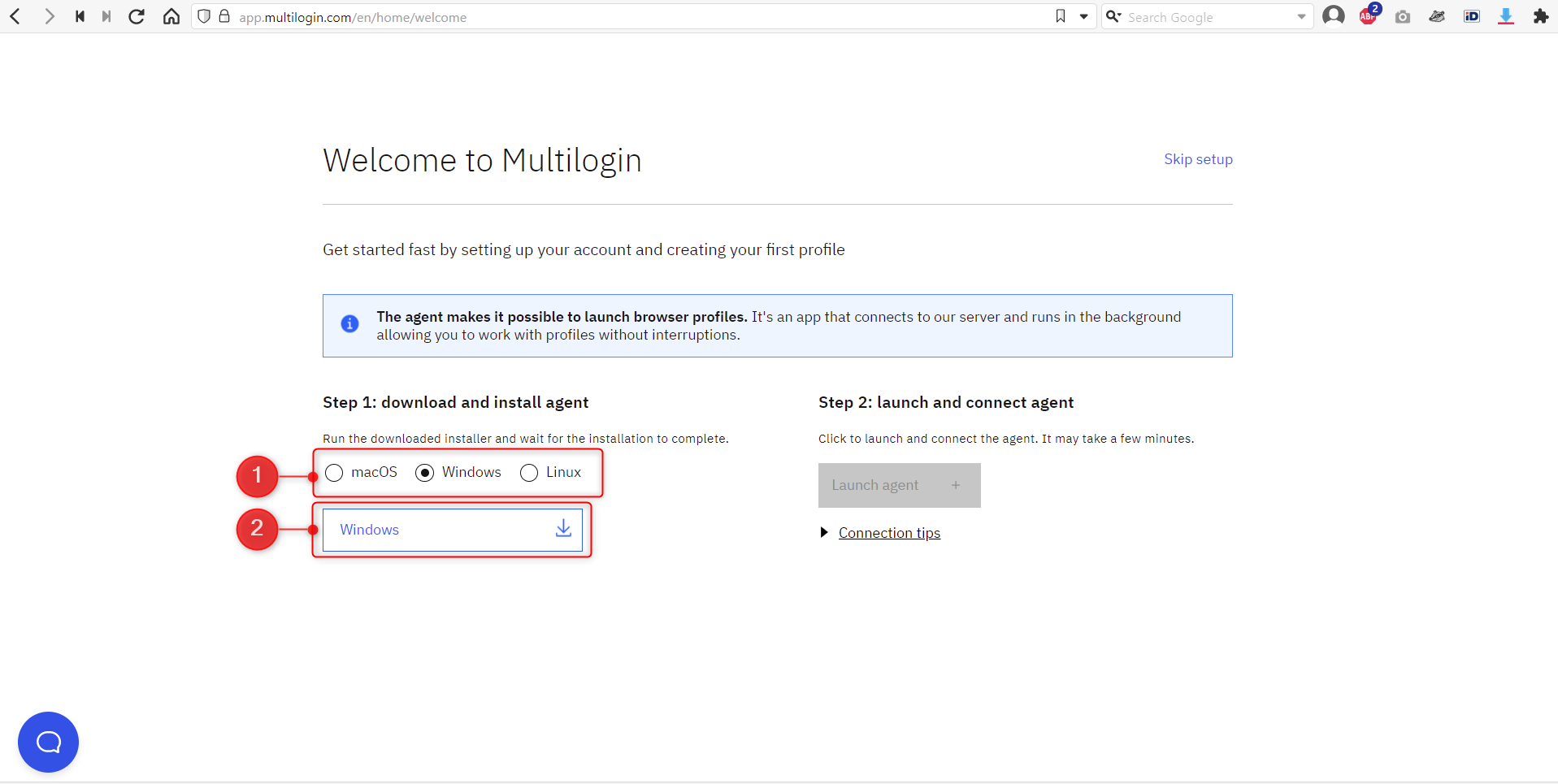
Step 5: Save browser Agent
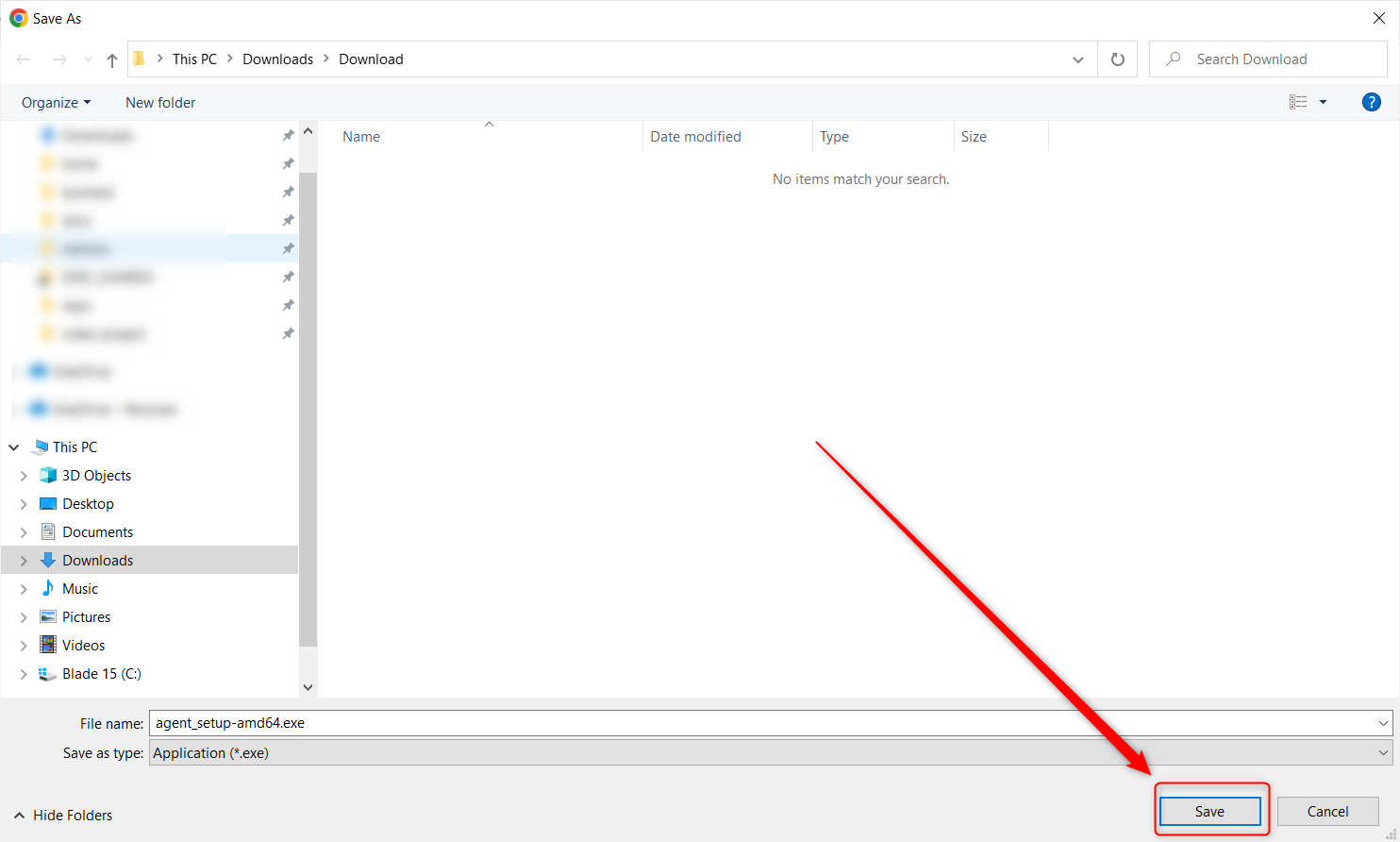
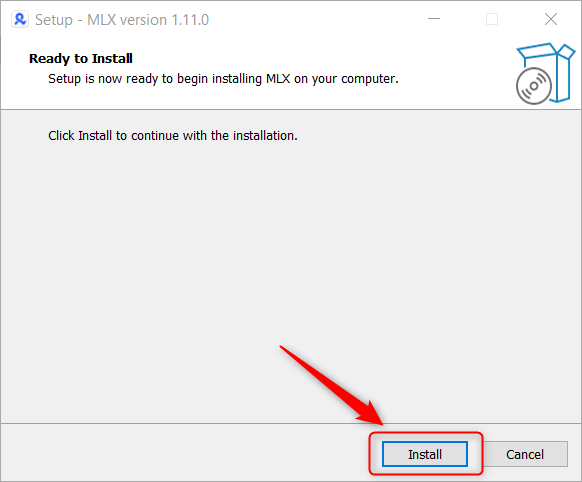
Step 6: Install browser agent

Step 7: Finish installation
Step 8: Launch browser agent to connect web UI to desktop application
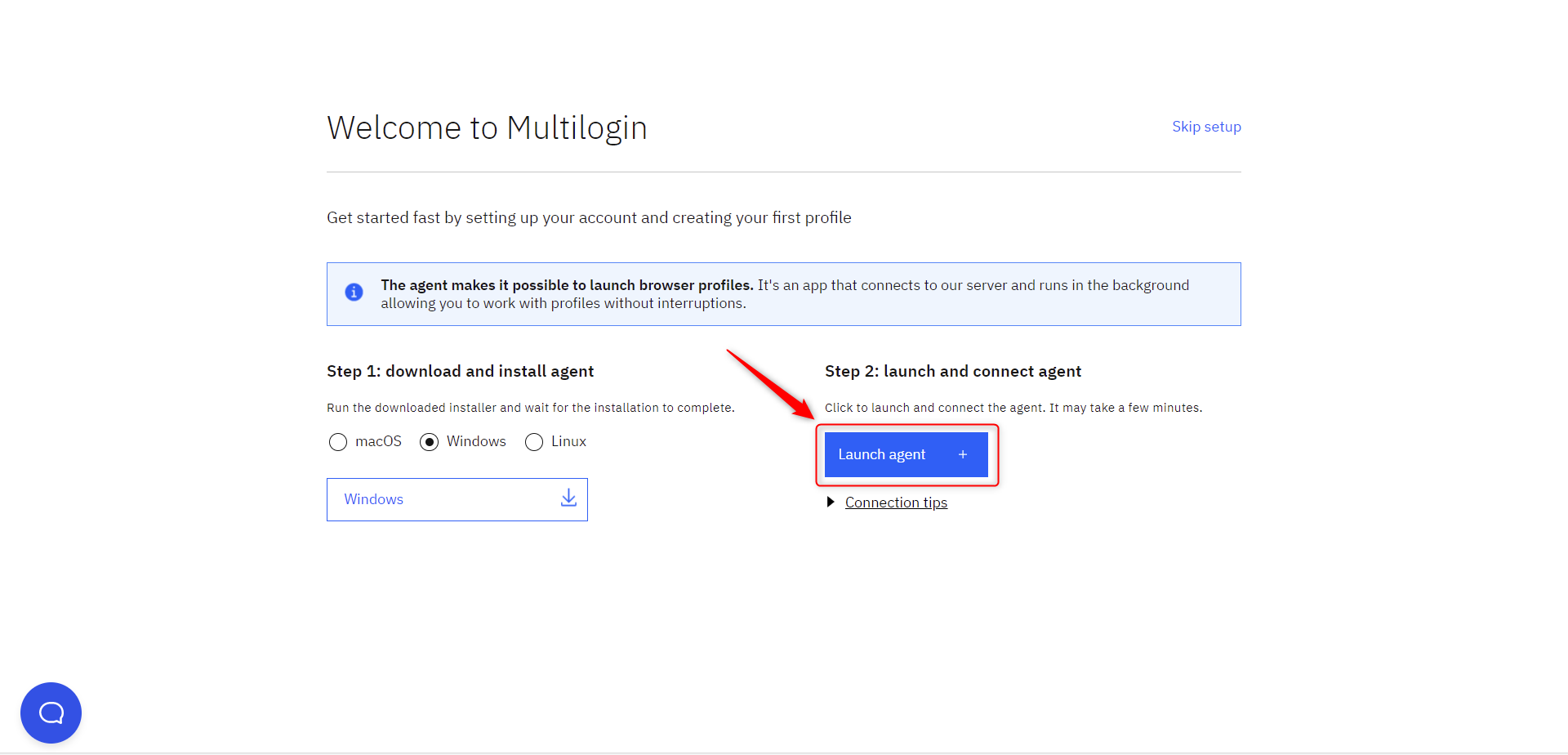
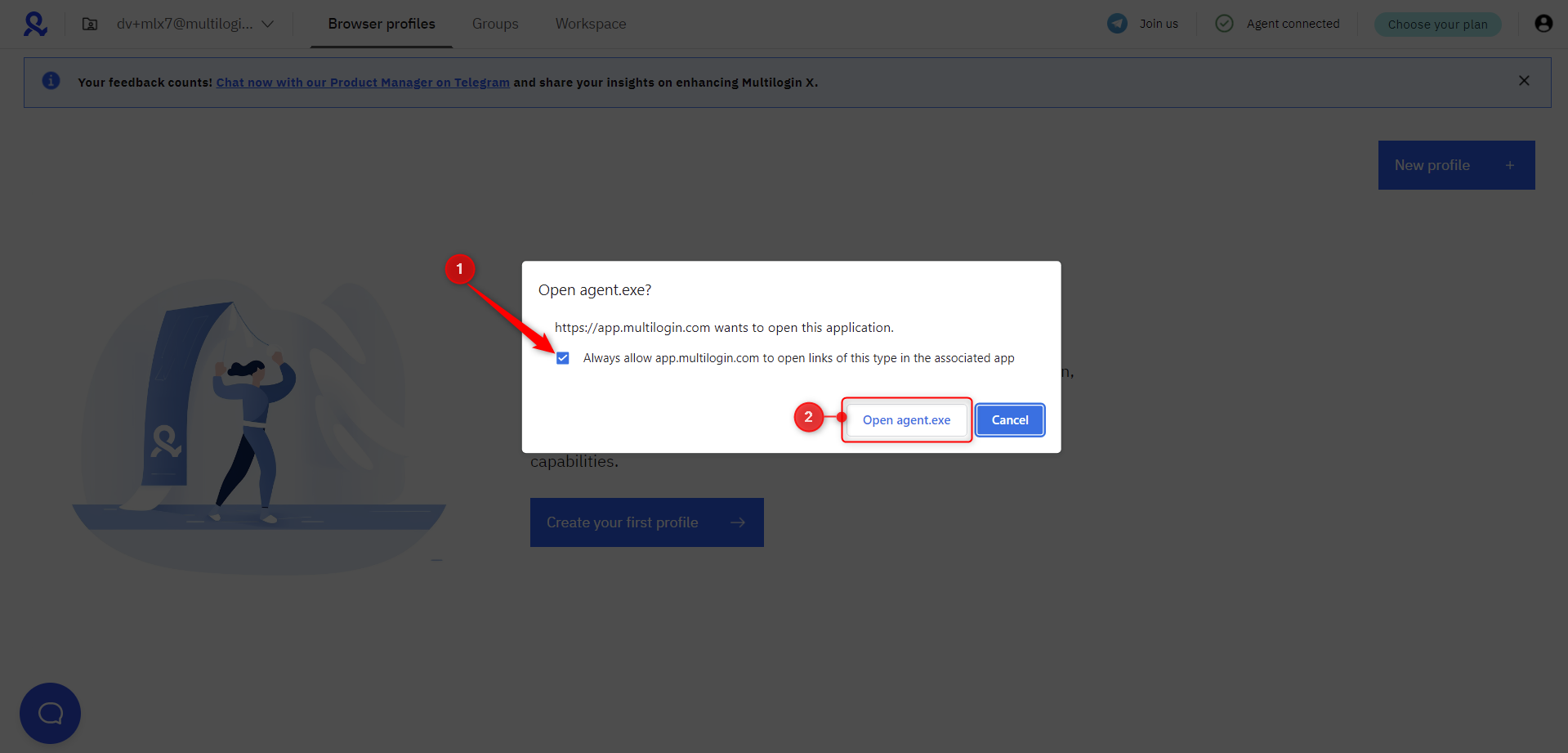
Step 9: Open Agent through a magnet link
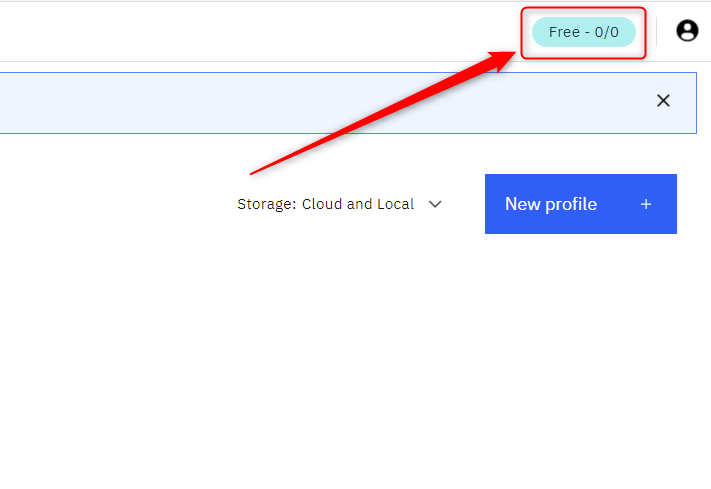
Step 10: Upgrade to a paid subscription plan
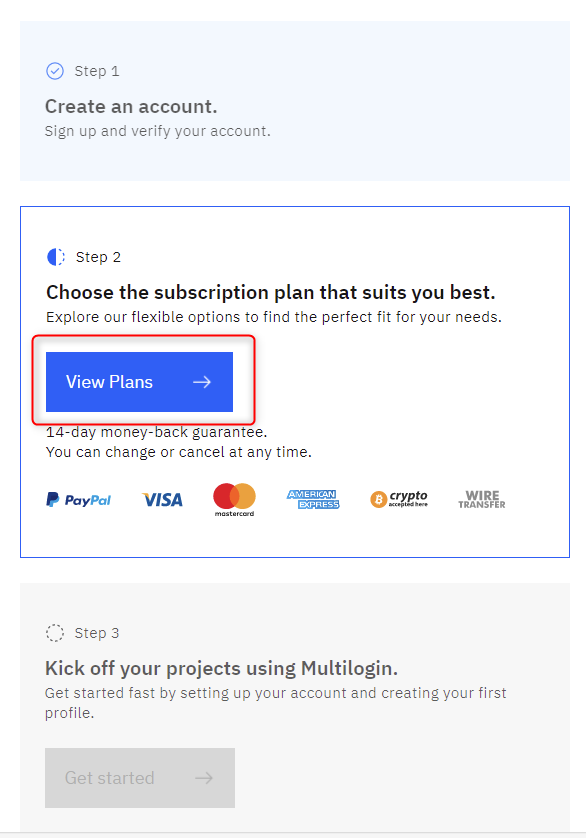
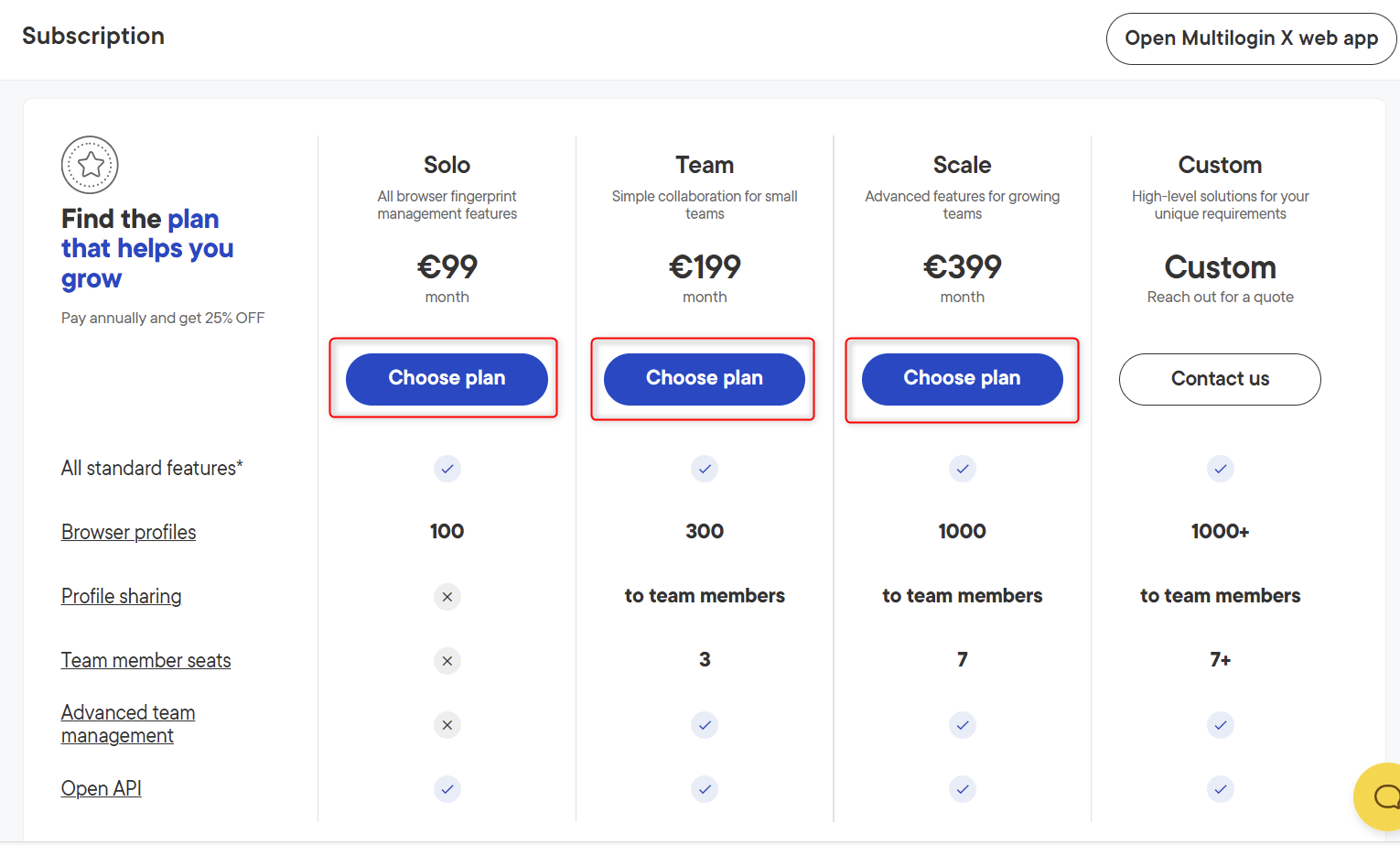
Step 11: Select a paid subscription plan
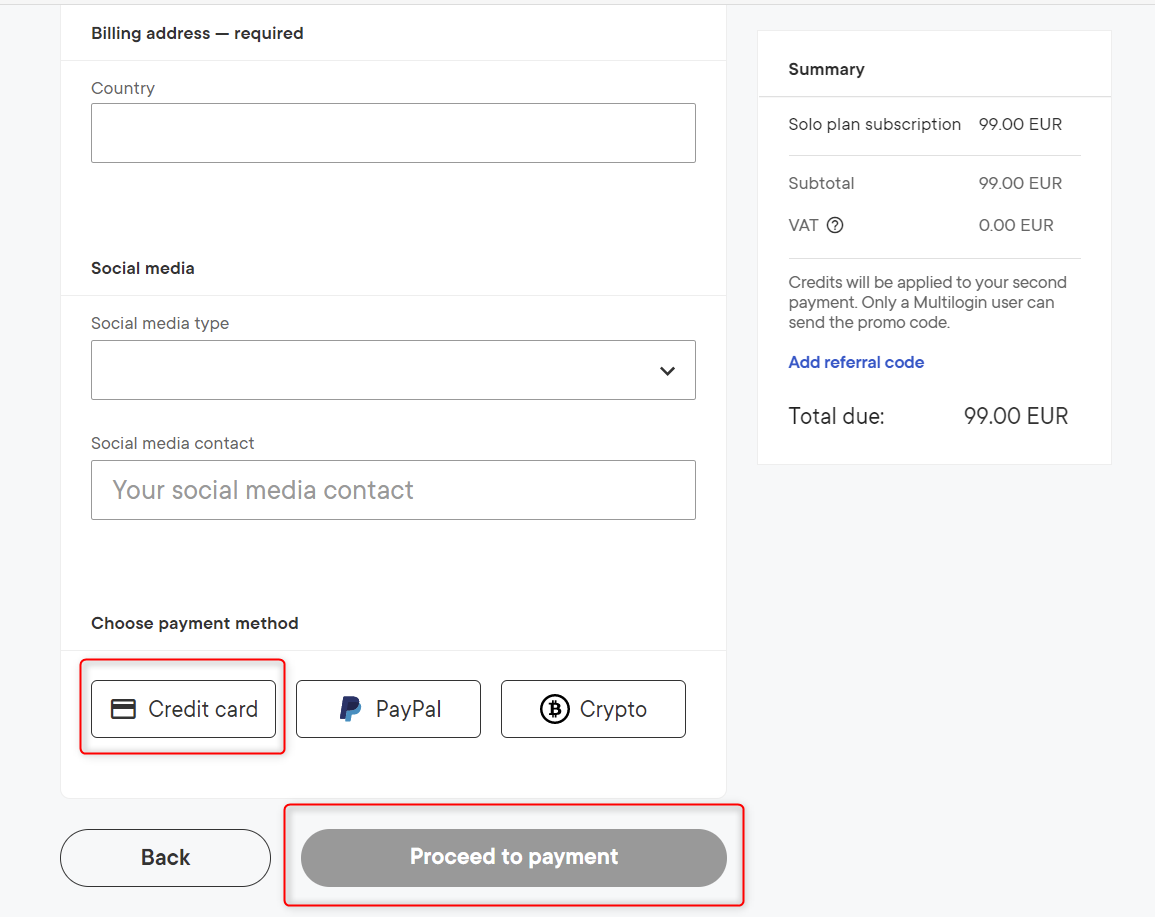
Step 12: Fill billing details and proceed to payment
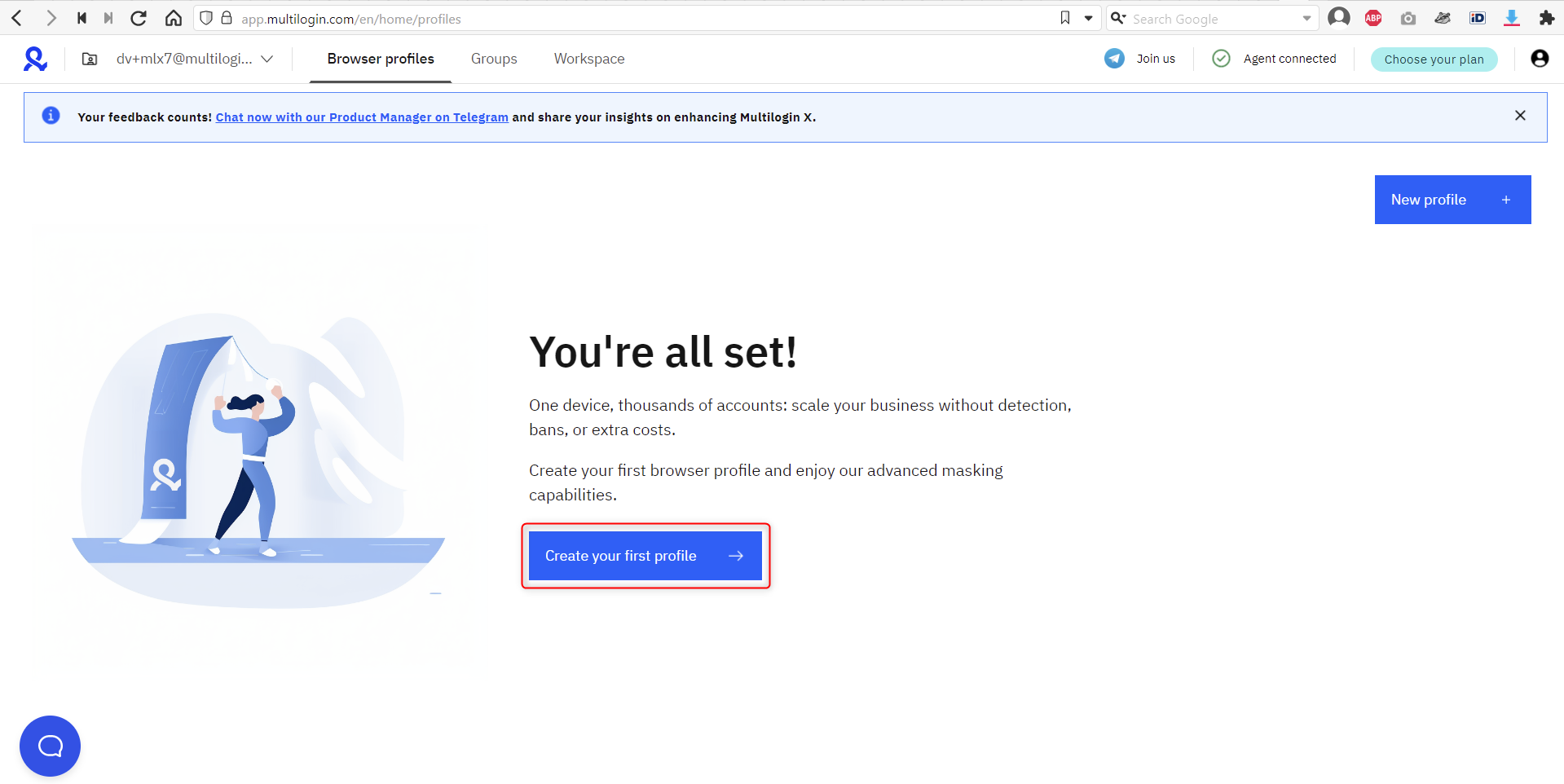
Step 13: Ready! Create your first browser profile
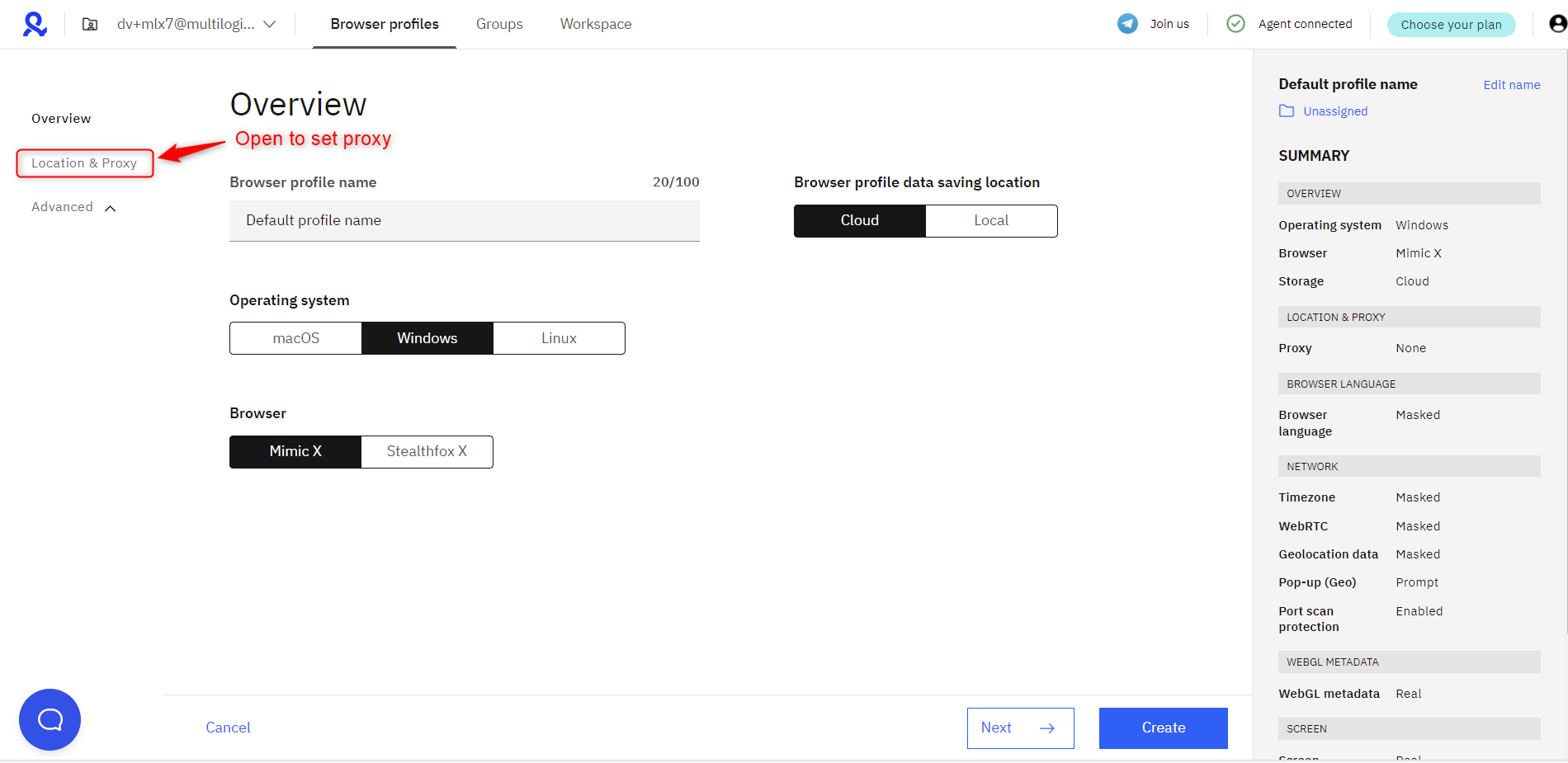
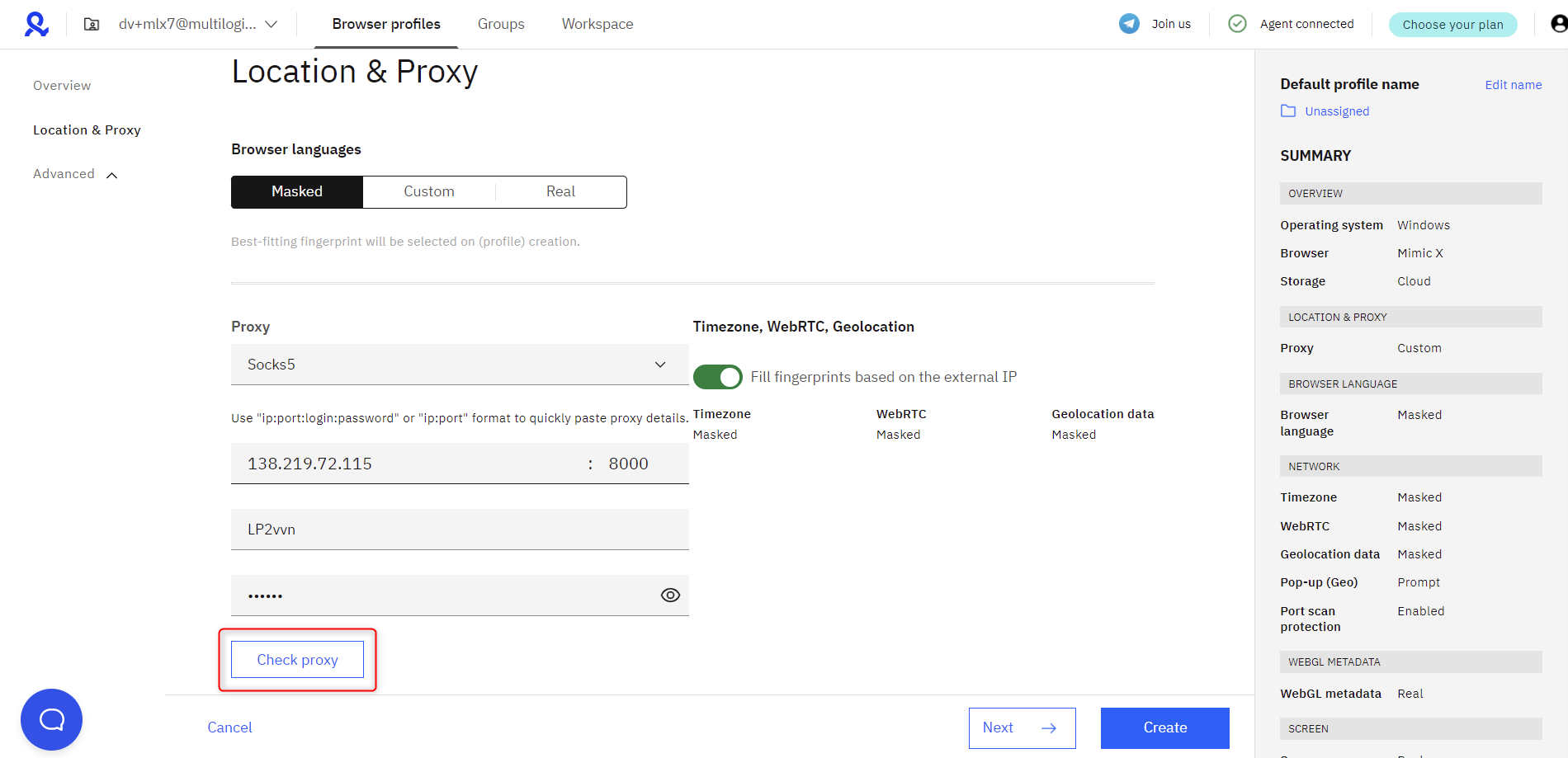
Step 14: Set proxy (proxy not included)
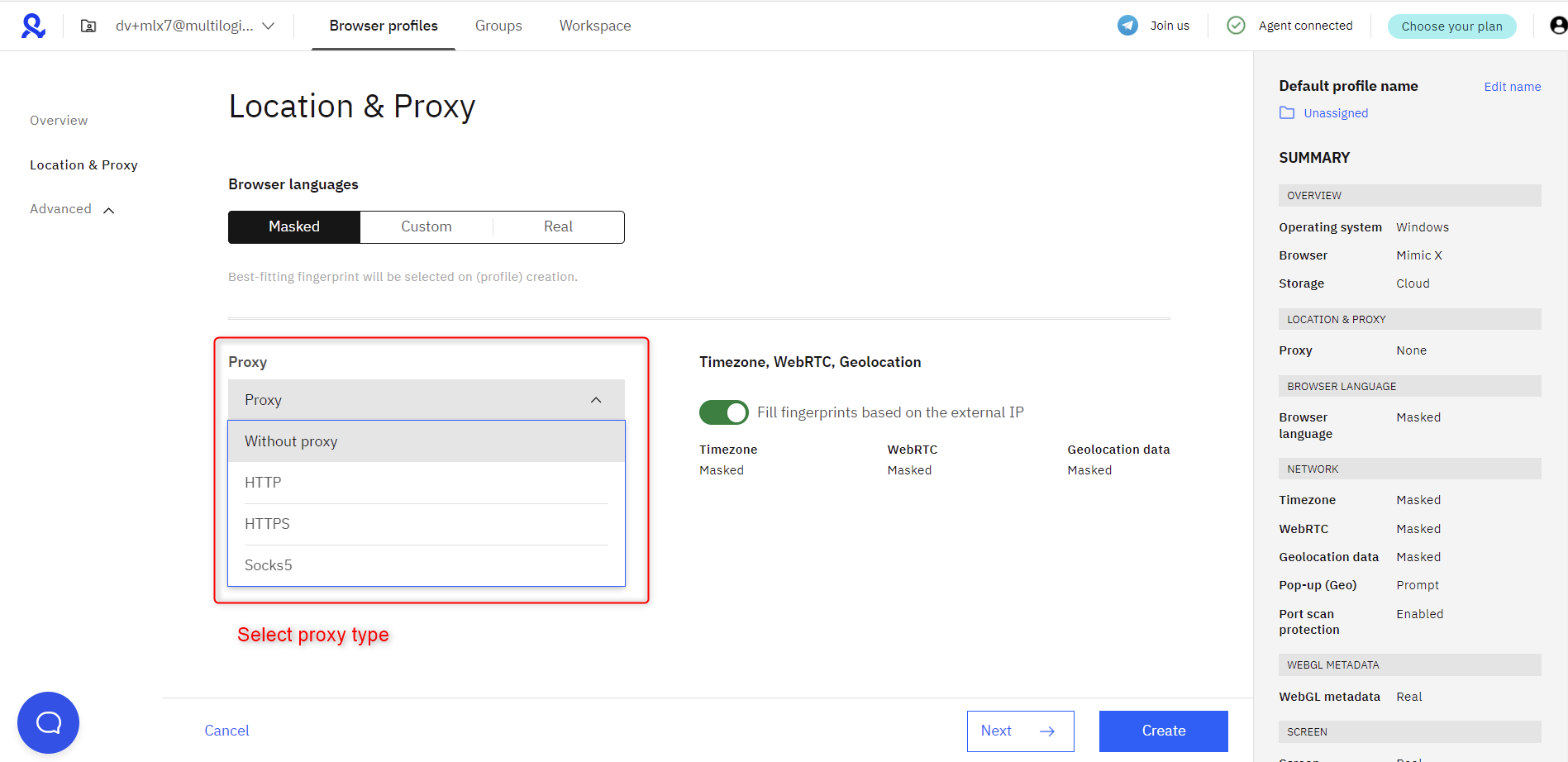
Step 15: Select correct proxy type
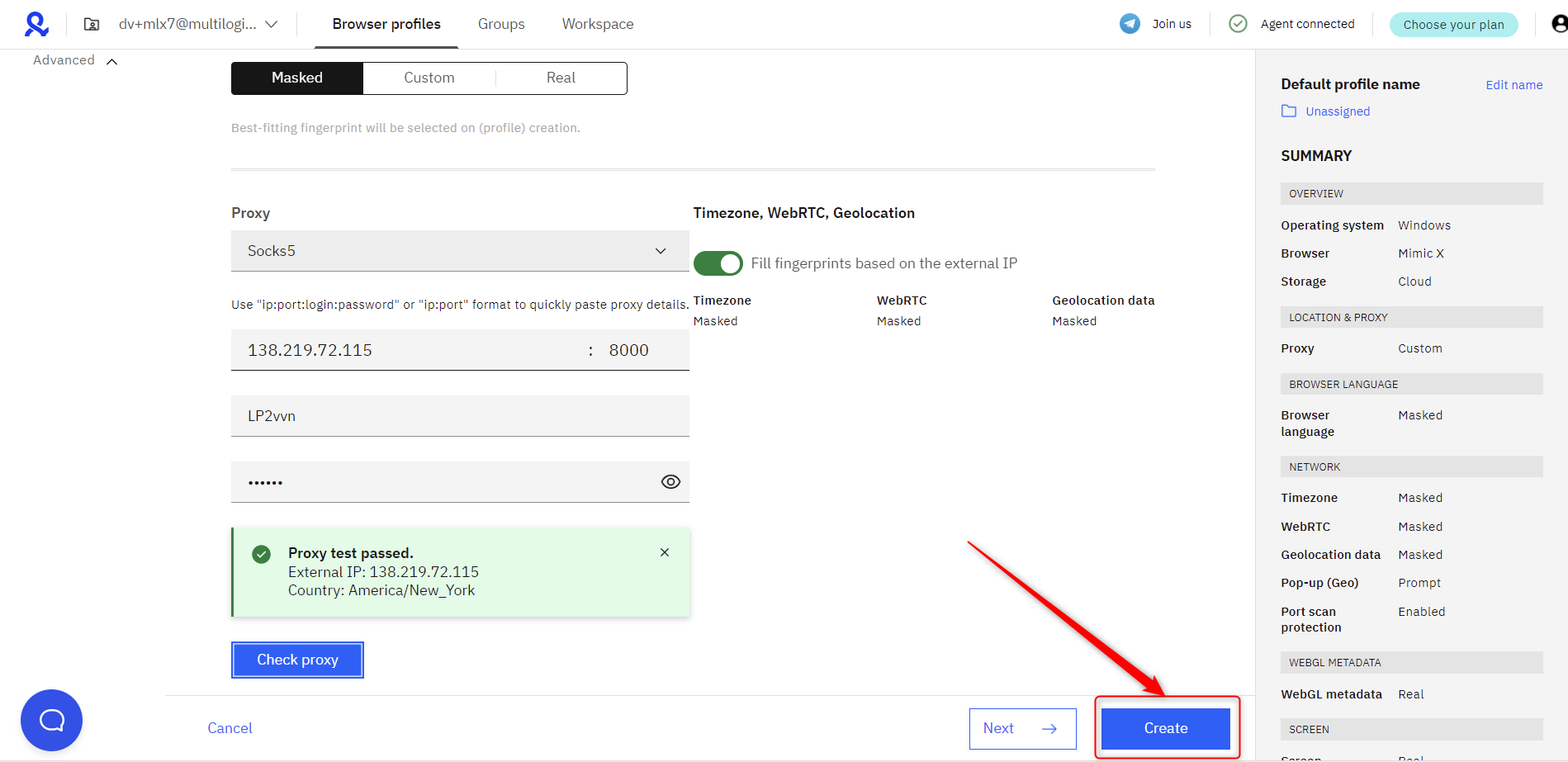
Step 16: Check if proxy is connecting (insert your proxy)
Step 17: Finish creating a browser profile
Step 18: Launch your first browser profile
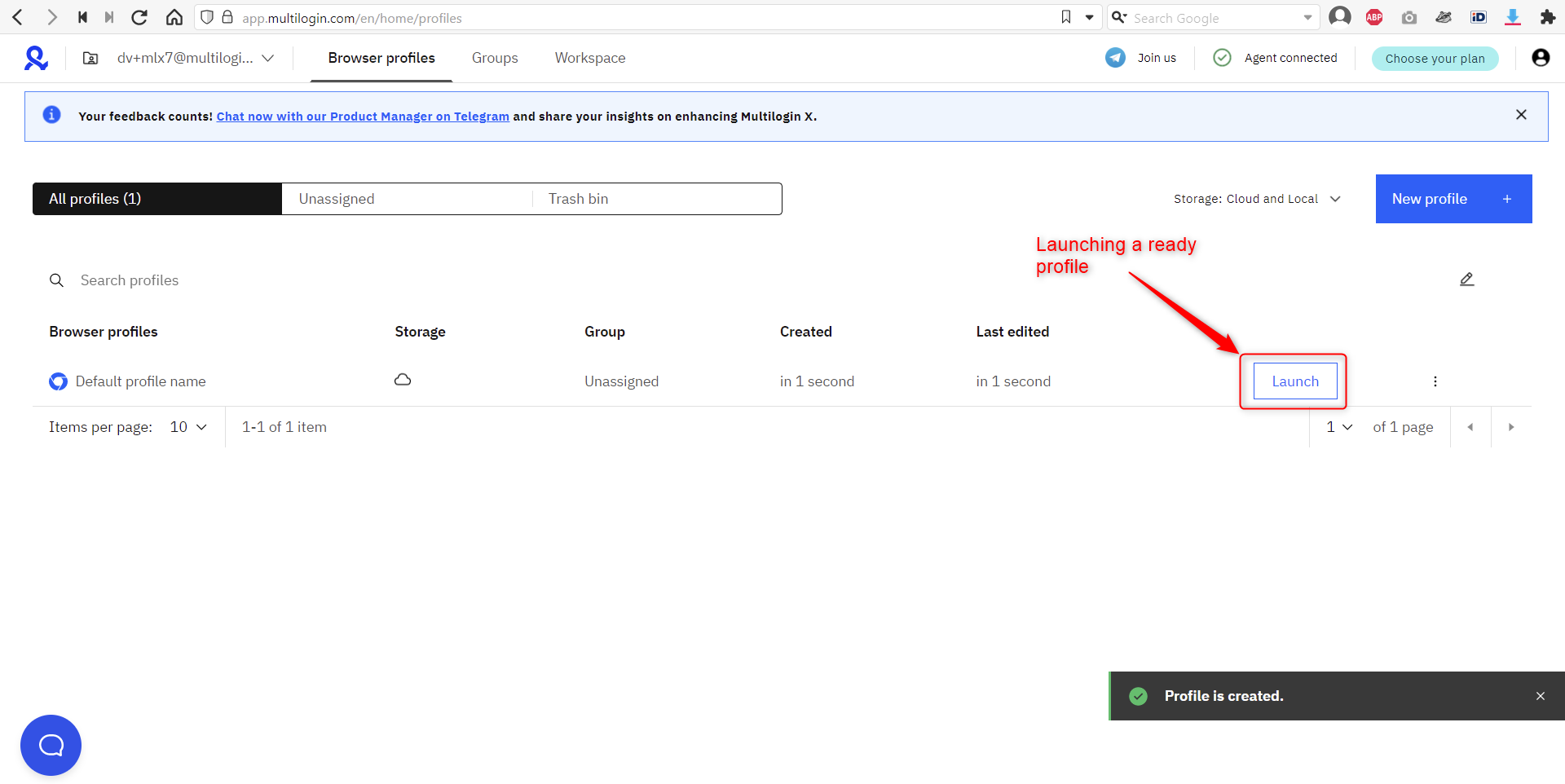
A browser with a unique fingerprint and masked IP is ready