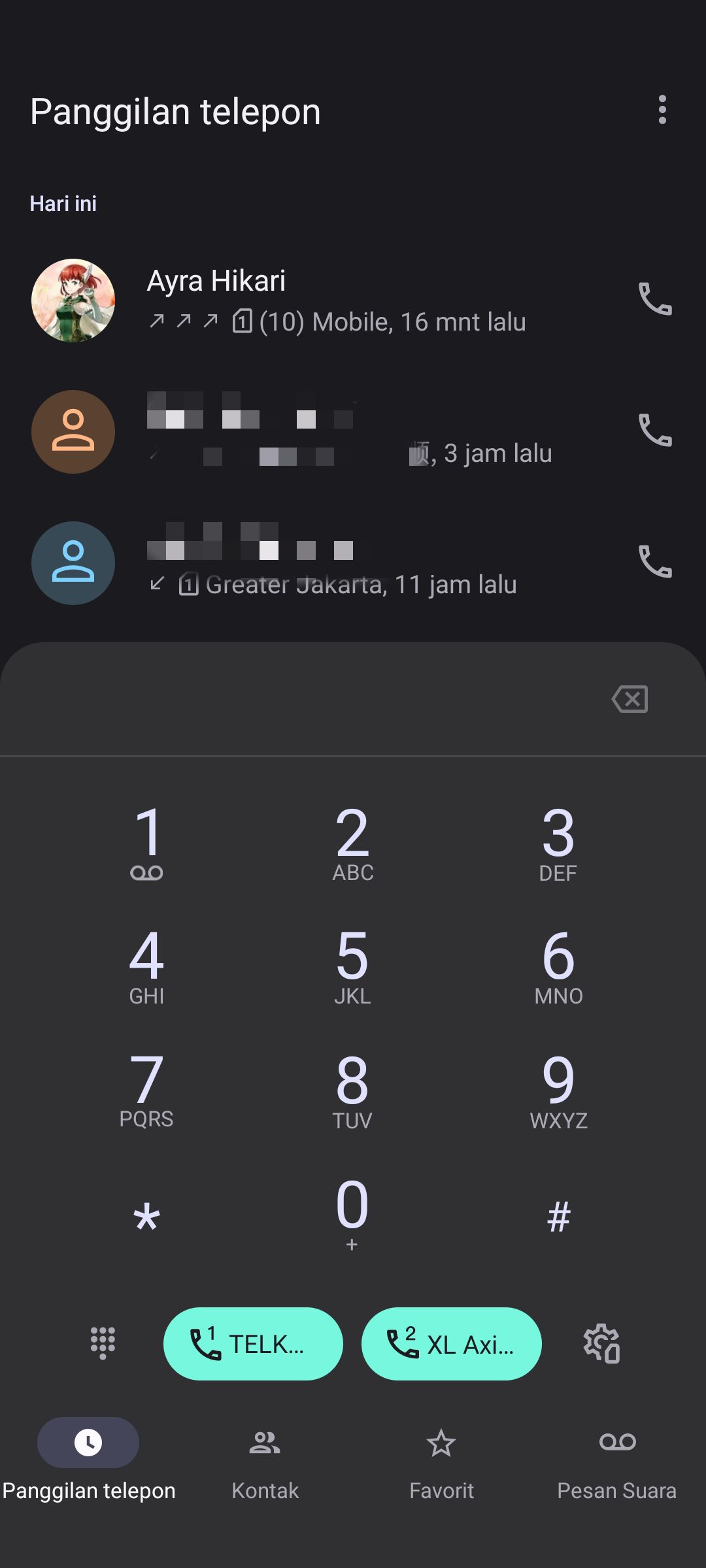
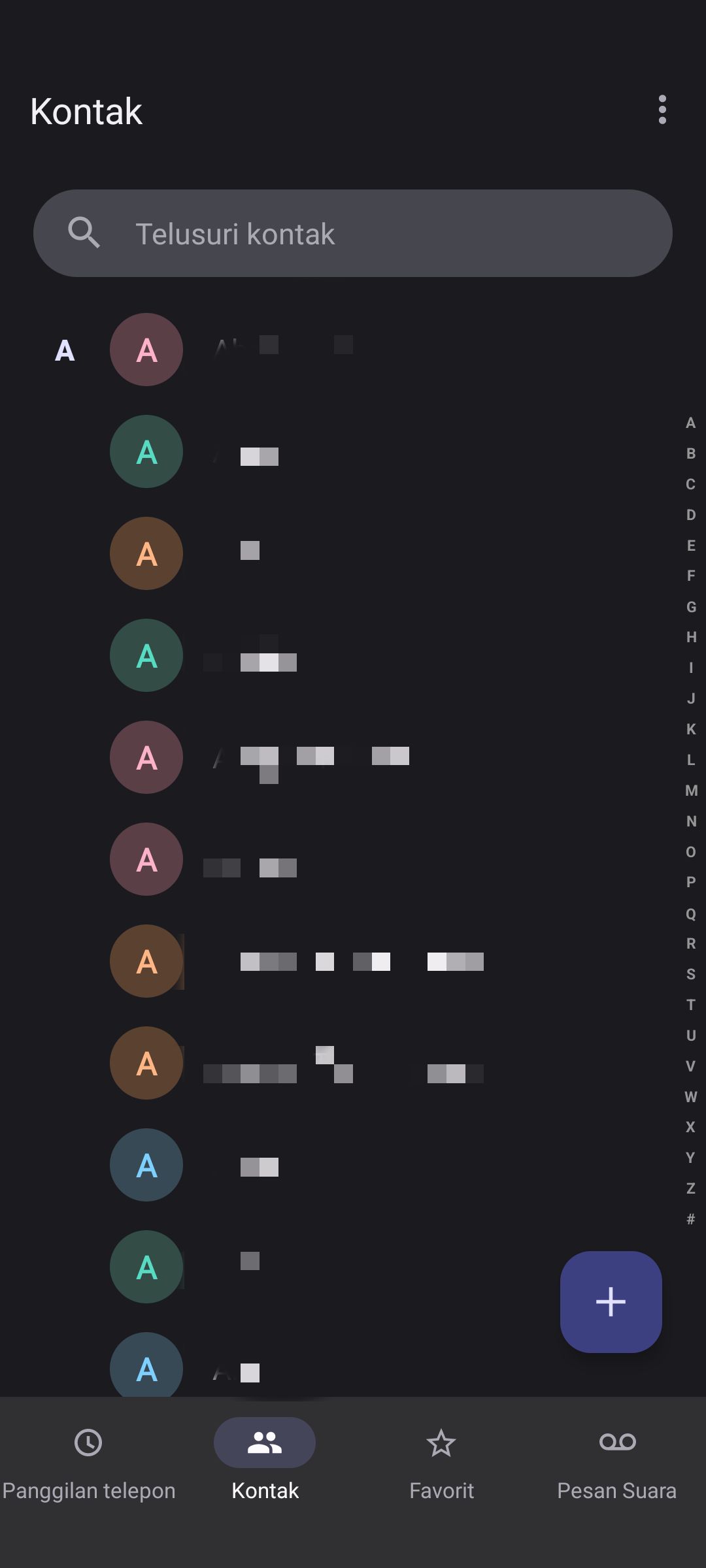
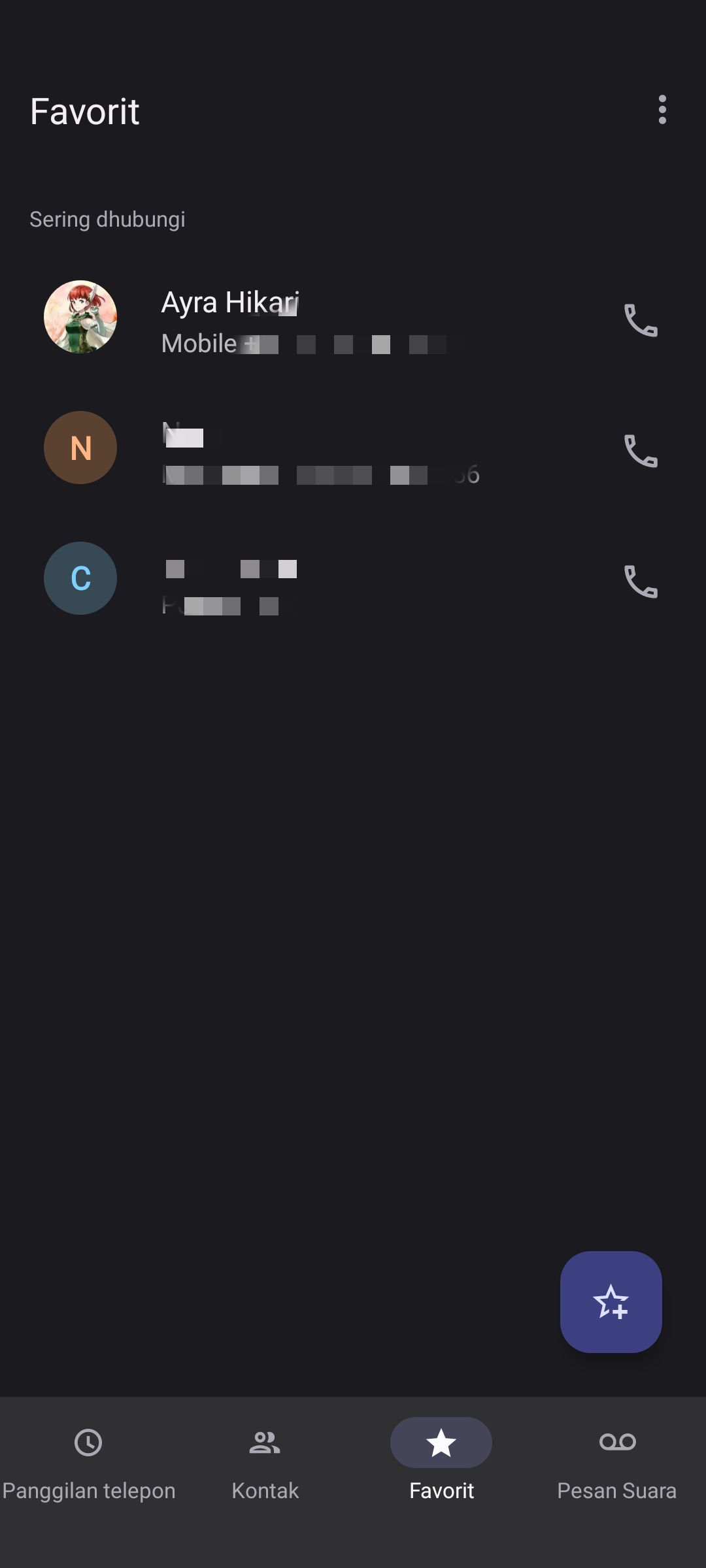
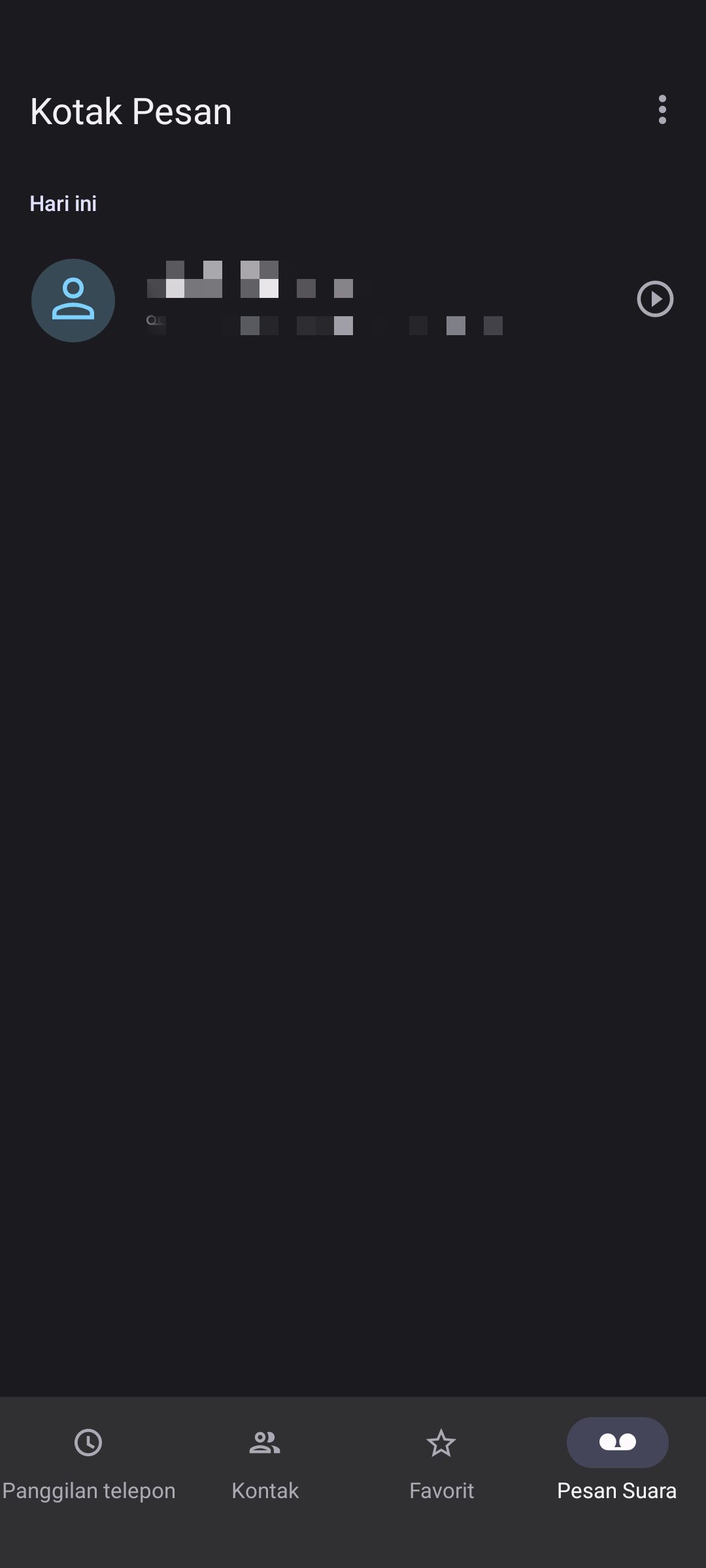
Motorola Dialer
Ayra HikariBug list
- Root: no bug
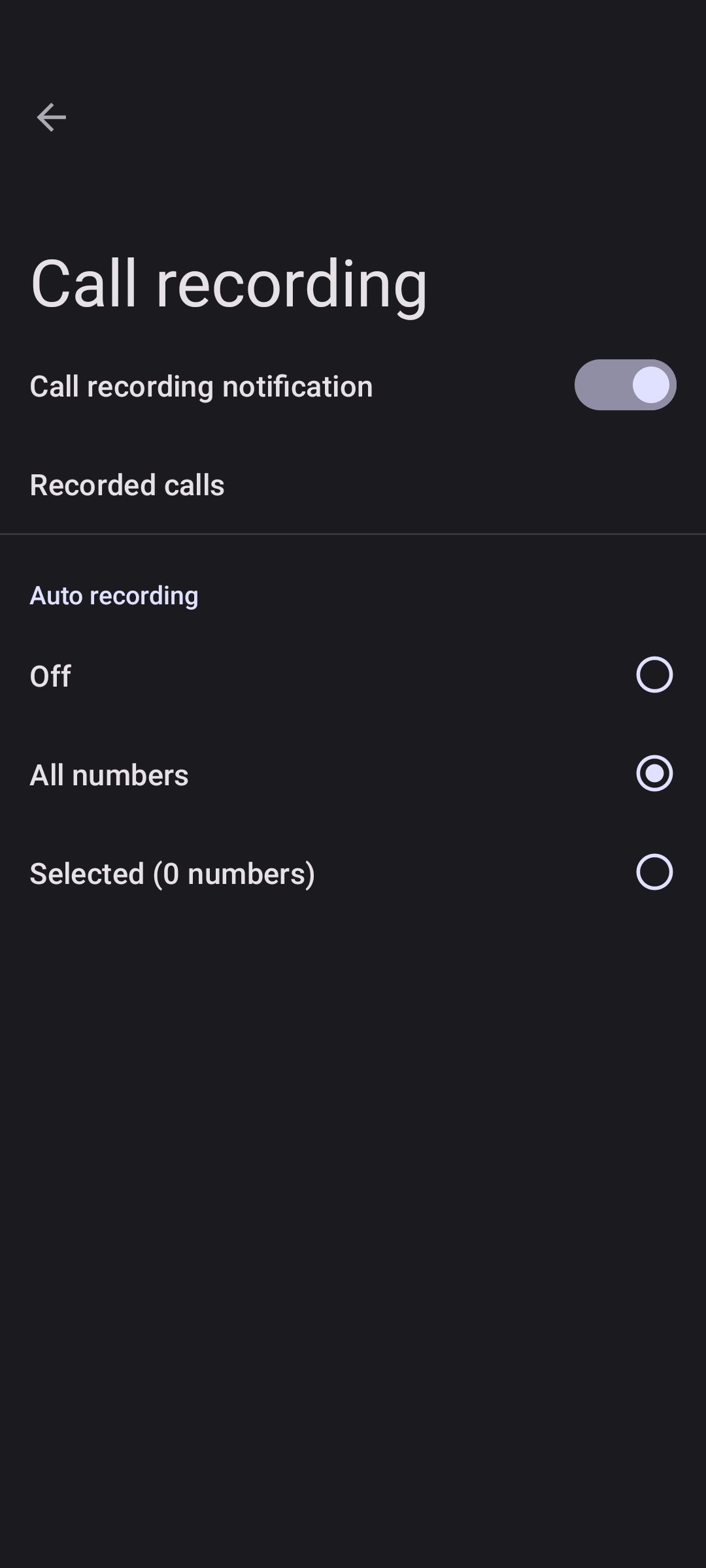
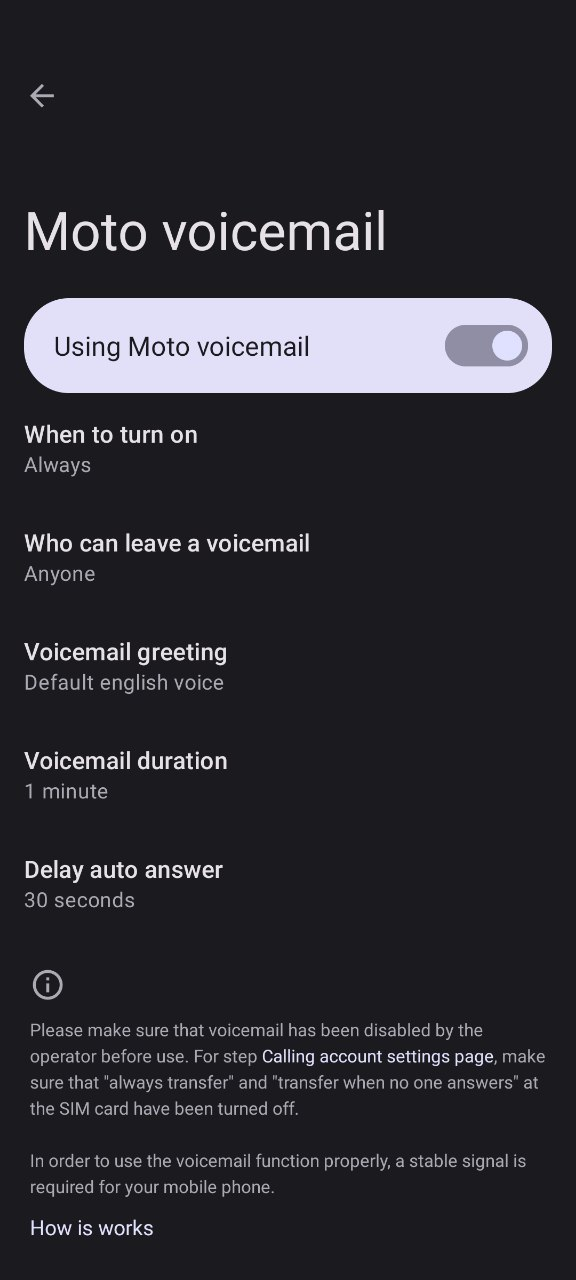
- Non-root: call recording, moto voicemail
Reason why call recording and moto voicemail not work:
- It required system level app permission
- It was not a bug, so it will never be fixed for non-rooted phone
How to Install (Root)
- Download Motorola Dialer Magisk Module
- Open magisk, go to modules
- Install from storage, select motorola dialer, reboot
- After reboot, go to Settings > Apps > Default Apps > Phone > Select Motorola Phone
How to Install (Non-root)
- Download Motorola Dialer App
- Install just like normal apps
- Grant all permissions in app settings
- Go to Settings > Apps > Default Apps > Phone > Select Motorola Phone
How to Uninstall (Root)
- Go to magisk, module
- Delete Moto Dialer module
- Reboot
In case your device was bootloop and want uninstall:
- Go to recovery
- Flash Motorola Dialer Magisk Module again
- Reboot
Workaround
Call log won't show, and permission keep denied
- Download Motorola Dialer App (non-root version)
- Install like normal app, and try grant the permission manual again
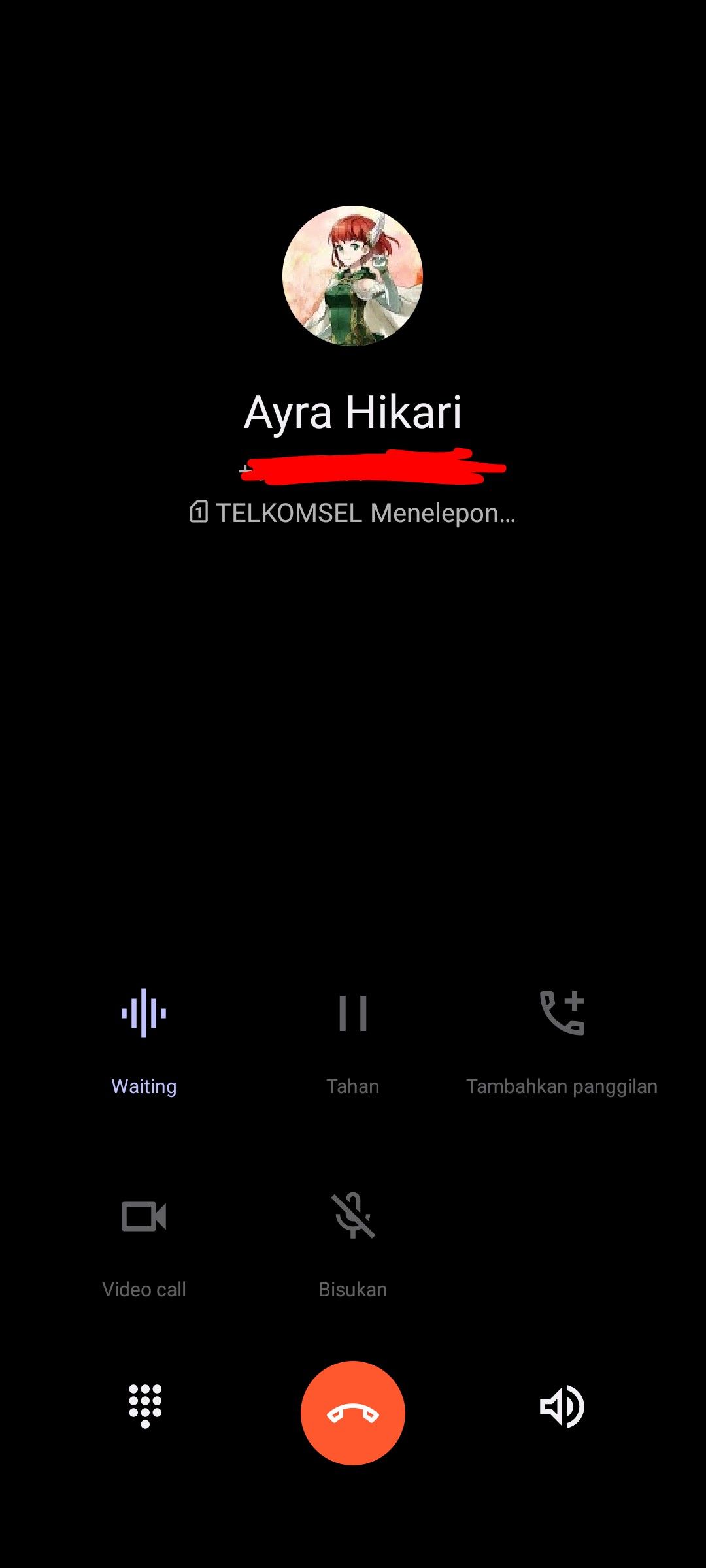
Screenshot