Mistral Proxy
Cassie V.Tutorial:
1) go to the website https://console.mistral.ai/billing
- go through registration. You will need to confirm your account via phone number. The message/call may come with a delay, be patient.
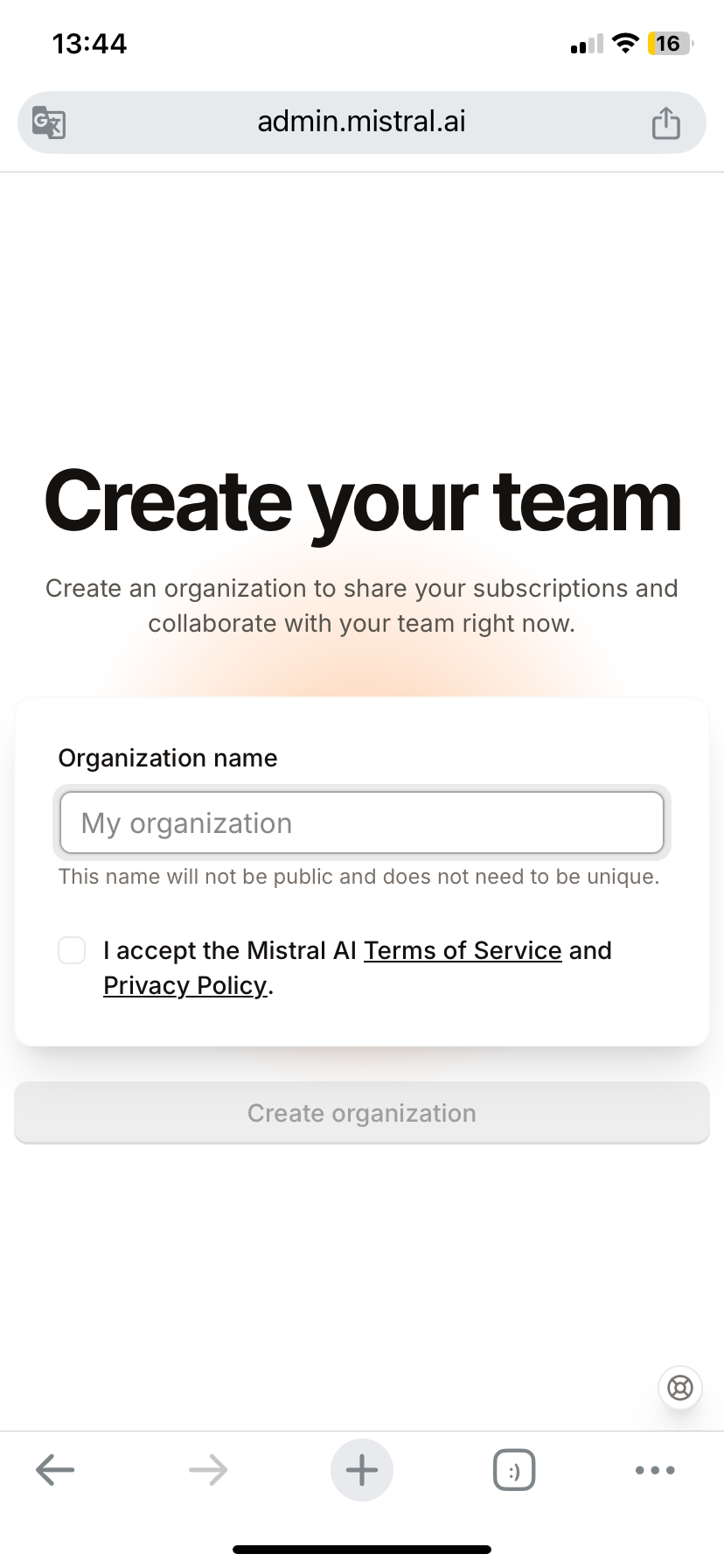
- you will see the "create your team" window (see attached photo), just give it a name. It appears to everyone and doesn't matter.
2) go to API Keys, from the top there will be a subscription selection, select free access.
3) on the same page we generate an api key (be sure to leave it in the notes/rewrite it on a piece of paper)
Settings on the Janitor.ai
1) model: mistral-large-2411 (Our recommendation. You can see them in the Limits tab)
2) Other API/proxy URL:
Https://api.mistral.ai/v1/chat/completions
3) insert the generated api key.
4) check the key through the "check api" button
That's all❤️
📖 source: oh beautiful Milkis.