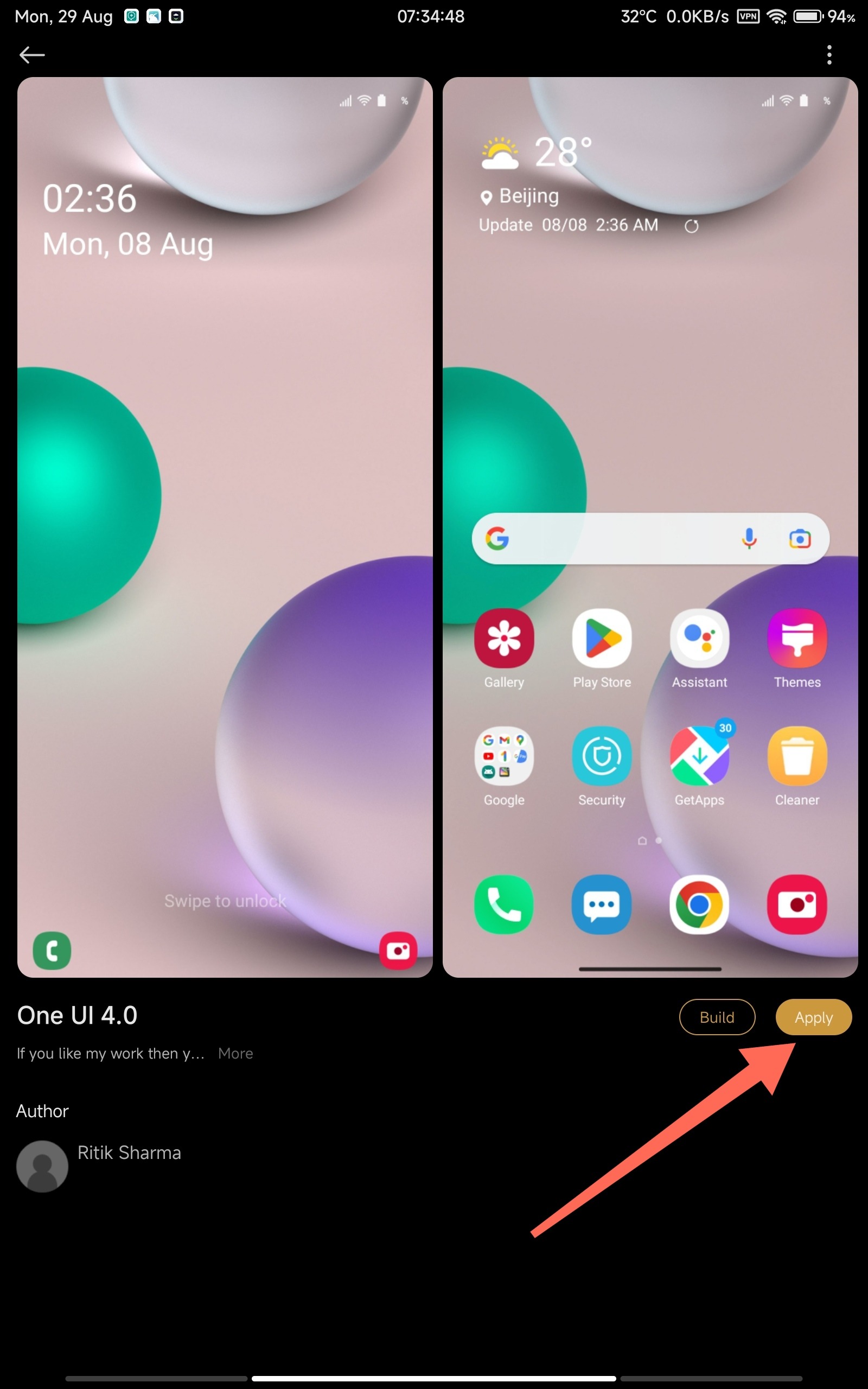
Here is a quick guide to get third party themes working on your pad 5!
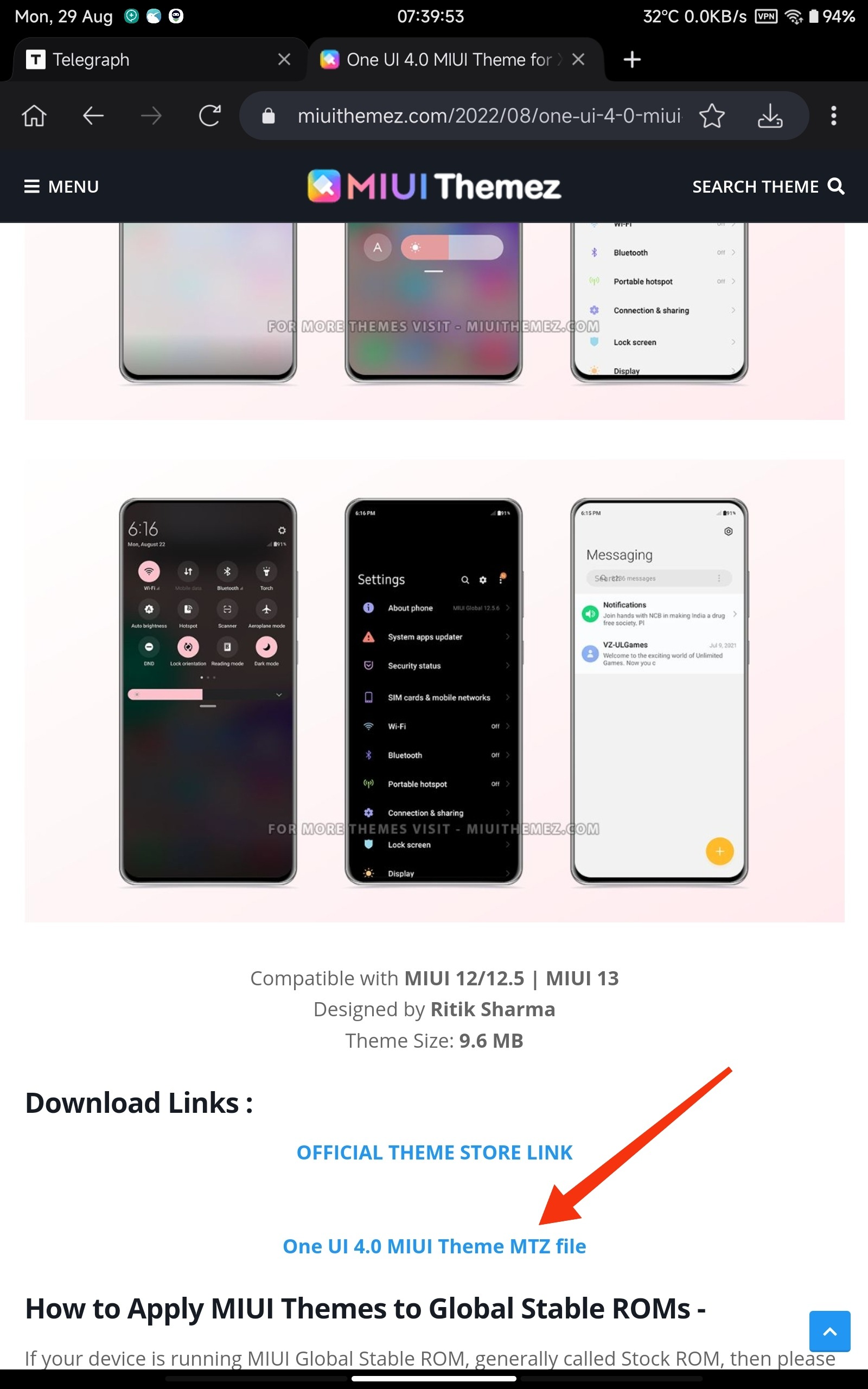
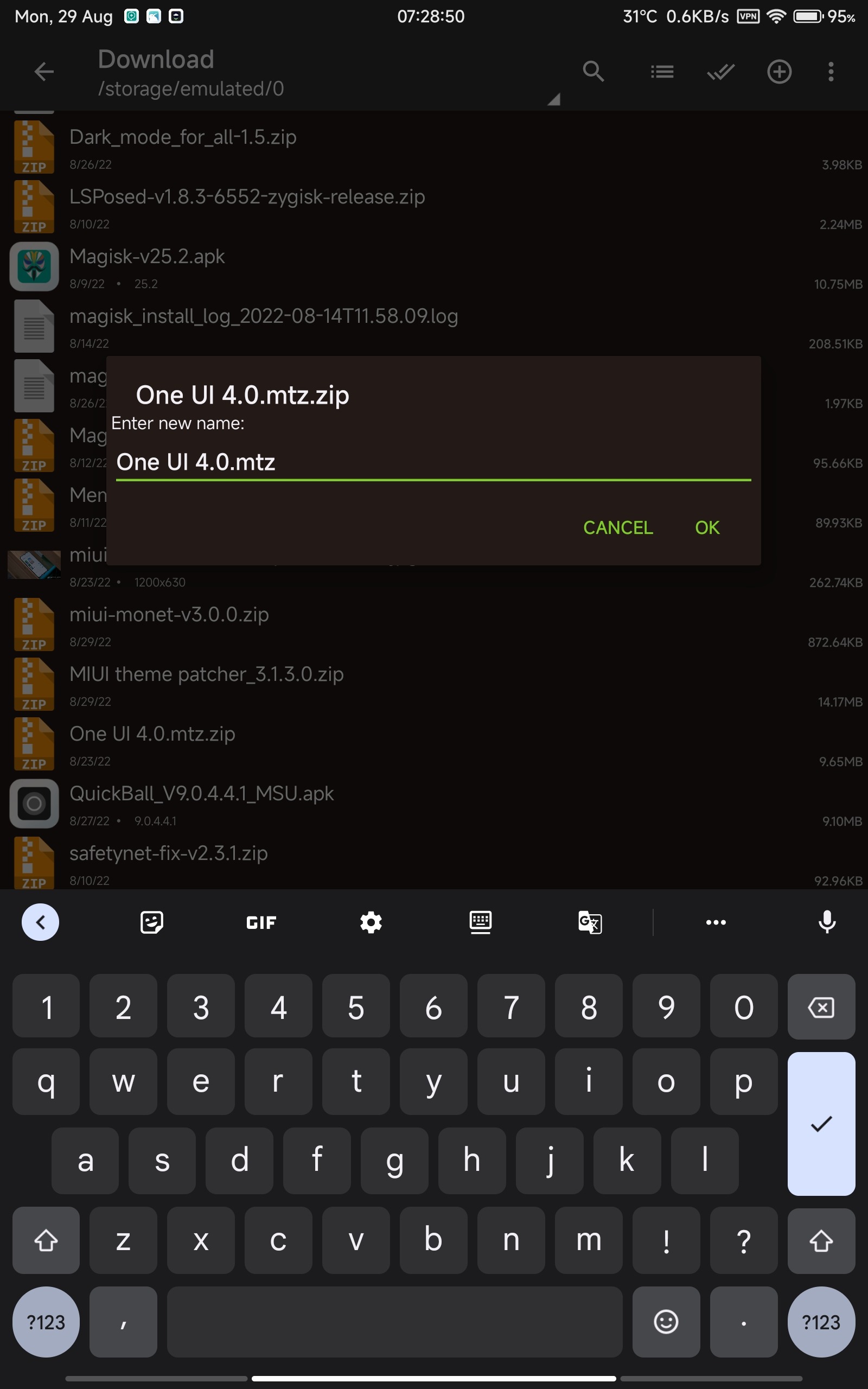
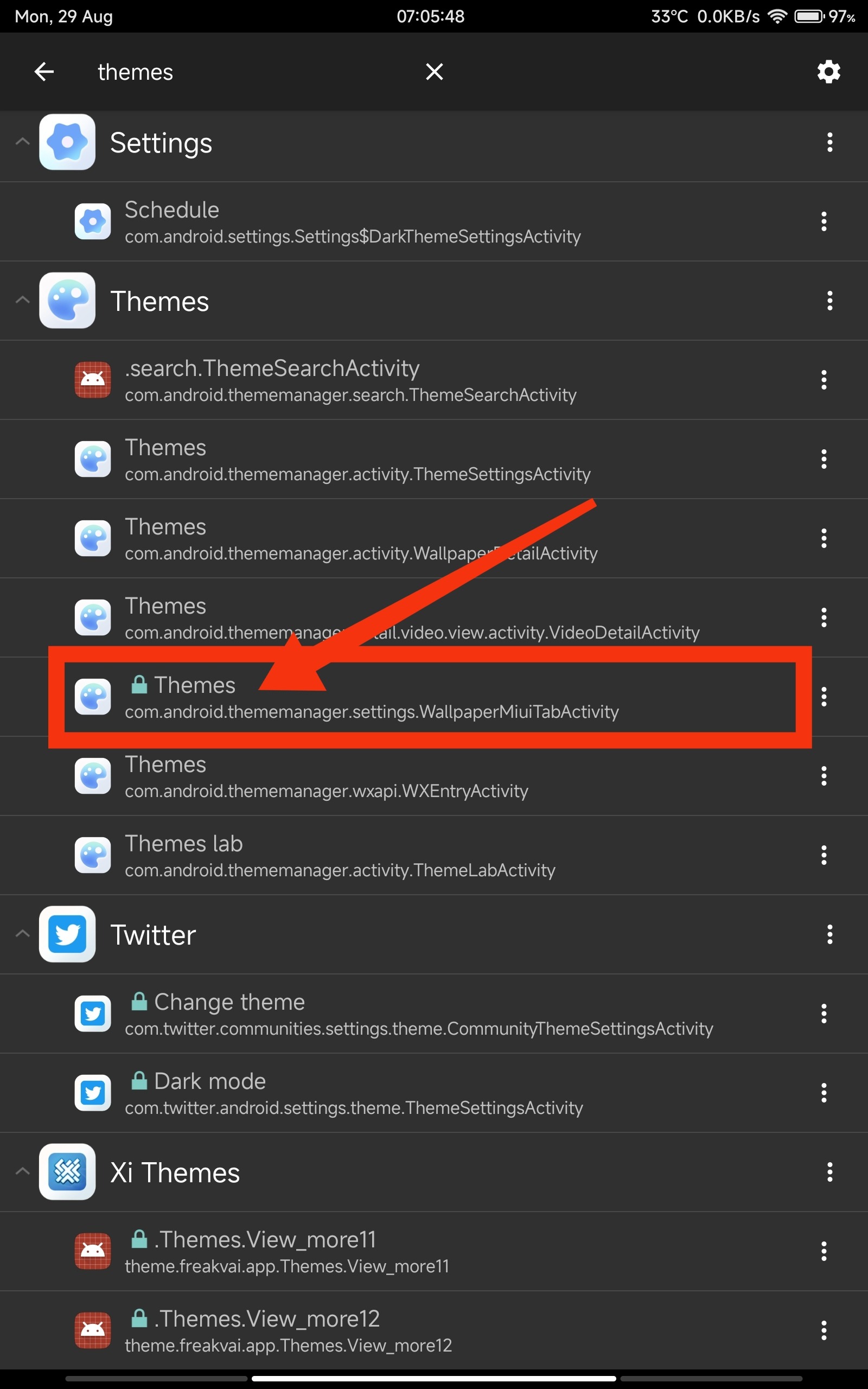
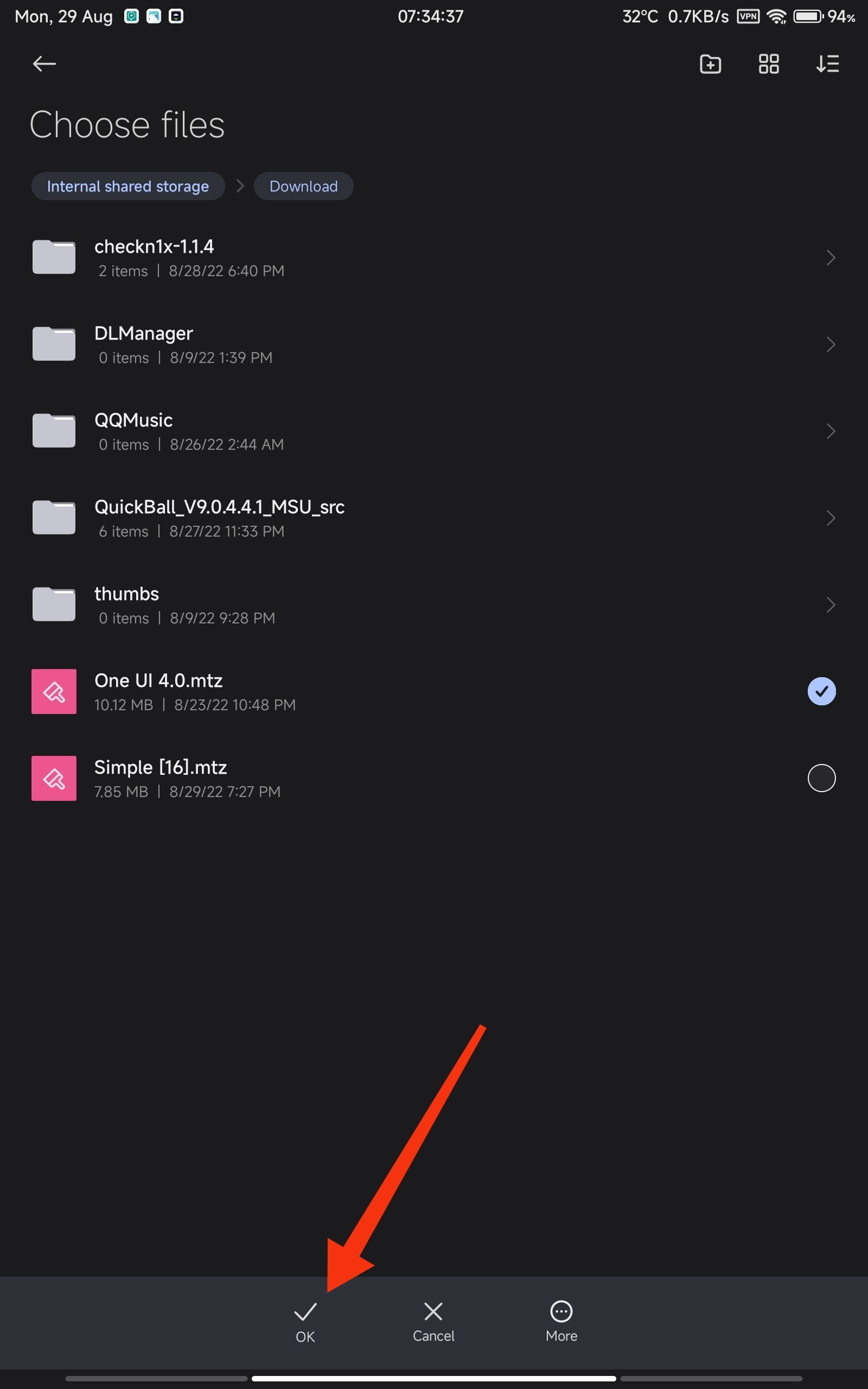
Download your favourite them from https://www.miuithemez.com/Rename and remove .zip from the theme file. As shown above, .mtz should be there only.Install and open https://play.google.com/store/apps/details?id=de.szalkowski.activitylauncher and search for Themes and then click on that button shown above.Click on importSelect your theme and click OKClick on applyDone! Your theme should be applied!