Maximize Your Sales Efficiency: Zoho CRM Tips and Tricks
Absoft IT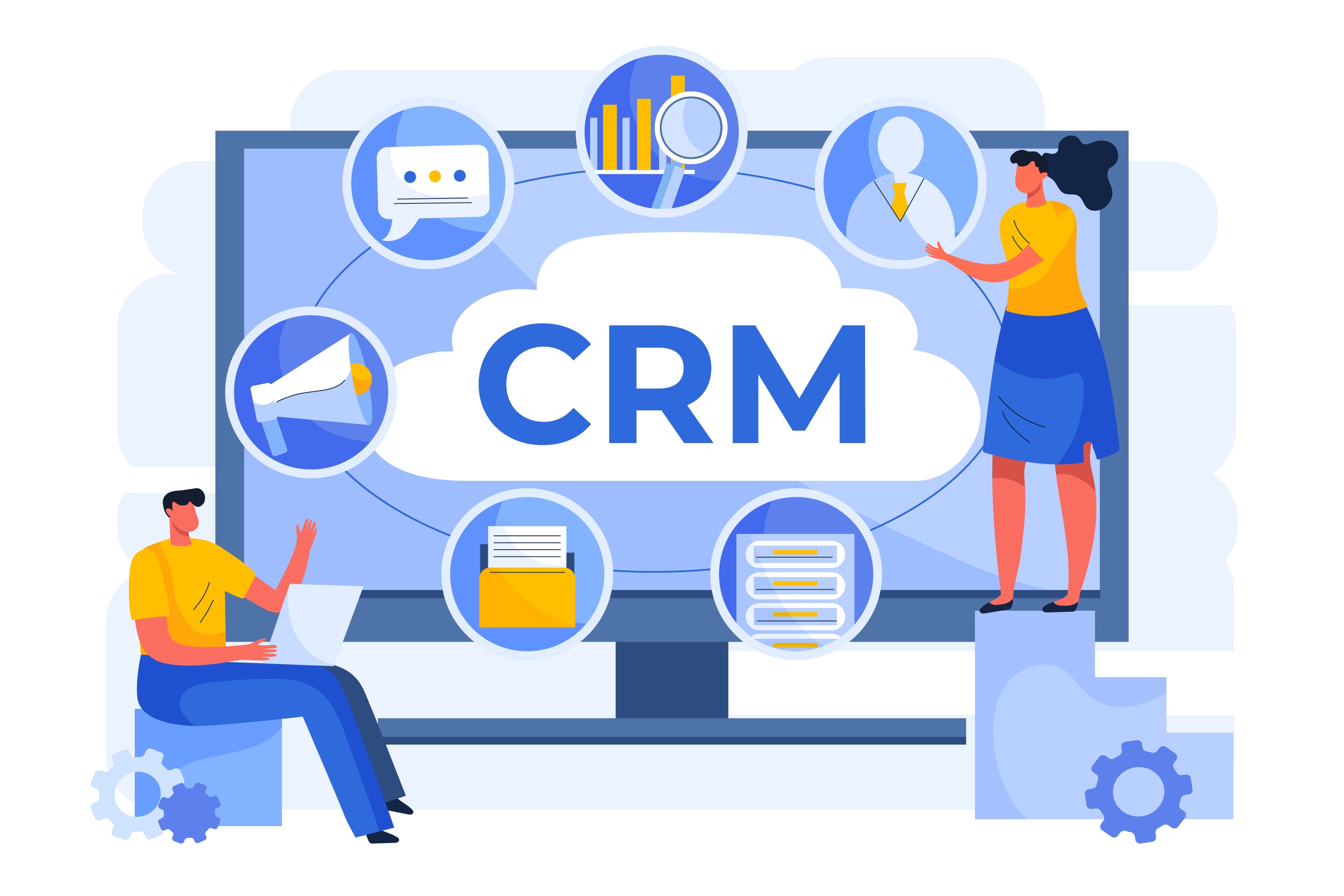
Around 92% of companies believes that they achieves success in revenue when CRM is integrated in it. When both sales and operations team performances go hand in hand, the business goals become easy to achieve. Many companies are presently seeking to enhance their sales department productivity, thus making CRM software increasingly popular today. With around 65% of companies starts using CRM in the first 5 year of their business.
An excellent example of this is the Zoho CRM. This platform not only promises better results but also boasts a straightforward and user-friendly interface. This blog guide you through the tips and tricks of Zoho business automation, that allows you to take control of your business operations.
Enhance Zoho Business Analytics Services: Secrets Unlocked
Taking benefit of Zoho CRM can be challenging at times if you need to be made aware of all the best practices and tactics. So, in order to achieve the best outcome from Zoho business analytics services, we have disclosed all the secrets of the platform.
Zoho Business Automation: Best for Automating Routine Tasks
The best and most powerful feature that Zoho provides is the automation capabilities provide a welcome relief from manual tasks, saving your team time and effort. By automating sales processes, your team's performance can reach new heights.
Following is how you can utilize the automation business in your Zoho CRM:
1. Workflow Rules: Firstly, you can integrate Zoho by creating workflow rules. These rules allow you to automate the process of sending emails, creating tasks as per triggers, and updating fields automatically. This, in turn, decreases the time consumed by the team for sending emails and assigning tasks to the people.
2. Macros: Macros are another automation feature that can be created for tasks requiring multiple steps. In other words, you can create macros for a series of actions that can happen from just a single click.
3. Blueprints: For your sales processes, you can set up a process and steps using blueprints. This allows your entire team to follow the process seamlessly without any errors.
To further understand how this process of Zoho automation works, you can read more about the automation process of Zoho on their website.
Zoho Inventory Services: Streamlines the Inventory Management
Zoho CRM comes with other tools as well that can be integrated on need. One such tool is Zoho inventory services. This service offers a comprehensive solution for your sales team by managing the inventory entirely.
Following are some tips to make inventory management easier:
1. Keep track in Real-time: Keeping track of all the inventory in real-time allows your team to analyze the overstock situations and prevent stockouts as well simultaneously. This makes sure that your business has all the products available in the right amount.
2. Managing Orders: If your business requires managing all the orders without errors, then what’s better than automating the entire process. The inventory management service gives you the access to create and manage sales orders. It also allows you to generate invoices in a single place.
3. Multiple Warehouses: If the business has multiple warehouses located at different places then, Zoho Inventory Services can be integrated into the CRM. This will alow you to manage stocks across all locations.
To analyze whether your business requires CRM tool or not, you need to understand the benefits these tools offer and see how your business can benefit from it. For this you can go through different articles and blogs to understand benefits of CRM systems.
Zoho Business Analytics Services: Get the better insights
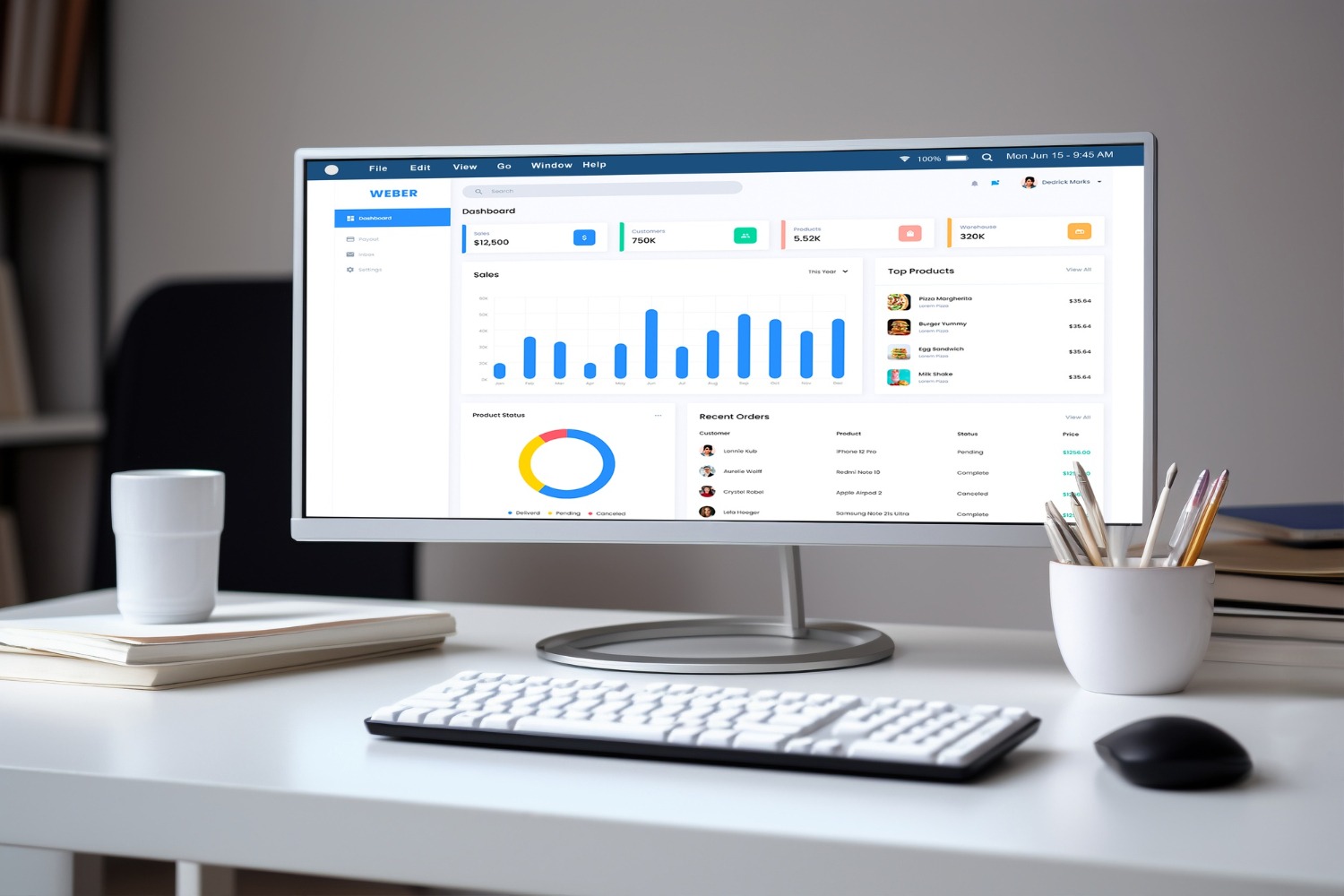
To improve your sales performance, a correct decision is a crucial aspect. Now, when you have data analytics in the world, so data-driven decision-making has become the “Hero” of improving the sales performance of any business. Zoho Business Analytics Services is another application that the platform offers. This is responsible for analyzing that data and providing you actionable insights that helps you in decision-making.
Here’s how you can take advantage of this tool:
1. Create Customized Dashboards: You can create your own dashboards to visualize different aspects of your sales team and analyze their performance, leads, and revenue growth.
2. Generating Detailed Reports: With this tool you can have all the details of your businesses’ sales operations at your tips. These reports can be utilized during presentations to identify trends and performances to keep up the targets.
3. AI-Generated Insights: It’s interesting to see that Zoho has its own AI assistant known as “Zia”. Now, Zia can give you certain analyses and actionable insights that can help in the decision-making process.
Zoho CRM Features & Applications: Integrate for Best Results
Following are some of the features and applications of Zoho CRM that you may not know and can integrate to maximize the sales team's performance.
1. Email Integration
2. Social Media Integration
3. Customer Segmentation Based on Criteria
4. Optimization of Lead Management
5. Implementing Lead Scoring
6. Automating Lead Assignment
7. Campaigns for Leads
8. Zoho Projects
9. Zoho Desk
10. Zoho Books
Conclusion
Whenever we are introduced to software that eases our work and enhances the results, it’s always better to take all the benefits of it. Since CRM software like Zoho plays an important role in maintaining a good reputation of a business and growing it further, it becomes a hard-and-fast rule to learn the tips & tricks.
Well, now you can go further and start your consultation with Zoho CRM to understand more about implementing these features and applications.