Minting And Listing Matic NFT
👉 Anish
Join Telegram: https://telegram.dog/Earn_With_Crypto_Looters
Custom RPC for MATIC:
Network Name: Matic Mainnet
RPC URL: https://rpc-mainnet.matic.network
Chain: 137
Symbol: MATIC
Explorer URL: https://explorer.matic.network/
How To Get MATIC?
Read: https://telegra.ph/Matic-07-10
Minting:
1) Go To: https://mintnft.today/ And Connect Your Wallet To MATIC Mainnet
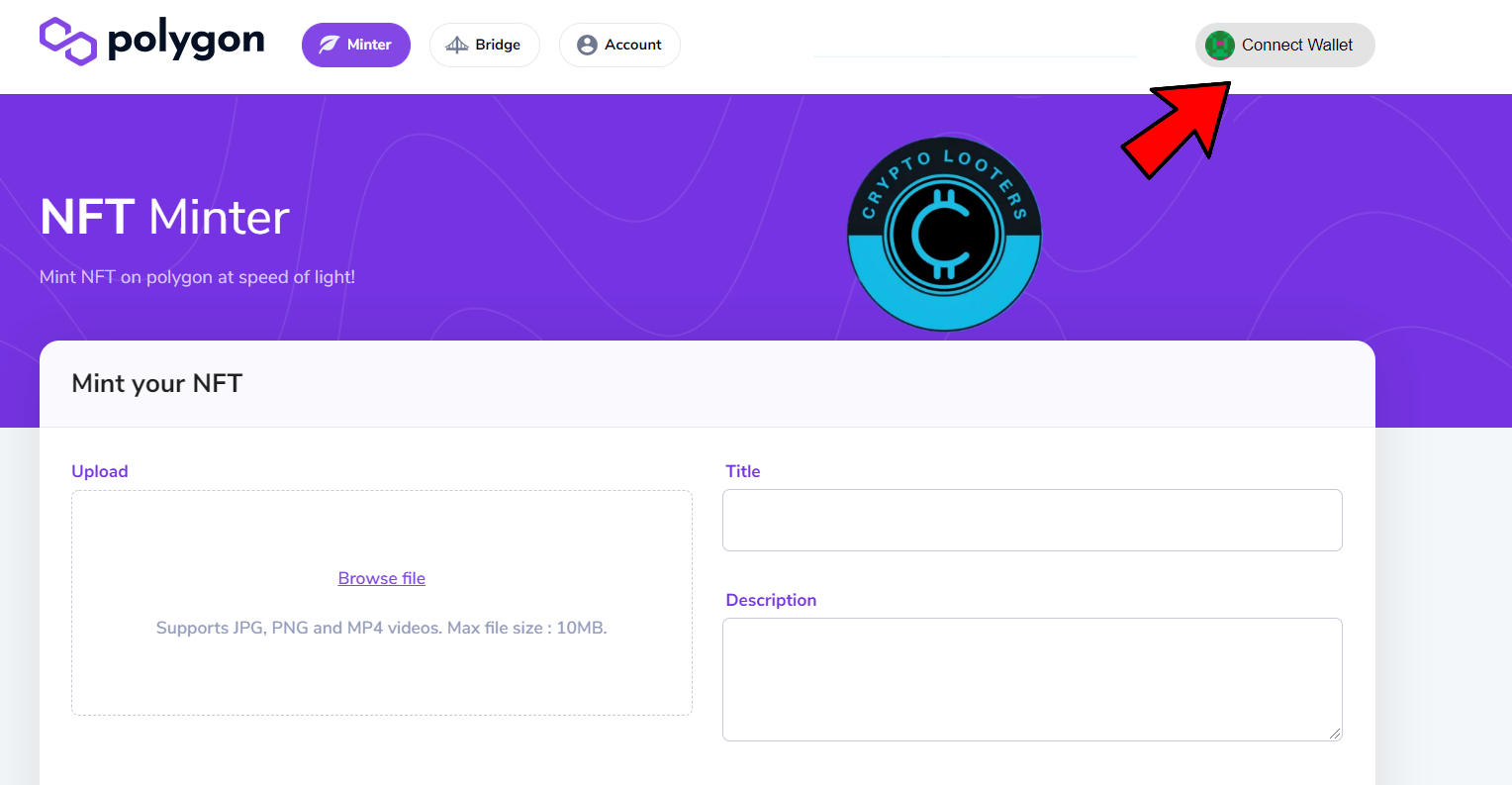
2) Click On Browse File And Upload Your NFT, Choose A Suitable Title And Description.
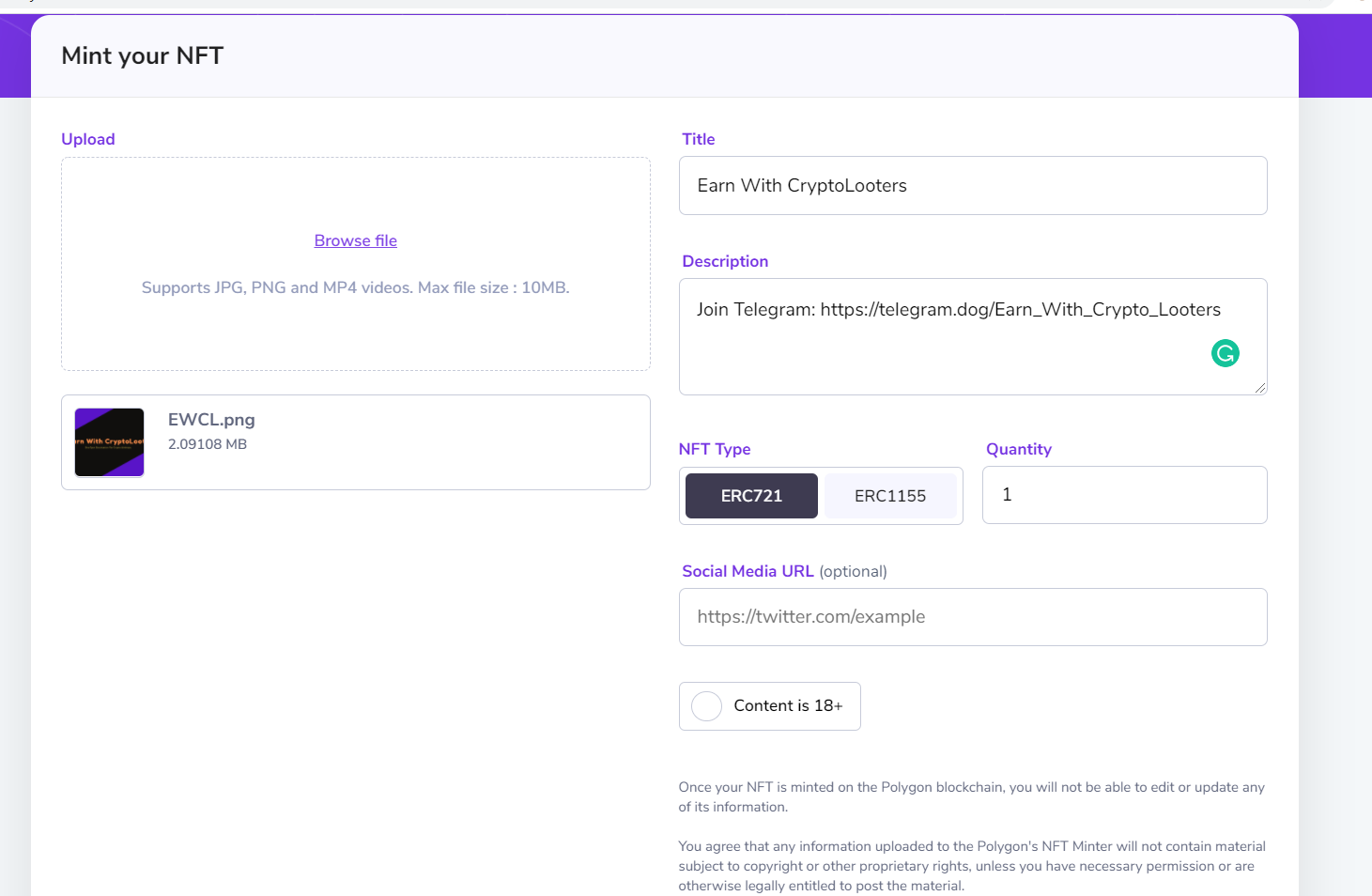
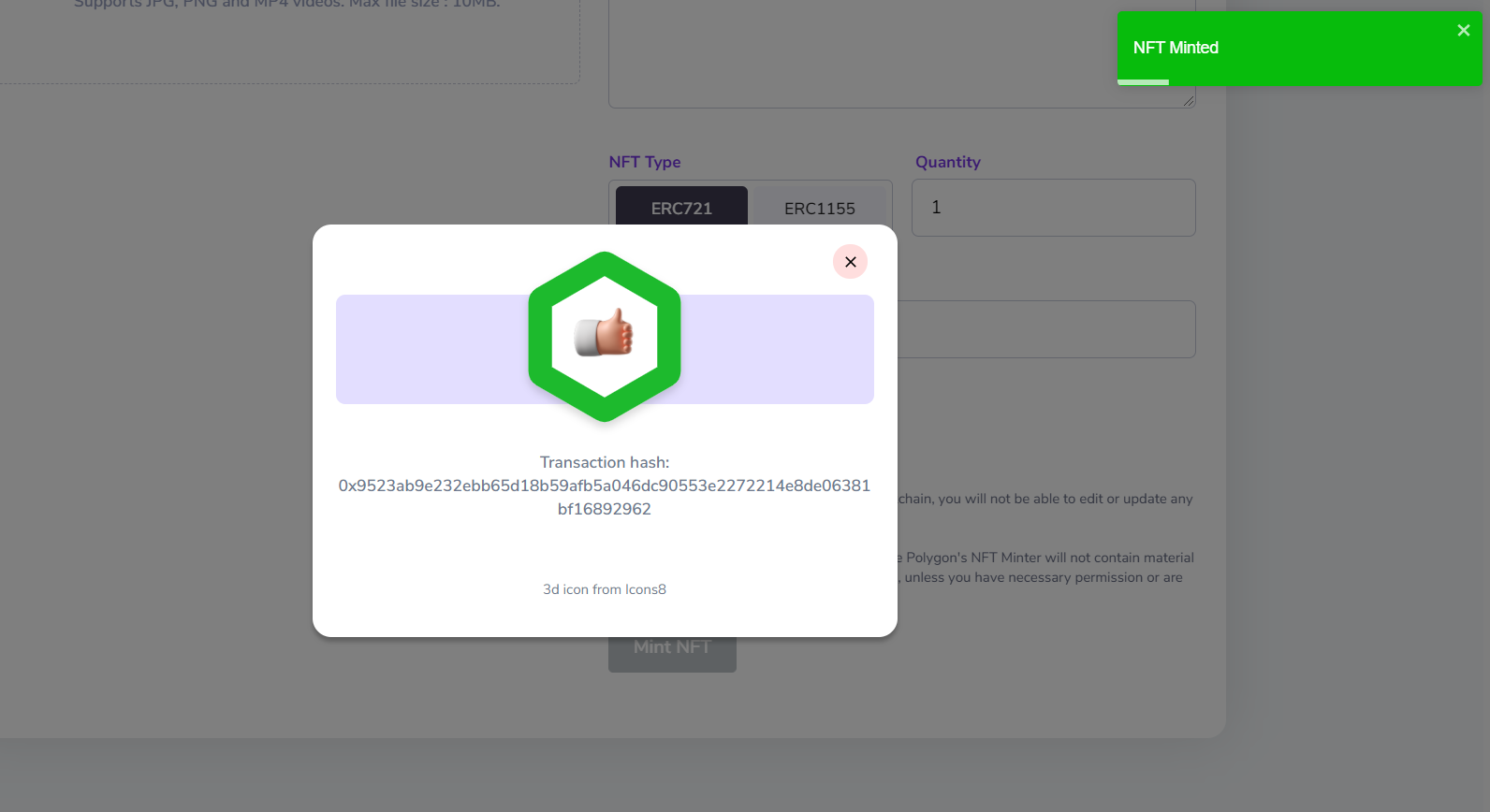
3) Click On MINT NFT (It's Free Even No GAS Fees Is Charged)
Listing NFT:
1) Now Go To https://opensea.io/ And Connect To MATIC Network
2) Go To My Profile Section And There You Can See Your Minted NFT
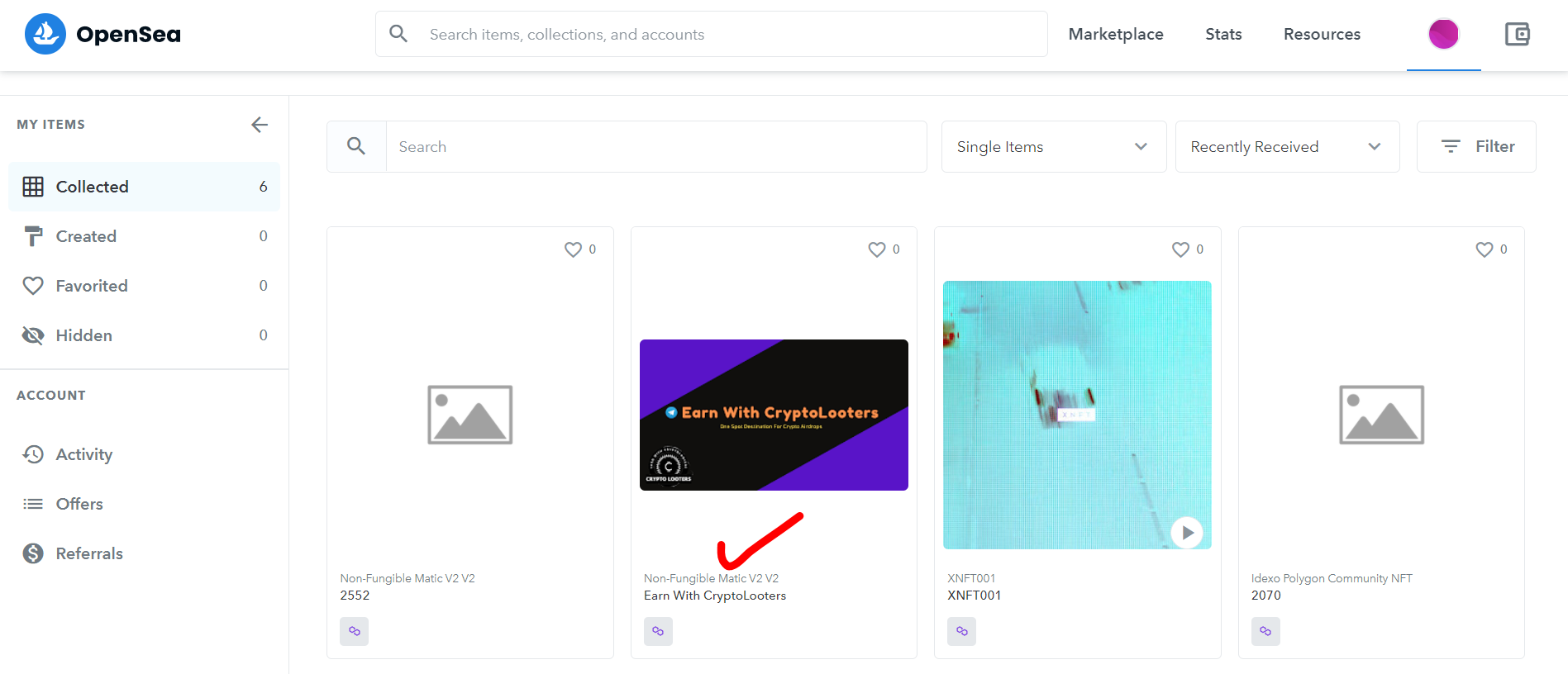
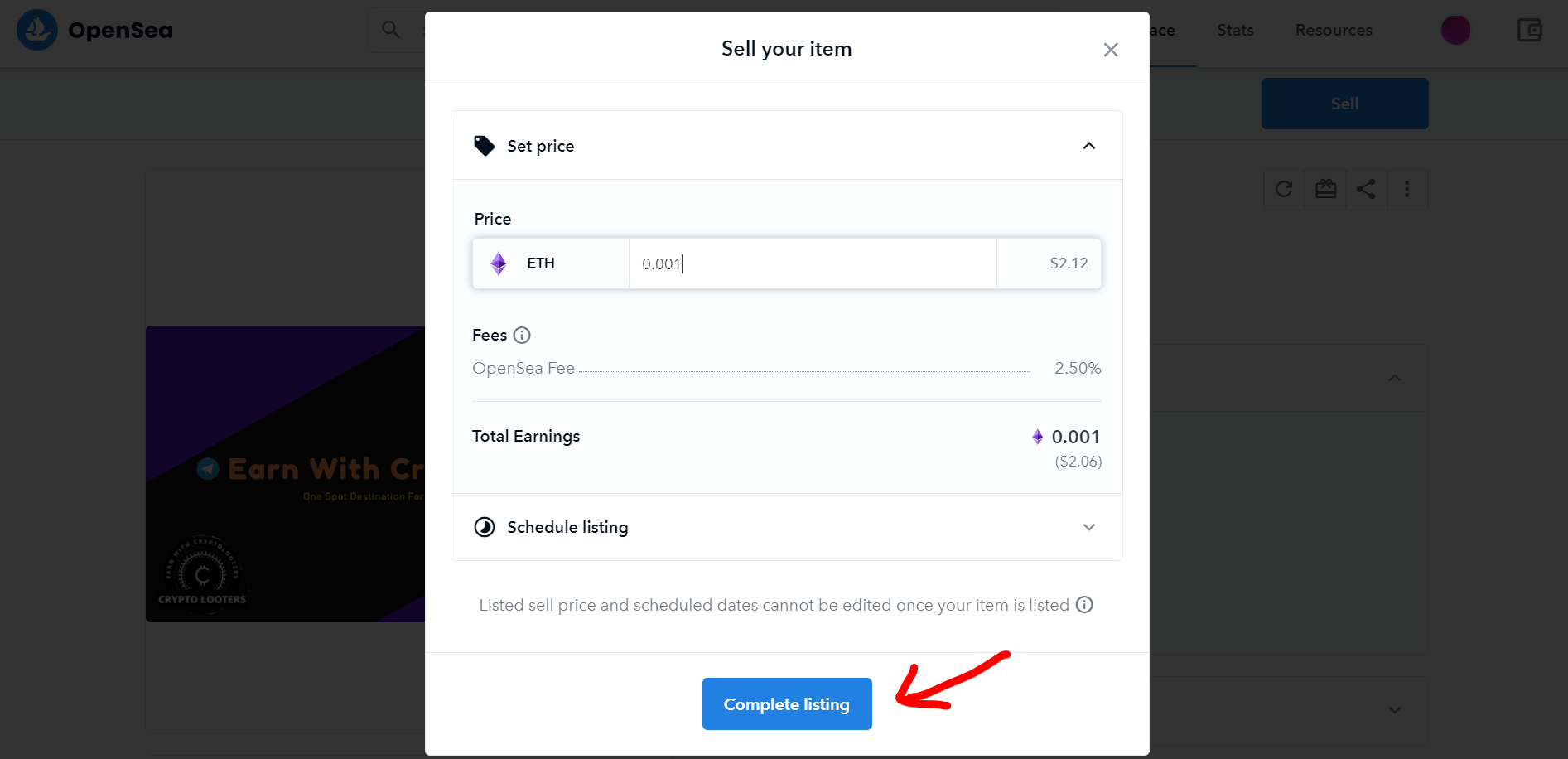
3) Click On Your NFT, You Can View Your NFT. Now Click On Sell, Set A Suitable Price. Now Click On Complete Listing
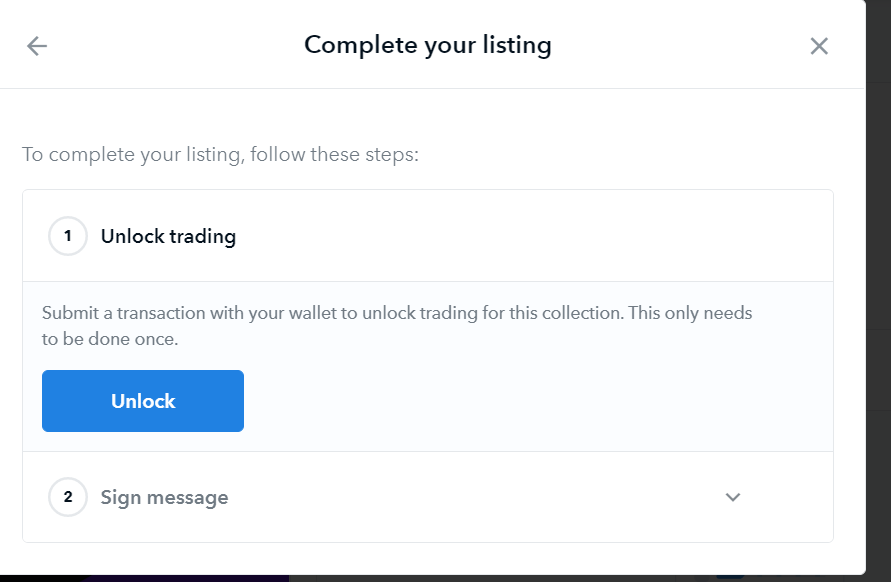
4) Now Click On "Unlock" And Approve In MetaMask (You Need Some MATIC For Gas Fees, You Can Take MATIC For Gas From Faucets: https://t.me/Earn_With_Crypto_Looters/694 )
5) Now Click On Sign Message
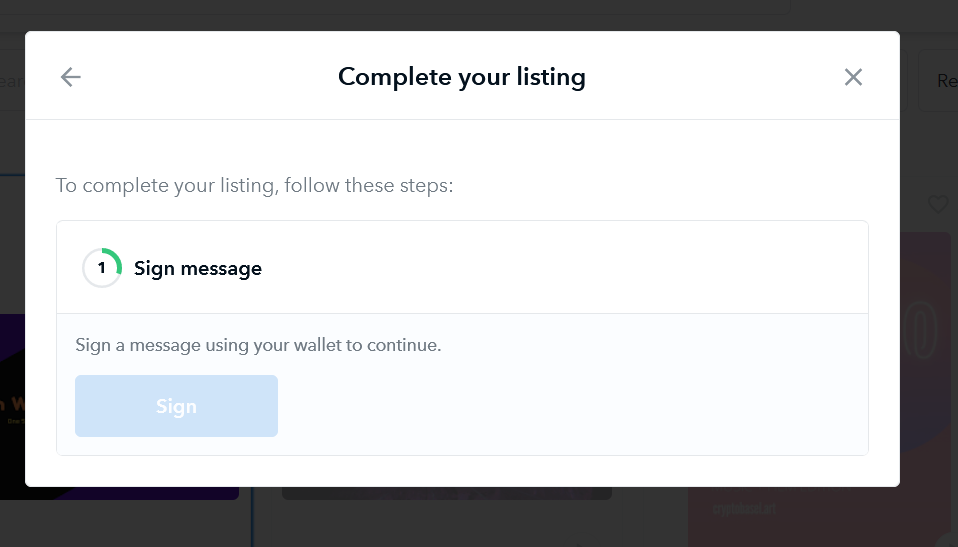
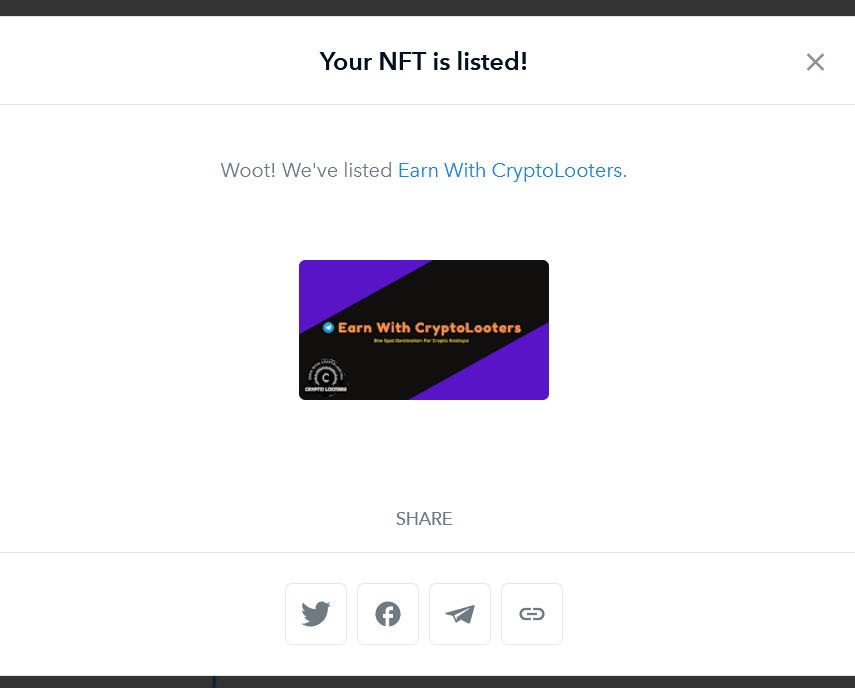
6) Your NFT Will Get Listed :)