Mastering Midjourney: tips for making prompts
Prepared by Hi, AI! mediaWhat is a prompt?
A Prompt is a short text phrase that Midjourney interprets to produce an image. A well-crafted prompt can help make exciting images.
Prompts start with the command /imagine and can include text, image links, and parameters:
- the text describes what image you want to generate;
- image URLs can be added to a prompt to influence the style and content of the finished result. Image URLs always go at the front of a prompt;
- parameters change how an image generates. They go at the end of the prompt.
How to use image URLs in prompts?
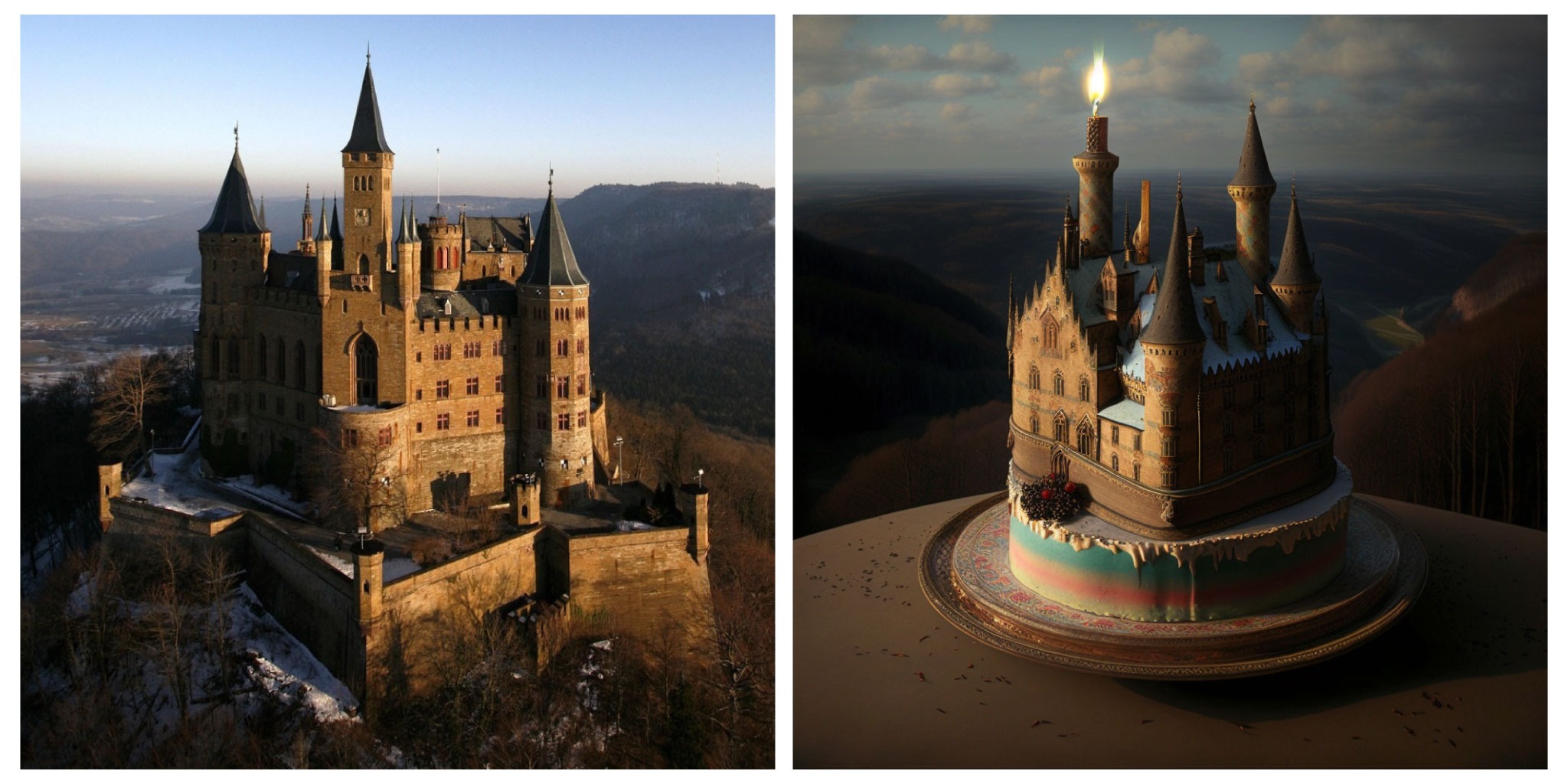
You can use images as part of a prompt to influence a picture's composition, style, and colors. You can also combine two different images.
How it works:
- upload your image (or two) to Imgur or Postimages.org and get links to them in .png, .jpg, or .webp format;
- paste the link at the front of a prompt and then add the text description;
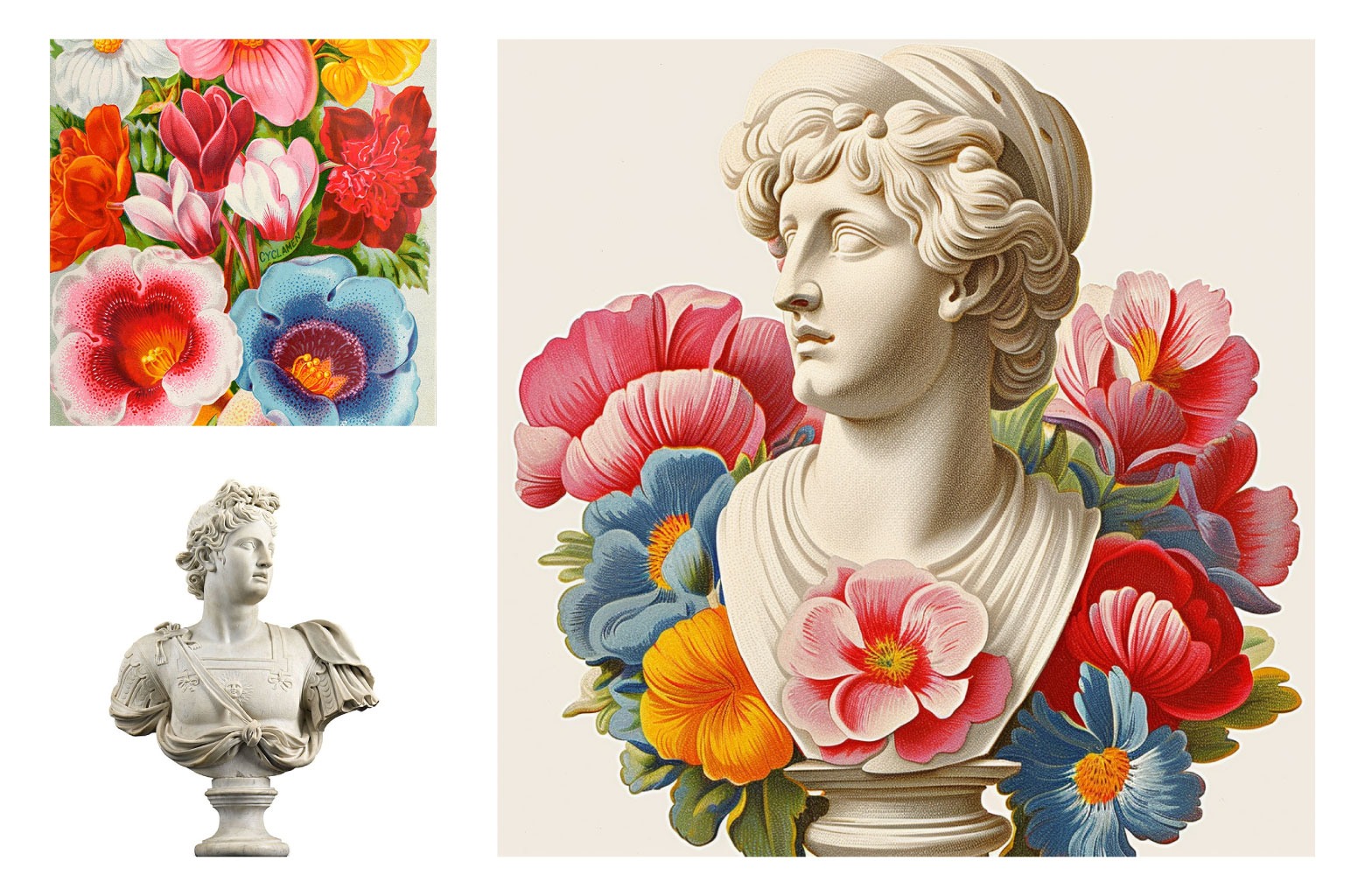
- to combine two images into one, use two links in a row separated with a comma.
Example of the prompt with image:
Example of combining images:
Parameter List
Parameters are options added to a prompt that change how an image generates. Parameters are always added to the end of a prompt. You can add multiple parameters to each prompt.
Here is the list of the most useful:
--v 6 The latest Midjourney V6 model will generate the image. The default setting is Midjourney version 5.2;
--v 5, or --v 4 Use an earlier version of Midjourney (version 5 or version 4);
--niji Make anime-style images;
--aspect, or --ar <1:2 or 2:1 max for v4; any for v5> Change the aspect ratio of a generation;
--chaos <number 0–100> Change how varied the results will be. Higher values produce more unusual and unexpected generations;
--no Negative prompting, --no plants would try to remove plants from the image;
--upbeta Use an alternative upscaler when selecting the U buttons. The results are closer to the original grid image. The upscaled image has fewer added details.
Find out more parameters on the Midjourney website. The bot supports the following parameters: --v --niji --aspect --ar --chaos --no --upbeta --seed --style --tile --uplight --hd --test --testp --iw --sameseed.
Prompt Length
Prompts can be very simple. Single words will produce an image. Short prompts rely heavily on Midjourney’s default style, so a more descriptive prompt is better for a unique look. However, super-long prompts aren’t always better. Concentrate on the main concepts you want to create. Remove words when possible. Fewer words mean each word has a more powerful influence.
Think About What Details Matter
Anything left unsaid may surprise you. Be as specific or vague as you want, but anything you leave out will be randomized. Being vague is a great way to get variety, but you may not get the specific details you want. Try to be clear about any context or details that are important to you.
Hint commands for prompt design
Midjourney offers 2 helpful commands to assist you in creating a well-designed prompt:
/describe + image uploading. This command works in reverse: upload an image from your device's gallery, and add the /describe command in the caption. Midjourney will respond by sending several prompt options for that image.
/shorten and text prompt. Midjourney will analyze your prompt and suggest how to improve it: what words might not be doing anything and which might be key.
These commands allow you to look at prompts from Midjourney's perspective and better understand their design principles.
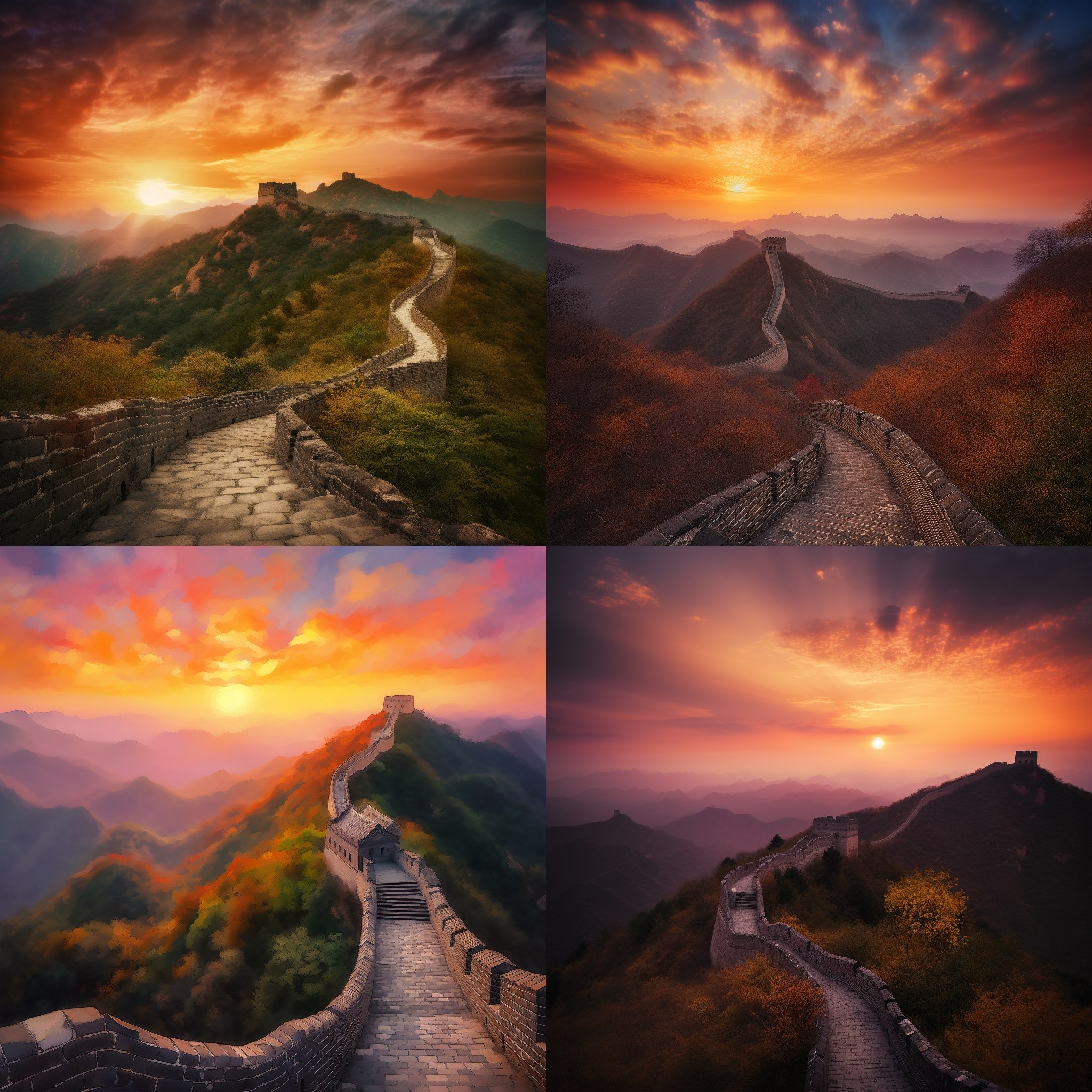
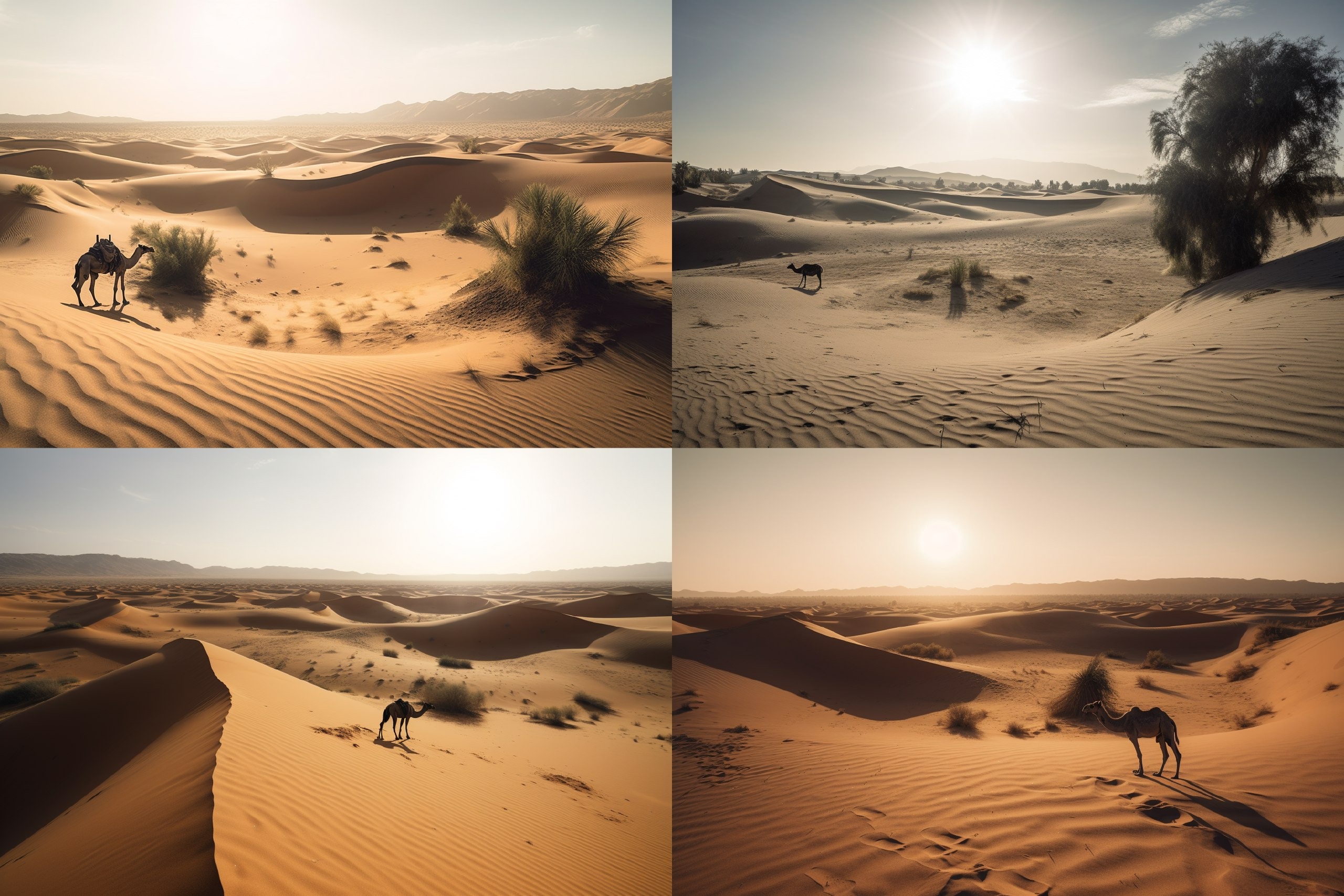
More examples of prompts
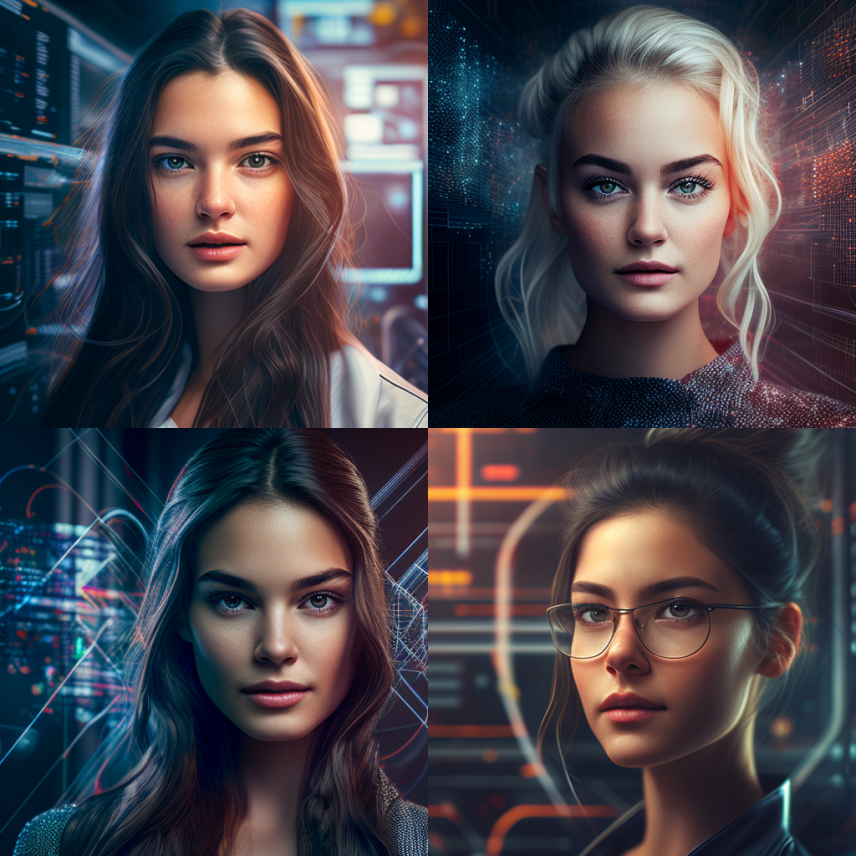
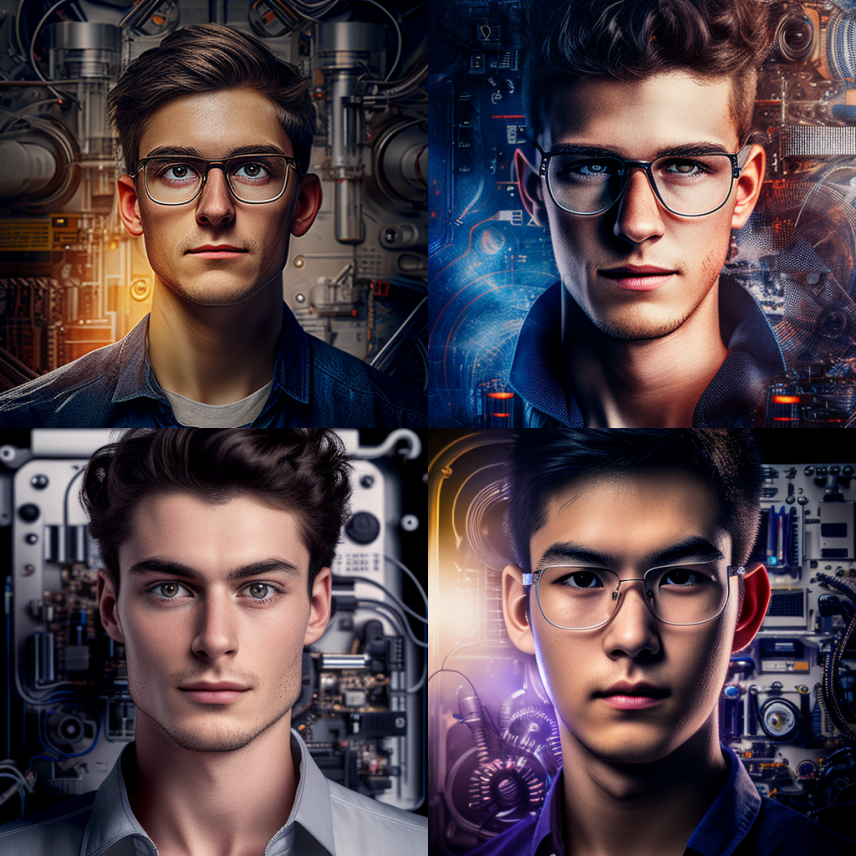
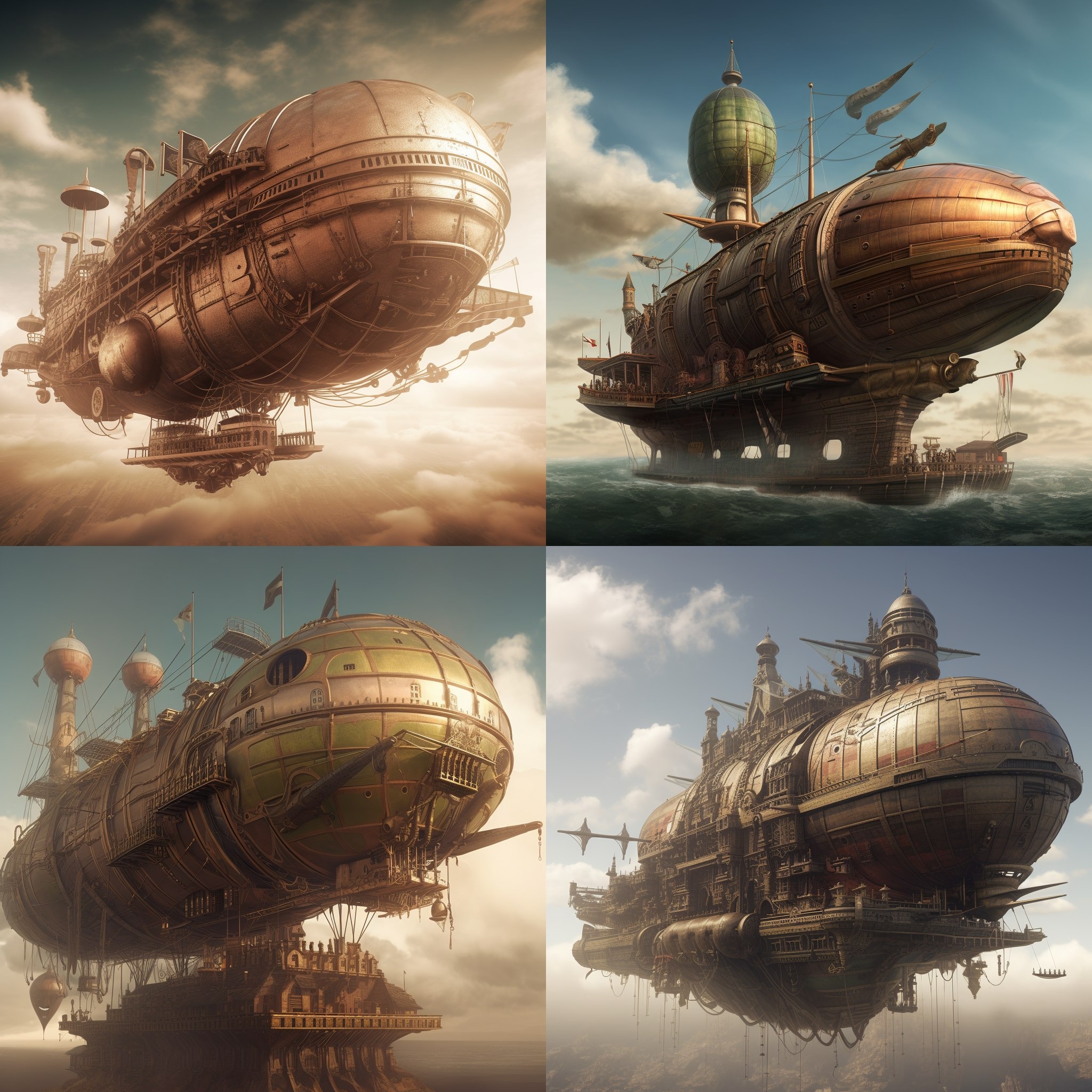
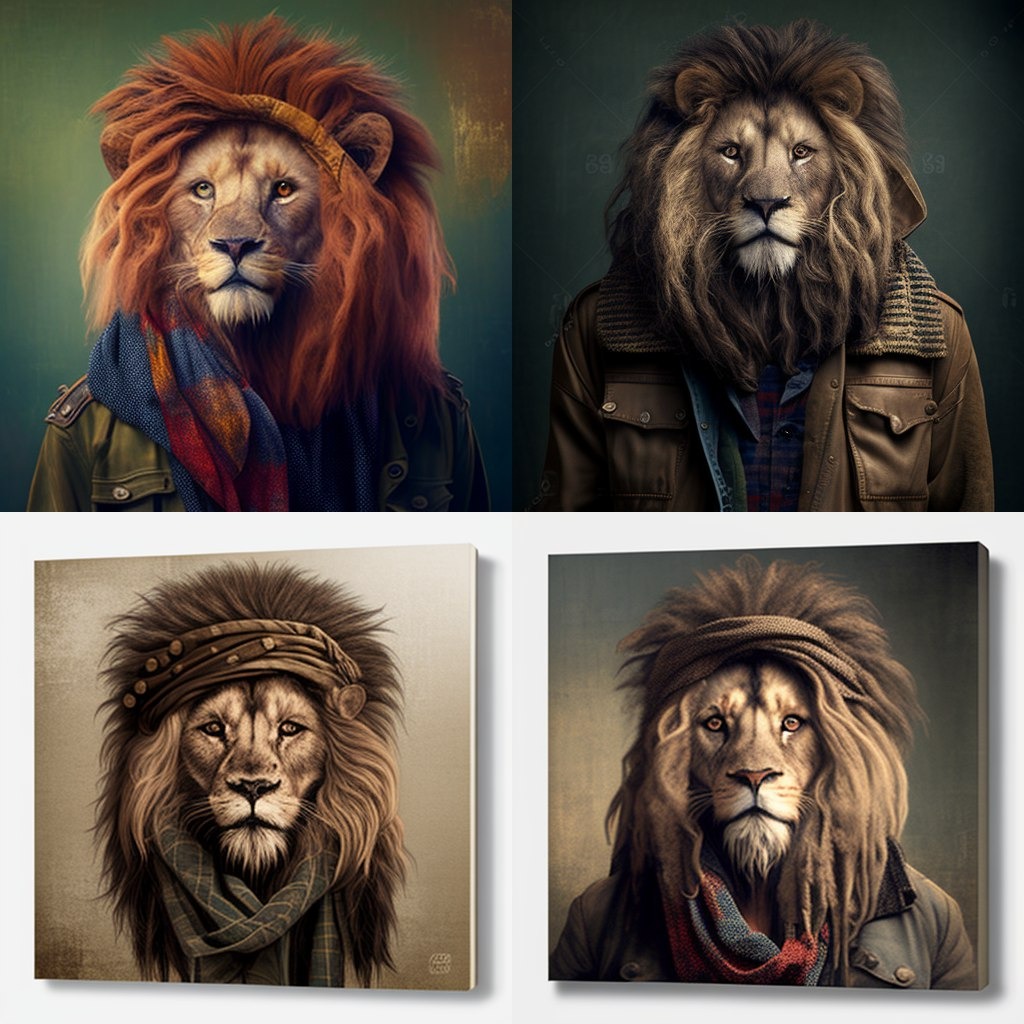
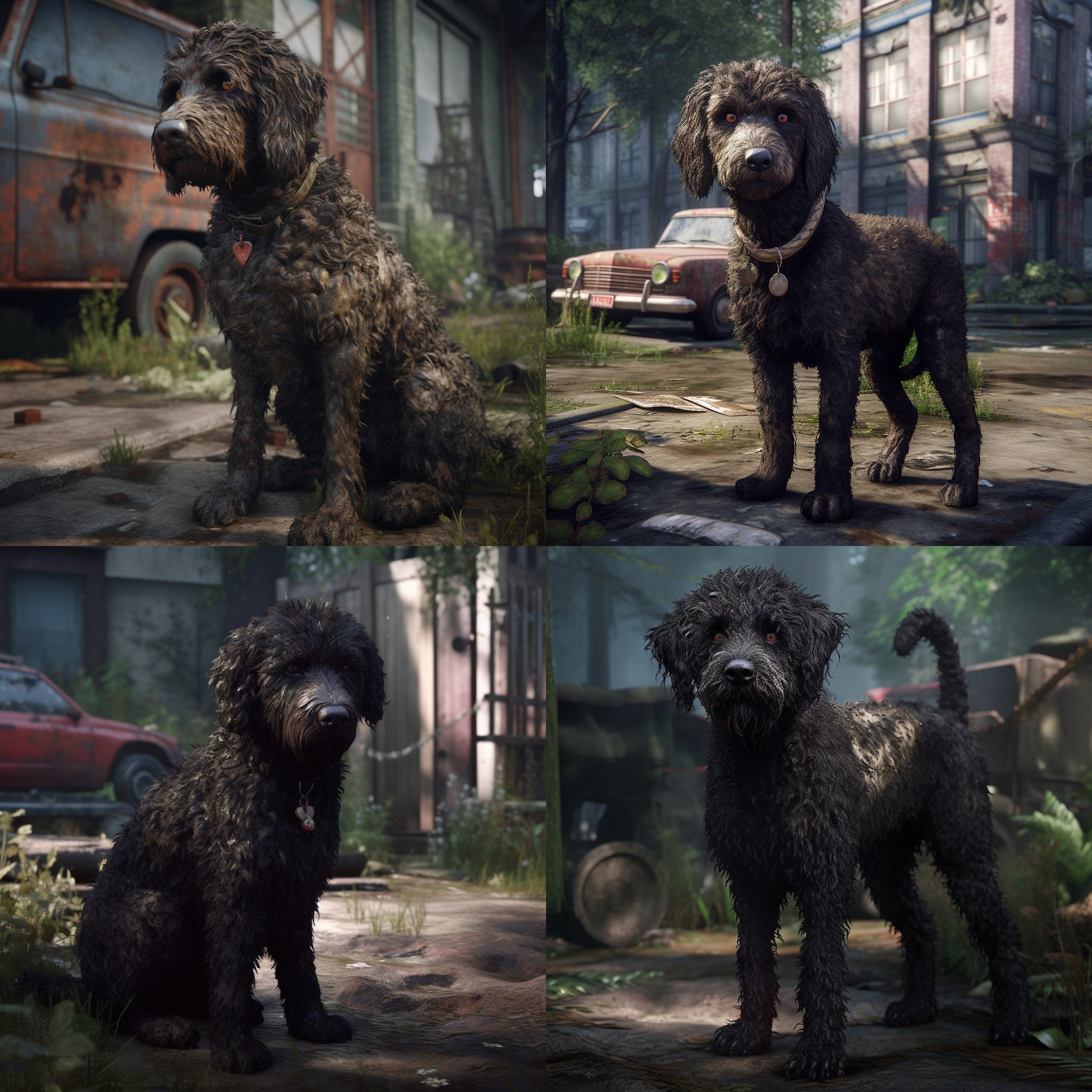
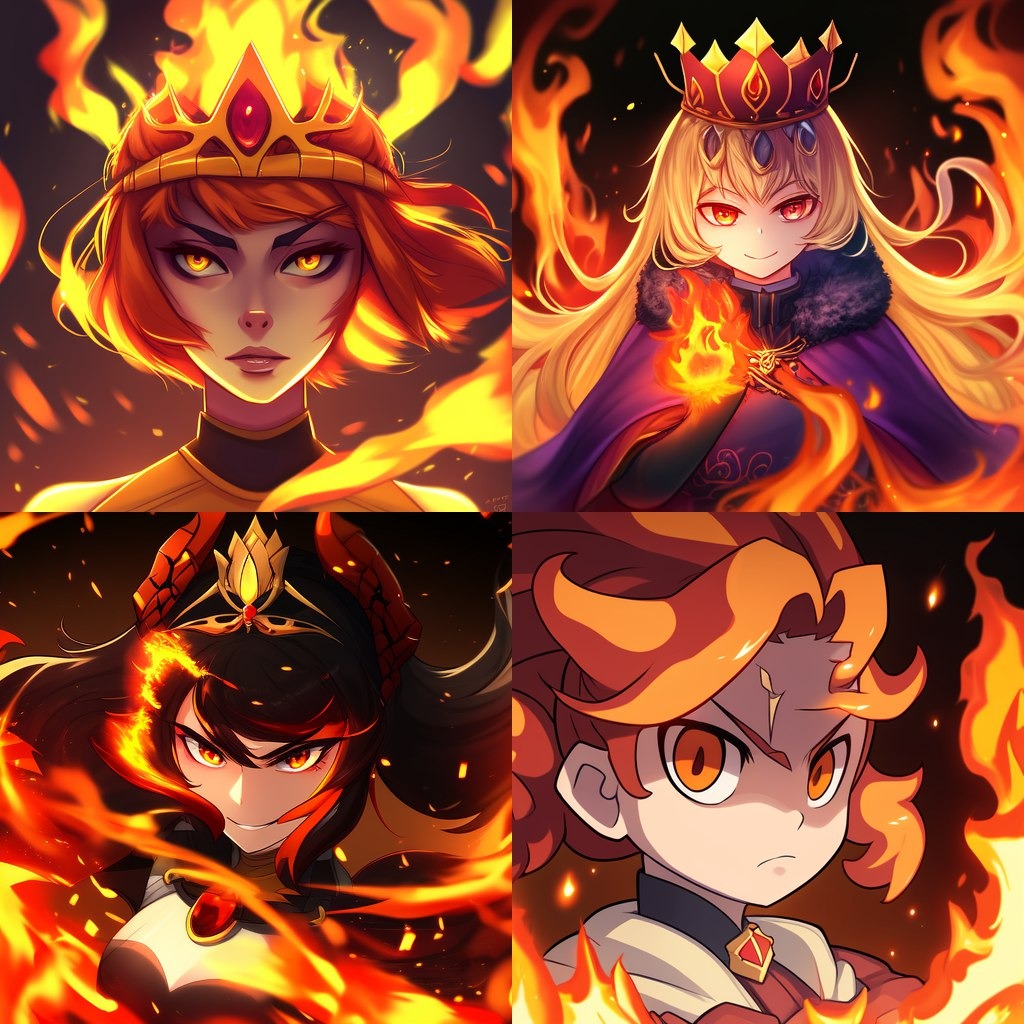
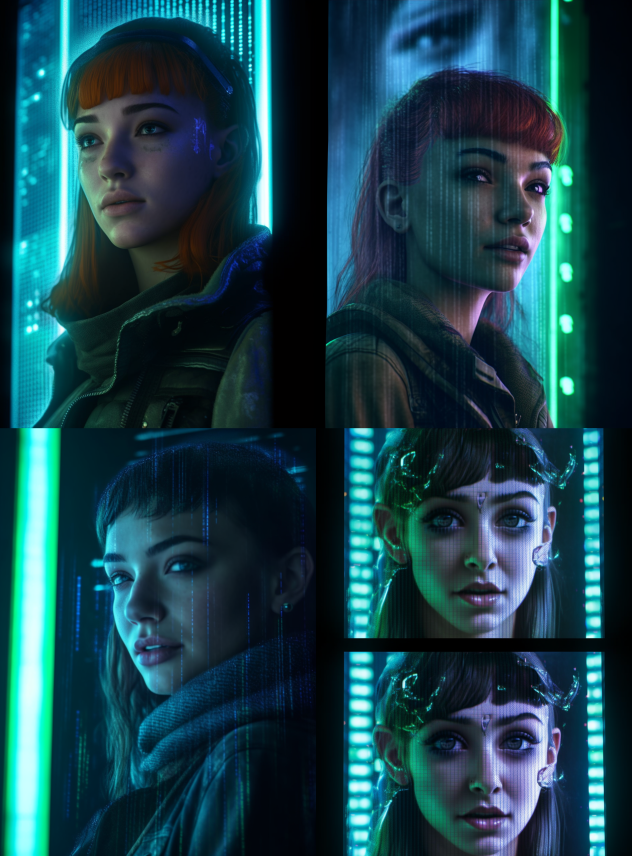
Now it is your turn to create a prompt and see what Midjourney can do for you.