Manual Deploy Video Convertor.
MaheshChauhanRequirements
1)Heroku Account
Go to https://signup.heroku.com/login and fill as shown in the picture below to signup, then you'll get a confirmation on your mail, complete the confirmation to activate your heroku account.

2)Github account
Create one at Github.com by signup
3)Telegram Credentials
•BOT TOKEN:
Start @botfather and create a new bot as shown in image below.

•API details:
Go to https://my.telegram.org/auth
Login with your number (You'll recieve code in your telegram for confirmation)
Click on API development tools and Copy both ID and hash, save it in your saved messages. (Warning: Do not disclose your API details to anyone.)

Deploying app
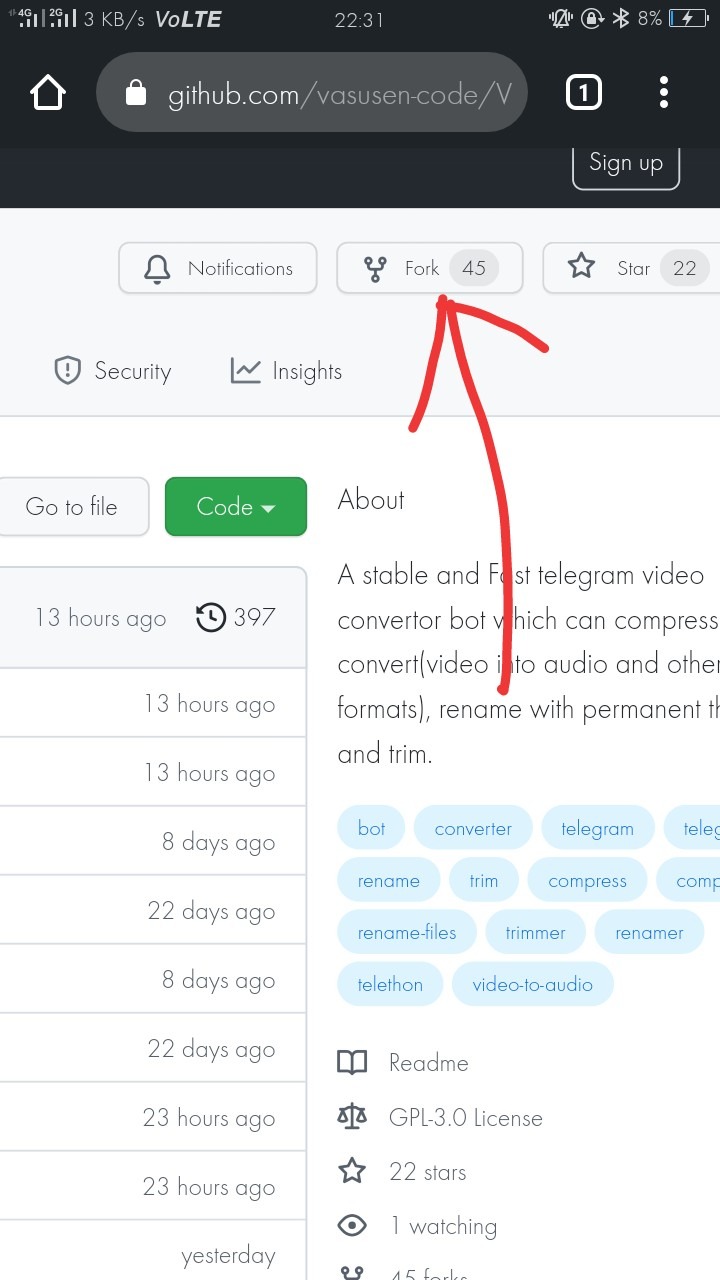
You'll need to fork the repo
For personal use: Github.com/vasusen-code/VideoConvertor/tree/main
FOr channel: Github.com/vasusen-code/VideoConvertor
Open repo link in your chrome on desktop mode, you'll find a fork option in Top - right of the repo.
Go to dashboard.heroku.com
Click on 'New', then choose 'create new app'.

Click on create app (filling name is optional)
Now open the app, go to it's settings, scroll down till 'Reveal config Vars' and click it.

Enter the name of Vars, You can get it from Repo or from @TeamDrone group by sending #manualDeployConvertor in the chat. Also add values of the Vars and save.

After filling vars scroll down, click on 'Buildpacks' button.
Add these following buildpacks and save:
https://github.com/jonathanong/heroku-buildpack-ffmpeg-latest.git
heroku/python
Now go to deploy menu(Arrow symbol),
Connect to your github by clicking on github(black cat) icon.
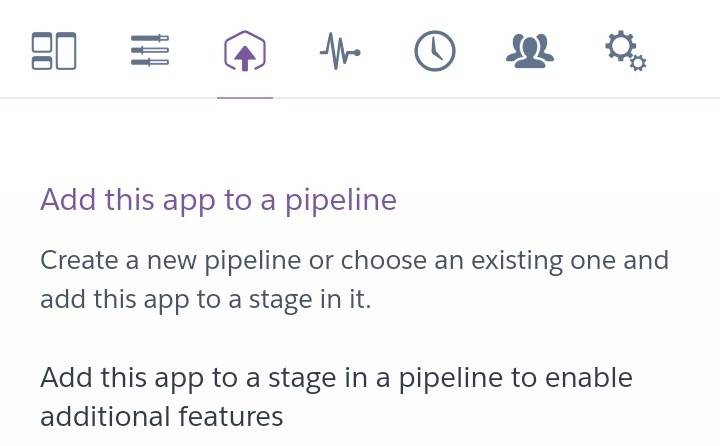

Search 'VideoConvertor' and connect.

Scroll down, choose main and then click on deploy branch button.

After the deploy is complete(Turns into green colour)
Scroll back up, click on menu with '3 lines', you'll see a pencil(✏), click on it and turn the button on.
click on 'more' button, then 'view logs'. Wait for 2 Minutes and if logs shows "Succcesfully deployed!" then your bot is ready, else if any error show it to @TeamDrone.
