Leonardo AI
cybertech_dzStep 1: Create free account
Go to https://app.leonardo.ai/ and sign up (Google/email works)
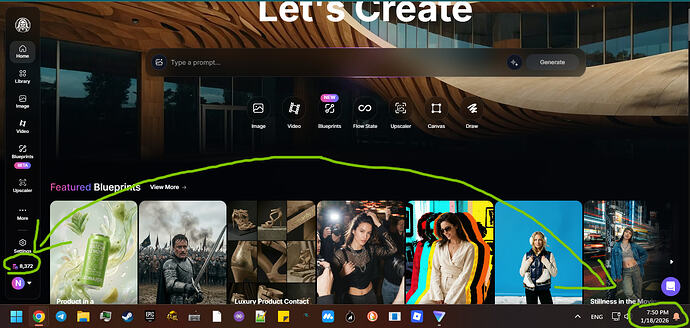
Step 2: Check your starting credits (for proof)
Before you start, note your credit balance.
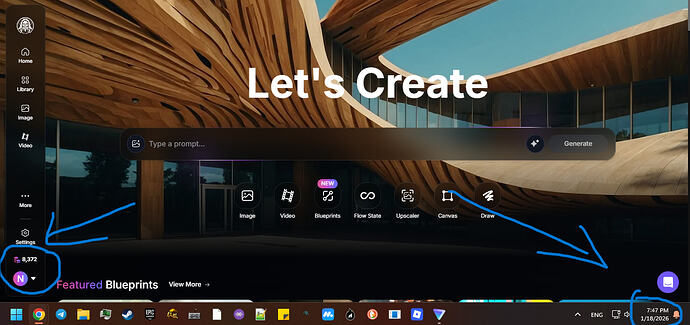
Step 3: Go to Realtime Generation
Click More → Realtime Generation
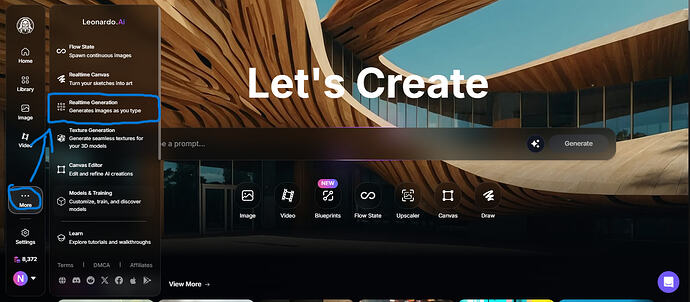
Step 4: Type your prompt
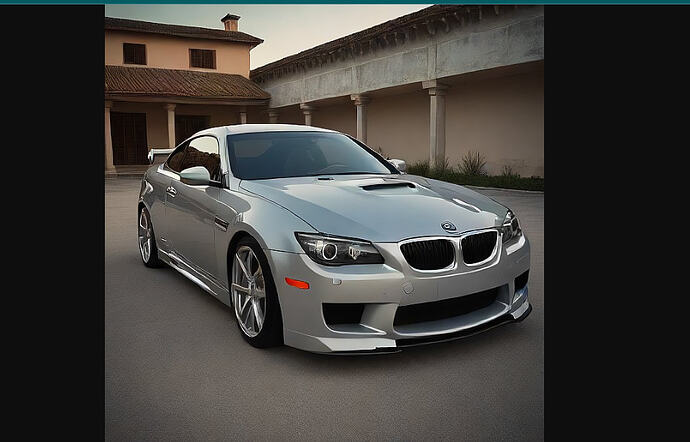
Enter whatever you want generated. Example: “car”
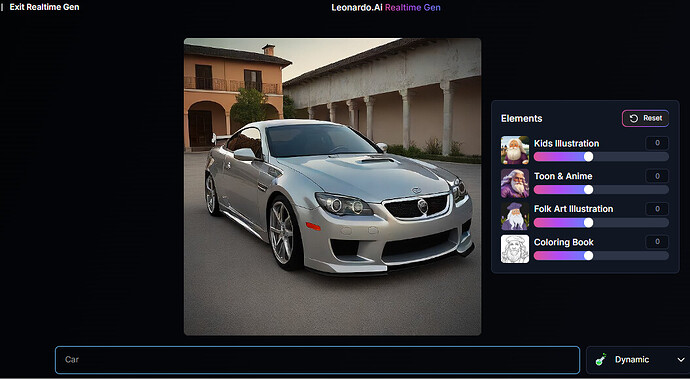
Images generate in real-time as you type (preview feature).
Step 5: Right-click → Open image in new tab
CRITICAL: Don’t click download button. Right-click the image → “Open image in new tab”
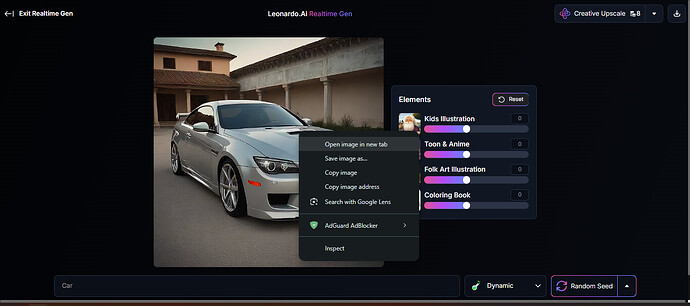
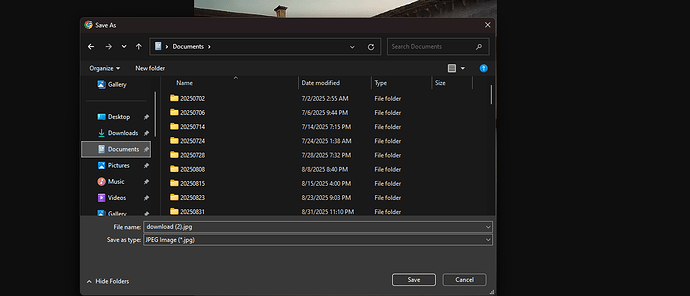
Step 6: Save from new tab
In the new tab, right-click → “Save image as”
Step 7: Check credits (proof it works)
Credits unchanged. Zero consumed.
Join Telegram: @cybertech_dz