Laravel Folio
Tony LeaLaravel Folio is a Page-based routing system introduced to Laravel at LaraconUS 2023.
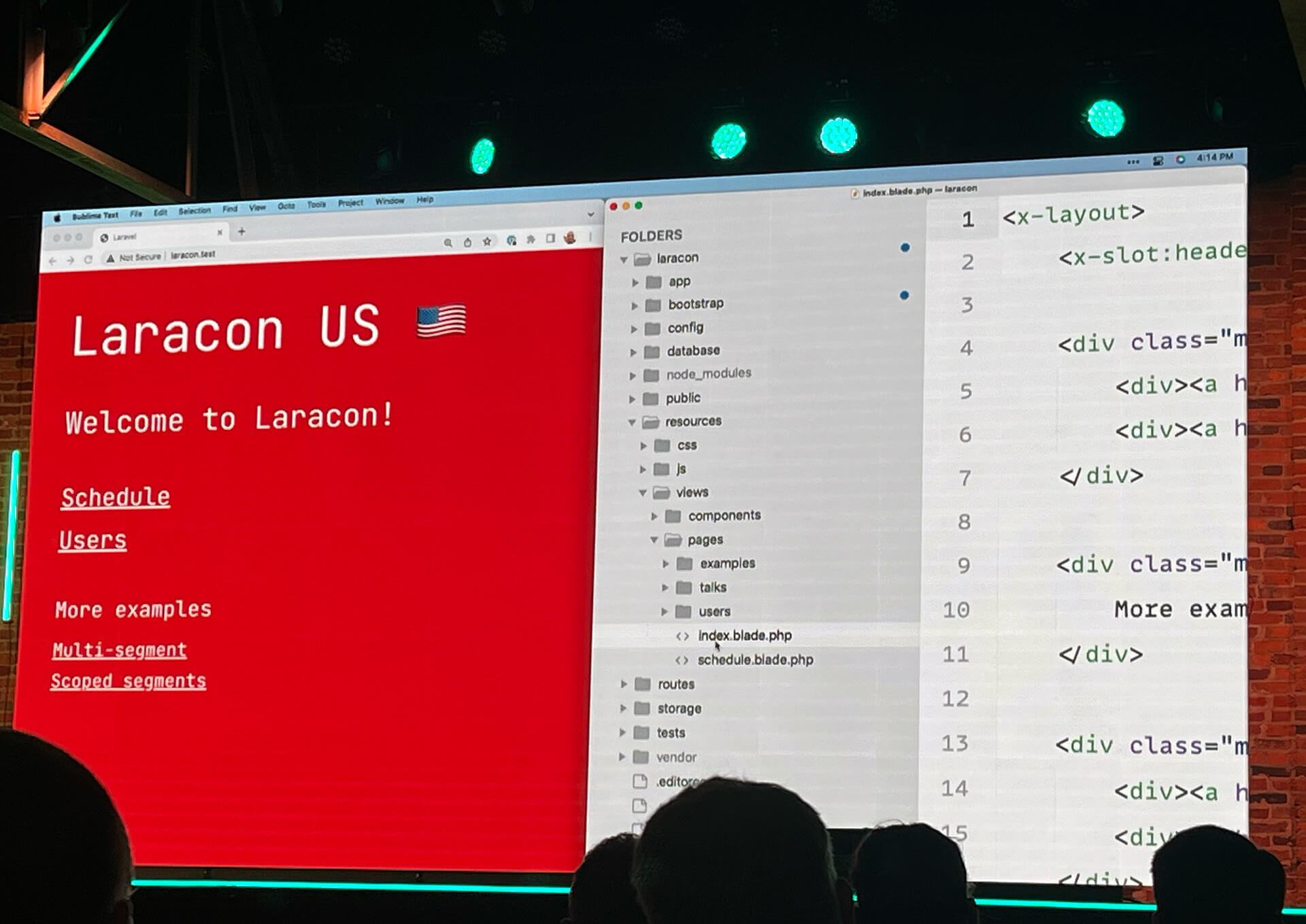
Using Laravel Folio you can easily map a route to a specific file or folder, similar to the file-based routing systems in frameworks like NextJS or NuxtJS.
How it works
After you install Folio into your application you can create a new page with the following artisan command:
php artisan make:folio index
This will place a new file inside of a new pages directory located at resources/views/pages/index.blade.php
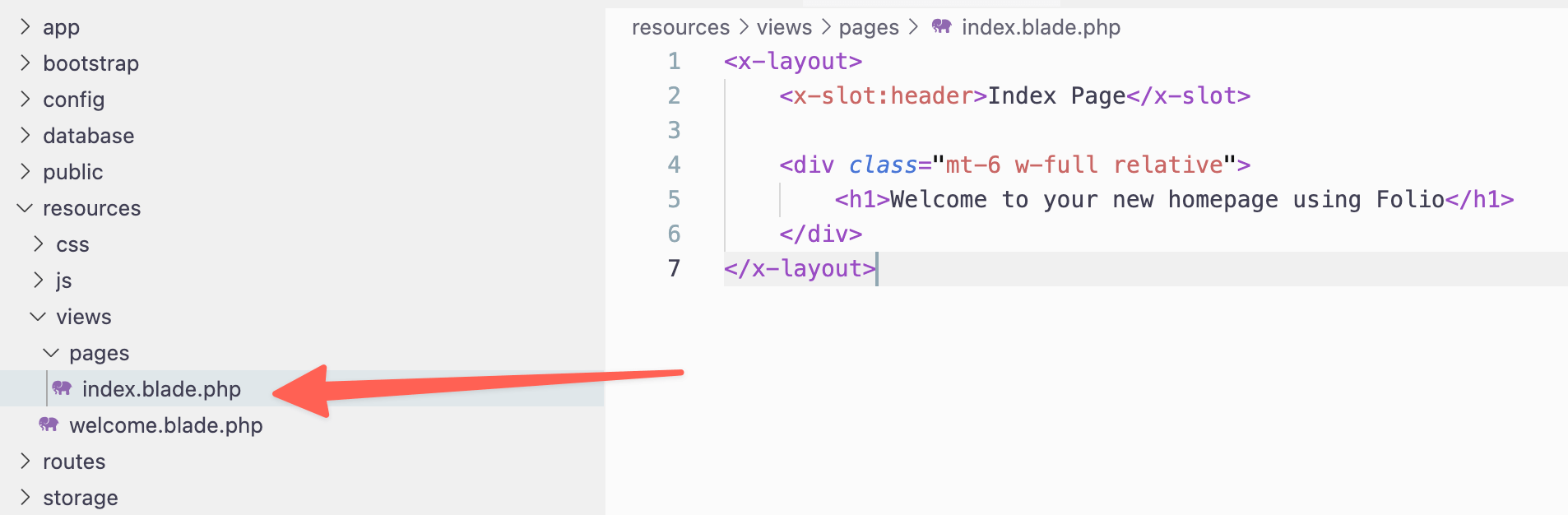
Now, when visiting your application in the browser it will load this template as the homepage.
Wildcard Pages
We can also create dynamic pages using wildcards. As an example, say that we wanted to visit a route that looks like /users/1. We could create a file named [id].blade.php inside of a users folder, like so:
├── resources
│   ├── views
│   │   ├── pages
│   │   │   ├── users
│   │   │   │   ├── [id].blade.php
Inside the file we will now have access to $id which can be used to lookup the user.
Taking this a step further, we can take advantage of Route Model Binding and rename our file to look like [User:id].blade.php
├── resources
│   ├── views
│   │   ├── pages
│   │   │   ├── users
│   │   │   │   ├── [User:id].blade.php
Inside this file we will now have access to the $user object.
If instead, we wanted to specify the username in the URL parameter, we could easily rename the file to [User:username].blade.php. Then, visiting our application URL at /users/taylorotwell will give us access to the user object who's username is taylorotwell. Here's an example:
<x-layout>
    <h1>Hello {{ $user->name }}</h1>
</x-layout>
Wildcard Directories
We can also create Wildcard Directories. To illustrate this example, say that we wanted to create an info page for every user. We could create a dynamic URL that looks like: /users/taylorotwell/info, by creating the following folder structure:
├── resources
│   ├── views
│   │   ├── pages
│   │   │   ├── users
│   │   │   │   ├── [User:username]
│   │   │   │   │   ├── info.blade.php
We can also create dynamic directories with dynamic pages, like so:
├── resources
│   ├── views
│   │   ├── pages
│   │   │   ├── users
│   │   │   │   ├── [User]
│   │   │   │   │   ├── posts
│   │   │   │   │   │   ├── [Post:slug].blade.php
This will allow us to access a route in our application that looks like: /users/1/posts/folio-is-awesome. When this route is accessed Folio will try and find a post slug of folio-is-awesome that belongs to user id of 1.
Folio Middleware
You can also take advantage of Middleware with Page-based routing. Using the posts example from the previous section we can accomplish this by adding a new Policy inside of the app/Policies directory, like so:
<?php

namespace App\Policies;

use App\Models\Post;
use App\Models\User;

class PostPolicy
{
    public function view(?User $user, Post $post){
    {
        return false; // return the logic that allows or disallows access
    }
}
Then, inside the view we can add the following code:
<?php

use function Laravel\Folio\{middleware};

middleware(['can:view,post']);

?>
<x-layout>
    <h1>{{ $post->title }}</h1>
    <article>{!! $post->body !!}</article>
</x-layout>
If the user does not have access they will see a 403 Forbidden code; otherwise, they'll be able to view the post 👍
Multi-Segment Pages
You can also create a file that will return all the segments in the URL to the page. For instance, if we have a folder structure that looks like this:
├── resources
│   ├── views
│   │   ├── pages
│   │   │   ├── multi
│   │   │   │   ├── [...ids].blade.php
It will capture the URL located at /multi/1/2/3, returning an array of $id's to the page.
Conclusion
Using Laravel Folio we can create routes in our application by adding files or folders inside of the pages view directory. You may also choose to mix Page-based routes and traditional routes within your application.
Laravel Folio is scheduled to be released next week. I'll be sure to update this post with additional information when this awesome first party package is available. Cheers 🍻