Join Blooket Login and Play
AdminBlooket is a fun and educational platform that turns learning into an engaging game. Whether you’re a student looking to participate in a quiz or a teacher wanting to host a game, Blooket offers a user-friendly interface and plenty of options. In this blog post, we’ll explain about blooket login and join a game in just a few simple steps.
What is Blooket?
Blooket is an interactive learning tool that blends education and gameplay. It allows teachers to create trivia-style quizzes, and students can join the games using a code. Blooket features multiple game modes, competitive elements, and colorful avatars called “Blooks,” making learning more exciting.
How to Login to Blooket
Before you can join or host a game on Blooket, you’ll need to log in. Here’s how to get started:
Step 1: Visit the Blooket Website
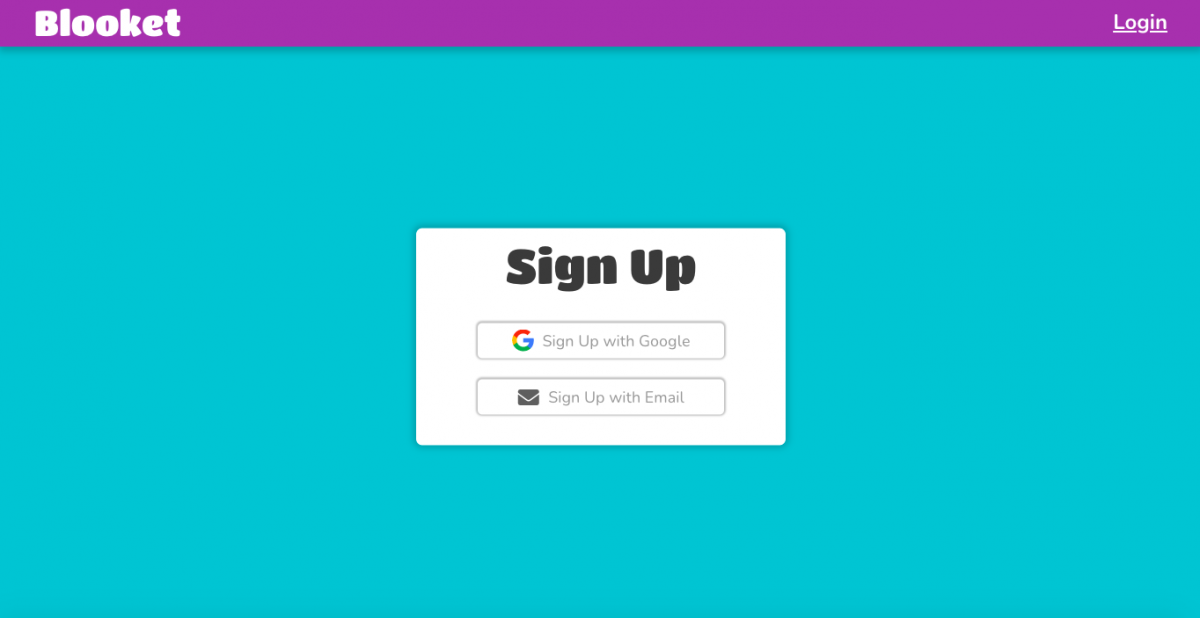
Go to www.blooket.com using your preferred browser. Once there, you’ll see the main homepage with options to "Sign Up" or "Log In" at the top right corner.
Step 2: Click on "Log In"
If you already have a Blooket account, click the “Log In” button. You will be prompted to enter your email and password. If you’ve signed up using Google, you can simply click the “Log in with Google” button for a faster login.
Step 3: Access Your Dashboard
Once logged in, you'll be directed to your dashboard. Here, you can explore games, view your stats, host a new game, or join one if you have a code.
How to Join a Blooket Game
If you’ve been invited to play a game on Blooket, joining is very simple. You don’t even need an account to participate as a student. Follow the steps below:
Step 1: Get the Game Code
The host of the Blooket game—usually a teacher or a friend—will provide you with a unique Game ID code. This is a series of numbers you’ll use to join the game.
Step 2: Go to Blooket Join Page
Navigate to www.blooket.com/play. This will bring you directly to the “Join Game” screen.
Step 3: Enter the Game ID
Type in the Game ID you received and click “Join.” You’ll then be asked to choose a nickname or be assigned a random one.
Step 4: Choose Your Blook
Next, you’ll select a “Blook,” which is your character or avatar in the game. There are various options like animals, robots, and more. Some users can unlock rare Blooks by playing more games.
Step 5: Start Playing
After selecting your Blook, wait for the host to start the game. Once it begins, you’ll answer questions, earn points, and compete with others in a fun and educational environment.
Final Tips
• You don’t need an account to join a game, but signing up allows you to track progress and access more features.
• Always enter your nickname carefully, as some games may restrict inappropriate names.
• Make sure your internet connection is stable for the best game experience.
Conclusion
Blooket is a great way to make learning interactive and enjoyable. With just a few simple steps, you can log in, join a game, and start playing right away. Whether you're a student or a teacher, Blooket offers an exciting platform that combines knowledge with fun gameplay.