Instructions “Debug Setting” for Gran Turismo 7
PlayStation Pulse — PS4 | PS5The first problem is that the settings are not saved, you have to do it all over again every time. This takes about 10 minutes.
The second problem is that the full fleet of cars is available only in “Time Trial” and “Drift Trial” game modes (single player modes without bots).
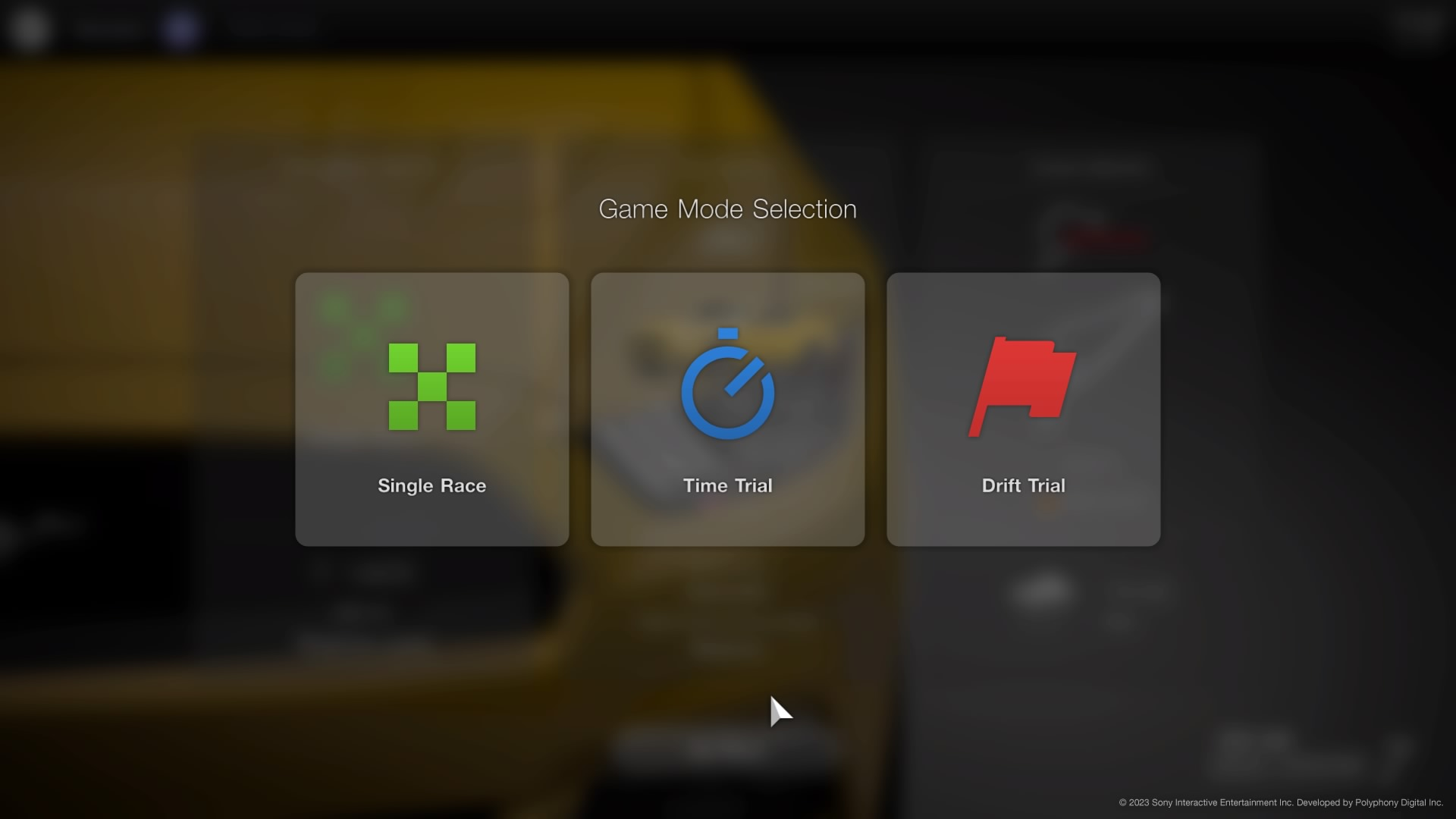
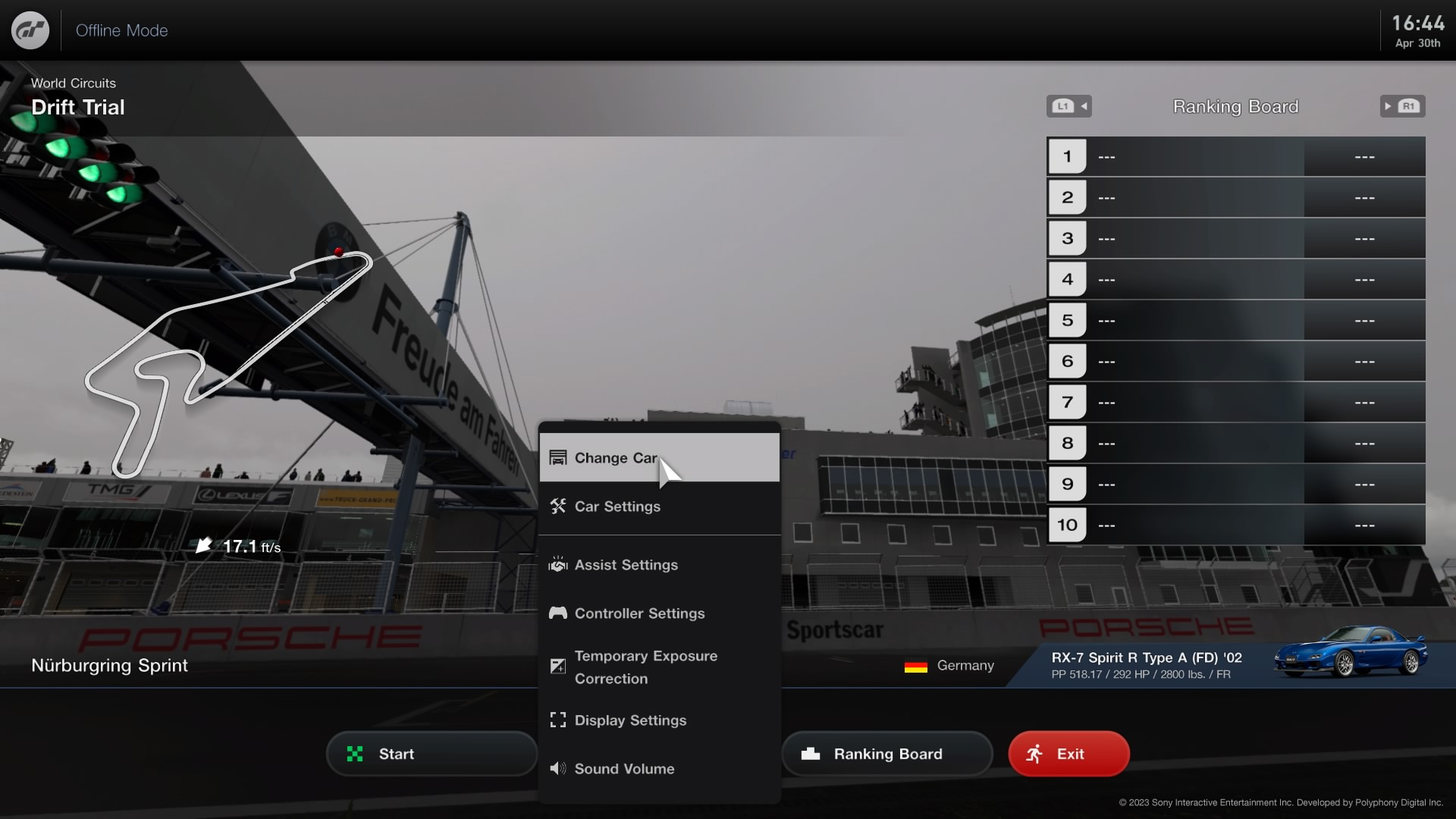
Let's get started:
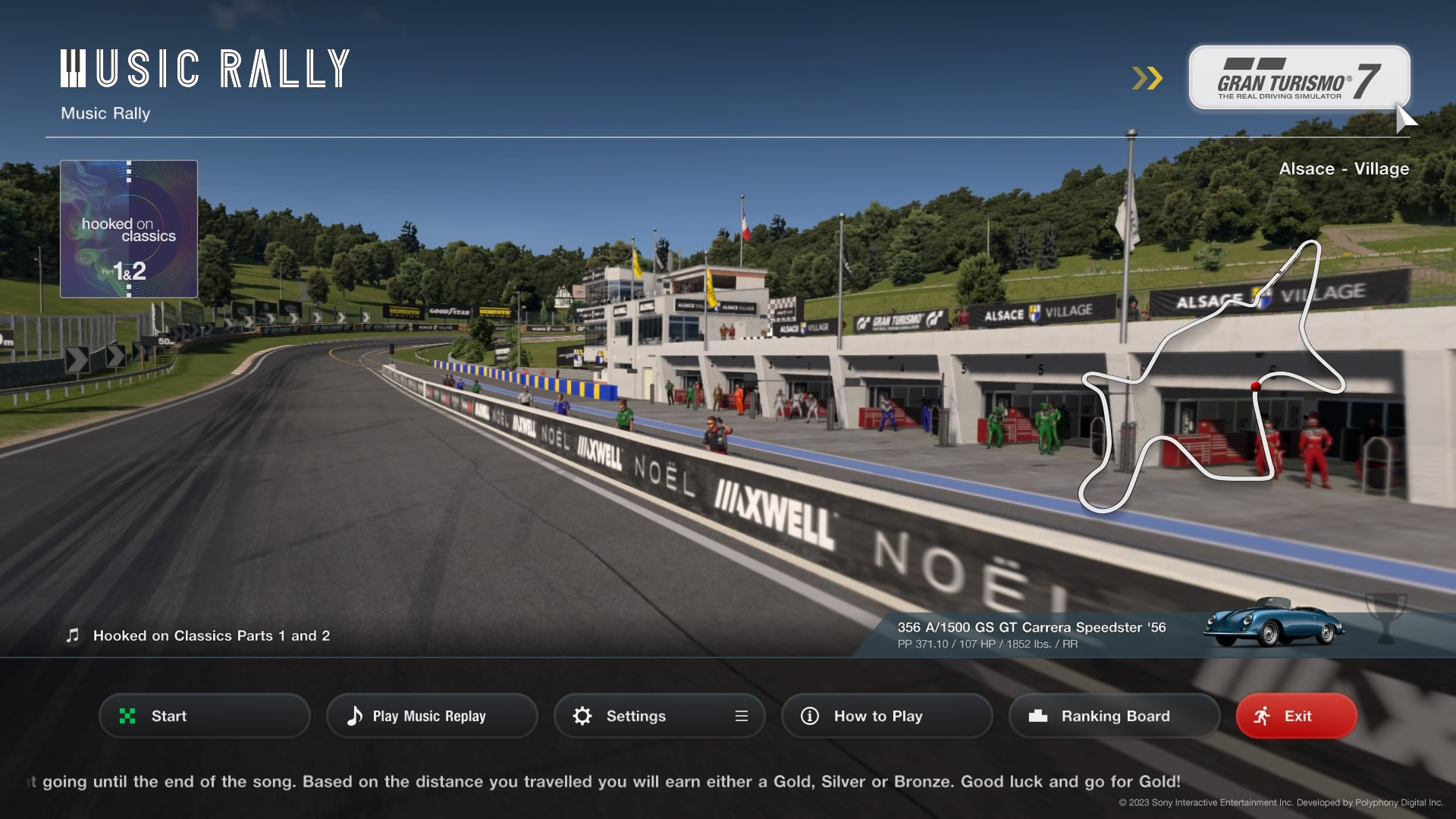
1. After all calibrations start the race in “Music Rally”.
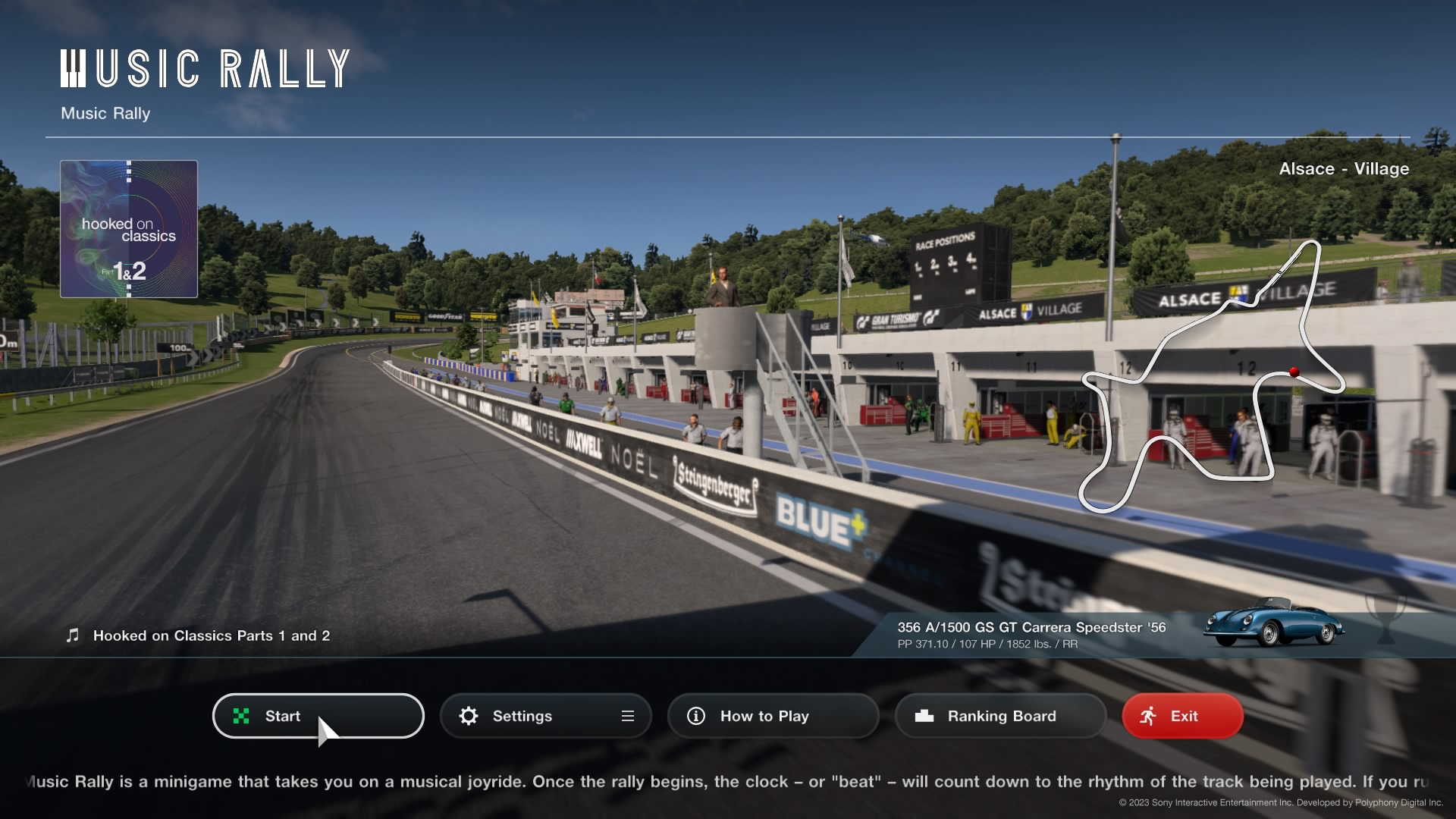
2. After a couple of seconds from the start of the race, exit the race with the “Exit” or “ForceFinishRace” button in the game menu.
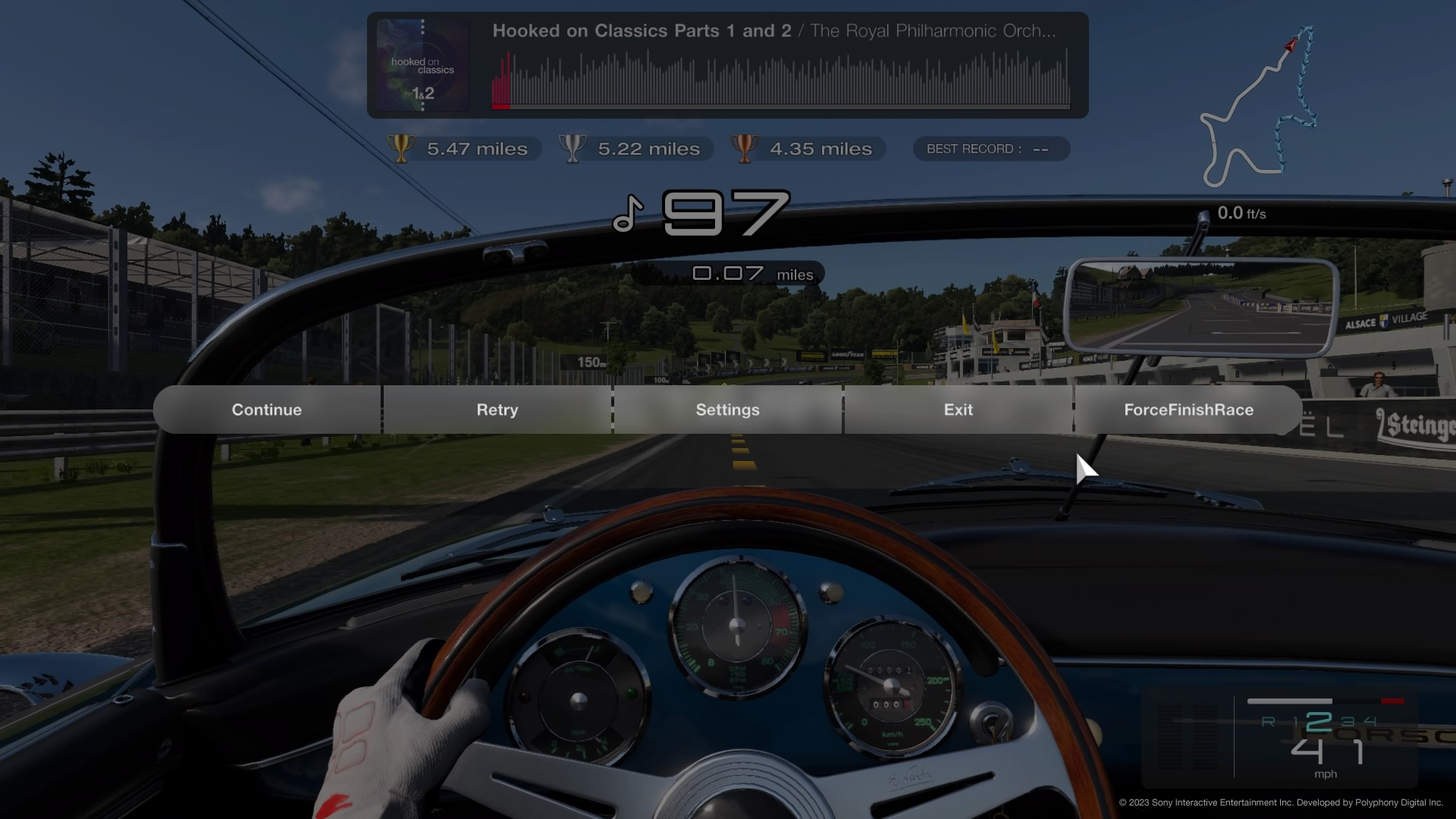
3. Now the normal GT7 mode becomes available (button upper right corner) go to it.

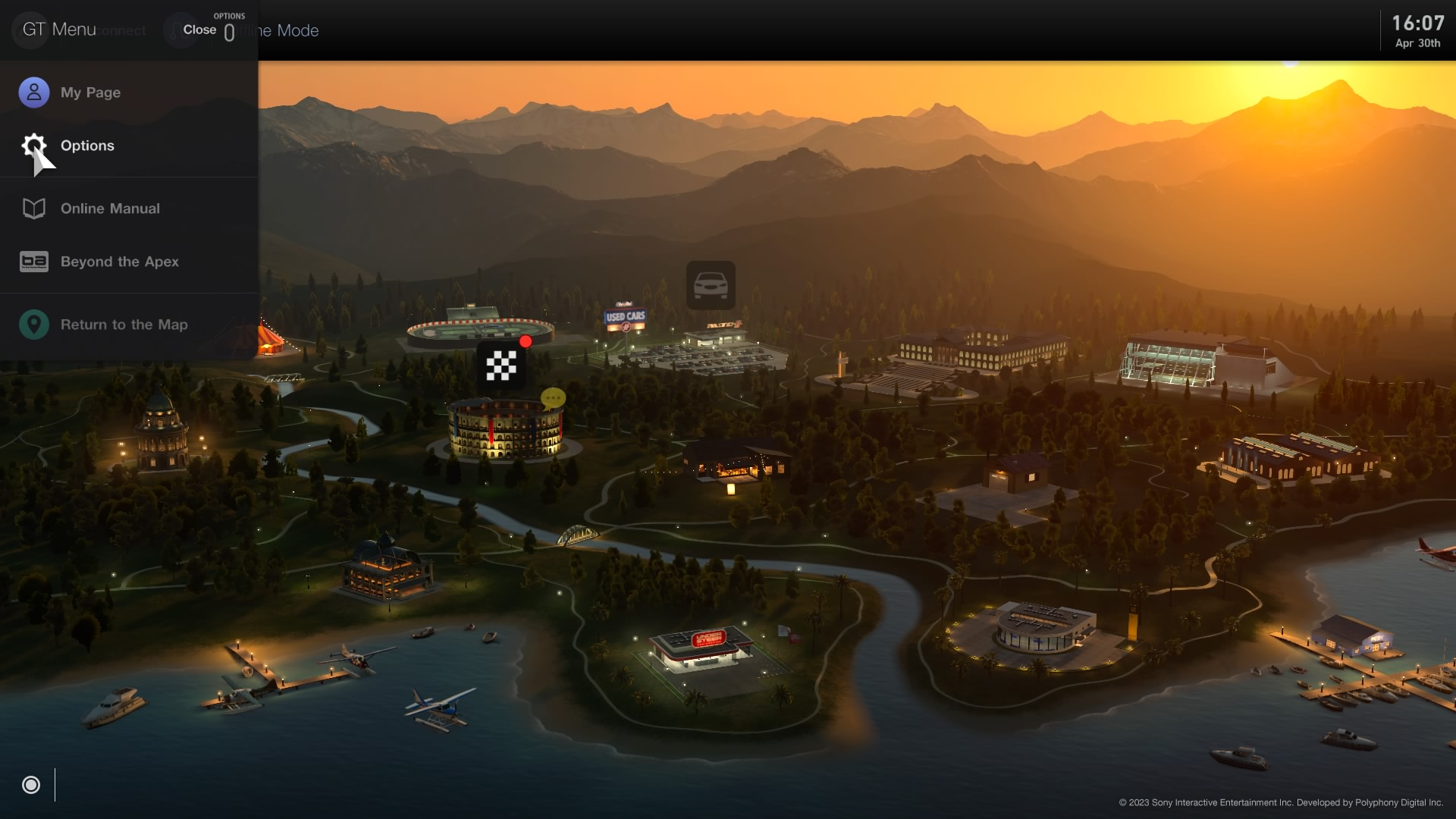
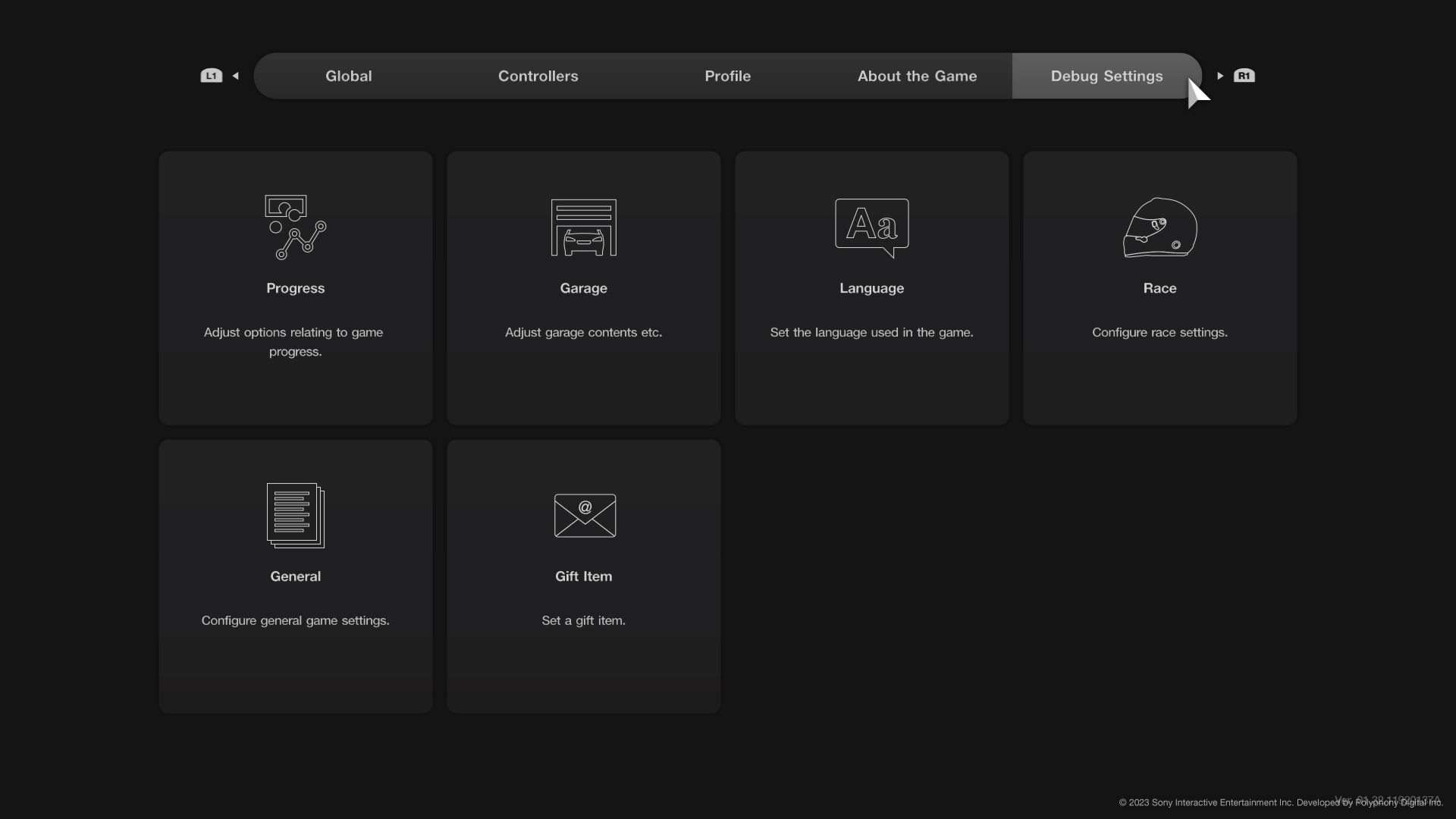
4. On the map screen press “Options” on the joystick, then press the “Options” button in the menu that appears. Then select “Debug Setting”. Here we are interested in two settings “Progress” and “Garage”.
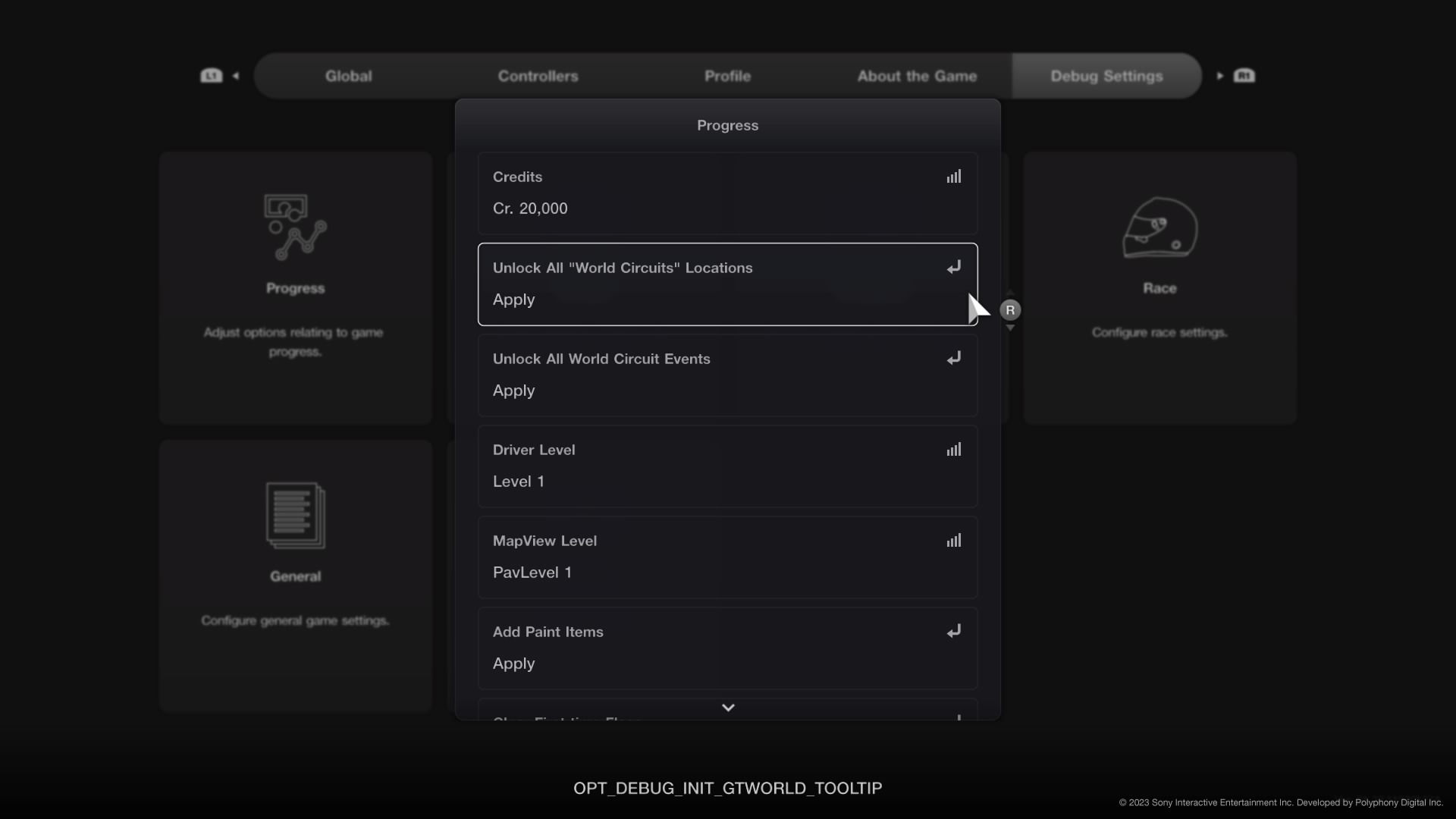
4A. Progress
“Unlock all “World Circuits” Locations” - opens all traces (instantly).
4B. Garage
“Manifacturer” - sort cars by manufacturer
In “Cars” you can select both all cars and a specific model (the number of cars you add directly proportional to the time it takes to add them to the game).
“Colors” - access to the entire color palette of cars.
“Selected Car” - click to add selected cars to the game garage.
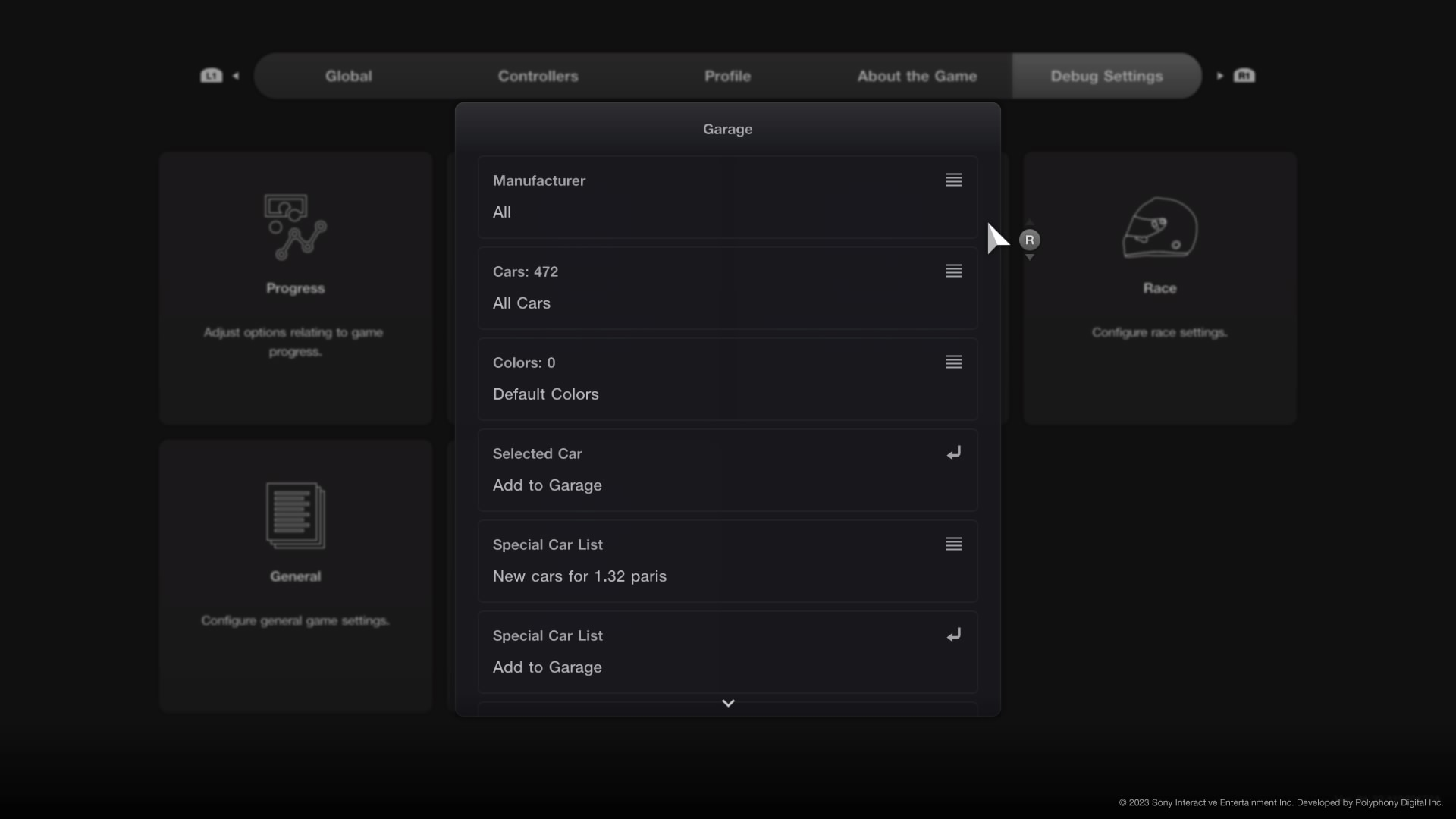
Cars from the “Special Car List” menu are added in the same way.
Our Telegram, where you will find the latest squads update for FC 24, as well as the latest news.