IWWC 2024 - How-to Agent Stats
Shooters42We will be using a website and app called Agent Stats to keep track of everyone's statistics. You'll need to create an account and download the app to send in your statistics and participate in the competition.
If you already have an Agent Stats account and know how to upload, you can simply join the group here, no need to read the entire article: https://www.agent-stats.com/groups.php?group=66abcdffae2c90.52534384
Create an account
First, head over to this website: https://www.agent-stats.com/auth.php
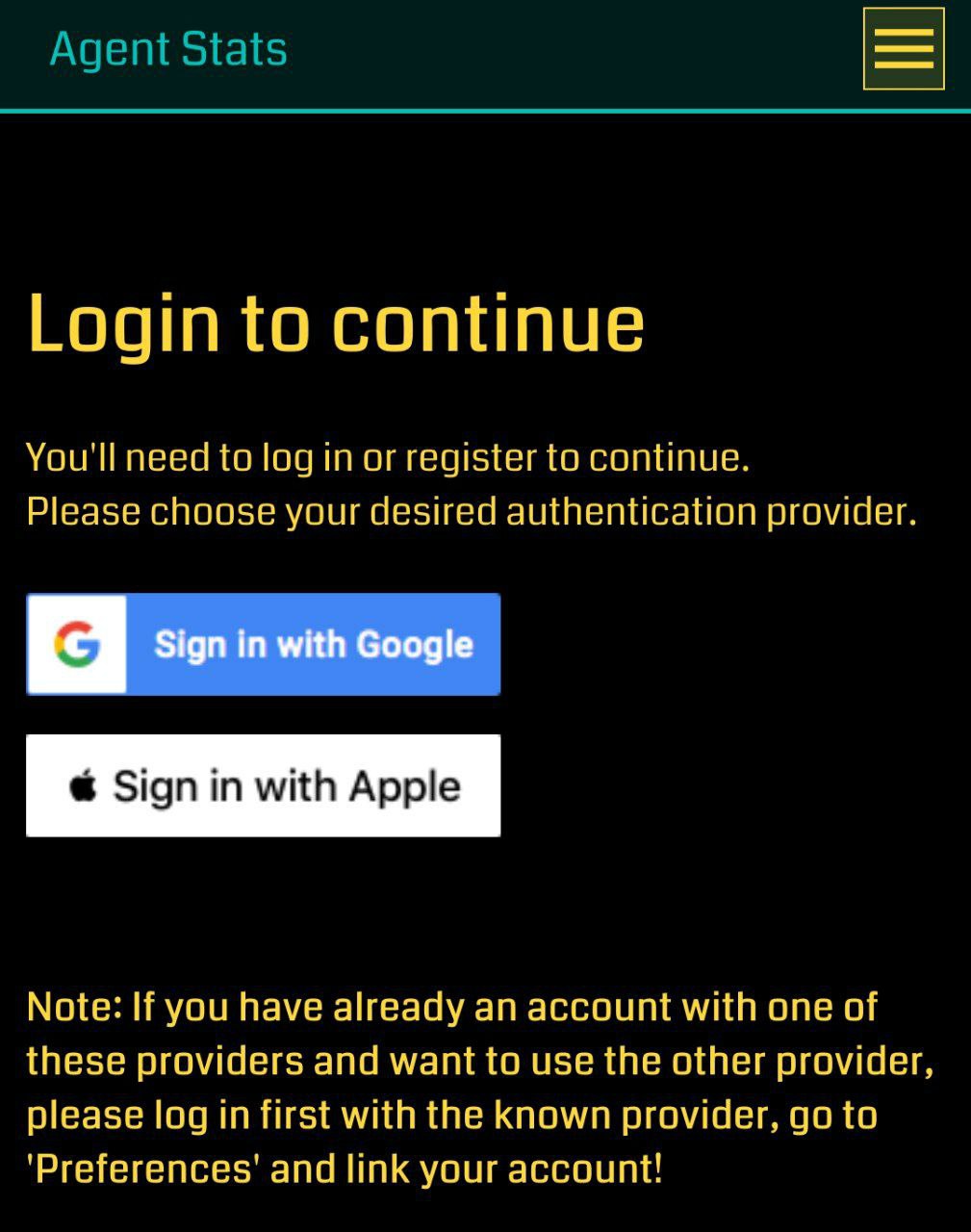
You will be given the choice to either use a Google or an Apple account to create your Agent Stats account. The account used does not need to match the one you use in Ingress. Facebook accounts are not supported!
Once you have signed up, the website will tell you that you need to register an Agent name for your account. Simply tap on "Click here to create an account" and enter your own agent name.
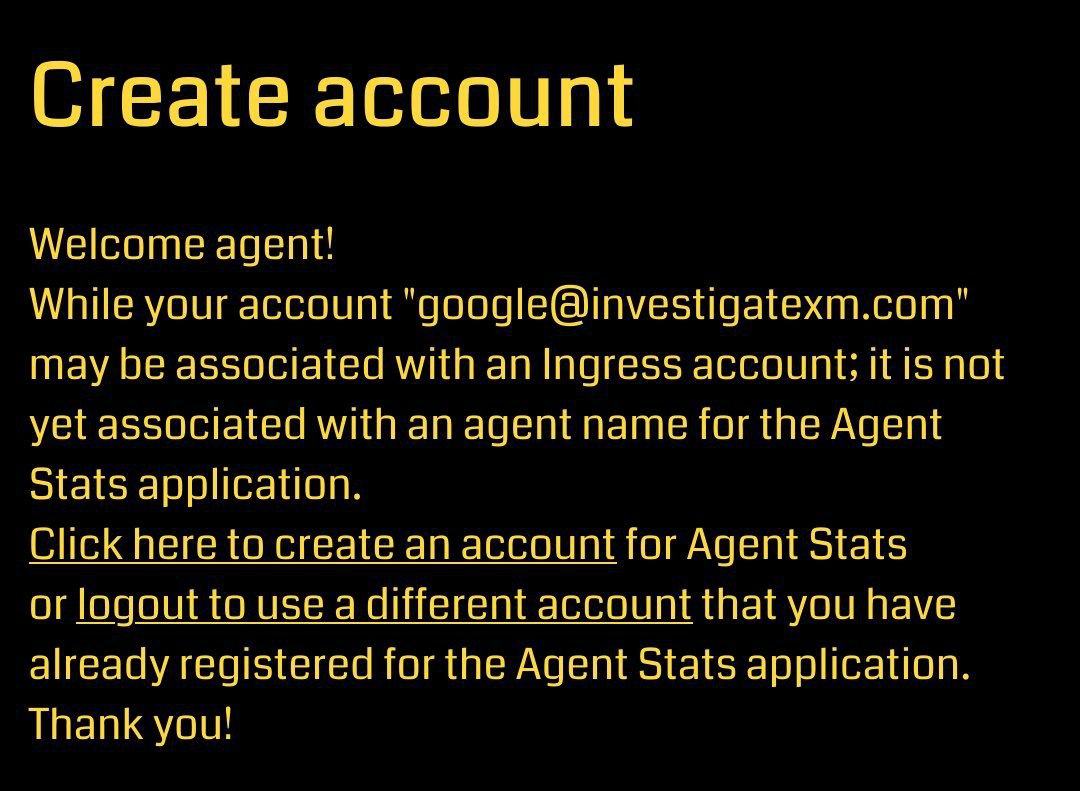
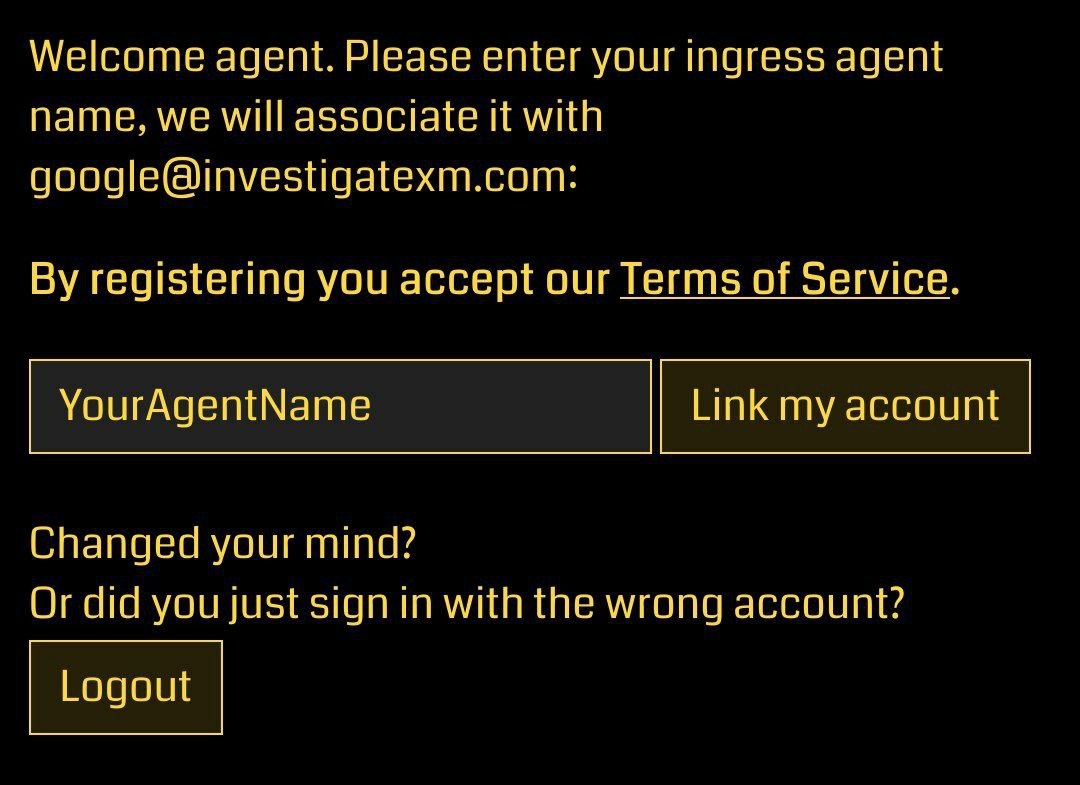
Once you have done this, your Agent Stat account has been officially created and your Google/Apple account is linked to your Agent name. You can now set up your account and enter past event medals if you want Agent Stats to keep a better track of your statistics and for better predictions, however that is not needed for this competition.
Now it is time to join the IWWC 2023 group on Agent Stats. This makes your last uploaded statistics public! This is needed so we can check each Agents stats and find the best Agents in each category.
After you have signed in to Agent Stats, open this link: https://www.agent-stats.com/groups.php?group=66abcdffae2c90.52534384
On the site that opens, tap on "Join group".

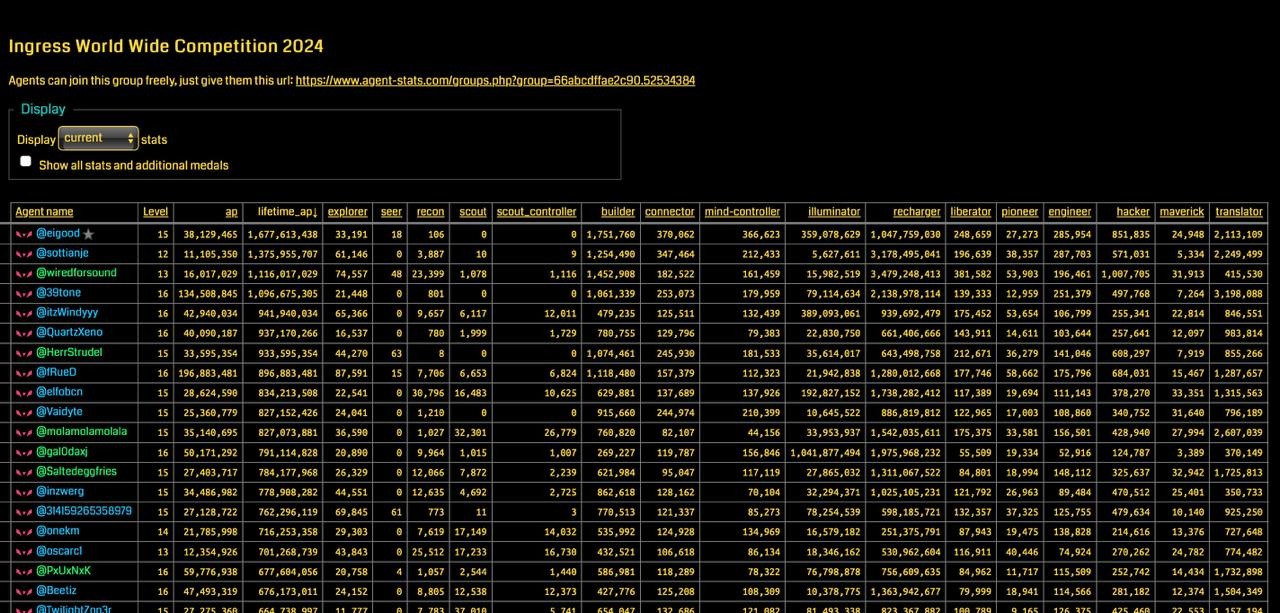
If everything worked, you should now see a list of agents, sorted by Lifetime AP descending (for see all stats select "Show all stats and additional medals") :
Uploading your statistics
To upload your statistics, you will need to download the Agent Stats app from the App Store/Play Store. You can find the app for your OS here:
iOS: https://itunes.apple.com/us/app/agent-stats/id944221057
Android: https://play.google.com/store/apps/details?id=com.agent_stats.app.android
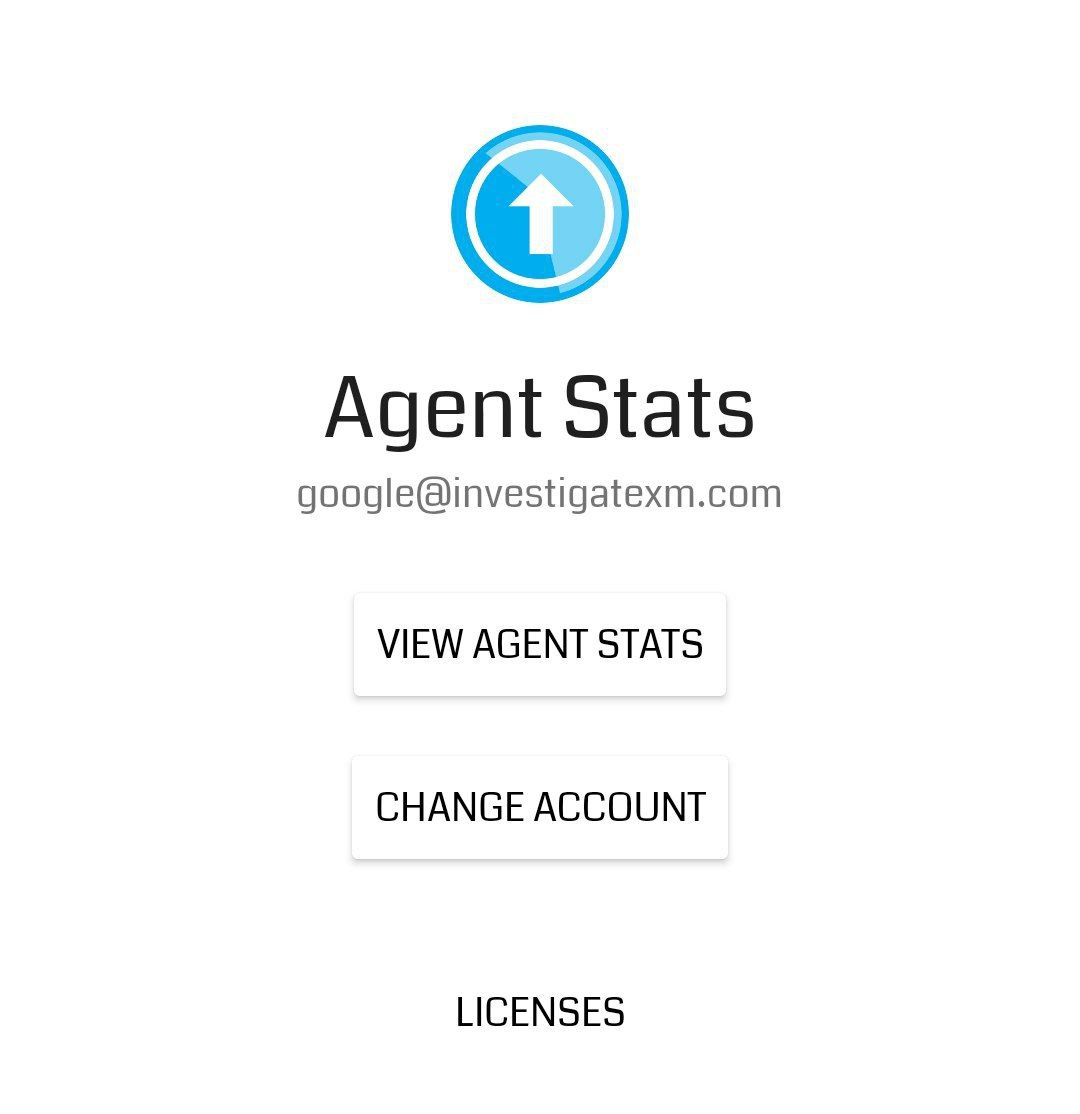
Once installed, open the app and tap on "Change account". Choose the same Email you used when signing up for your Agent Stats account. If everything worked, it should look like this:
You now have two ways to upload your statistics: either by sharing them directly from Ingress into the Agent Stats app or by copying them and manually opening the Agent Stats app.
Method 1: Sharing from Ingress
Open your Agent profile and tap on the button under the Niantic logo (the ballon with a ship attached to it). You should be given the choice to either copy the link or to share it directly with other apps. For this method, find and share your statistics directly with Agent Stats.
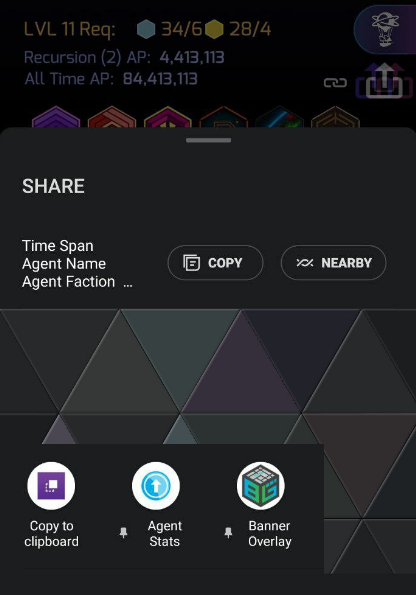
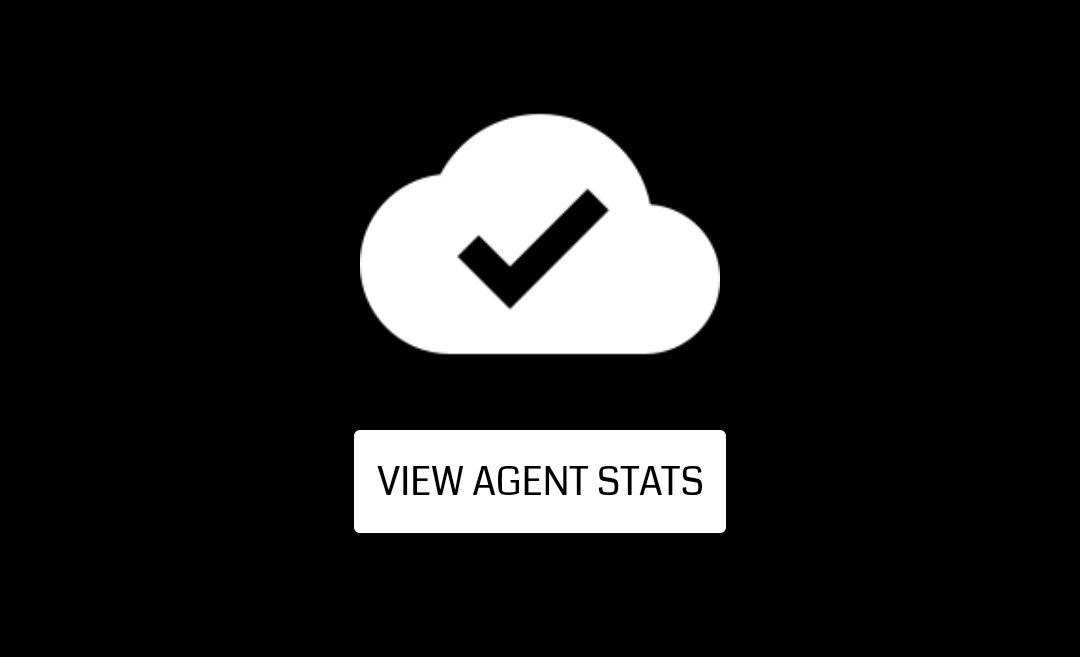
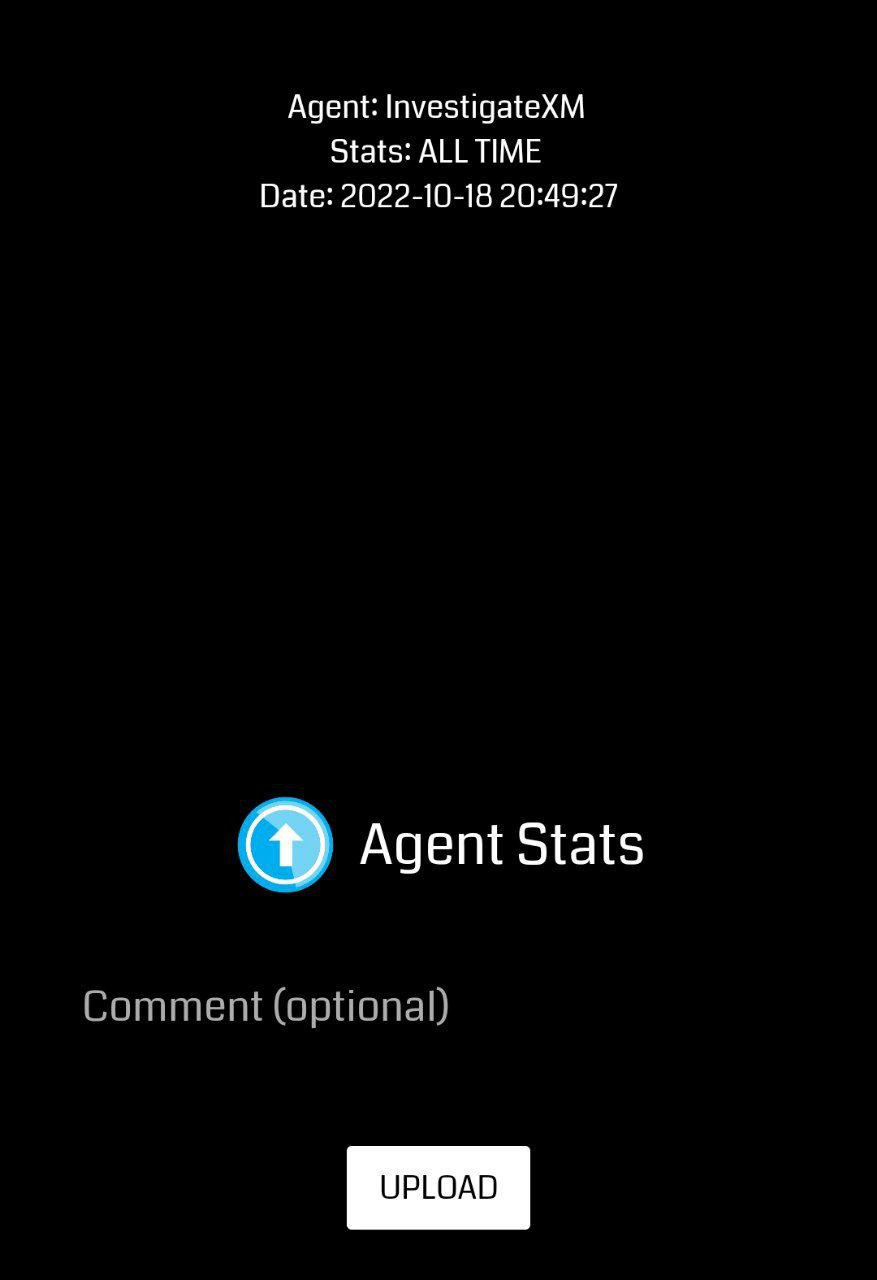
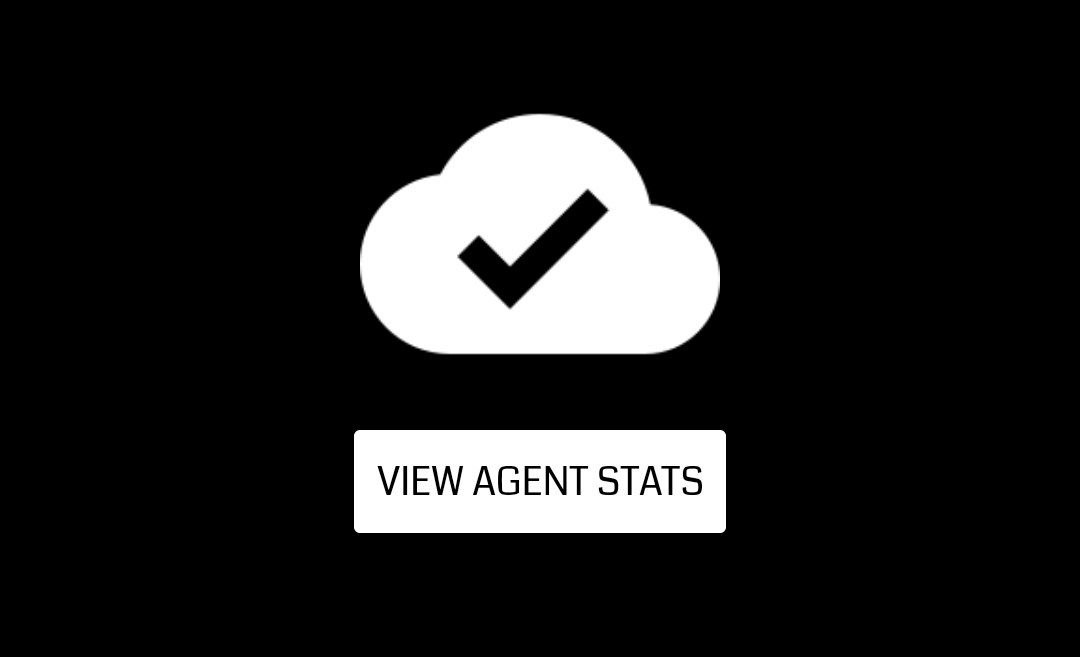
Agent Stats will open and show you some very brief statistics about your upload. Make sure it says "Stats: ALL TIME" and tap on UPLOAD. If everything works, you will see a check mark and a button which says "VIEW AGENT STATS".
Method 2: Copying and manually opening Agent Stats
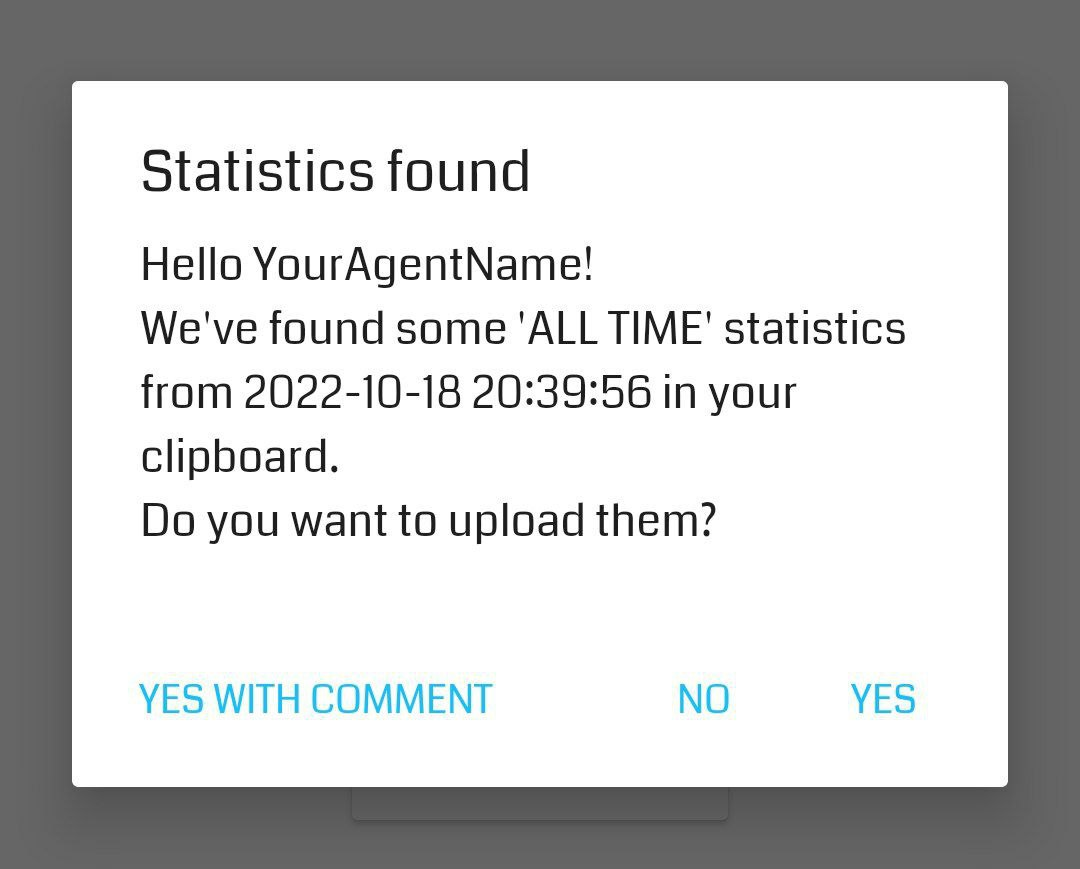
Open your Agent profile and tap on the button under the Niantic logo (the ballon with a ship attached to it). You should be given the choice to either copy the link or to share it directly with other apps. For this method, tap on "Copy" (or your phones equivalent) to copy your statistics into your clipboard. Once you have done that, open the Agent Stats app. It should automatically detect your statistics in your clipboard and will ask you if you want to upload it. Make sure it says "We've found some 'ALL-TIME' statistics" and tap on YES. If everything works, you will see a checkmark and a button which says "VIEW AGENT STATS".