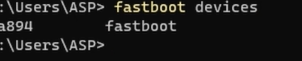
INSTALLING XIAOMI DRVIERS VIA WINDOWS UPDATE
PocoF1
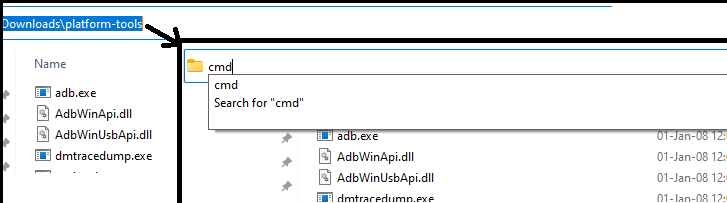
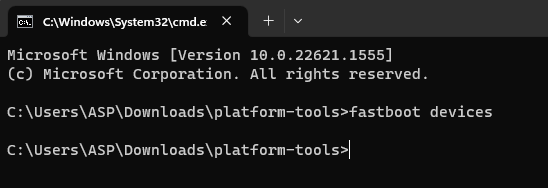
Step1- Boot your phone to Bootloader, check "fastboot devices" by running cmd from the path of the extracted folder of platform tools.
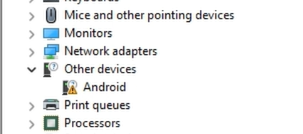
Step2- Device Manager will show "Android" in Other Devices
Step3- Goto Windows Update in Settings App and "Check for Updates". Goto "Advanced Options" and "Optional Updates", install the available Android Bootloader Interface Driver Update that shows up.
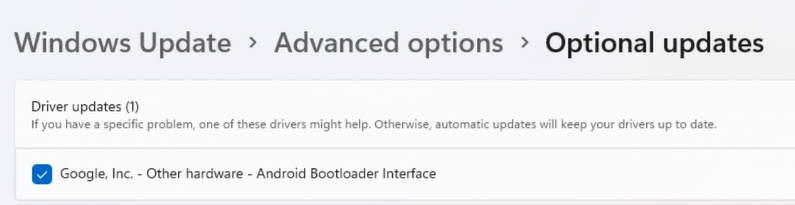
Step4- After Installation, check "fastboot devices" again for it to show connection and device serial.