HyperOS By Maki - Beta v1.2
@iamakima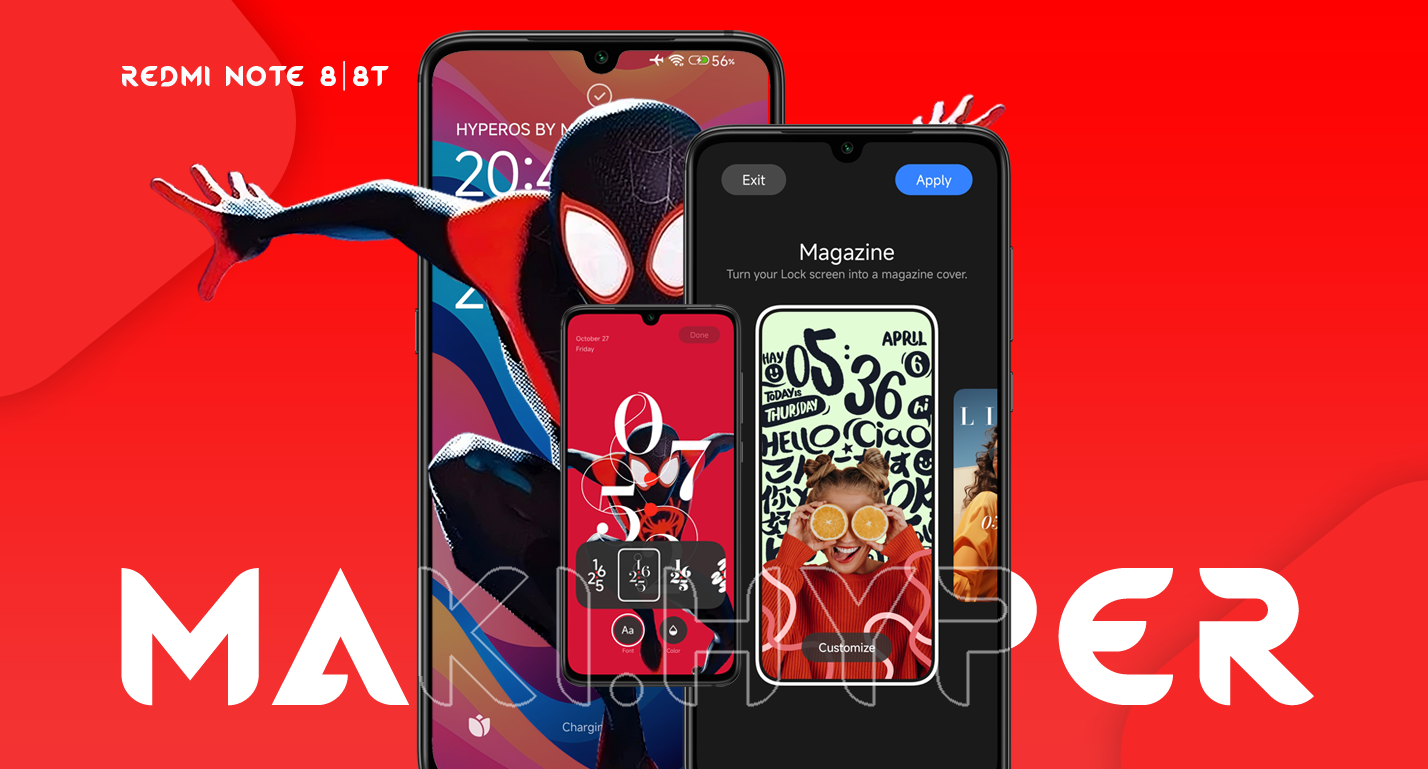
Changelog v1.2:
- v1.2 patch
- HyperOS T base (Android 13)
- New lockscreen clock available
- Added missing permissions
- Added more missing stuff
- Google Photos Unlimited
- More features available
- OS Synced
- NFC on Willow (need to check)
- Google Play fixed
- Google basic services enabled by default
- QR Code Mi Account login (Idc)
- Minor and personal adjusts
- Added more MakiOverlays
- More improvement for battery save
- Connectivity services fixed
- Minor fixes and adjusts

Notes:
- Buy me a coffee
- Not tested on Willow or dirty flash;
- Willow users: for obvious reasons, I don't know how HyperOS will perform on this device. It's an additional feature in the project.
- I still didn't get it how people don't know how to use betas and also complain about things in betas;
- Lang support (something idc about) isn't the current focus or priority at the moment. Use Duolingo instead;
- The stable version will only be available in 2024 because it's in beta (China);
- About Kernel/KSU (IDK), test it yourself;
- Use if you want;
- Tip for saving battery on MIUI: use Ultra Battery Saver mode when you're using only basic functions on your device or before going to sleep
- I prioritize the quality of performance and stability in the builds for my projects. Something that is hard to maintain, given that this device is meme problematic;
- No gore stuff, just the essentials;
- I don't add things that the device obviously can't handle. That's on you, feel free to overwhelm the interface;
- In this case (this project), Magisk is optional, not a tradition;
- Use DFE only when the memory is encrypted;
- Google session ID isn't really important;
- There's no need to flash a firmware 15 times if an updated and improved version is already included in the build;
- *On my device, the battery discharges 1% every 15 minutes;
- First boot: you can skip the initial setup (which typically involves logging into your Google account) by simply clicking on "setup offline" button;
- Meme account by QR Code (Idc)
- Thanks Mystic GSI
- Thank you for your support.