How to Install paid games and applications on your IOS device (without JailBreak)
TECHNOPHILE
So hello guys, today I was researching on the topic of app store, and you'll not believe that what I came up with, so let's hit to the topic and learn how is it possible.
So what's required to perform it:
1. PC
2. iPhone
3. Wire
So let's start with it:
1. Hit to this link and download Altserver on your PC.
Important, you must not have iCloud on your pc downloaded from the Microsoft Store
2. Install Altserver and connect it to iPhone.
3. Now follow the Screenshots
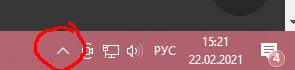
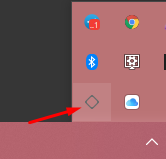
Click on that symbol👇
Now we choose iPhone as an option
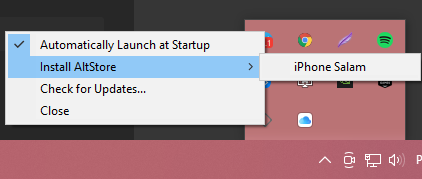
After that we gonna enter our data from iCloud.
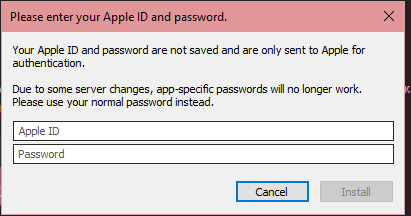
Now We gonna wait a bit and will see on our iPhone screen a new application named "AltStore".
4. Go to Settings - Basic - Device Management - Trust (Your mail from iCloud will be written there).
5. Go to Altstore.
6. Go to the My Apps tab and press the green button near AltStore.
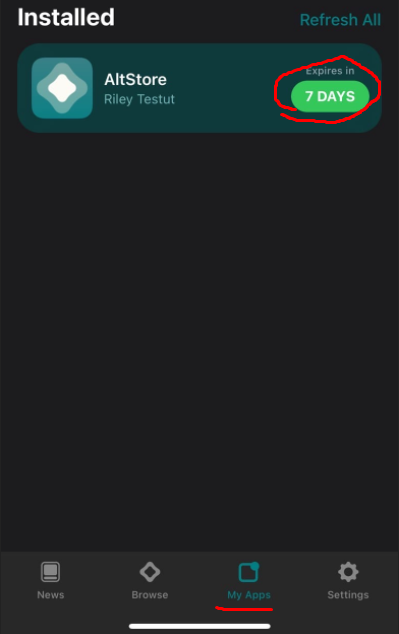
7. Now we will have to login to our account again.
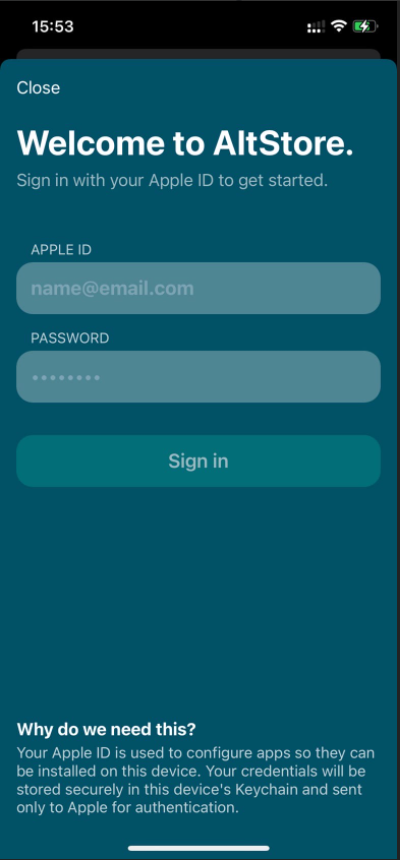
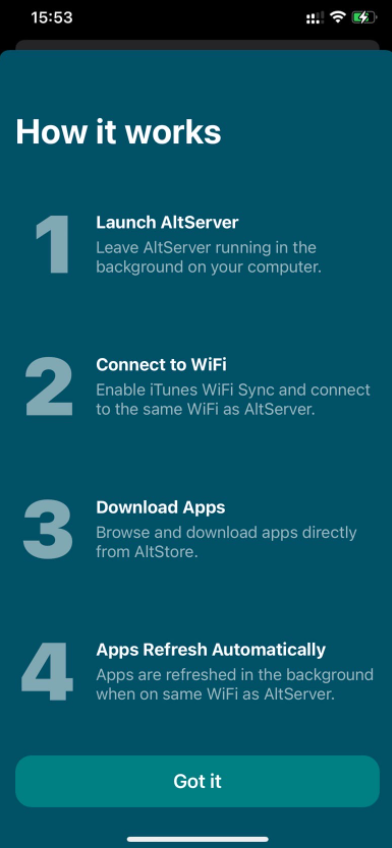
8. In the same tab click on the plus icon.
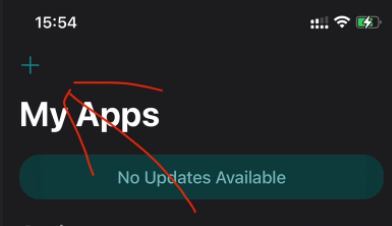
9. We are waiting. We see that the application has been added to the workstation and to the My Apps tab.
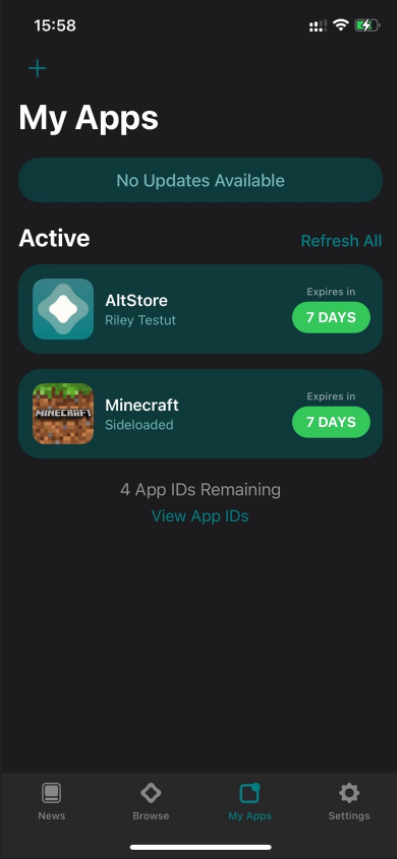
Now main part comes where to download games and applications?
Now follow the link phonecake.com and look for our application and download it from there.
Turn on adblock, because there are a lot of ads on the Federal District, you are unlikely to download something without Adblock.
If the error App is Invalid crashes, then download another file.
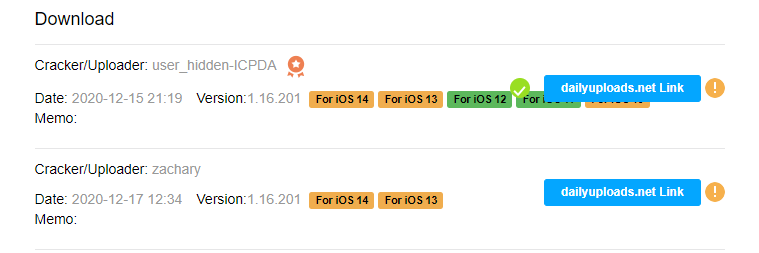
If it still writes App is Invalid, then we completely demolish AltStore and reinstall it. From the second time all the programs began to be installed for me.
I am attaching proofs that it worked:
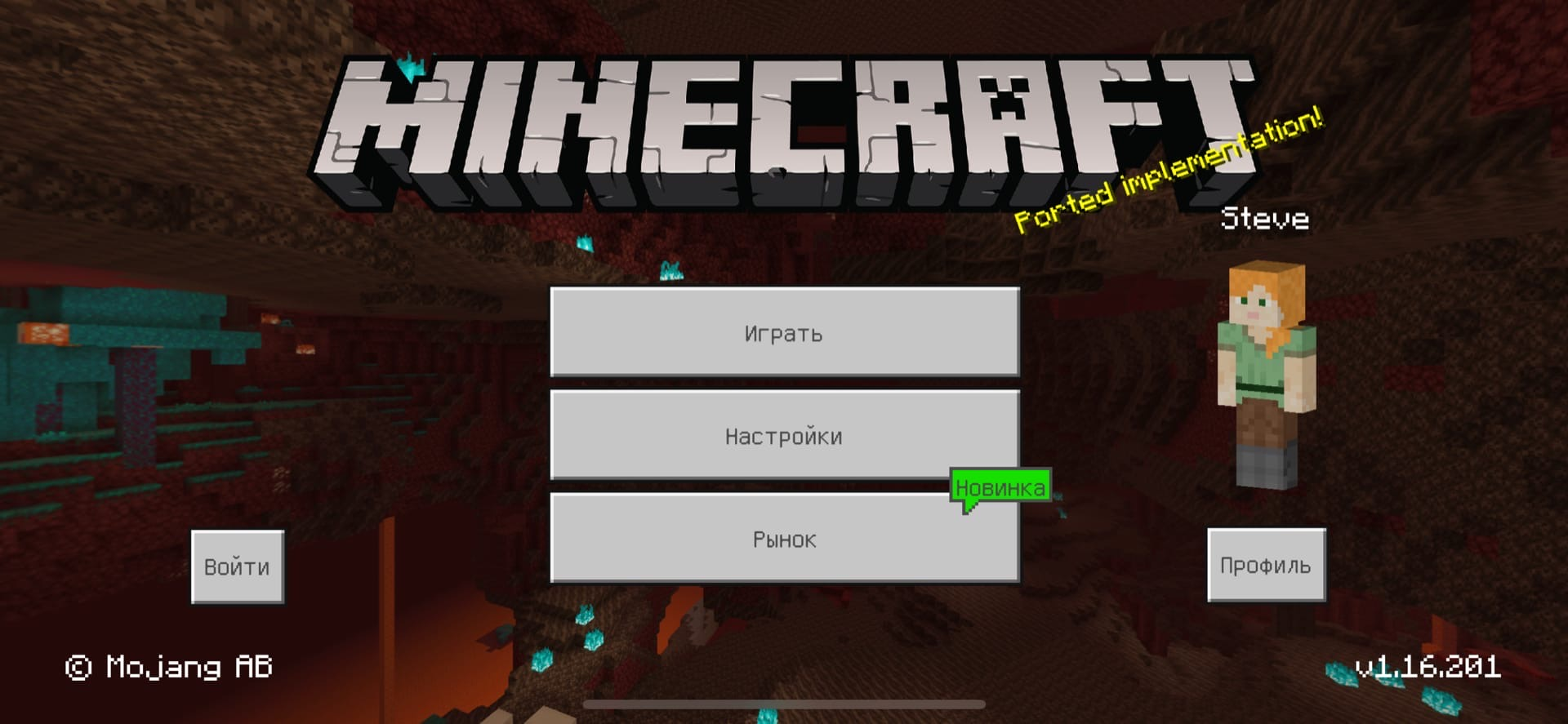
Credits to third party sources
Posted By: Hackersplanet
Share And Support Us!❣