How to withdraw cryptocurrency directly to a card?
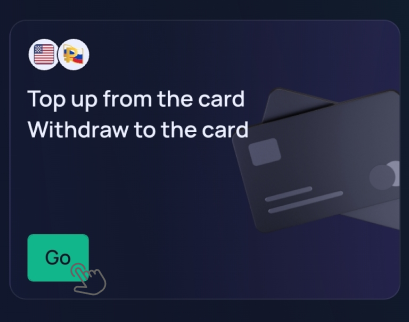
PayCash https://paycashswap.com1️⃣ In the desktop version of the website https://paycashswap.com/, click the «Go» button.
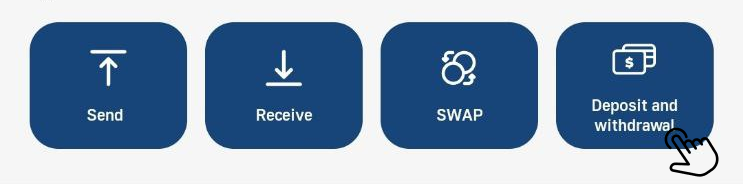
◾️ In the app, click the «Deposit and withdrawal» button;
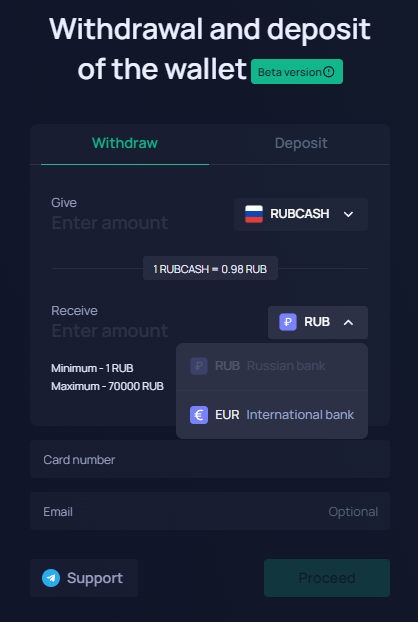
A form will appear on the screen, at the top of which you should select the «Withdraw» section.
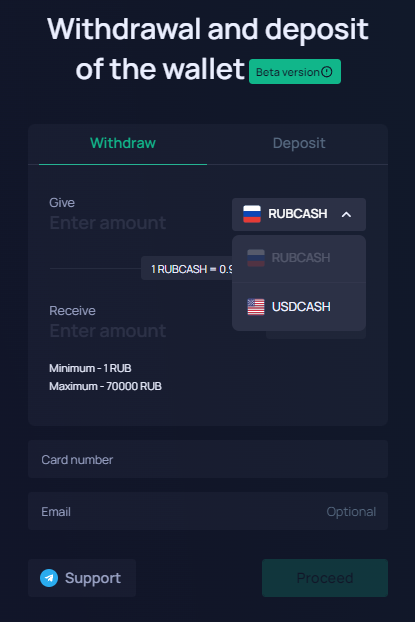
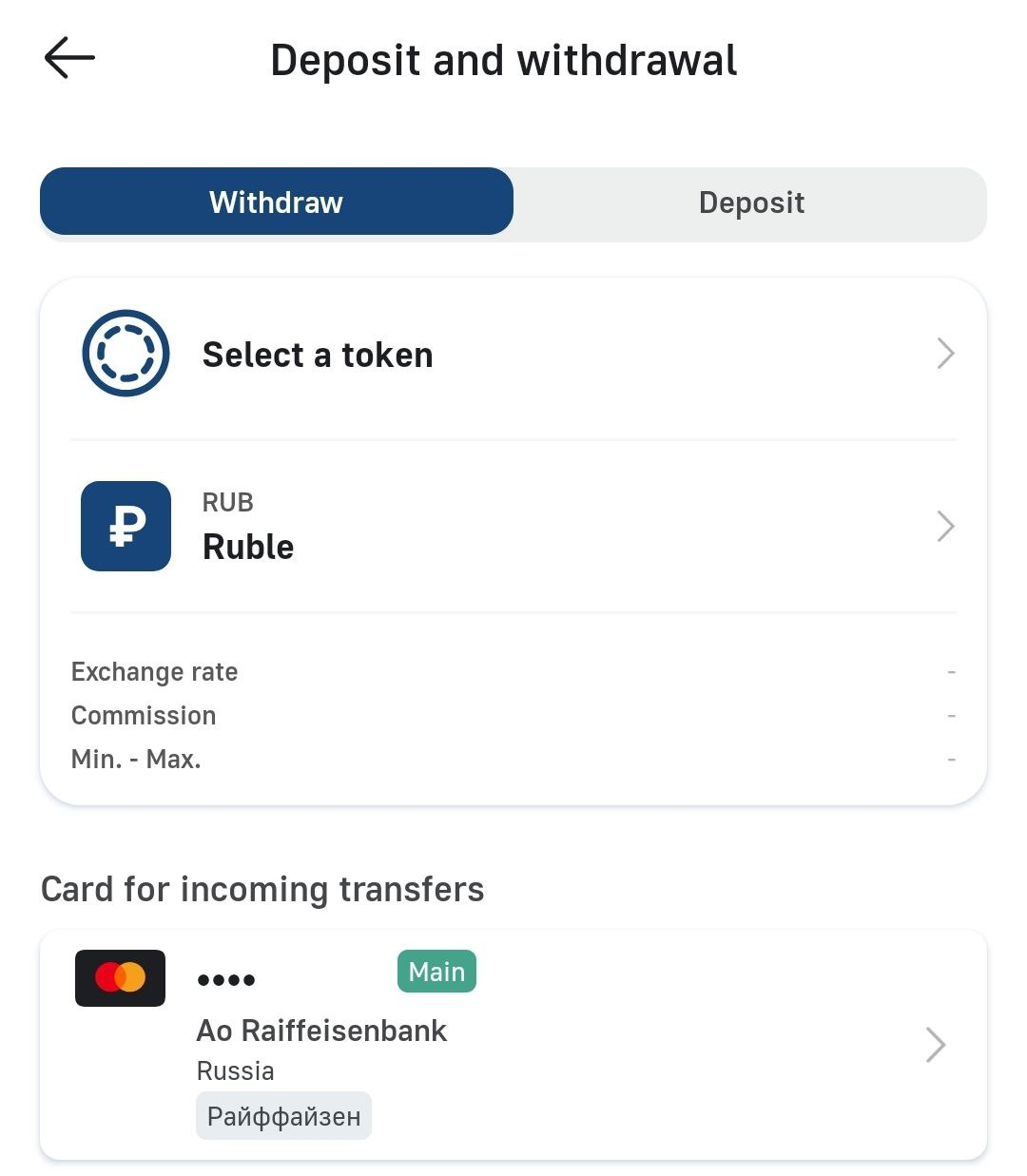
2️⃣ Choose a cryptocurrency RUBCASH or USDCASH for the «Give», a fiat for the «Receive», enter the required amount for withdrawal, specify your bank card number and click the «Proceed» button.
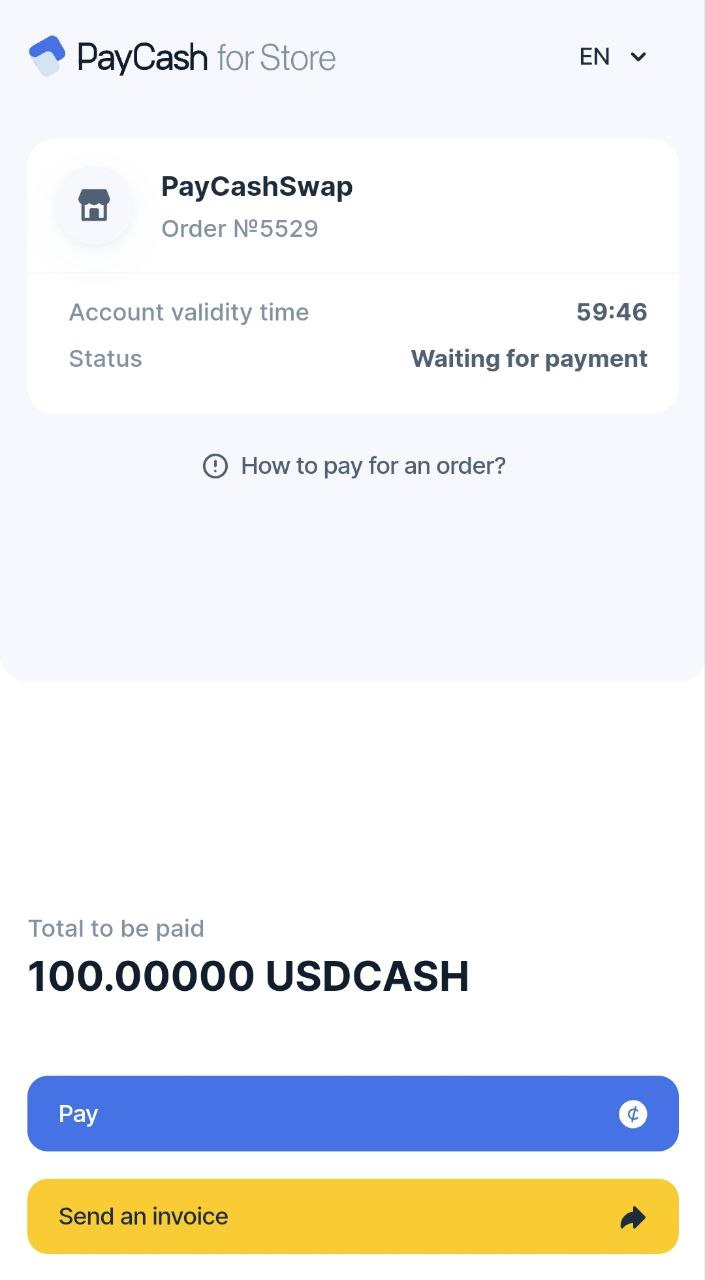
3️⃣ After performing this operation, you will be redirected to an intermediate payment page where you should click the «Pay» button.
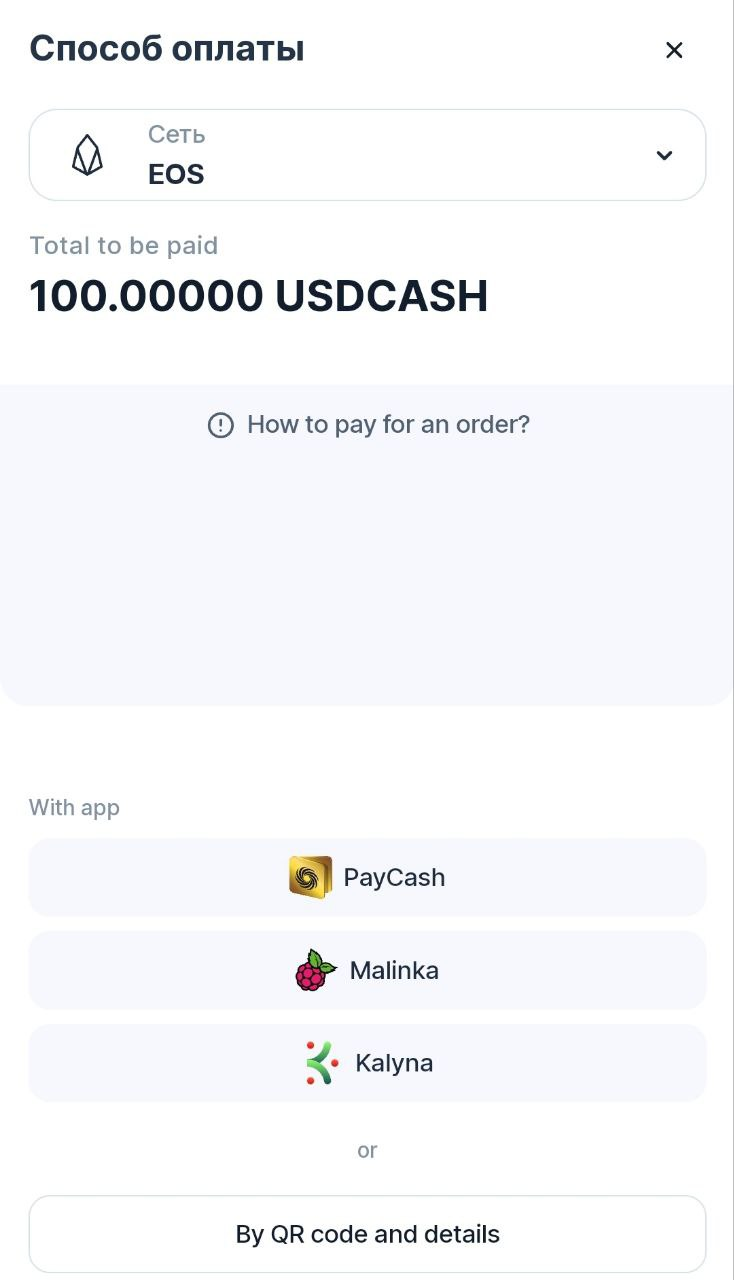
4️⃣ On the page that opens, select an app for payment.
5️⃣ After going to the application, you will see an automatically generated form for transferring funds. Click the «Transfer» button to confirm withdrawal to your card.
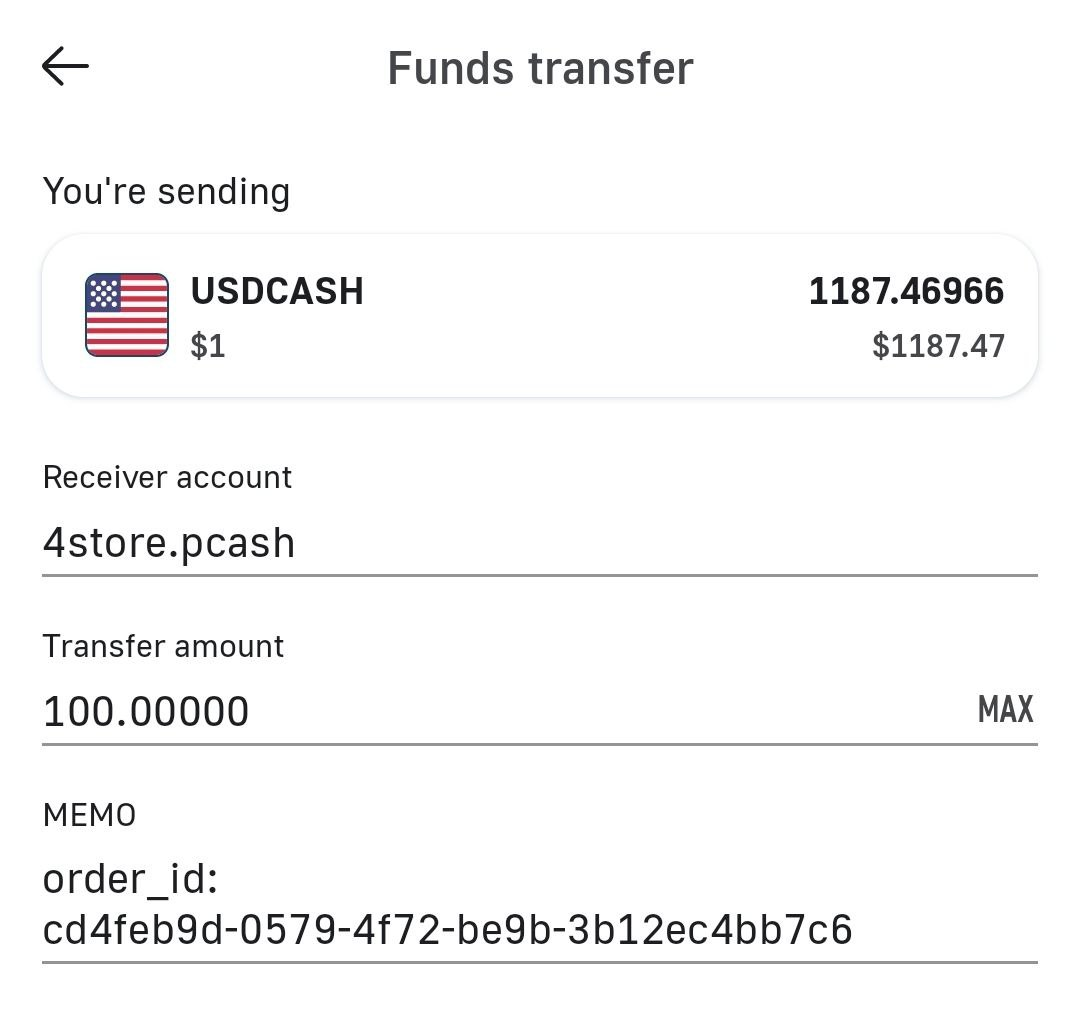
⚠️ It is forbidden to make changes in the MEMO field. It is generated automatically.
✅ Within a few minutes after payment, you will receive fiat on your specified card.
❌ Withdrawal to virtual cards and QIWI cards is not possible.