How to use Inputs Bot 🧑💻
@InputsBotLet's start typing smarter, not harder! 🚀✨
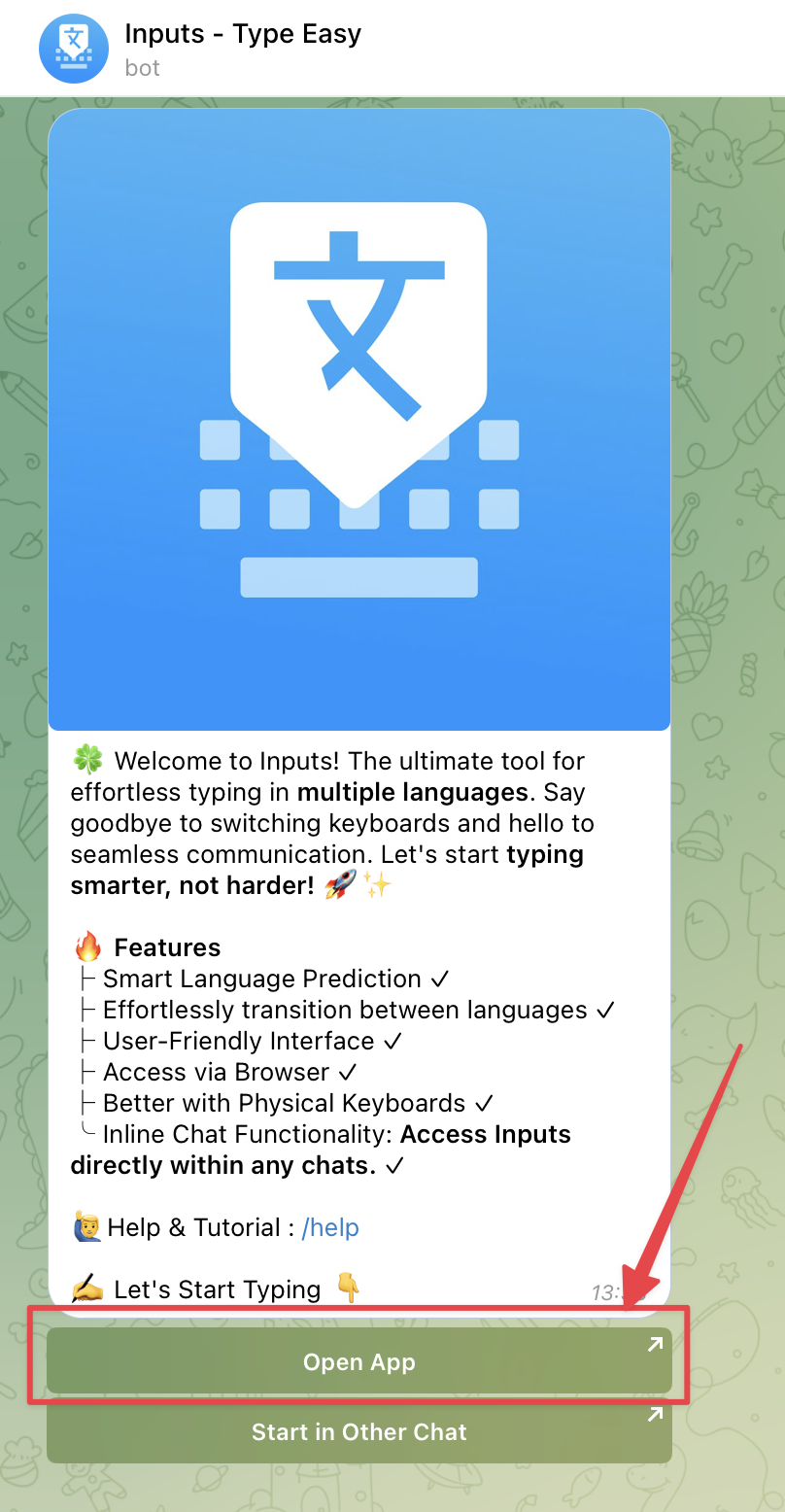
01. First Open Inputs Mini-App
✅ Basic Usage - Video Tutorial
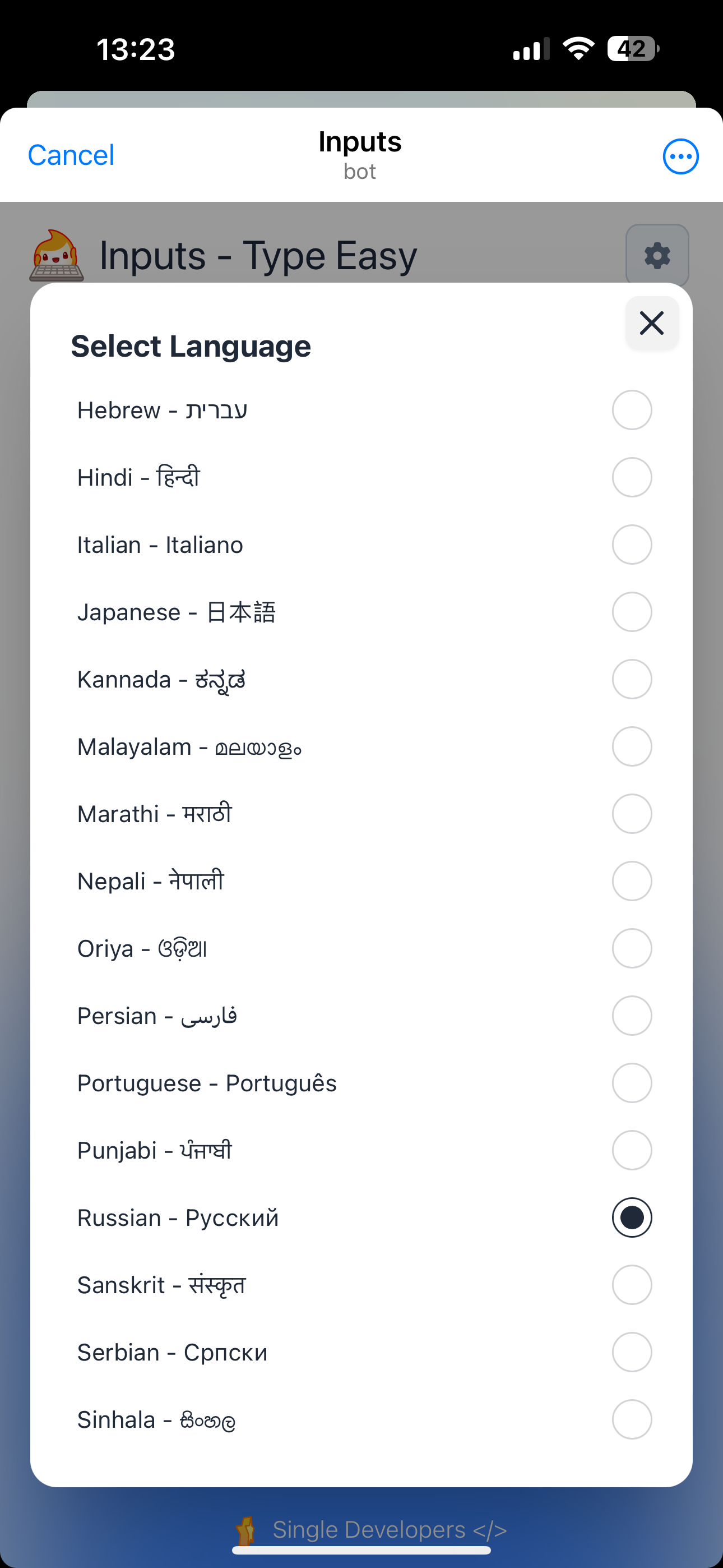
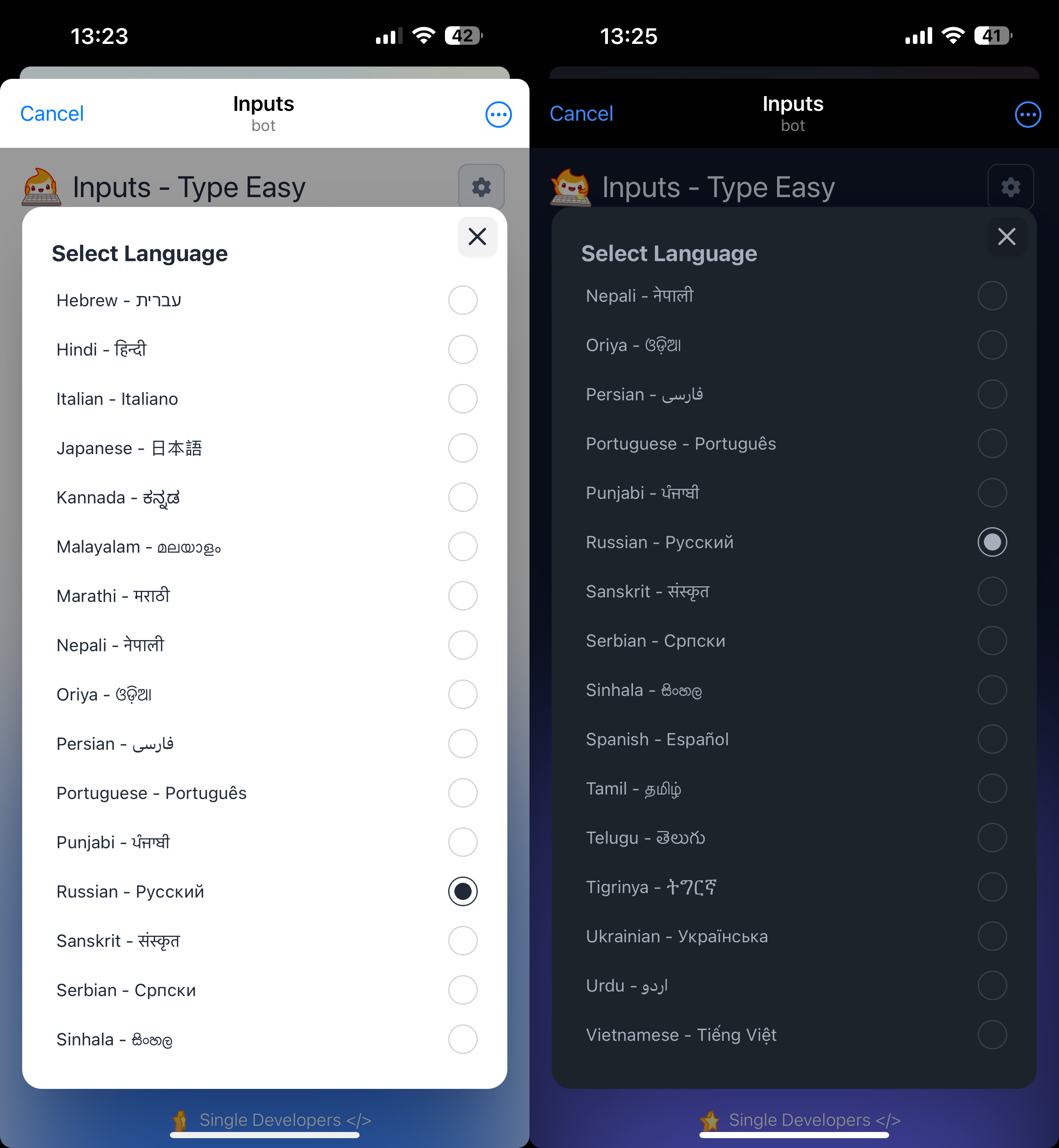
02. Select Language
ᗚ Available Languages :
01. Amharic - አማርኛ
02. Arabic - العربية
03. Bengali - বাংলা
04. Belarusian - Беларуская
05. Bulgarian - Български
06. Cantonese (Traditional) - 廣東話 (繁體)
07. French - Français
08. German - Deutsch
09. Greek - Ελληνικά
10. Gujarati - ગુજરાતી
11. Hebrew - עברית
12. Hindi - हिन्दी
13. Italian - Italiano
14. Japanese - 日本語
15. Kannada - ಕನ್ನಡ
16. Malayalam - മലയാളം
17. Marathi - मराठी
18. Nepali - नेपाली
19. Oriya - ଓଡ଼ିଆ
20. Persian - فارسی
21. Portuguese - Português
22. Punjabi - ਪੰਜਾਬੀ
23. Russian - Русский
24. Sanskrit - संस्कृत
25. Serbian - Српски
26. Sinhala - සිංහල
27. Spanish - Español
28. Tamil - தமிழ்
29. Telugu - తెలుగు
30. Tigrinya - ትግርኛ
31. Ukrainian - Українська
32. Urdu - اردو
33. Vietnamese - Tiếng Việt
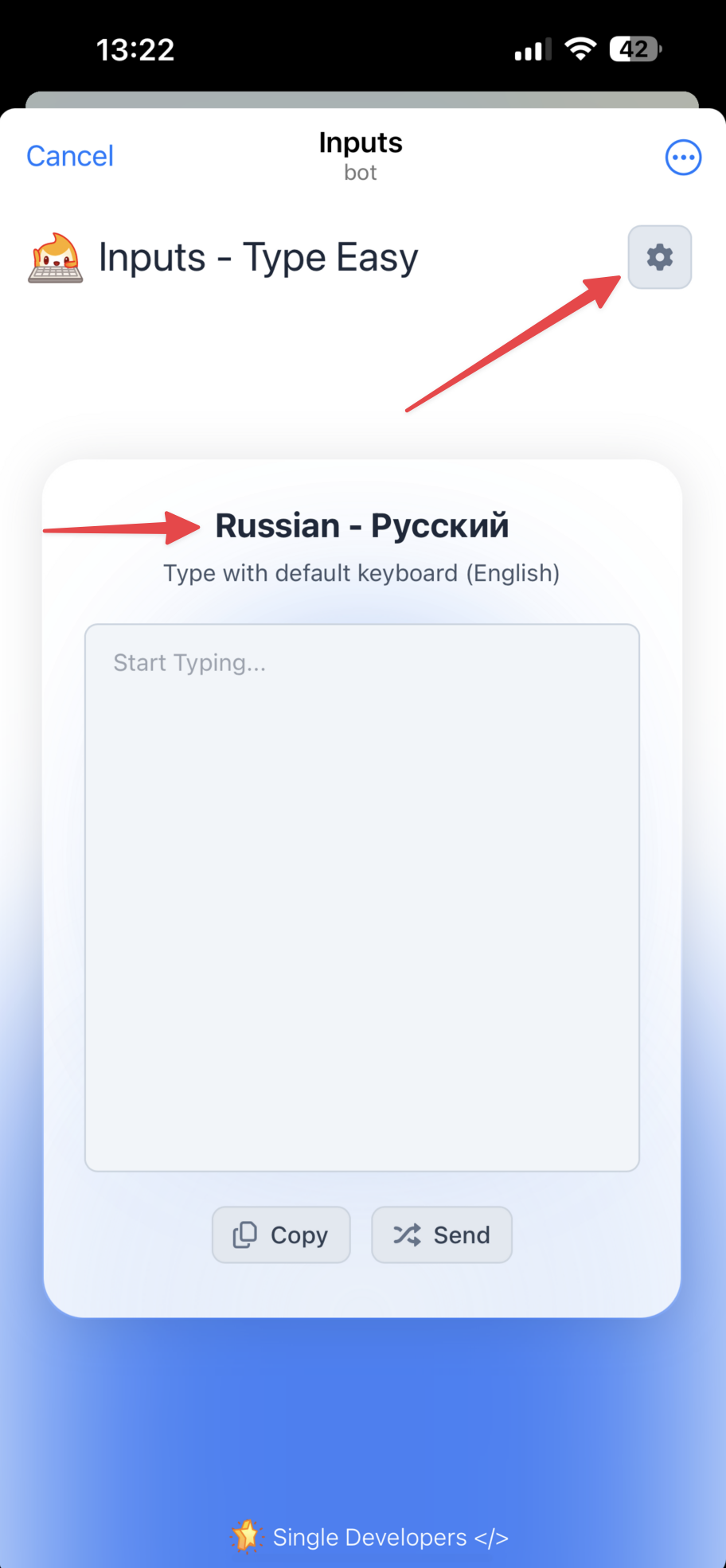
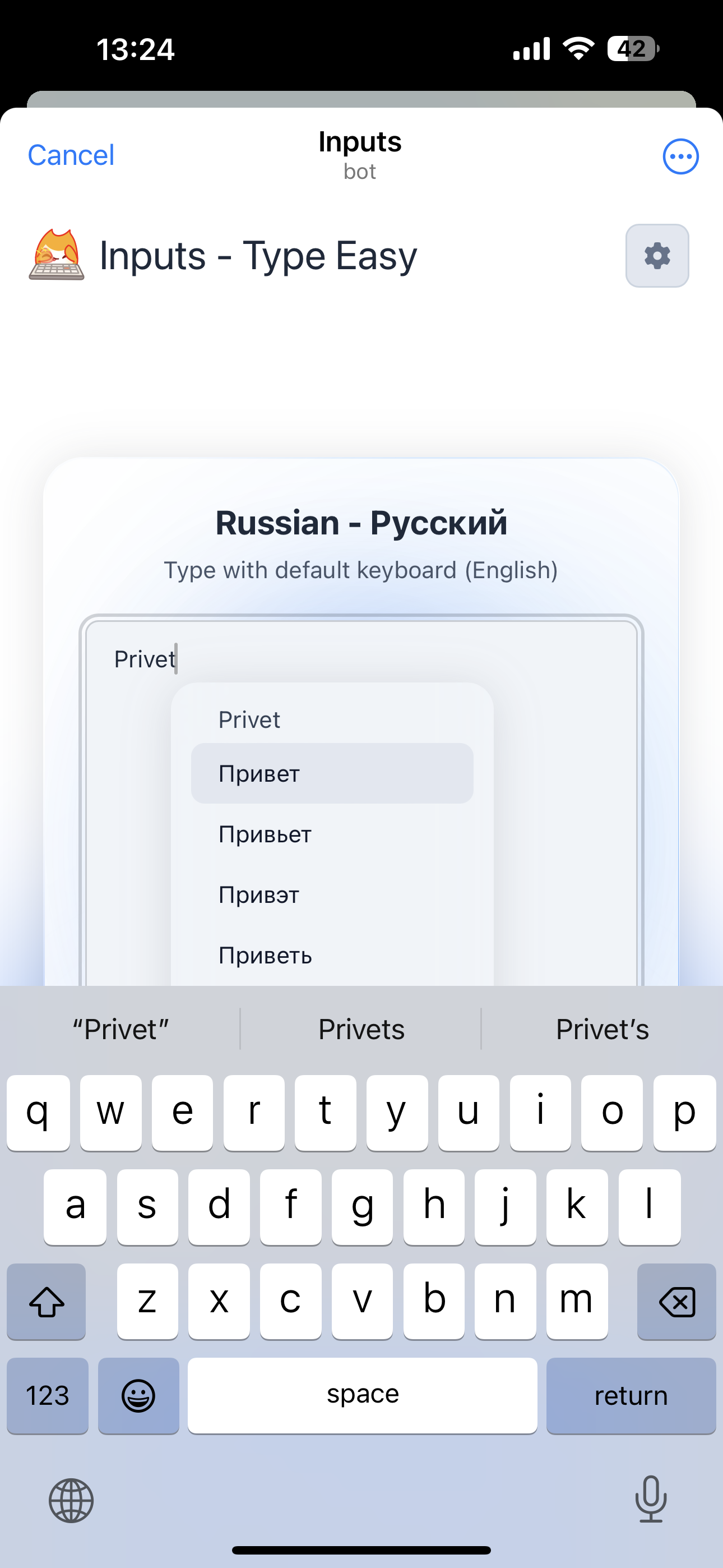
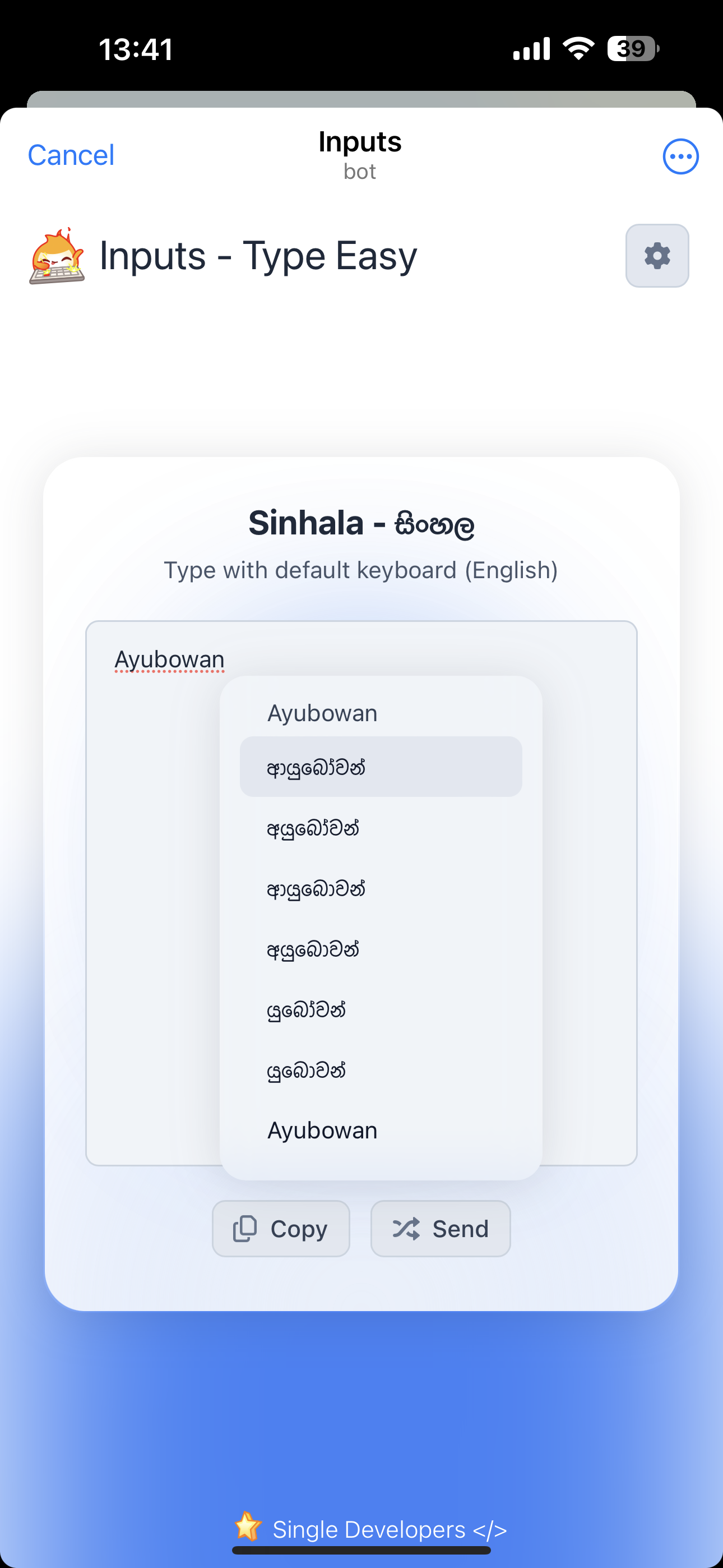
03. Start Typing
💡 Tips :
01. Always use Default Keyboard for Typing
02. You can select word suggestions from dropdown menu while typing
03. Press Space for Select active selection from the list (1st one)
04. Use Arrow keys to select suggestion (in PC or Laptop)
05. Try with Physical keyboard to get better experience
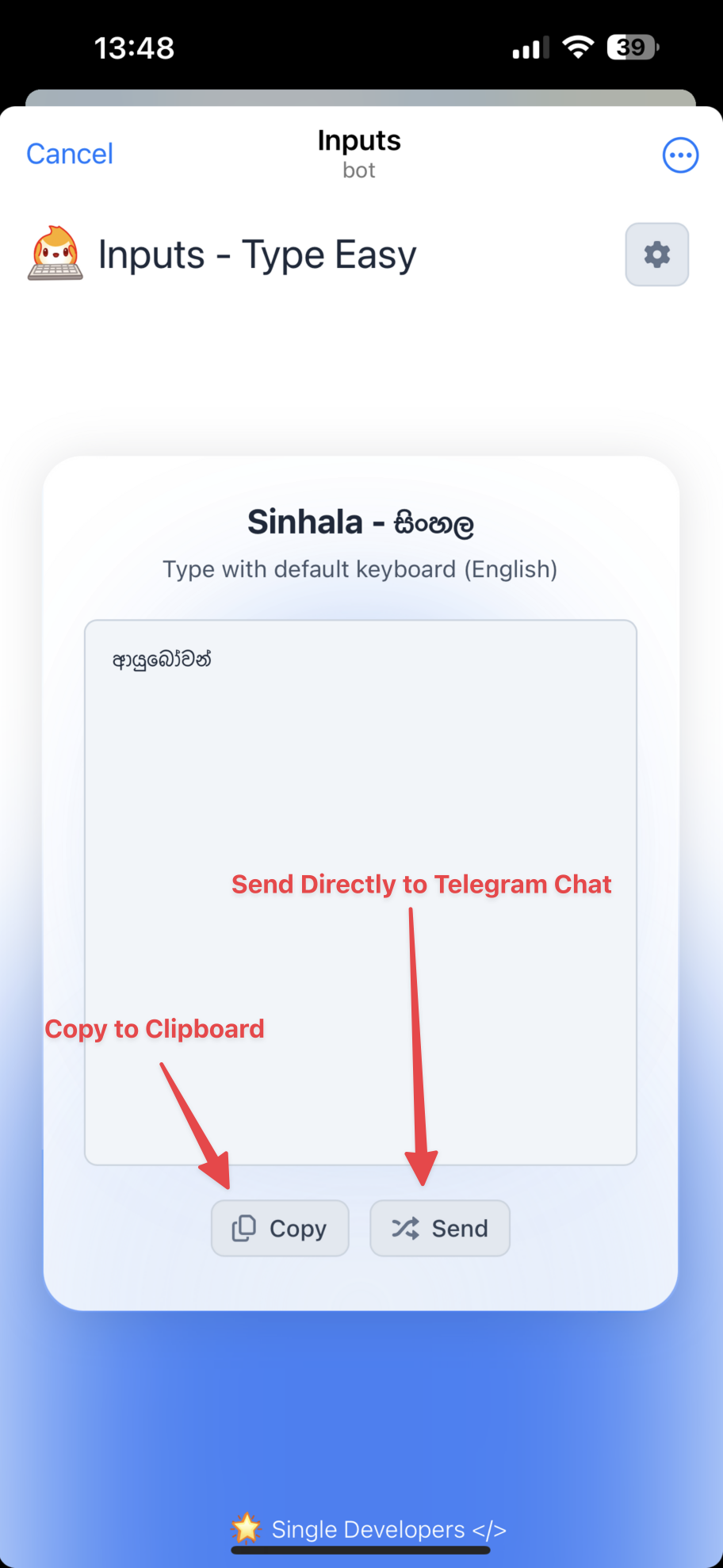
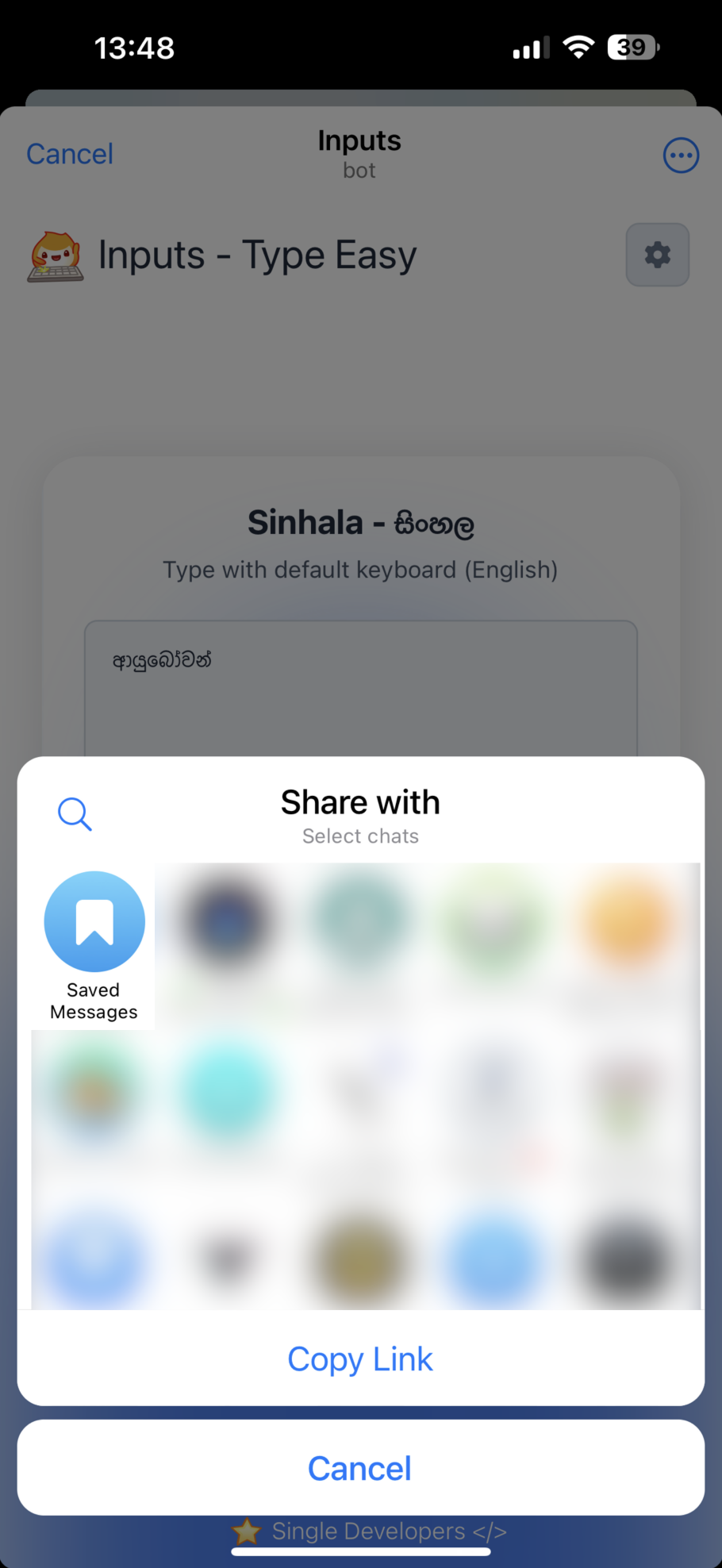
04. Copy or Send
05. Inline Usage 🔥
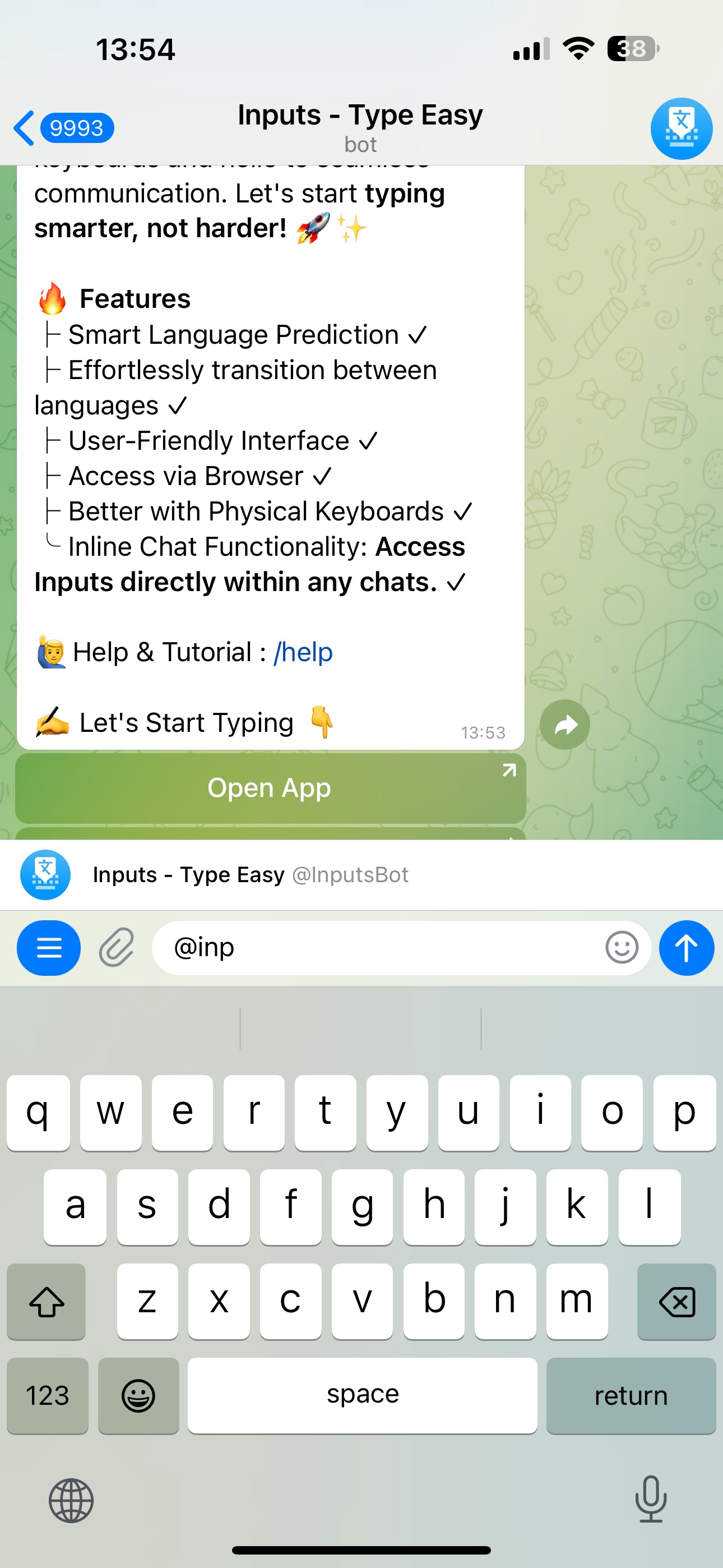
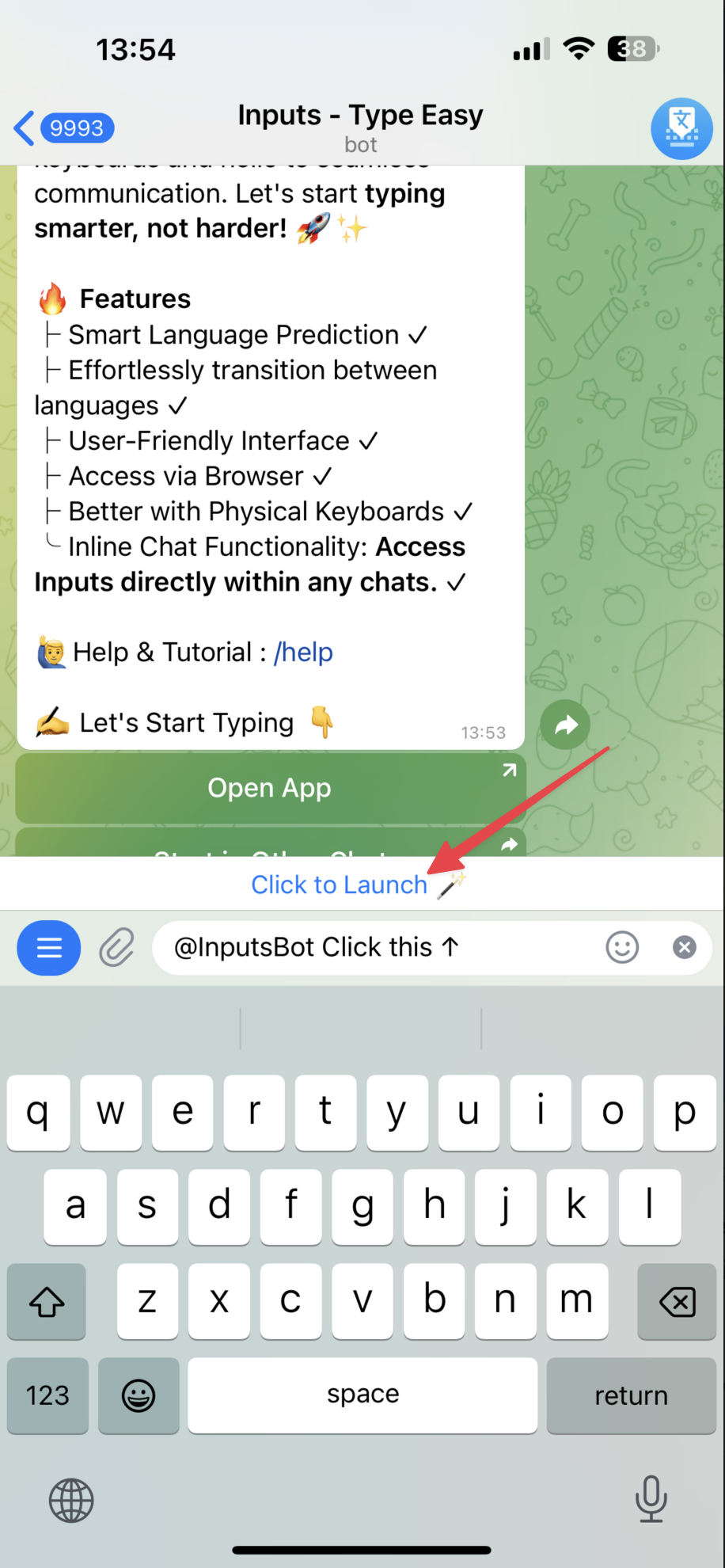
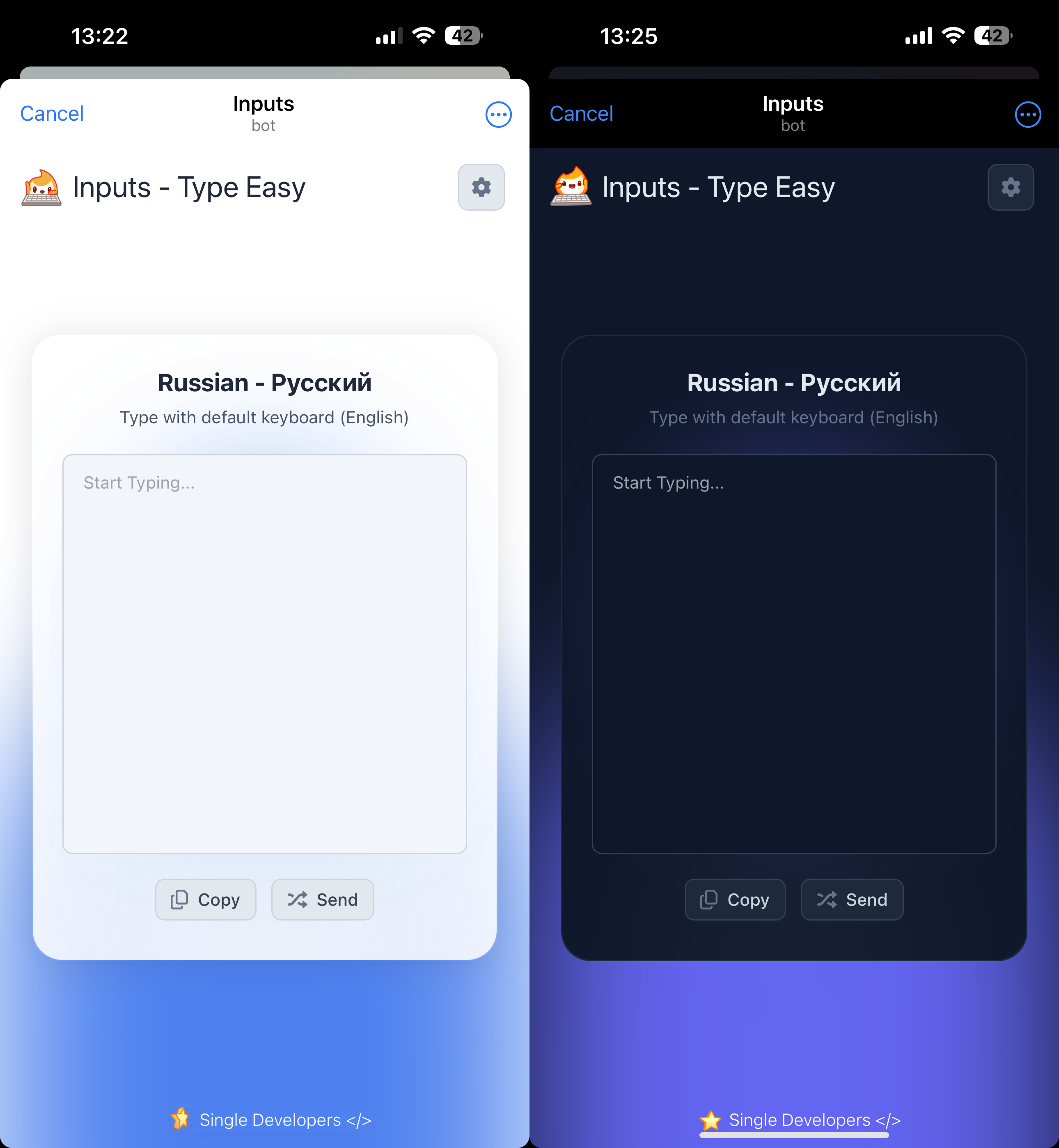
Light & Dark Mode ☀️ / 🌙
This will auto change depending on the theme of your Telegram app and Also you can change it manually at Inline mode.
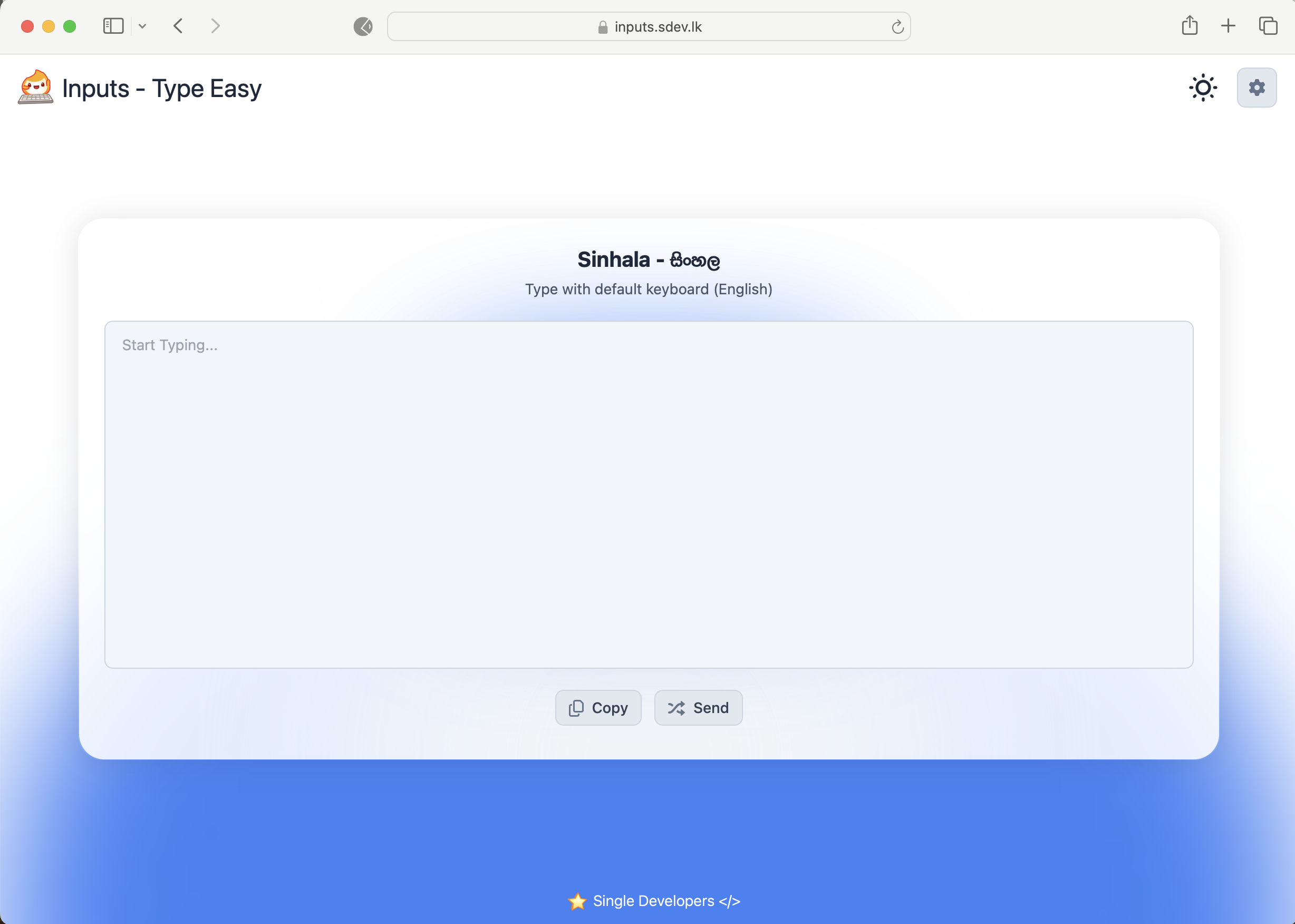
🍀 Access via Web
🎉 Enjoy !
🤖 Telegram Bot : @InputsBot
✅ Mini-App : https://t.me/InputsBot/app
🚀 Web App : https://inputs.sdev.lk