How to unlock bootloader ?
jash gro#unlock #bootloader #root
How to unlock bootloader ?
1) Install and open in-depth test app.
https://t.me/realme_narzo_20_group/5352
2) Apply for it.
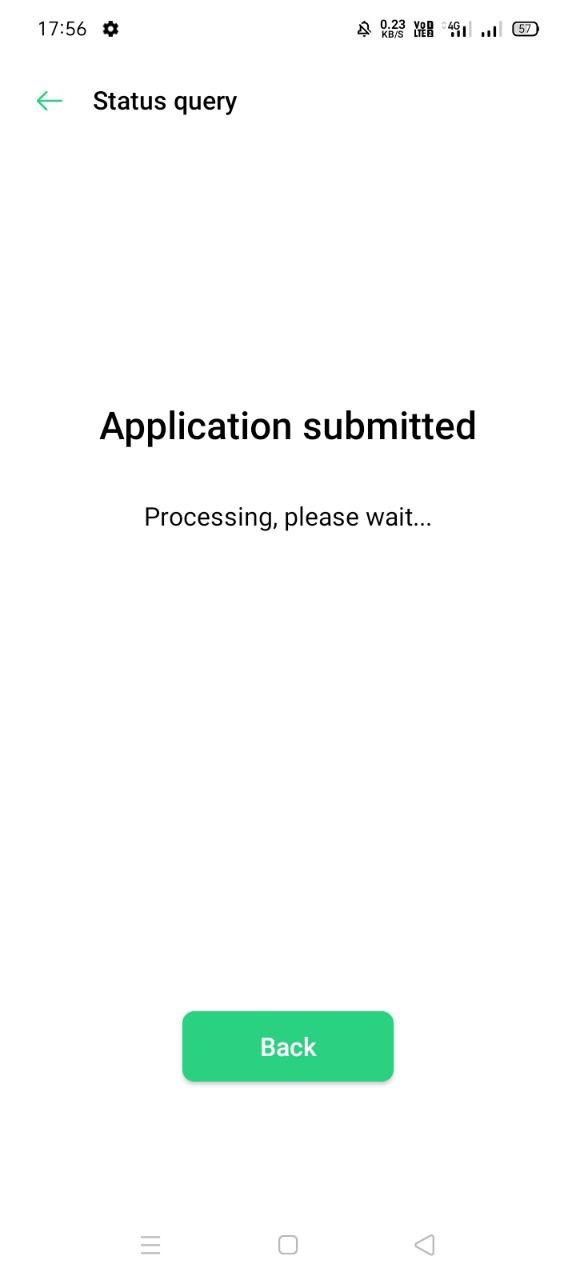
3) Now, go enable developer options from about phone by tapping 5-6 times on build number.
4) Go to Additional Settings -> Developer options
5) Enable OEM unlocking and usb debugging
6) Open in-depth test app and tap on status query on top right.
7) Tap start in-depth test
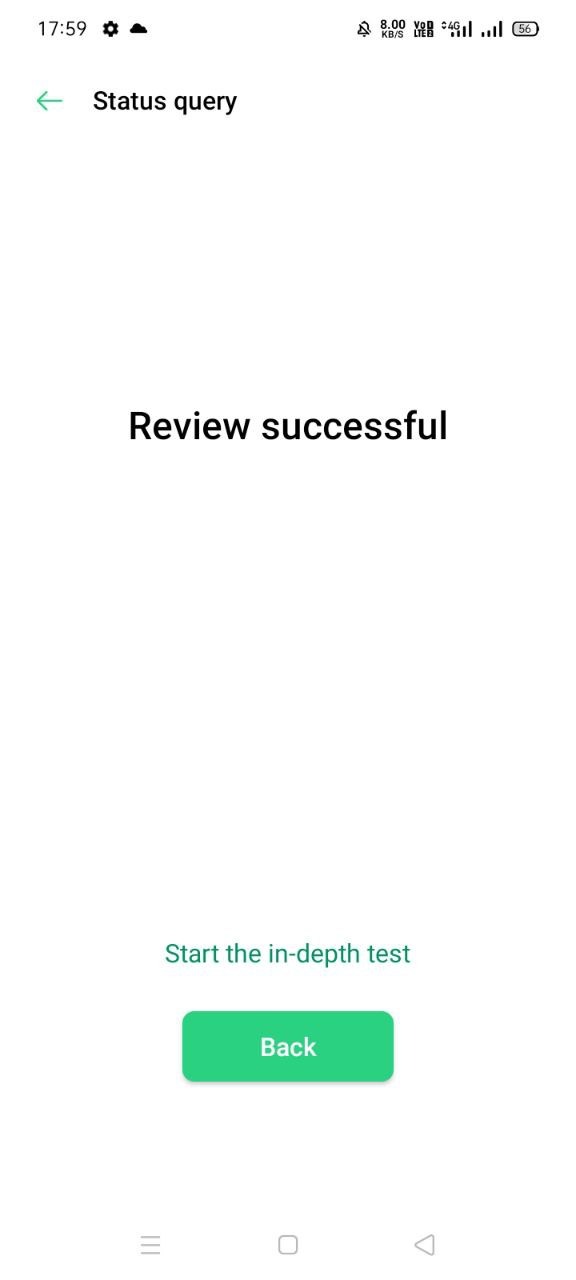
8) Your phone will now boot to fastboot mode.
9) Turn your pc on, install ADB and fastboot drivers if you haven't. https://t.me/realme_narzo_20_group/5411
10) Extract platform tools zip somewhere https://t.me/realme_narzo_20_group/5410
11) Open that platform tools folder
12) Right click with holding shift button
13) Click on Open command window here
14) Attach your phone with usb cable and enter command "fastboot flashing unlock"
15) Now check your phone and allow it to unlock bootloader by vol -
16) Enter command "fastboot reboot recovery"
17) Do English -> Wipe Data - Enter captcha-> Format data -> Ok.
18) Your bootloader is now unlocked