How to transfer saves on Android
To transfer your saves, you will need the built-in Android File Explorer. It should look like this:
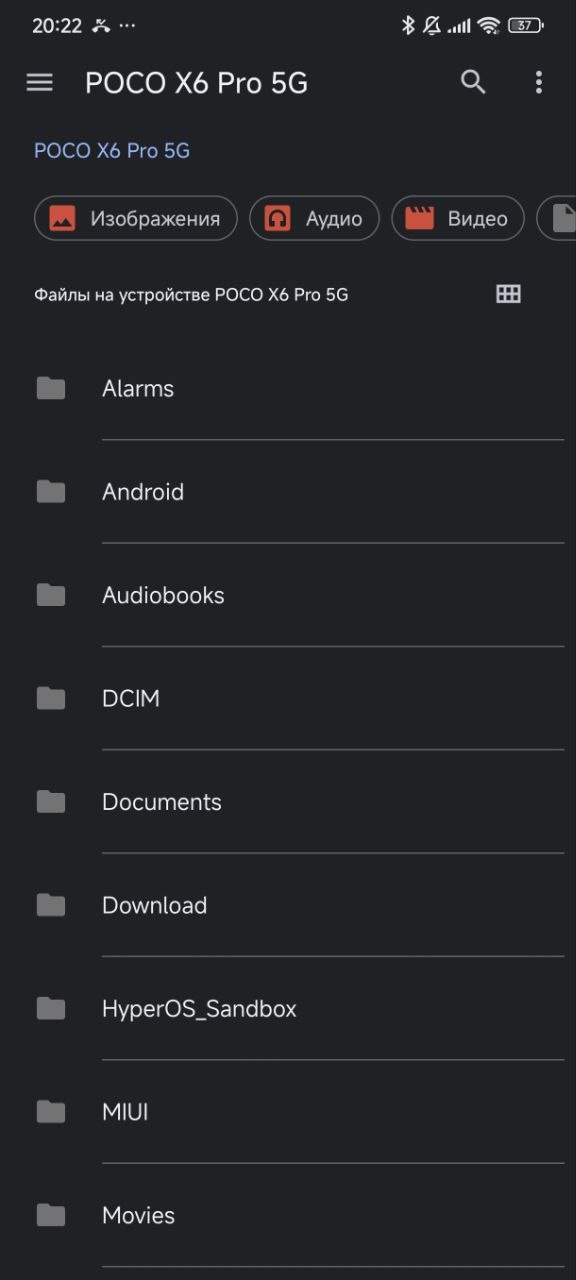
If yours looks somehow different, go to the one you need through the app via the link:
First, you need to get the saves from other Deltarune ports.
- Port by Hopes And Dreams:
The saves are available from the same menu.
- PC version of the game:
C:\Users\YOUR NAME\AppData\Local\DELTARUNE\
Copy all files from there to a safe location.
Open the left menu. After installing the port, the Deltarune section will appear there:
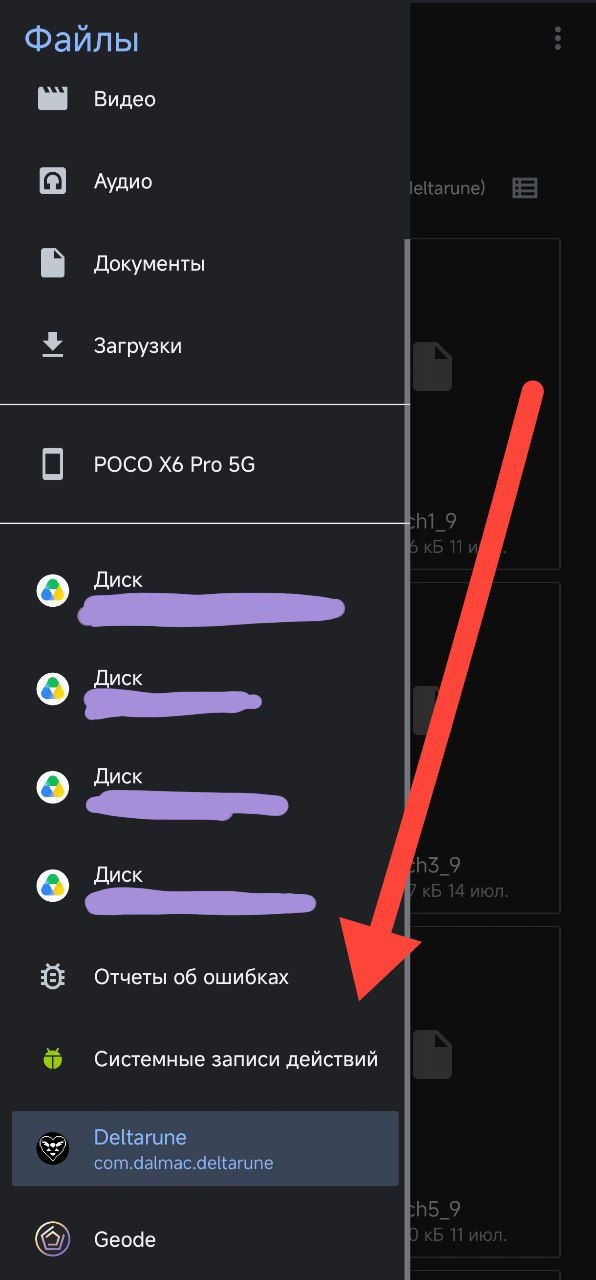
This folder contains all the application data, including the save files.
Move all the save files to this folder and re-upload to the game. If you have done everything correctly, the game will load your saves the next time you log in.