How to switch to Testnet
by getgems.ioBelow are six easy steps on how to switch between the mainnet and testnet in the TON Wallet browser extension:
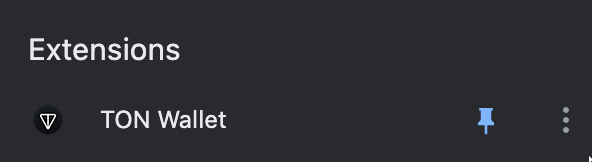
- Open the TON Wallet extension
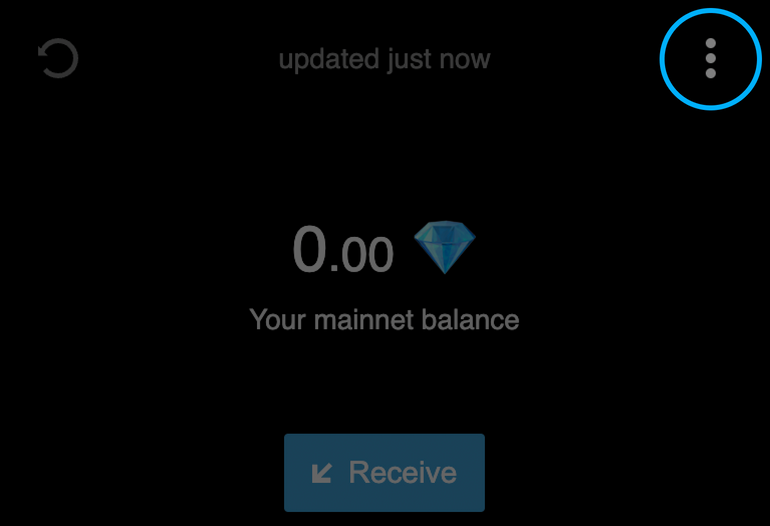
2. Click on the three dots in the upper-right corner
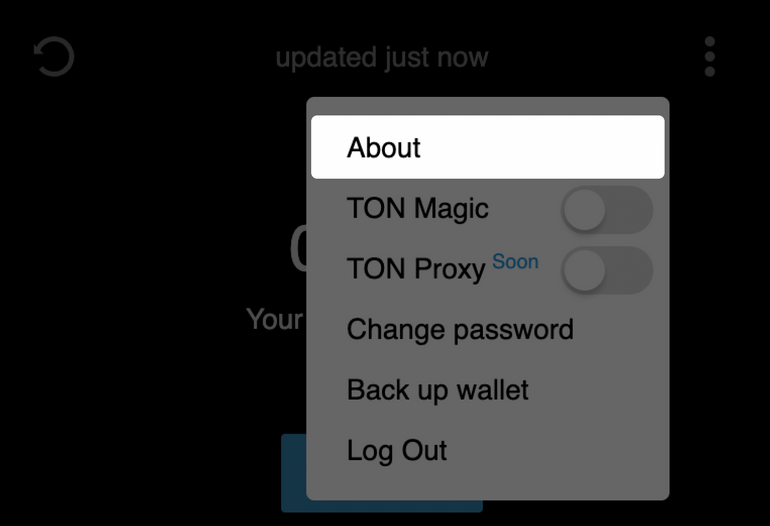
3. In the menu that appears, click “About”
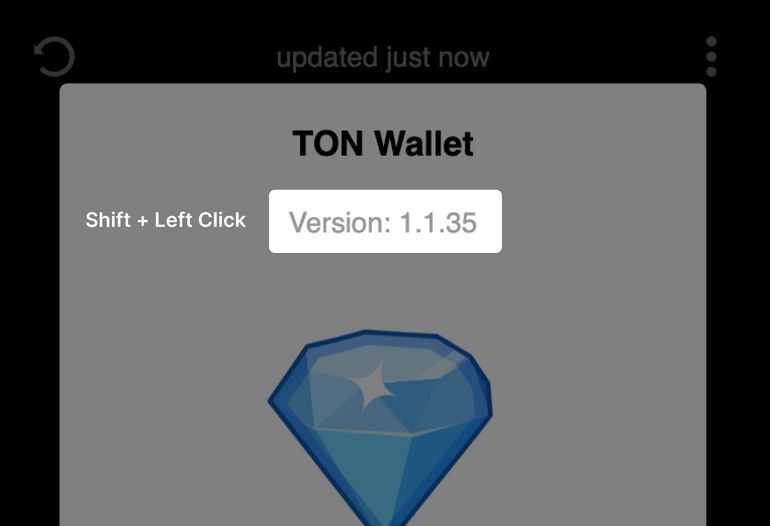
4. A window will open, in which you can move your cursor onto the extension’s version and press Shift + left click
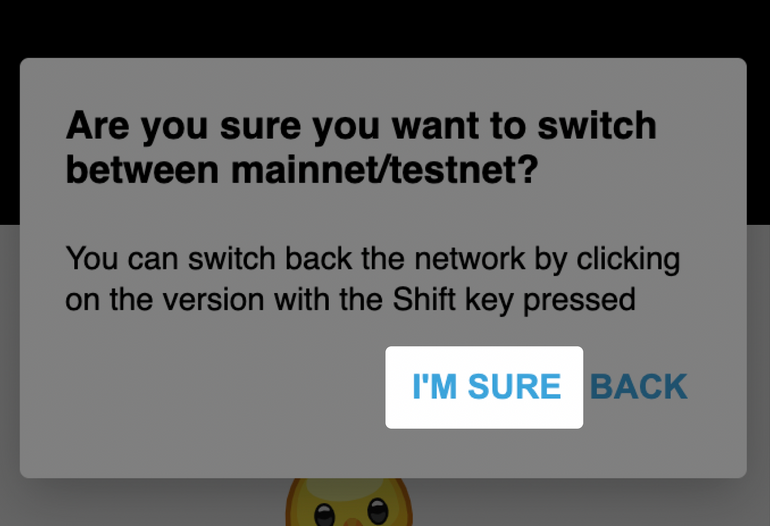
5. Read the information about switching networks and, when you’re done, click “I’m sure”
6. That’s it! Now you can see your balance has readjusted to the testnet.