🔀 How to send a transit wallet address via inline command
Crypto OfficeIn Crypto Office, you can quickly send the required transit wallet in a conversation via an inline command - without copying the address manually.
This guide shows how to insert a transit wallet into a chat via the Telegram bot and how to filter the list if you have multiple wallets.
Inline command ⌨️
1️⃣ go to the desired chat or group
2️⃣ enter the command: @officeapp wt
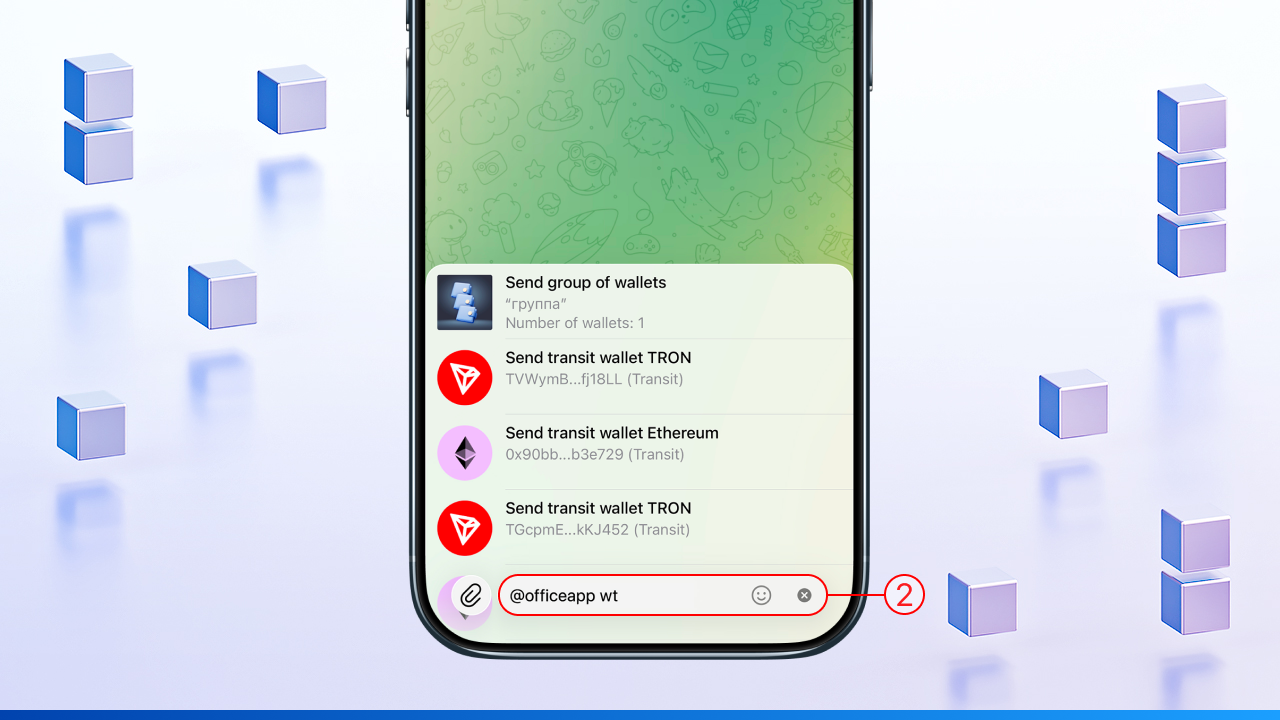
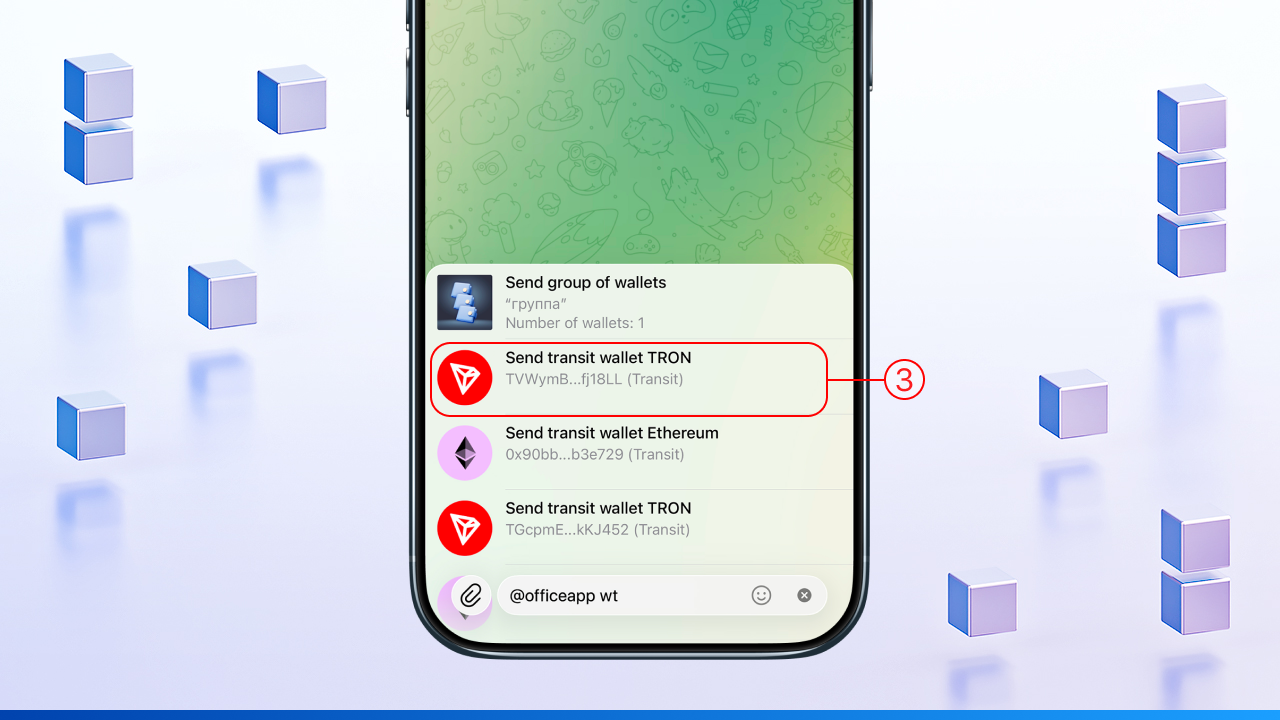
3️⃣ select the transit wallet on the required network and tap it above the input field
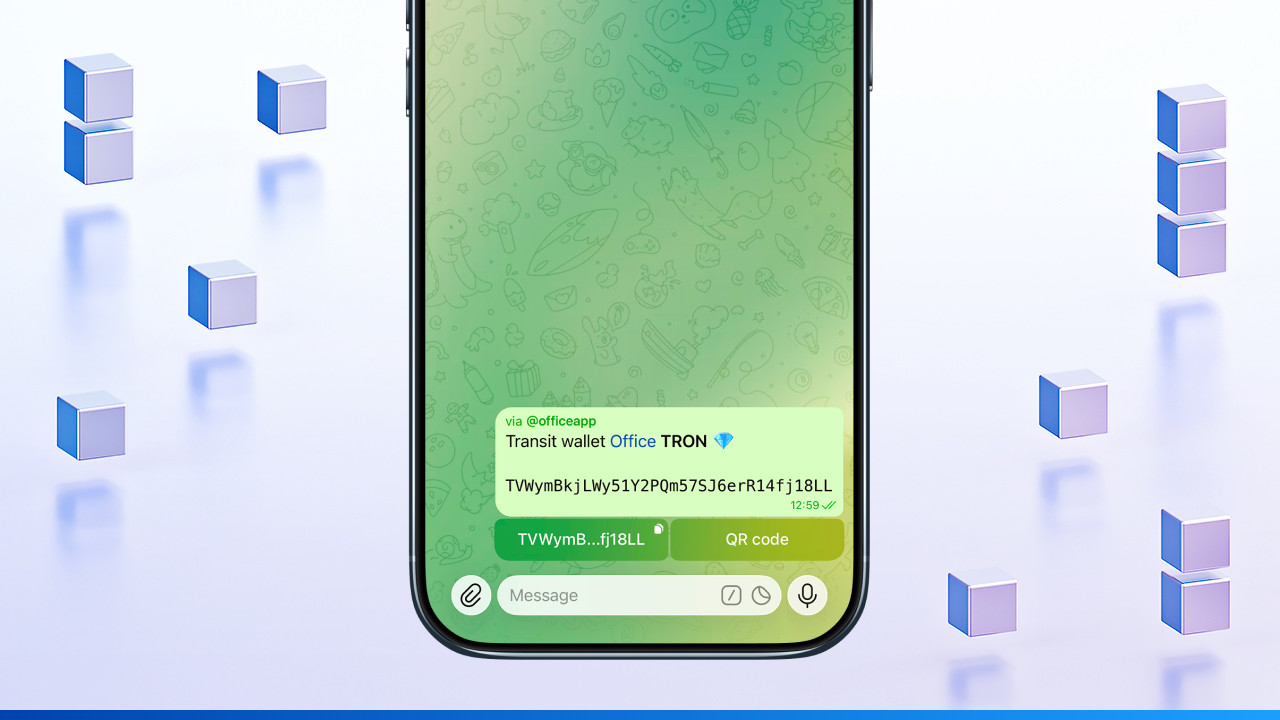
4️⃣ the transit wallet address on the selected network will be automatically inserted into the chat
📌 If you have multiple transit wallets, use a filter:
• by network: @officeapp wt tron, @officeapp wt eth, @officeapp wt bnb, @officeapp wt bitcoin
• by the name given when saving: @officeapp wt my
✅ Send transit wallets via inline commands - quickly, conveniently, and with filtering by network or name in Crypto Office.