How to replace a face with a video
Harsh Hacker
What do you need?
☑️ The video on which we want to replace the face.
☑️ Photo of the face to be replaced.
☑️ Computer (preferred).
Harsh Hacker. Author’s content.
Attention! All information is provided for informational and educational purposes only. The author is not responsible for any possible harm caused by the materials of this article.
Installation
1️⃣ Follow the link to the Google service for running neural networks.
2️⃣ Click the “Login” button in the upper right corner and log in through your Google account.
3️⃣ After that, go to the main page and press “►” in the first block.
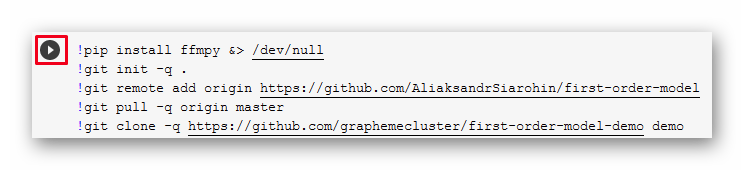
4️⃣ We are waiting for the download of files.
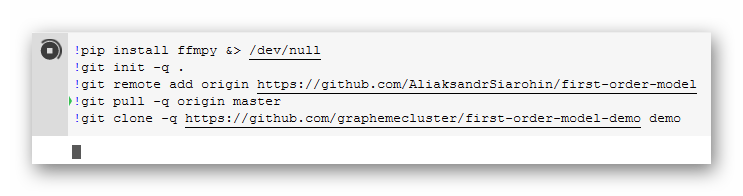
5️⃣ Go to the second block and press “►”.
└This is how we load the neural network.
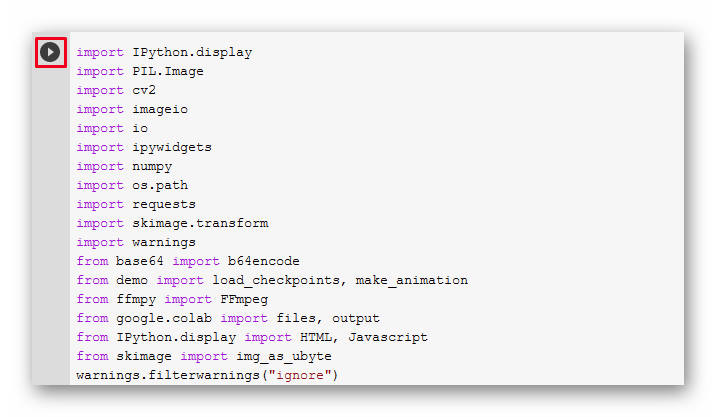
6️⃣ Click “Run”.
7️⃣ We are waiting for the download to finish.
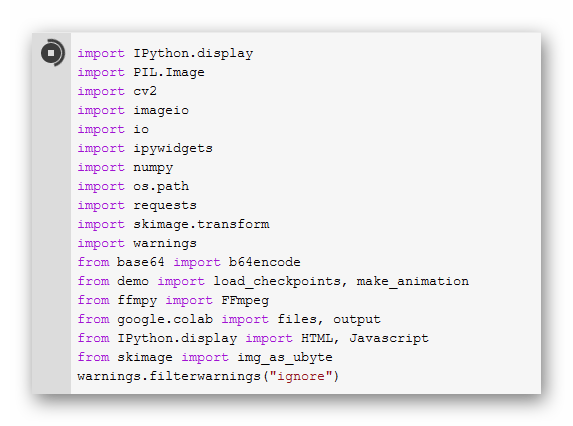
8️⃣ After loading, scroll to the very bottom and see the panel. 👇
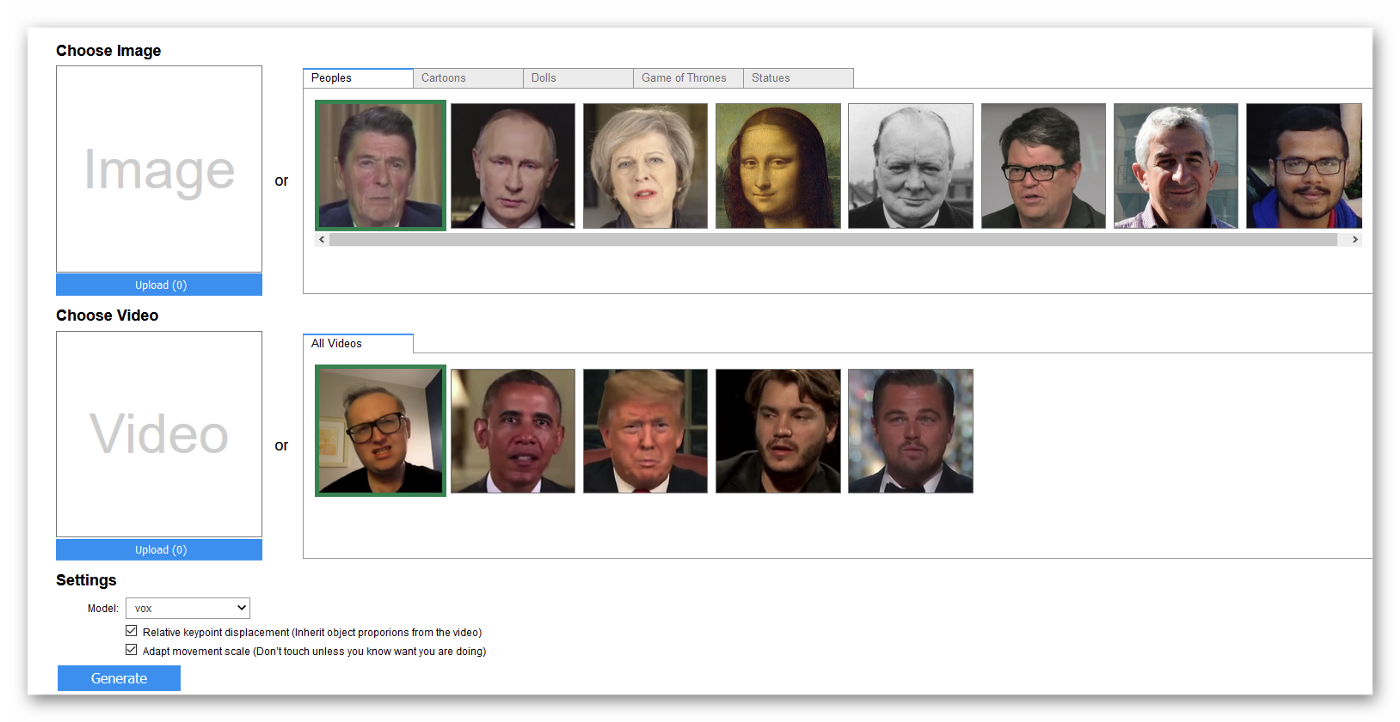
➡️ Done! You have installed a neural network and successfully launched it. Now — the next stage.
Face swap on video
There are 2 rows in front of us:
☑️ First row — here you need to select / upload a face photo to replace.
☑️ Second row — here you need to select / upload a video on which the face will be replaced.
First row
☑️ Either press the “Upload” button and upload a photo of the face to replace, or choose from the proposed ones.

Second row
1️⃣ Either click the “Upload” button and upload the video on which you want to replace the face, or choose from the proposed ones.
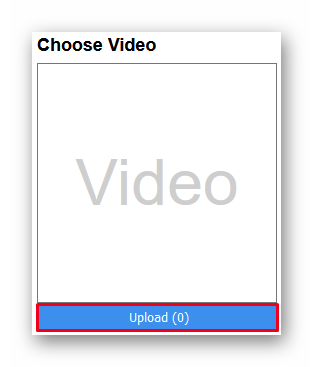
2️⃣ When the files are loaded, go down a little lower and click “Generate”.
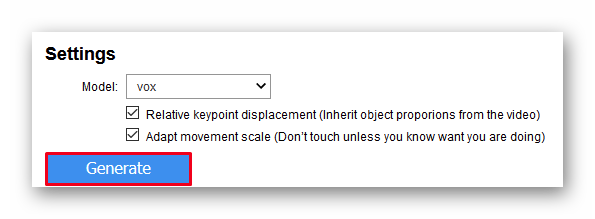
➡️ The generation of the face swap video will start 👇
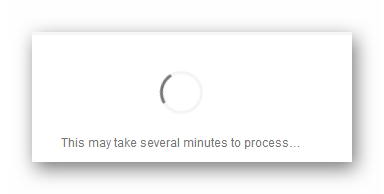
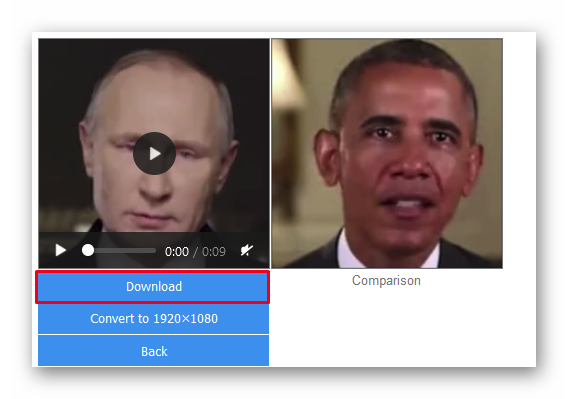
3️⃣ When it’s over, click “Download” and download the result.
Thank you all for your attention!
If you like our content, join the channel for more hacking & tech related posts - @HARSH_HACKER_YT