How to remove store on my bot
ShopFather- Enter in @ShopsFatherBot and click My stores button

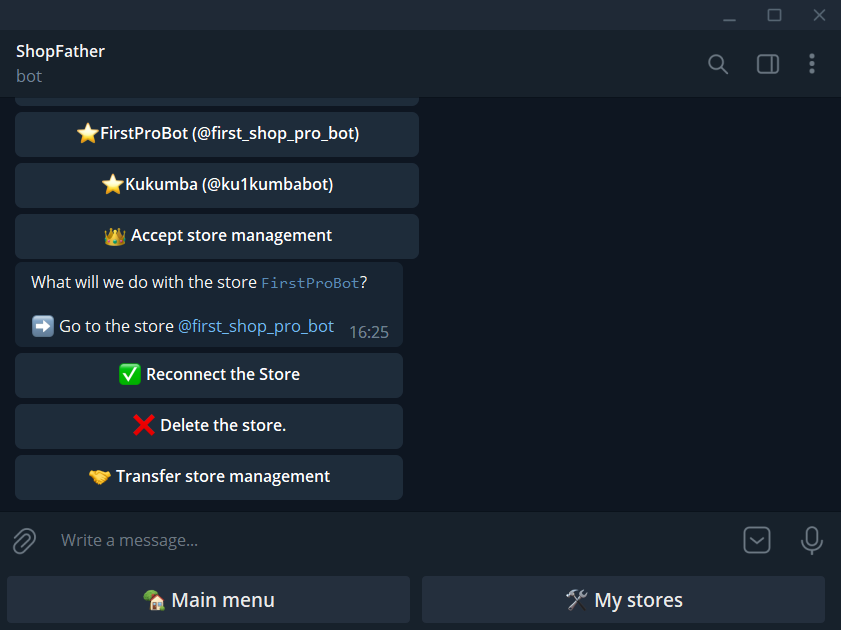
2. Select the bot to delete

3. Click Delete the Store
4. Confirm deletion

5. Success

6. Just because you deleted the bot in @ShopsFatherBot does not mean that it has been removed in @BotFather. To remove a bot from BotFather go to @BotFather Menu > /mybots

7. Select the bot to delete

8. Click Delete Bot

9. Confirm

10. Confirm twice

11. Success
