How to receive USDT from another wallet
Wallet News1. Open the @wallet Telegram bot.
2. Tap “Open Web App” in the main menu.
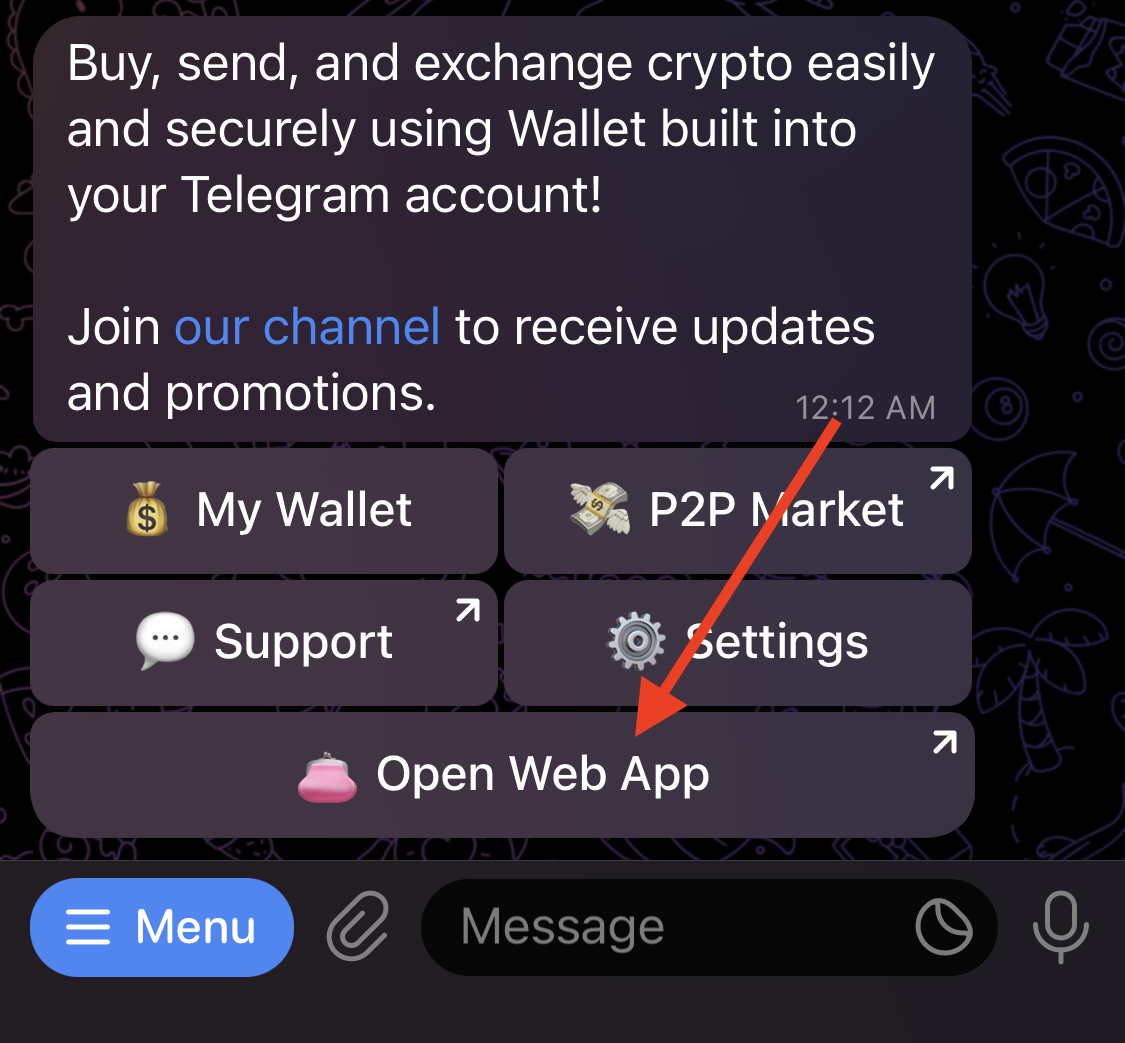
3. Tap “Receive.”

4. In the following window, select “USDT.”

5. Either copy or scan the QR code. Send the USDT tokens to the scanned or copied address. Please note that @wallet only supports USDT transfers on the Tron network (TRC-20).

6. Once you’ve sent the USDT, you’ll receive a notification from the bot shortly afterward.
If you encounter any issues, you can contact the support team @wallet_supportbot.
Your @wallet team.