How to re-seed
Download the zip file
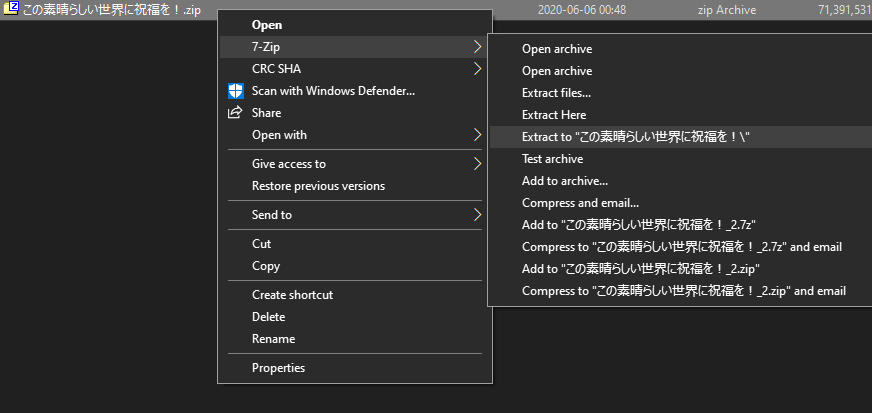
extract it with 7zip (stop using that winrar piece of trash that nags you to buy it after 30 days; 7zip is free in the whole sense of the word)
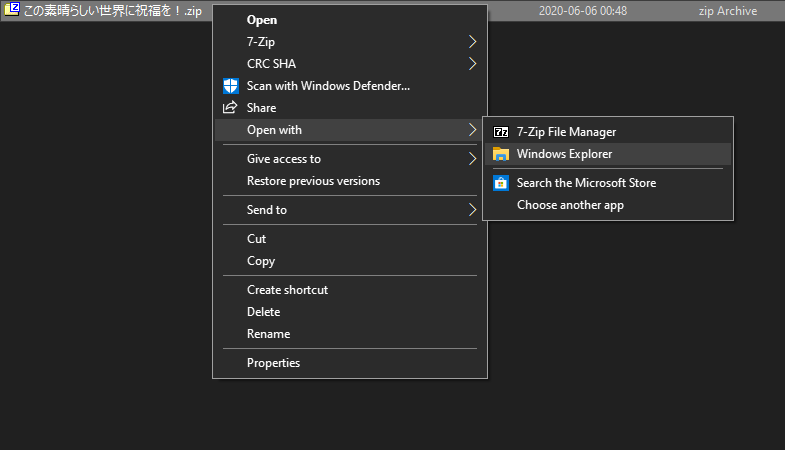
or with windows explorer
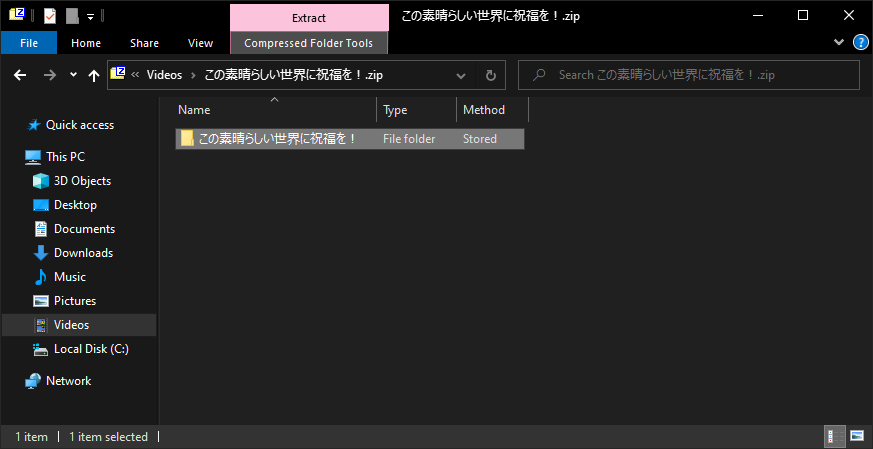
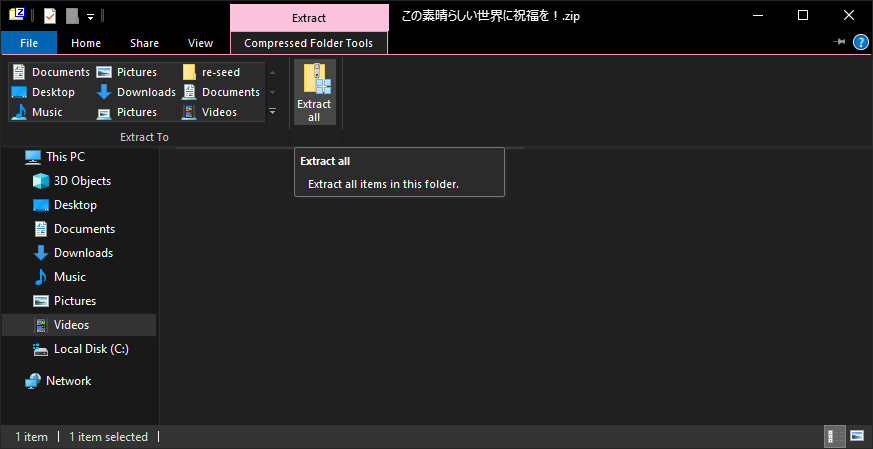
chose the path where you want to extract; this is the location you need to specify in the torrent client
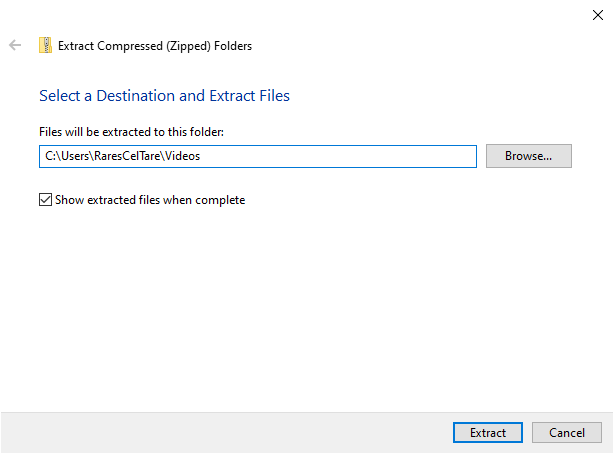
after all is extracted, open the .torrent file

select the same path to where you extracted and be sure to uncheck start torrent
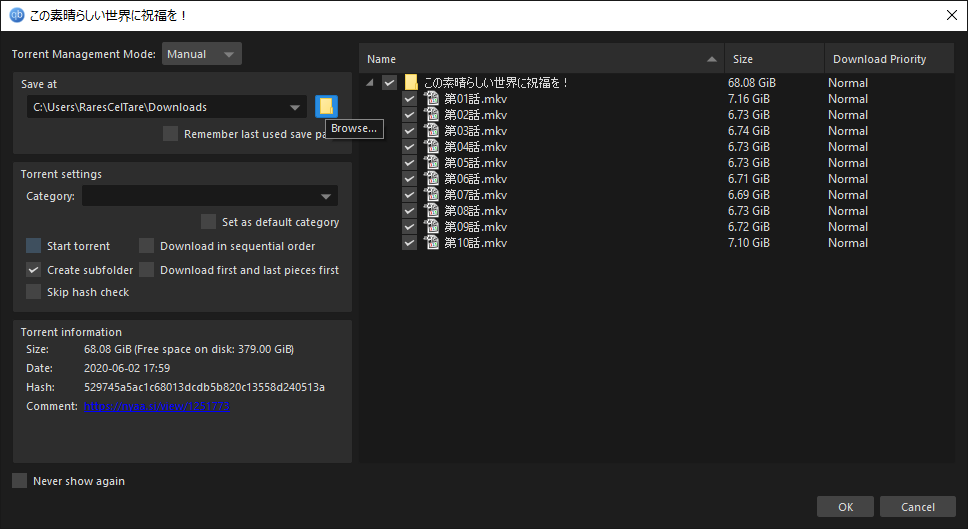
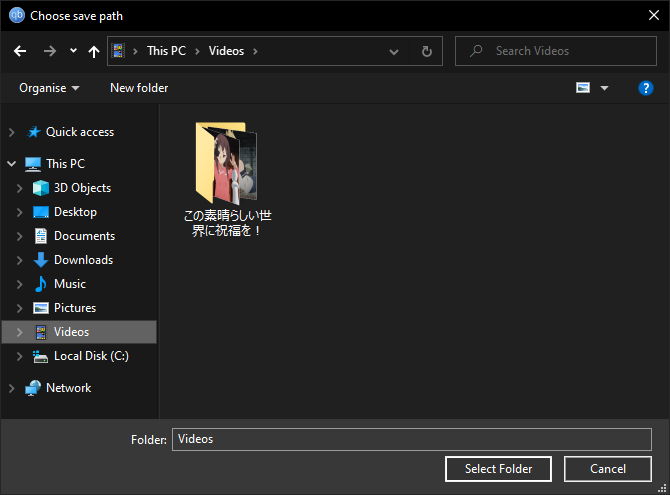
if you selected the correct path, the re-checking should start automatically in qbittorrent
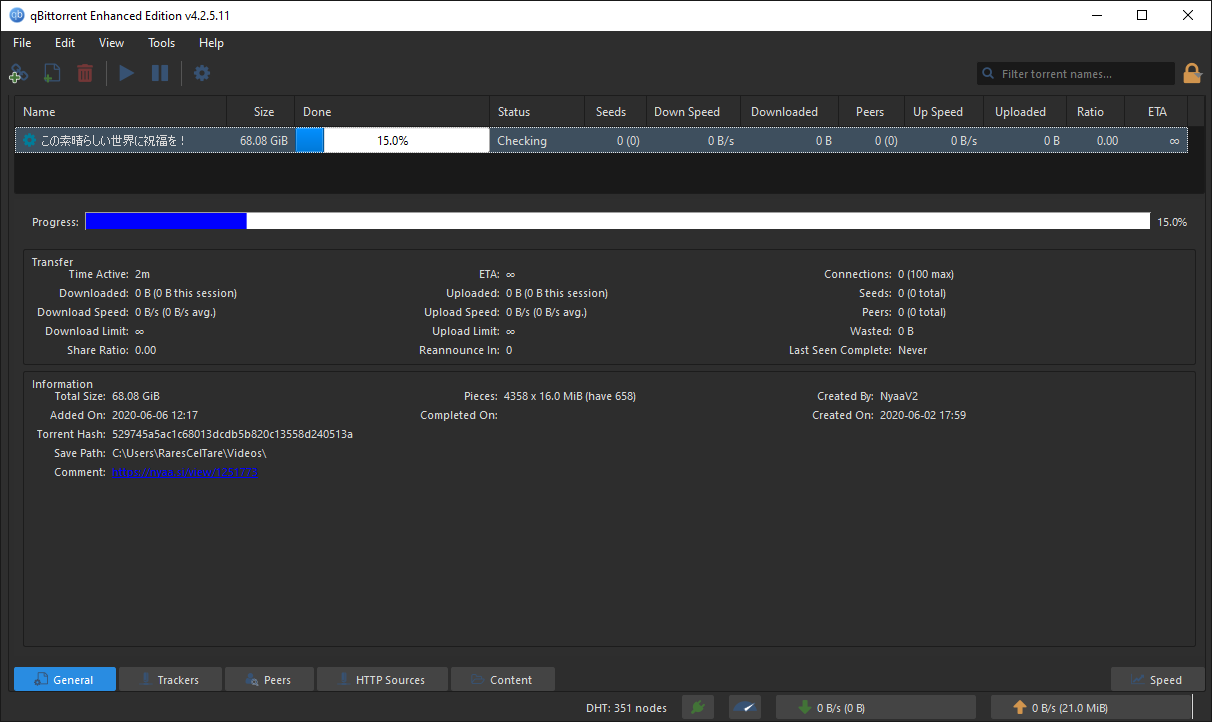
if it doesn't automatically start, force re-check it
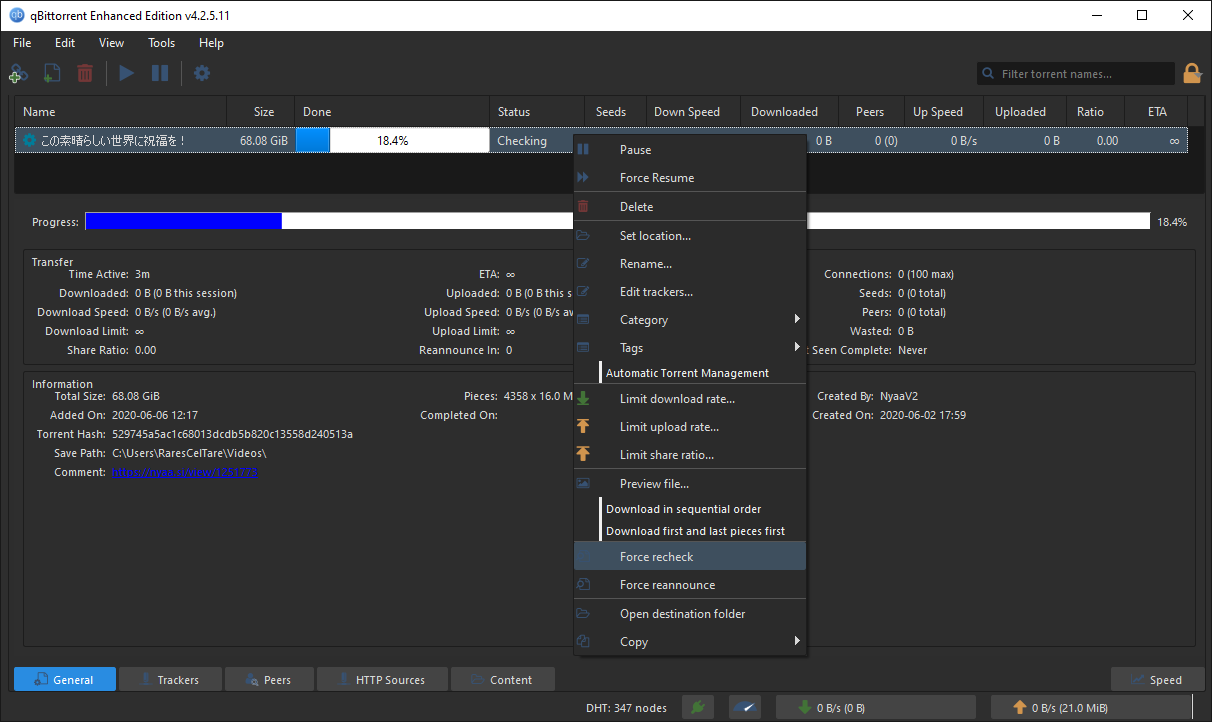
when it finishes, it will be 100% and in paused state; you can now start the torrent and re-seed it.