How to purchase add transactions?
PayCash https://paycashswap.comIn PayCash, you can make free transactions (25 free transactions per day), as well as purchase the necessary number of transactions using a simple interface!
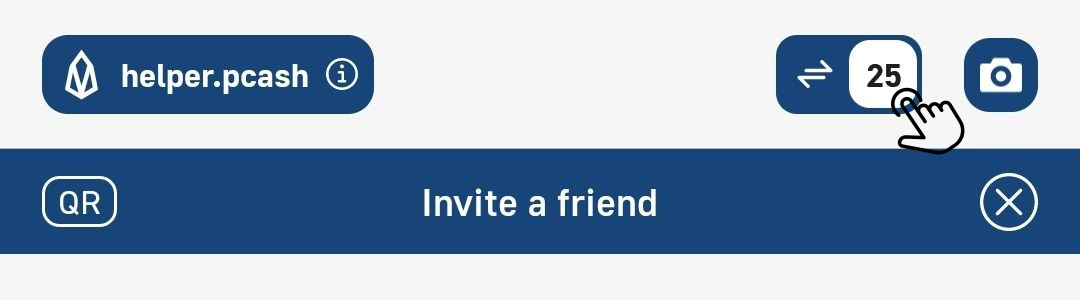
To buy transactions, you should click on the «Transaction Counter» in the upper right corner of the wallet and go to the resources menu:
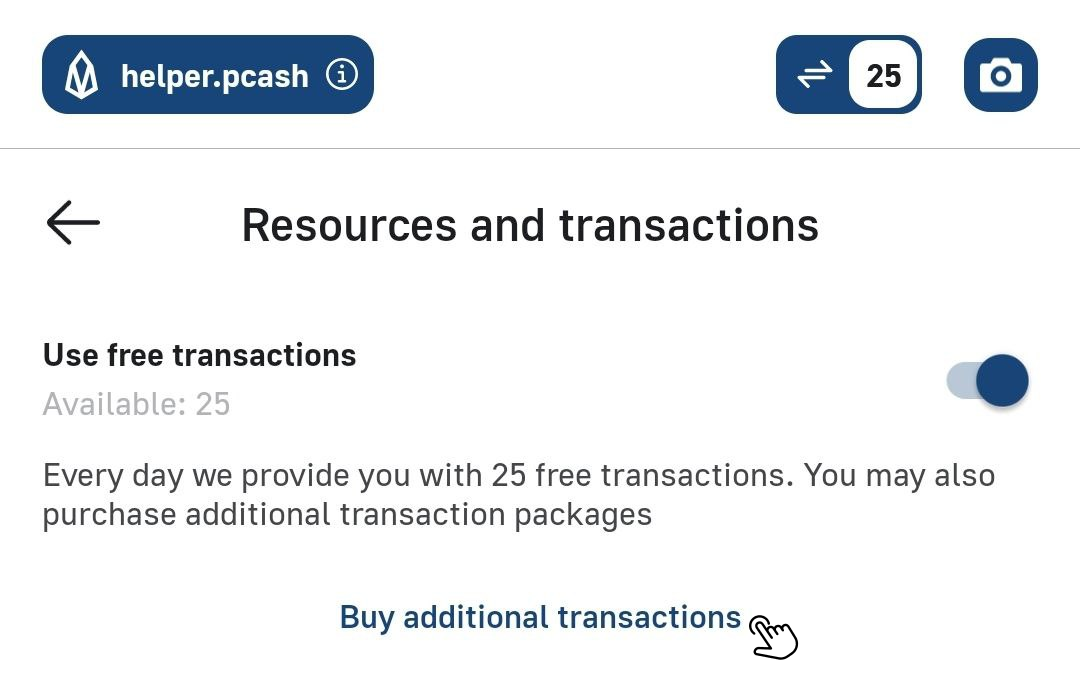
Then click on the line «Buy additional transactions»:
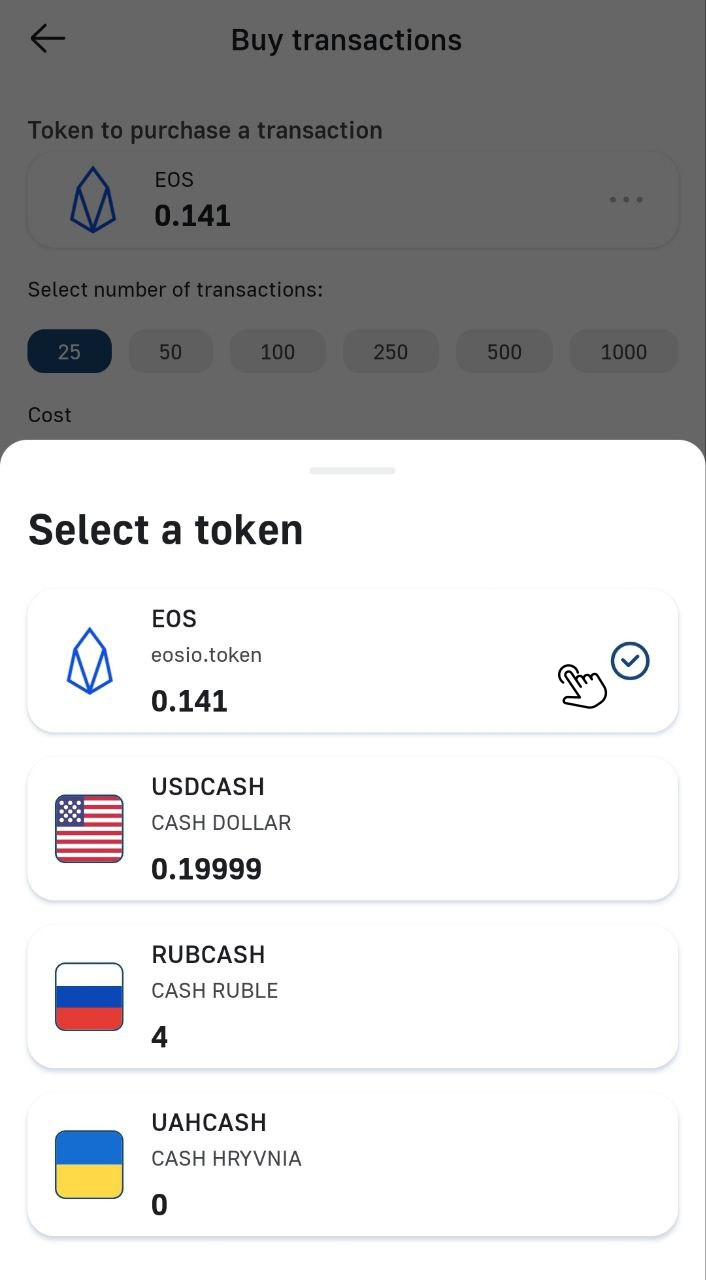
Choose the cryptocurrency for payment:
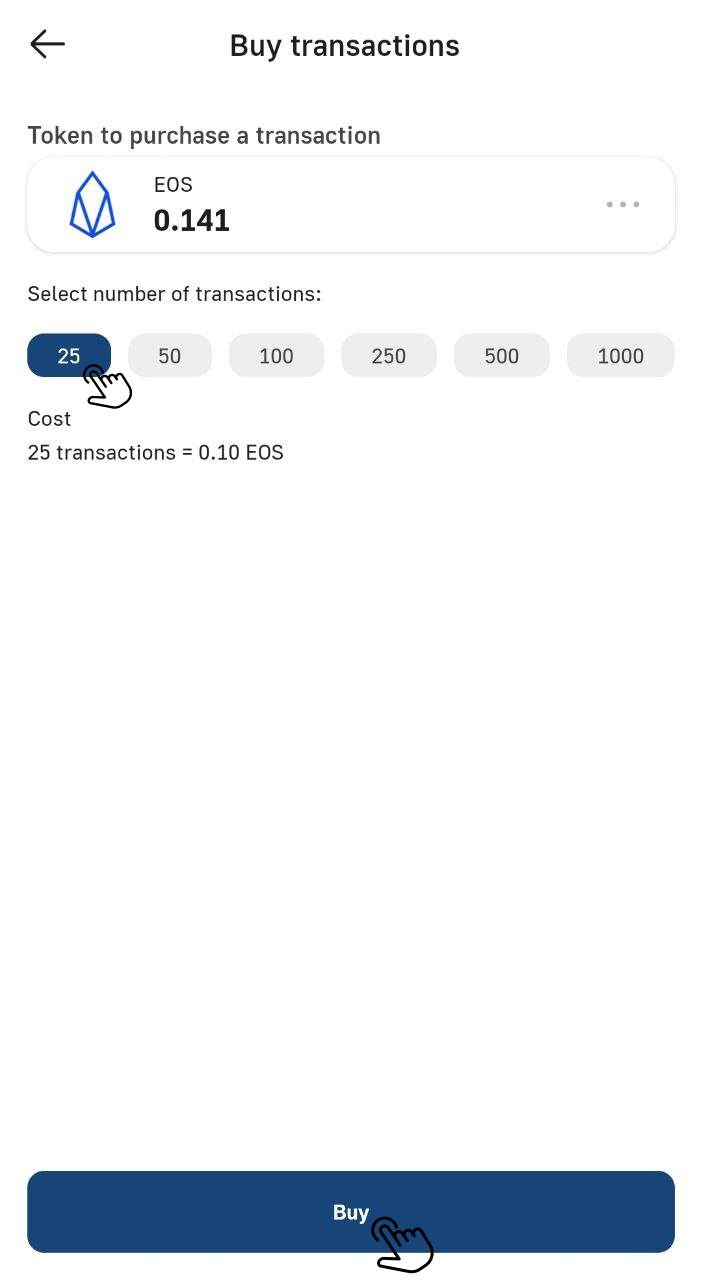
Select the necessary number of transactions and click the «Buy» button:
Free transactions and additional transactions that you buy replace the use of CPU and NET, so you don't need to worry about them, but RAM is used from the resources of each specific wallet and periodically it should be replenished by yourself.