How to open a PayCash wallet?
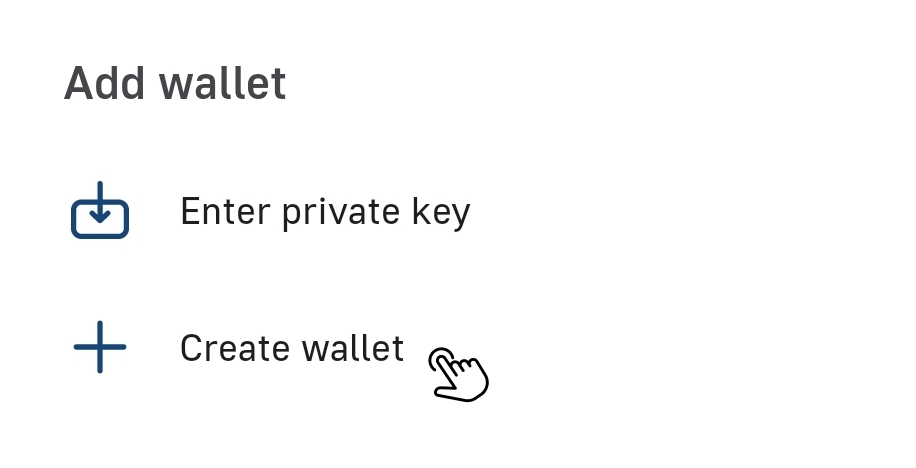
PayCash https://paycashswap.comClick on «Create Wallet»:
You have two options to choose from:
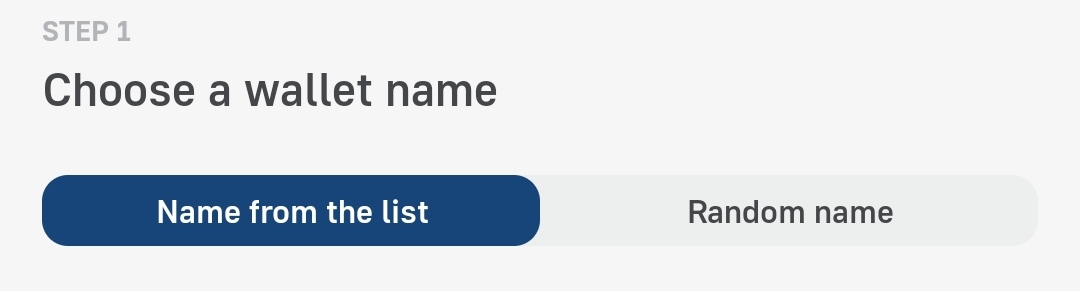
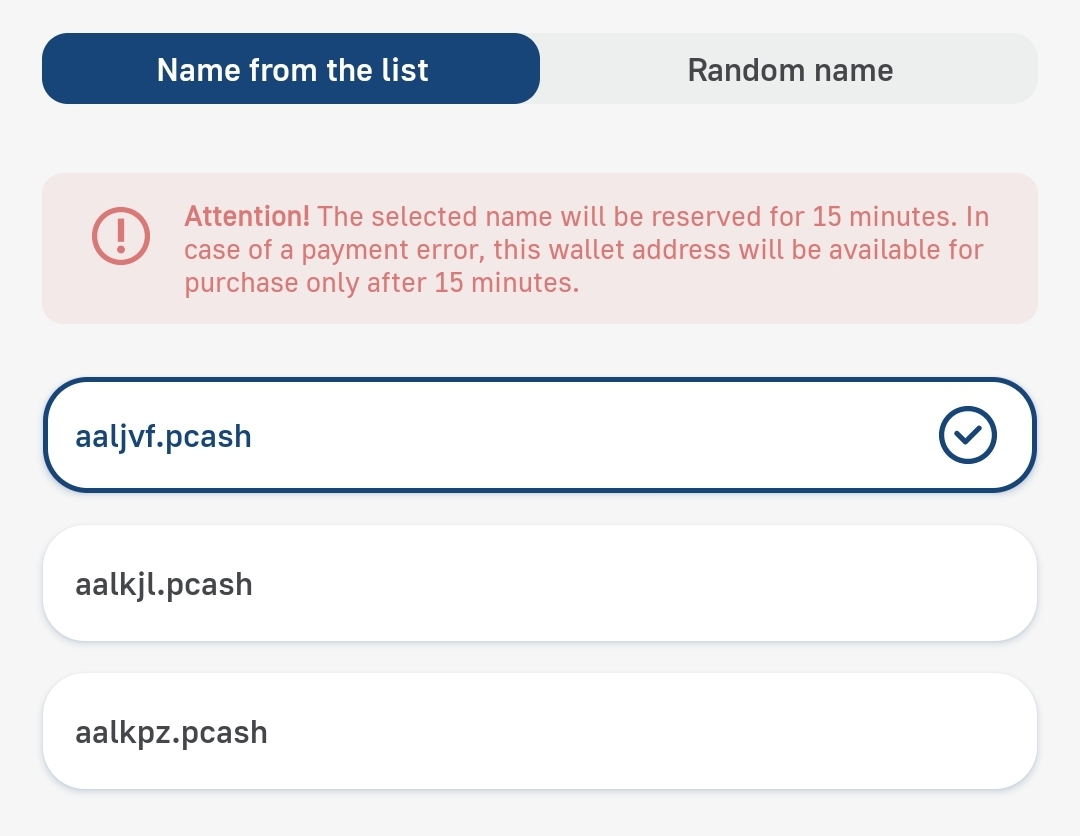
🔹 In the «Name from the list» tab, the app itself offers available wallet names:
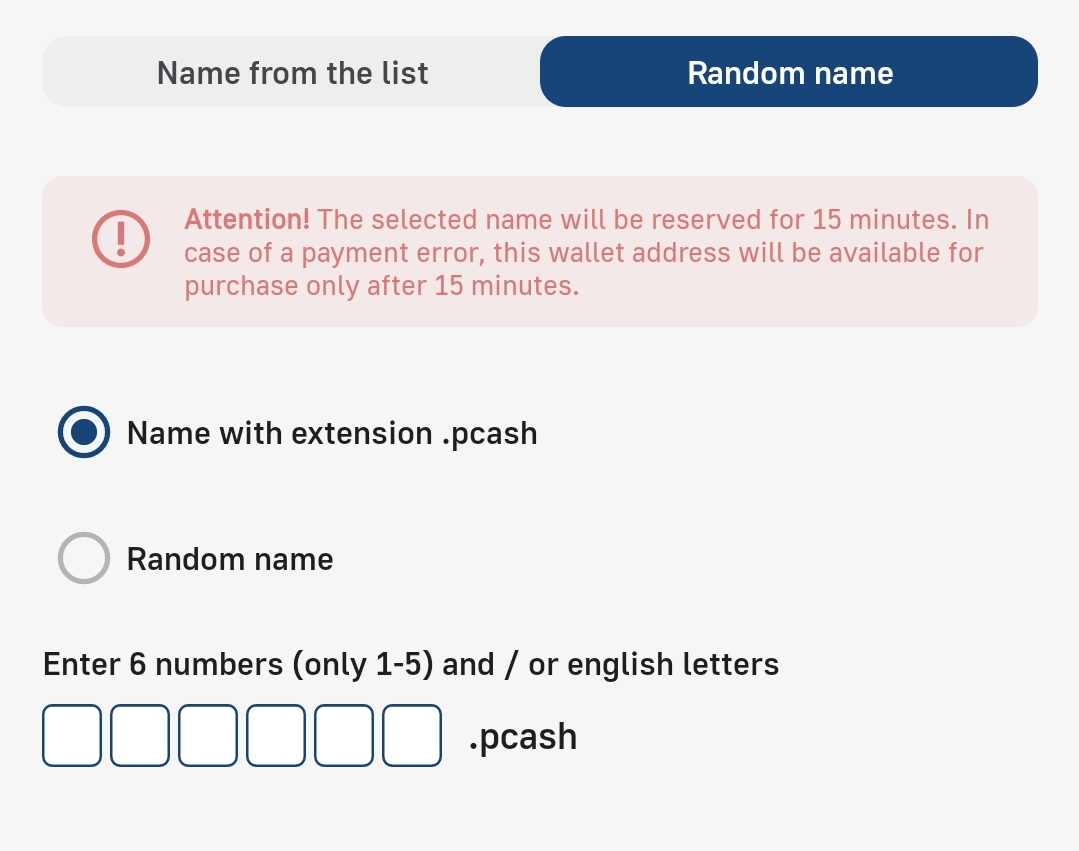
🔹 In the «Random name» tab, you can come up with your own wallet name with extension .pcash or a completely Random name:
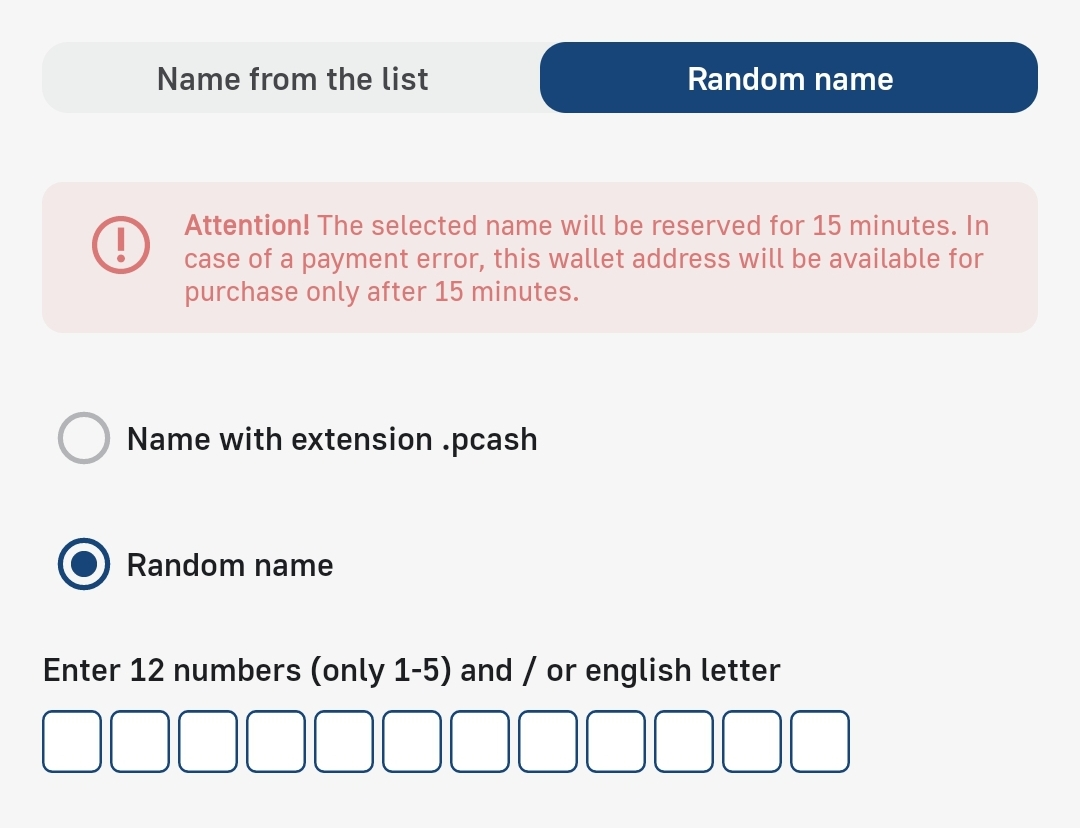
The wallet name is the number and address of your account, to which cryptocurrency will be transferred in the future.
In the next step, you will see the most important element of any crypto wallet, namely your «Private Key»:
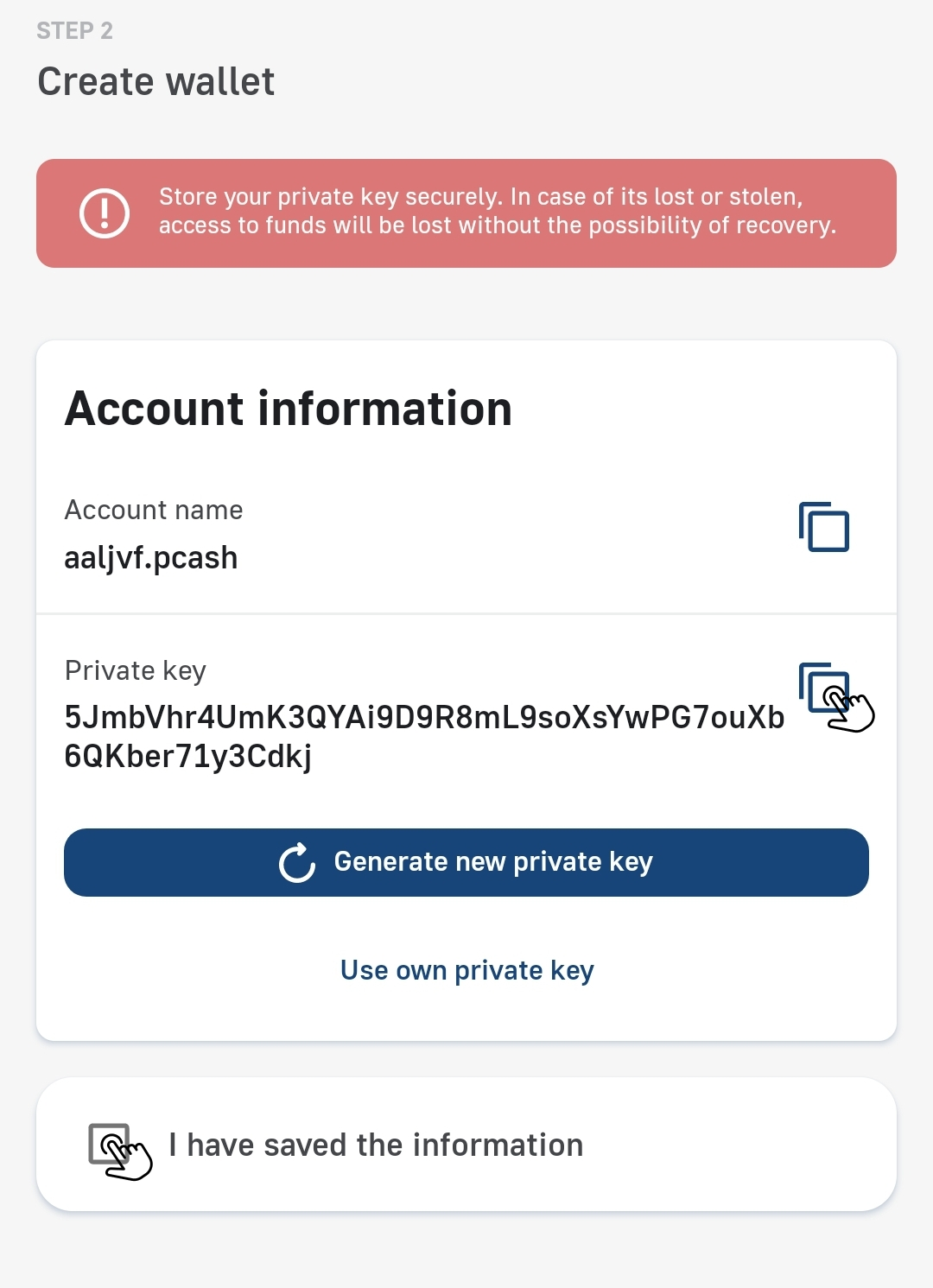
✅ Don't forget to check the box «I have saved the information», in order to go directly to the application itself.
🟡 You can create a maximum of 5 free accounts per device.