How to mint your TestNet NFT (It's free)
- Visit https://testweb.foil.network/ and create wallet same as in MainNet (GUIDE)
2. You need to personalize account to mint NFT, it can't be minted from unpersonalized account.
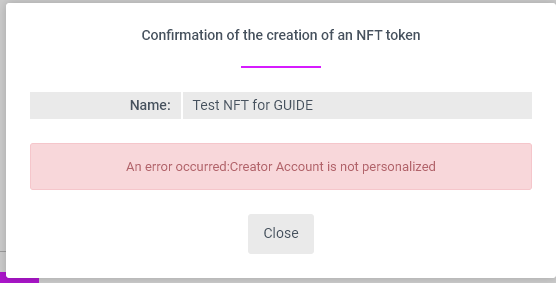
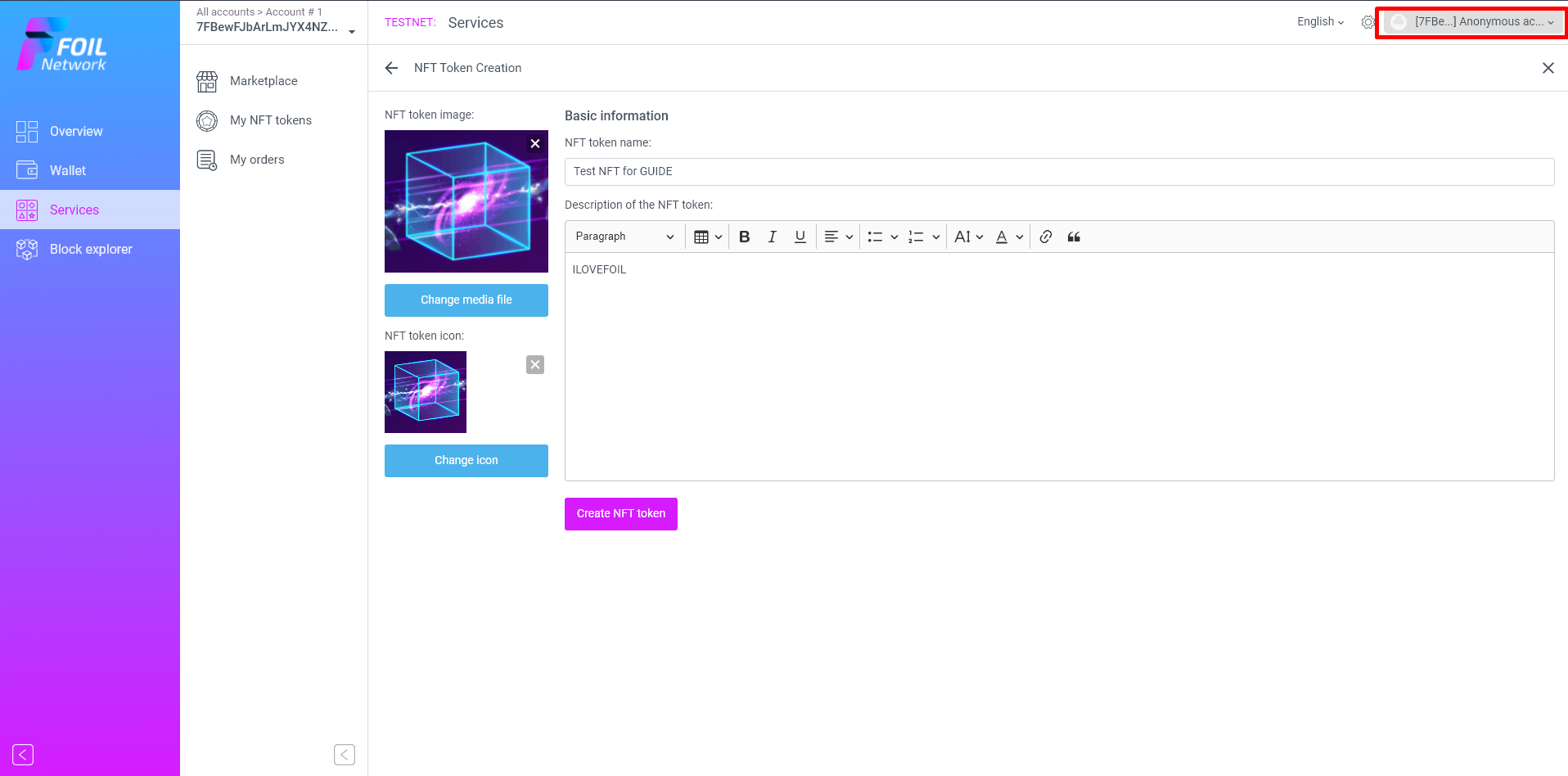
3. Click here
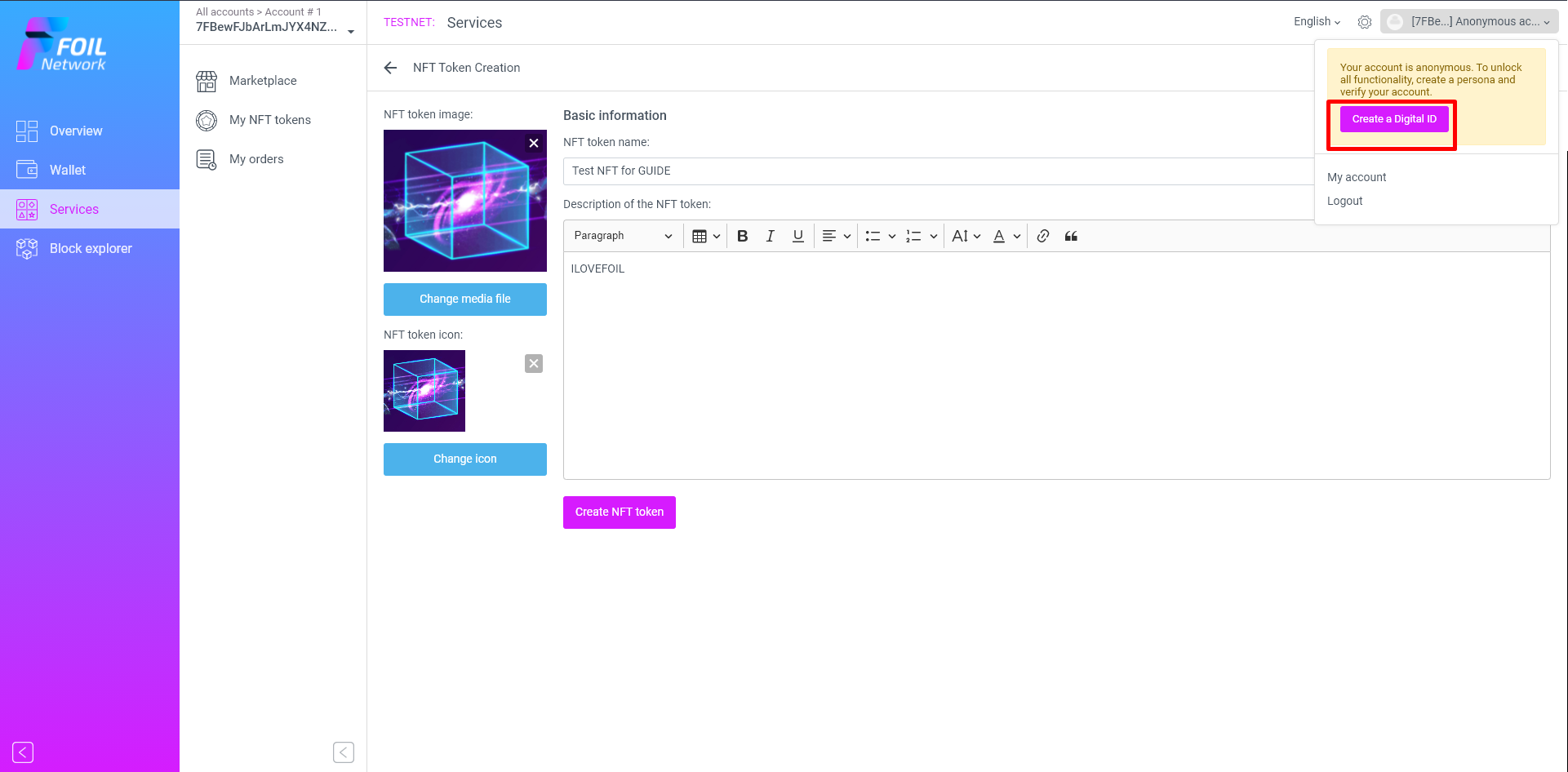
4. Create Digital ID
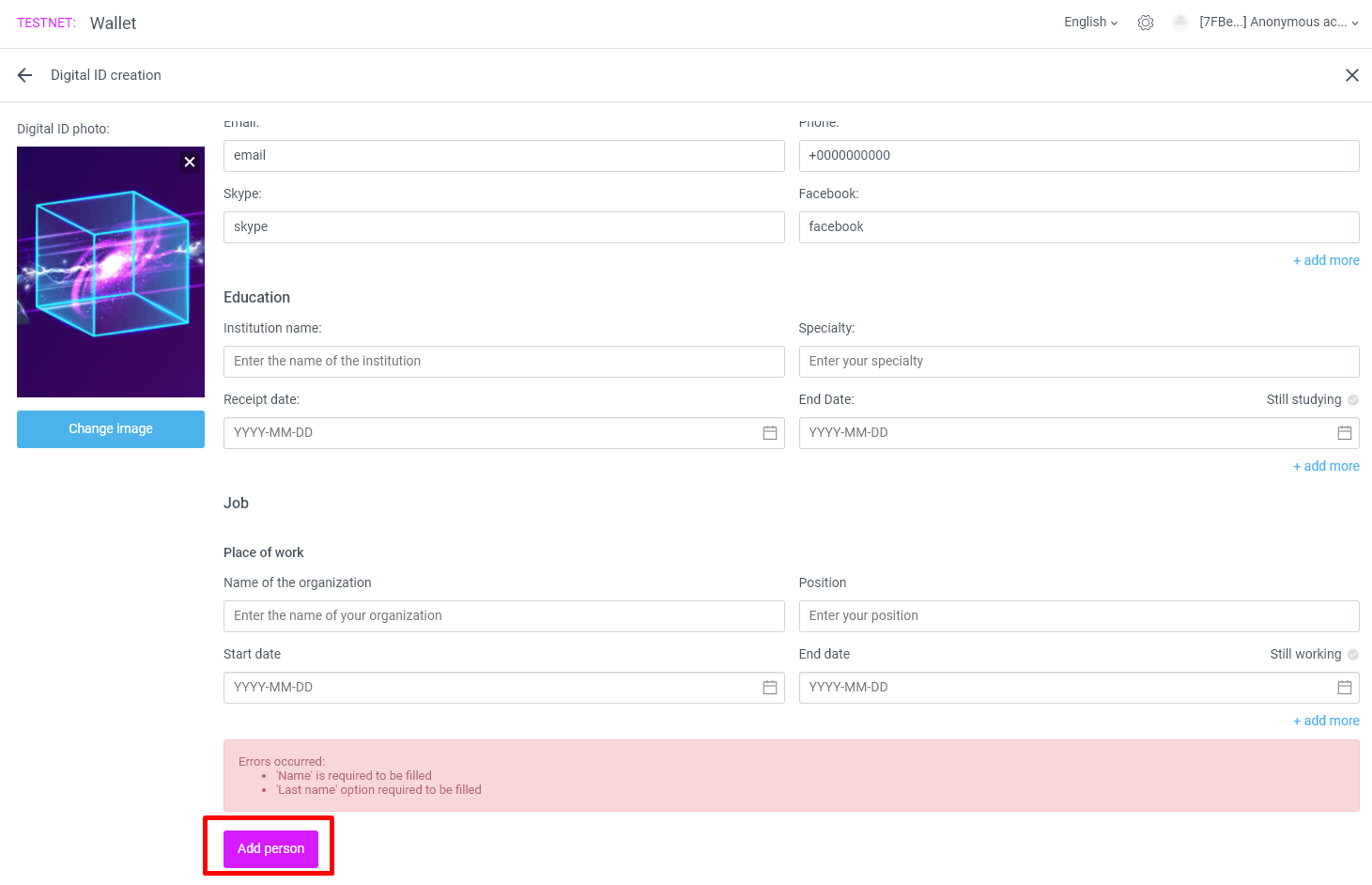
5. Fill all gaps
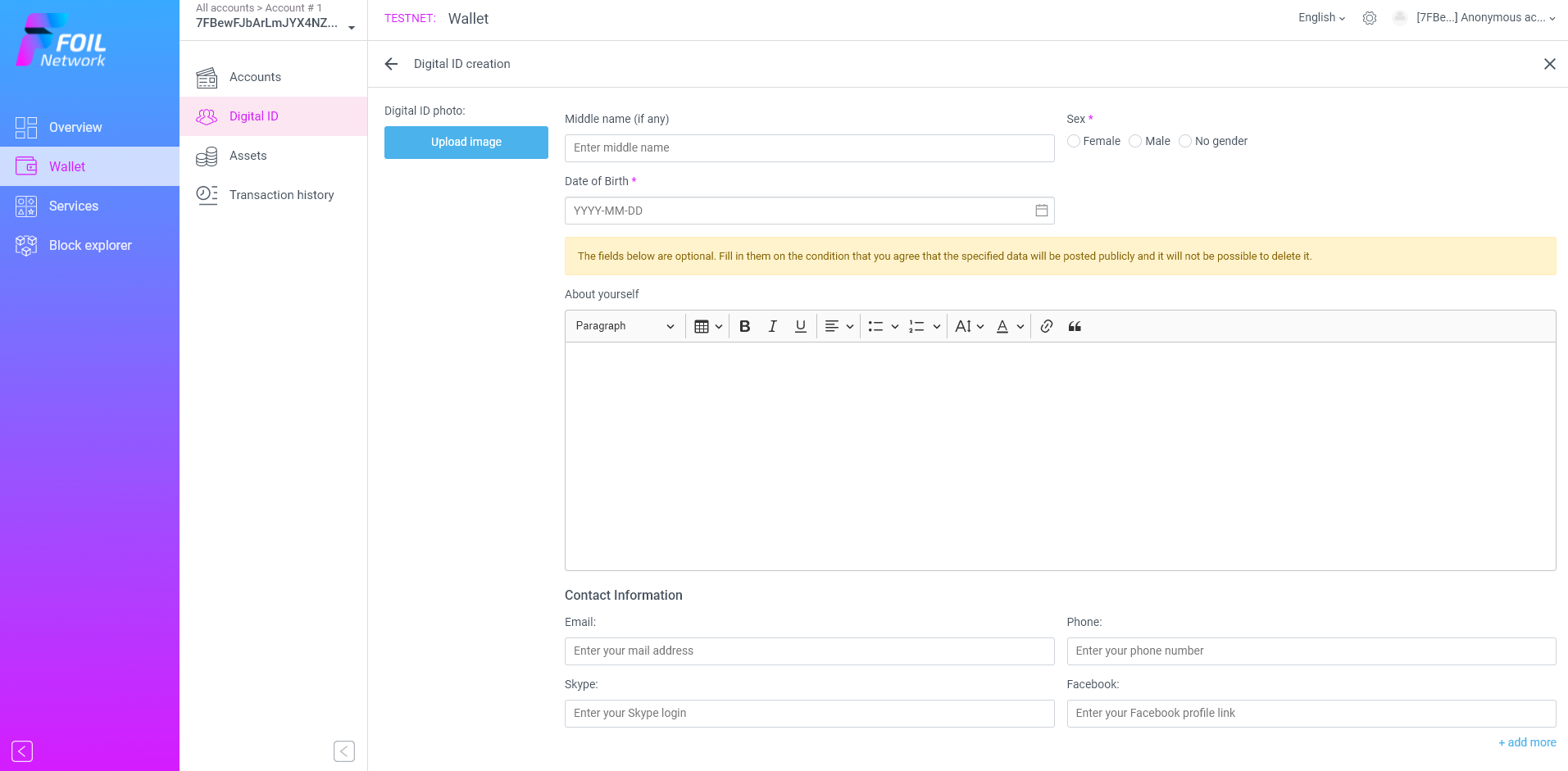
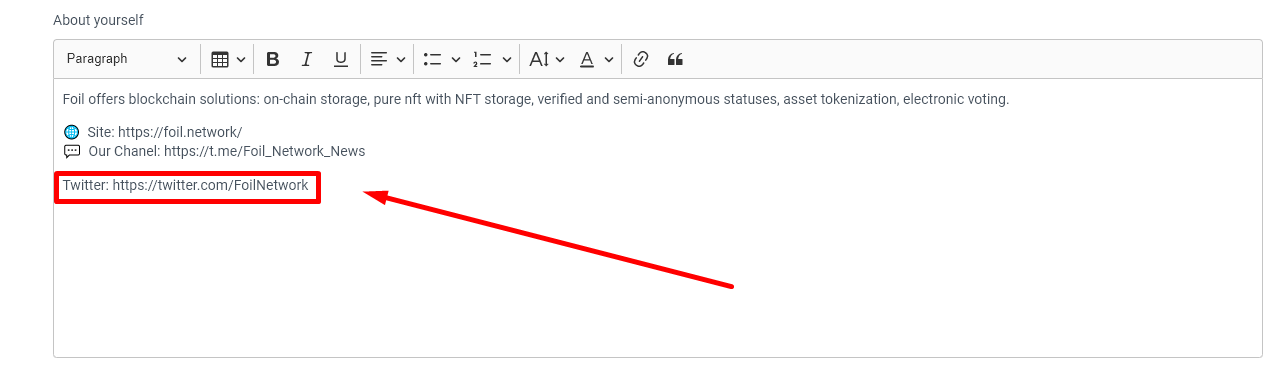
Add link to your twitter in the description "About yourself". Desciption must be real and 100+ symbols.
6. Add person
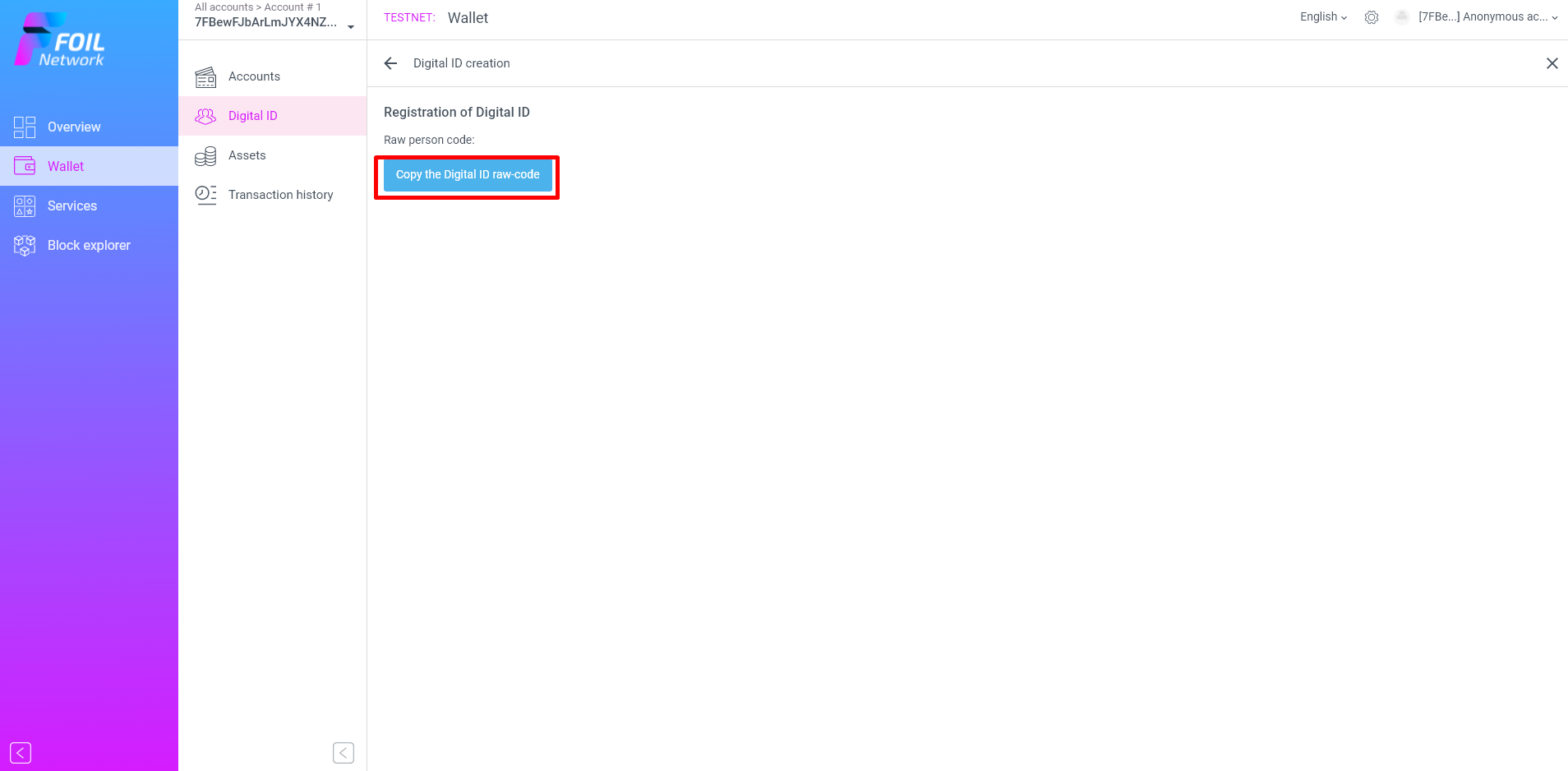
7. Copy Your RAW code and save
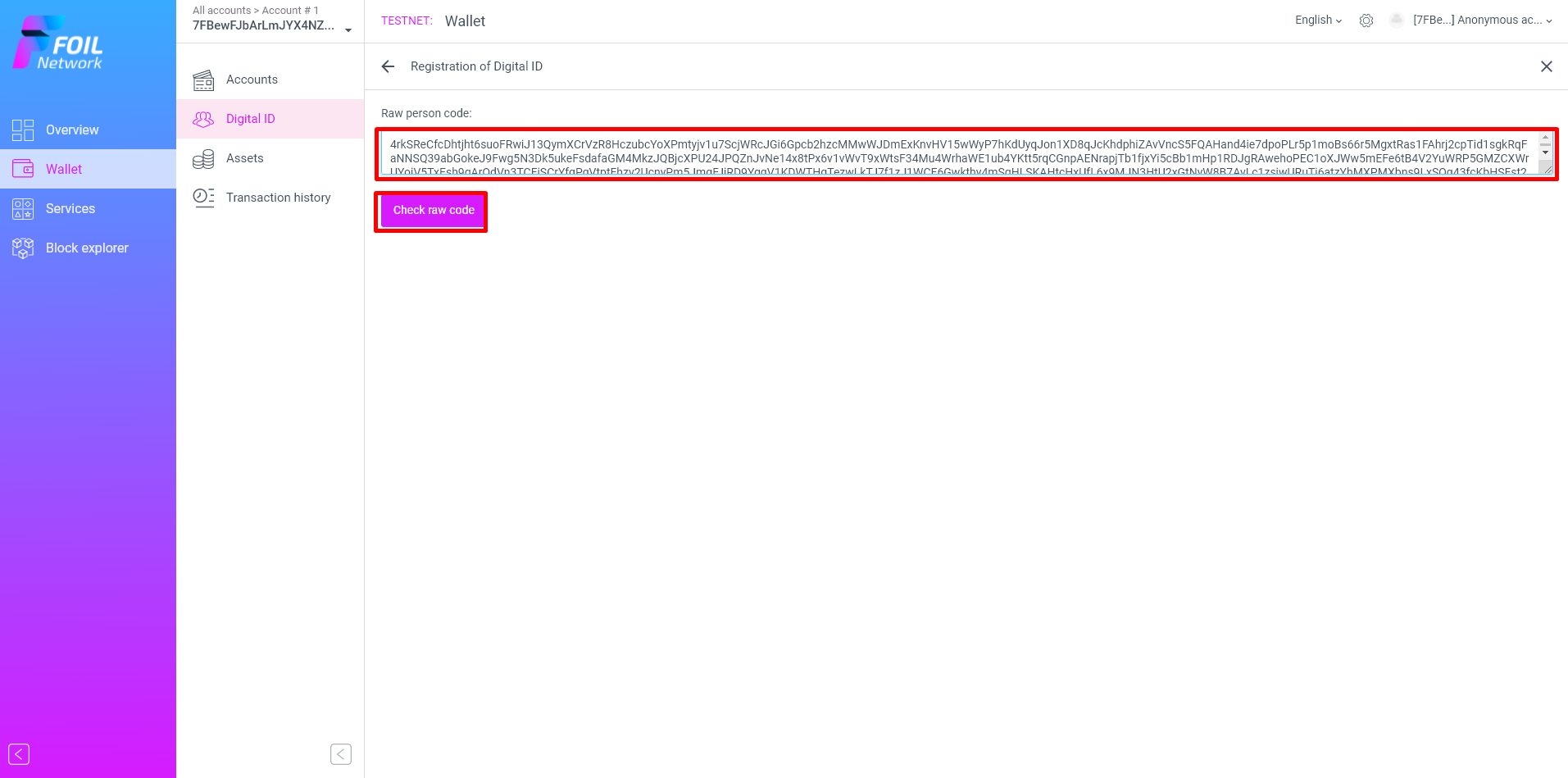
8. Paste it and press check
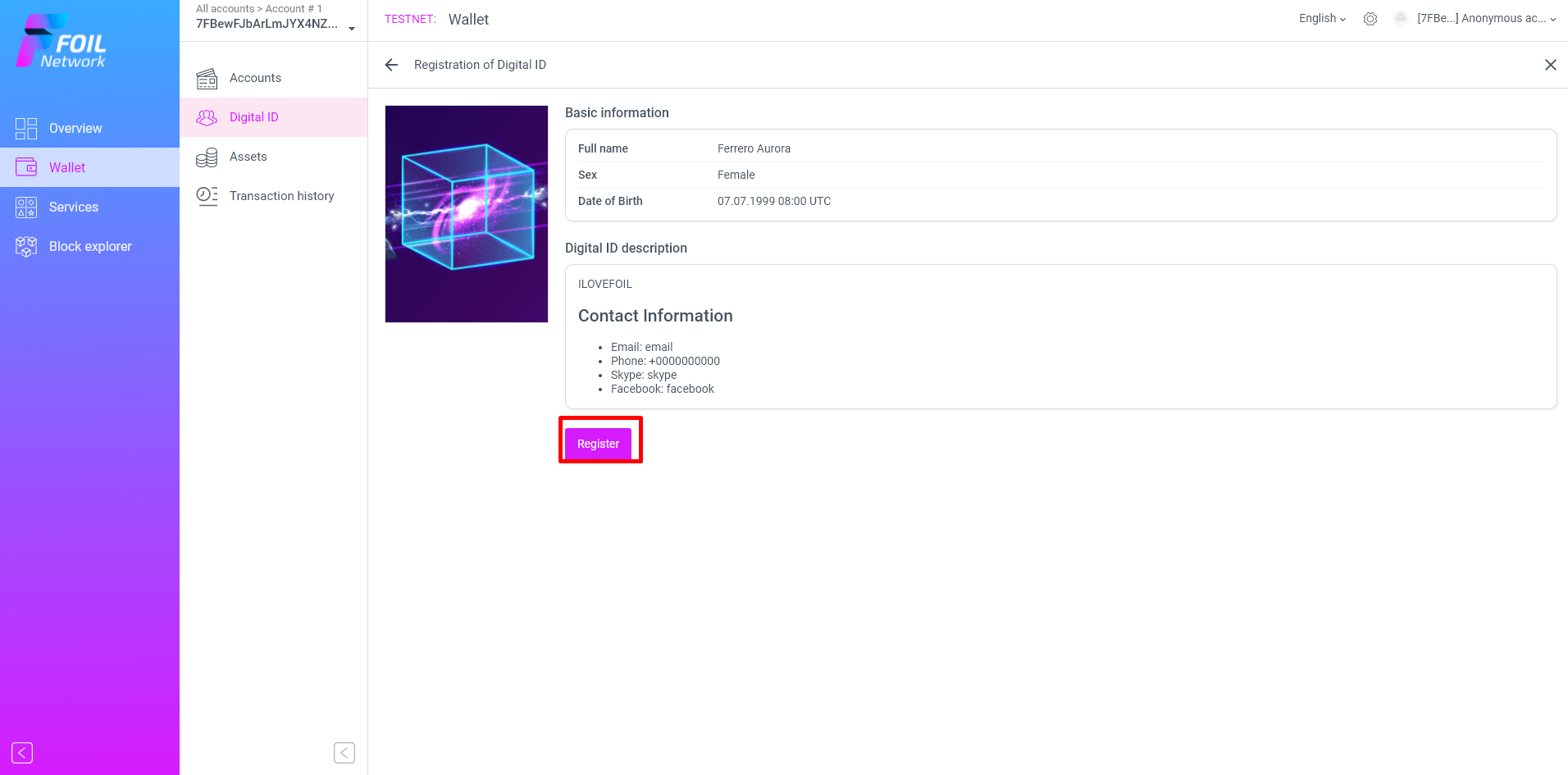
9. Register
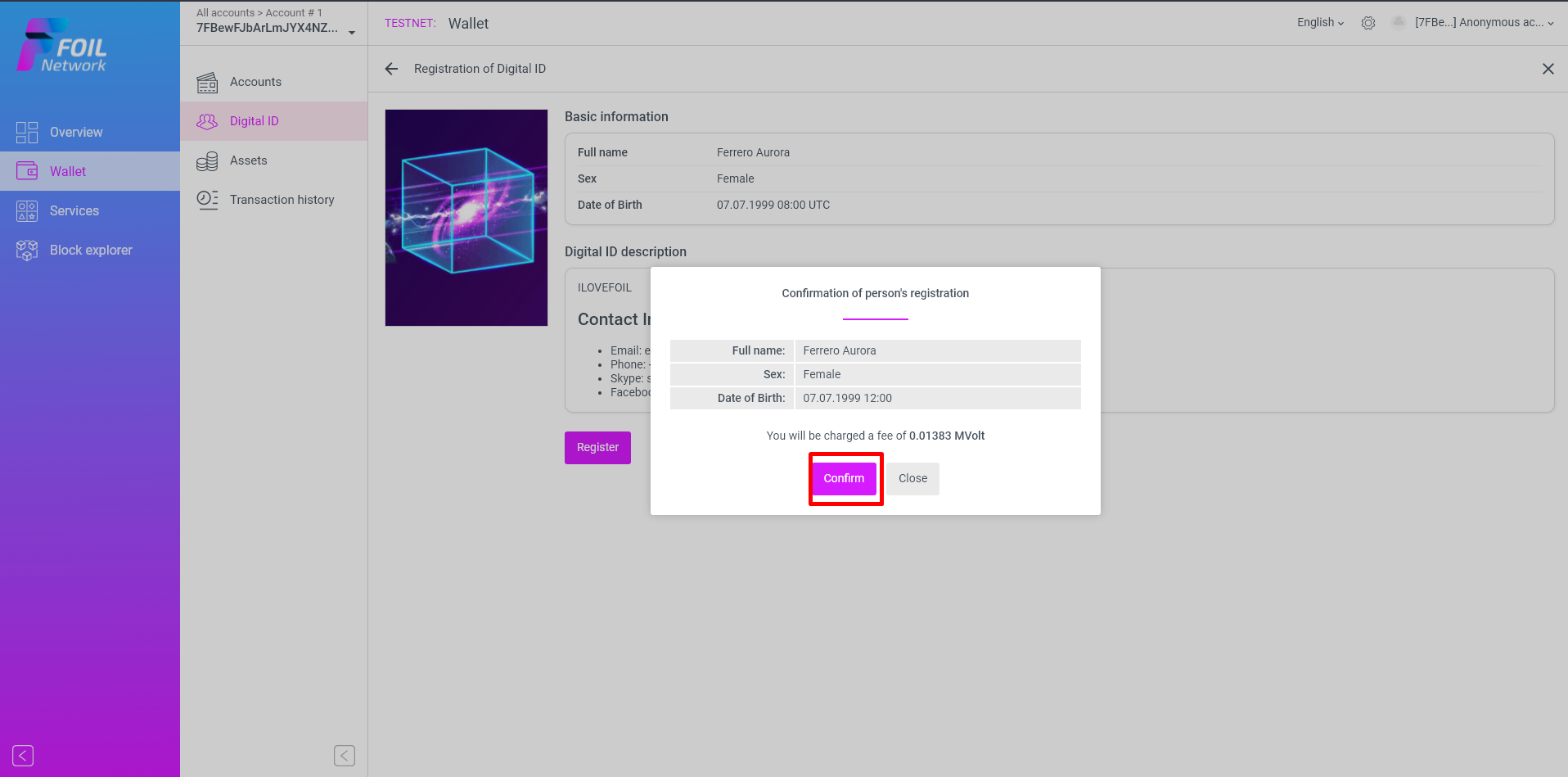
10. Confirm TX
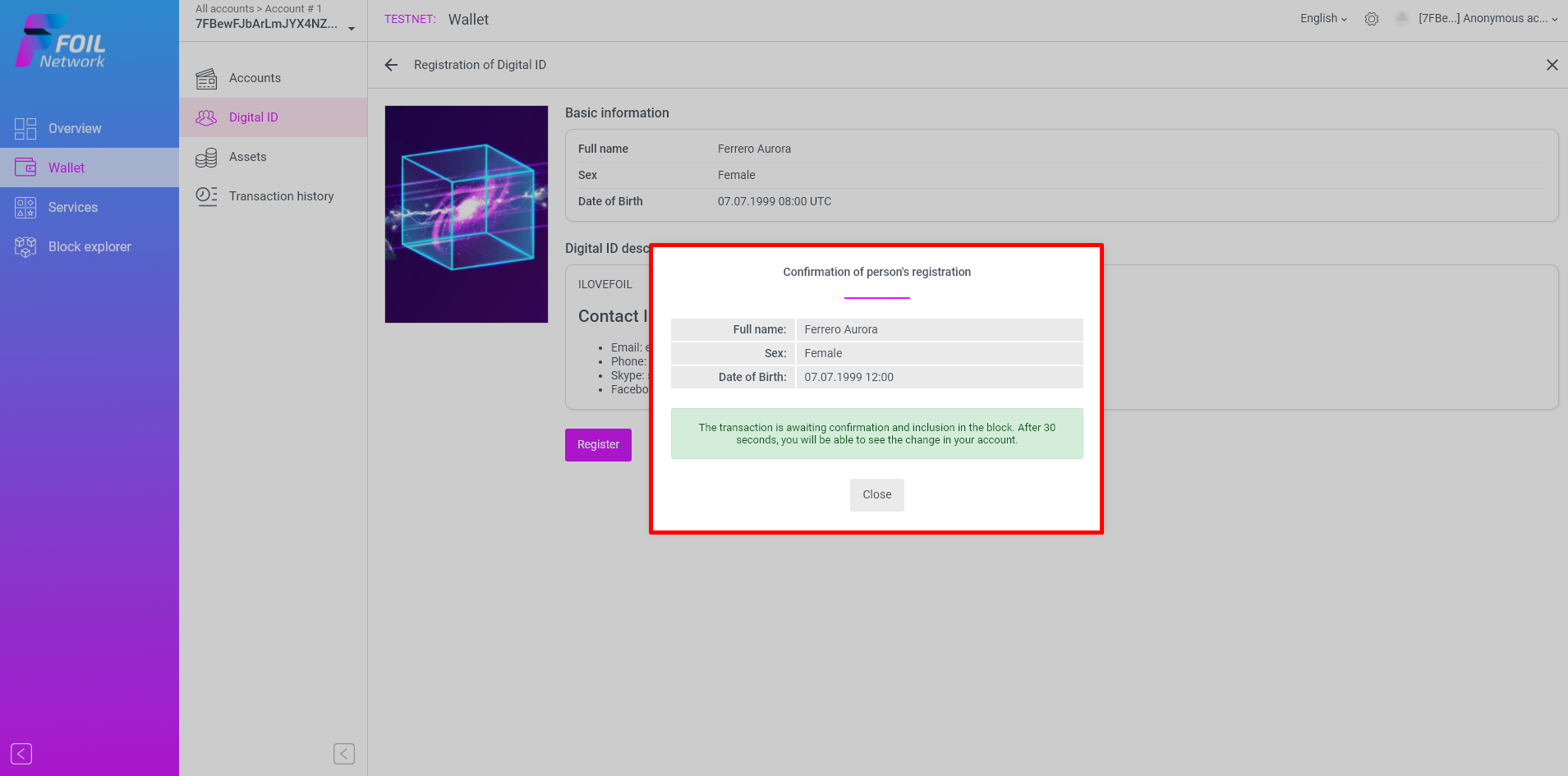
11. Wait 30 seconds for TX to be approved
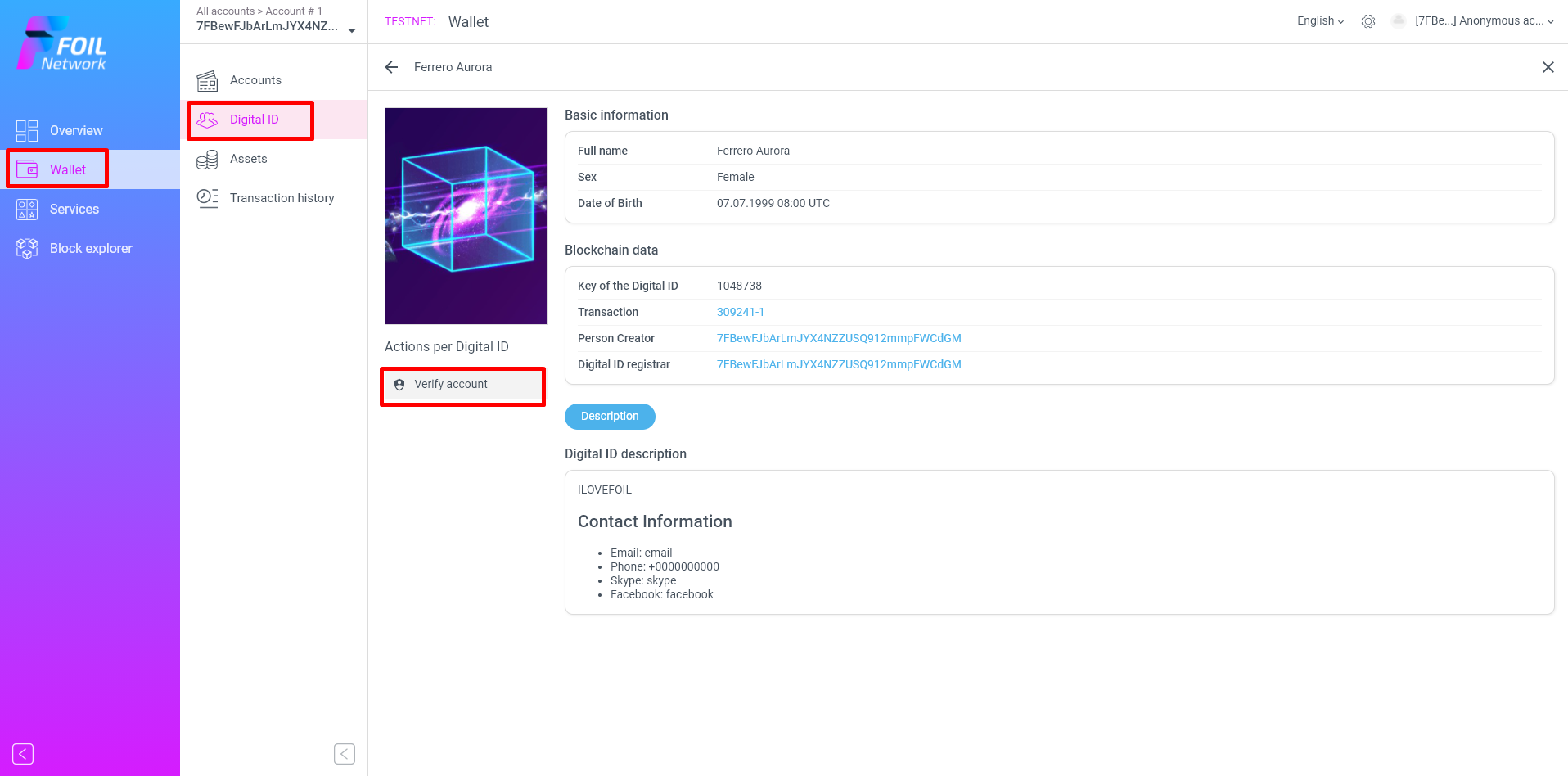
12. Go to Wallet ==> Digital ID ==> Verify Account
13. Proceed
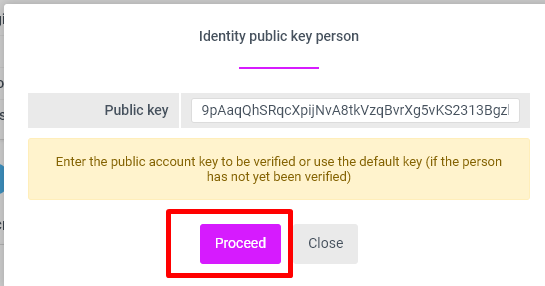
14. Confirm
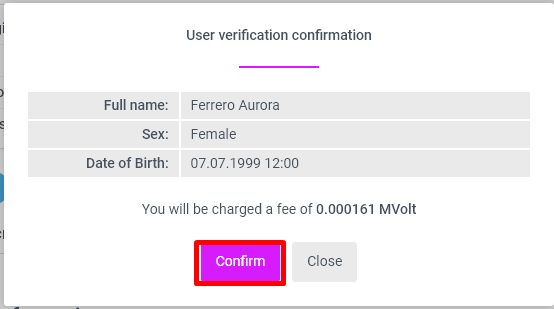
15. Wait 30 seconds for TX to be approved
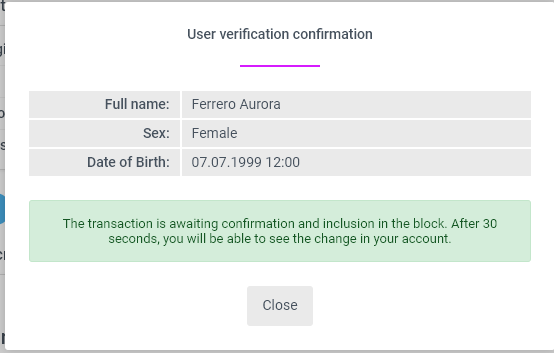
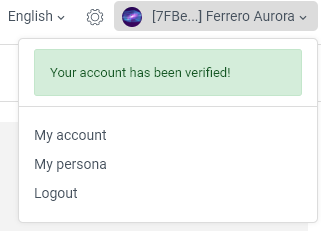
16. Verified
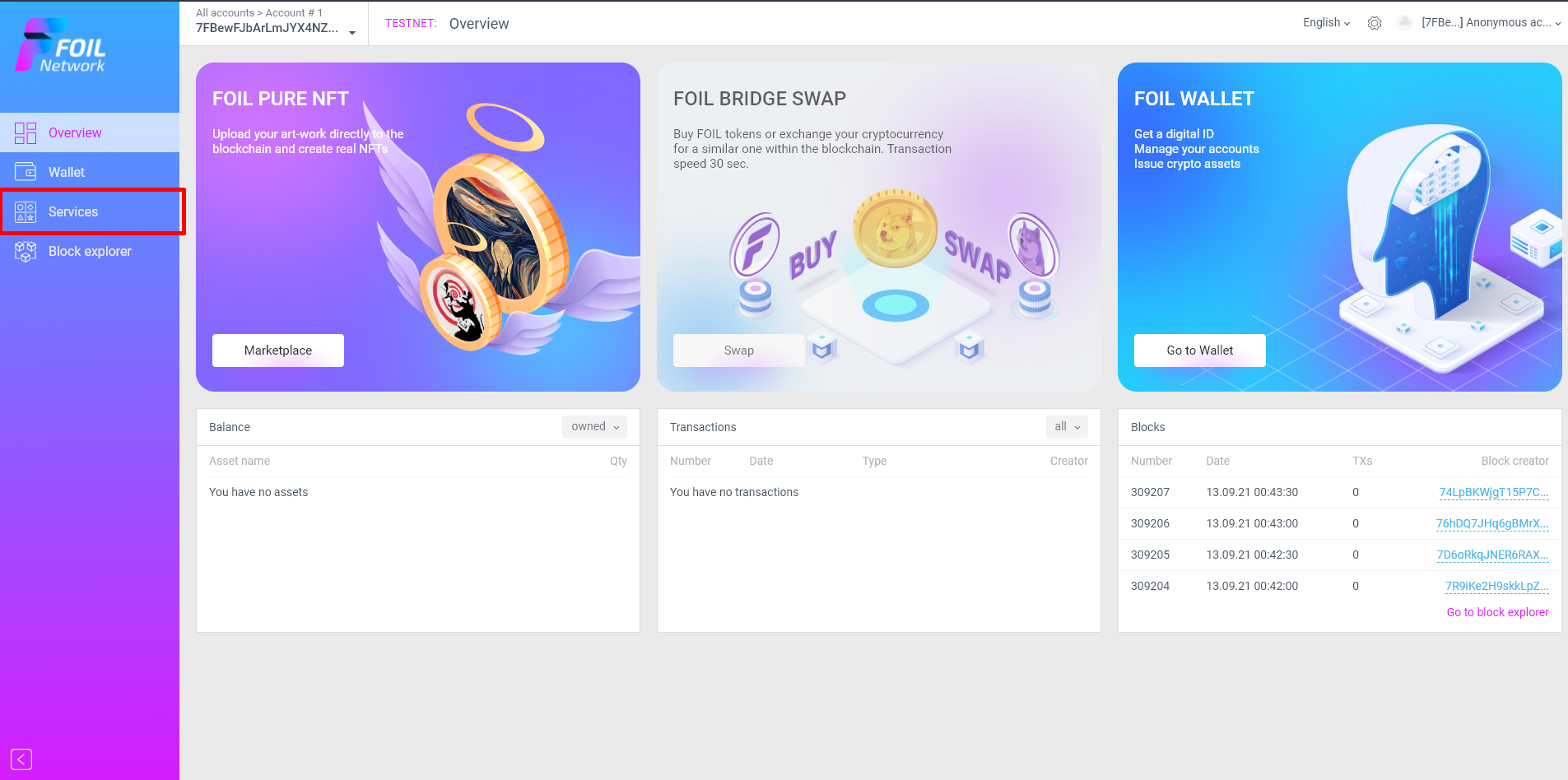
17. Click "Services"
18. Click "Start"
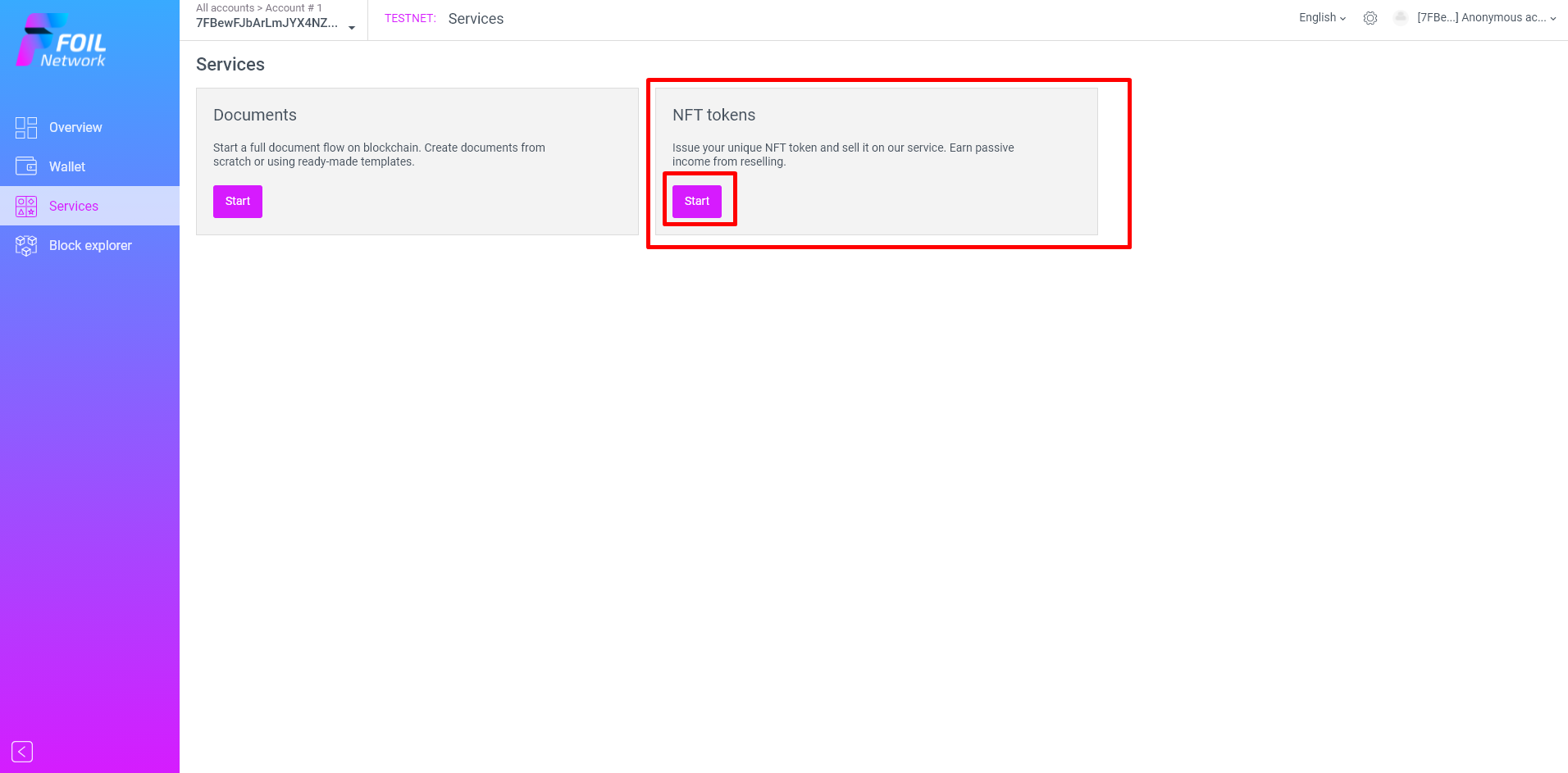
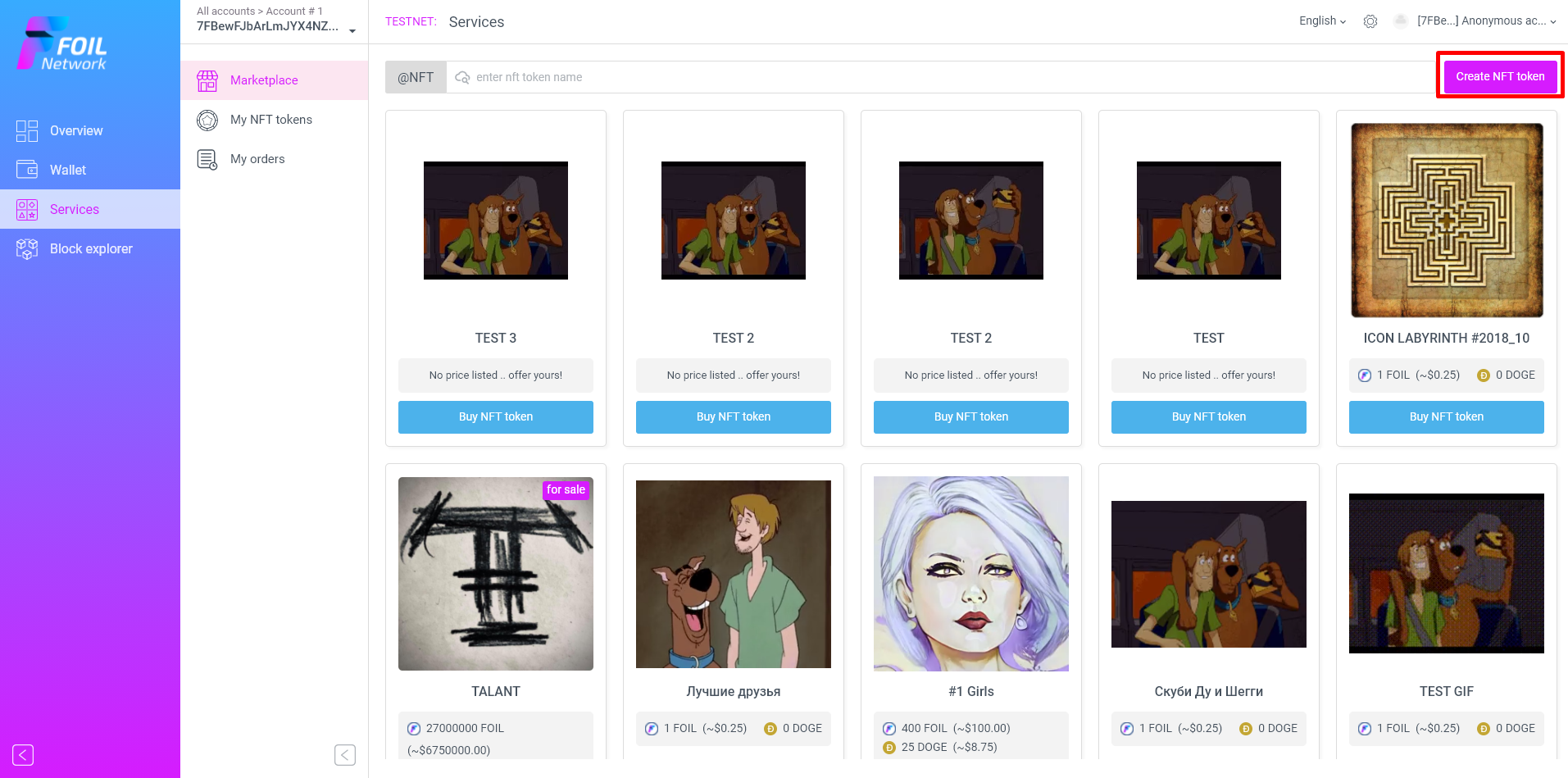
19. Create NFT Token
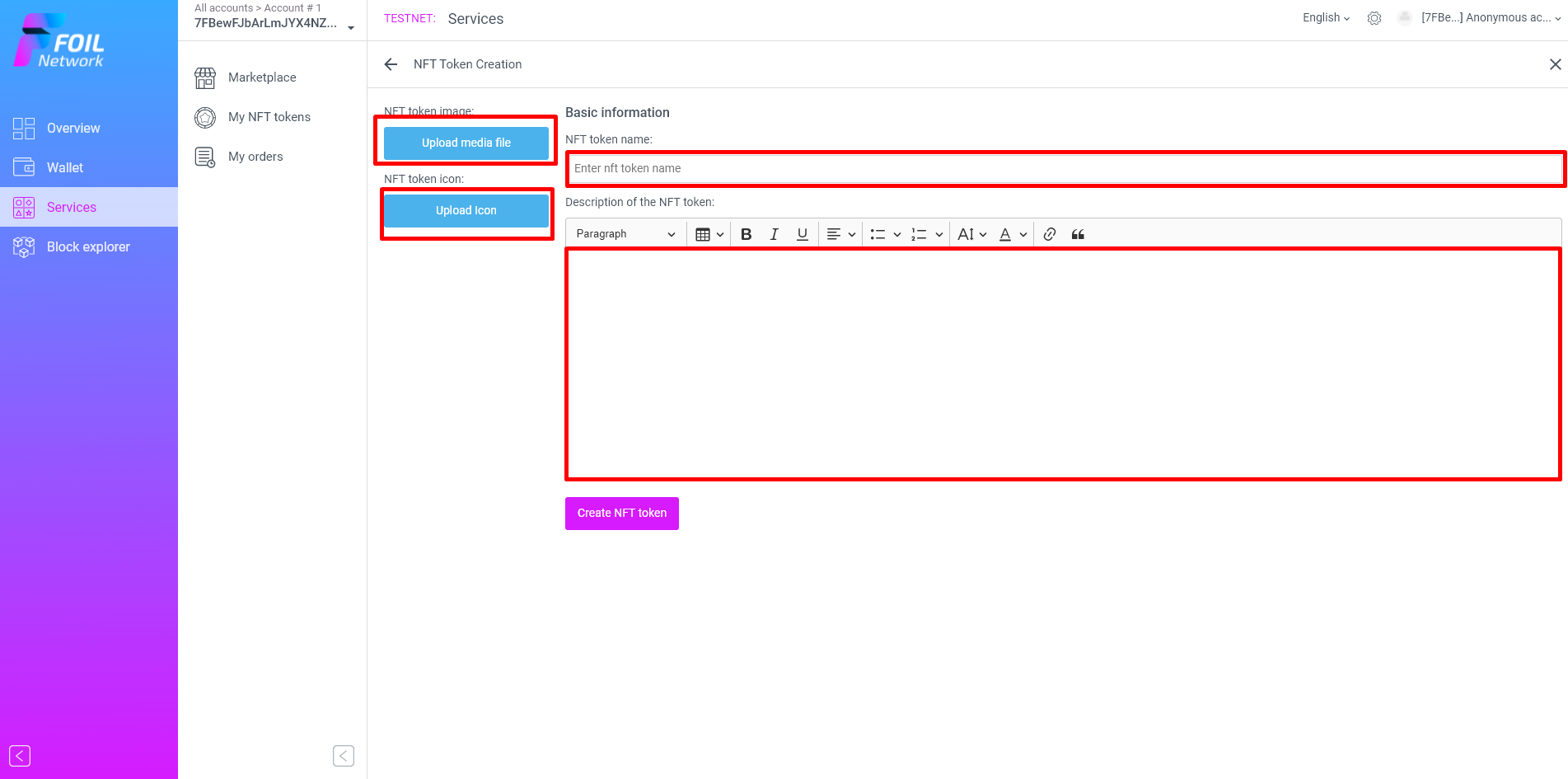
20. Upload Image, icon and fill name and description
Description must reflect the sence of your NFT and must be 100+ symbols
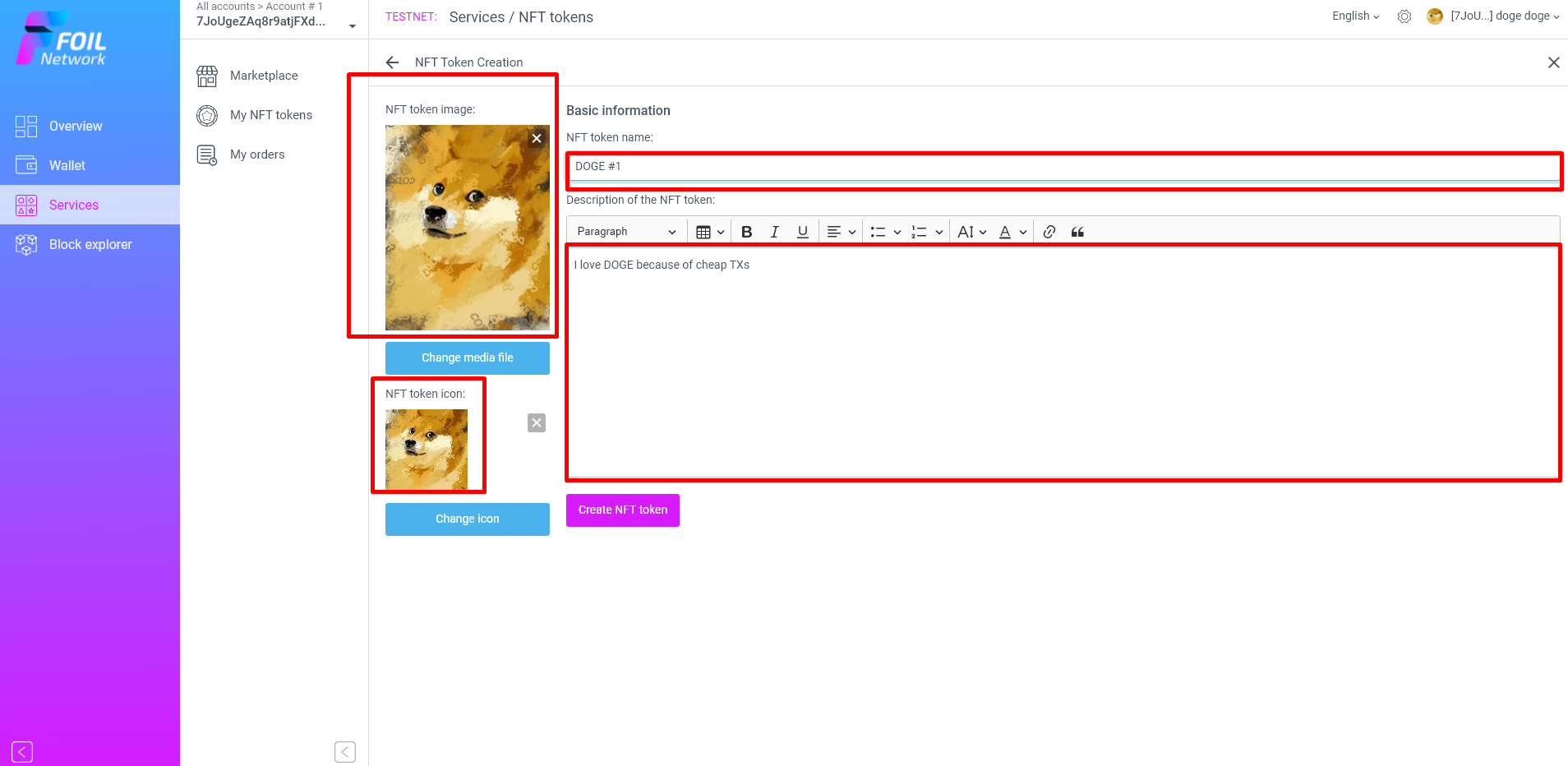
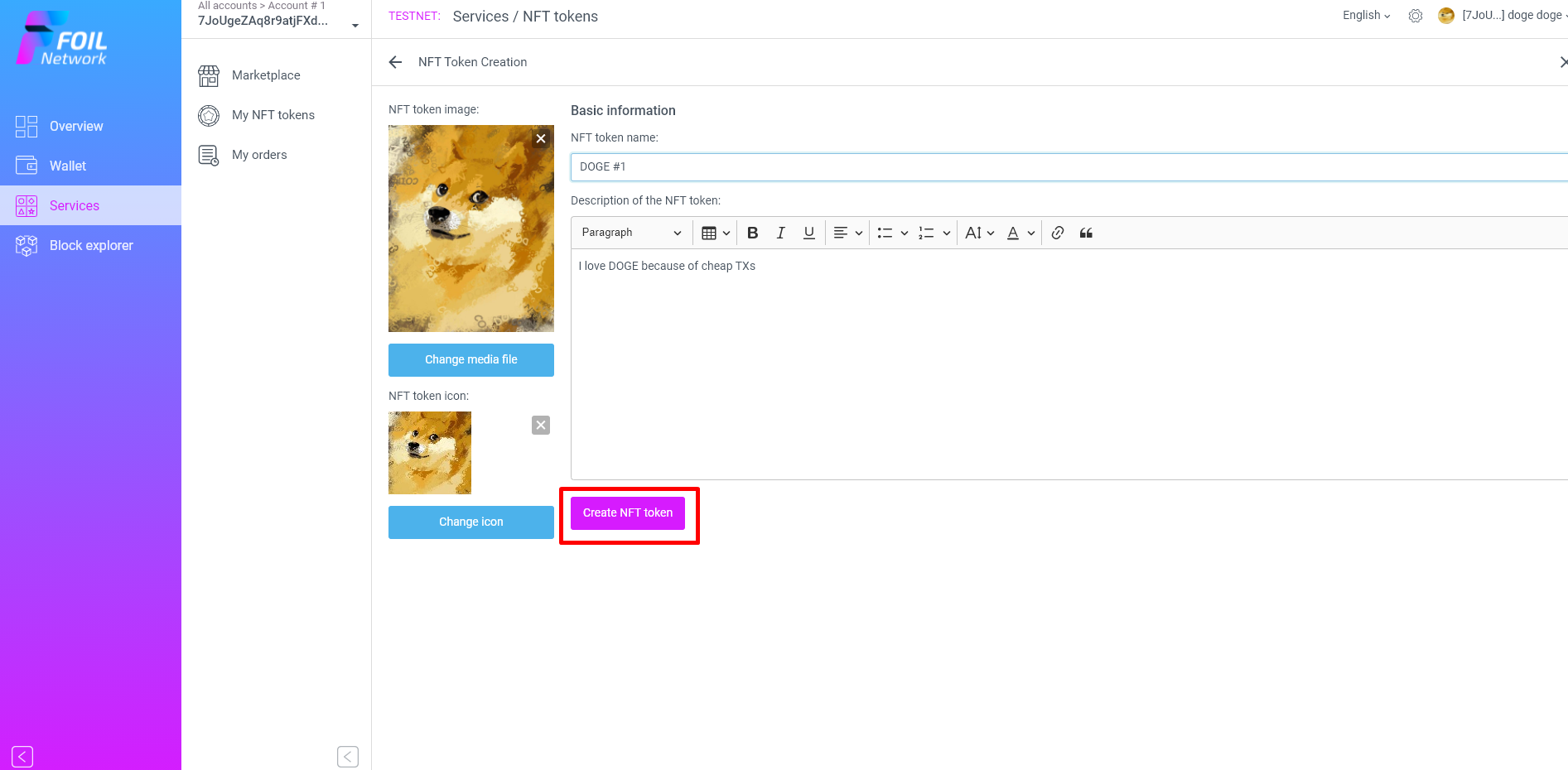
21. Create NFT Token
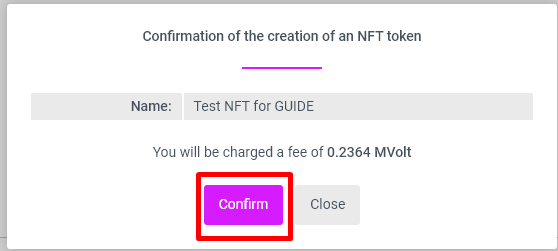
22. Confirm
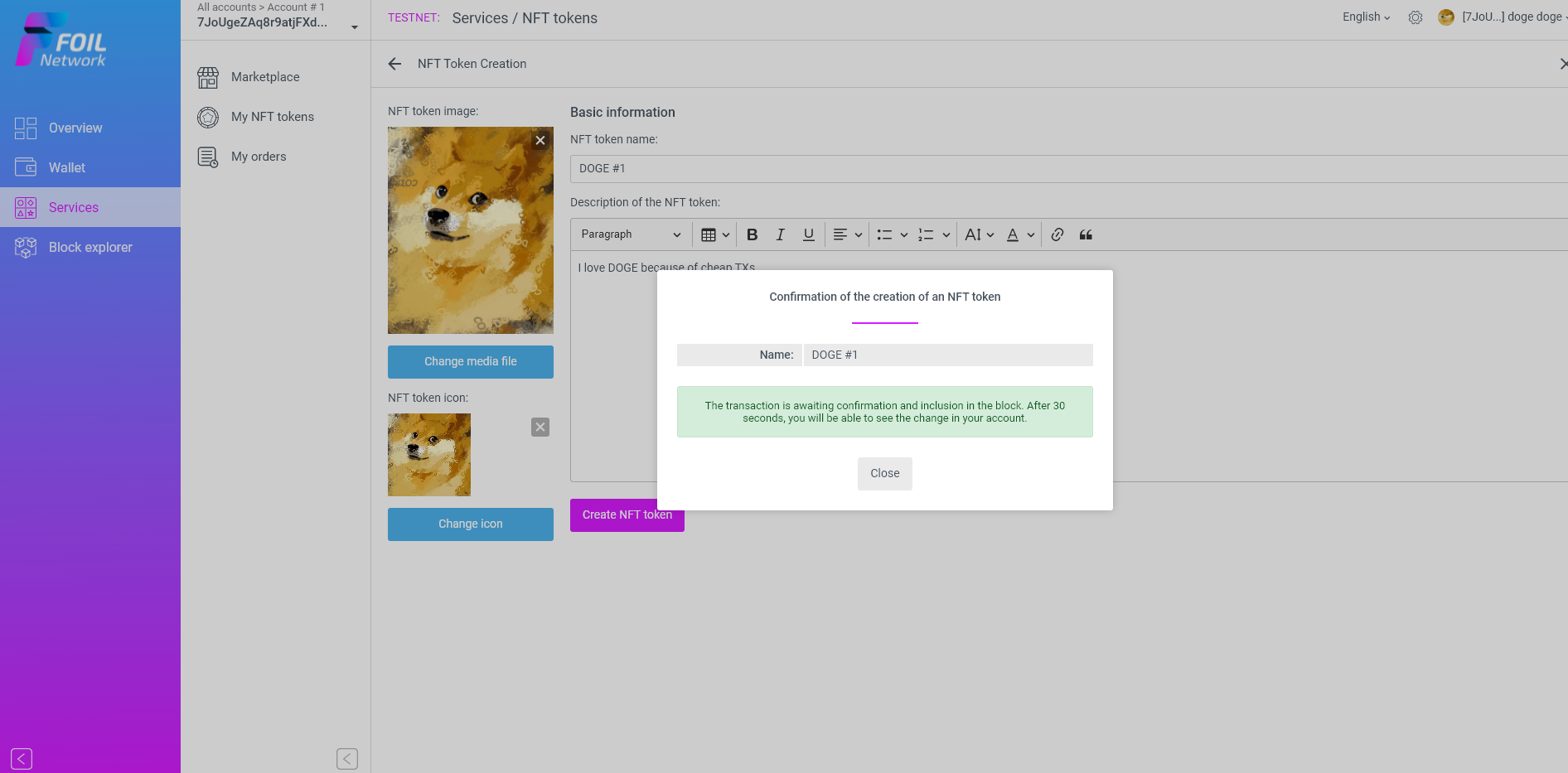
23. Wait 30 seconds for TX to be approved
24. Click here
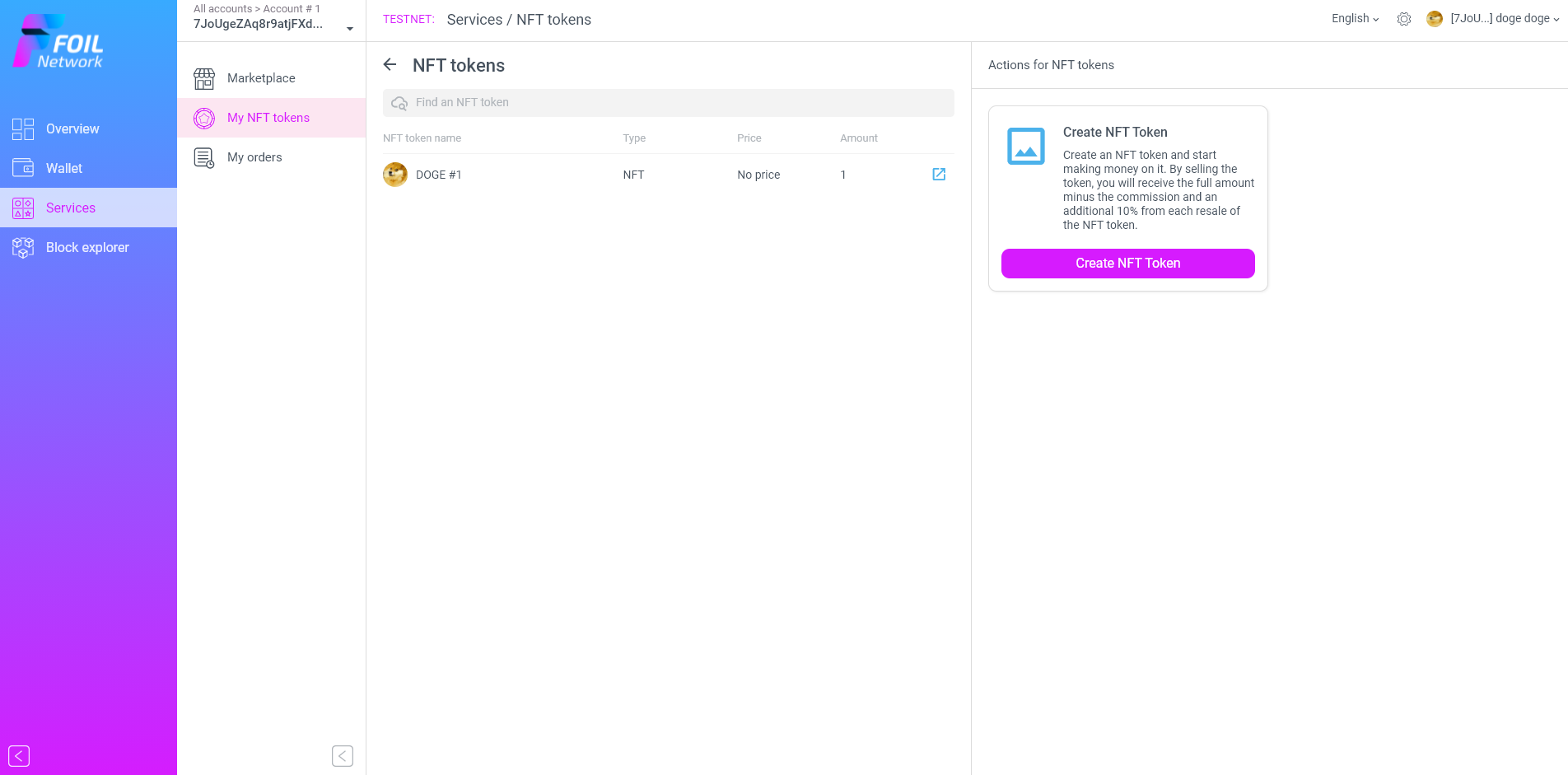
25. Sell NFT Token
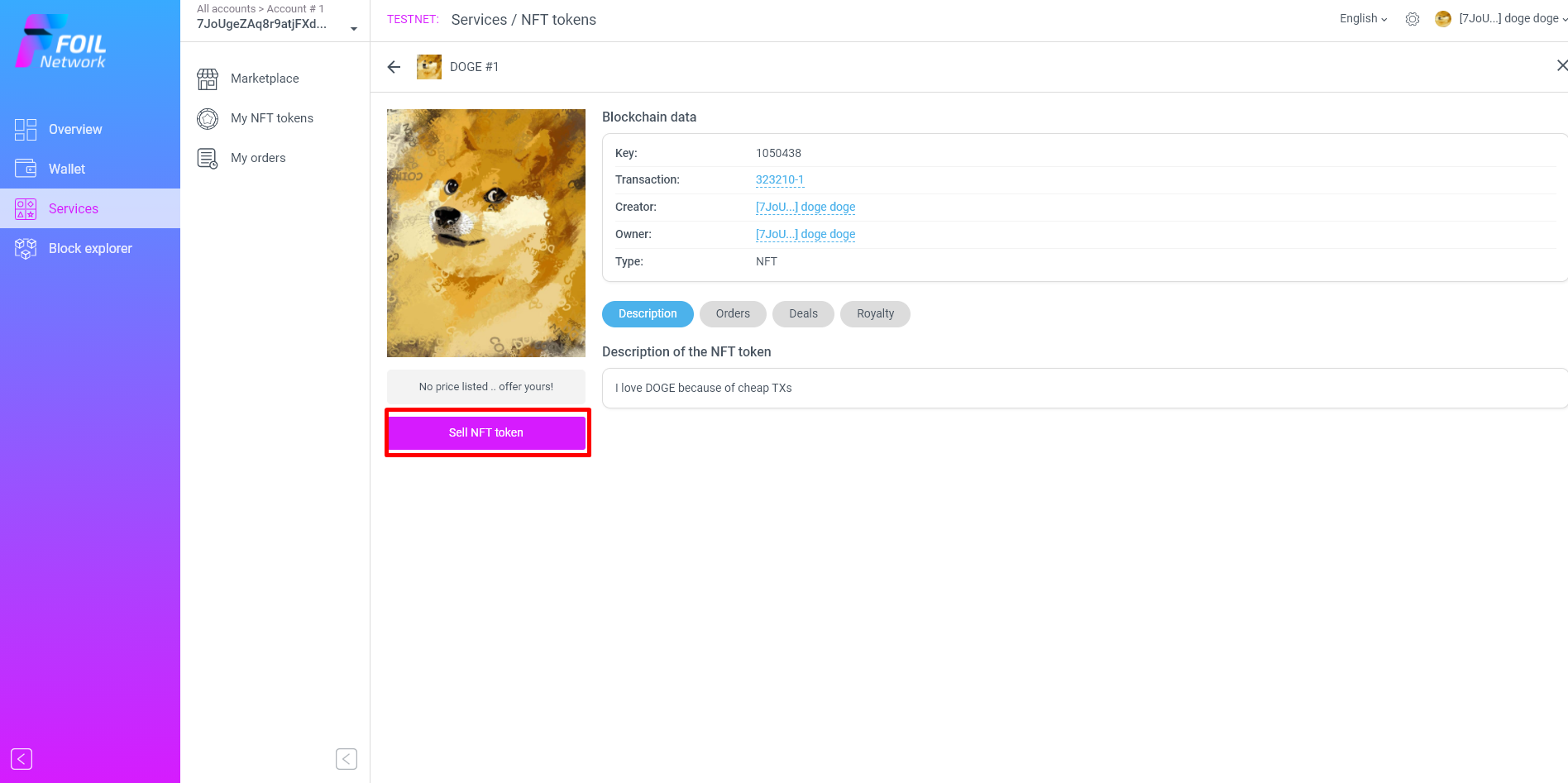
26. Choose currency and Price
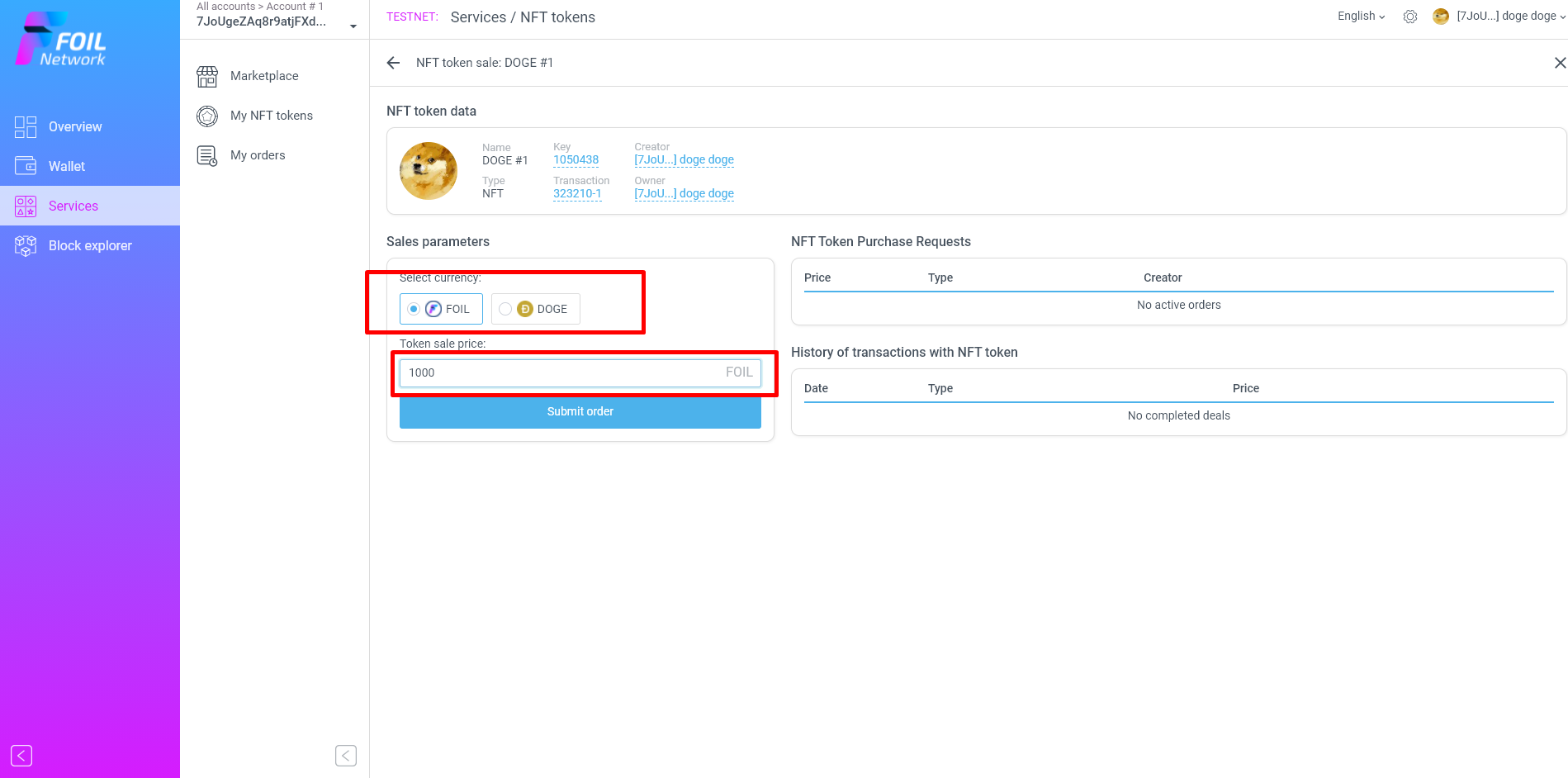
27. Submit and confirm
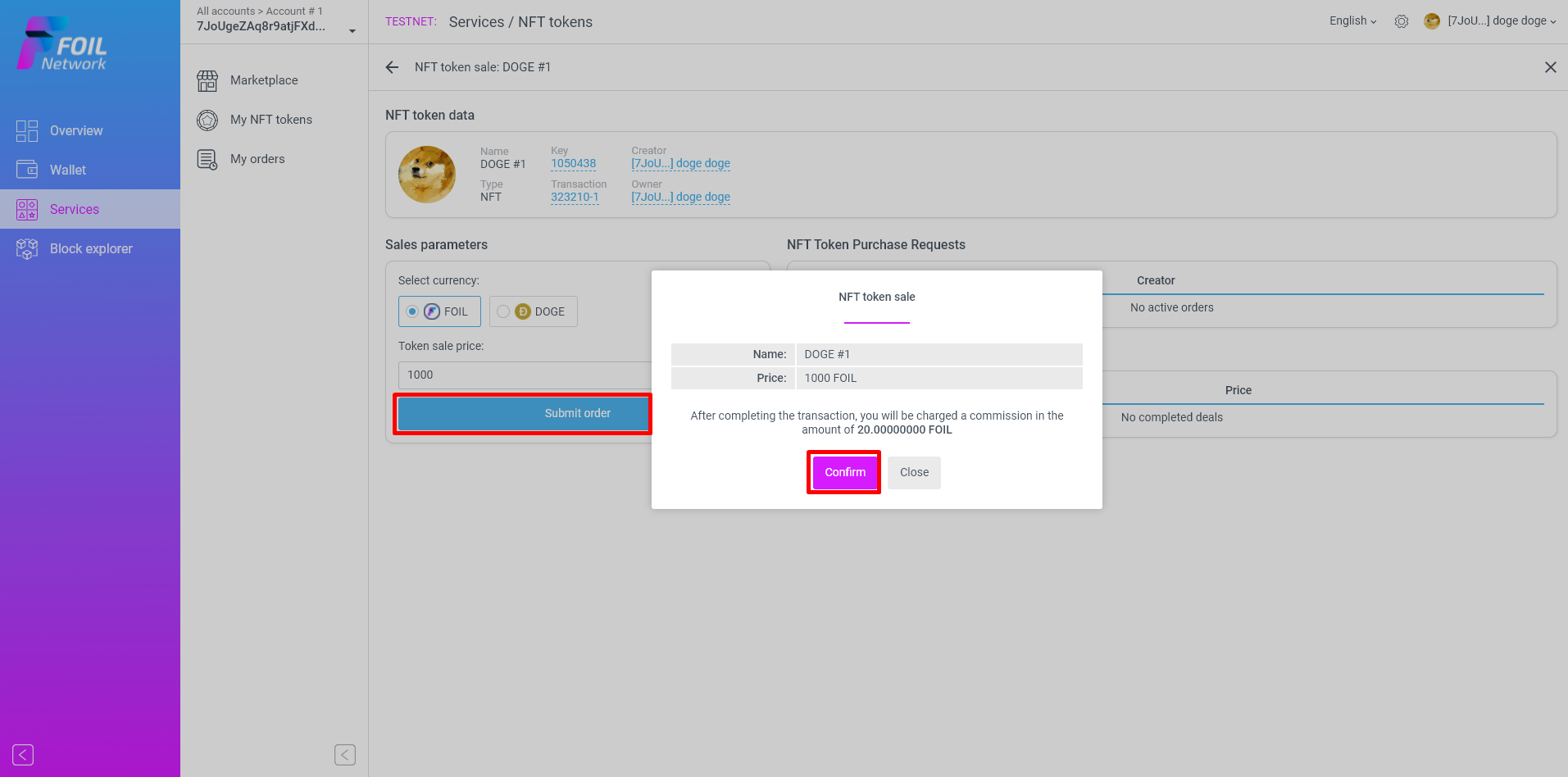
28. Wait 30 seconds for TX to be approved
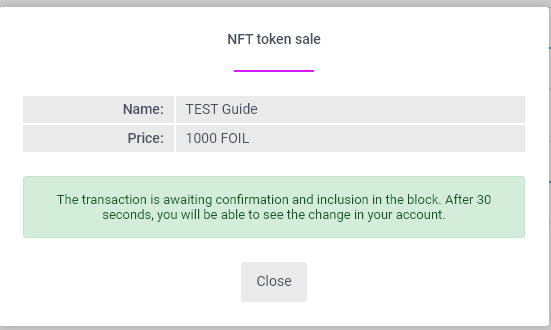
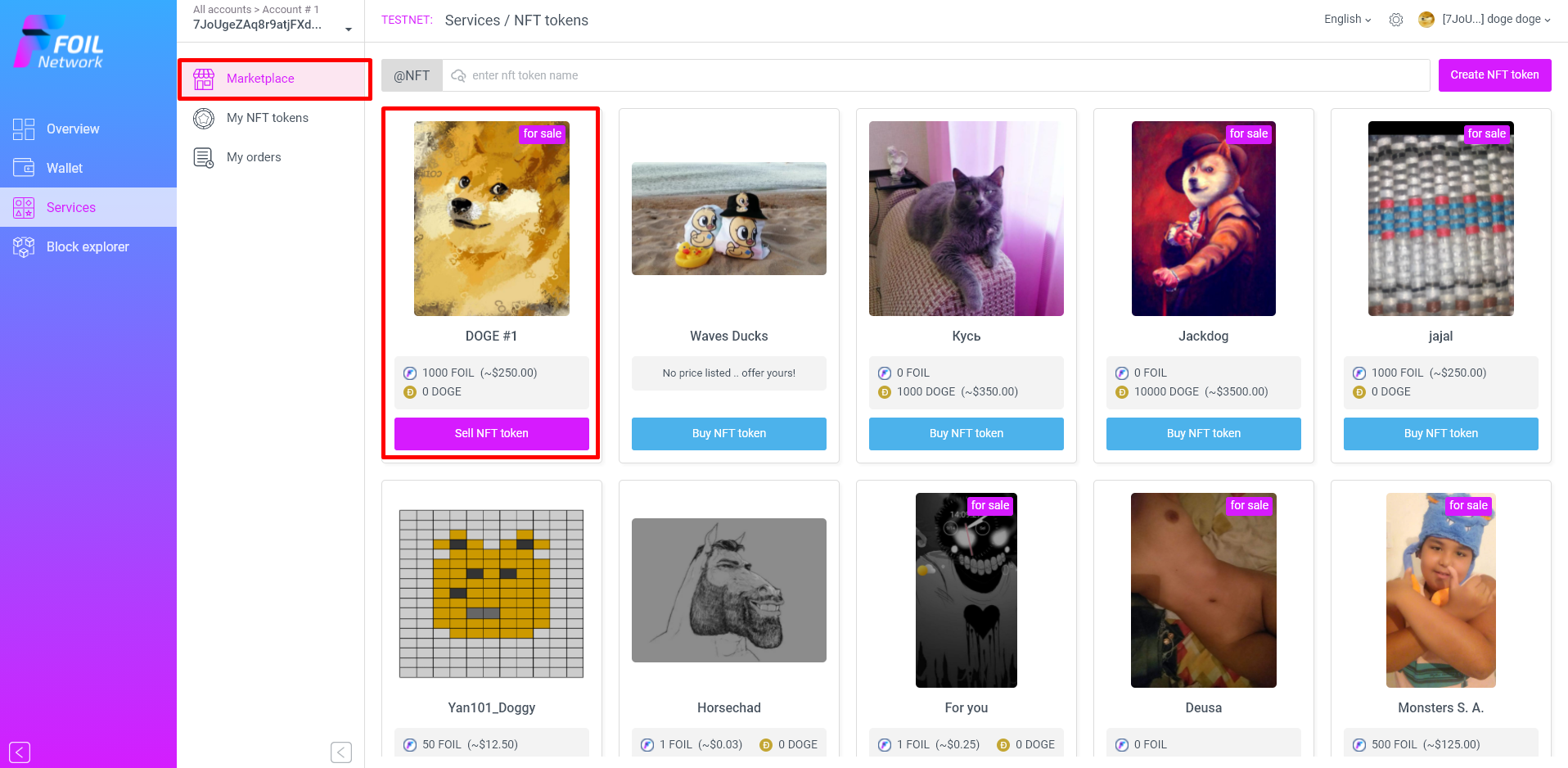
29. Your NFT Token will appear in marketplace, click on it
30. Copy URL of this page
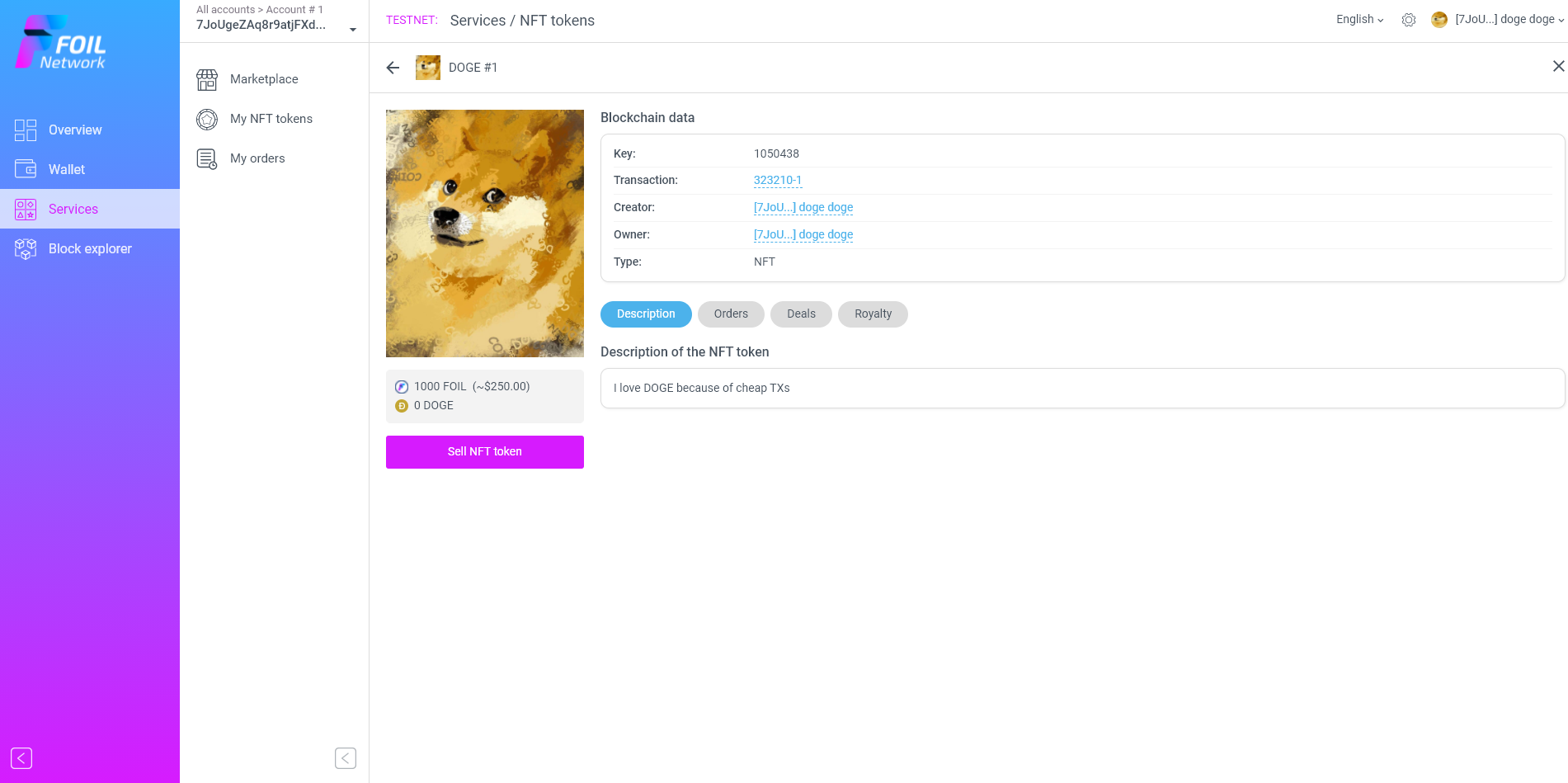
https://testweb.foil.network/services/nft/item/1050438
If you have any questions you can ask in our telegram group https://t.me/Foil_Network