How to make a mirror from GDrive link
🇸 🇦 🇸🇴🇭🇦🇳Solution for 'gdrive_download_quota_exceeded'
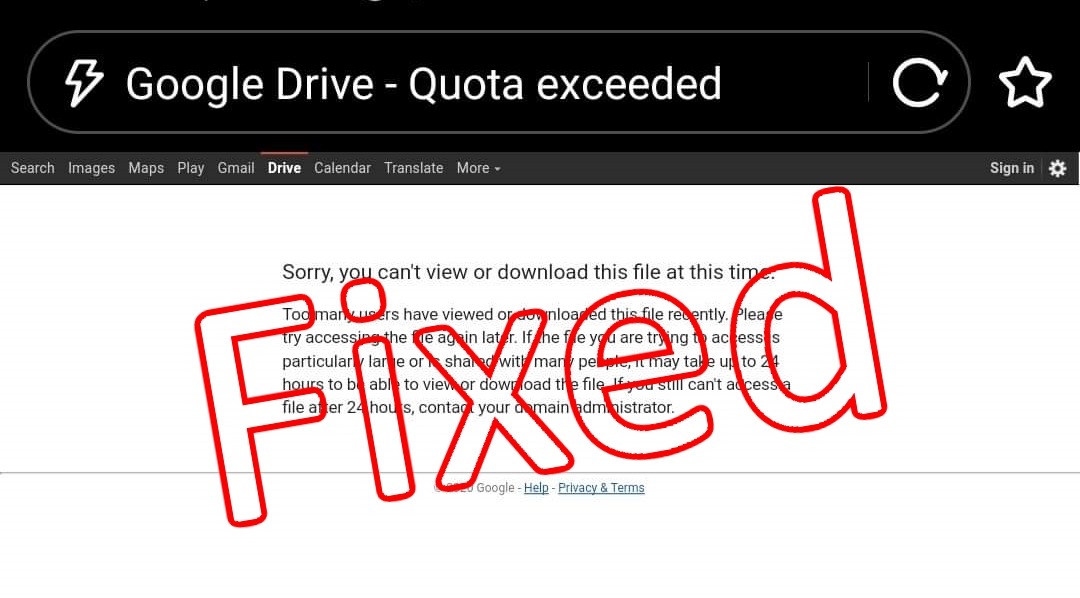
Note:-
Be sure that you have enough space (according to the file size) into your GDrive storage to copy the file. If not, then first make some spaces or create a new google account.
1. At first login to your google account from browser (Chrome)
2. Open the given file link with the browser. Open the file that you want to download.
Not downloading? Quota exceeded??
3. Go to drive.google.com, open the site with Desktop mode (if you are using a phone).
4. Go to 'Recent' or 'Shared with me' tab from the left column.
5. Select the file there.
6. From the top bar on the left side, select 3dot (More actions).
7. Here, select 'Make a copy'.
8. Now go to the 'My drive' tab from the left column.
9. There you can see that copied file with the name "Copy of ...".
10. And finally, download it... 😉
Here is a video tutorial for you !!
Watch it on TeleGram or YouTube👇.
NB
Sometimes you may need to change the link type.
If the link is like this 👇
https://drive.google.com/uc?id=1HrF8HF1N74AsR-YlkHB23wxjcFb_97OC&export=download
change it to 👇
https://drive.google.com/file/d/1HrF8HF1N74AsR-YlkHB23wxjcFb_97OC/view
(Where "1HrF8HF1N74AsR-YlkHB23wxjcFb_97OC" is the id of the file.)
Written by S.A.Sohan