How to make PC as Swift Backup Cloud Server
Ayra Hikari
How to make PC as Swift Backup Cloud Server
Ayra Hikari
Preparation
- First, you need install Swift Backup
- Use Windows for this guide. Linux user should google how to enable FTP as their users always googling with anything
Guides:
Setup FileZilla for FTP server
- Download FileZilla Server
- Open to Install it, just next and choose Install as service
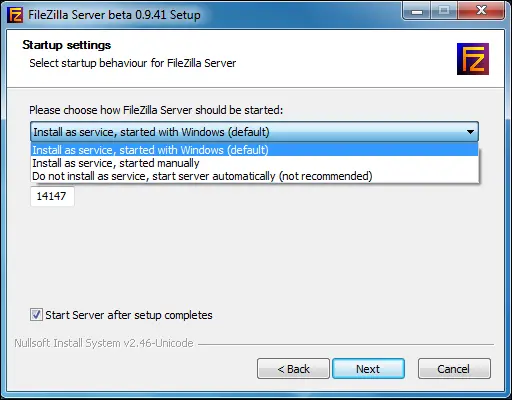
- After install done, just click ok do not change anything
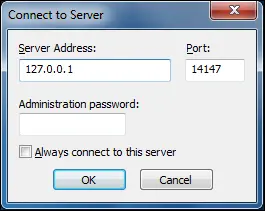
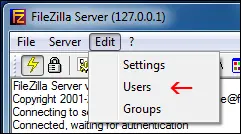
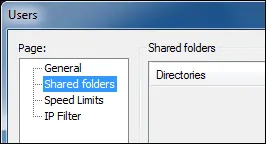
- Click Add button, fill your custom username for Swift Backup later
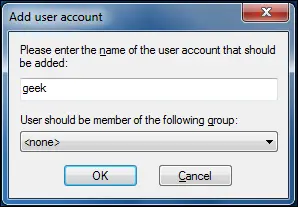
- After click OK, select path you want to save your data
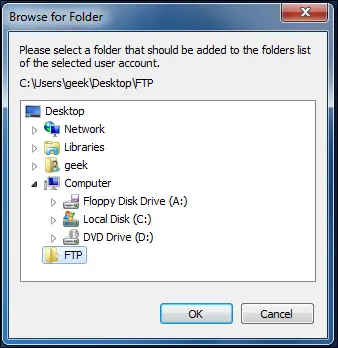
- After click OK again, you'll see this UI, just setting like this image
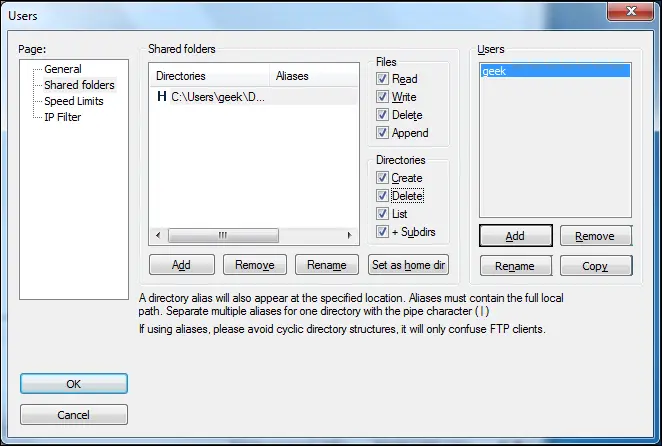
- Now, your FTP server are ready, let's go back to your phone
Setup Swift Backup client
- Open Swift Backup, click Connect a cloud account
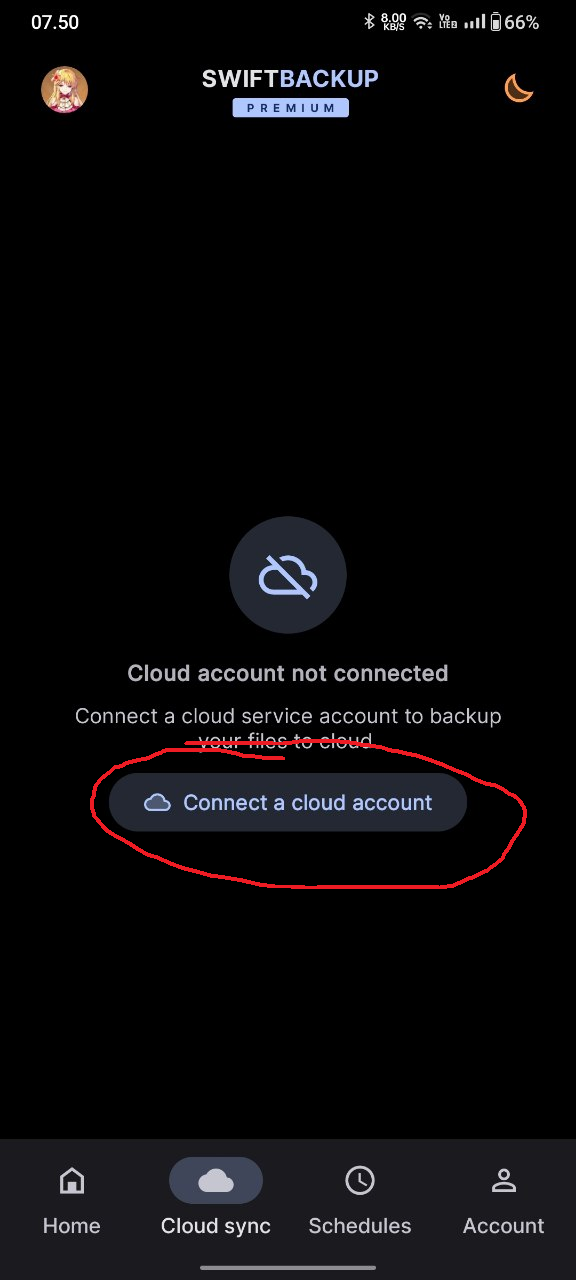
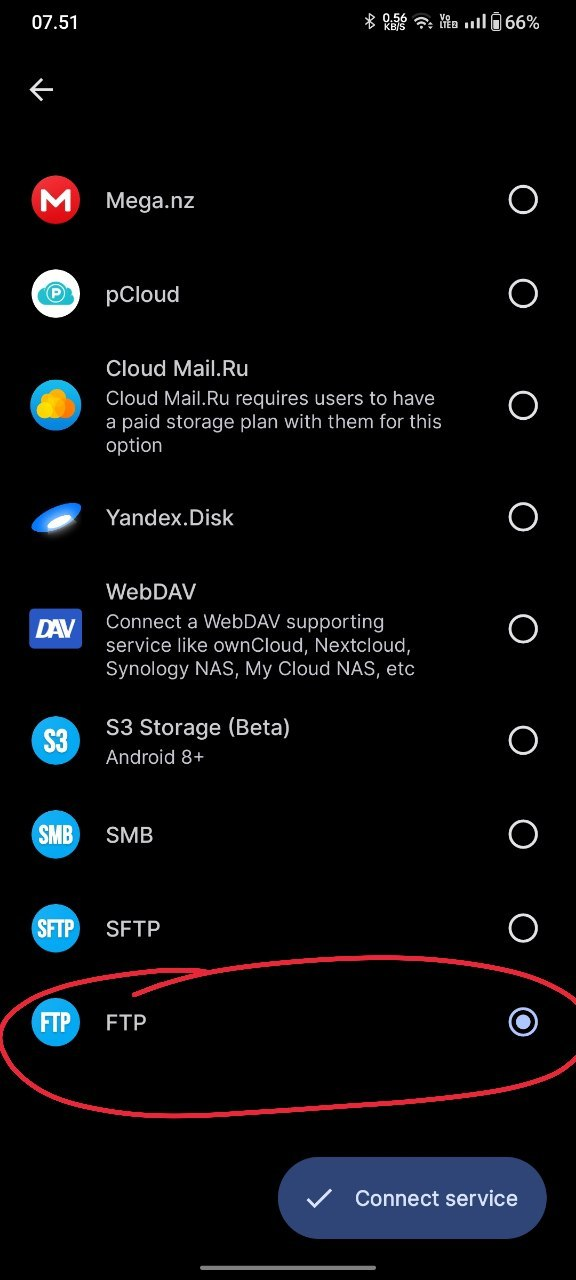
- Choose FTP, and click Connect service
- Fill your PC IP Address, your custom path, your FTP Port, and fill username just like step above. For password if you setup it you'll need to fill it
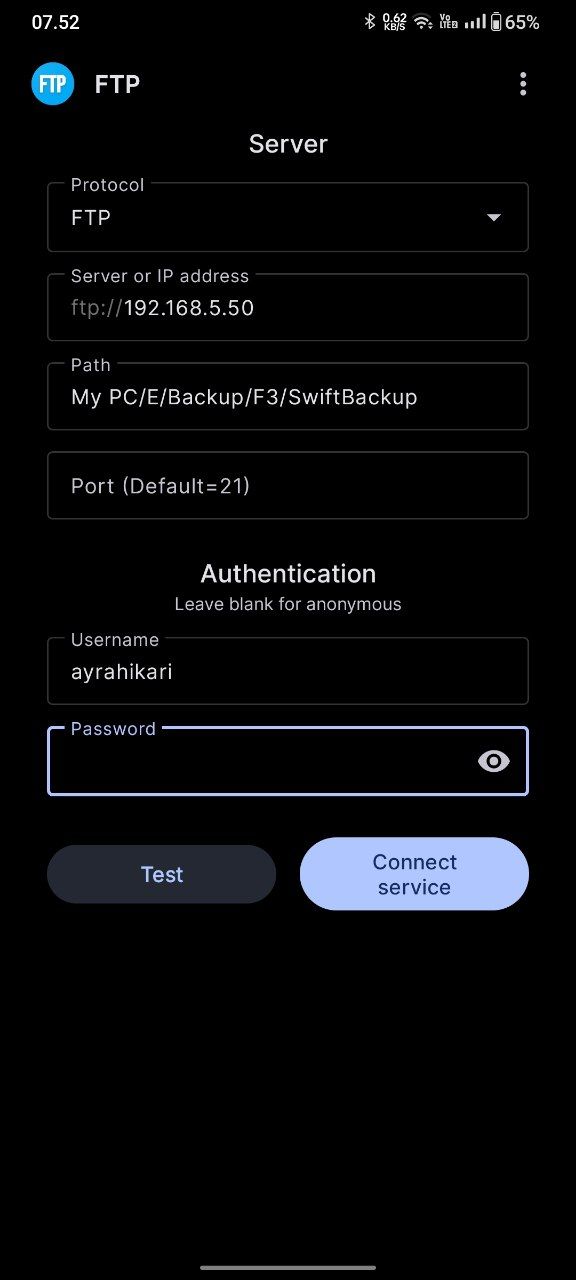
- Then try test it and good luck to do that