How to get app password from your Gmail.
JOBIANS TECHIEOn Android
On desktop
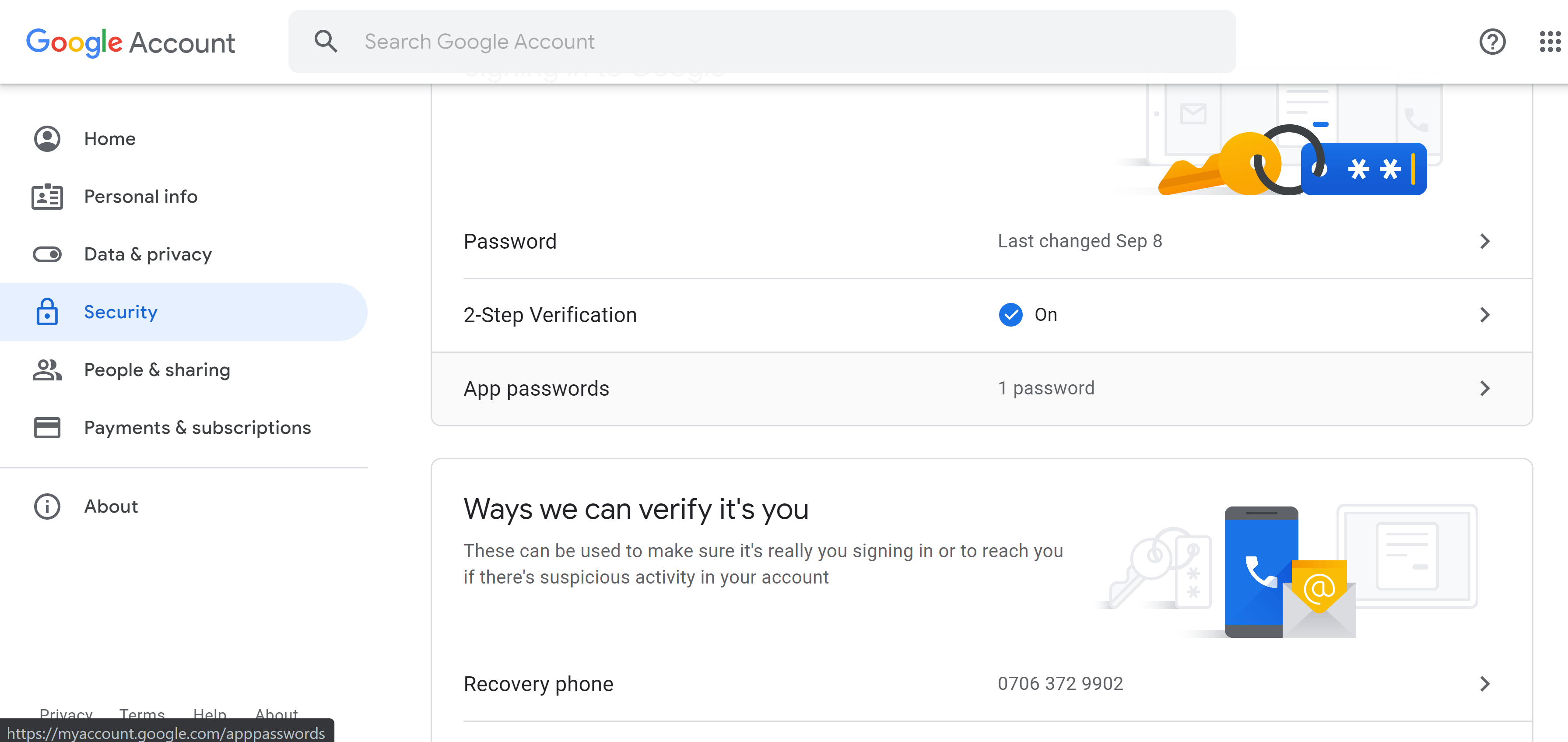
Go to the Gmail dashboard, click “Security” and then “App passwords”:
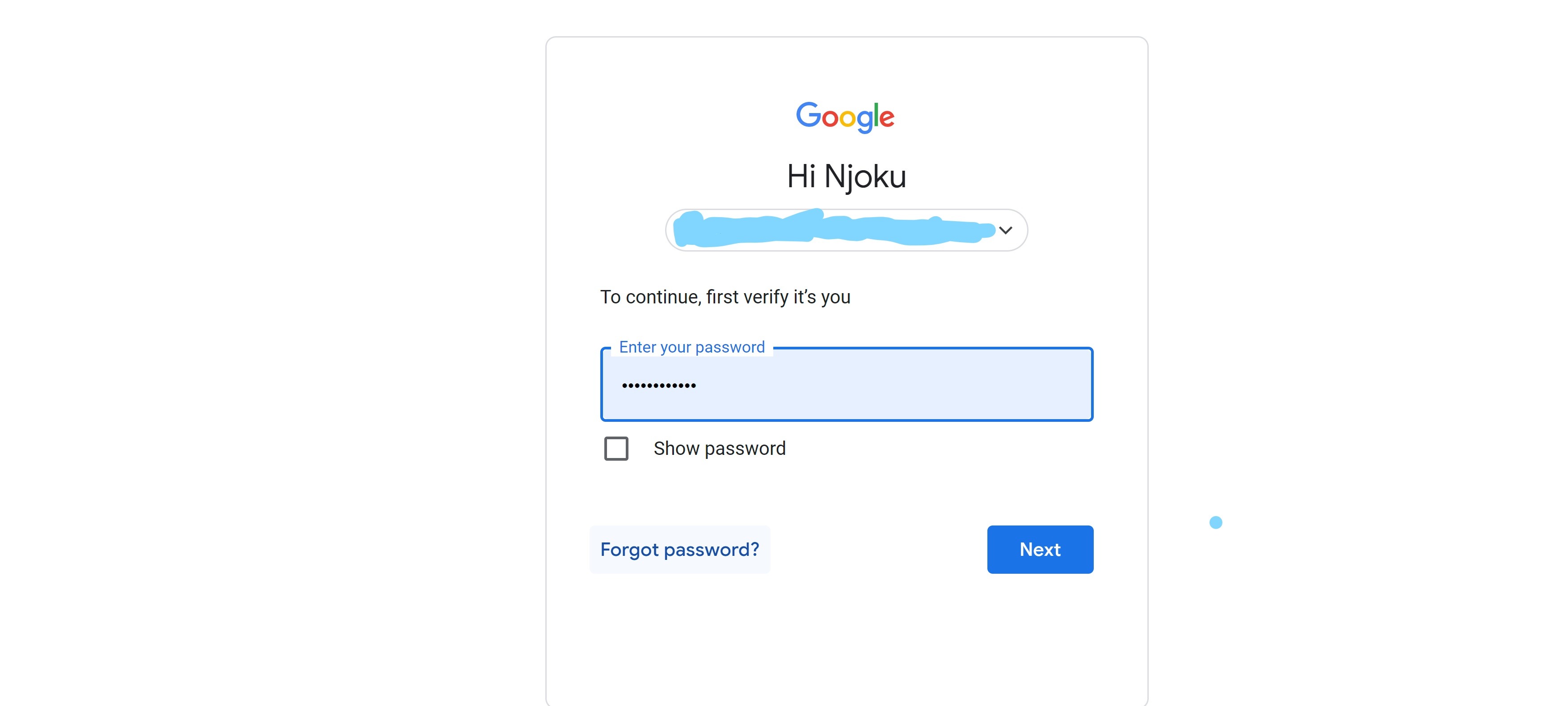
You will be prompted to input your password, so input it:
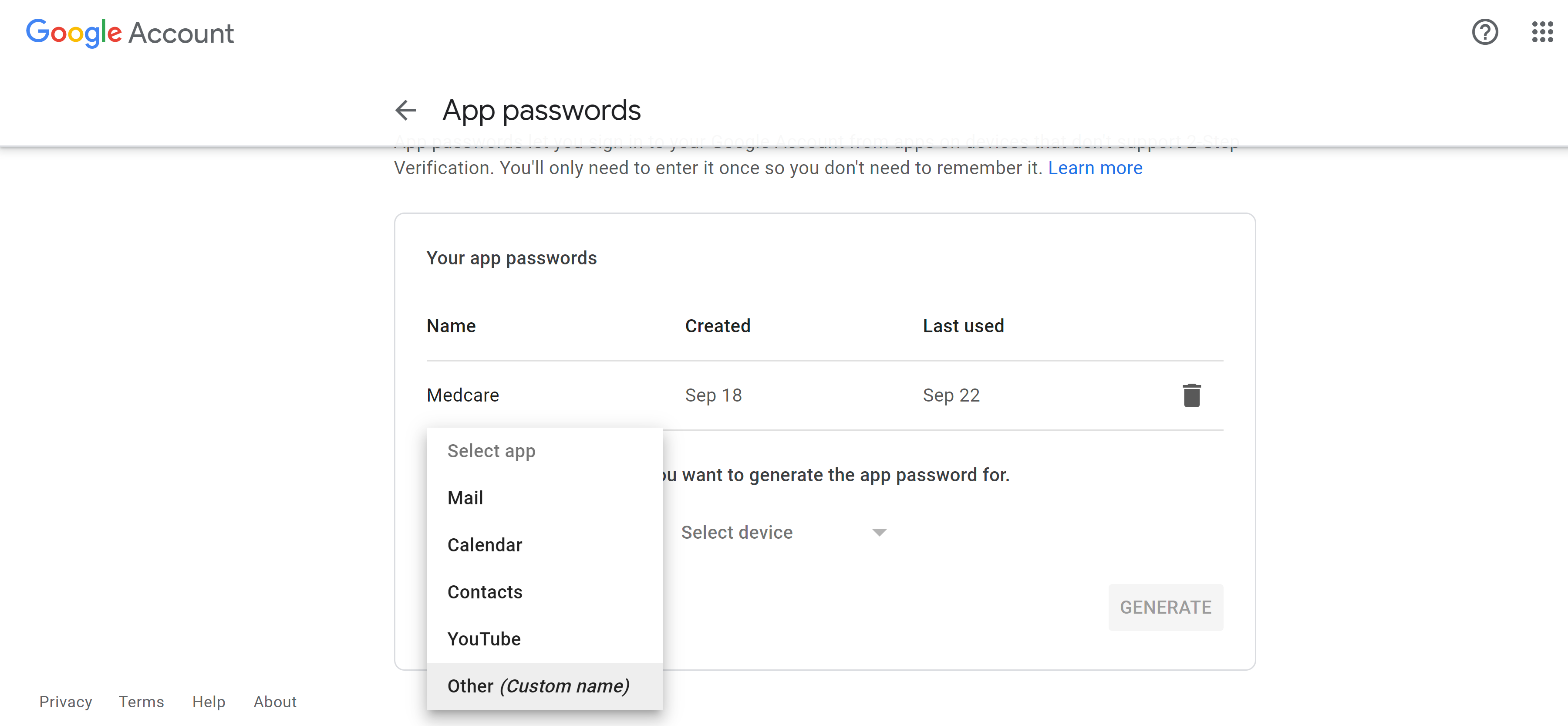
You will see a question asking if you want to generate an app password. Click on “Others” to generate an App password and click “Generate”:
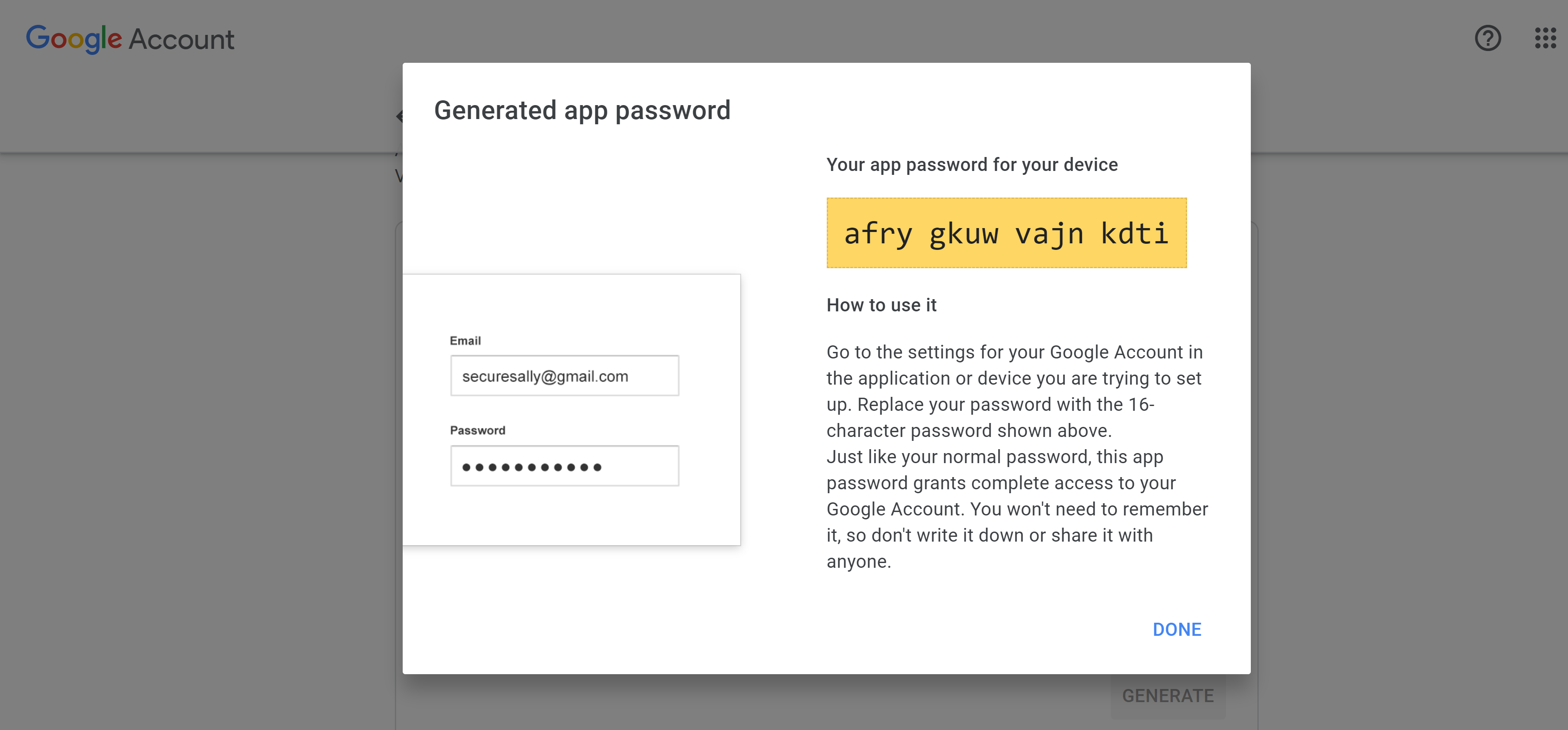
Copy the generated app password, because that will be the password for the password parameter.
How to use
Just send post request to https://gmailapi.vercel.app with body that contains this parameters sender, password, recipient, subject, message
Parameters and description
1. sender = your gmail address
2. password = gmail app password
3. recipient = receiver email address
4. subject = email subject
5. message = message (html allowed)
Example in bjs
HTTP.post({ url: "https://gmailapi.vercel.app", success: "onsuccess", body: { sender: "hello@gmail.com", password: "dfezbchlnvryacfi", recipient: "hii@gmail.com", subject: "Subject here", message: "Simple message here (html also allowed)." } })