How to deposit your cryptocurrency wallet from a card?
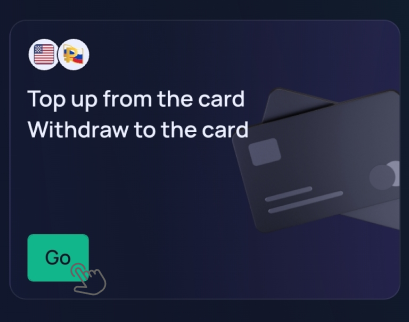
PayCash https://paycashswap.com1️⃣ In the desktop version of the website https://paycashswap.com/, click the «Go» button.
◾️ In the app, click the «Deposit and withdraw» button;
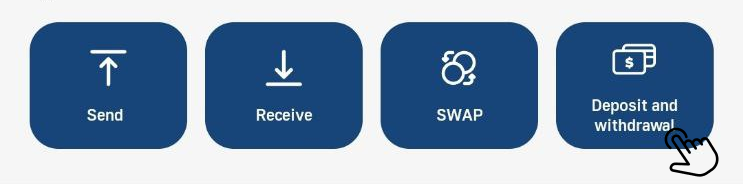
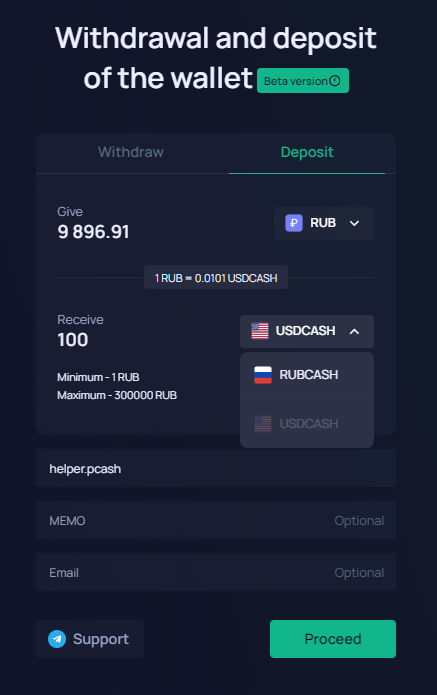
A form will appear on the screen, at the top of which you should select the «Deposit» section.
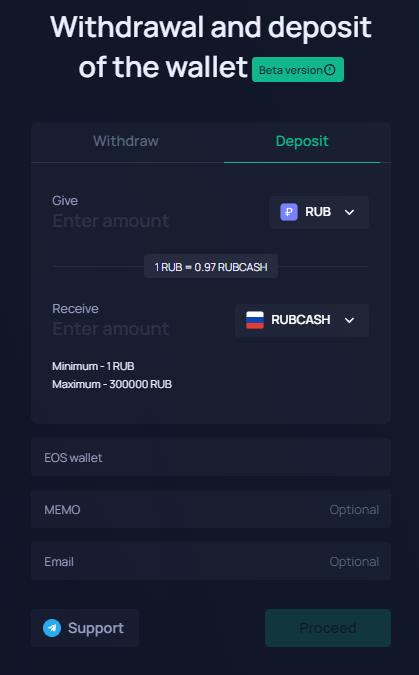
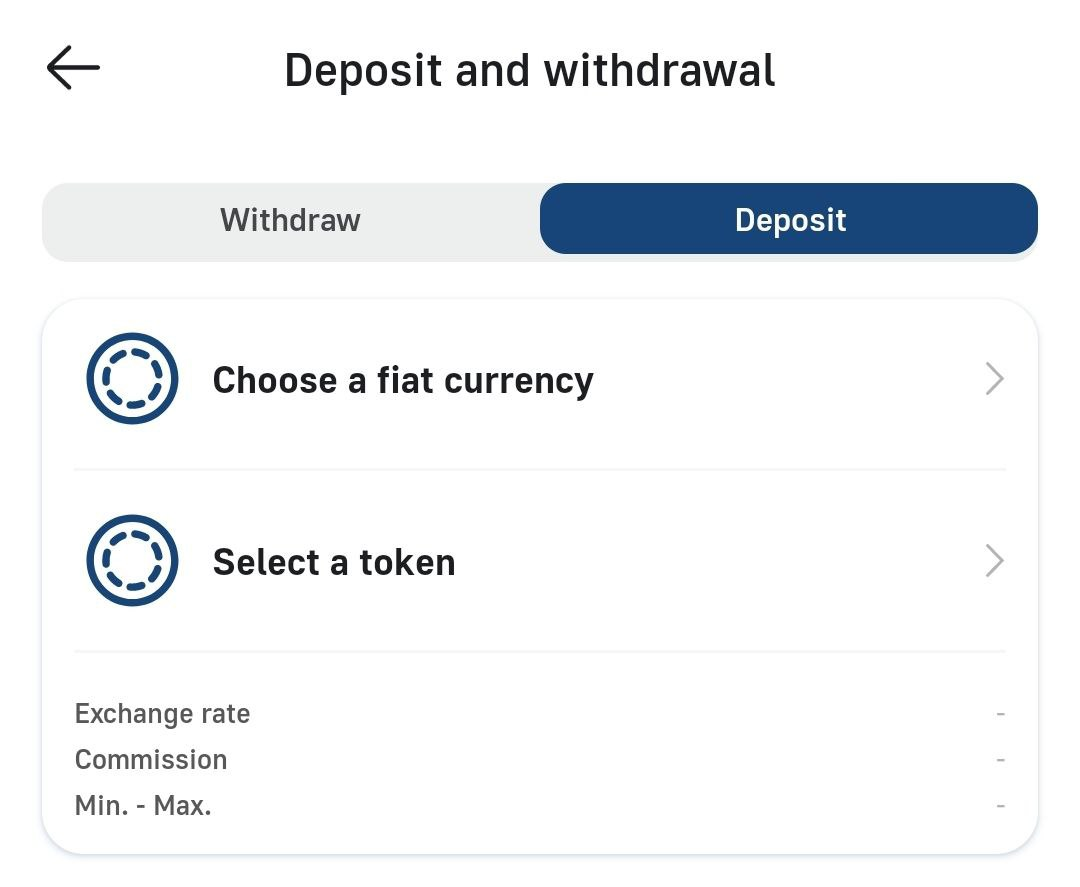
2️⃣ Choose a fiat for the «Give», a cryptocurrency for the «Receive», enter the required amount for replenishment, specify the name of the EOS account and click the «Proceed» button.
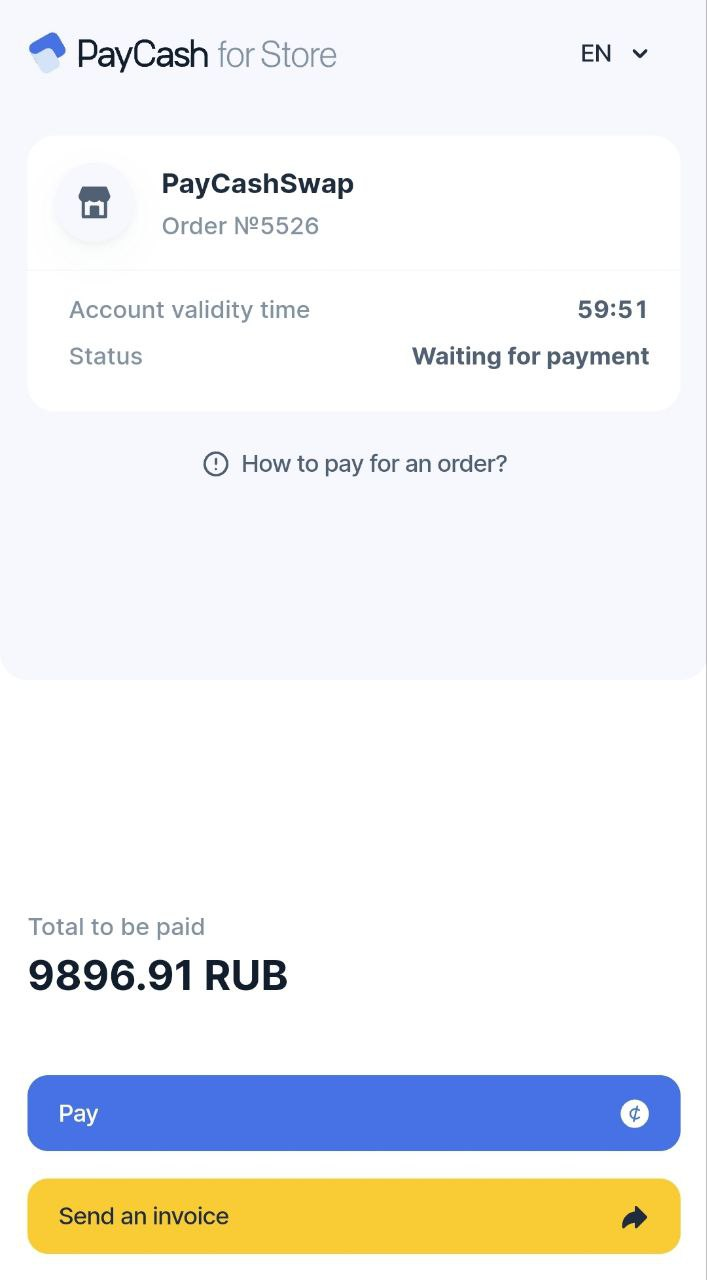
3️⃣ After performing this operation, you will be redirected to an intermediate payment page where you should click the «Pay» button.
4️⃣ On the page that opens, select a payment method either by Bank card or by СБП, enter your details and click the «Pay» button.
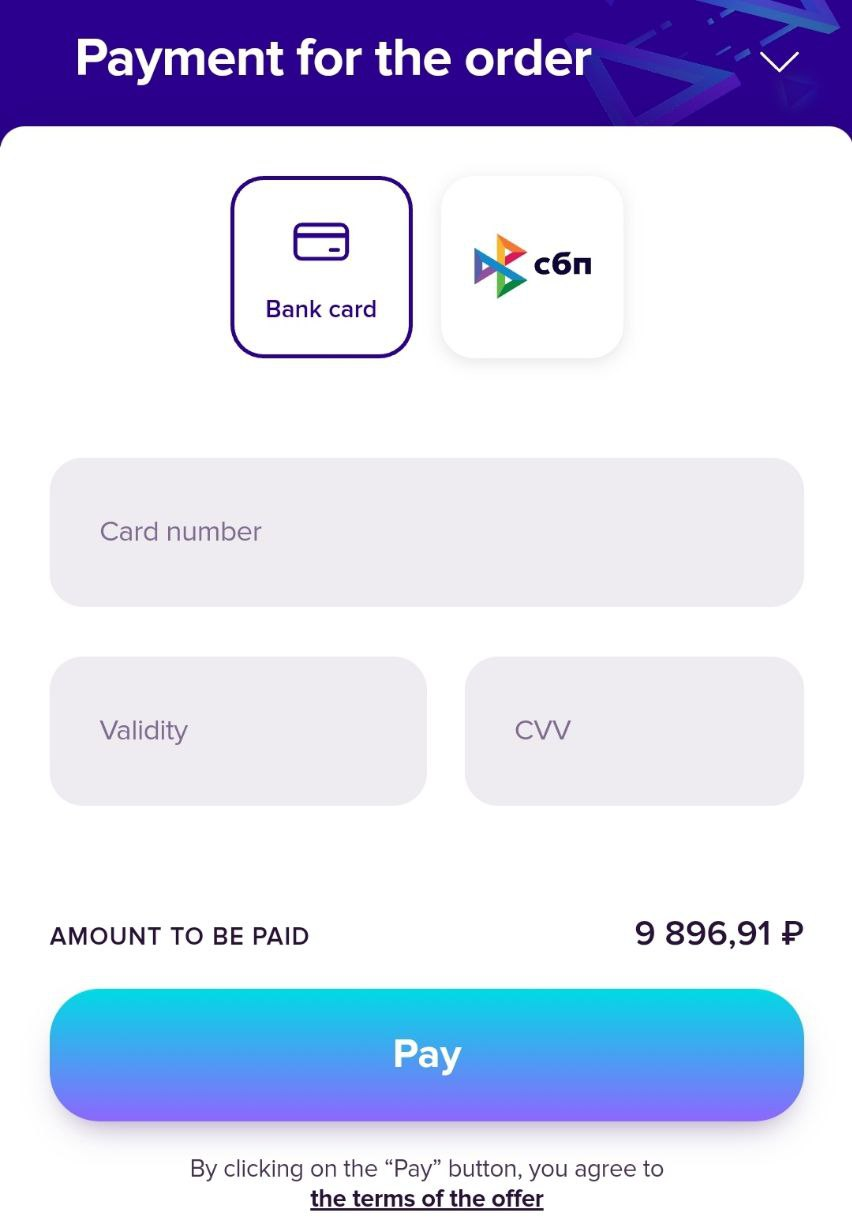
✅ Within a few minutes after payment, you will receive the purchased cryptocurrency to your specified EOS account.