How to fix No Sound Problems / How to change Language in (.mkv) file
AnnihilusOPStep 1: Download and Install VLC Player from playstore or AppStore
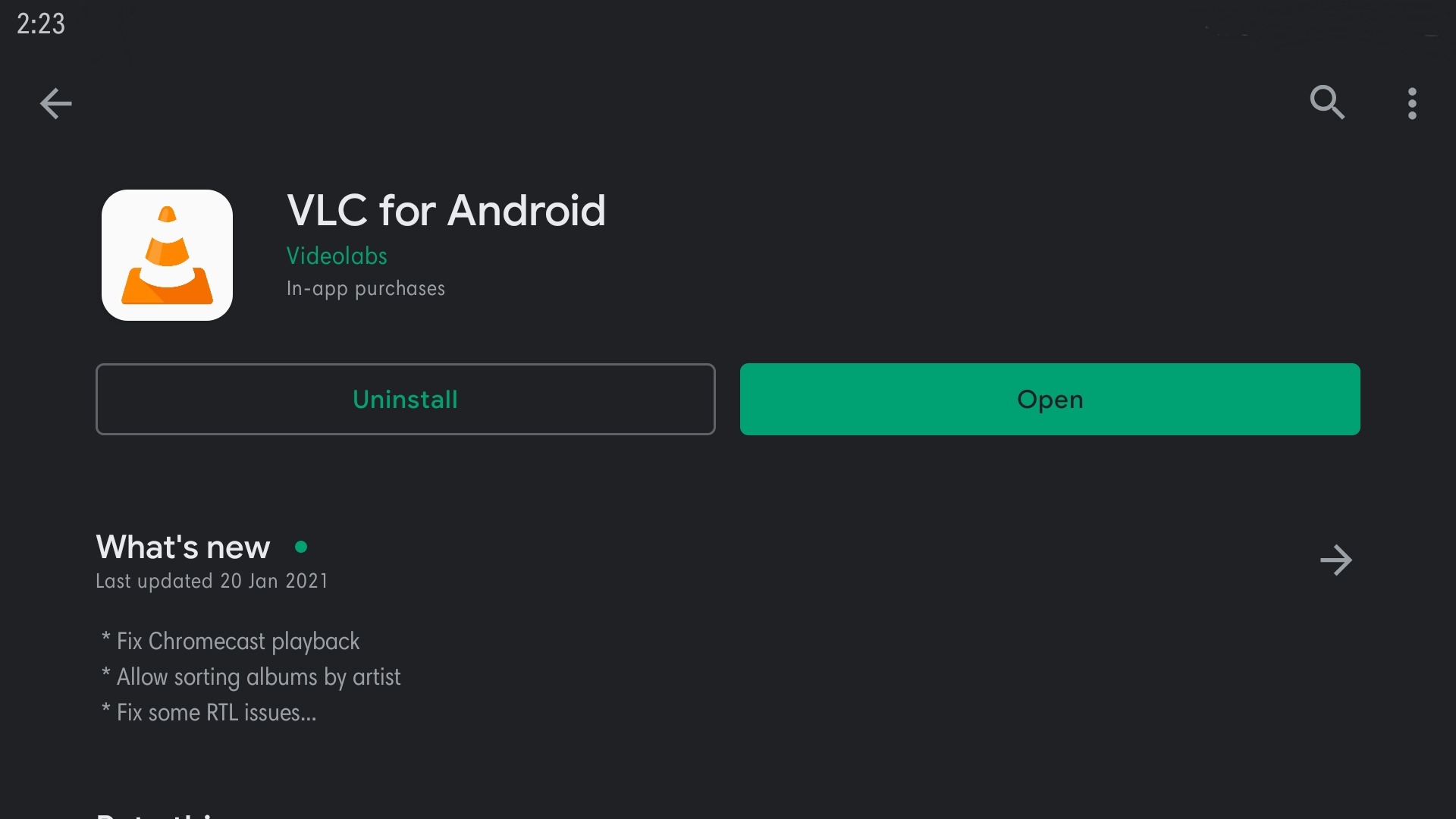
Vlc player's Link: https://play.google.com/store/apps/details?id=org.videolan.vlc
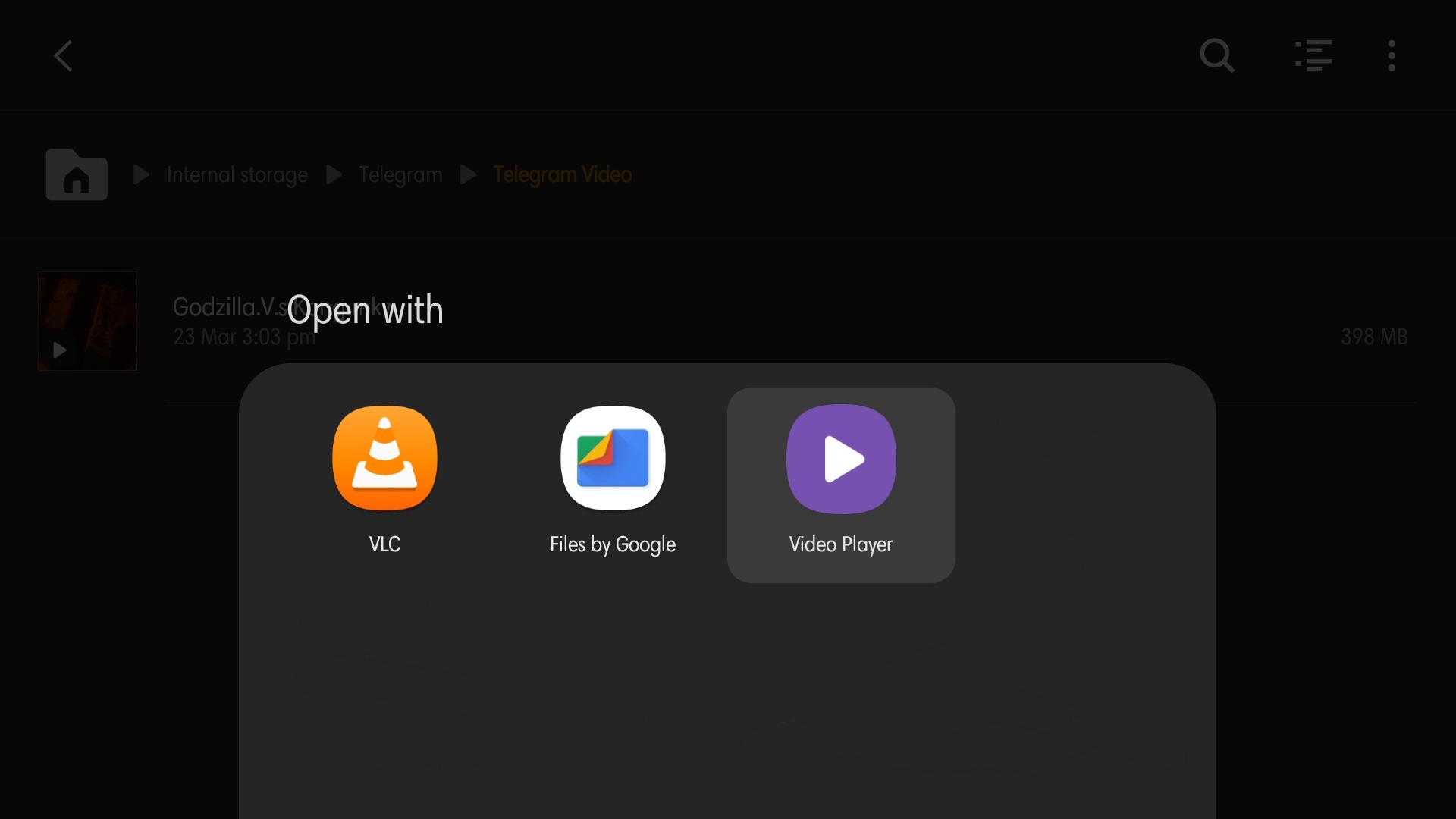
Step 2: Open your (.mkv) video file in VLC Player
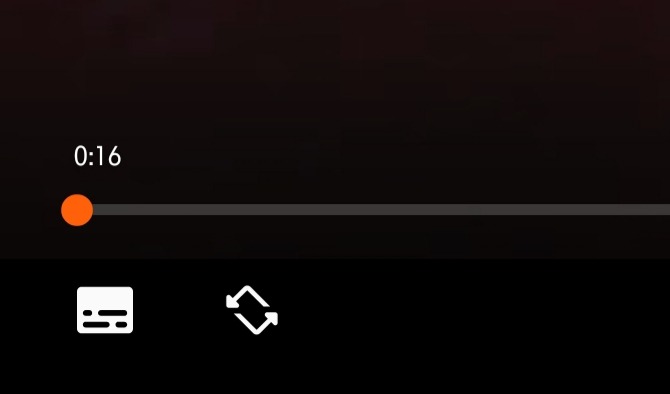
Step 3: Tap this (Subtitle) Icon
Step 4: And Choose Your Language and Subtitle
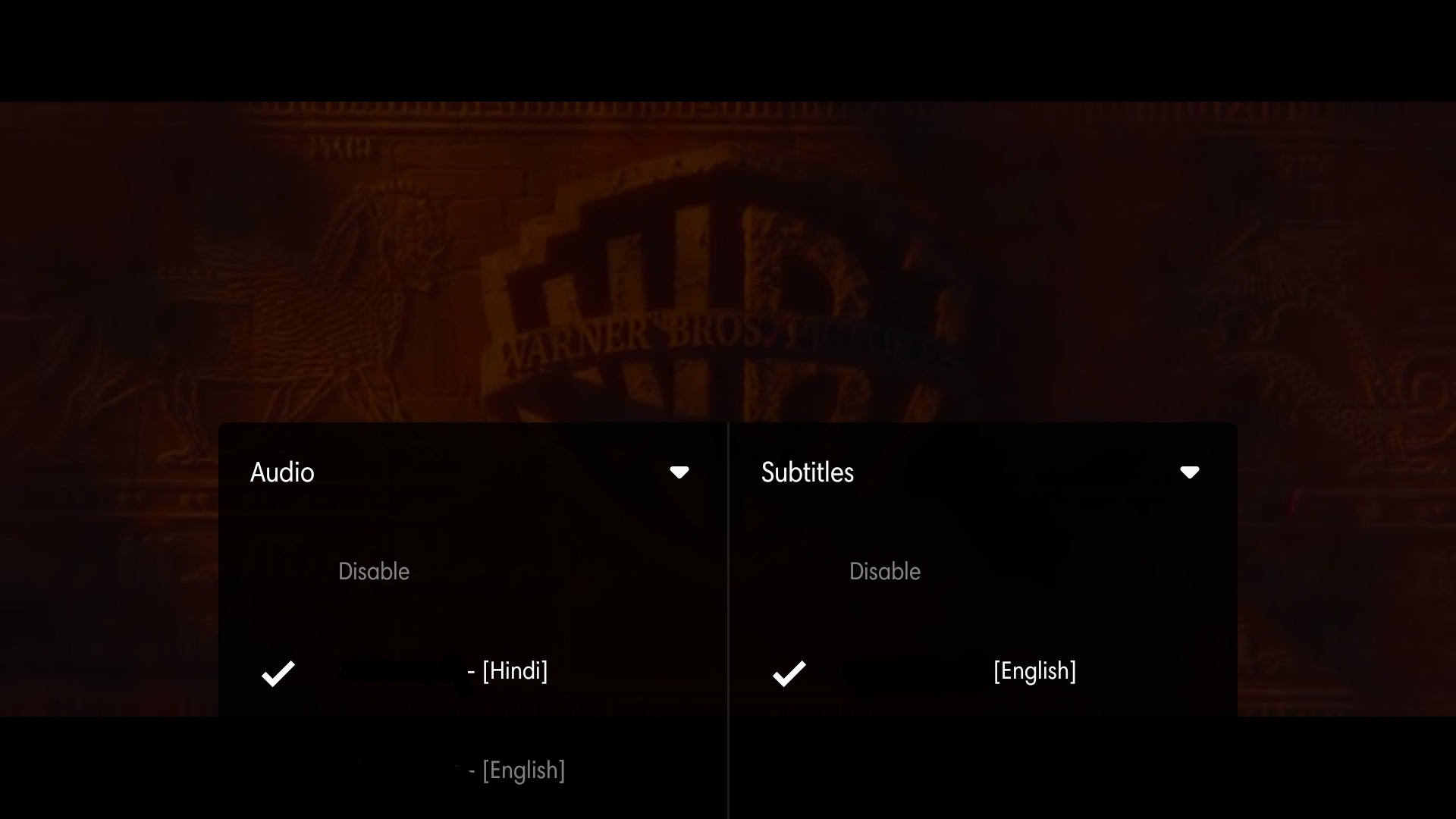
And ENJOYYYYYY ;")