How to fix overflow error in flutter?
https://t.me/dart_devvIn Flutter, a “bottom overflow” issue occurs when the content of a widget overflows the bounds of its parent widget and extends below the bottom edge of the parent. This can happen if the content is larger than the available space in the parent widget, or if the parent widget has a fixed size and the content size is not constrained.
A bottom overflow issue can cause problems with the layout and rendering of your app, and can also cause visual issues such as content being cut off or obscured by other widgets.
There are a few ways to fix a “bottom overflow” issue in Flutter:

solution
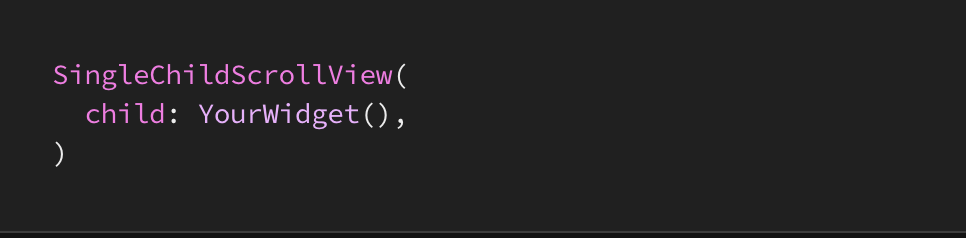
Use a SingleChildScrollView widget and wrap your content in it. This will allow the content to be scrollable if it overflows.
LayoutBuilder
Use a LayoutBuilder widget and set a maximum height for your widget. This will limit the height of your widget and prevent it from overflowing.

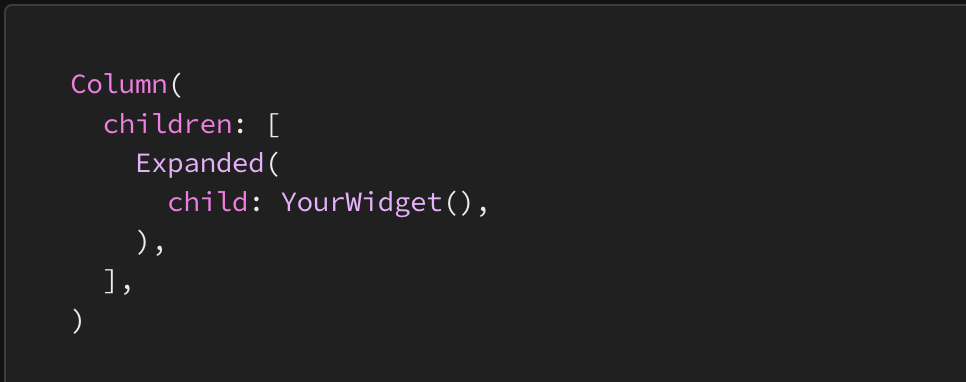
Expanded
Use the Expanded widget to take up all remaining free space in the parent widget. This will ensure that your widget takes up all available space, but will not cause an overflow.