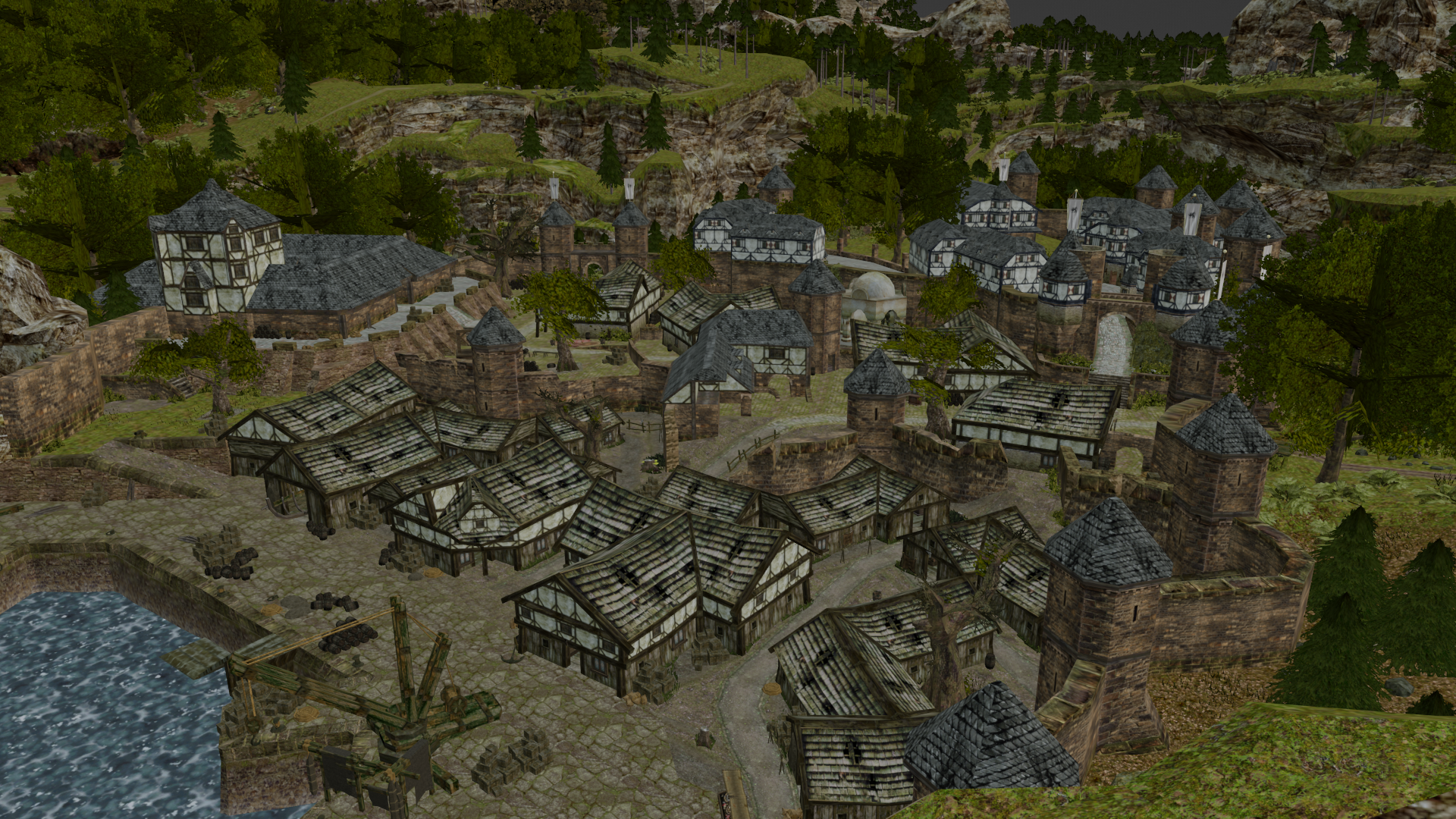
How to export all VOBs from .ZEN
SolessfirNotes:
- This is NOT the correct way if you want to make a mod for the game. But it can be useful for example to make a cinematic for the game in Blender.
- Items will not be included
- You can get ready blend file here
Guide:
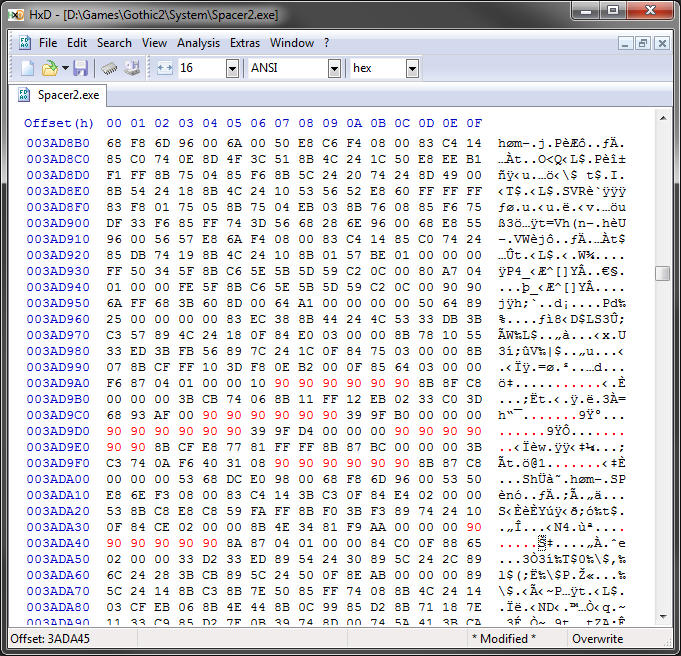
- Modify Spacer.exe using HxD like this:
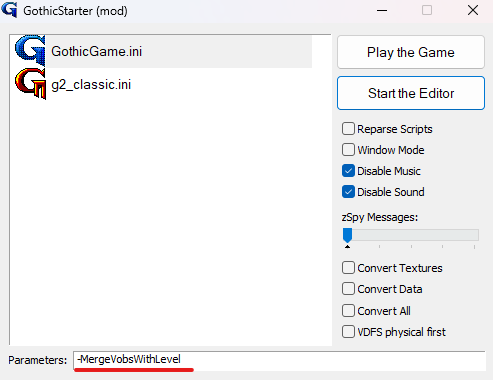
2. Run GothicStarter_mod.exe with -MergeVobsWithLevel parameter
3. File → Open .zen (or Ctrl + O)
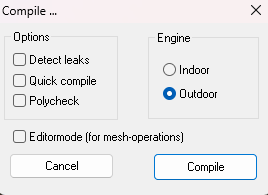
4. World → Compile World in Outdoor mode
4. File → Save Zen as Binary
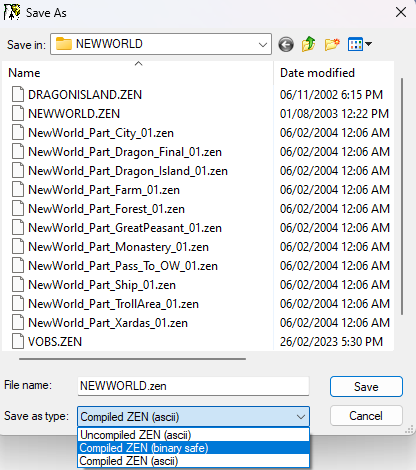
5. Load the newly created .zen file in Blender using KrxImpExp
Tips:
- For Blender 2.8+ use: Patrix / KrxImpExp · GitLab. As for 26/02/2023: You can use Dev branch instead of the Main. It has more recent changes and a modern dark import UI
- I wrote my own addon to clean imported world
- Export world part by part. It will crash on the Big Worlds
- Restart Spacer after every export, otherwise, it will crash
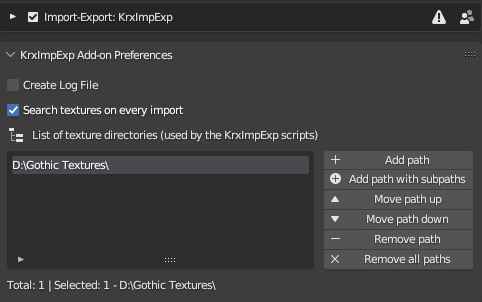
- Add Path to a folder with Textures to let KrxImpExp automatically assign them
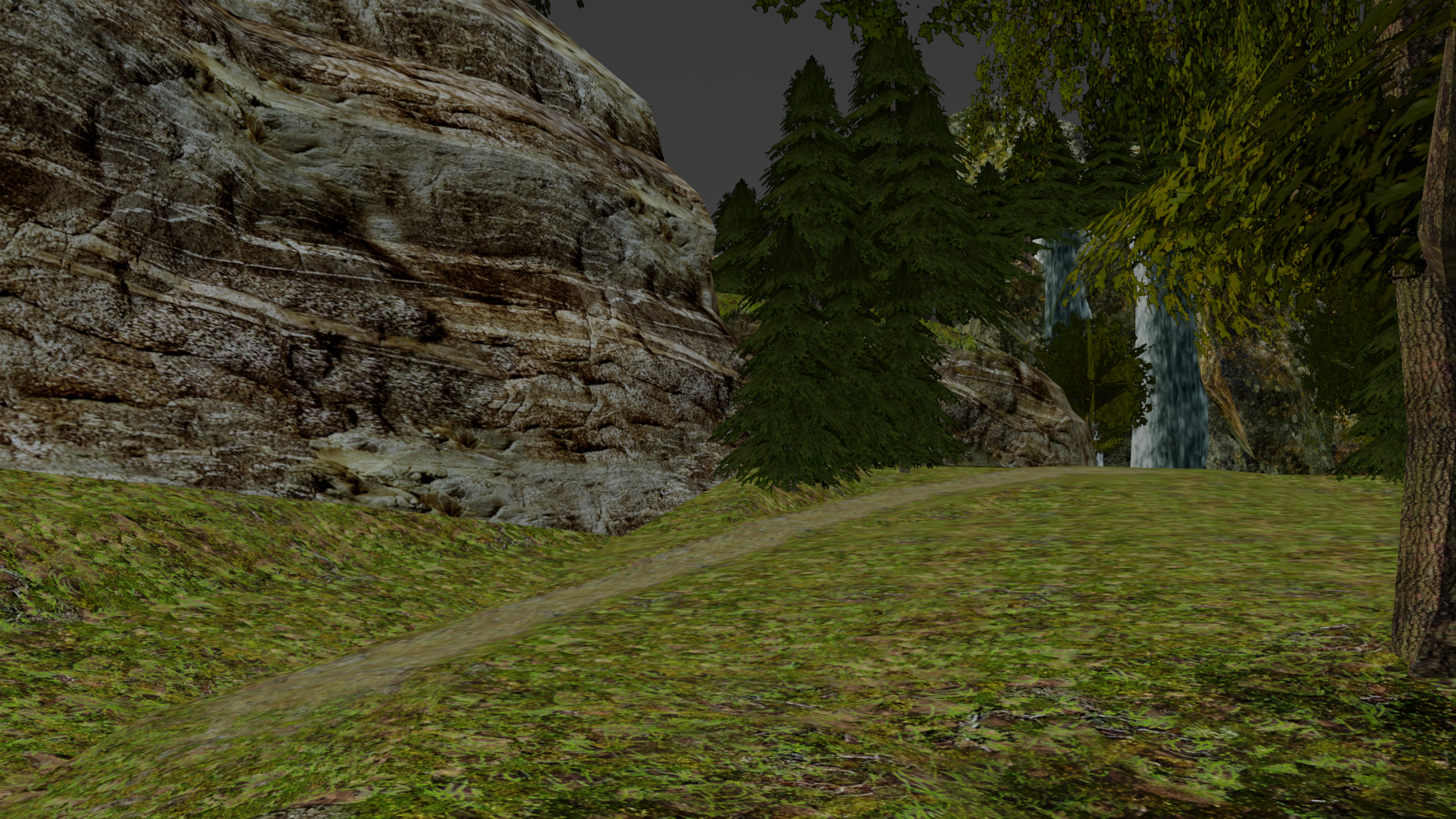
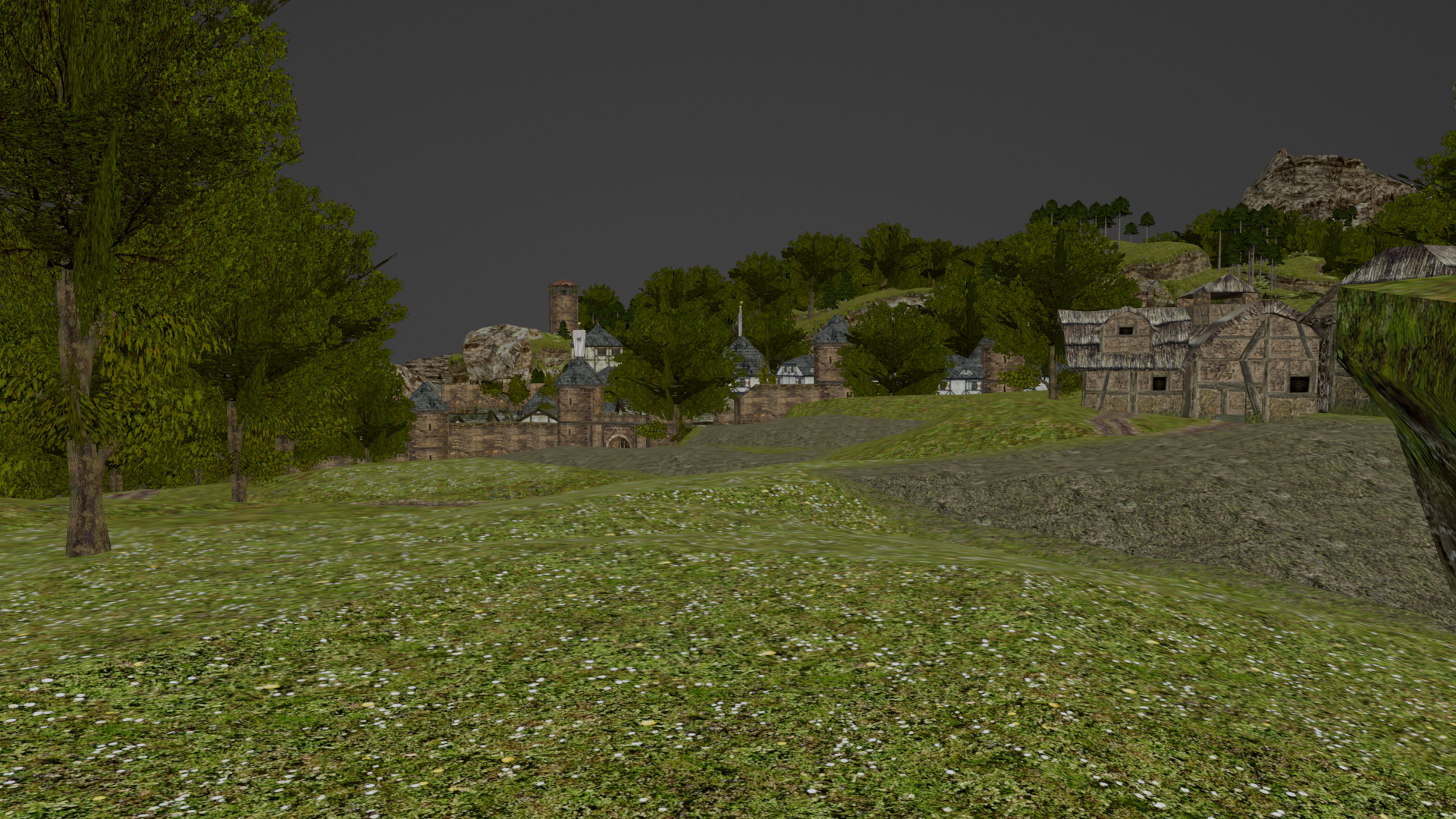
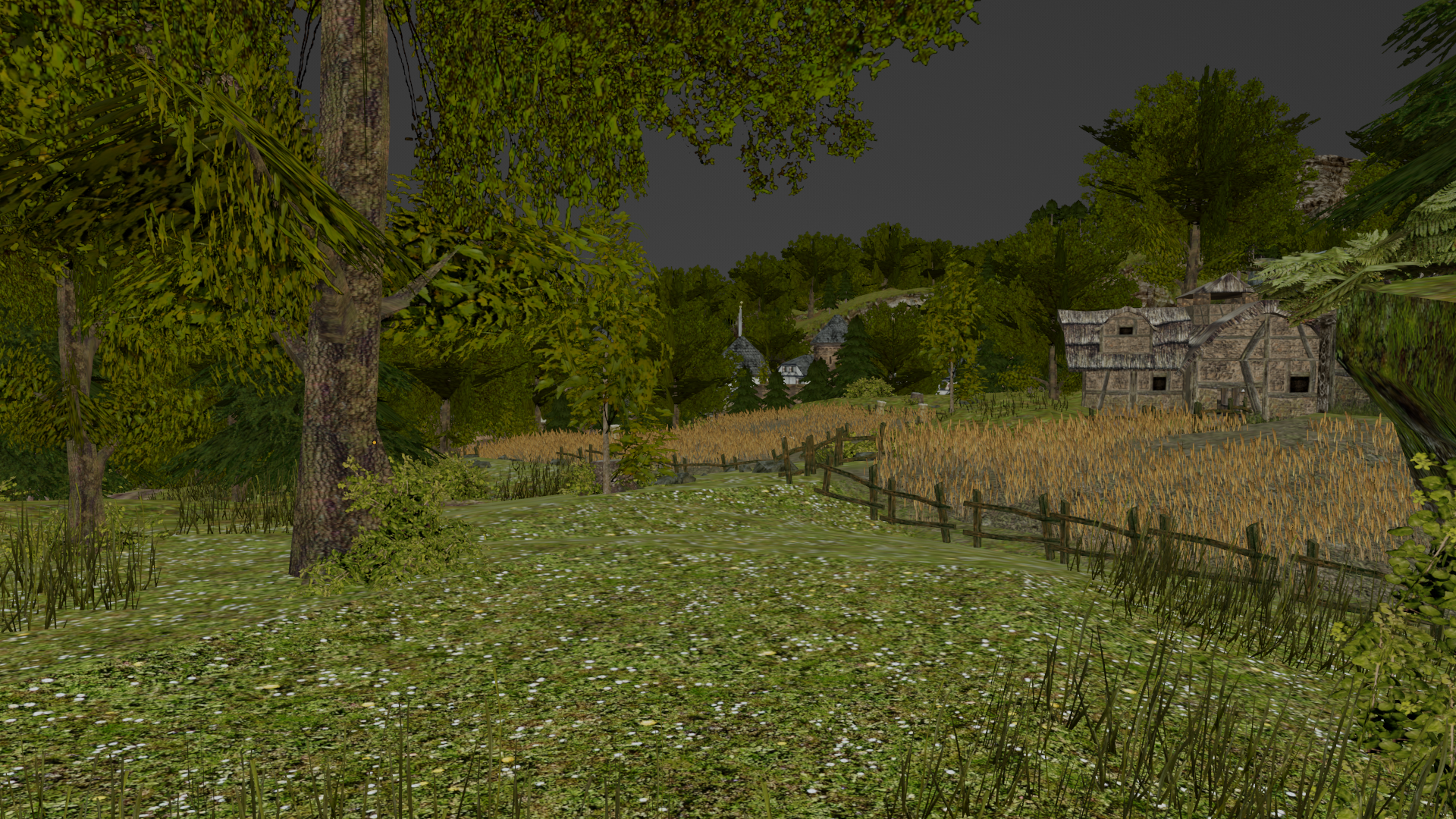
Before/After comparison:
Before:
After:
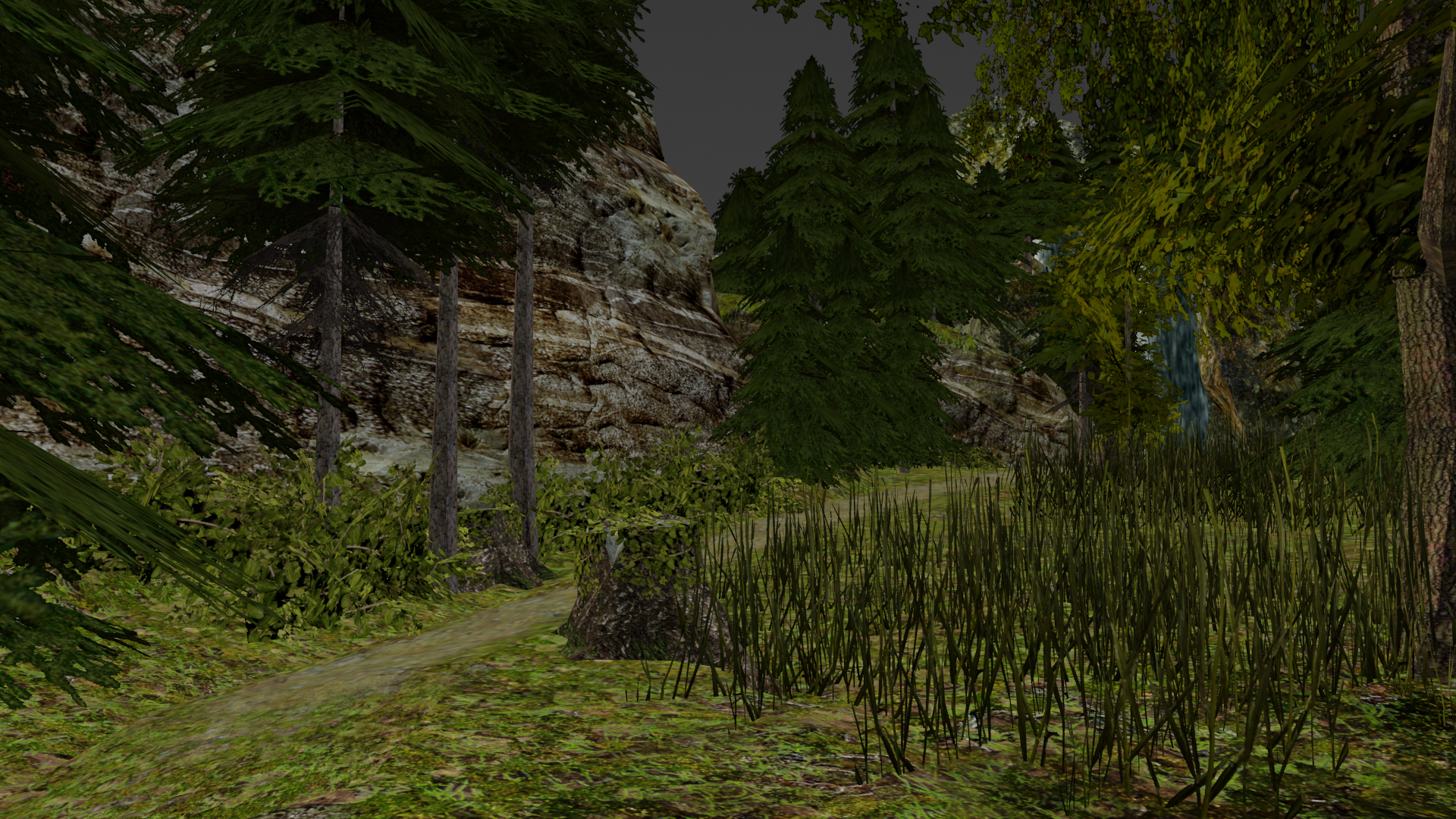
Before:
After:
Before:
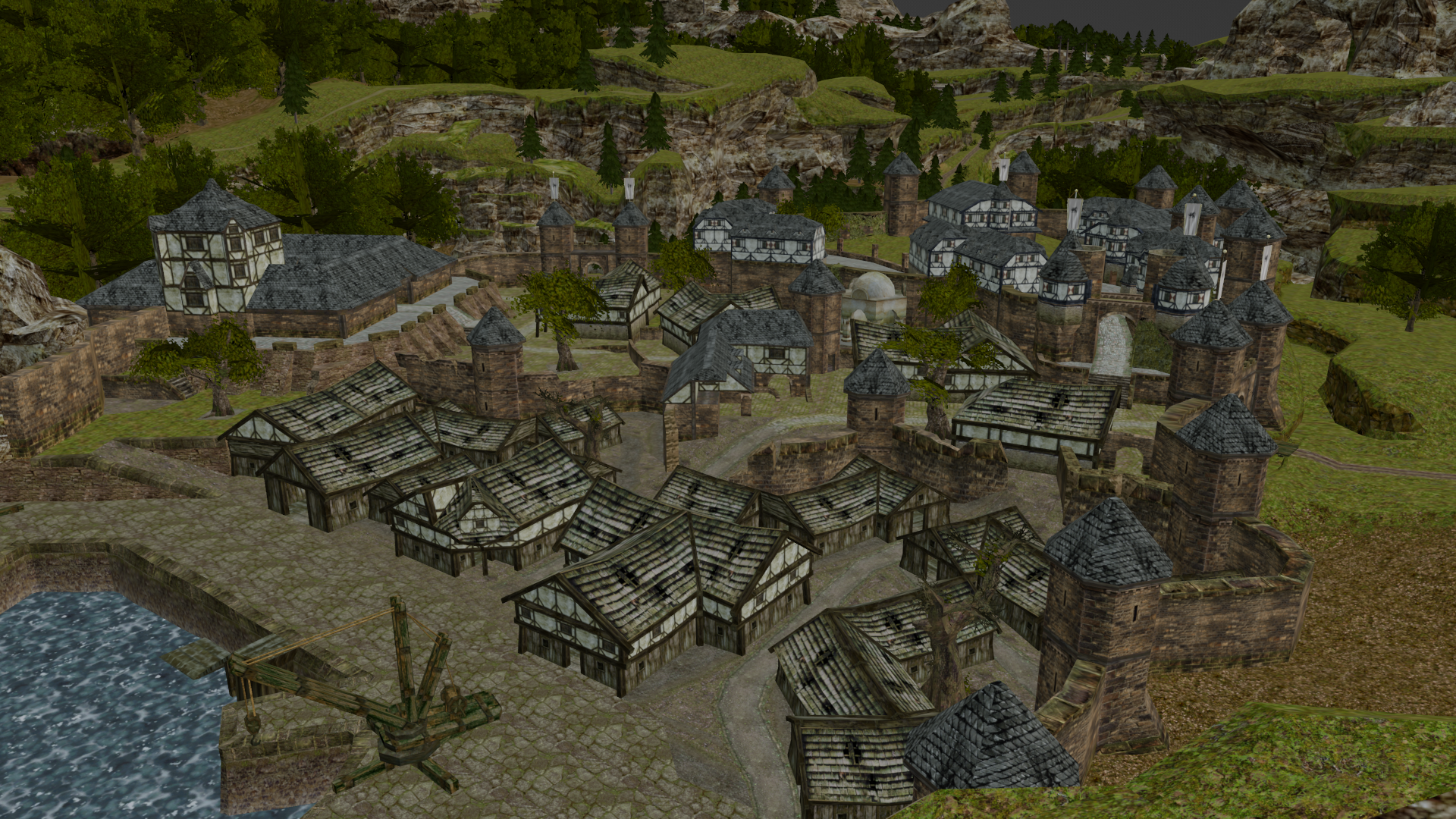
After: