How to disable the Telegram filter for sensitive content
There are a couple of ways you can turnoff the telegram content filter, but note that you will not be able to access this via
your Android or ios telegram app. This content filter feature is active on the app
but does not appear in the Telegram
Settings, hence you can not disable it via the phone app.
1. Disable the sensitive Telegram content filter via Telegram Web On your phone or computer, access the Telegram web, follow the prompts, and log into your Telegram account by entering your phone number or scanning the QR Code.
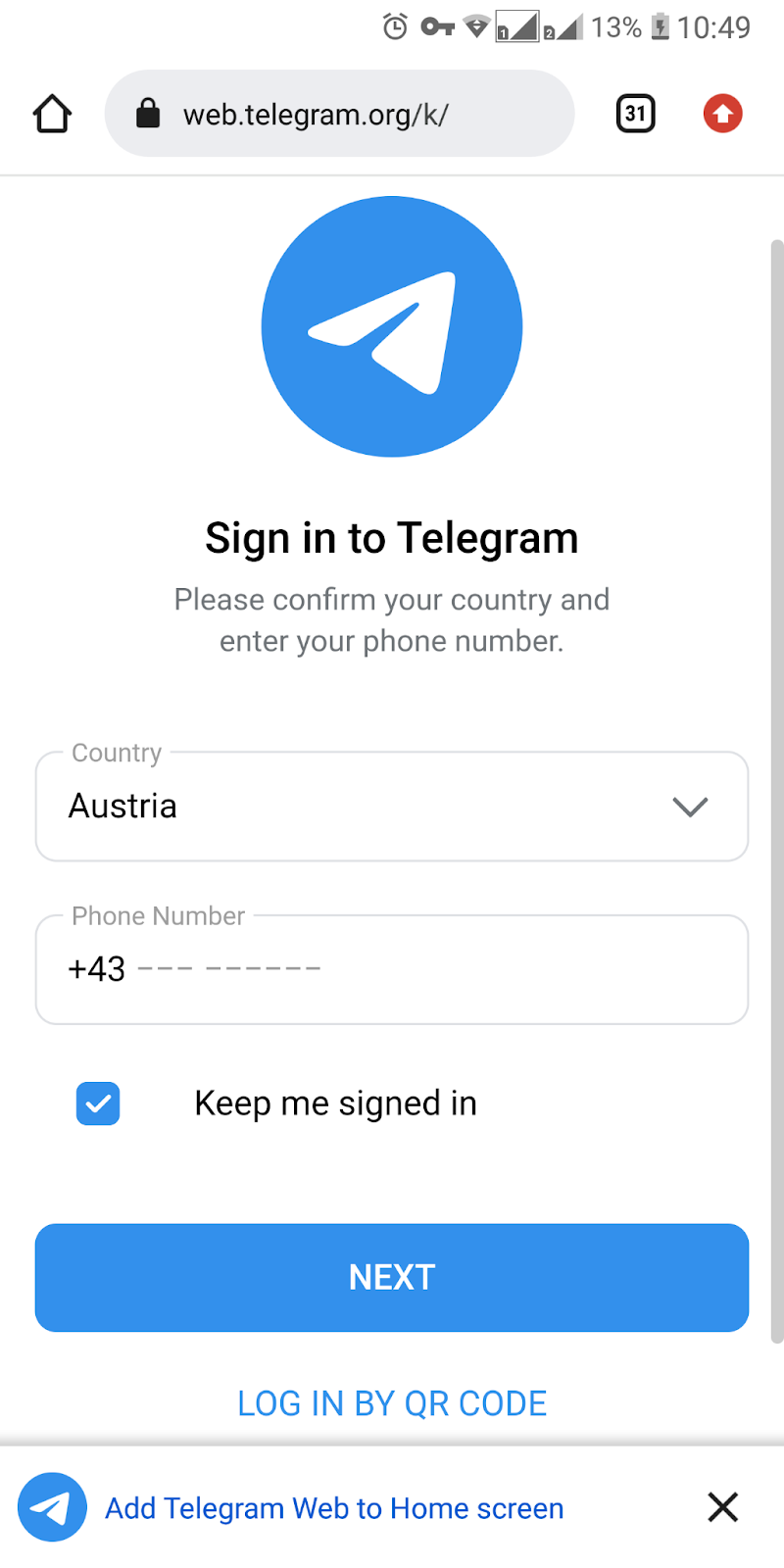
When your profile opens up, go to the menu using the 3 horizontal lines(=) in the upper left corner.
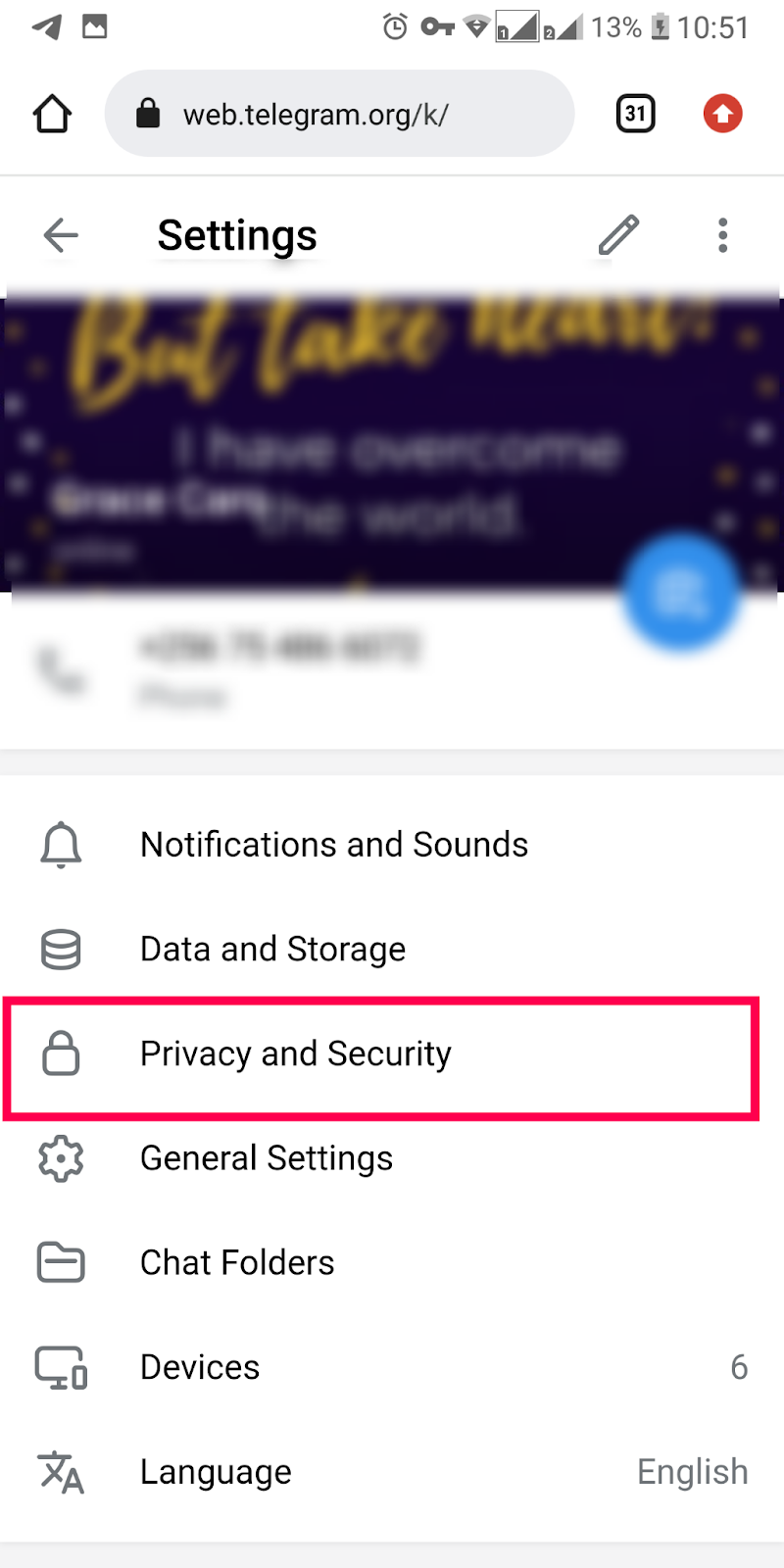
Go to Settings > Privacy and Security, go to the Sensitive content section, and check the Disable filtering option.

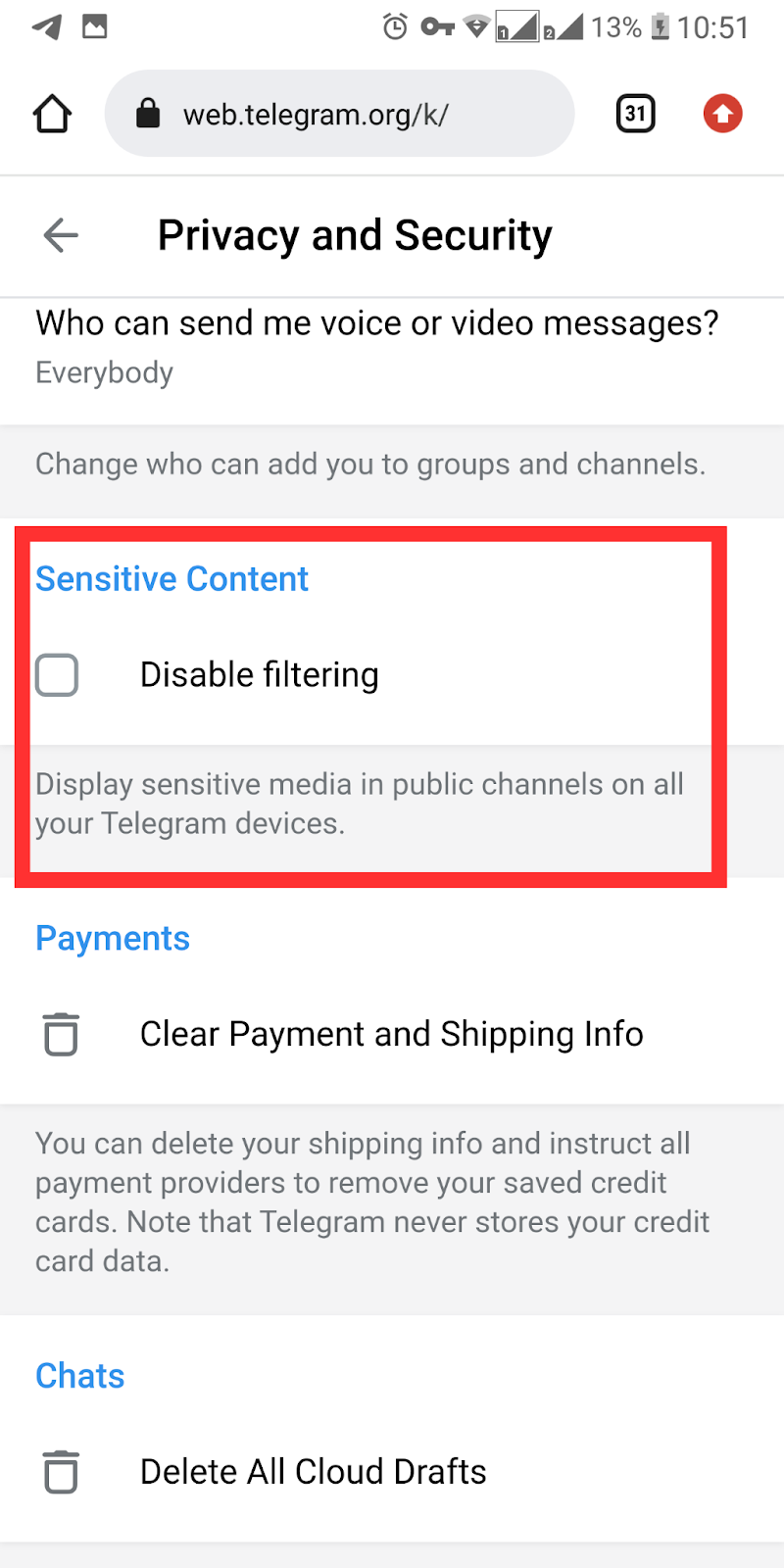
Once you do this, you'll be able to view sensitive content on your Telegram
account, on all your connected devices.
2. Disable the sensitive
Telegram content filter on
Telegram Desktop
Another option is to do this via your
Telegram desktop. This is pretty much
the same process as the one above.
I wish you a pleasant viewing experience 💋