How to create userbot ☺️
@heyworldREQUIREMENTS
1. Heroku account
2. Github account maybe, but why not?
3. Telegram api hash and key
4. Termux
FIRST STEP:
Download termux from playstore
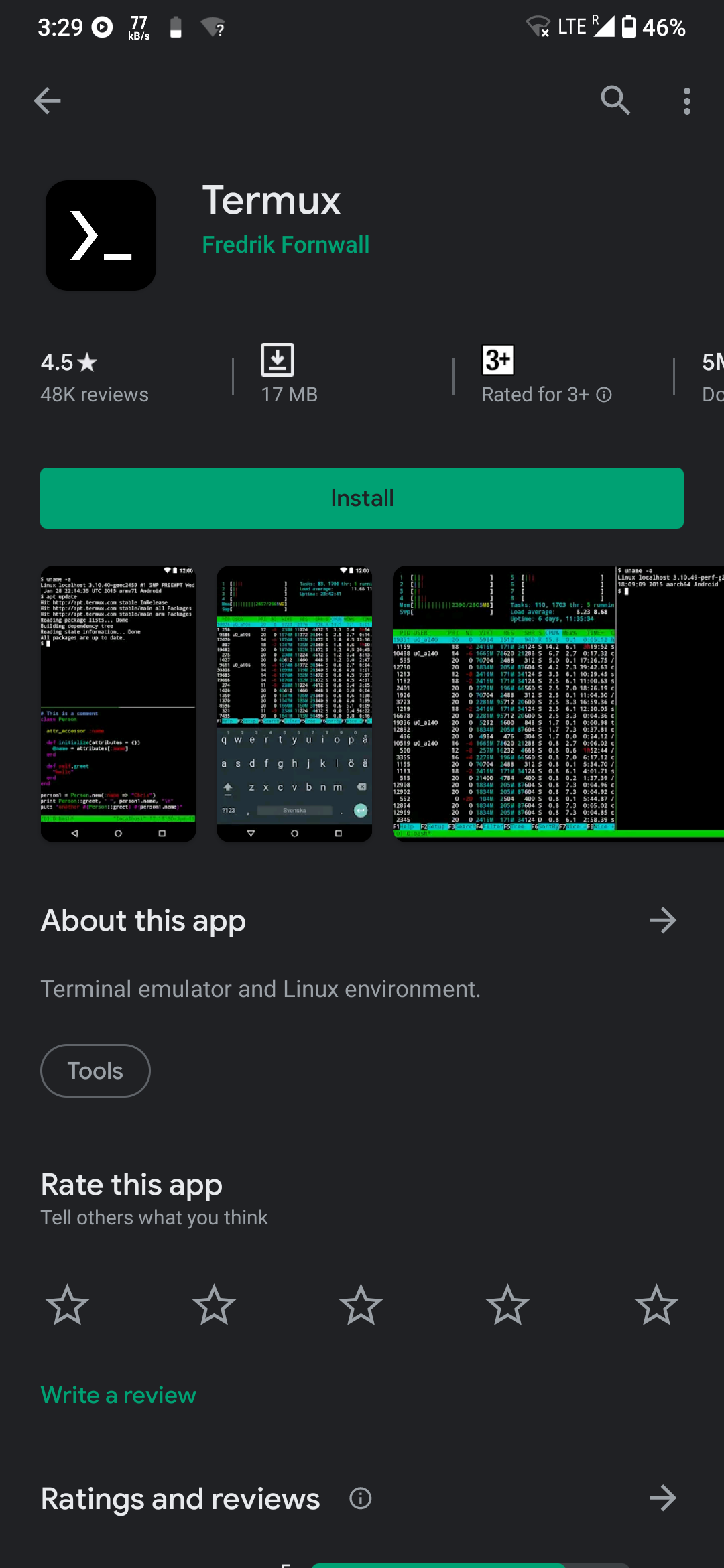
Link: https://play.google.com/store/apps/details?id=com.termux
STEP TWO:
1. Open termux
From this point just copy everything and paste this one by one in termux
i.
termux-setup-storage
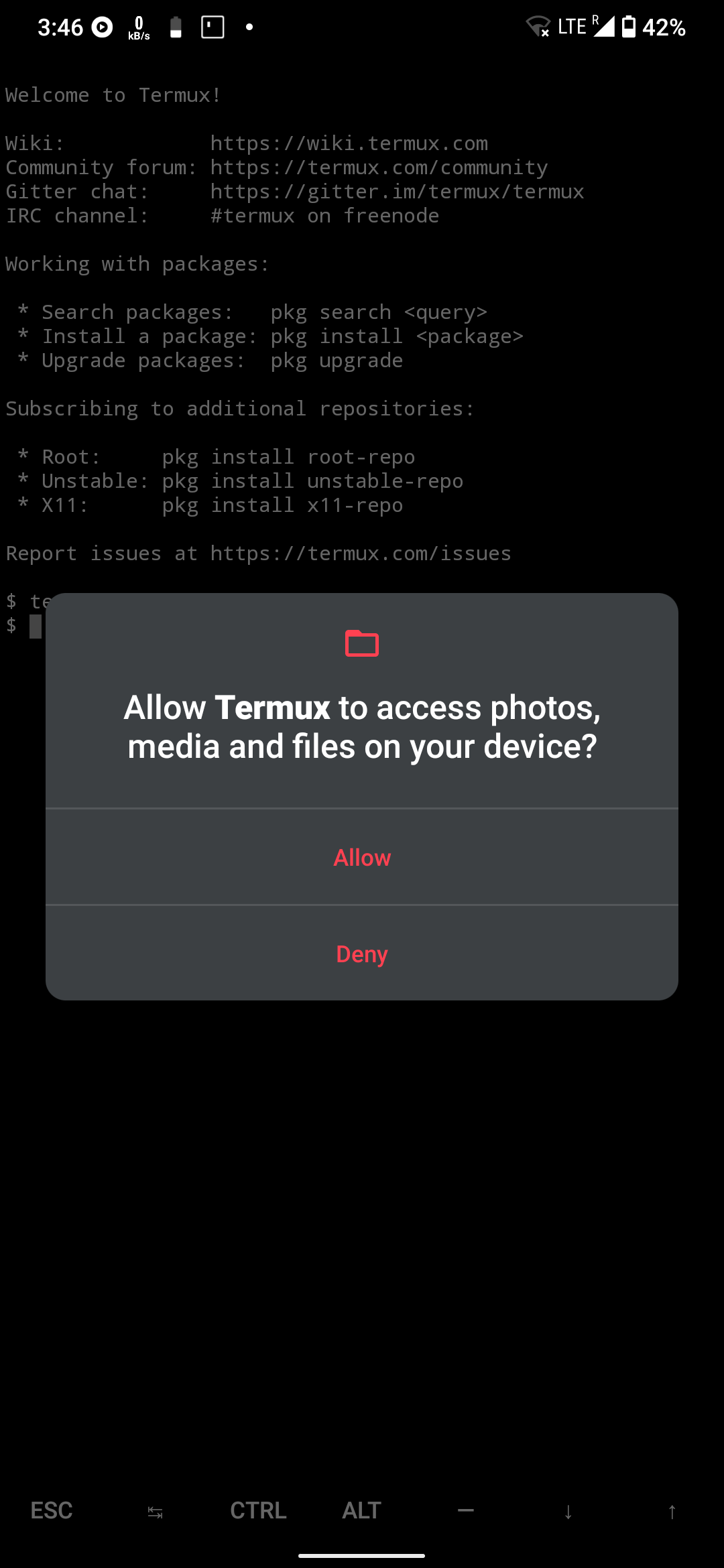
ii.
pkg install python git
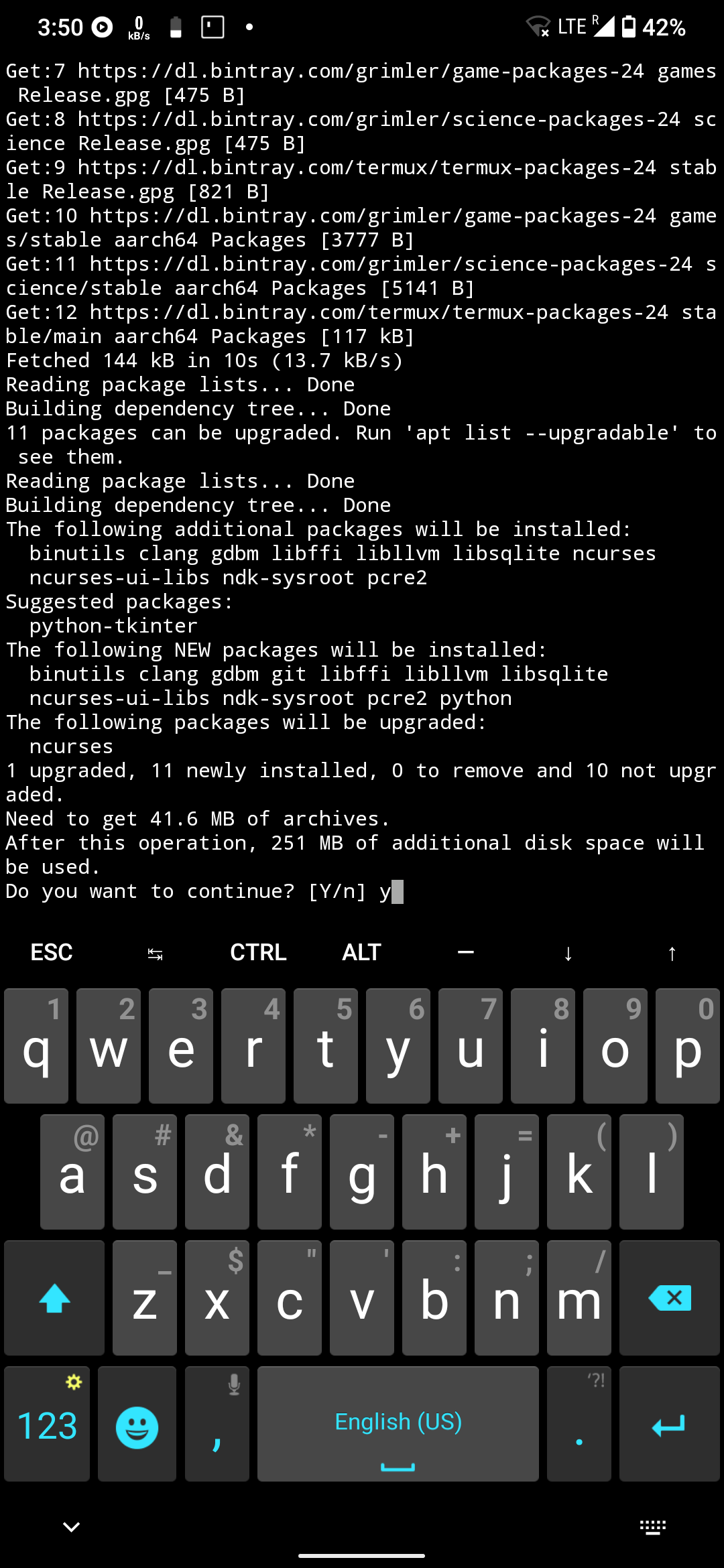
iii.
python -m venv venv && . ./venv/bin/activate
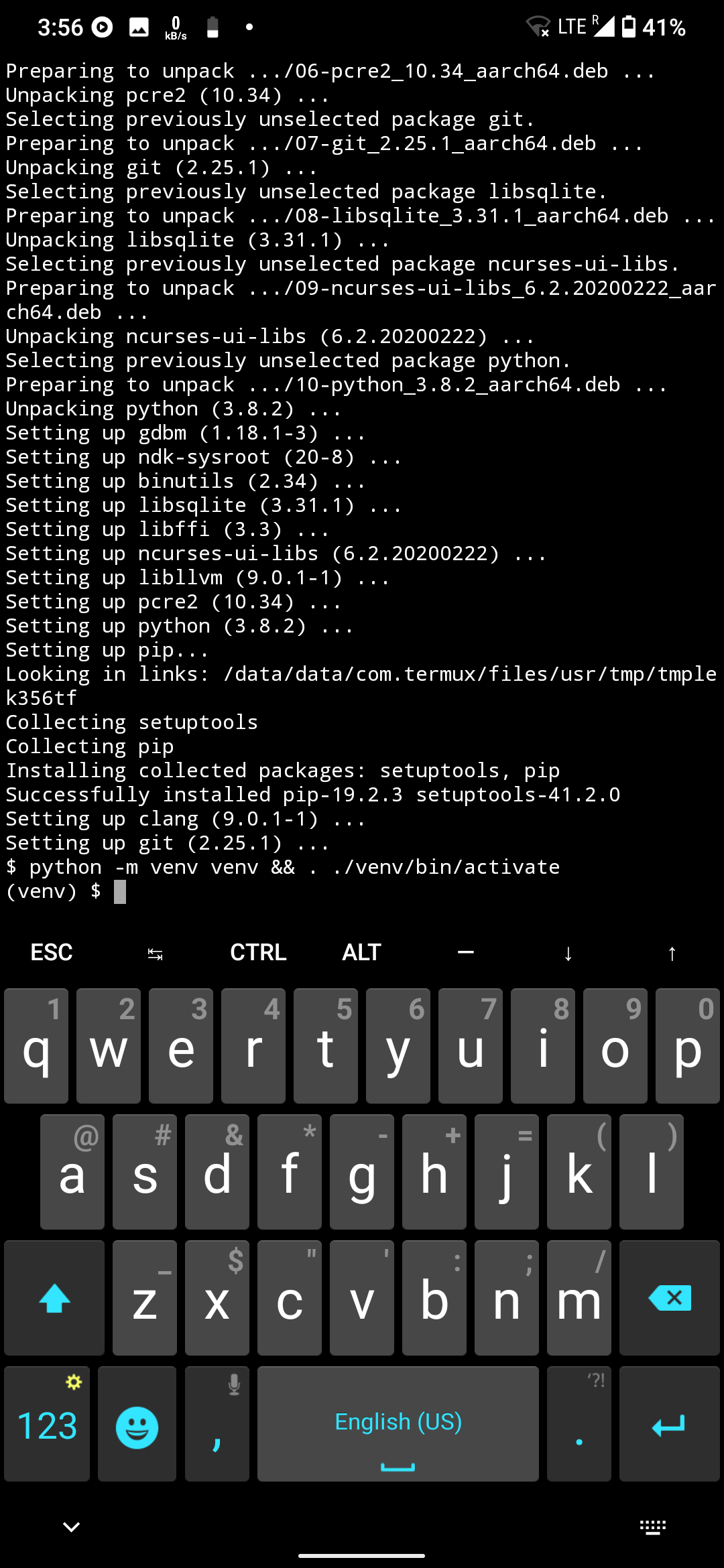
Step 4 is posted after step 5.. sorry :-(
1,2,3,4,5,6,7,8, go in sequence
V. Its step 5
git clone https://github.com/mkaraniya/OpenUserBot
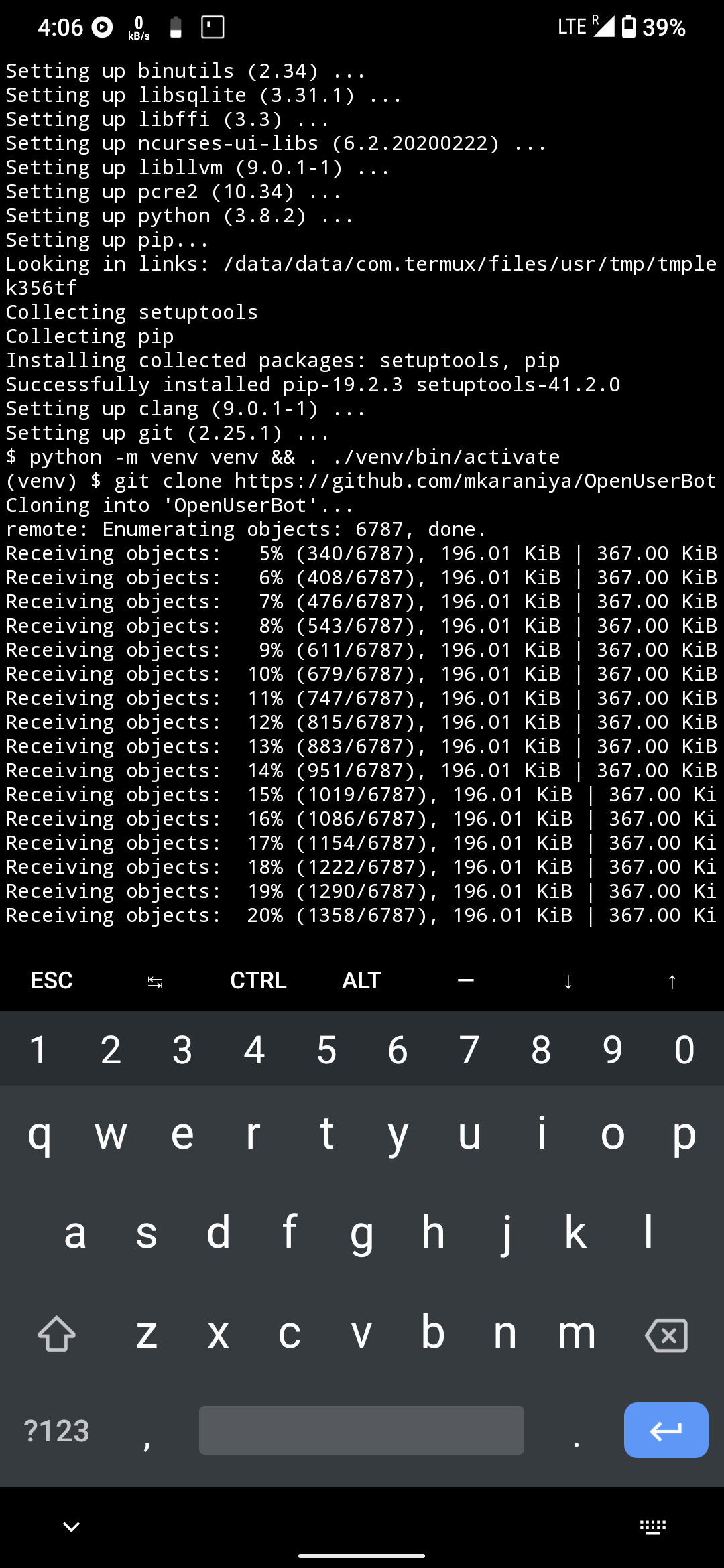
iv.
cd /sdcard/Telegram
if you are using telegram x .. download official telegram or any other mod
vi.
cd OpenUserBot
vii.
pip install telethon
viii. only for oub and ppe
python3 string_session.py
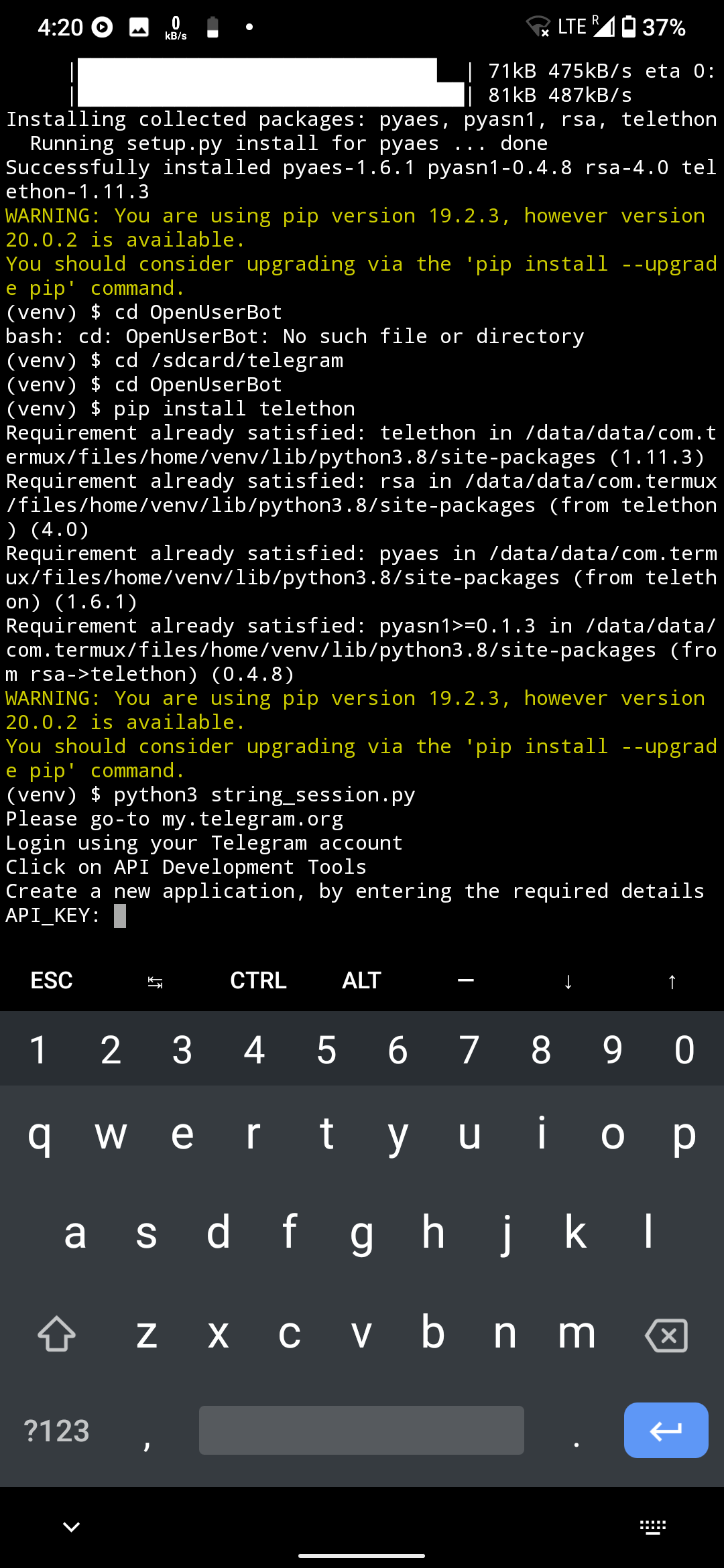
open my.telegram.org if not working use vpn
go to api development tools
app title : anything you want
short name : anything you want
and choose web in platform then create app
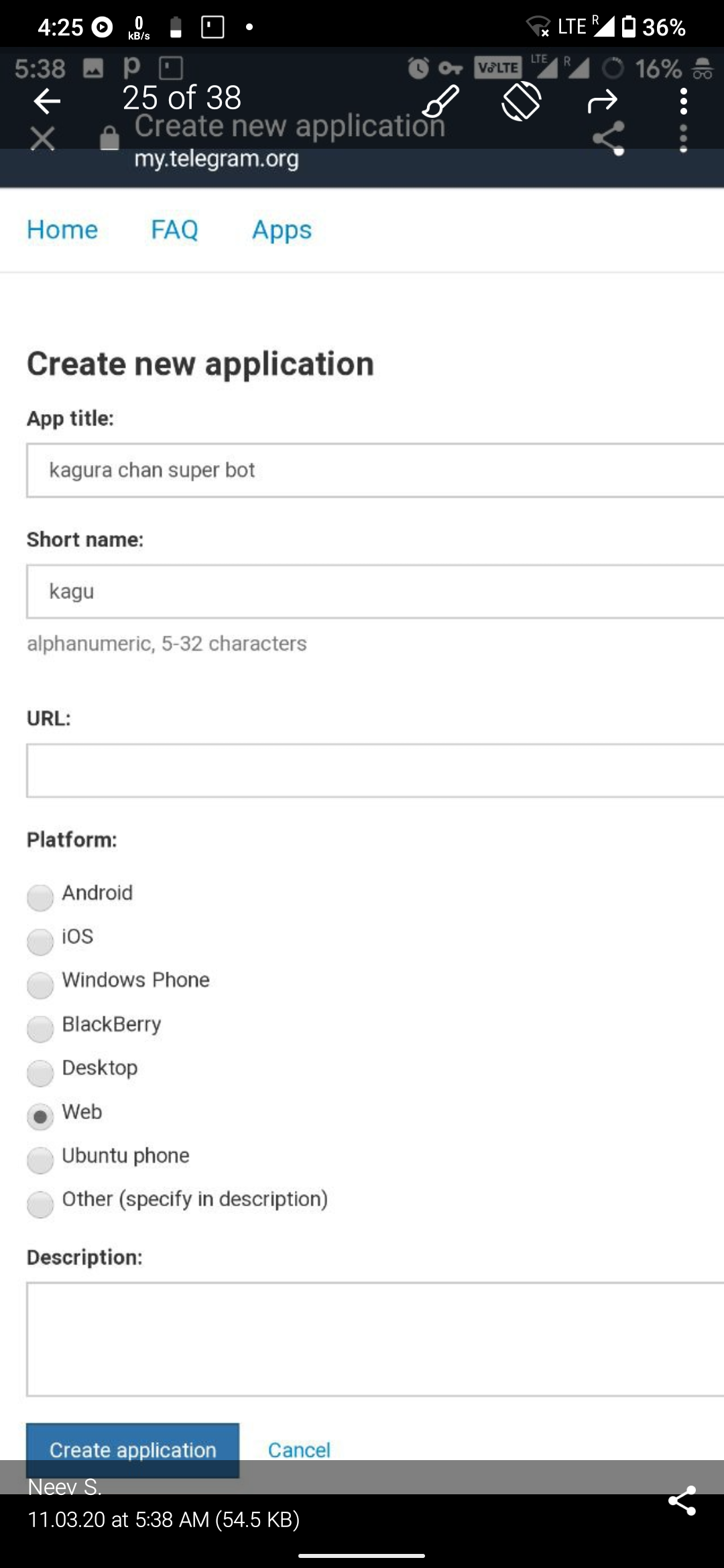
don't use spaces lol
Error that can occur : incorrect app title maibe
apptitle : xysisjssj (anything random and start with small letters)
shortname : shsjsj (anything random and start with small letters)
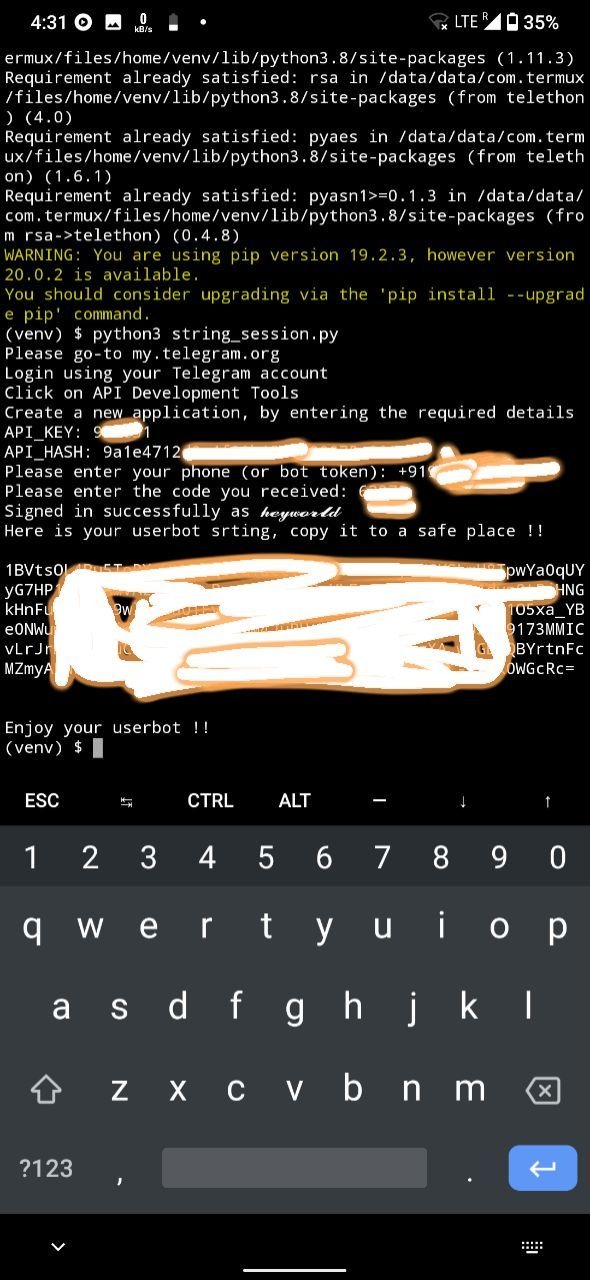
after that copy your string session which generally starts form 1 and ends with = as you can see the pic and save it somewhere coz its important
STEP THREE:
open https://www.heroku.com and click on. sign up for free if you don't have heroku account
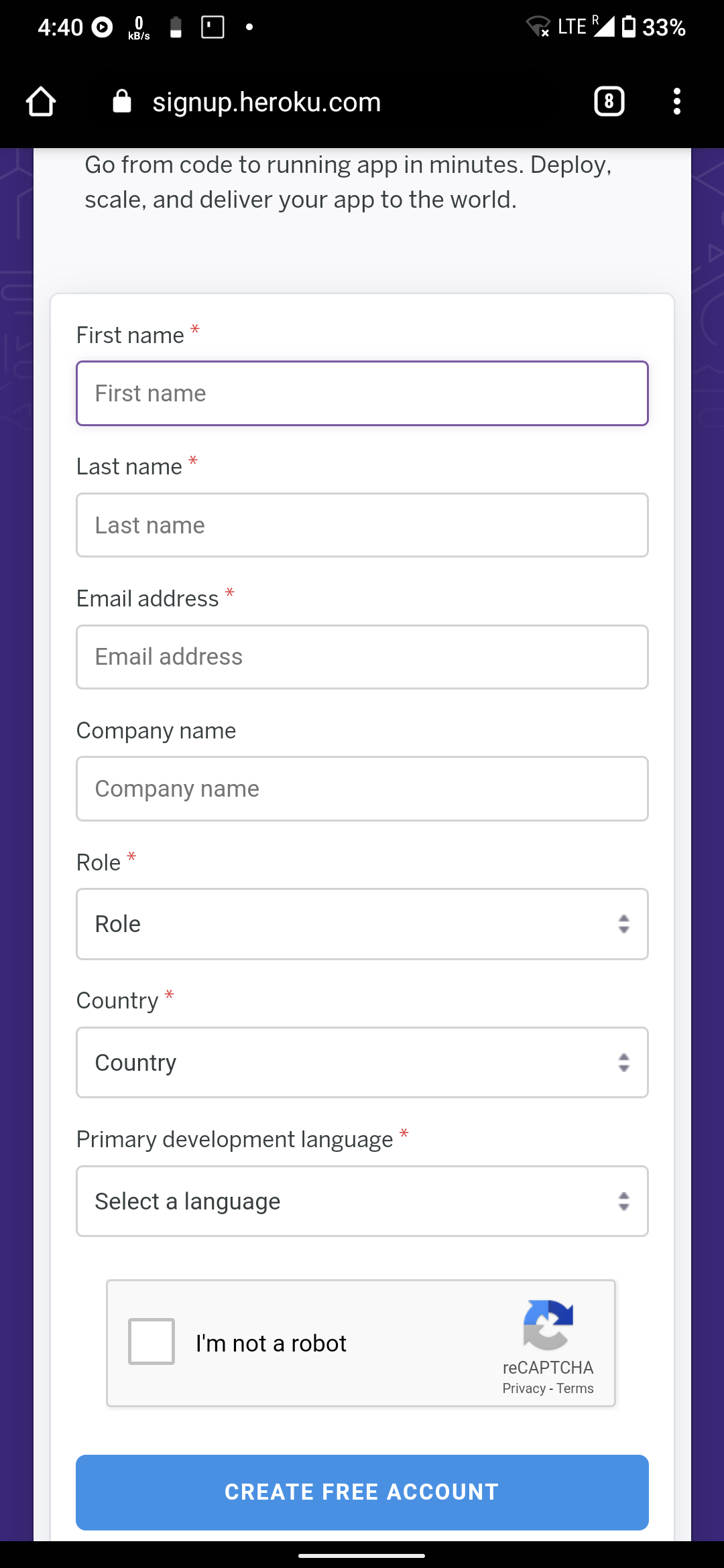
create heroku account and for primary development language you can choose anything :-)
STEP FOUR:
Click on this link
https://github.com/mkaraniya/OpenUserBot
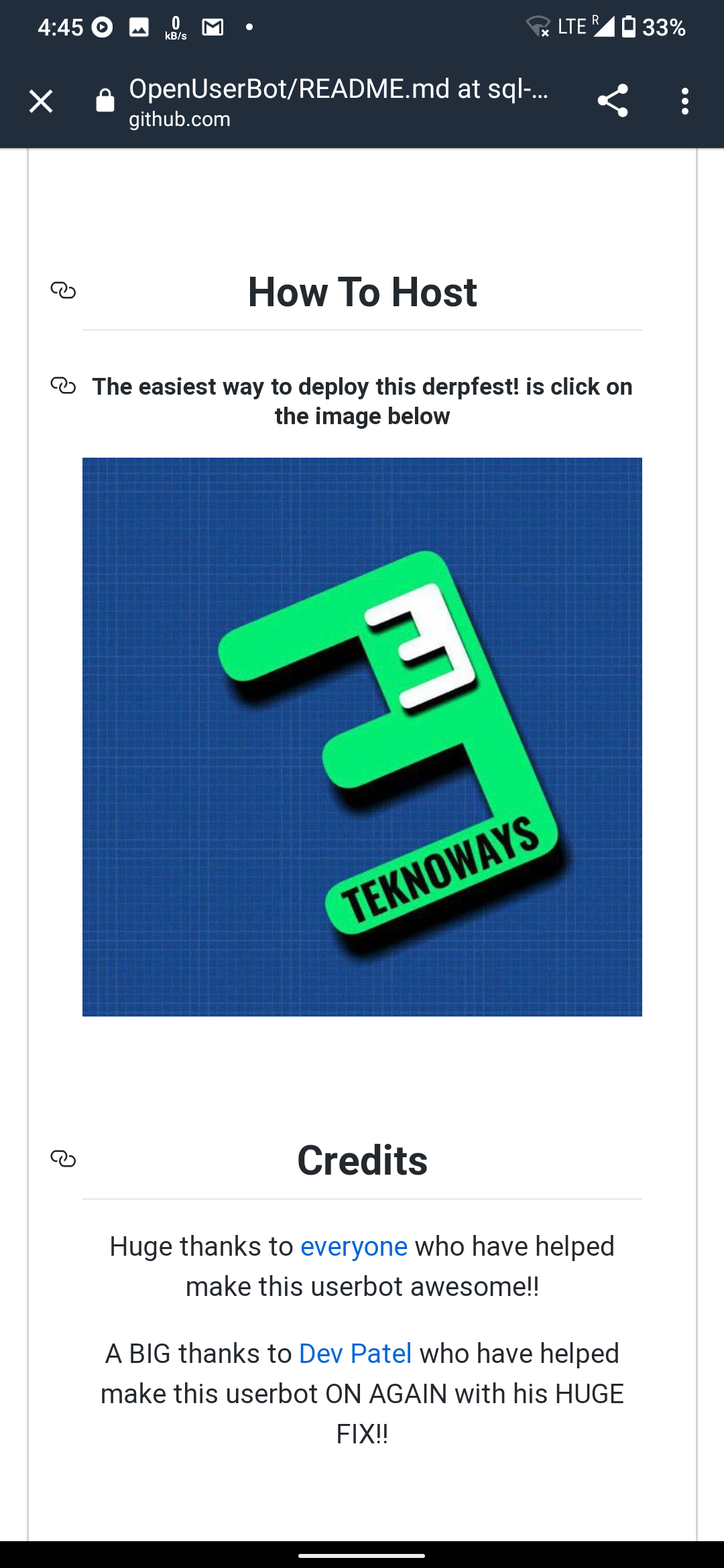
click on that E image and it will redirect you to heroku if you are logged in then good else login first
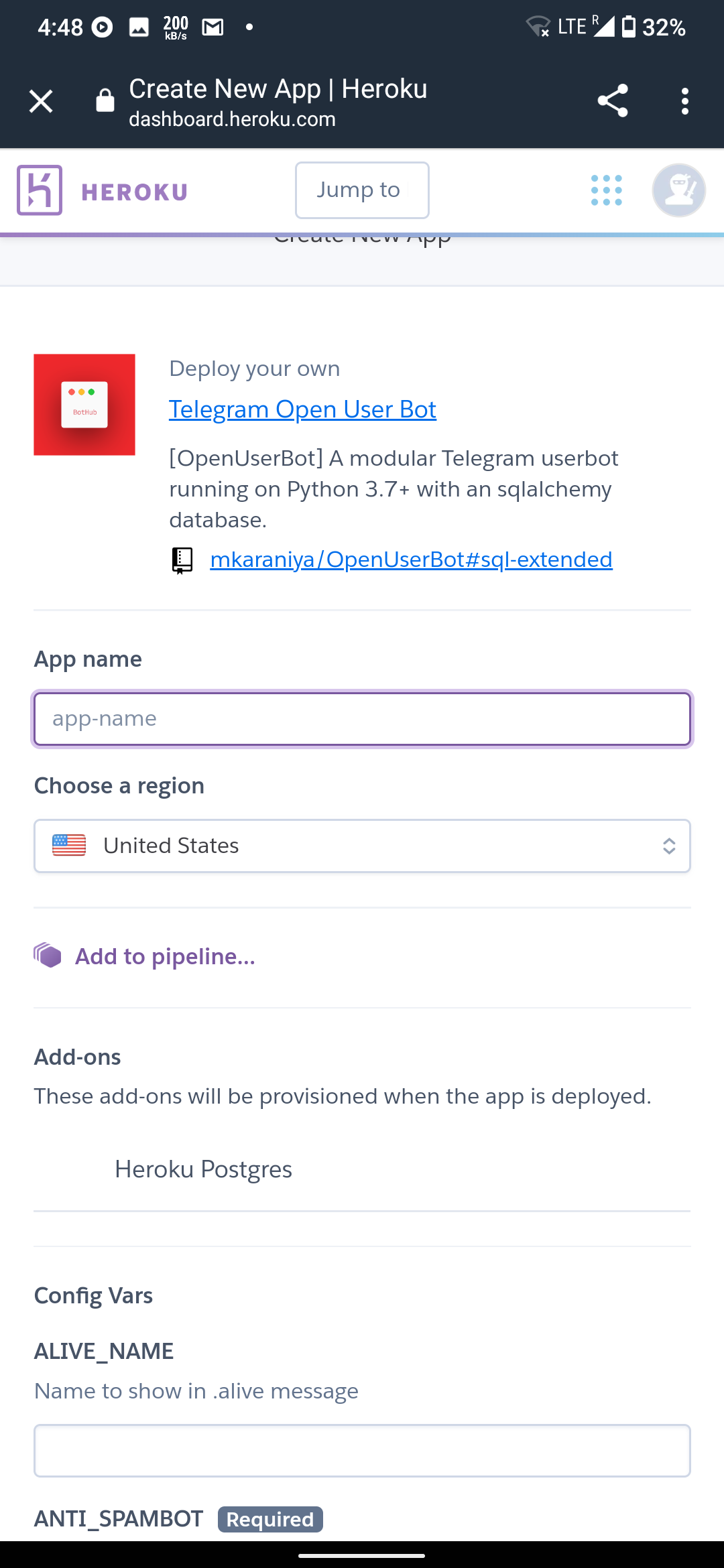
follow everything carefully
(1) appname : type anything
alive name: your tg username(don't use @) or anything
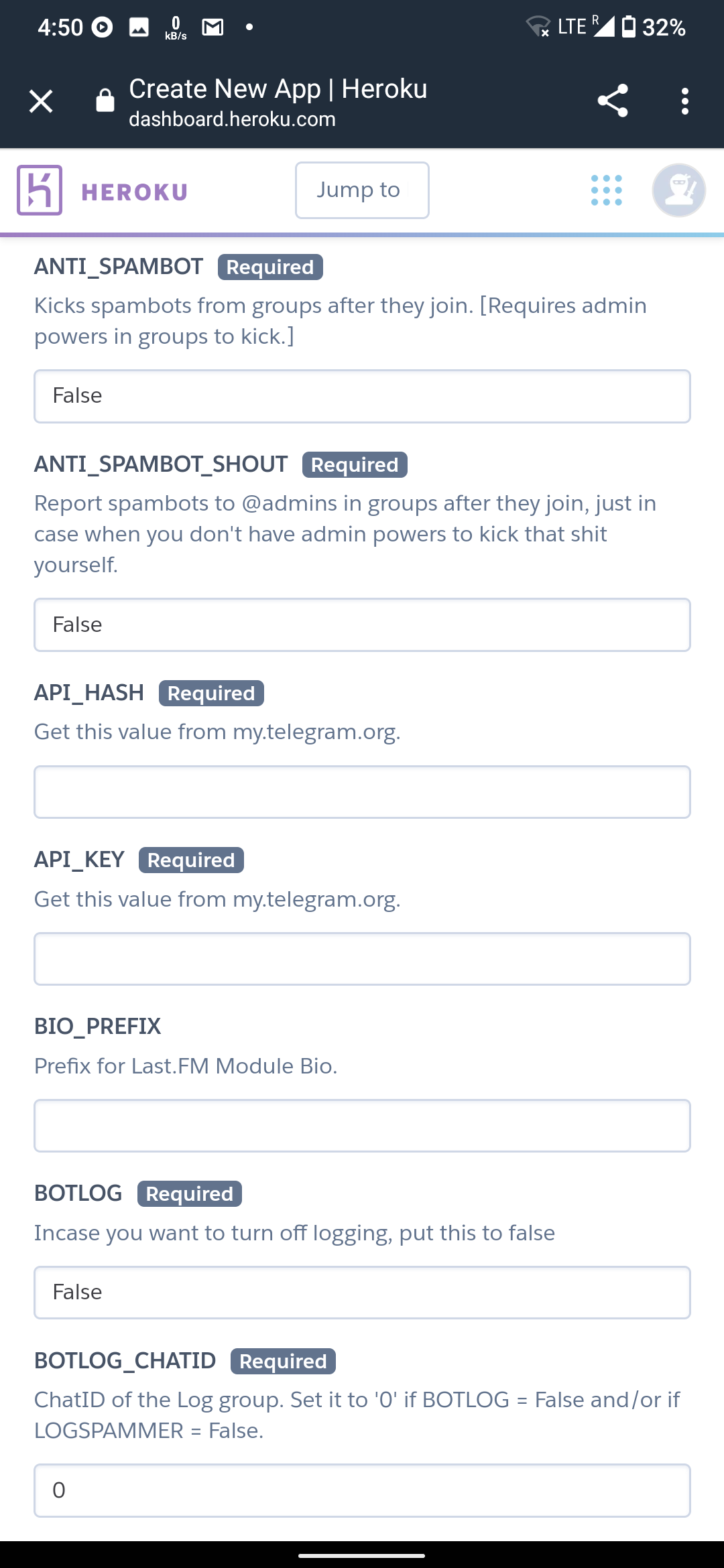
antispamBOT: True or False
antispamBOT shout : False or True
Api hash and Api key : my.telegram.org under api development tools
Bio_prefix : ignore it
Botlogid : True
BotLogchatId: create one public group in telegram then add rose or any other bot then type /id and paste the id here . Remember the id will start from -100 (paste everything) then make the group private
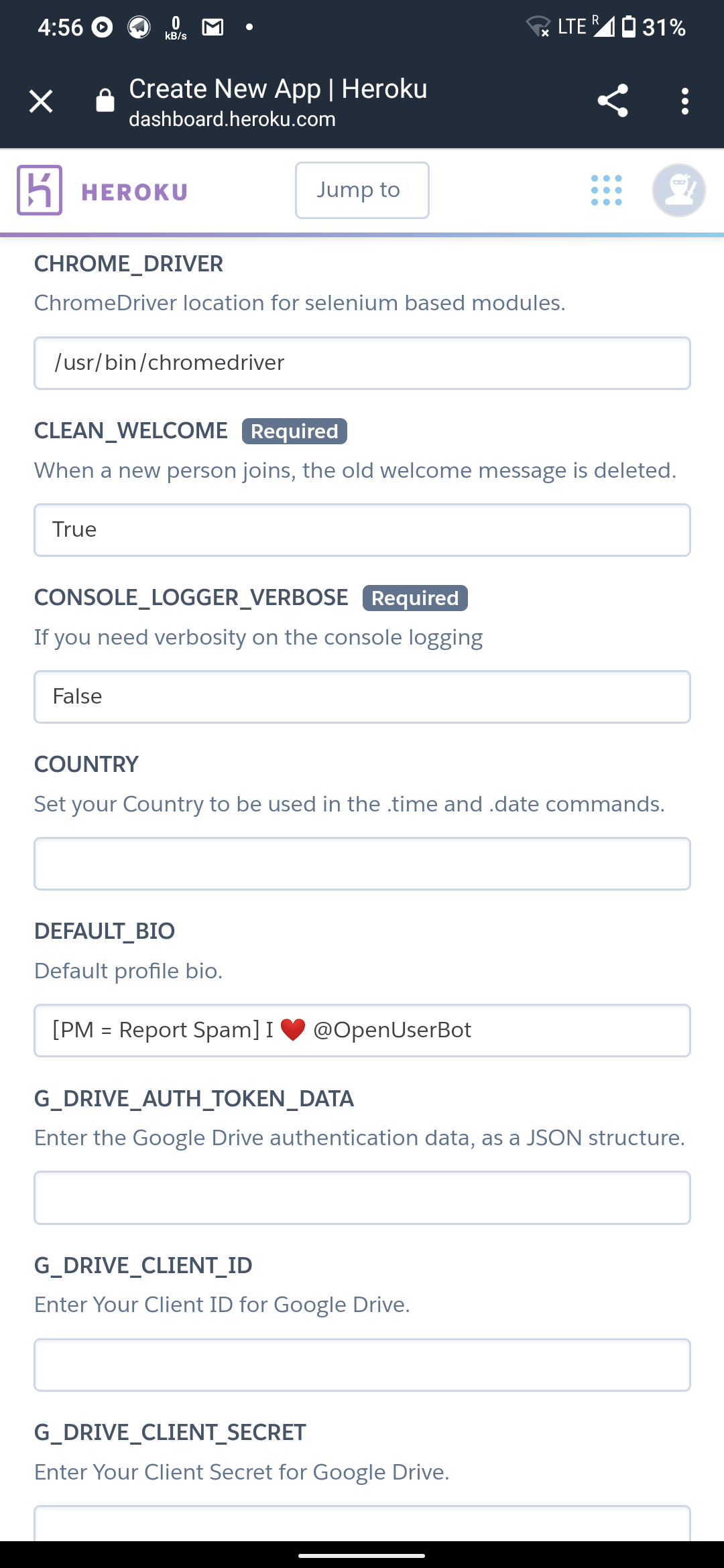
Ignore chrome_driver, clean welcome, verbose,Bio,gdrive auth,gdrive client,gdrive secret
Country:Your country's name
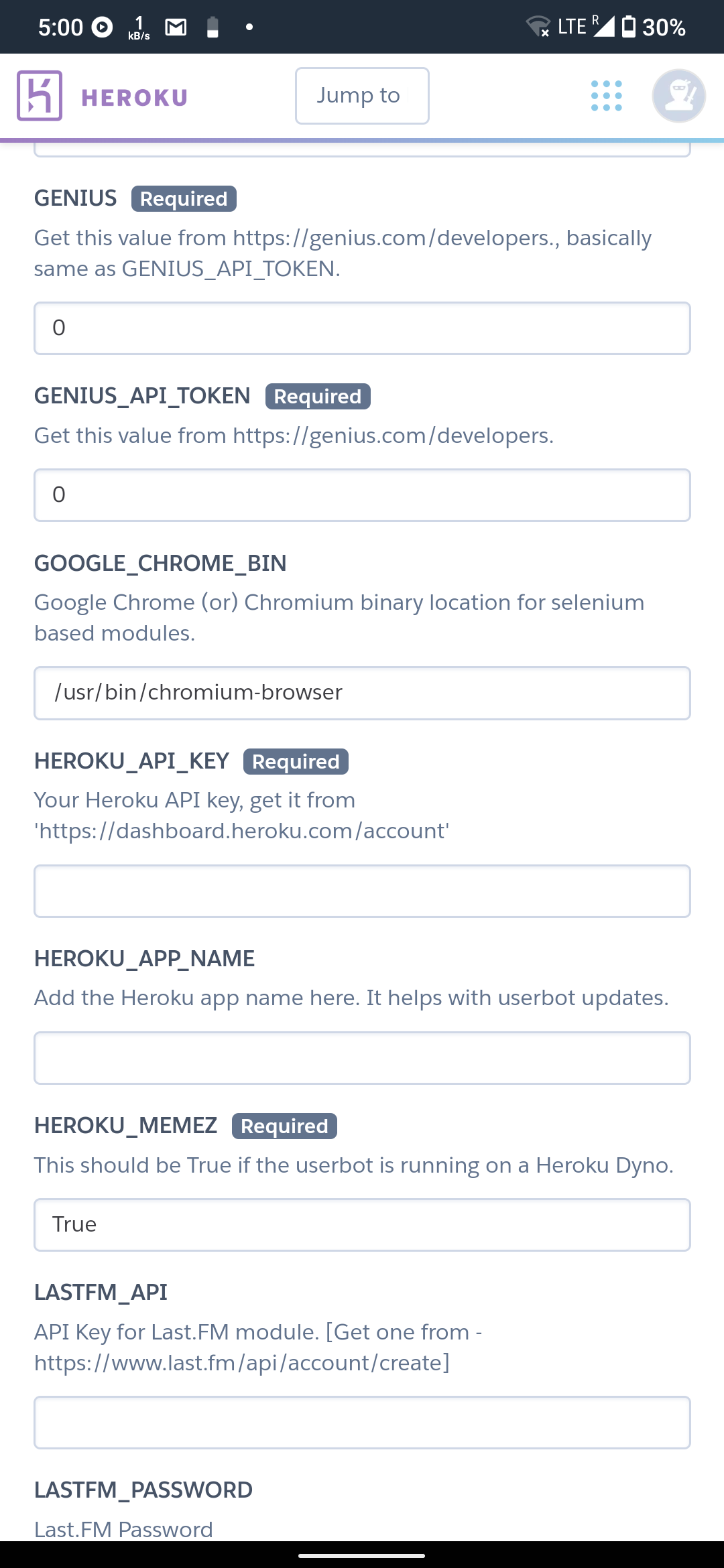
genius: ignore or go to
and paste api in both genius configs
Ignore chrome_bin
heroku api key : Type 0 for now
app name : type the same app name (1)
ignore meme,last fm api,last fm password , fm secret,fm username,lydia,ocr,open weather, rembg, upstream, YouTube, weather,tz number,
ub blacklist, download directory
PM_AUTOBAN : True
string session : Paste the string session you saved earlier
CLICK ON DEPLOY
IT WILL TAKE 5-10 MINS SO WAIT
STEP 5:
click on resources icon
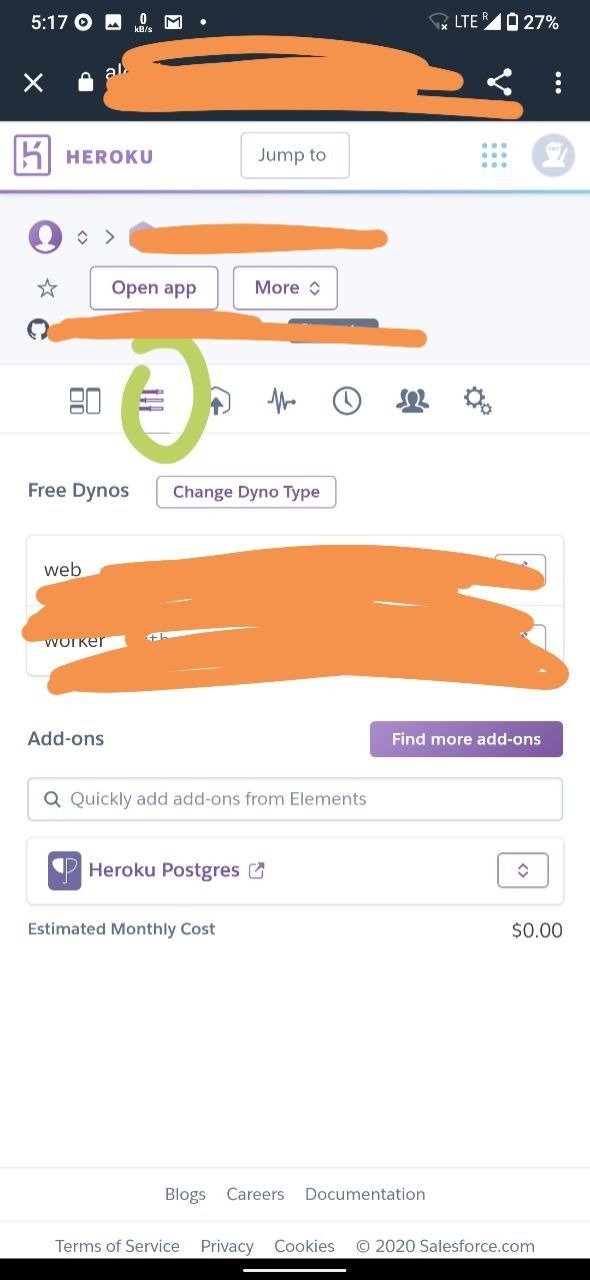
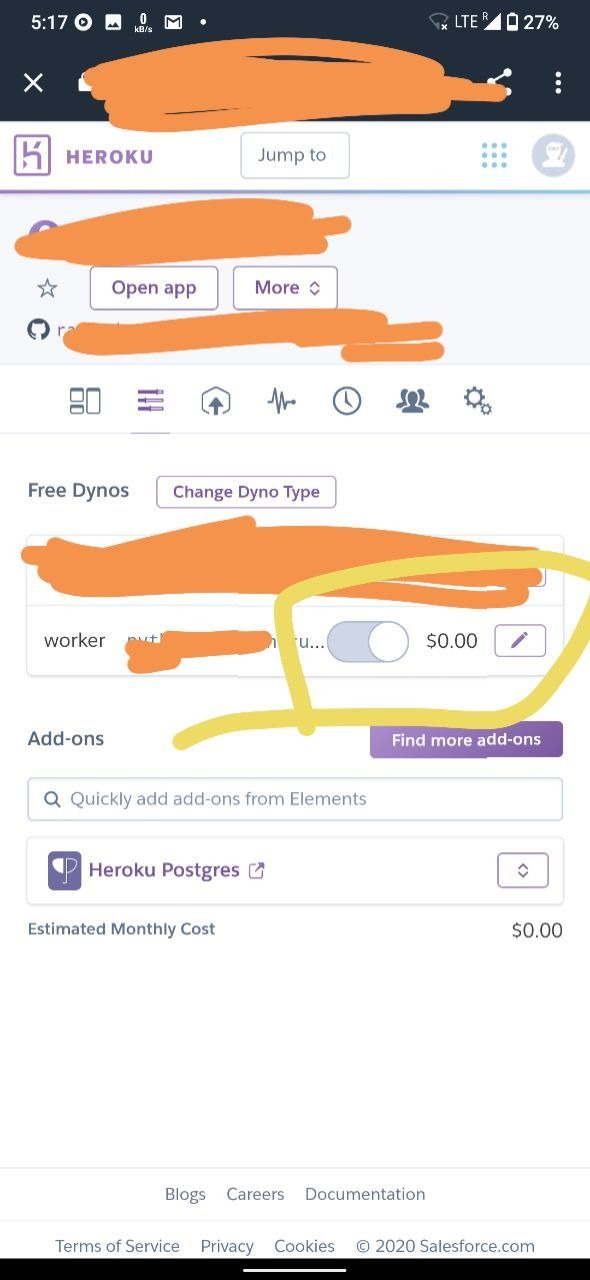
click on the pencil icon and turn on the bot
BOT SHOULD WORK NOW
Now go to
https://dashboard.heroku.com/account
and scroll down click on api key copy api key and paste in config vars (tutorial below)
HOW TO CHECK ERRORS?
click on more icon and click on view logs
COMMON ERRORS and its solution
1. Botlog error/ chatid error : your group id is wrong please add Correct group id . group id will start with -100
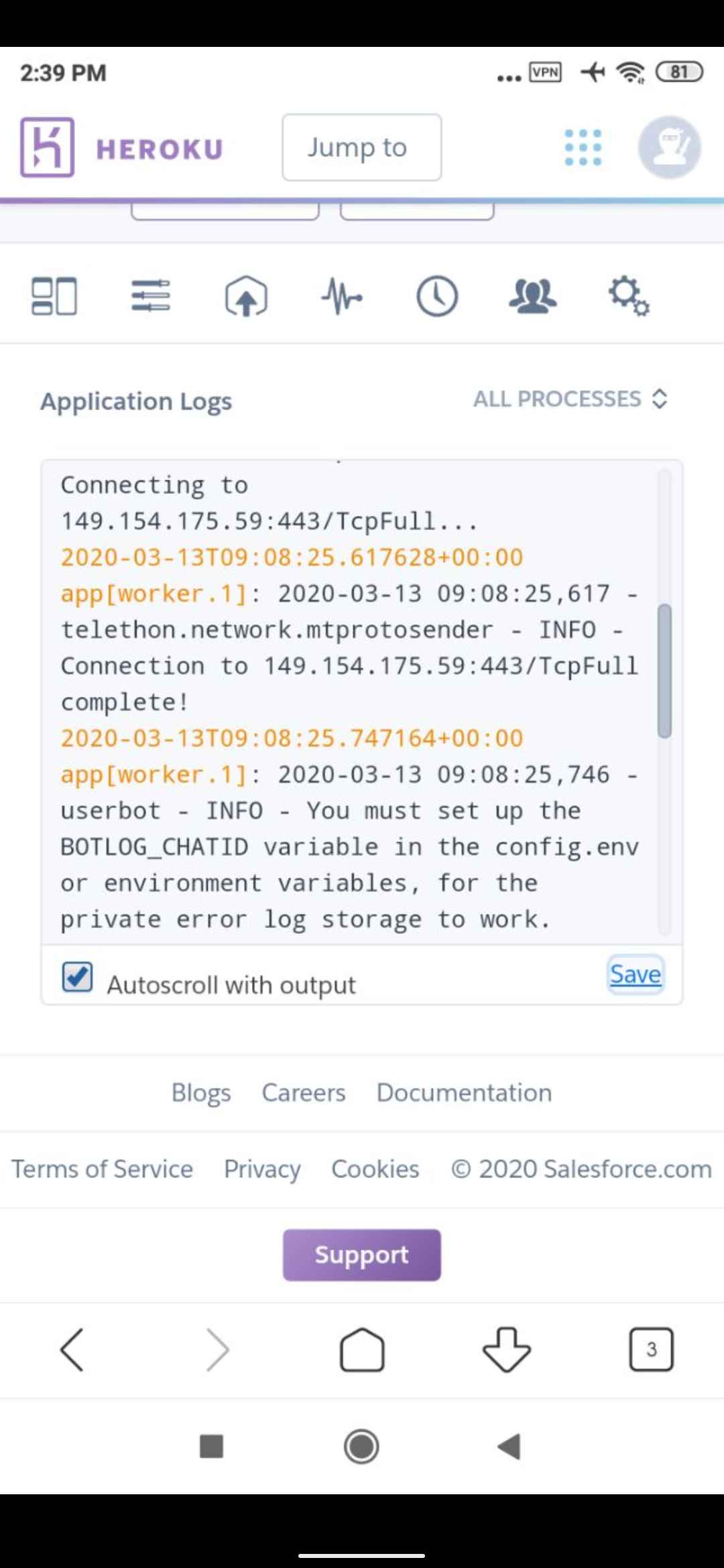
SOLUTION : create any public group not private and add rose bot then type /id in group then copy id .. go to config vars and paste the id in config vars under botlogid then after generating public id make it private.
If you don't know how to create a public group and then make it private
ask someone -_-
2. String session error (once botlog error it fixed it won't happen again but string session expires every month mostly or less maibe )
Fix: Repeat step from cd /sdcard/telegram till python3 string_session and generate string session then paste in here
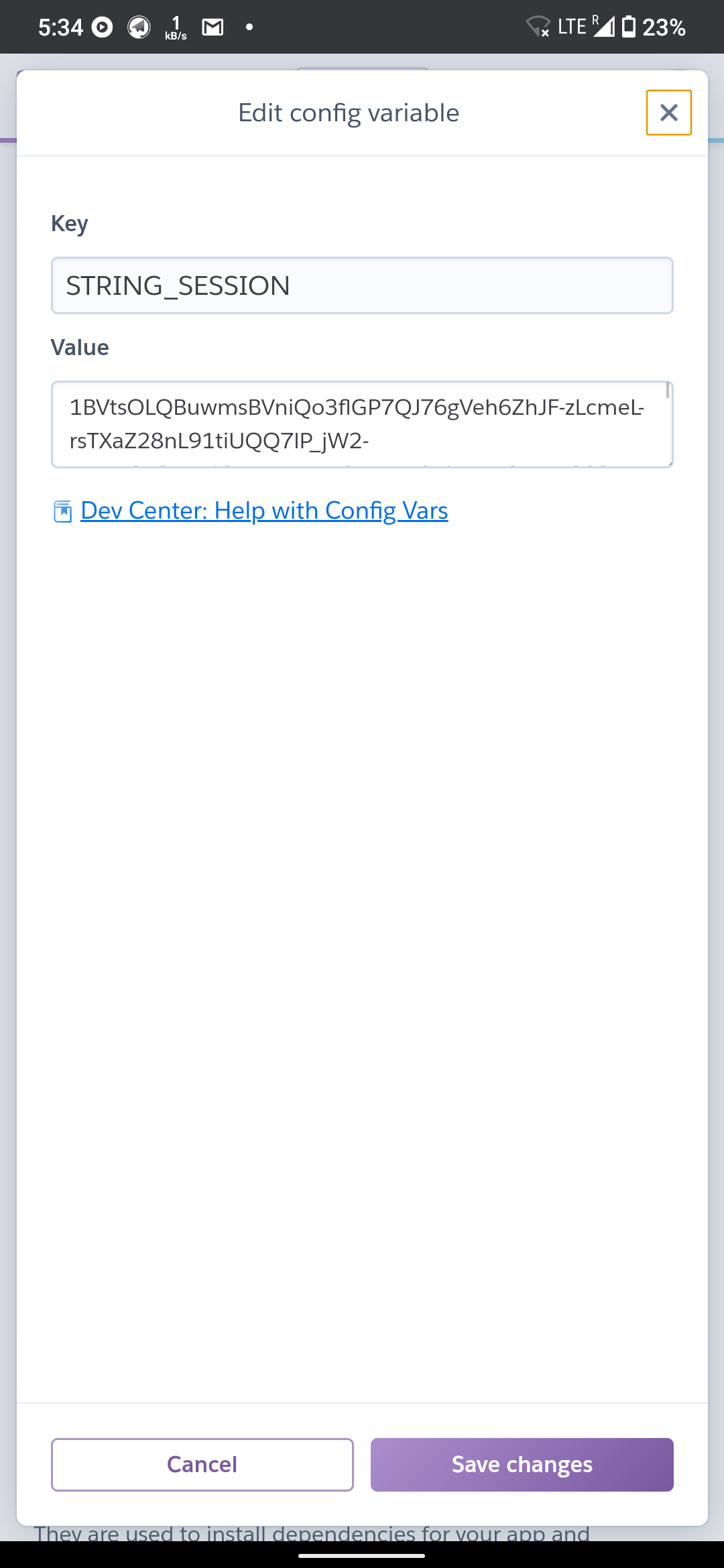
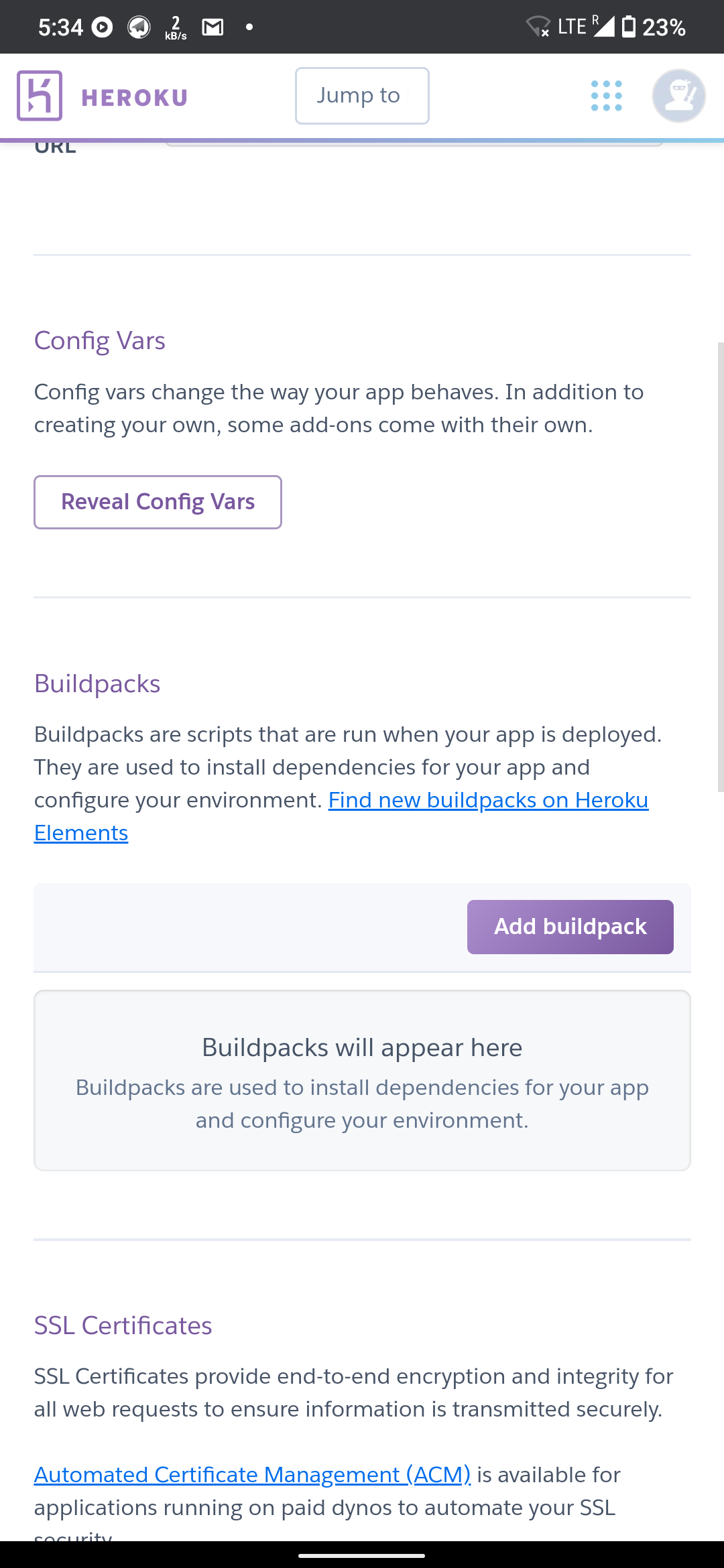
This are the two most common errors that can occur
NOTE : IF YOU WANT ADD ANYTHING GO TO CONFIG VARS AND ADD IT
example : if its botlog error or anyelse follow steps and add it in config vars
BASIC BOT CMDS AND THEIR USE
TYPE:
.help It will display all modules available
.help moduleName It will display module help
example .help kang where kang is name of your module
.time It will show time in your country
.date for showing date
.approve for approving (only if you enabled pmban)
.disapprove for disapproving
.block for blocking
.kang for kanging sticker/image
.kang <emoji> for kanging sticker/image with emoji
.pin for pinning
.ban for banning
.on for checking if bot is working
.ping for checking if bot is working
.update for syncing bot with latest repo
.restart for restarting bot
.afk for going afk
afk <reason> for going afk with a reason
.zombies for checking deleted account in group
.zombies clean for deleting deleted account
This are the basic CMDS ...if you want to know all other cmds and its use type
.help and then .help moduleName
if you want to add gdrive stuffs. , lydia and other stuffs then go to
https://t.me/PPE_Support and ask there
If you need any other help message me here
Thanks.
happy botting