How to create a MetaMask wallet
@trace_global
Mobile version
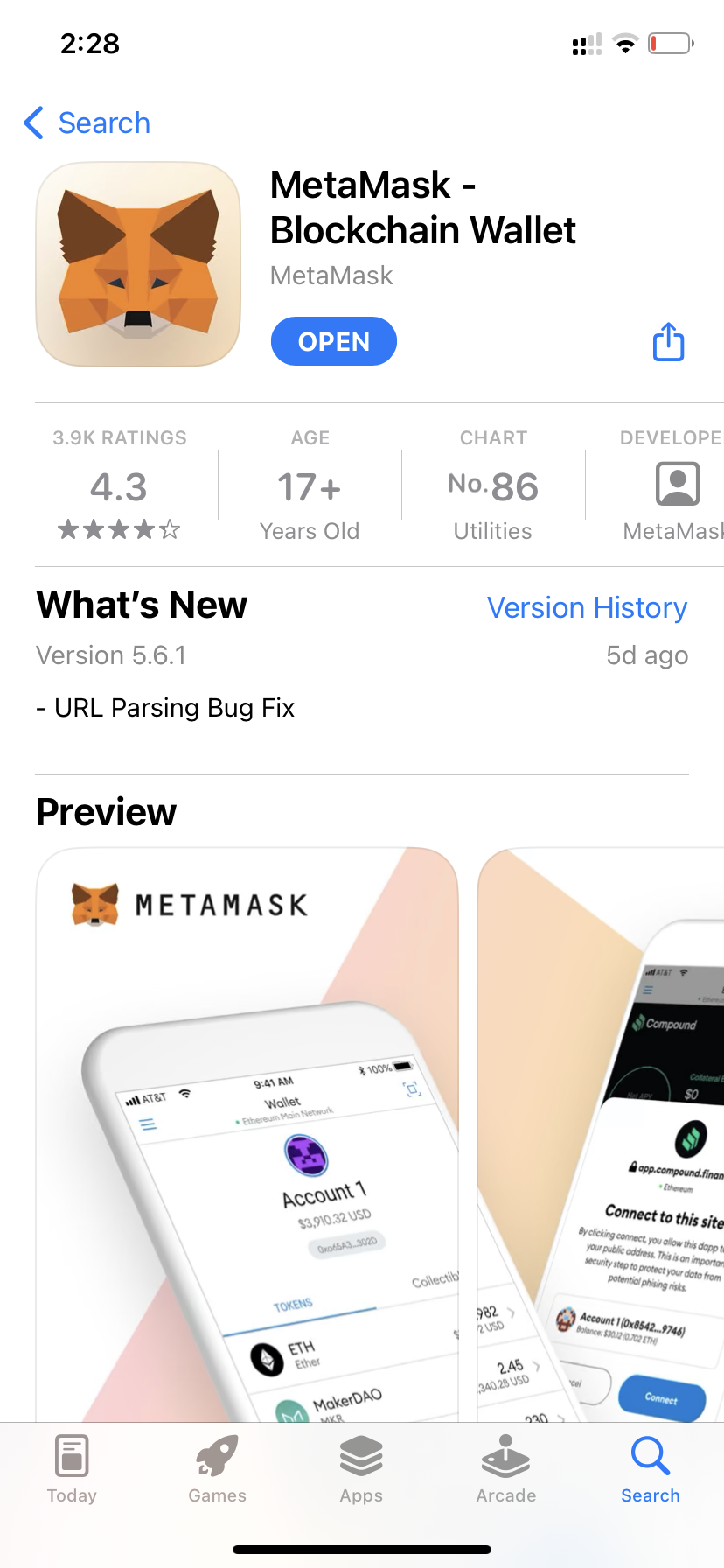
1. Find and download the MetaMask – Blockchain Wallet app in the AppStore or Play Market.
📱https://apps.apple.com/ru/app/metamask-blockchain-wallet/id1438144202
📱https://play.google.com/store/apps/details?id=io.metamask&hl=en_US&gl=US
2. Open the app, give consent to data processing and proceed to registration.

Create a password. It will be considered good/reliable if there are several uppercase and lowercase letters, numbers and punctuation marks with different sequences.
For example: F56j.pp15;5
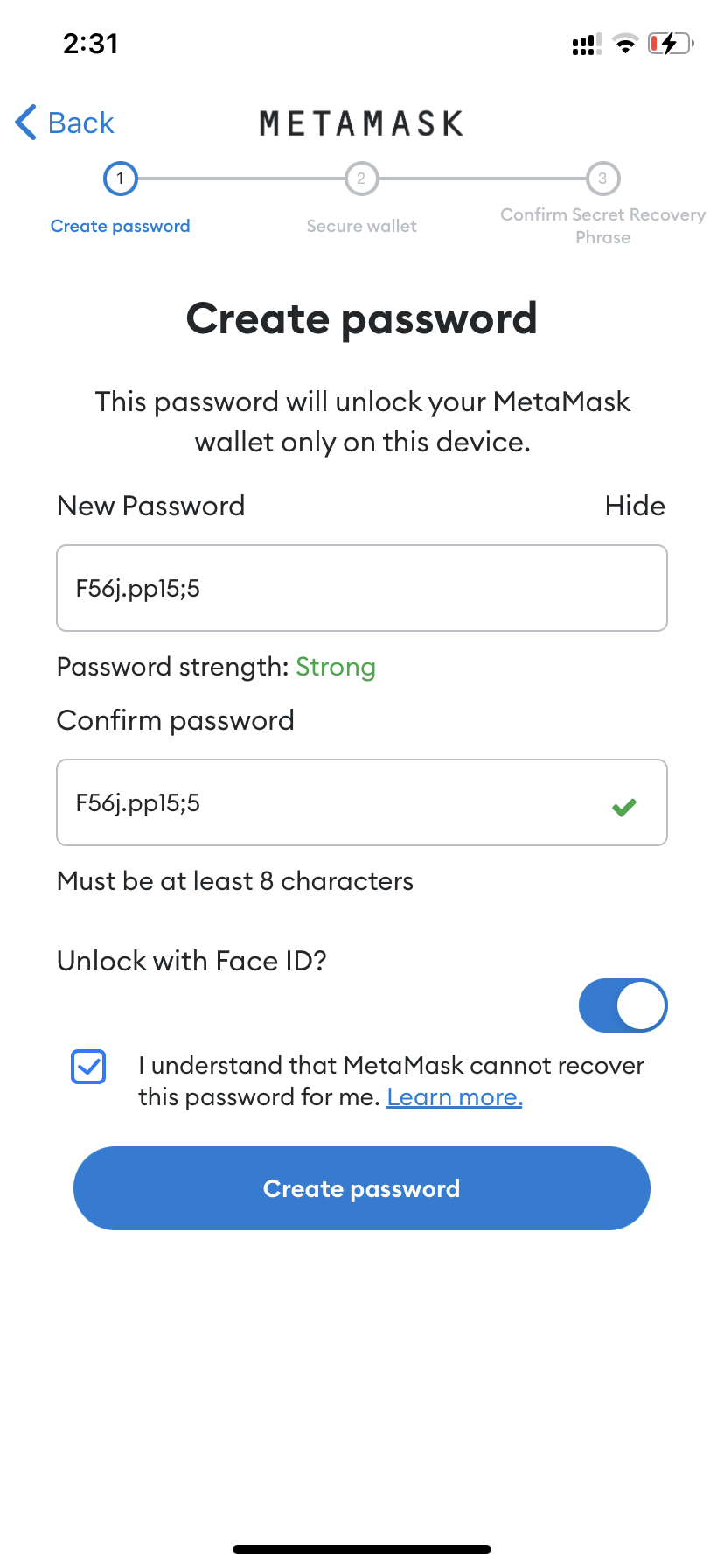
Then we accept (tick) responsibility for the safety of the password and move on.
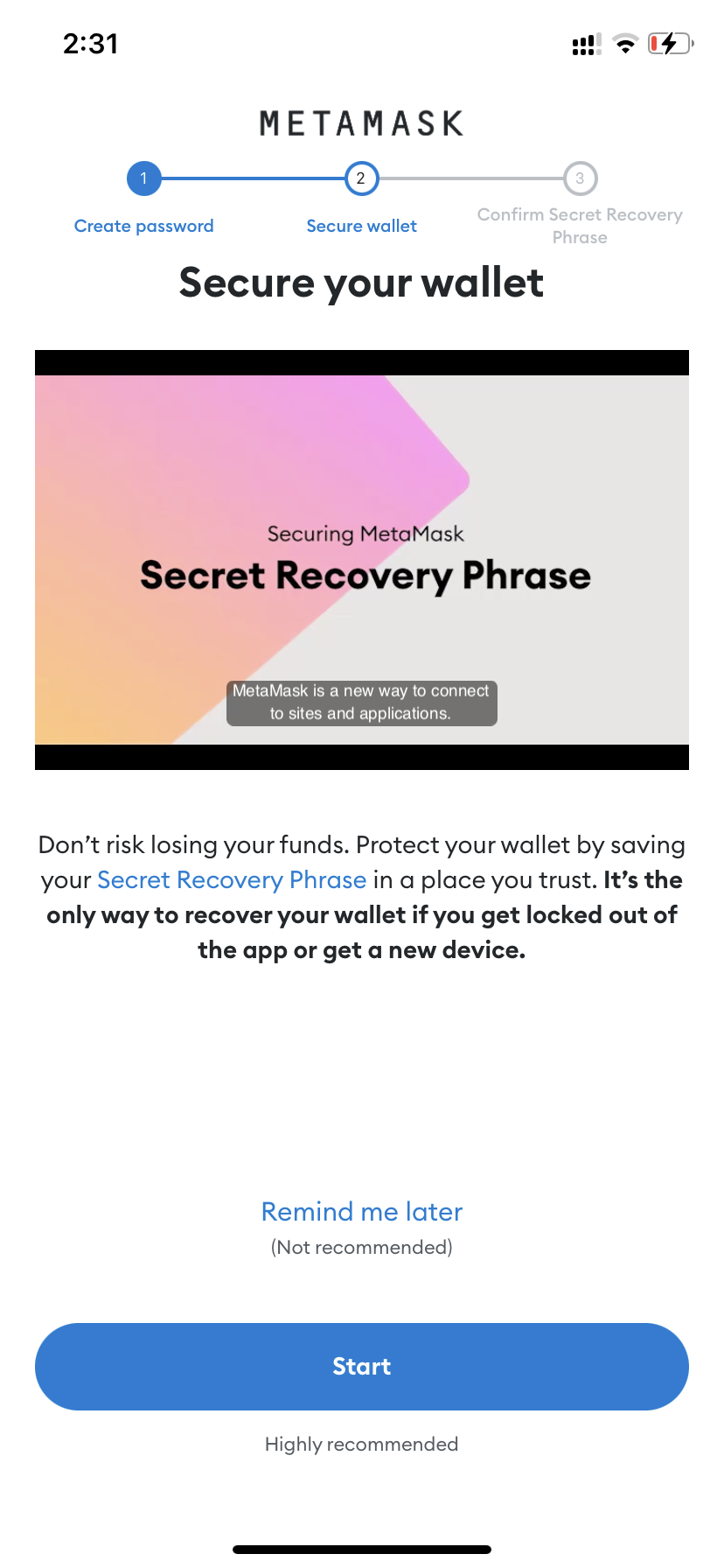
4. After creating a password, we are offered to watch a video about protecting the wallet with secret phrases and protect it in this way. Let's go!
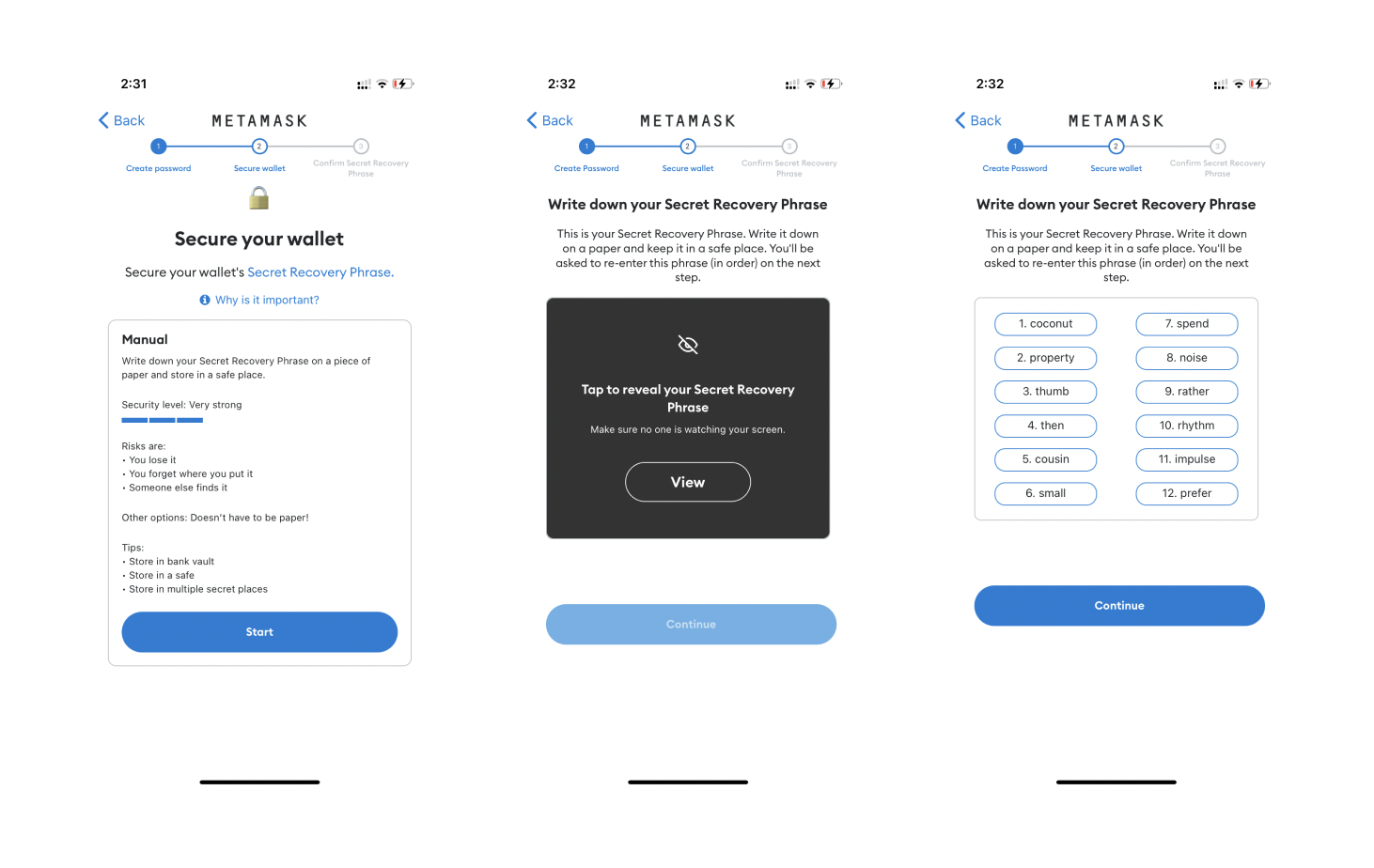
5. Carefully read the rules for storing a secret phrase and then get it. There are 12 words in a certain order.
6. Confirm your recovery phrase – you need to arrange the words in the order in which they were given to you.
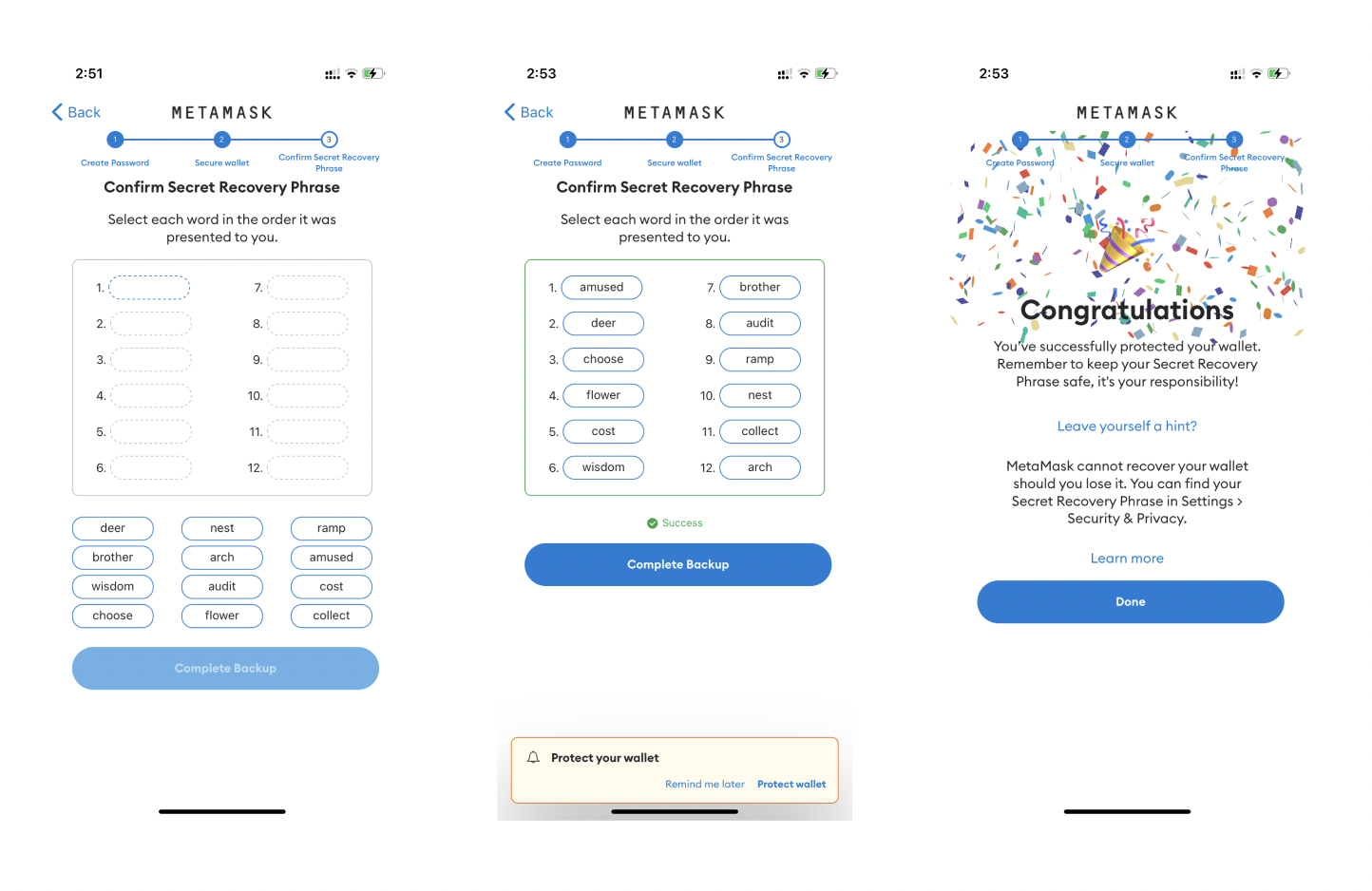
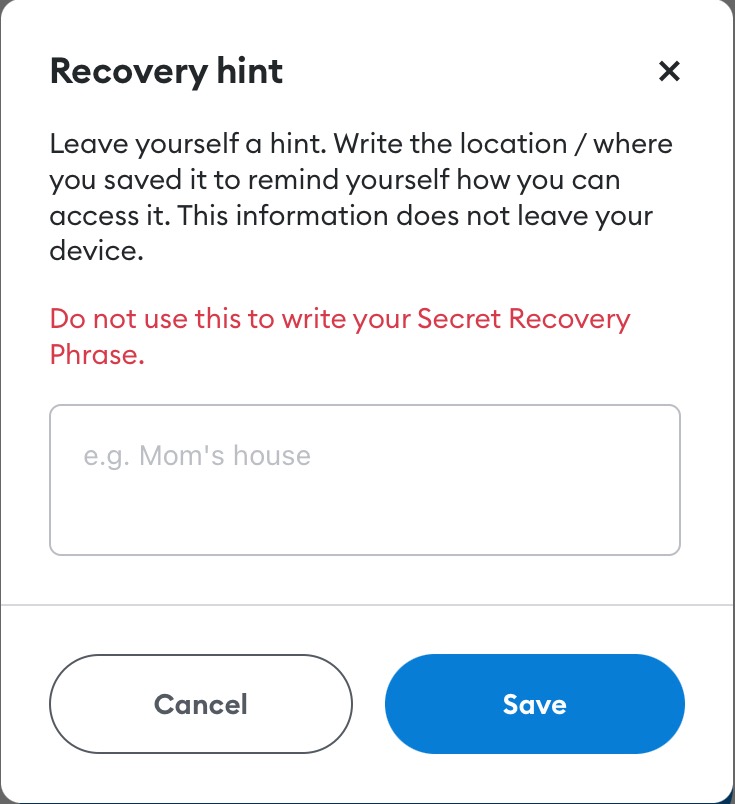
7. Congratulations! Now we can leave a hint for ourselves about the location of secret phrases. For example, "screenshot in photos" ... But it's better to choose a safer place anyway 😉
Your wallet is ready! 🥳
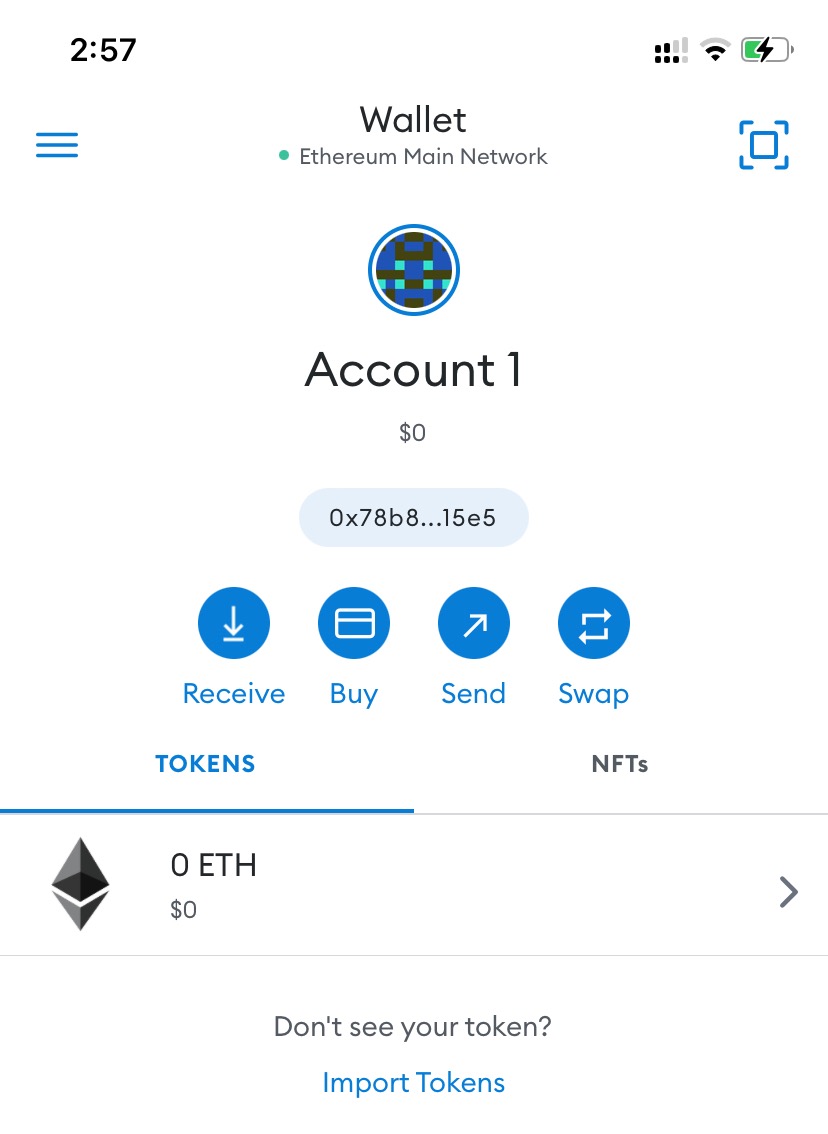
Now be sure to transfer it to the Polygon network
1. Click on the "Wallet" (at the top of the screen)
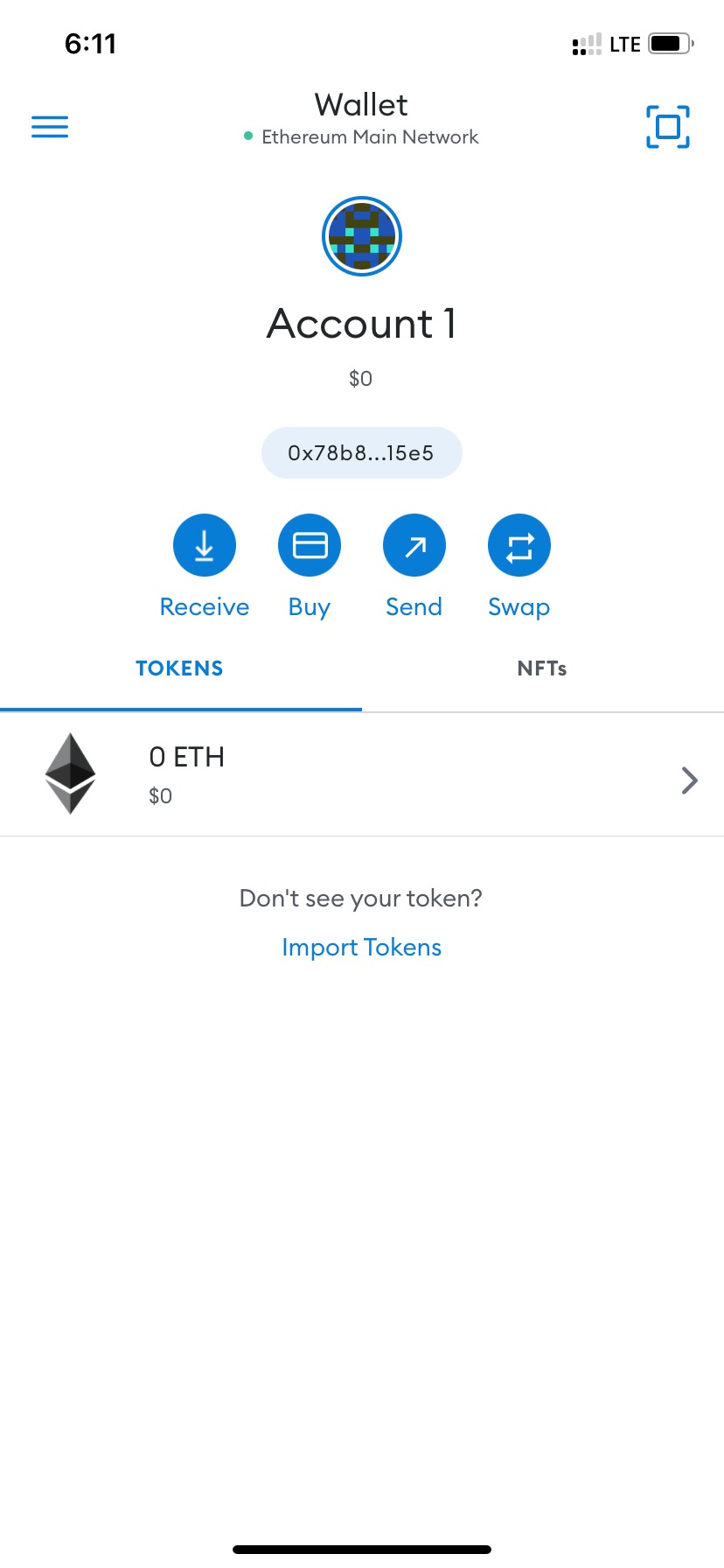
2. Tap "Add a network"
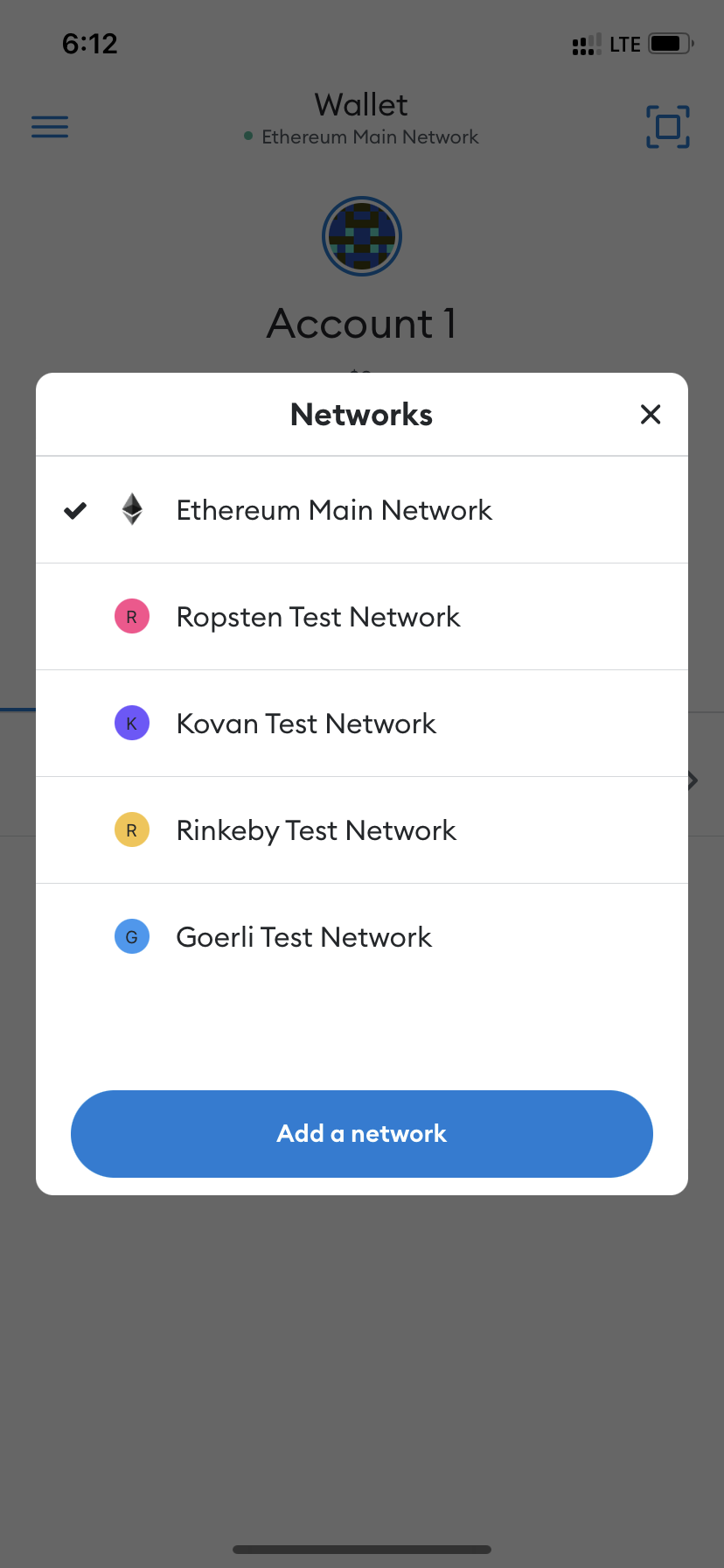
3. Choose «Polygon Mainnet»
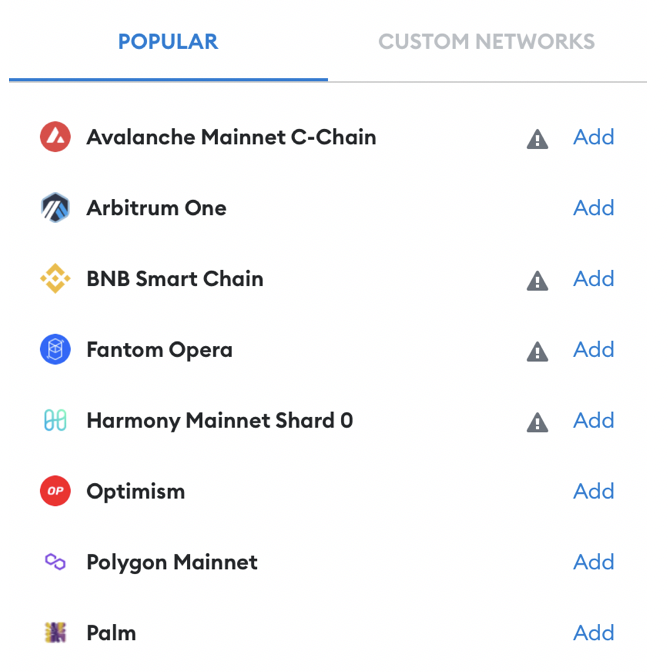
4. Tap "Approve" and then "Switch to network"
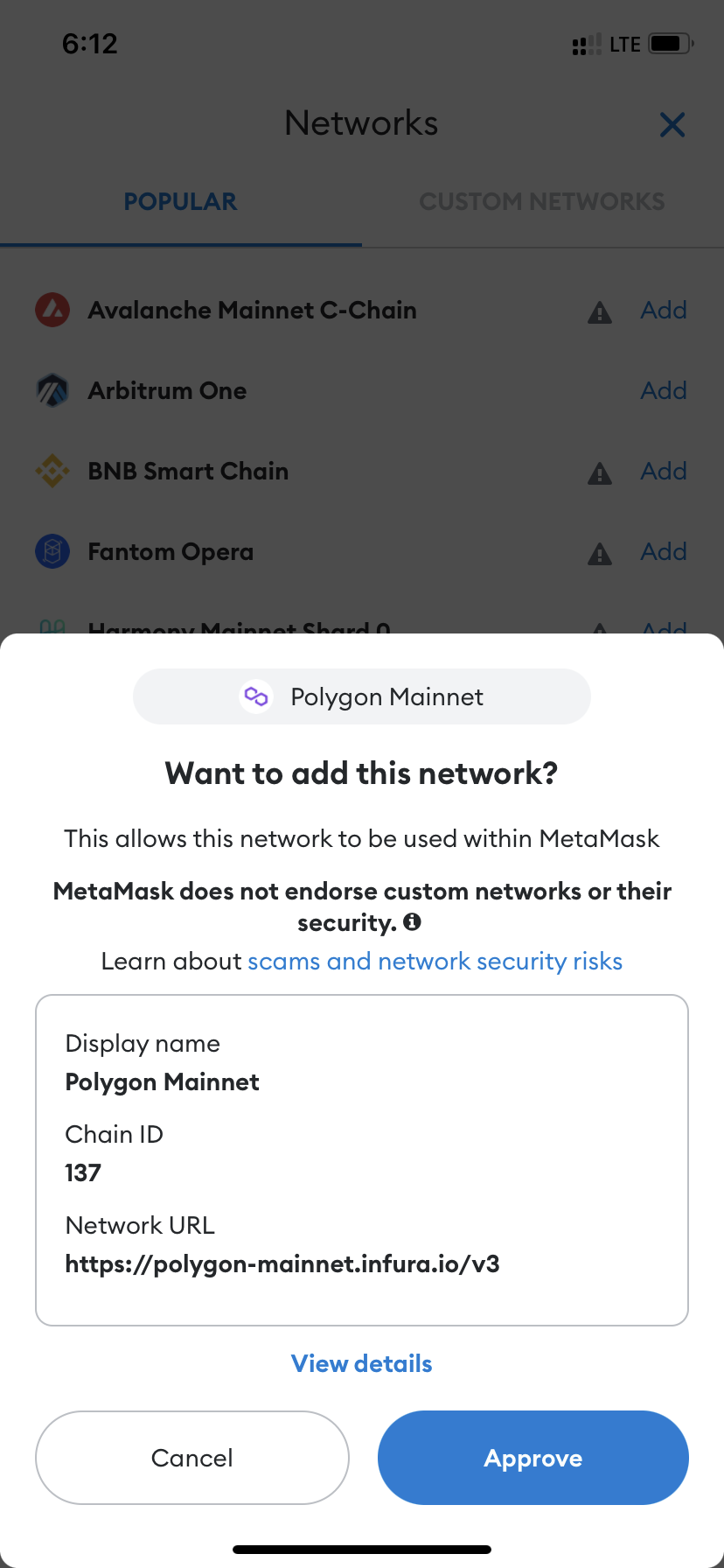

Done!
To copy the wallet address, tap on it 👇
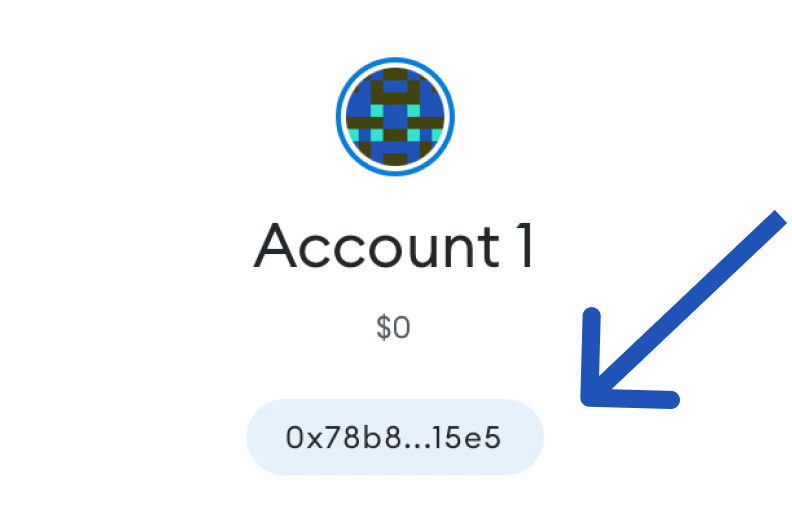
Browser extension

1. Download the "MetaMask" extension in the Google Chrome web store 💻
https://chrome.google.com/webstore/detail/metamask/nkbihfbeogaeaoehlefnkodbefgpgknn
2. After installation, proceed to registration.
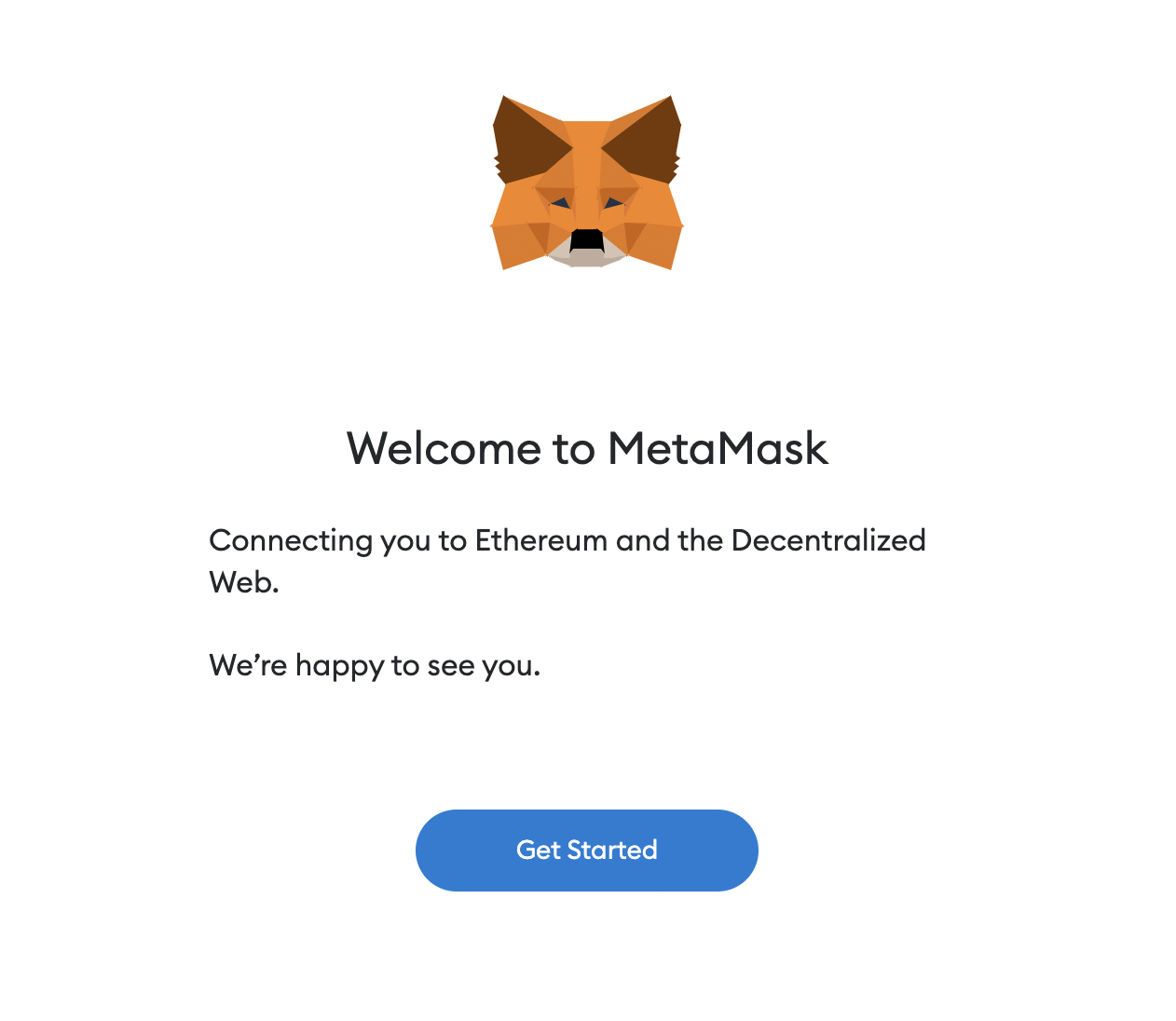
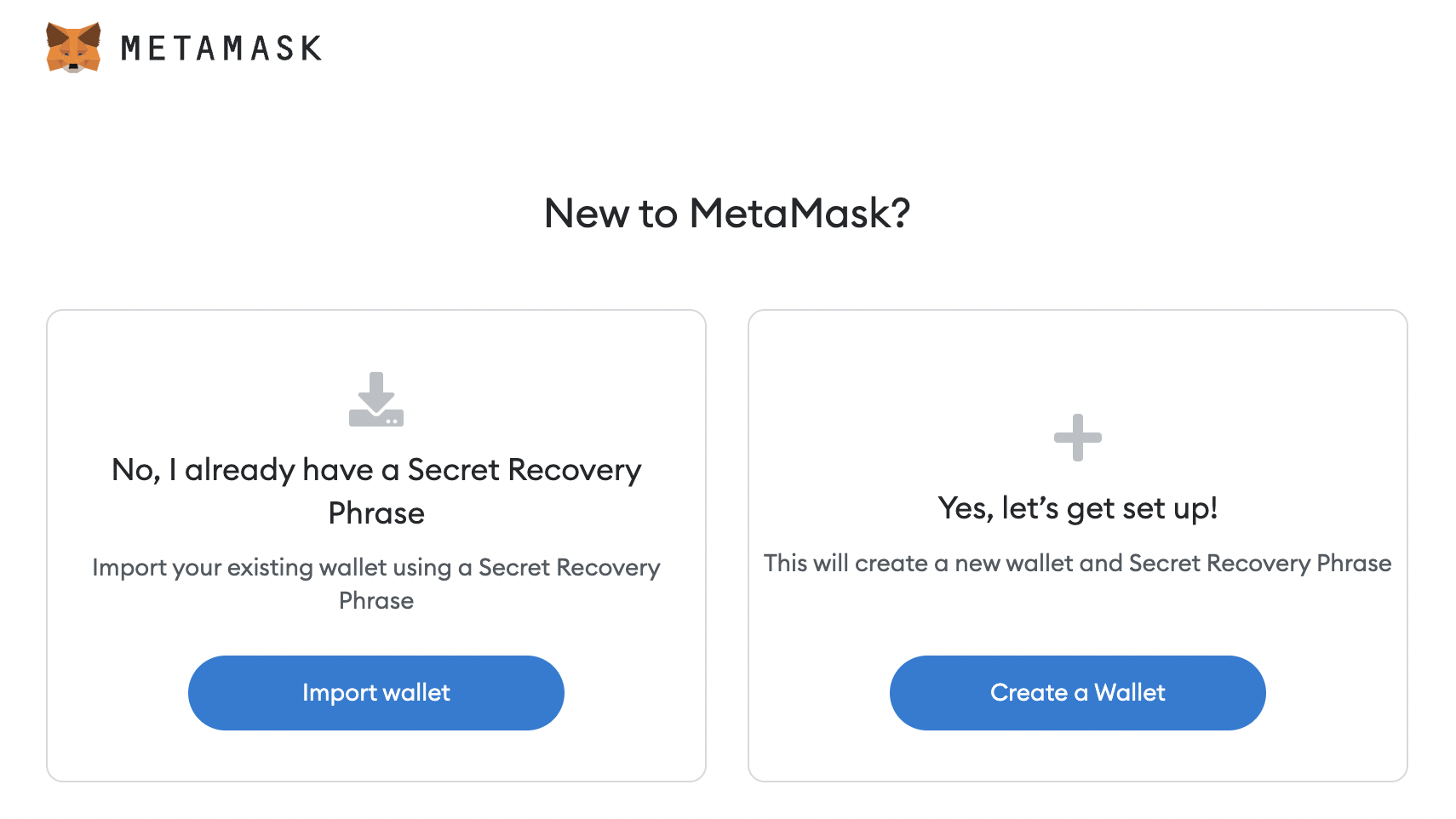
3. Consent to data processing, select "Create a Wallet", as we need to create a new wallet, and proceed to registration.

4. Create a password. It will be considered good/reliable if there are several uppercase and lowercase letters, numbers and punctuation marks with different sequences.
For example: F56j.pp15;5
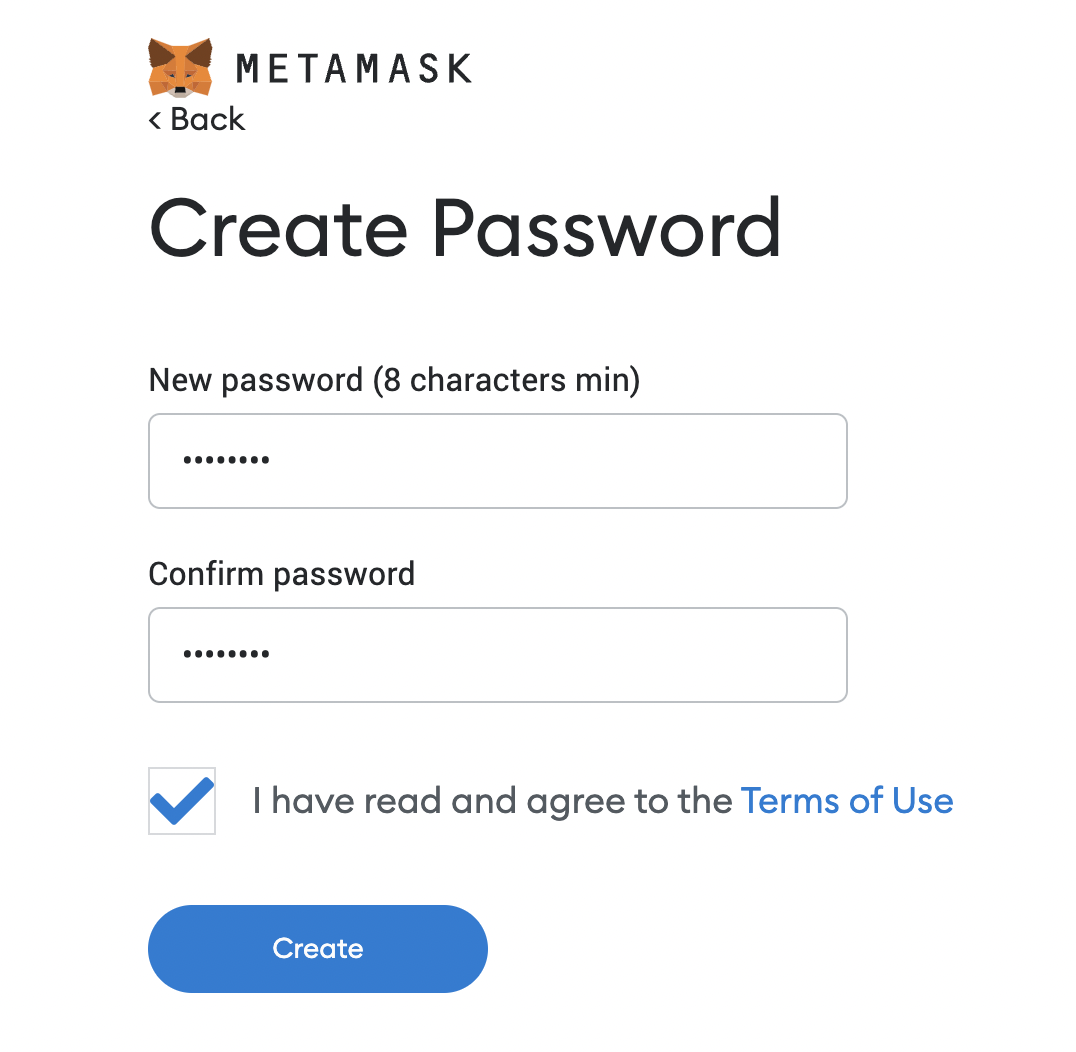
Then we accept (tick) responsibility for the safety of the password and move on.
5. After creating a password, we are offered to watch a video about protecting the wallet with secret phrases and protect it in this way. Let's go!

6. Carefully read the rules for storing a secret phrase and then get it. There are 12 words in a certain order.
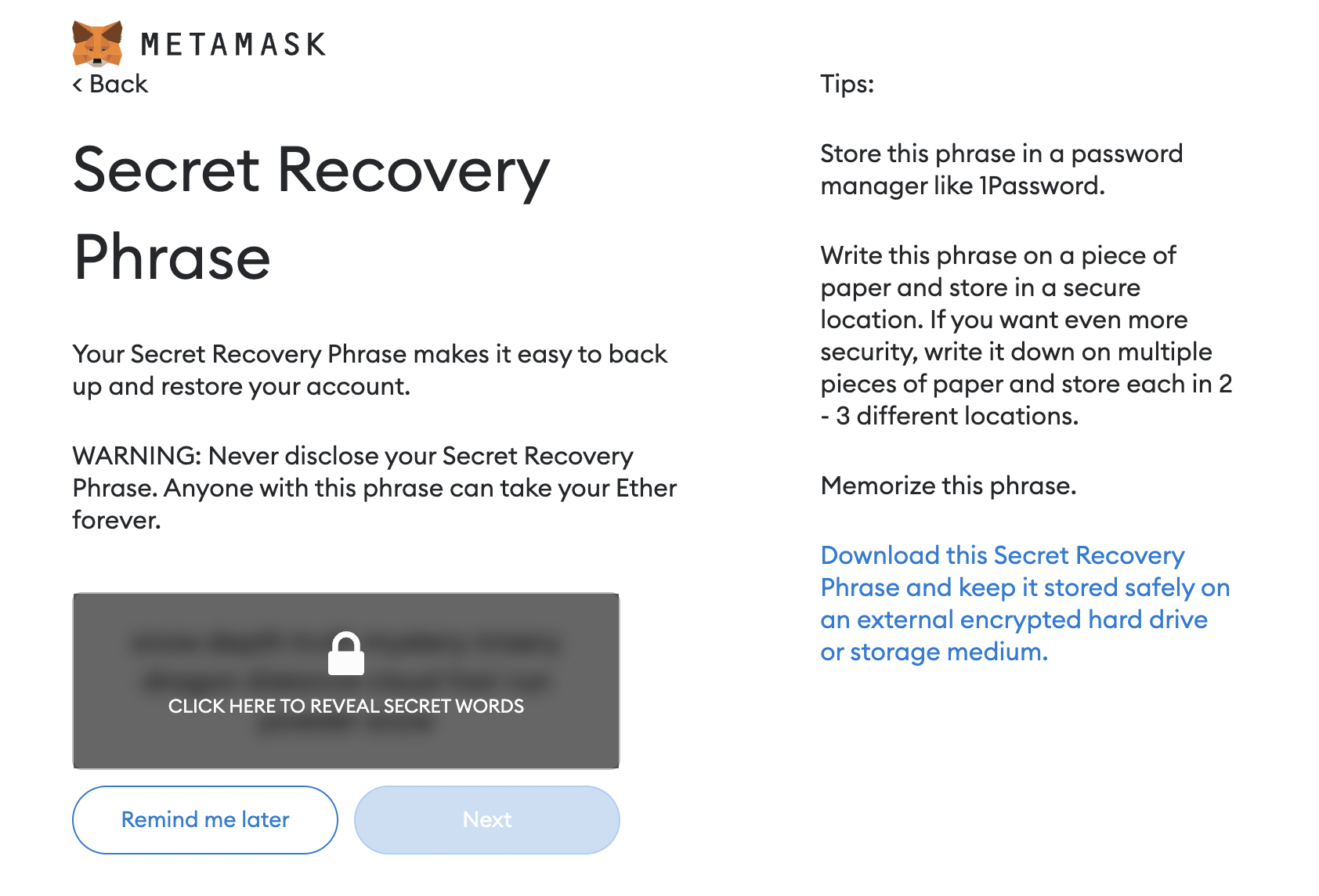
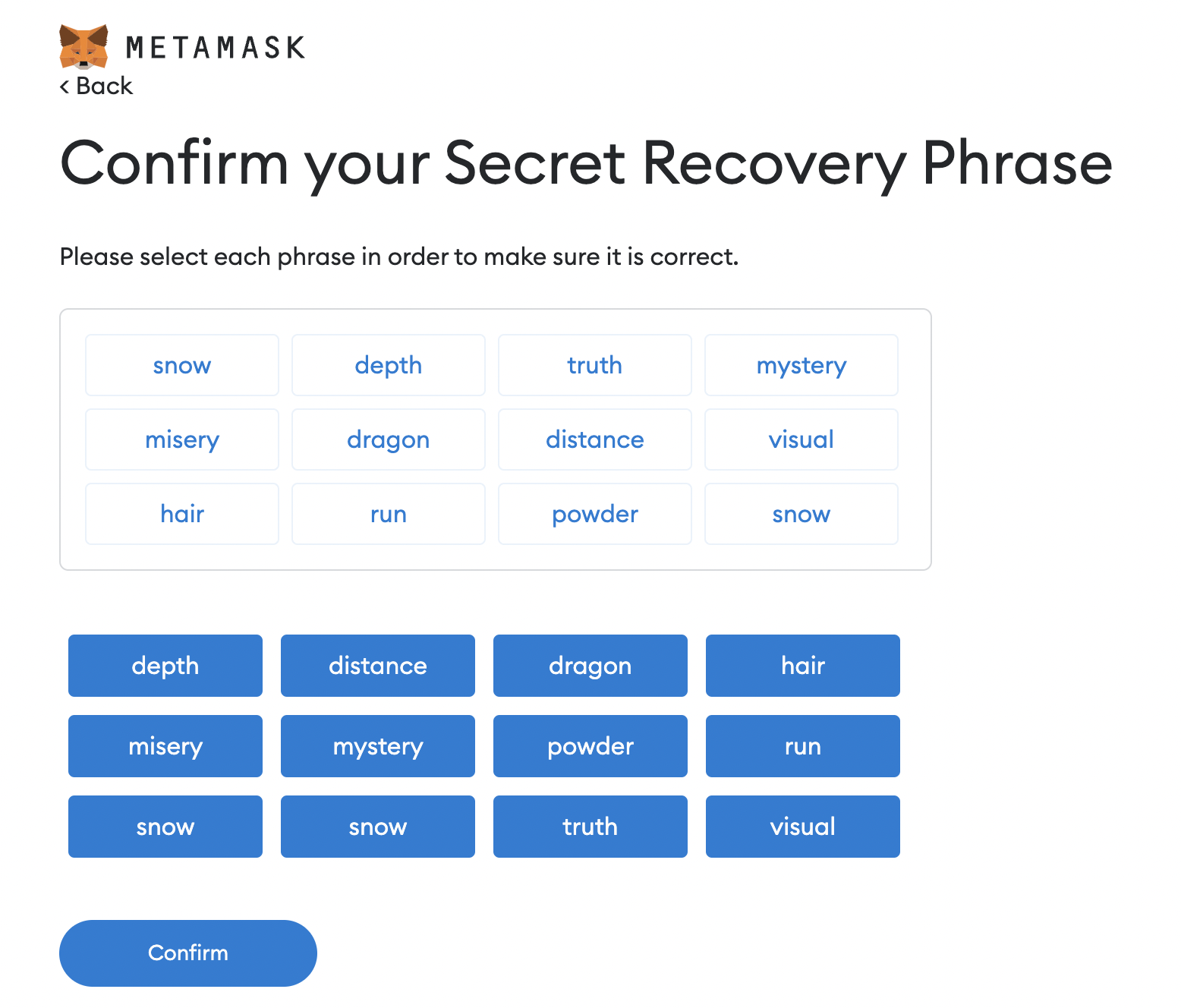
7. Confirm your recovery phrase – you need to arrange the words in the order in which they were given to you.
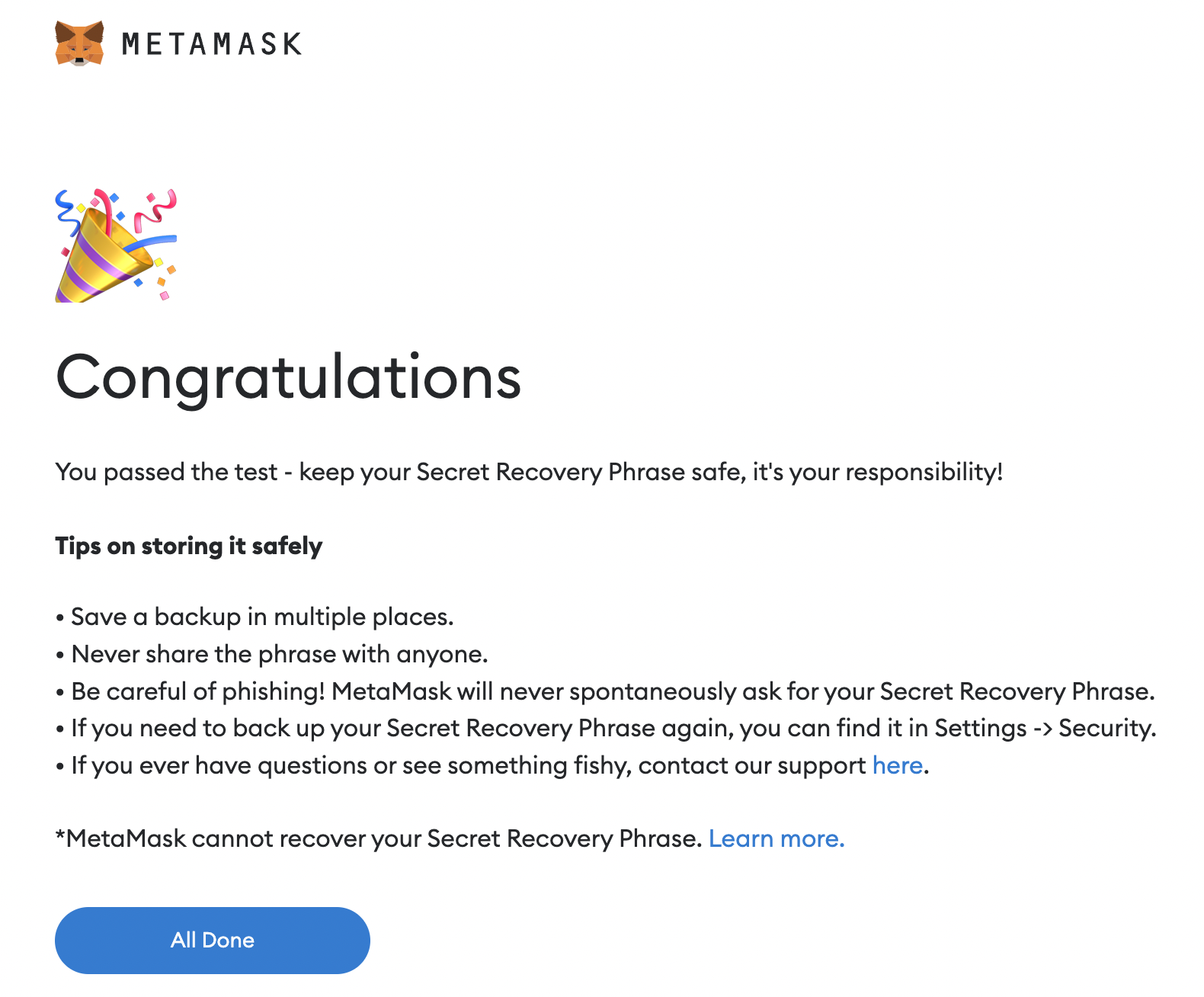
8. Congratulations! 🎉 Your wallet is ready! Click "All Done" and log in to your account.
To copy the wallet address, click on it 👇
