How to claim your ICPunks with Plug - Quick Guide
True Crypto Looters
What do you need?🤔
The latest version of Plug (v0.3.1). Download from Chrome Web Store in your desktop or Kiwi Browser if you don't have PC
An already created wallet in Plug..
Step One: Install Plug As Wallet V0.3.1 🔌
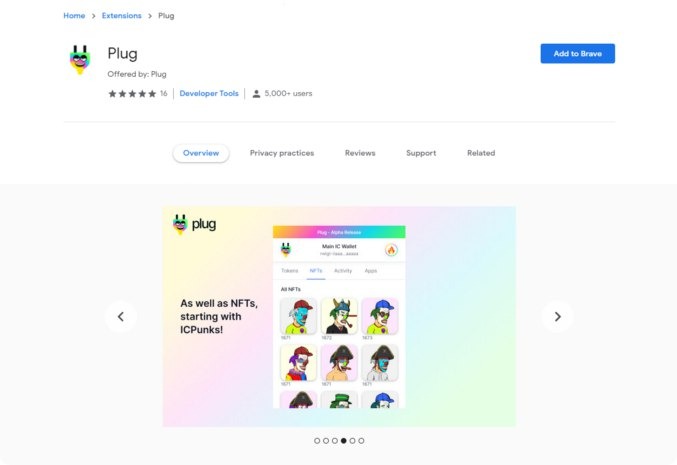
Once you have added it to your browser, pin it to your extension list, and click it so that you can start creating a new wallet in Plug or importing a previous Plug account with a recovery phrase.
(Note: right now you can only import previously created Plug accounts only, not other wallets from different providers.)
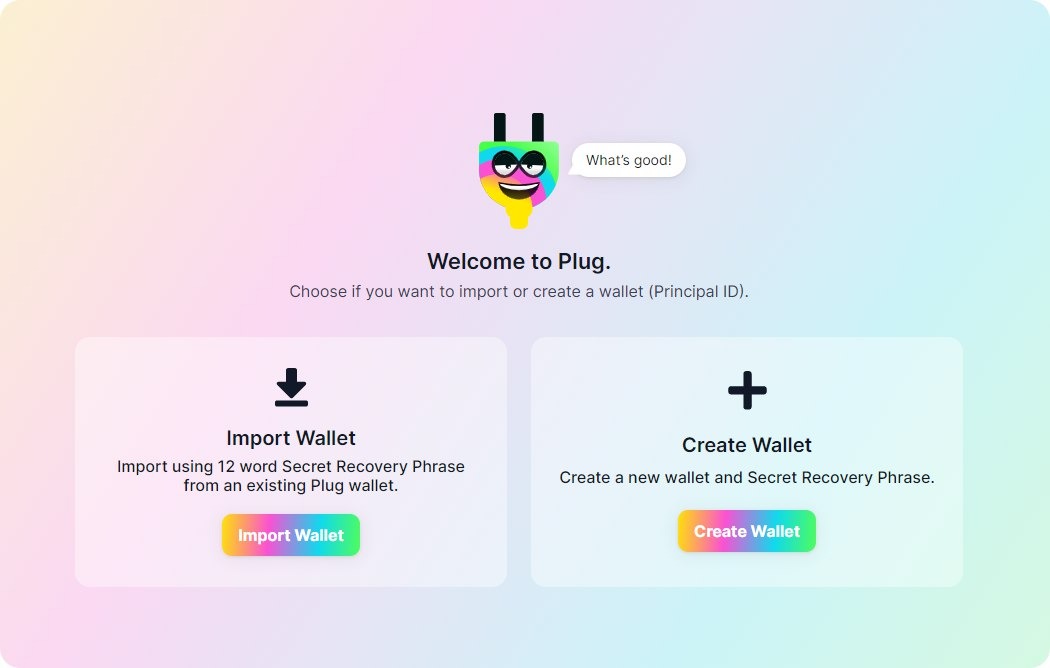
Done? You should have a working wallet just like so! If you open Plug, and see the NFT tab, you will see it is empty (until ICPunk’s release hopefully!).
Step Two: Visit ICPunks.com
Link To Visit : https://icpunks.com/
Now that you have your Plug account setup, visit ICPunks to get started.
Before you do anything, refresh the page! 🔃
After you installed Plug, if you had the ICPunks website open already, you need to refresh first so it can now detect the newly installed extension. Just in case, hit that refresh button..
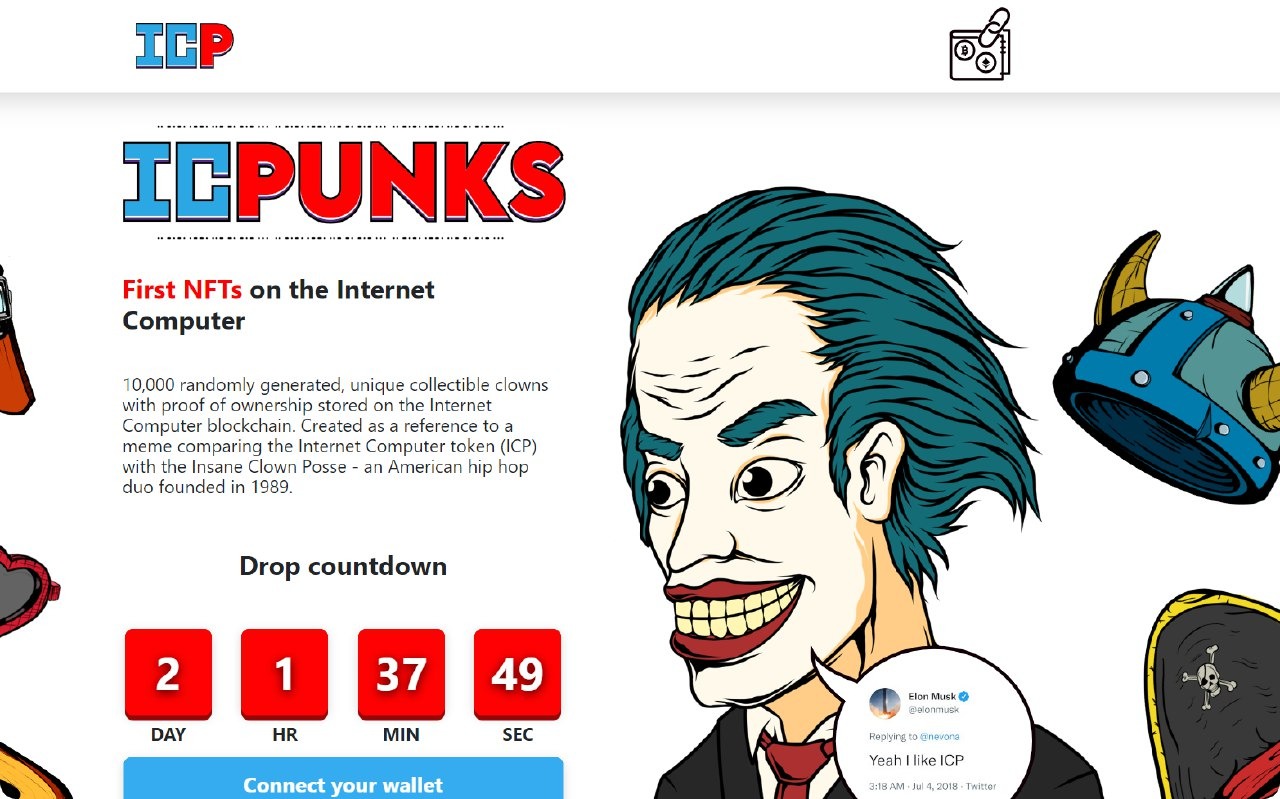
Step Three: Connect using Plug ⚡
All ready? Click the blue “Connect your wallet” button & this will allow you to either connect using Plug or Internet Identity. We’re going to be using Plug.
Once you click on Plug, it should open up a Plug pop-up where you’ll be asked to approve the connection request. You might need to enter your wallet’s password before and go through an extra step if the wallet wasn’t unlocked already.
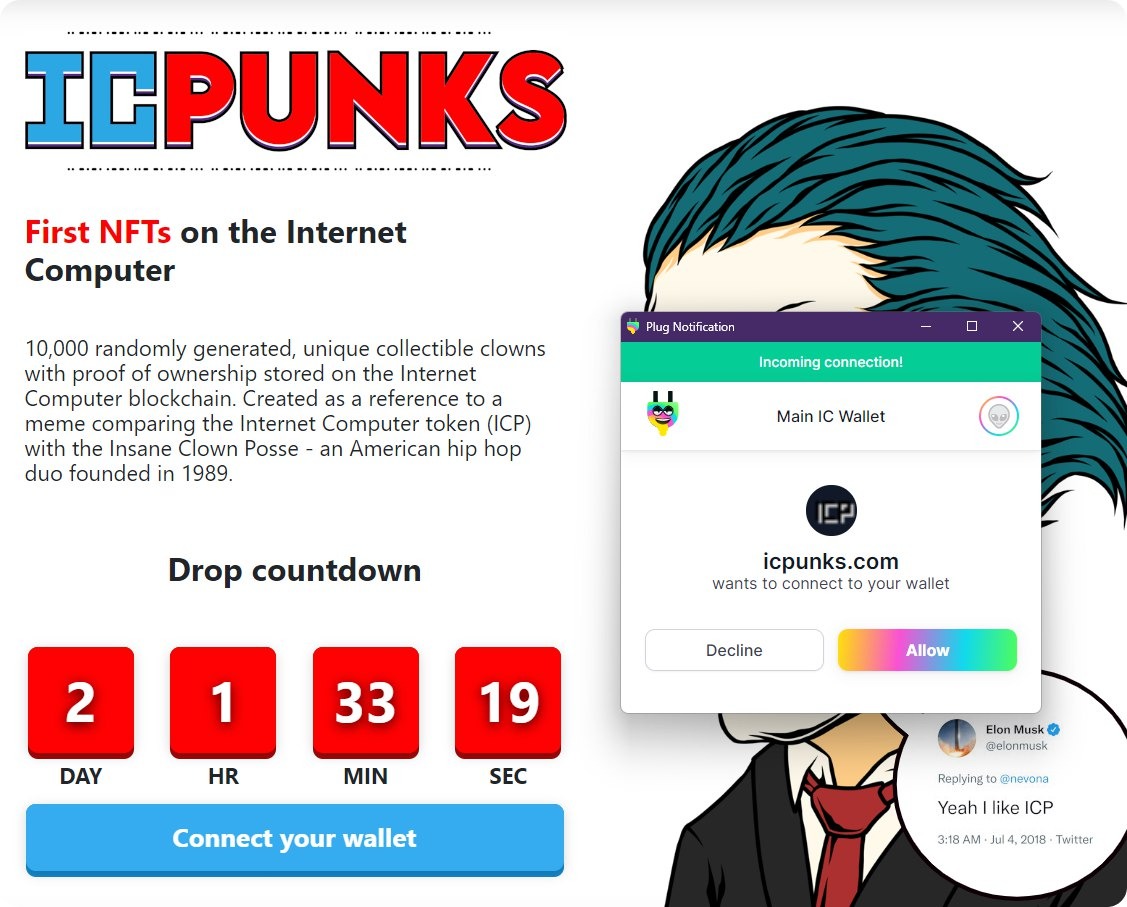
If your wallet was unlocked already, or after you unlock it with your password, you will verify the connection to ICPunk’s, and the app’s canister. Click allow!
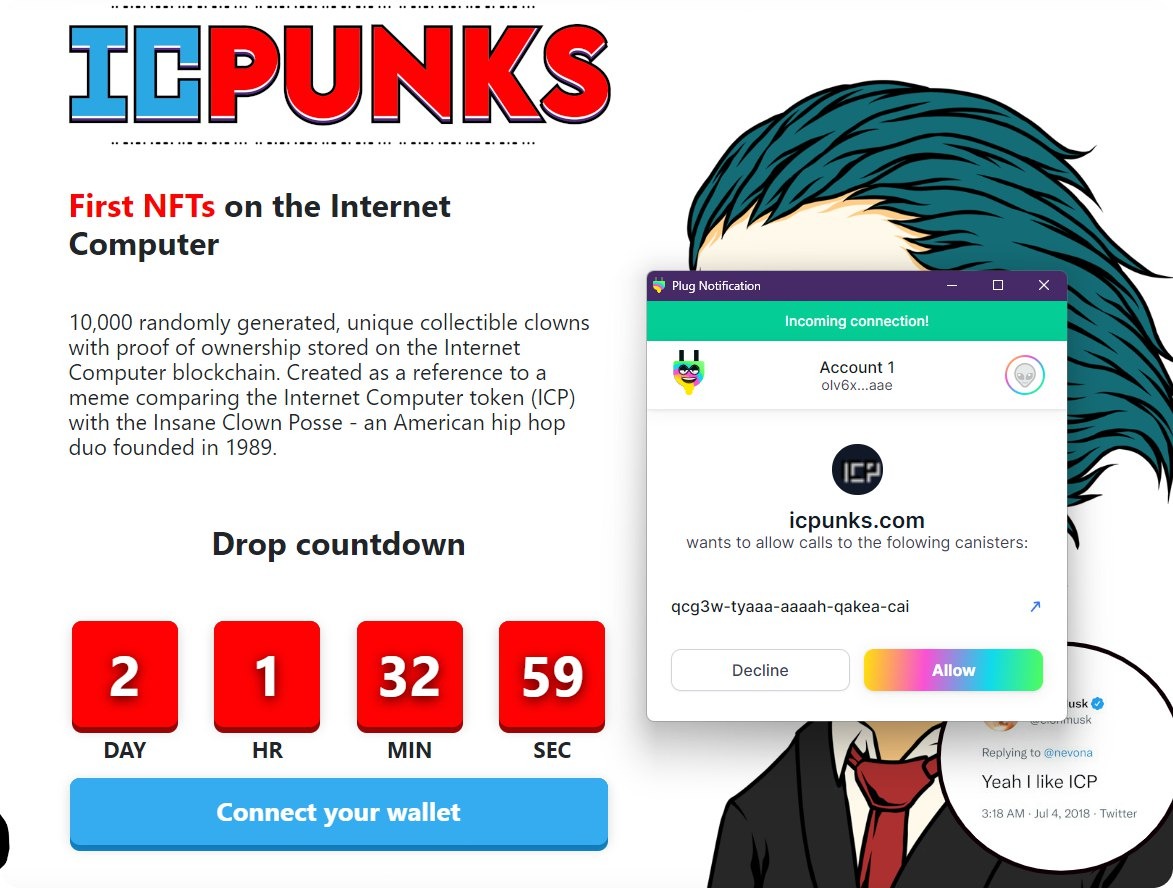
The next pop-up is to confirm allowing calls to those canisters, we’re going to again “Allow” calls to the ICPunks canister.
Step Four: Wait for the drop! ⏰
The blue button on ICPunks should now say “Wait for launch”. This means you are now successfully registered in the ICPunks drop, using Plug!
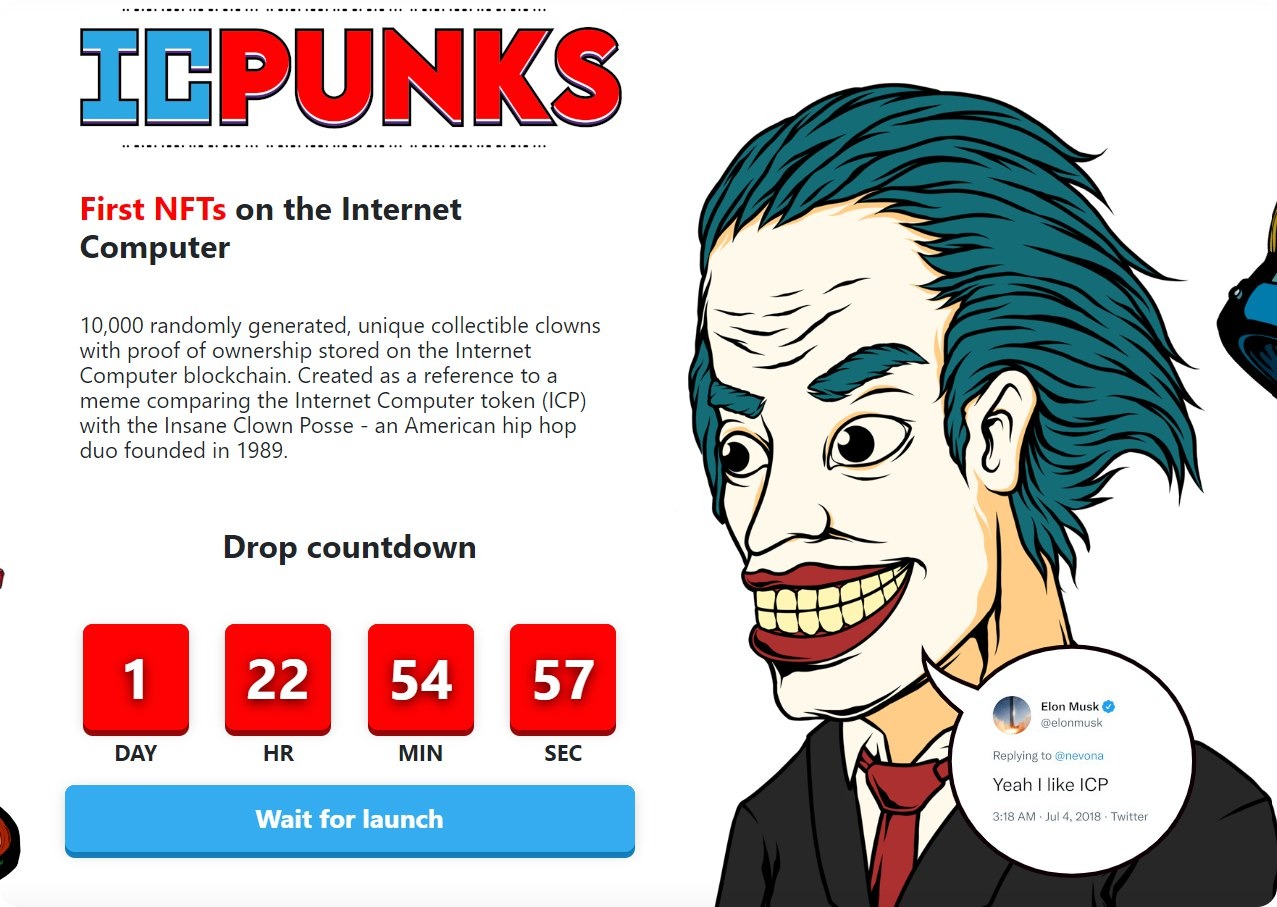
The NFT that you claim will be owned by your wallet’s Principal ID in Plug (the address you can see below your wallet’s name in the UI!)...