How to claim onchain
Dogs1 step:
Go to Dogs and click "Connect wallet" if you haven't done this before.
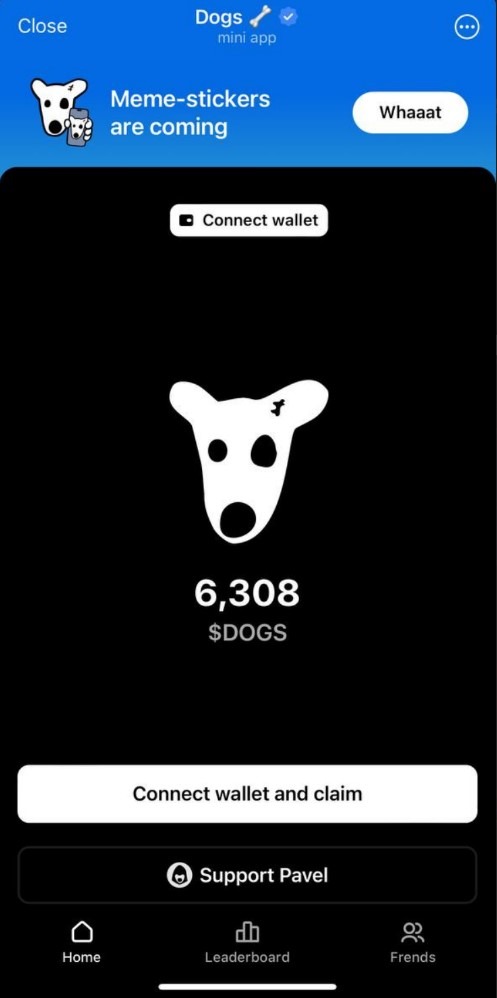
After that, you will be prompted to choose a non-custodial wallet from the list: Tonkeeper, MyTonWallet, TonHub, etc.
If you don't have a wallet, create one and make sure to save/write down your seed phrase (a list of 24 words).
2 step:
Then click "Claim onchain" and open TokenTable.

Inside TokenTable, also click "Connect wallet" and connect the same wallet that is connected in Dogs.
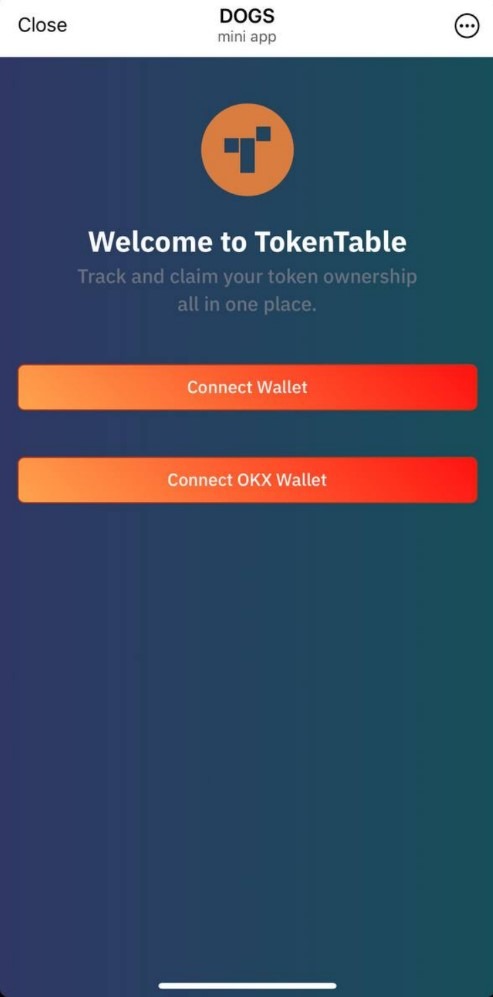
After that, click "Claim Now" and confirm the transaction.
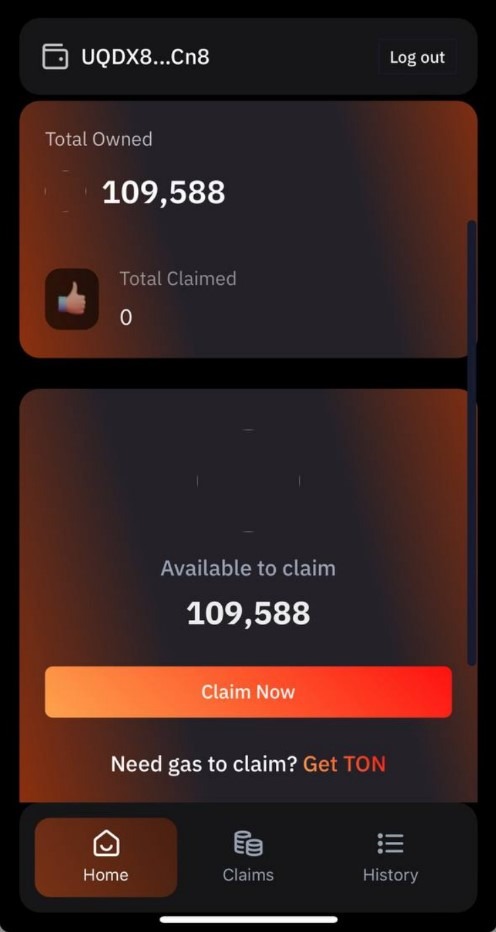
Done! $DOGS have been deposited into your wallet.
Important:
- To complete the onchain claim, you need approximately 0.5 TON in your wallet. You can quickly get TON through Quick.
- If TokenTable displays "No available claim" even though you have $DOGS and your wallet is connected, just be patient. The claim option will become available after some time.
- If you previously tried to withdraw $DOGS to an exchange but they didn’t arrive, please attempt the withdrawal again using the onchain method.