How to check your Unlocked tokens
Remme TeamHey guys!
We've found that most of you had troubles with counting unlocked NUX tokens. Let's figure it out together. First of all resume in memory the lock conditions in this article.
How to check how much NUX has been unlocked?
- Follow the link https://etherscan.io/address/0xe715d1cc6d13c85e018cfb5441cbe24a816ebe3e#readContract
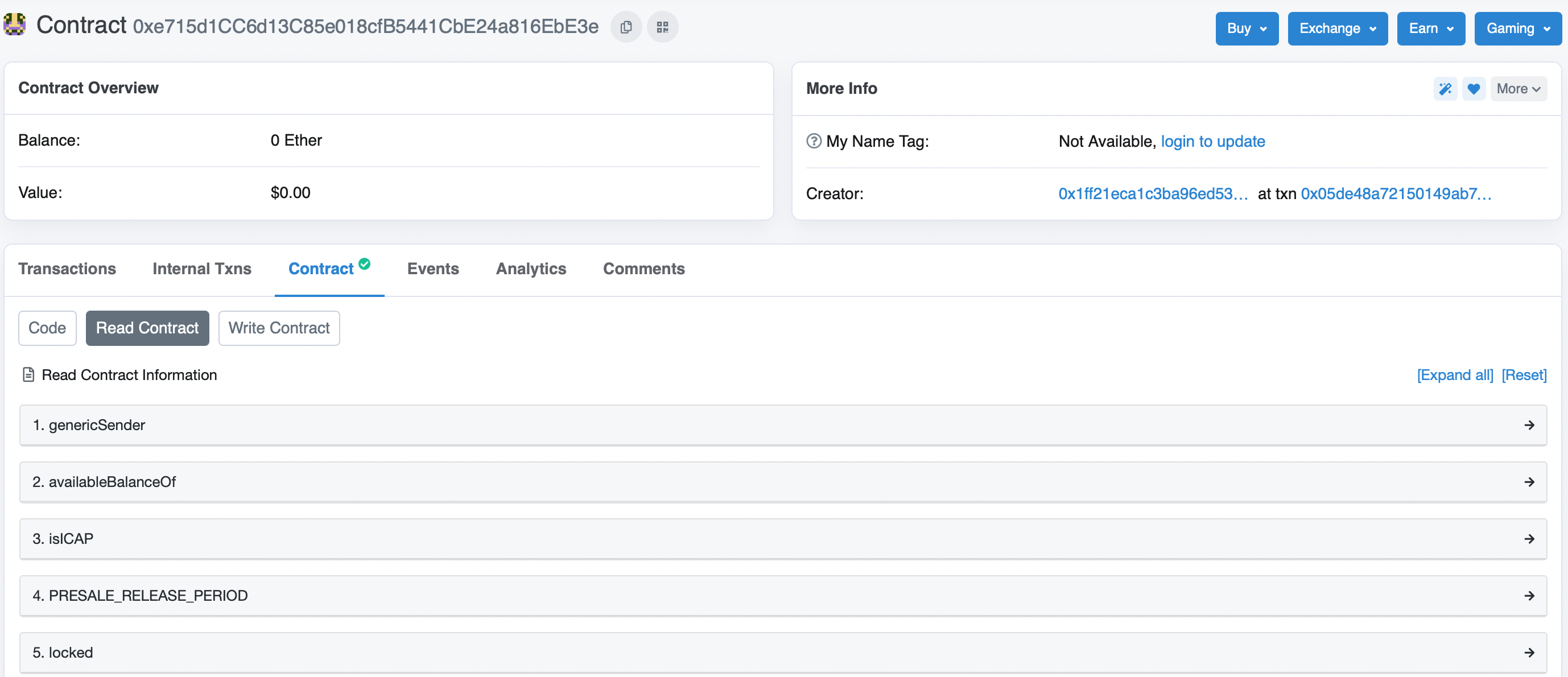
2. Press on the availableBalanceOf and enter your ERC20 address where you store the NUX tokens

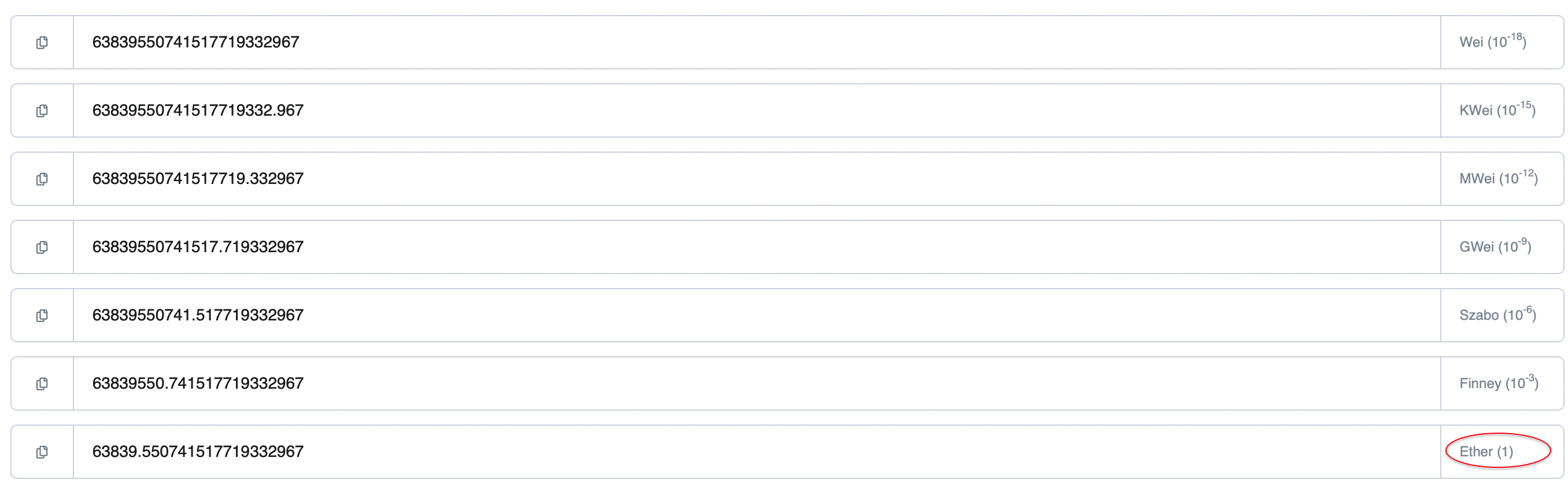
3. Press on the number you get and check the Ether (1). That's your unlocked token's amount.
Now you know the secret of how to check the amount of your unlocked NUX tokens! If there are still any issues please feel free to find us in Telegram @peanuttrade